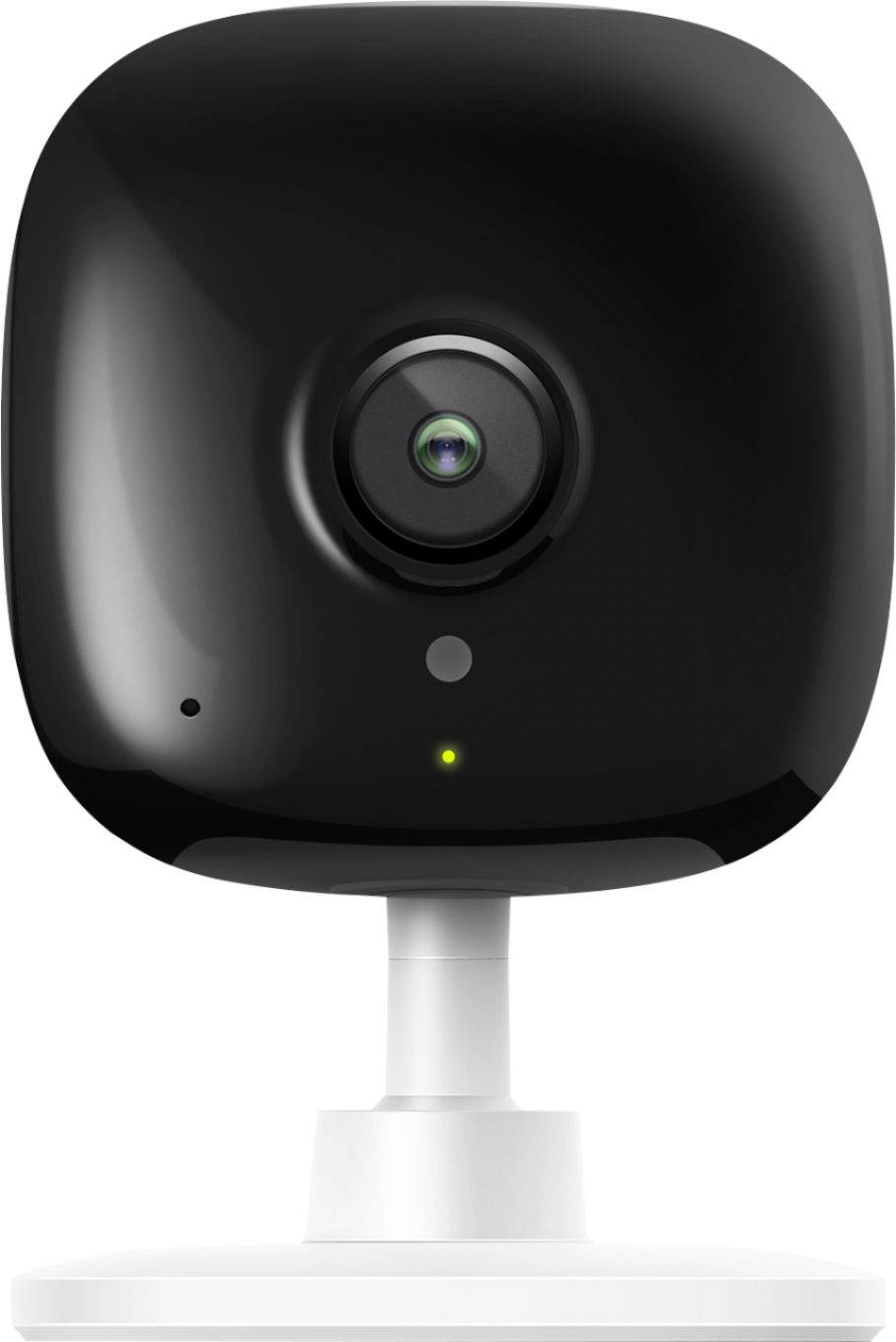
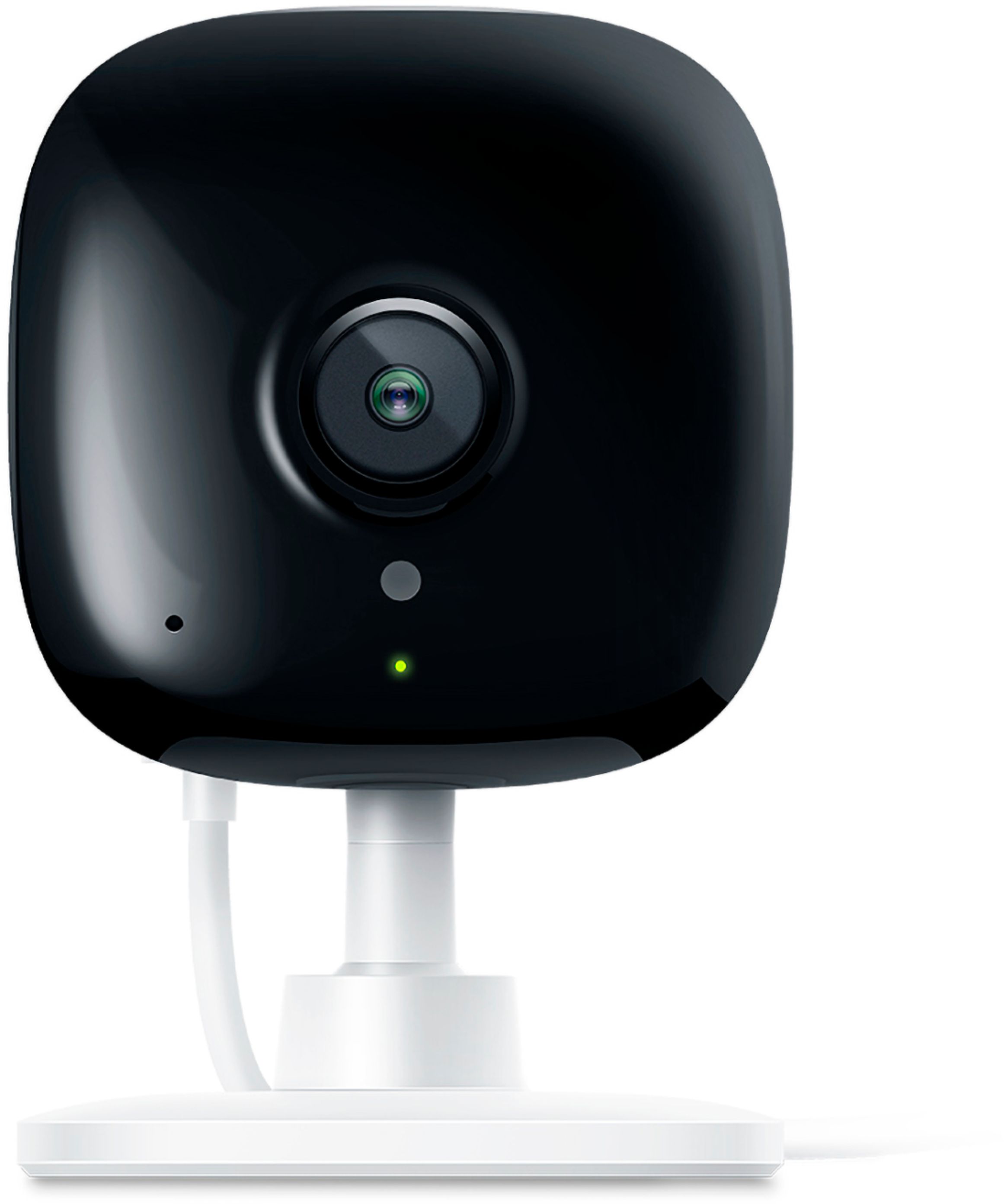
A:Answer The green light simply means the camera is on. If you would like to disable this green light while the camera is in use, you can do so within the Kasa app by selecting the camera, then tapping the Device Settings button (gear in top-right), then scrolling down and toggling the "Status LED" option.