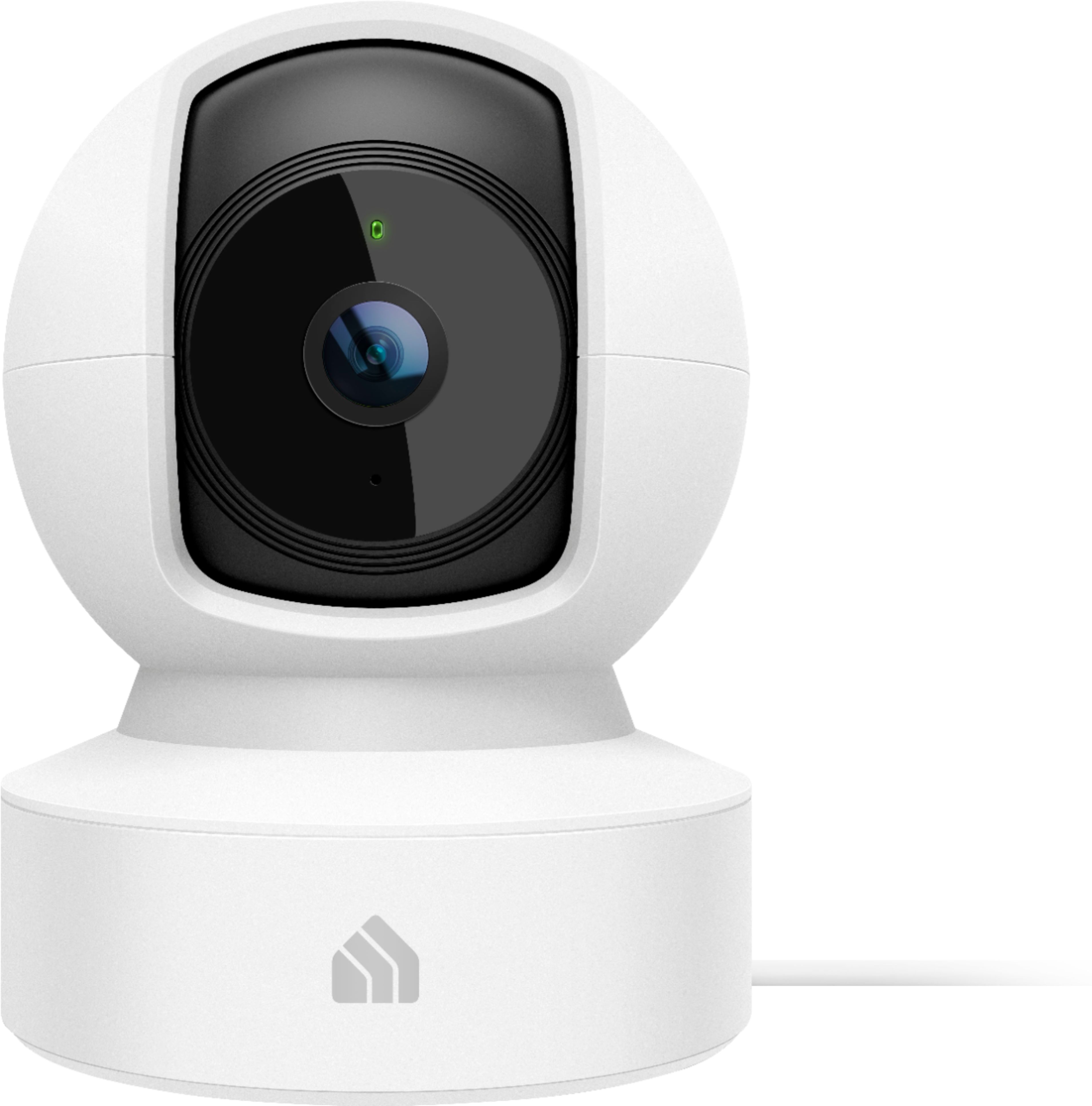
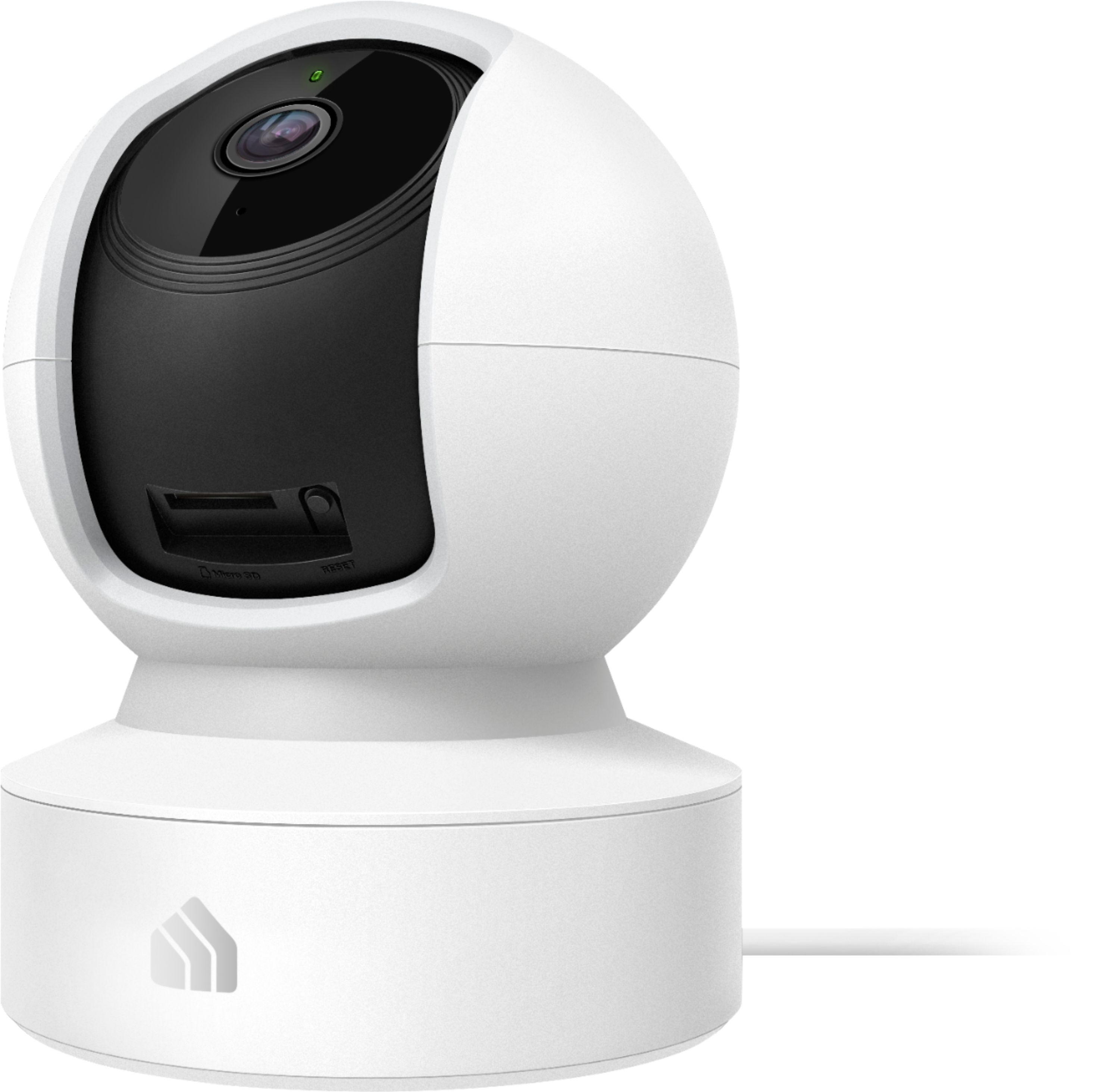
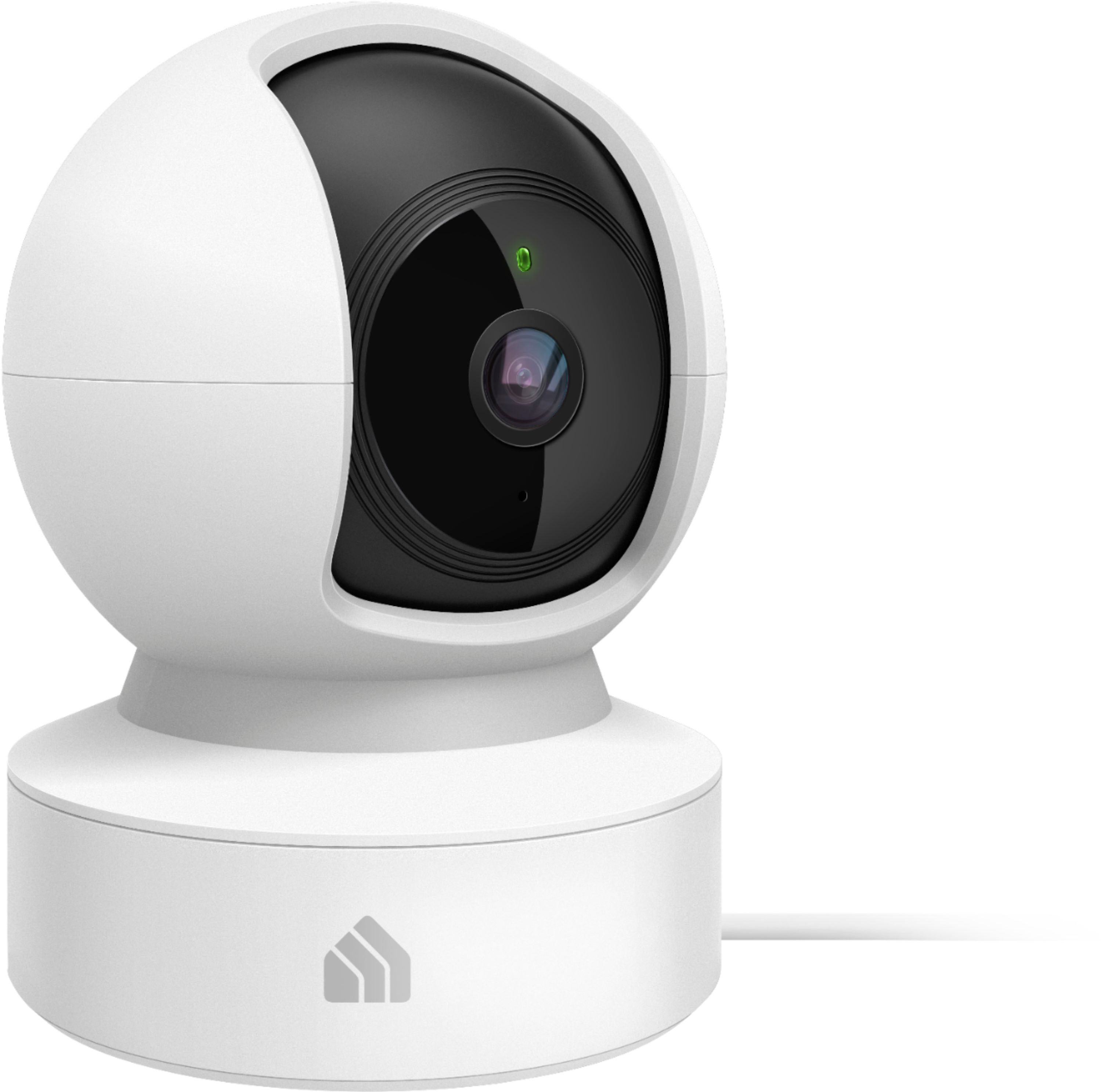
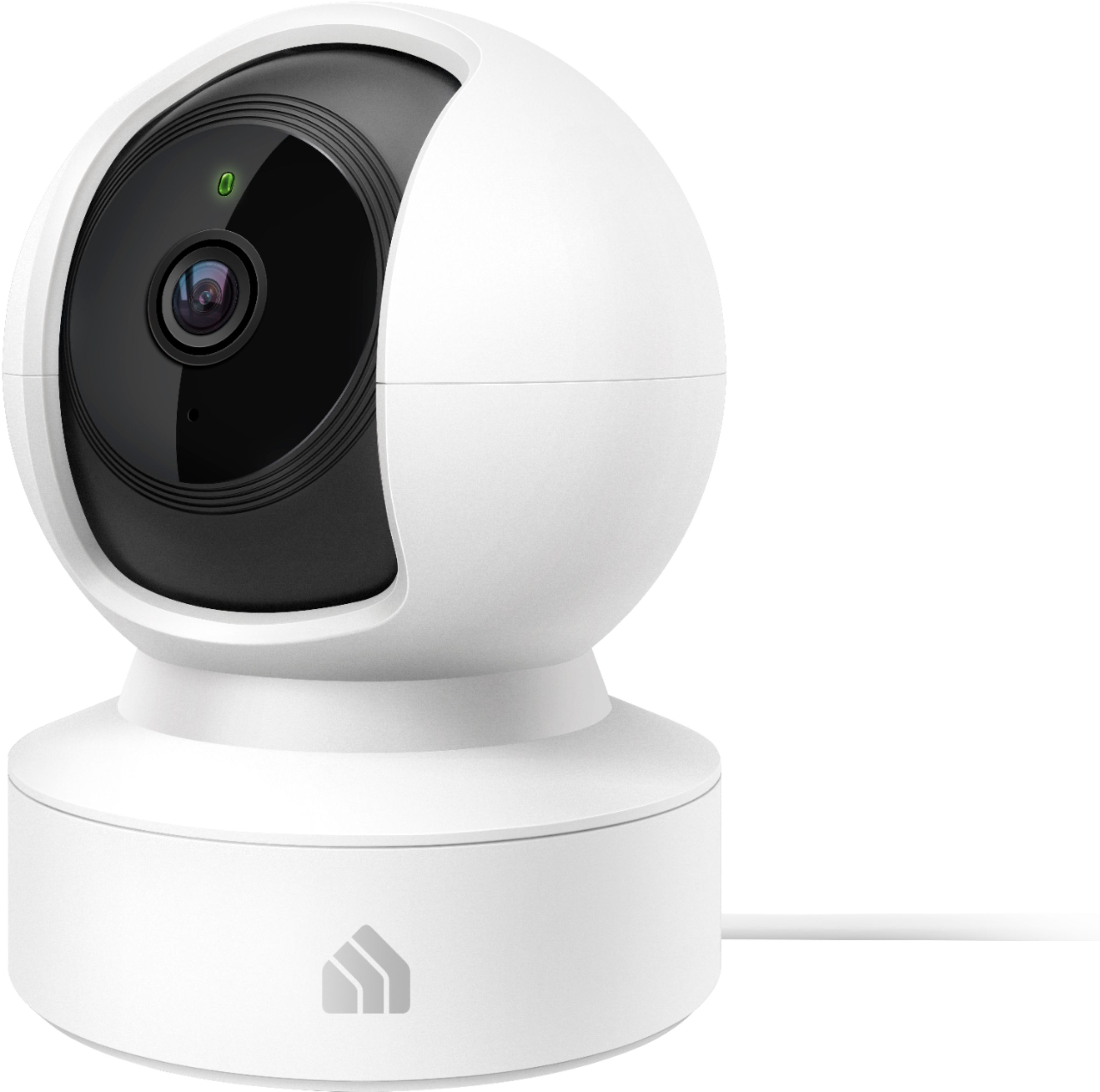
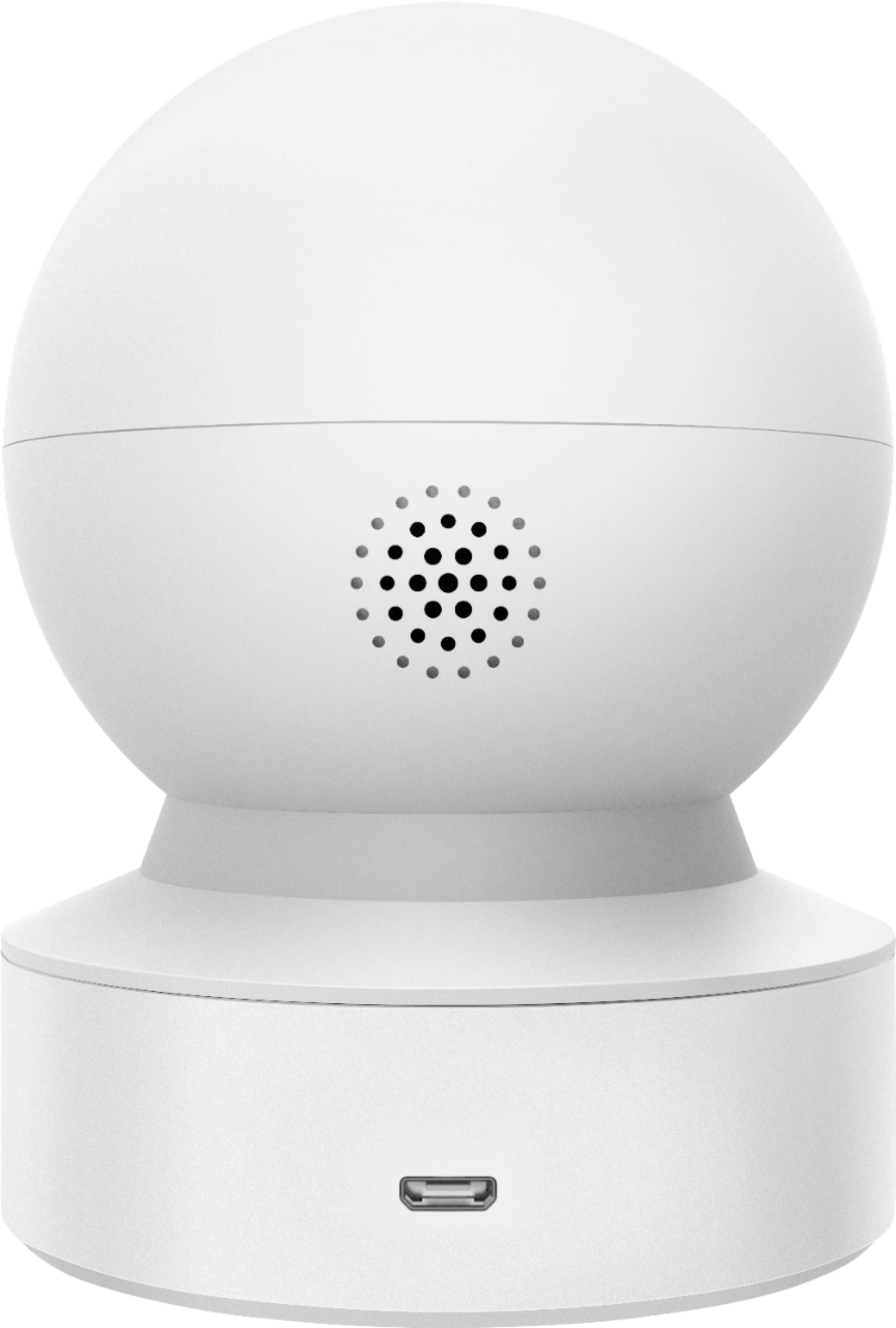
A:AnswerThe camera will "hear and see" what is within its field of view and microphone detection range - which will vary depending on where you place the camera, and how you configure its motion/sound detection and sensitivity settings via the Kasa app.
A:AnswerI have taken files off my SD card via a windows PC, i haven't tried using my Mac yet. On these units with an SD card, i have not found a way to save to my device, however, the cloud based versions of these cameras will allow this.
A:AnswerThe Kasa Spot Pan Tilt camera is designed for setup, management, and viewing via the Kasa app. You can also view the camera via supported integration options such as Alexa (Echo Show, Fire TV, etc.)
A:AnswerThe camera will not emit audio unless you manually use the push-to-talk function within the Kasa app to engage its 2-way audio controls. If you do not use this feature, the camera will not emit sound.