A:AnswerIt is not clear to me what you mean by the term "in-store". I don't believe I was ever able to find these units in any store, but rather always had to find and order them on-line.
I don't know if this answers your question or not.
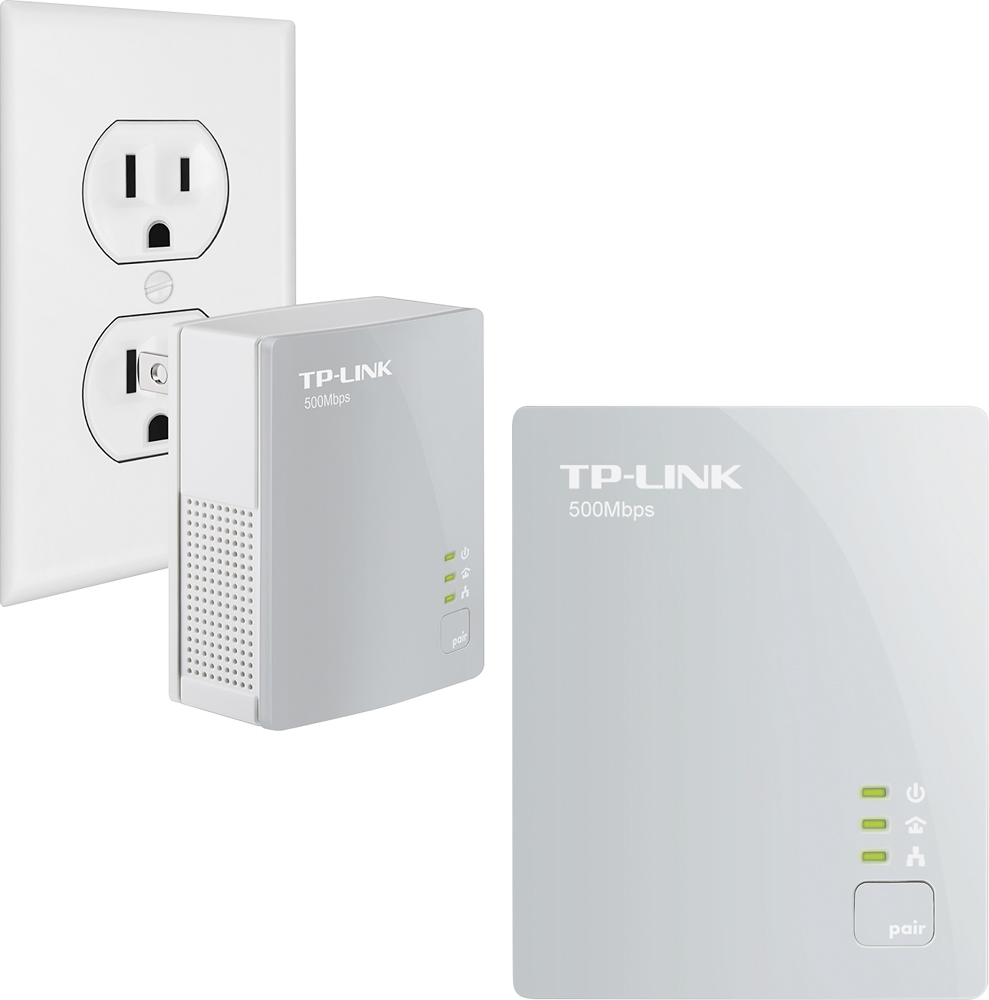
A:AnswerAfter successfully pairing, the Power and Powerline LEDs should be solid if each adapter is in a good location and receiving a stable signal from each other. The Ethernet LED will be on or off depending on whether a device is connected to the Powerline adapter and active. For more information, we recommend viewing the included Quick Installation Guide, which can also be found on our website here: https://static.tp-link.com/2018/201803/20180330/7106507873__QIG.pdf
Regards,
TP-Link Support
A:AnswerThis Powerline kit is designed to provide Ethernet connectivity (RJ45), not telephone (RJ11) connectivity. If you need an additional phone jack, we recommend contacting your phone company for more information.
Regards,
TP-Link Support
A:AnswerAs long as all of the powerline adapters in your network utilize the HomePlug AV or HomePlug AV2 standard, they should be compatible.
Regards,
TP-Link Support
A:AnswerYes, as long as you connect one adapter to your router, and the other to your phone via Ethernet. Please note these do not provide Power over Ethernet, in case your VOIP phone utilizes PoE.
Regards,
TP-Link Support
A:AnswerNo, powerline adapters are designed to provide Ethernet (RJ45) expansion for your home network, not landline phone (RJ11) connetivity.
Regards,
TP-Link Support
A:AnswerIf you are referring to attaching an Ethernet network switch to one of the Powerline adapters - yes, you can do so, just as you would connect an Ethernet cable from your router to a switch.
Regards,
TP-Link Support
A:AnswerThis Powerline kit is designed to provide convenient, flexible Ethernet expansion for your home. If you need additional Ethernet connectivity, this will work well. However, if you are looking for additional WiFi, we recommend considering one of our Powerline WiFi extender kits instead.
Regards,
TP-Link Support
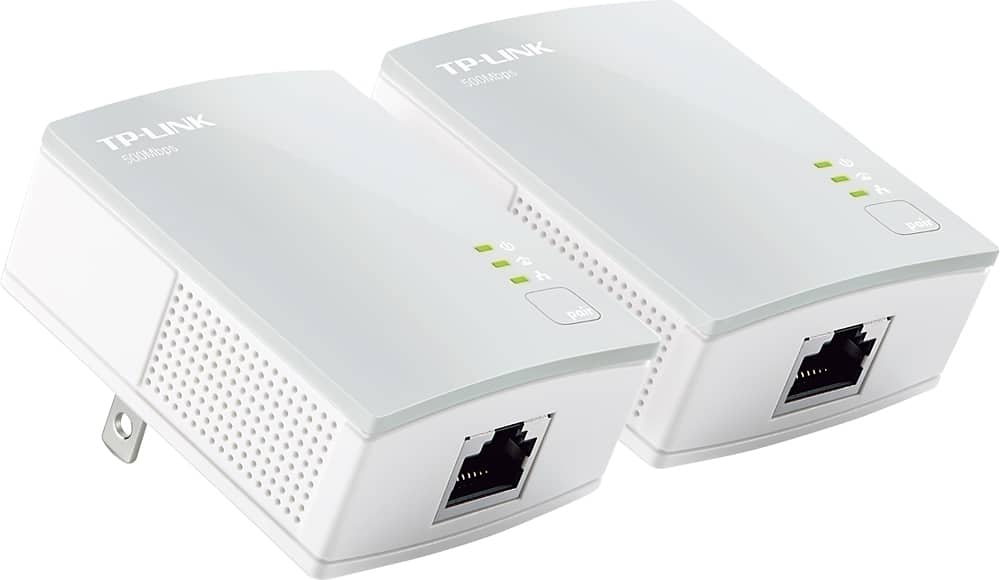
A:AnswerThis is not a wireless device … one needs to plug into the modem and the device plugs into the other. You are basically using your home wiring as a long ethernet cord.
You may want to look into a wireless range extender or a wireless bridge with an ethernet port on it.