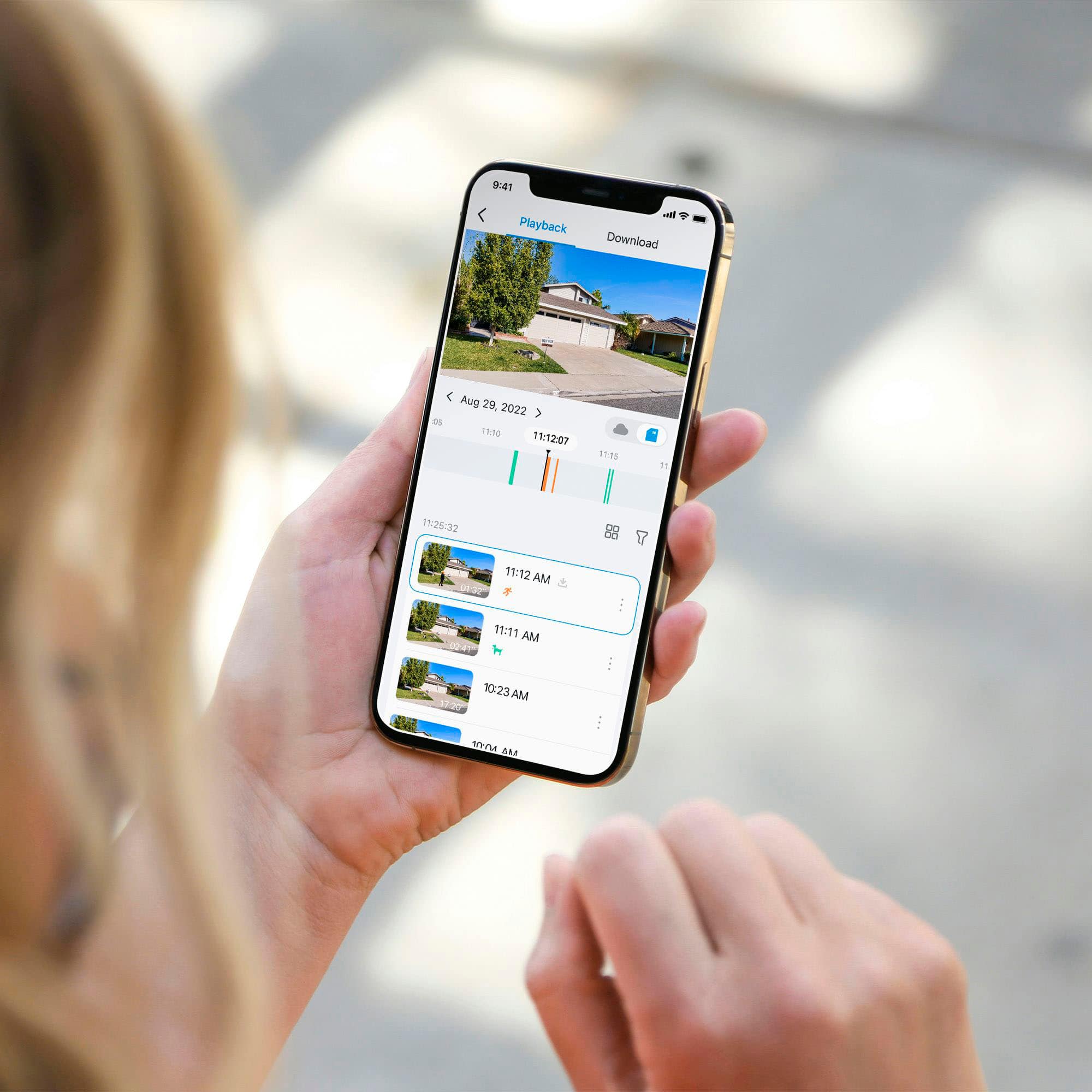

A:AnswerHi! Yes, the Tapo app allows you to view recorded footage stored on the Micro SD card (not included). The camera will overwrite the oldest footage first once the card reaches full capacity.
A:AnswerHi! Tapo Battery-Powered cameras are not designed or advertised for 24/7 continuous recording. However, these cameras do offer 24/7 motion detection, and will record activity when detected. You can customize detection parameters and sensitivity via the Tapo app to cater to your monitoring needs.
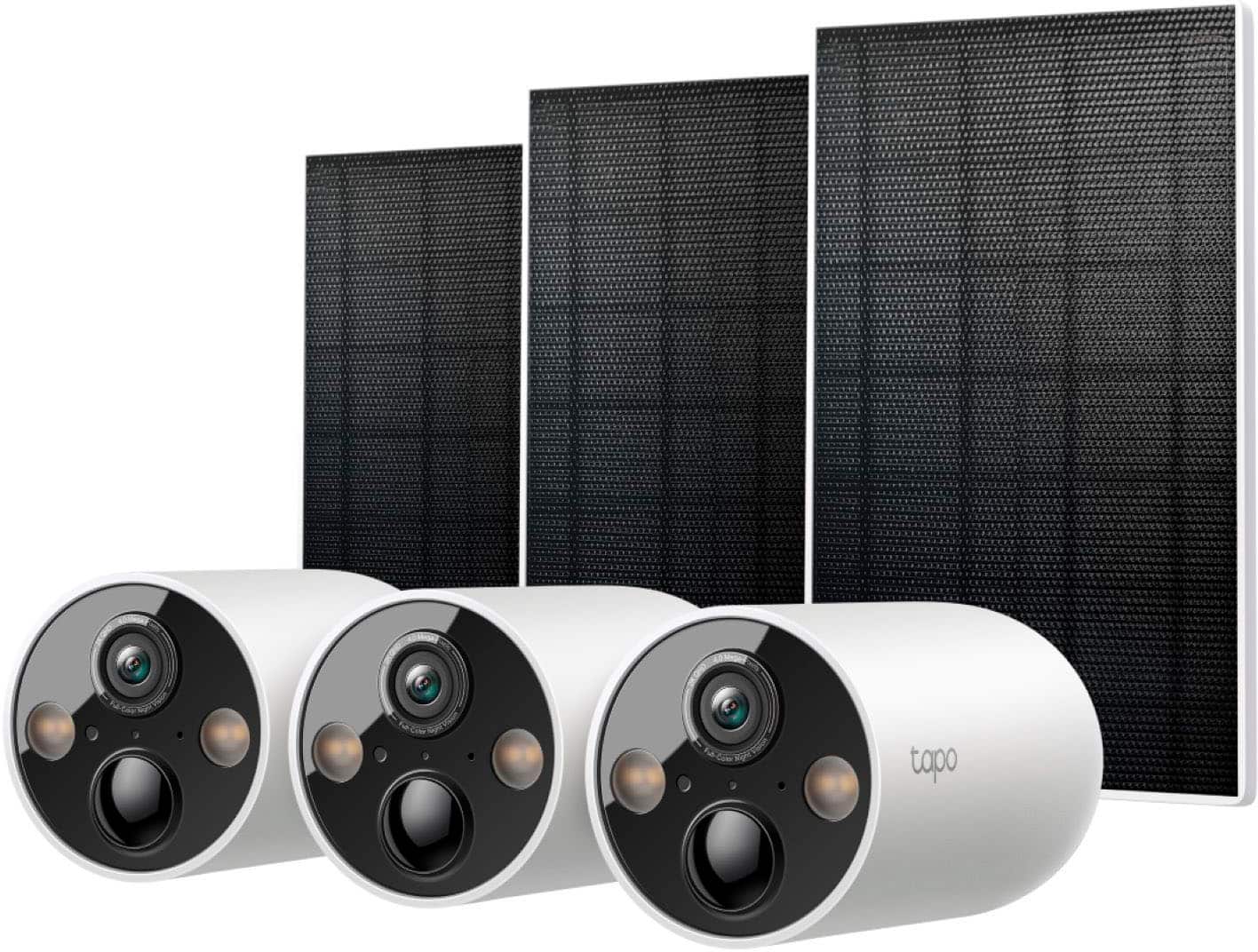
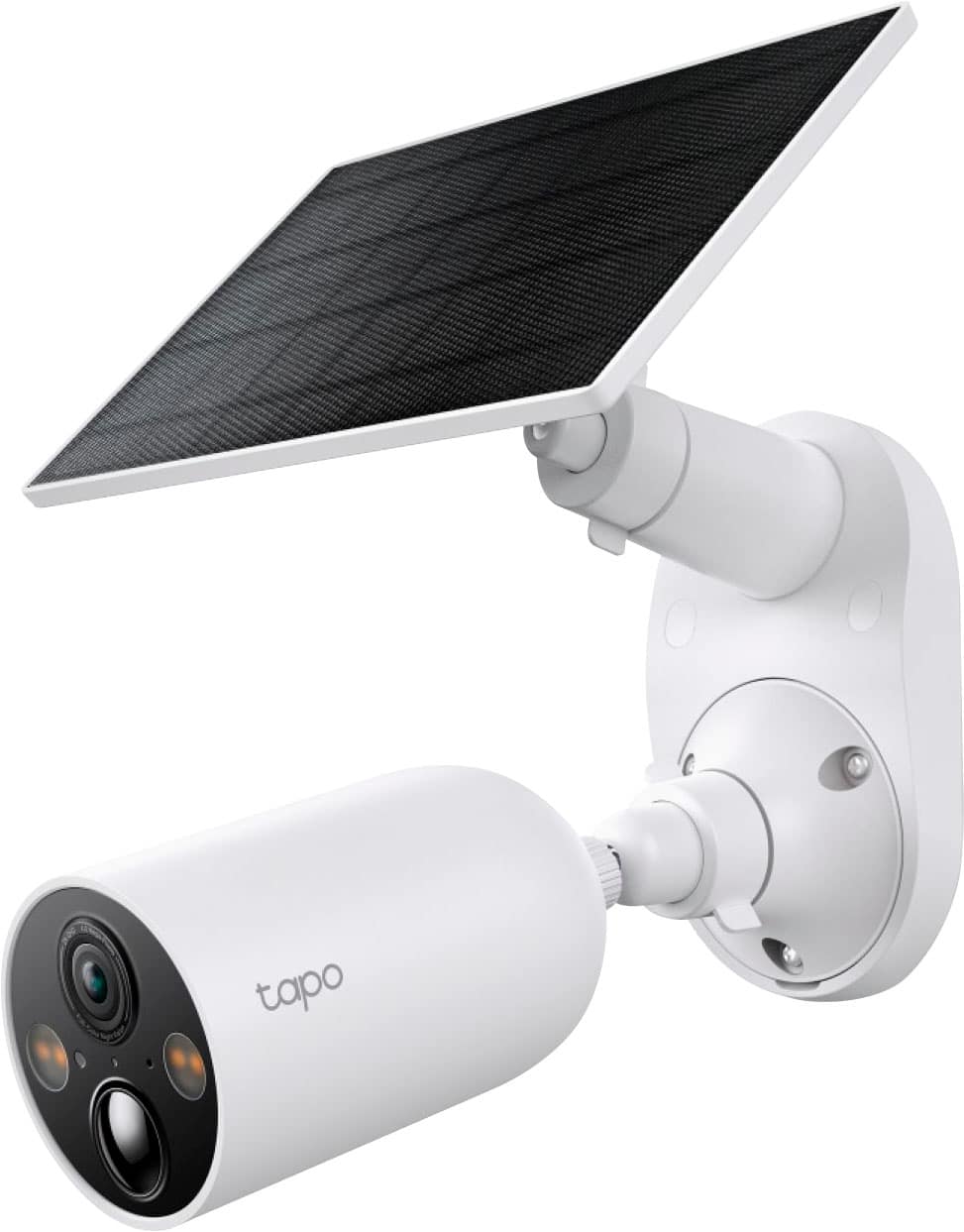
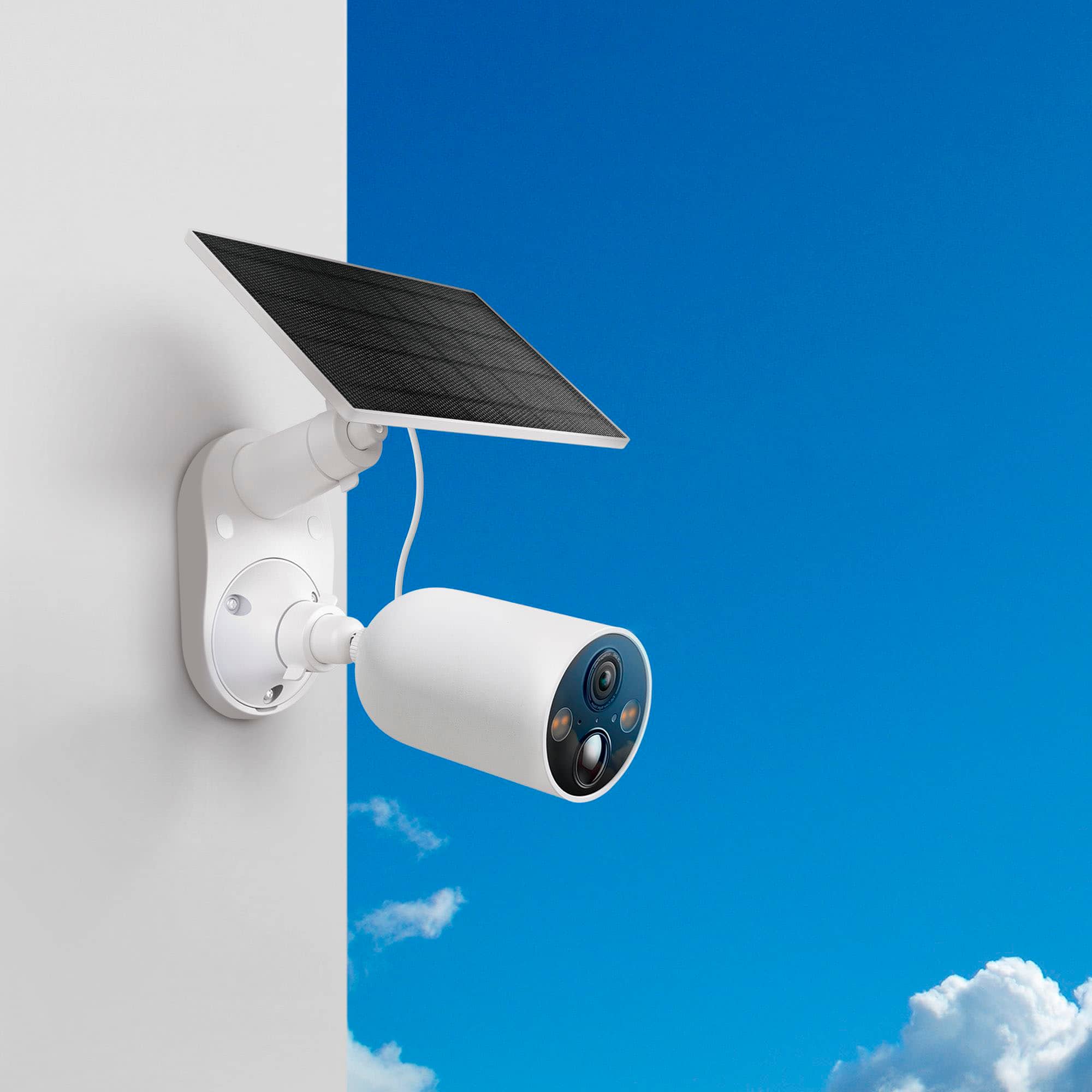
A:AnswerHi! No, this pack is designed for hardware mounting for each camera - either to the Solar Panel + Mount Assembly, or to another surface if desired, using the included mounting hardware.
A:AnswerHi Itzel,
The camera requires Wi-Fi and Internet connectivity during setup; however, once set up, it can record locally to a Micro SD card (not included), even when Wi-Fi or Internet connectivity is lost, as long as it maintains power.
A:AnswerHi,
Yes, as long as your Pixel 9 Pro XL is running Android 7.0 or later, you may download and install the Tapo app for free via the Google Play Store.
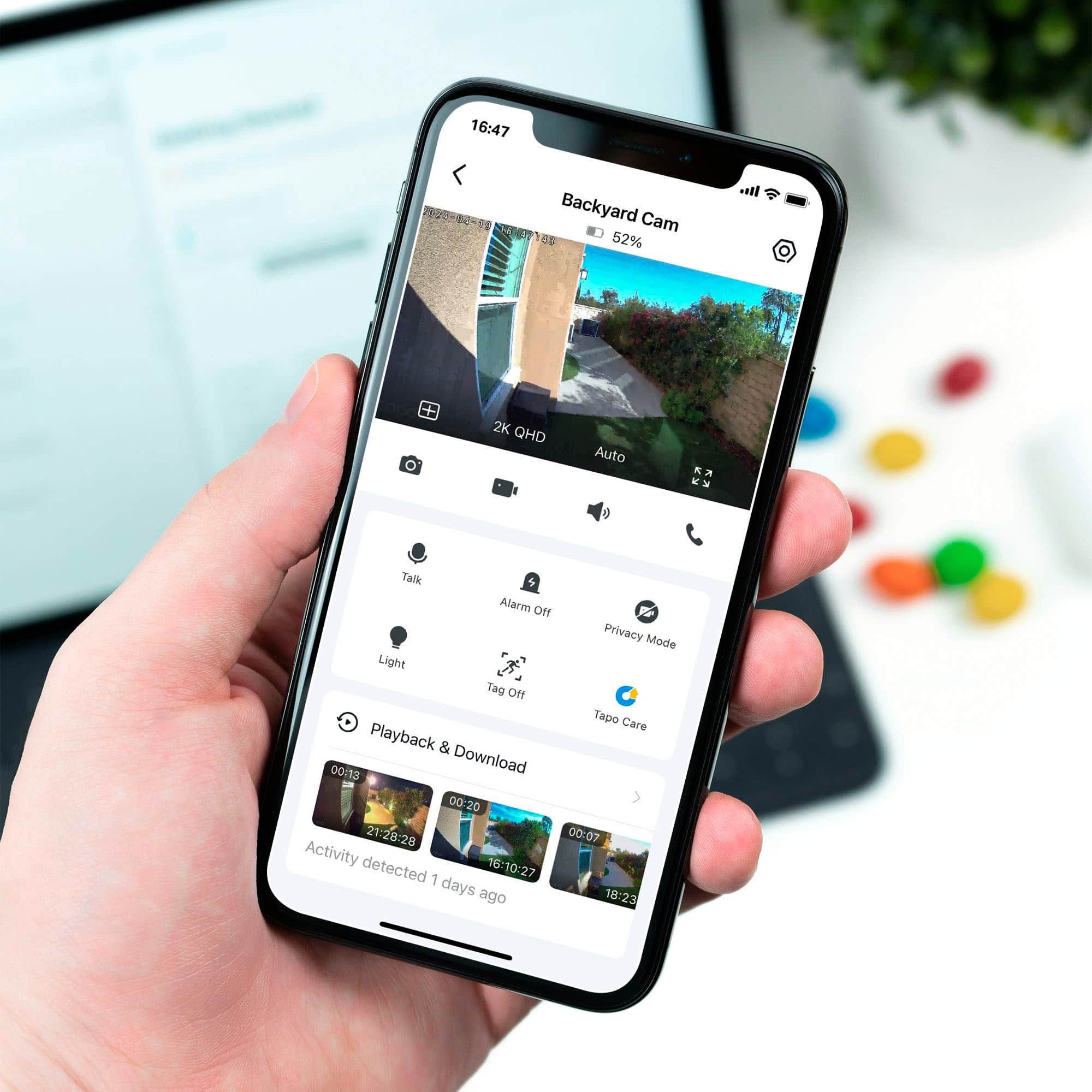
A:AnswerThere is a feature called Privacy Mode. Turn it on and all recordings stop. To do this, click on the camera you want to disable, in the upper right click the settings button. It looks like a hexagon with a circle inside it. Then scroll down and turn on the feature.
A:AnswerHi Asdzcd,
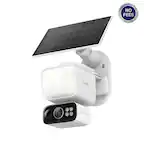
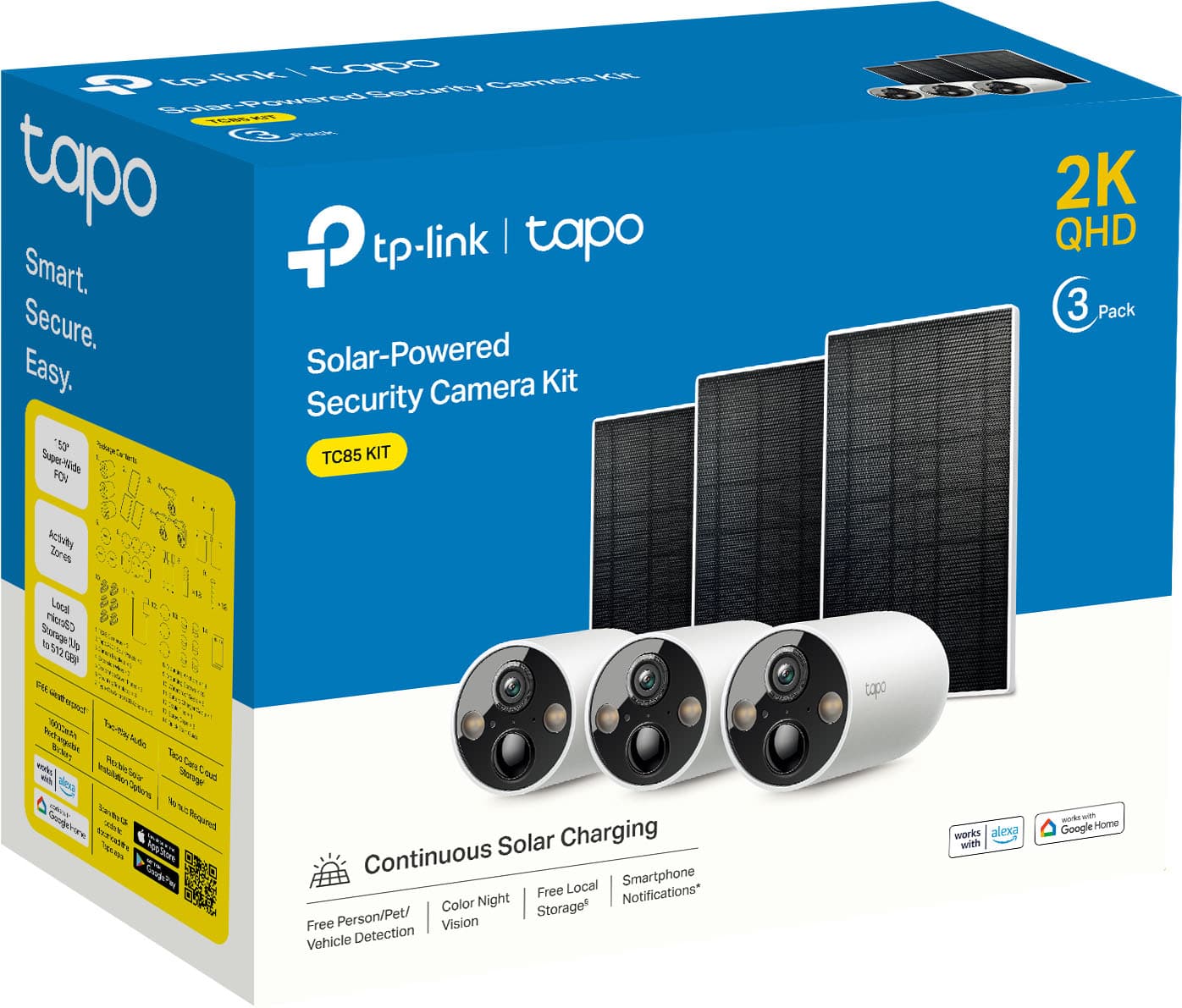
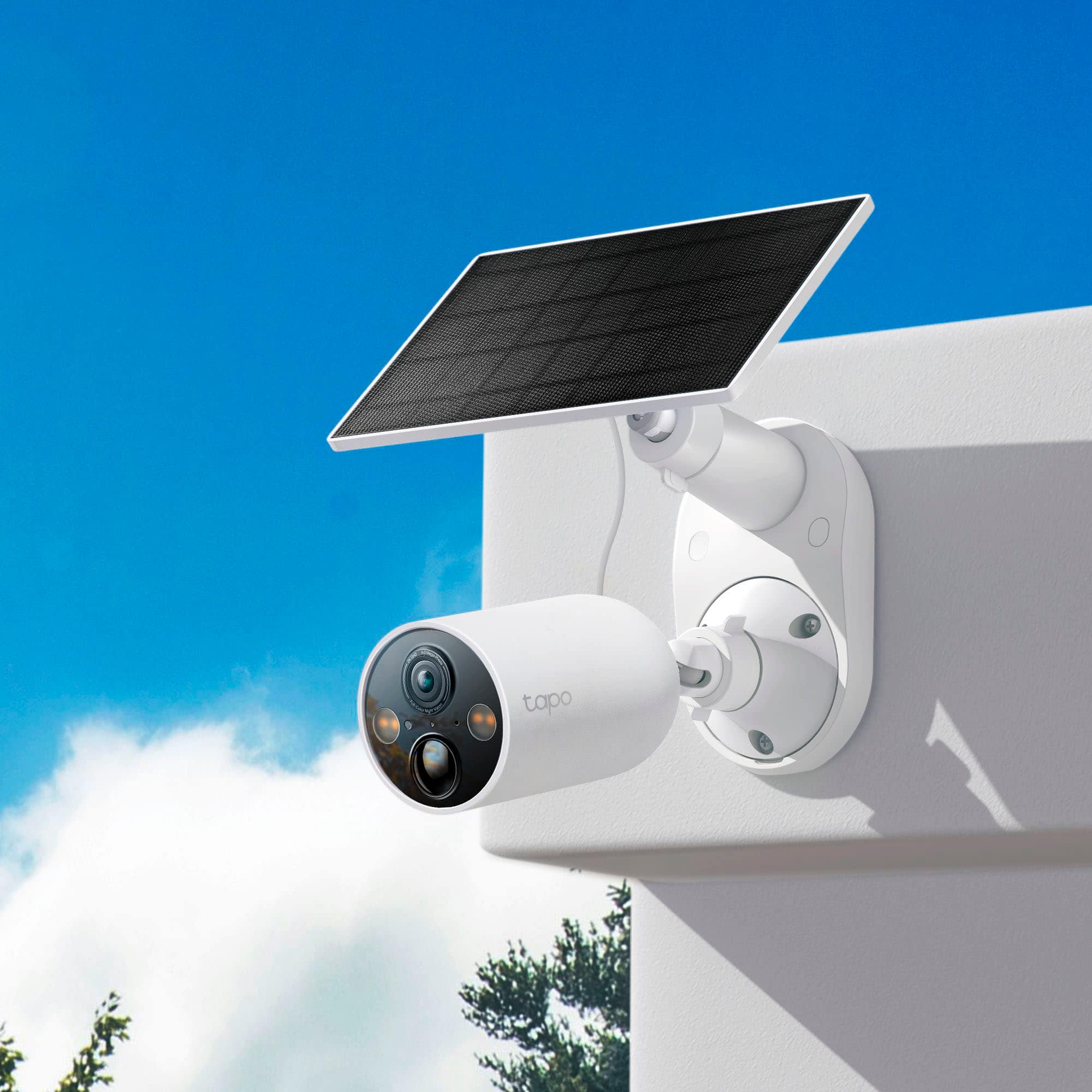
The Tapo TC85 Kit is designed for weather-resistance, with Industry Leading IP66 Weatherproofing. Both the solar panel and camera are built to withstand rain, dust, snow, and harsh sun, ensuring durability in any environment.
A:AnswerThe Tapo TC85 Wire-Free Indoor/Outdoor Magnetic Cameras are available at a discounted price for both 3-Pack and 4-Pack configurations: https://www.bestbuy.com/site/tp-link-tapo-wire-free-indoor-outdoor-cameras-with-up-to-300-days-of-battery-life-and-magnetic-base-3-pack-no-monthly-fees-white/6547532.p?skuId=6547532
The Tapo A200 Solar Panel is available separately, as well: https://www.bestbuy.com/site/tp-link-tapo-mountable-solar-panel-for-tapo-home-security-cameras-white/6562035.p?skuId=6562035
A:AnswerHi Wishbone,
The actual battery life may vary depending on the camera’s configuration settings, usage scenario, and environmental factors. For helpful information and guidance on best practices for optimizing battery life in your specific usage scenario(s), we suggest visiting our helpful FAQ here: https://www.tp-link.com/us/support/faq/3598/
A:AnswerHi Anonymous556,
24/7 Capture is an exciting new feature offered on select Tapo camera models. At this time, 24/7 Capture is not supported on the TC85. If you would like to use this feature, we recommend considering Tapo Camera models that already support it.
A:AnswerHi,
We appreciate your interest in the 24/7 Capture feature supported by some Tapo cameras. Currently, neither the Tapo C425 nor the TC85 supports 24/7 Capture. However, we will gladly relay your interest in this feature to our Tapo team for future consideration.
A:AnswerYes. You will need to use a micro-SD card. Wifi is needed for live viewing and to receive notifications. If you just use the SD card, you will need to pull the card to view what has been recorded.
A:AnswerHi jallen30043,
Yes, if you use the Tapo H500 HomeBase, which supports installing a hard drive (sold separately) for video storage for supported Tapo Cameras. For more information on the H500 HomeBase: https://www.tp-link.com/us/home-networking/smart-hub/tapo-h500/
A:AnswerGreat Question, Gary!. Yes and No. If you are using local recording via a MicroSD card, the camera will still capture detection events even if the wireless connection is lost and the cameras still have a charge on its battery. However, you will still need to configure the cameras to a network, configure the MicroSD card, and set up the detection settings for the camera