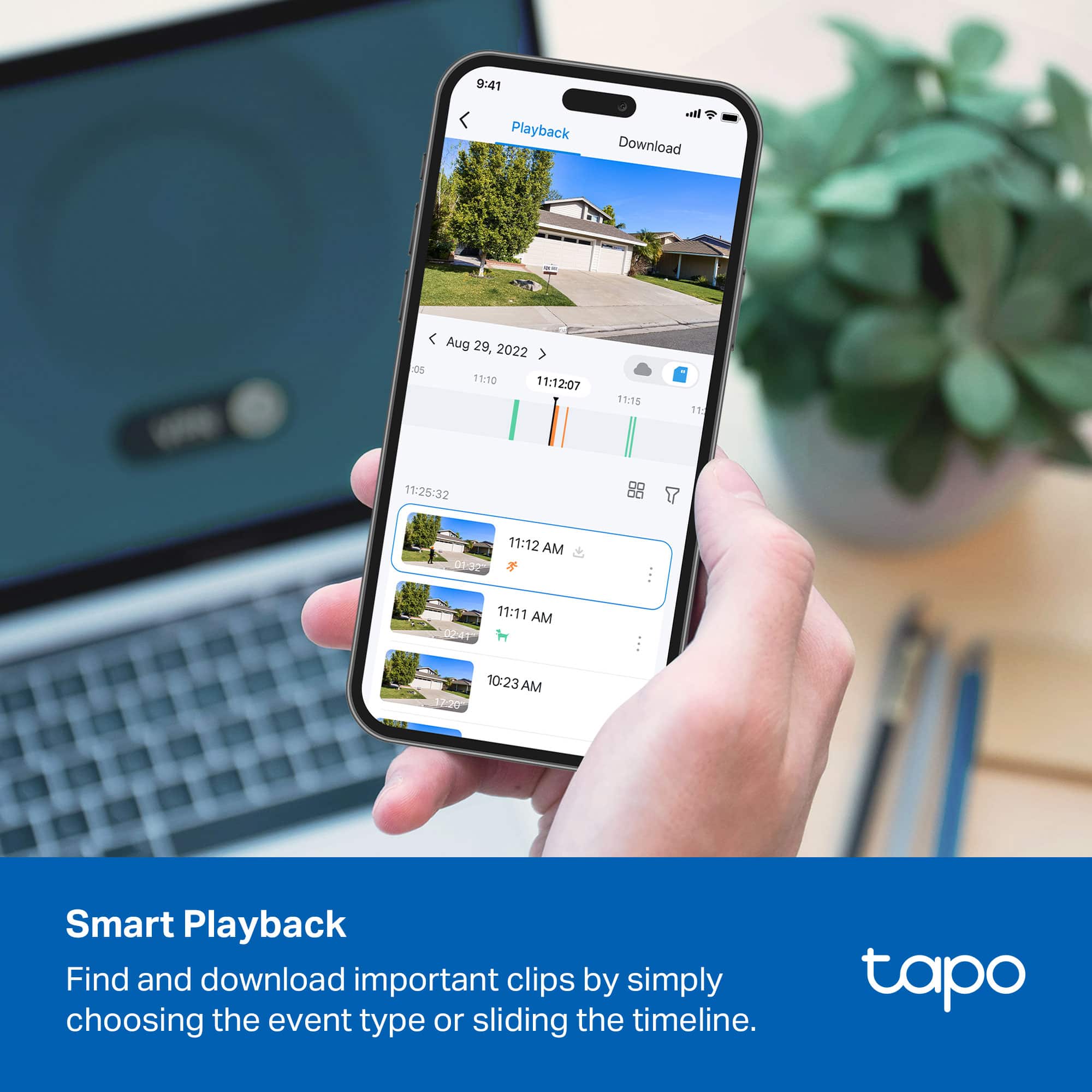
A:AnswerFor me I don’t extend the duration time if someone still has activity camera still record or you just live view your camera the record it. For me I used iPhone the recorded file went to my photo album.
This is a good camera I like it. I bought them when they on sale.
A:AnswerHi! For full, detailed specifications of the two Tapo camera models, we would recommend visiting our official TP-Link website. The product page for each model will have detailed information regarding their features, specifications, firmware, and more.
As for other Tapo camera models, we offer many camera models to suit the varying needs of our customers. Using the product browsing menu, or search bar on our official website, you can find detailed descriptions and specifications for each of our Tapo cameras to help you determine which model is best suited for your needs.
Our support team is always happy to answer any questions you might have about our products. Please feel free to reach out using the support portal official website, or visit our official TP-Link Community Forum, and we'll gladly help.
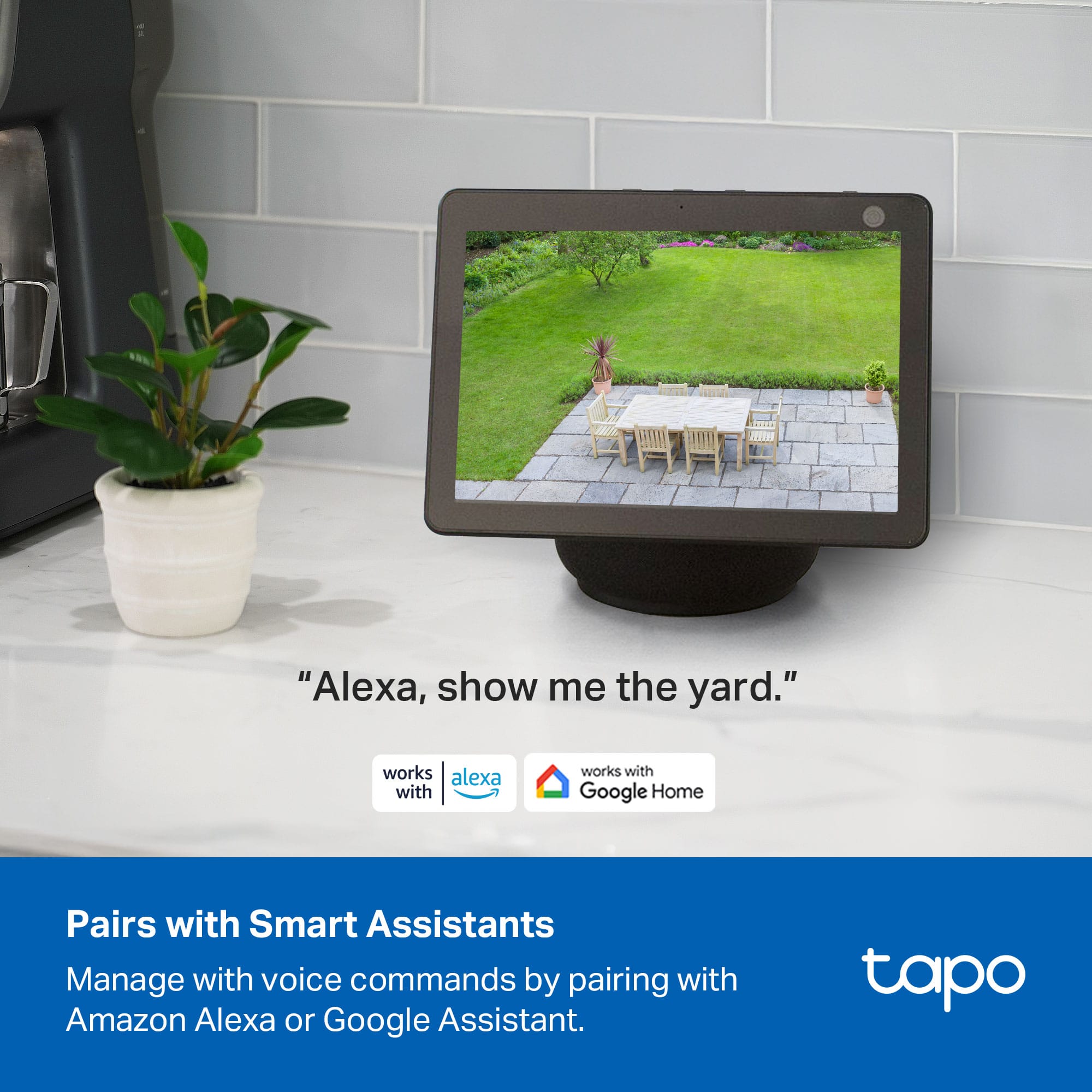
A:AnswerYes, through cloud to cloud interaction all Tapo devices can be linked to Google Home and seen in the app. Control however is limited on cameras for security purposes. You can ask Google so show the live view of the camera but that is really the only command available to any smart assistant.
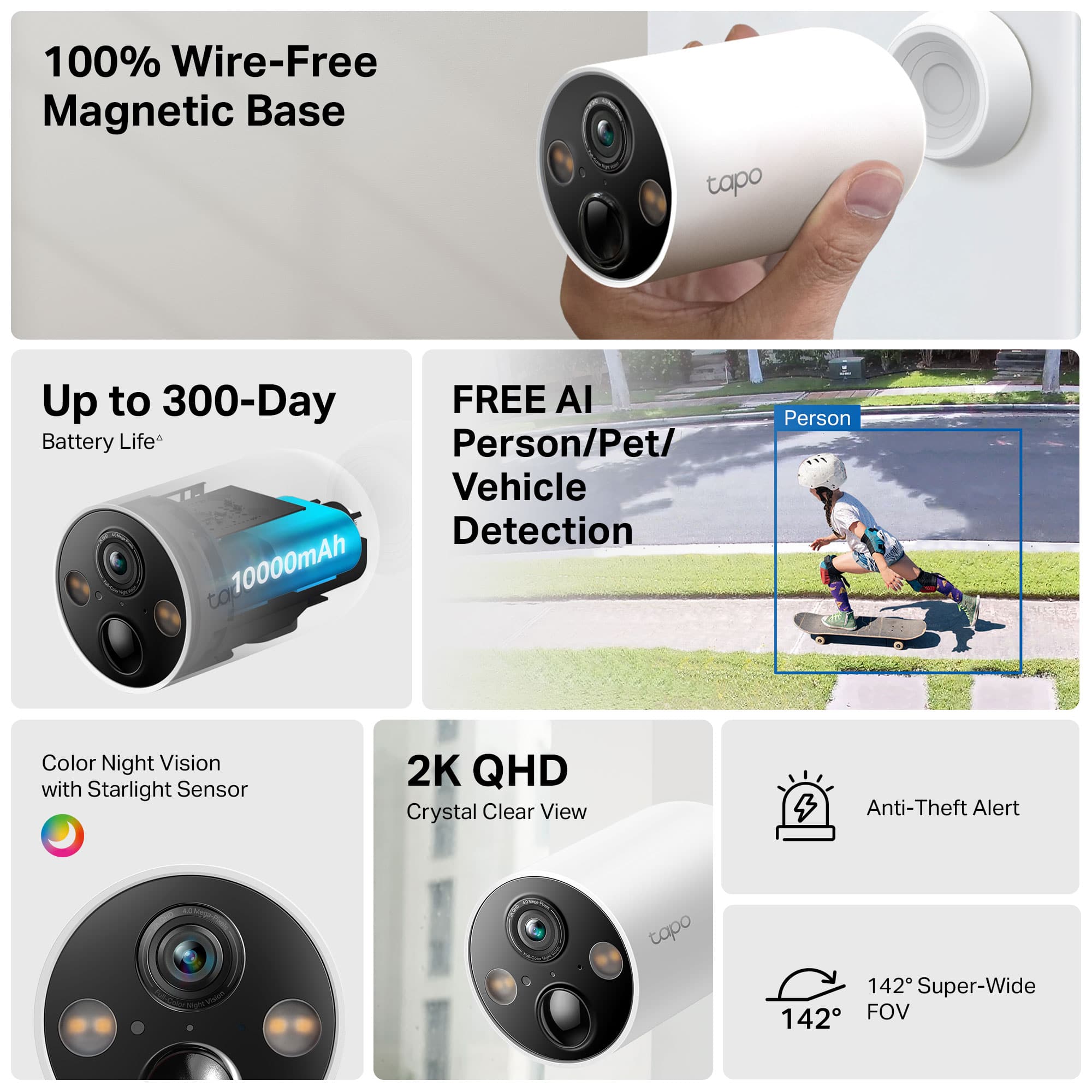
A:AnswerHi! Yes, firmware updates are conveniently performed using the Tapo app. Updates are released as needed for feature updates and performance optimizations. We appreciate your interest in a 4K model and will share your feedback with our Tapo team. The cameras come with a 2-year warranty. If you encounter any concerns with the camera's battery, please reach out to our official TP-Link support team.
A:AnswerHi GaryA,
If your cameras are within range of your router's Wi-Fi signal, and the password is correctly entered, yet you still receive this message, please ensure your smartphone is not connected to a VPN during setup, as this will interfere with the network connection step.
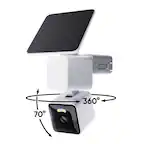
A:AnswerHi there! Unfortunately, we can't provide a specific detection distance as it depends on several factors like object size, movement, and camera sensitivity. For detailed product information, please check out the TC85's specifications page on our official website.
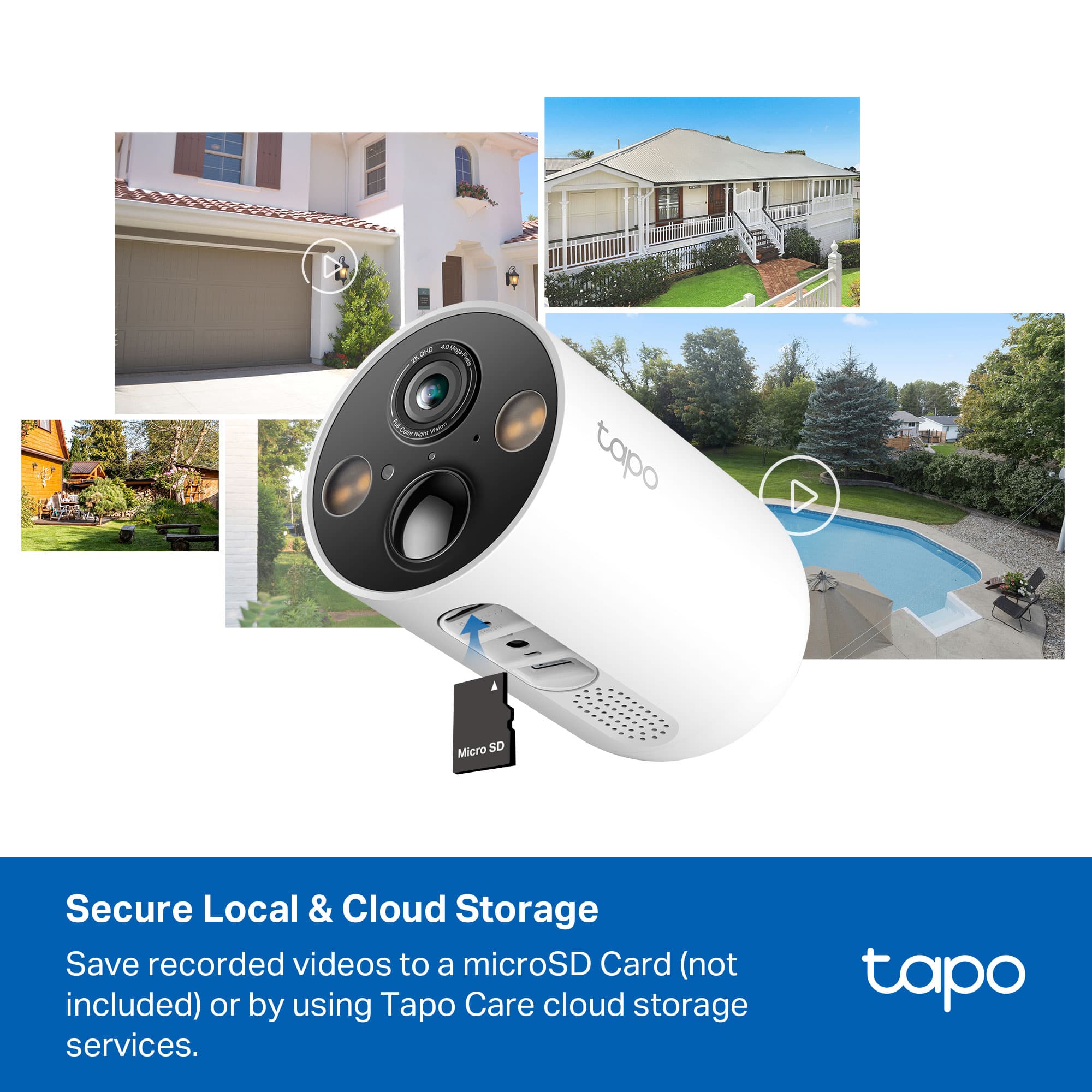
A:AnswerYes - these cameras work great without storing video in the cloud. There is a flap on the bottom which covers the micro SD Card slot. They also can send an RTSP stream if you've got your own NVR to feed the stream into.