A:AnswerHi Jkar,
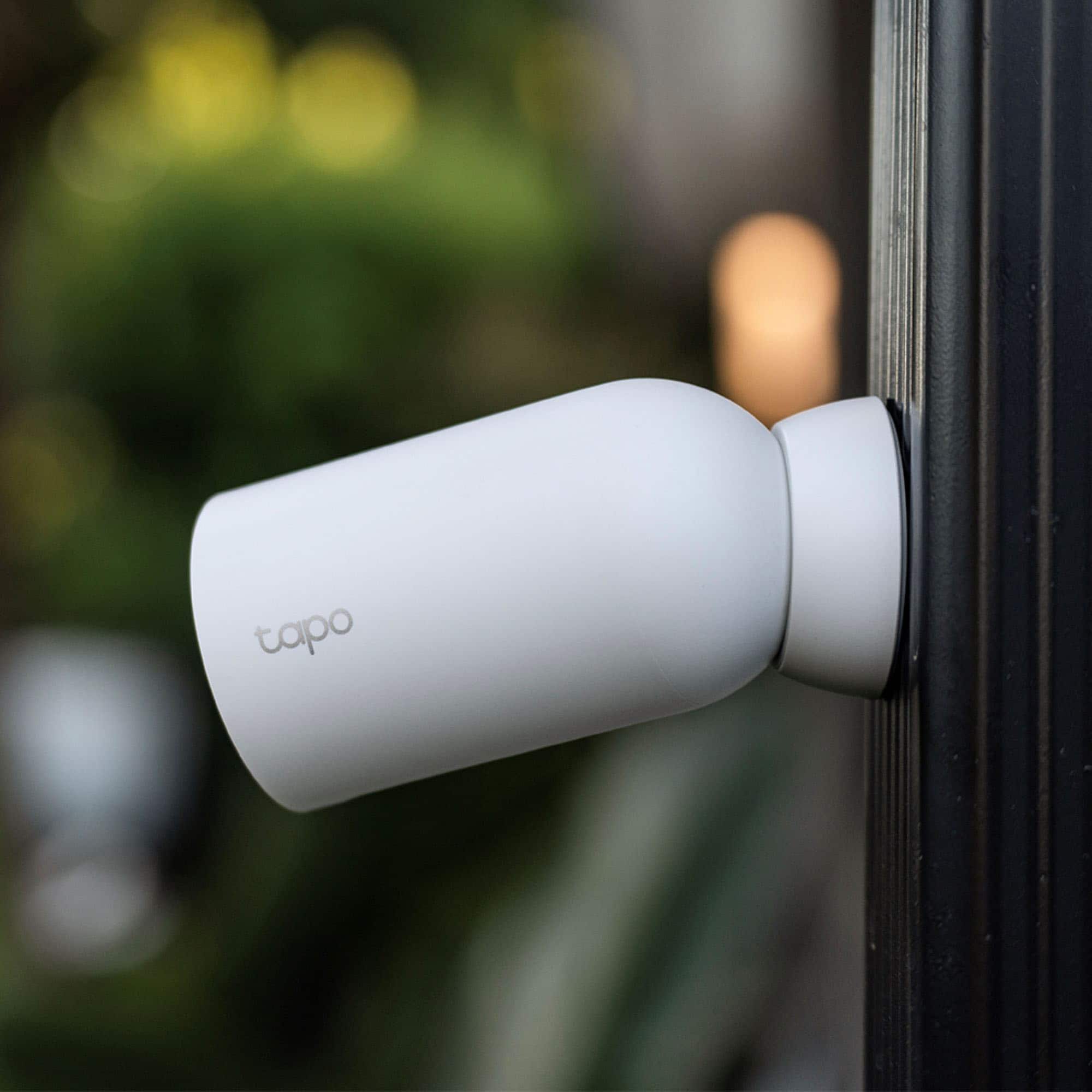
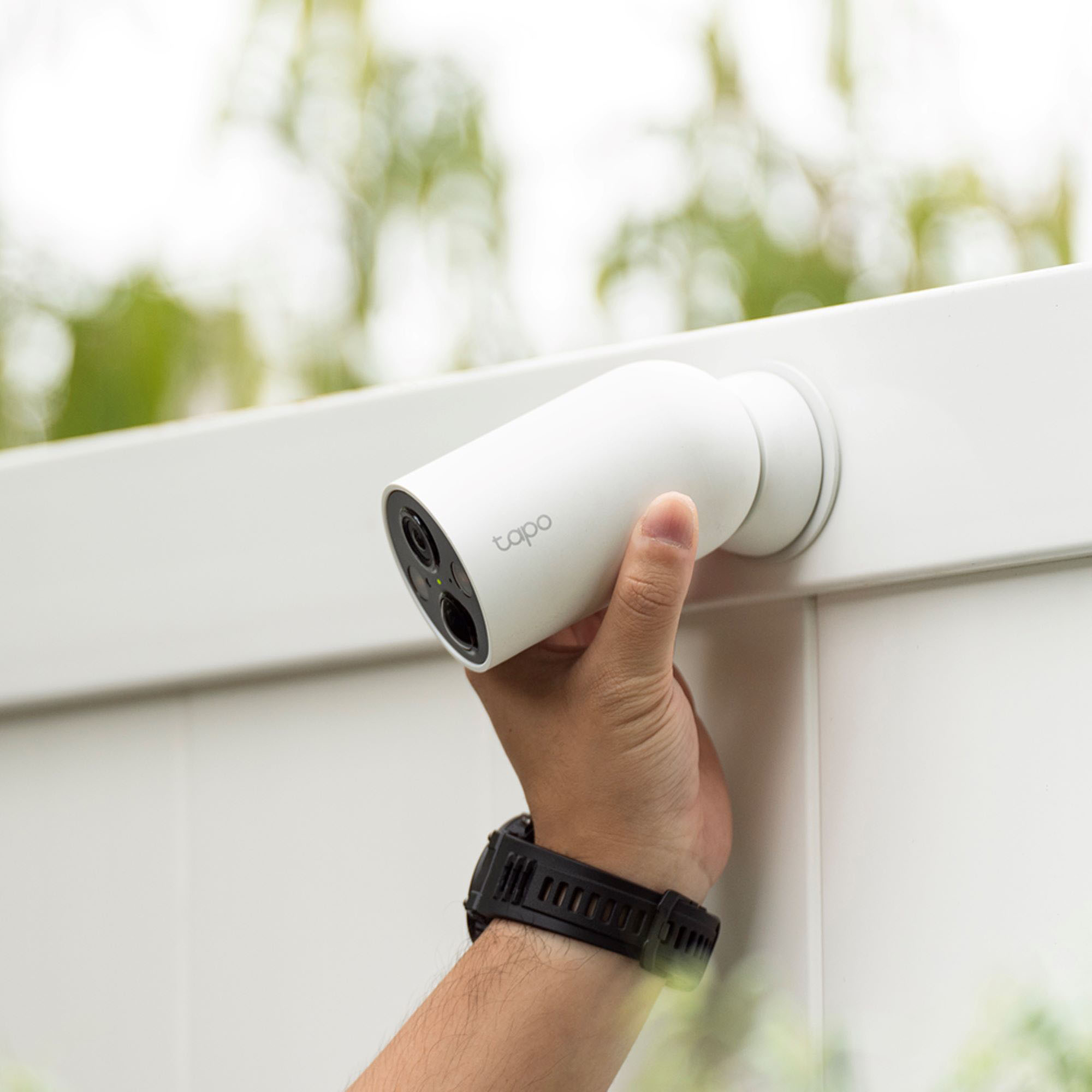
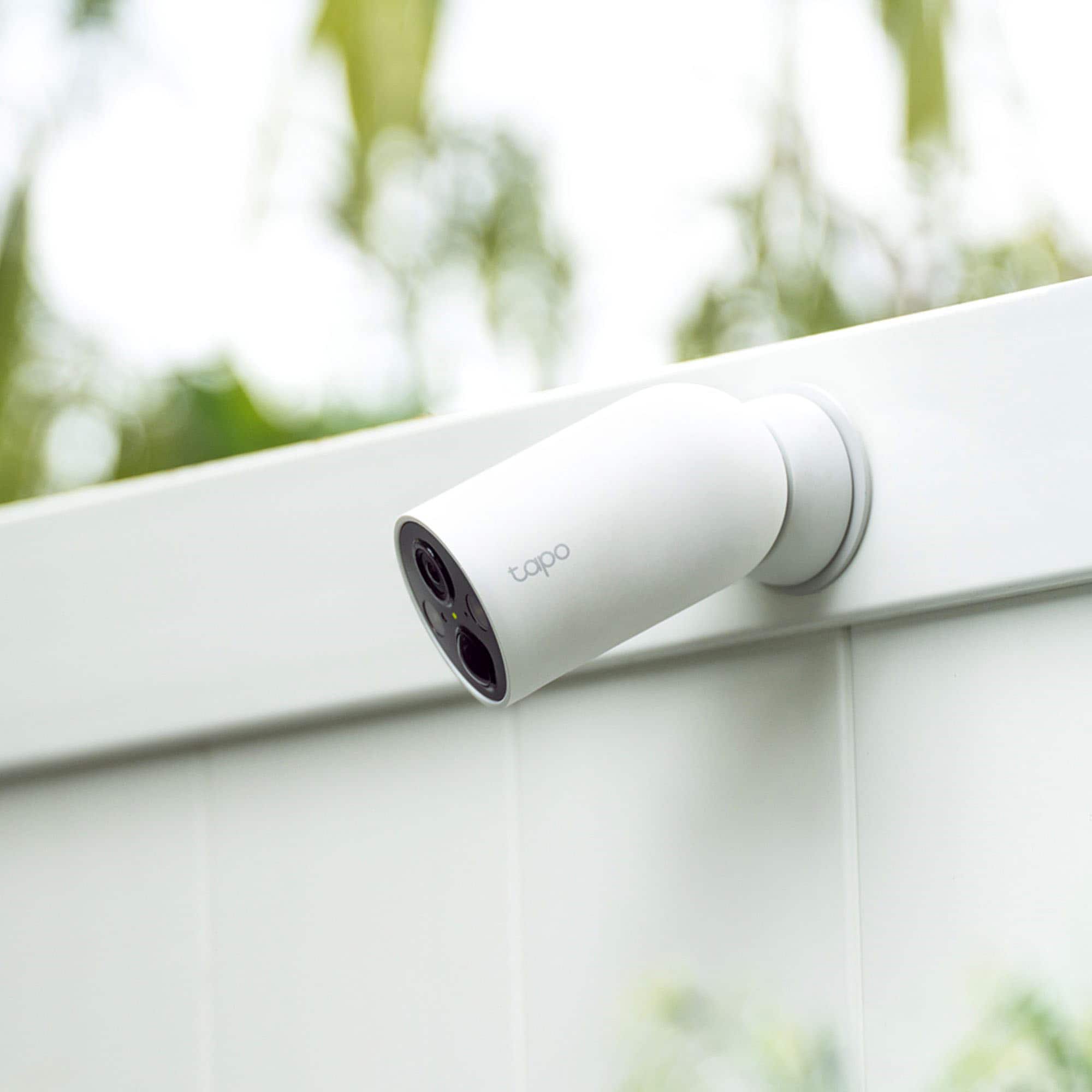
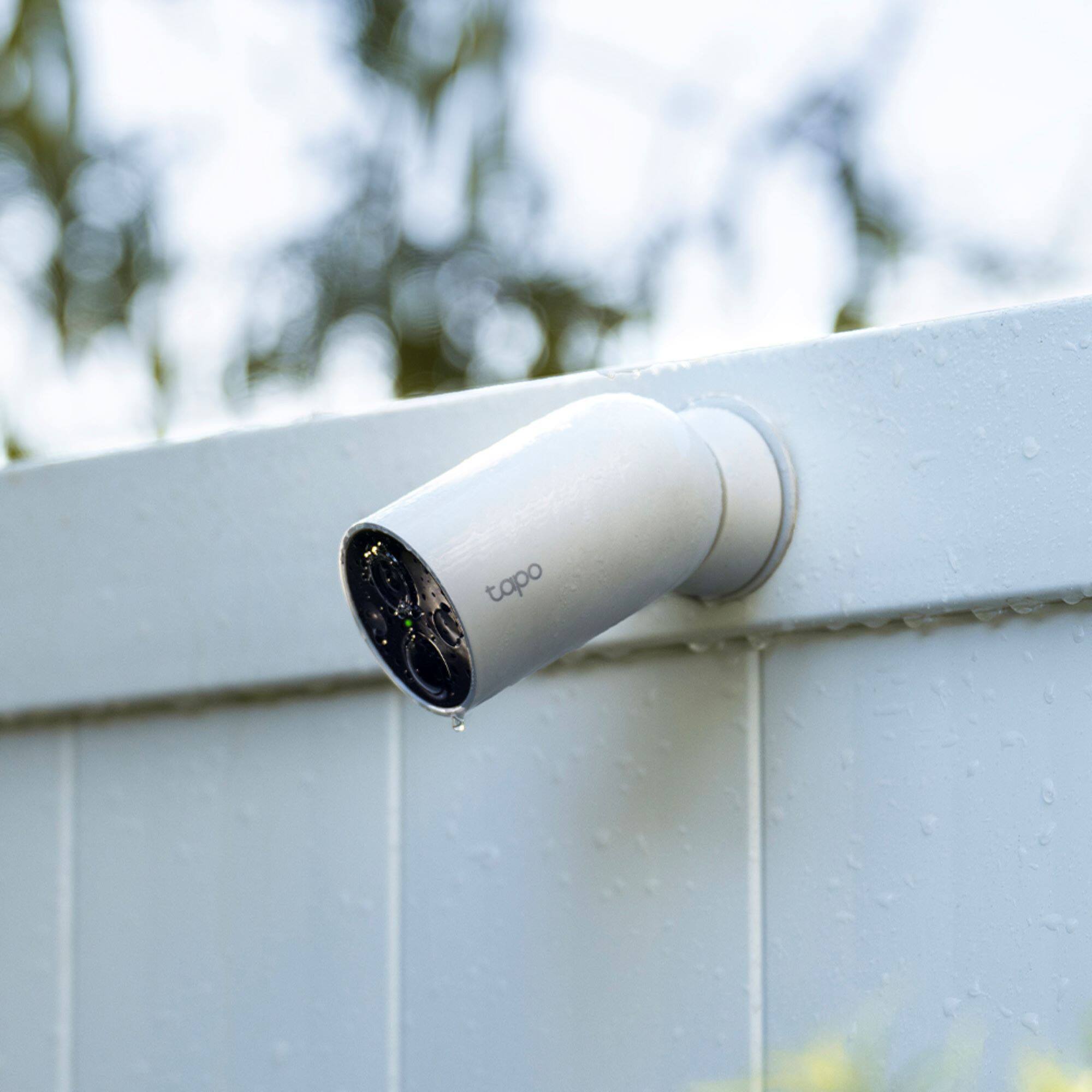
If the camera is exposed to the elements—including rain—keeping a standard USB charging cable connected without a seal may compromise its weatherproofing. We suggest considering our Tapo A200 Solar Panel Charger, which includes a charging cable with a weatherproof gasket, to keep the camera charged: https://www.bestbuy.com/site/tp-link-tapo-mountable-solar-panel-for-tapo-home-security-cameras-white/6562035.p?skuId=6562035
A:AnswerHi L1234,
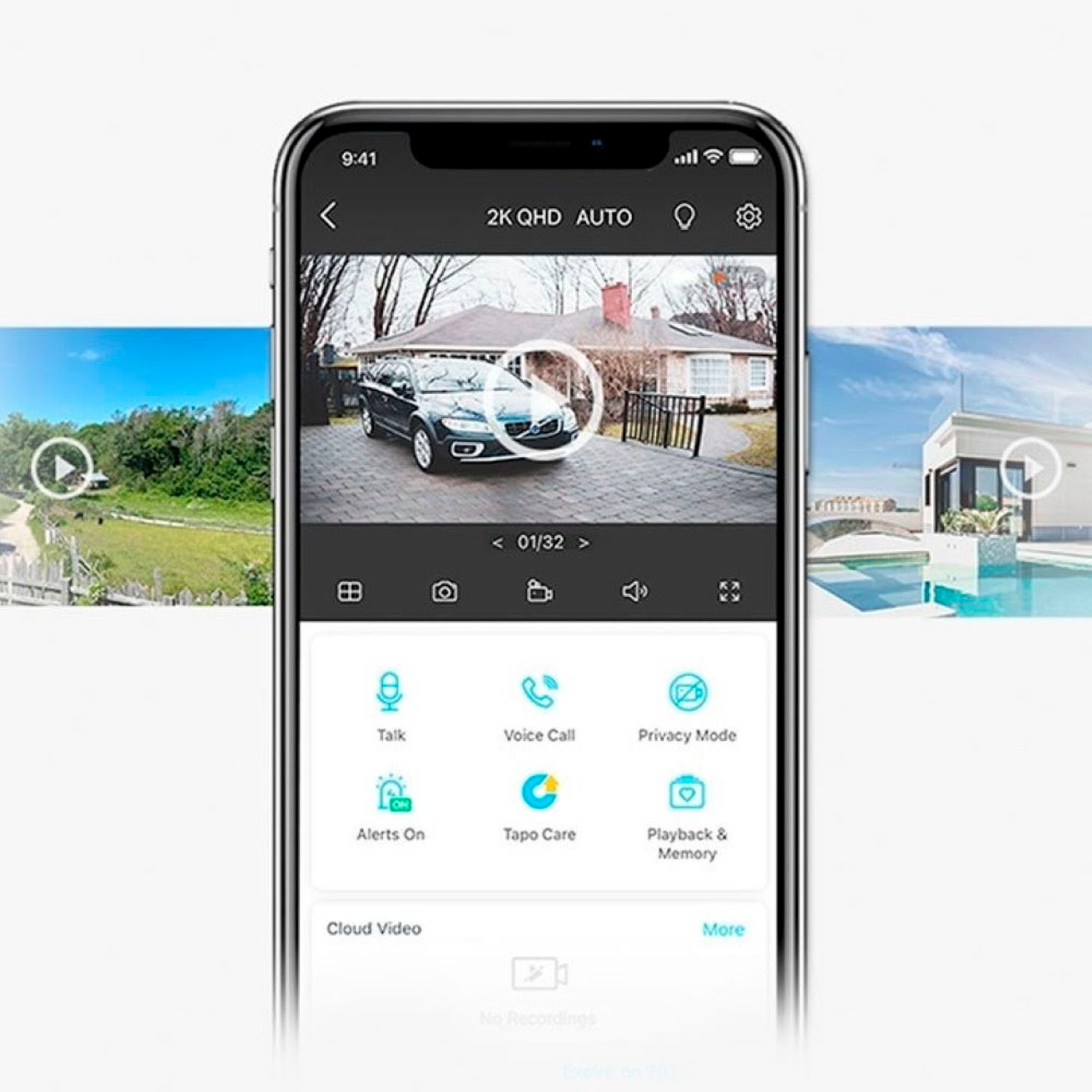
No, these Tapo Wire-Free, Battery-Operated Cameras do not support RTSP/ONVIF, and cannot be streamed to a computer. However, you can use the Tapo app via your smartphone or a tablet, to view and manage the cameras.
A:AnswerHi Anon,
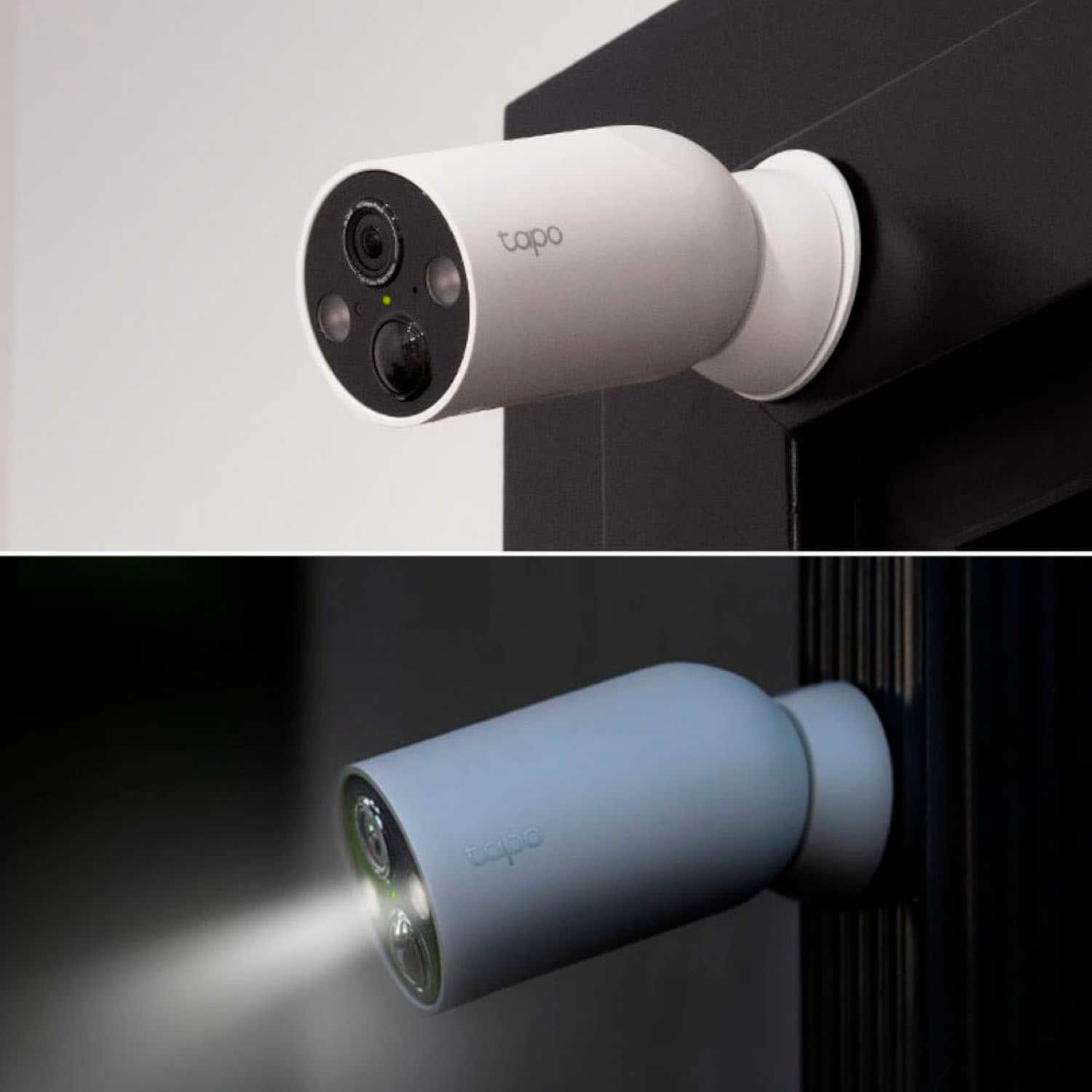
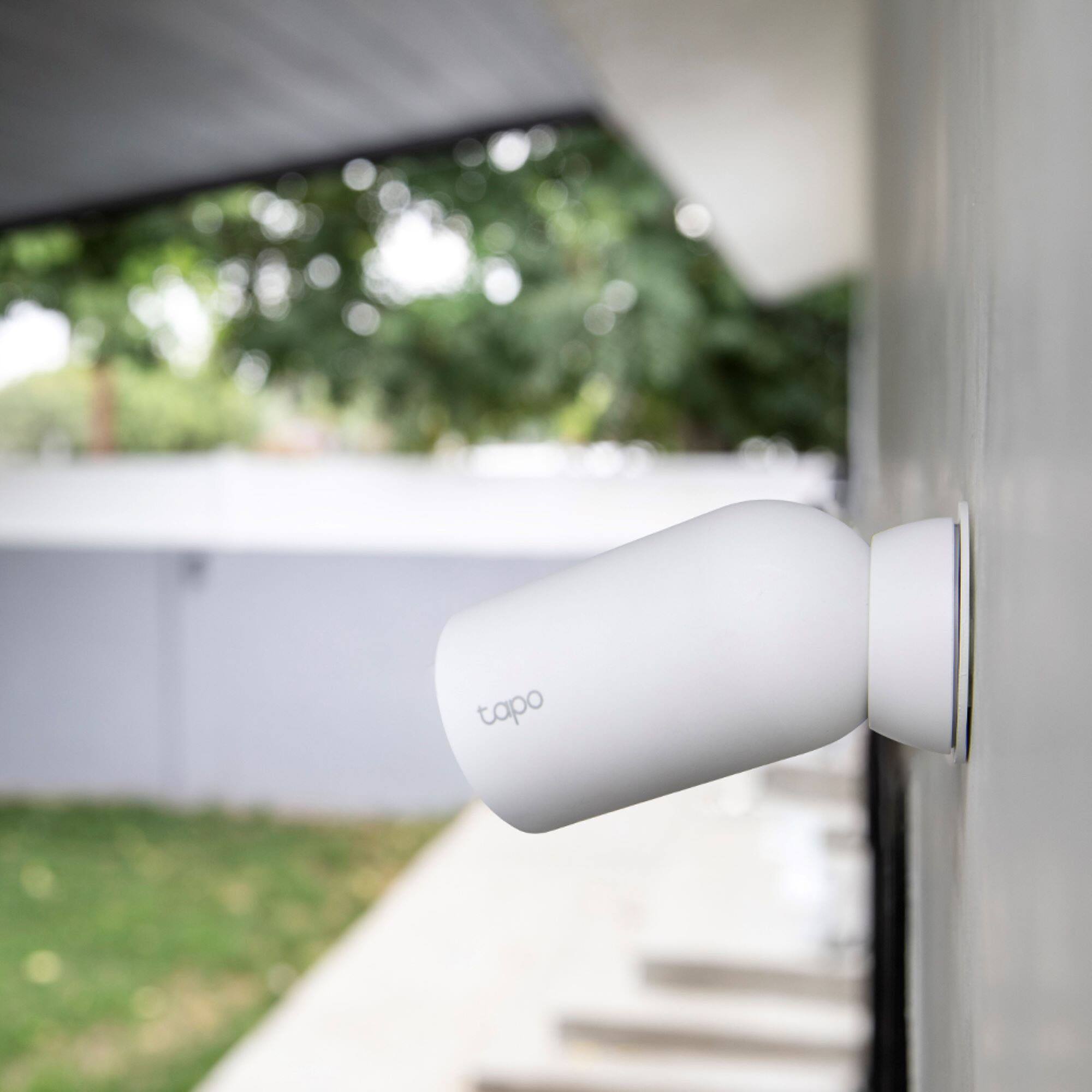
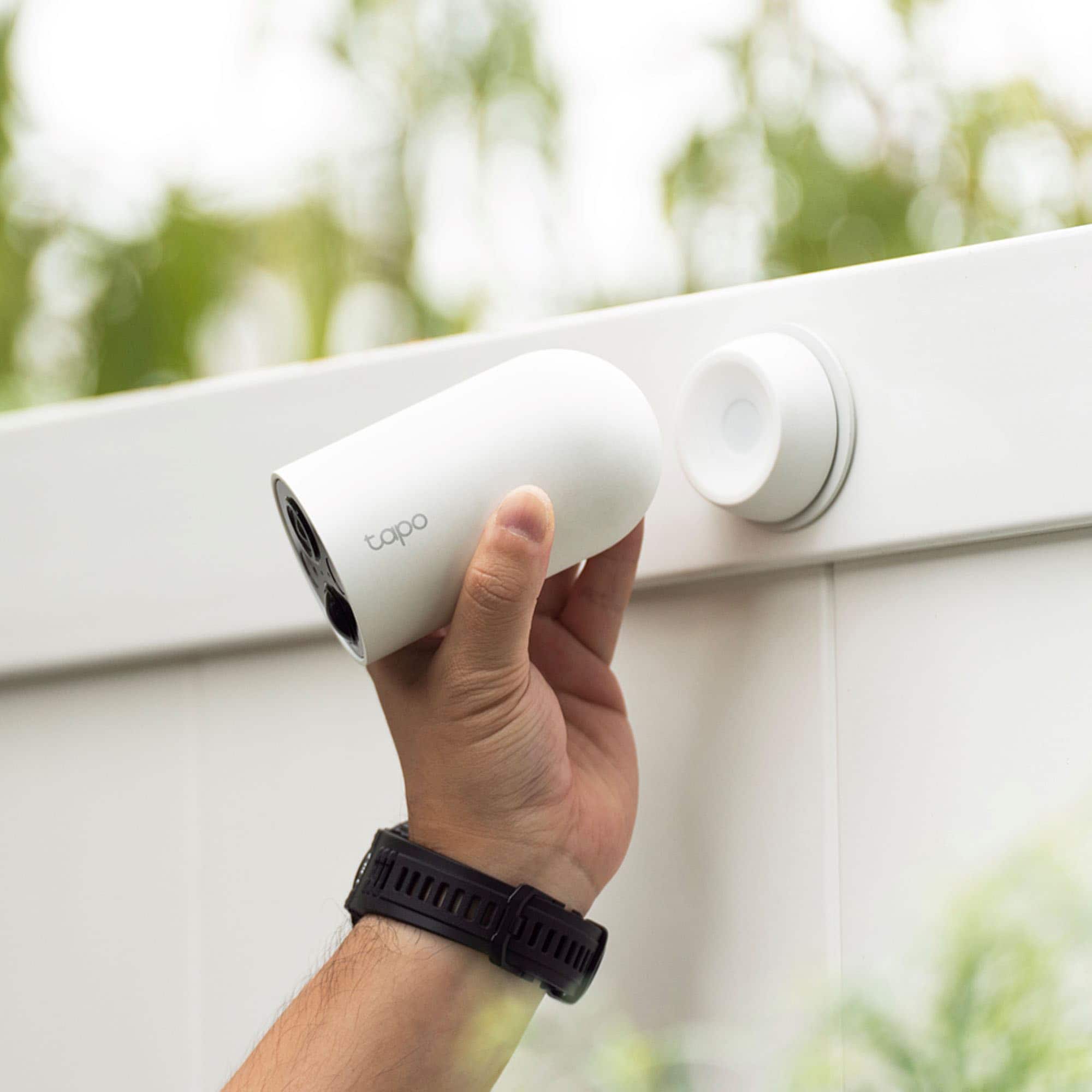
At 2 meters (6.5 feet) or higher, we recommend using the Wall Mount Bracket (not included).
For more information, we suggest reviewing the Tapo Magnetic Camera User Guide on our official website: https://static.tp-link.com/upload/manual/2023/202309/20230906/1910013461_Tapo%20C425(EU)1.0_UG_V1.pdf
A:AnswerI don’t see an option for it. You can run smart actions, like if camera detects motion, turn on a smart switch or smart bulb. But I didn’t see the option to have the spotlight be a smart action.
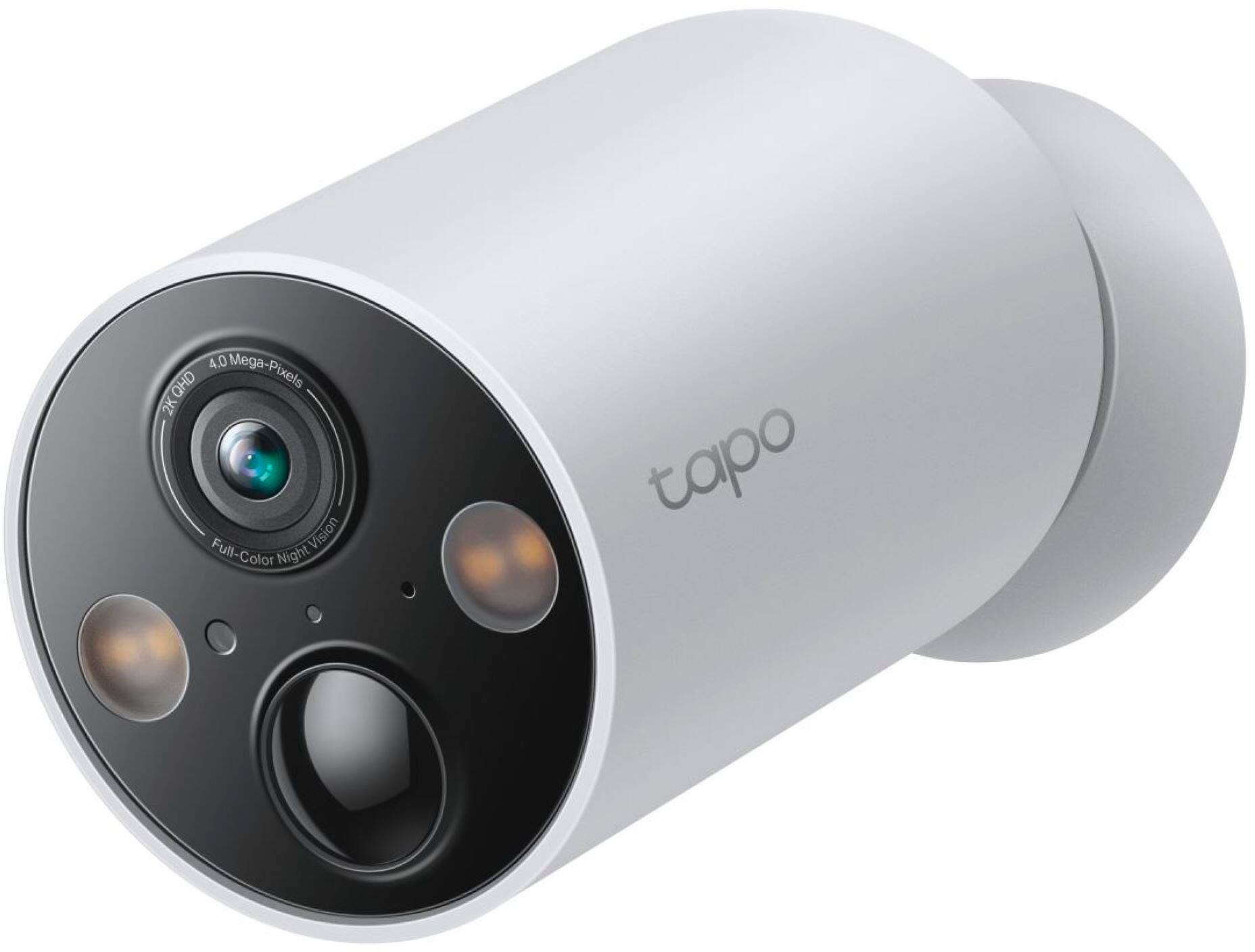
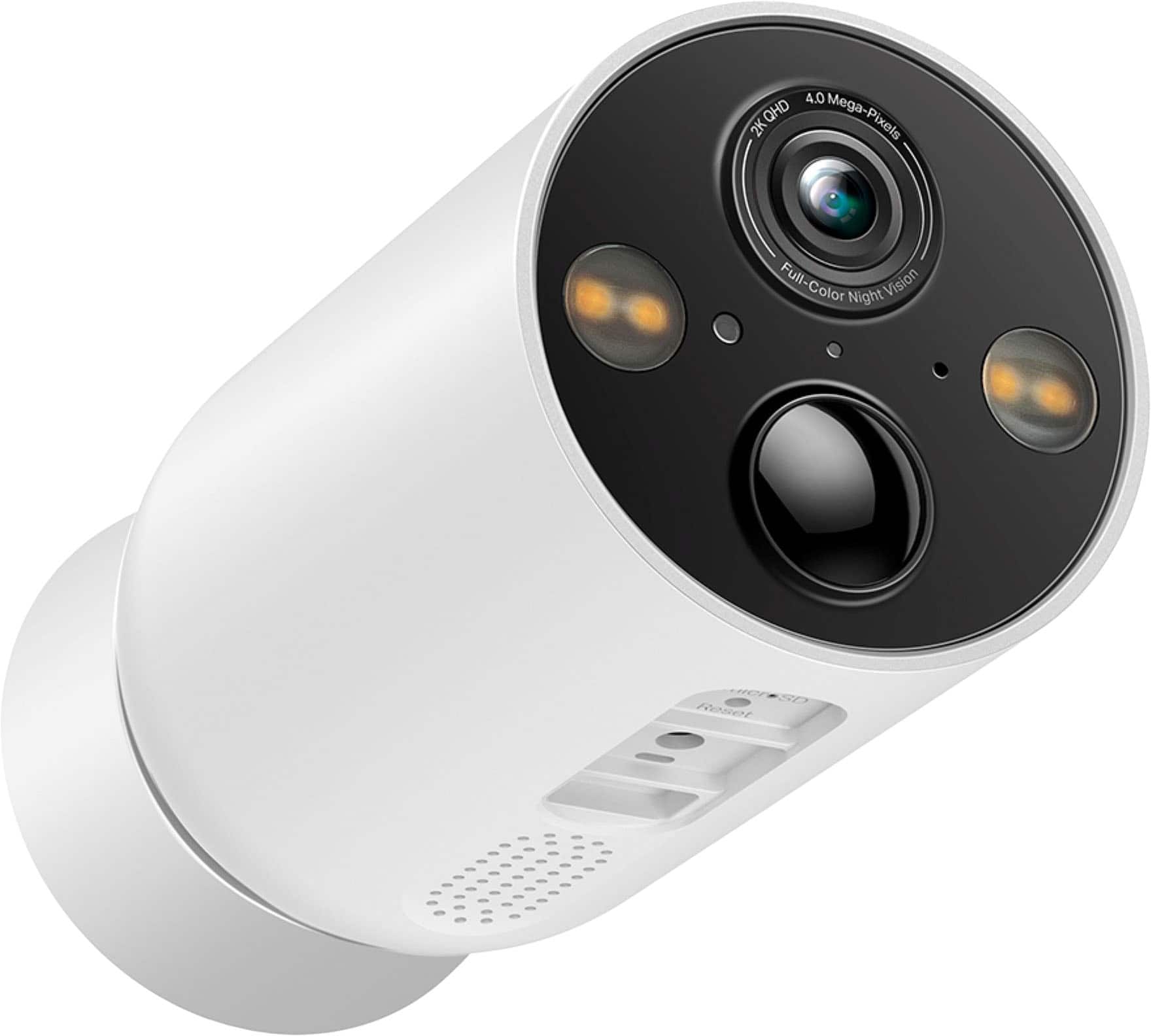
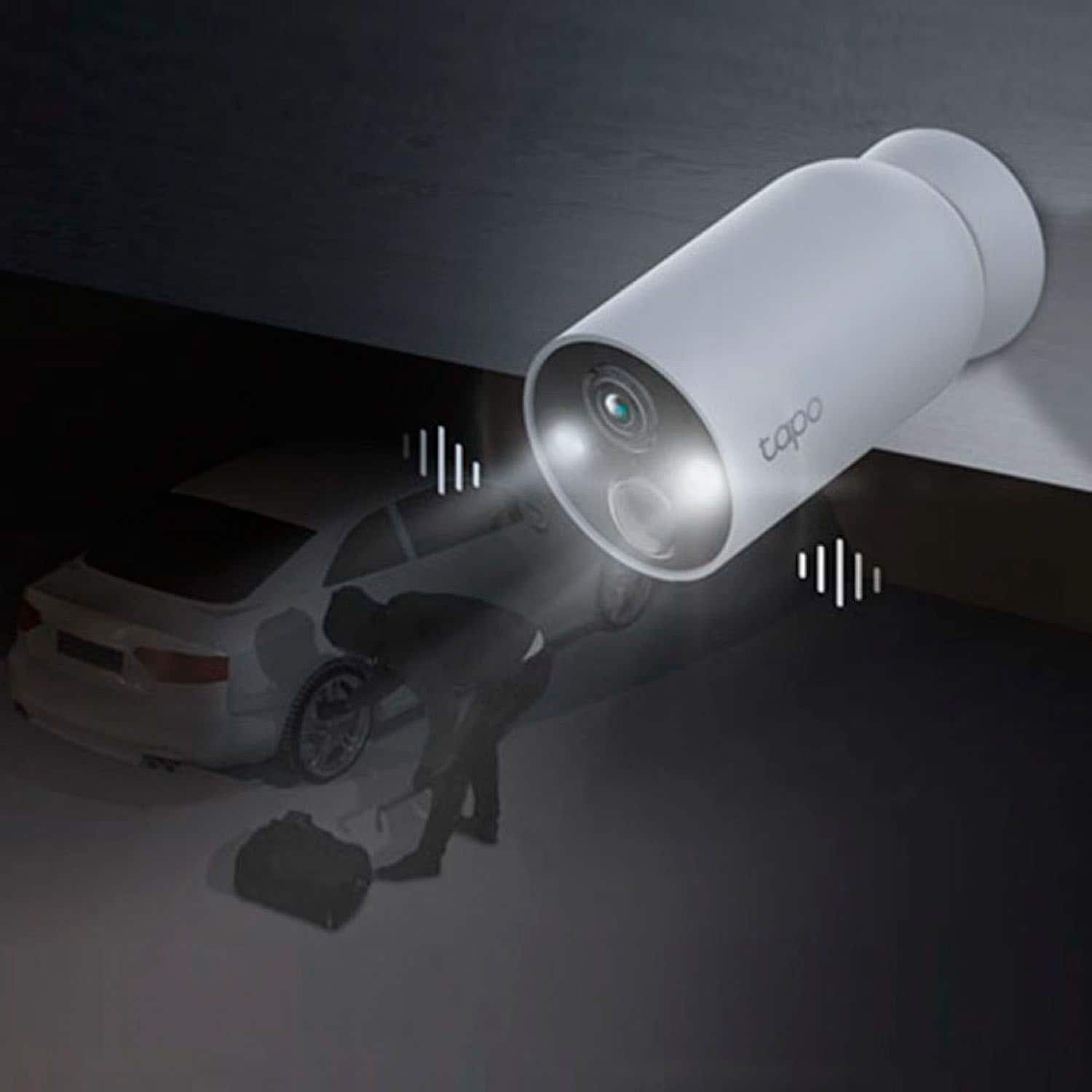
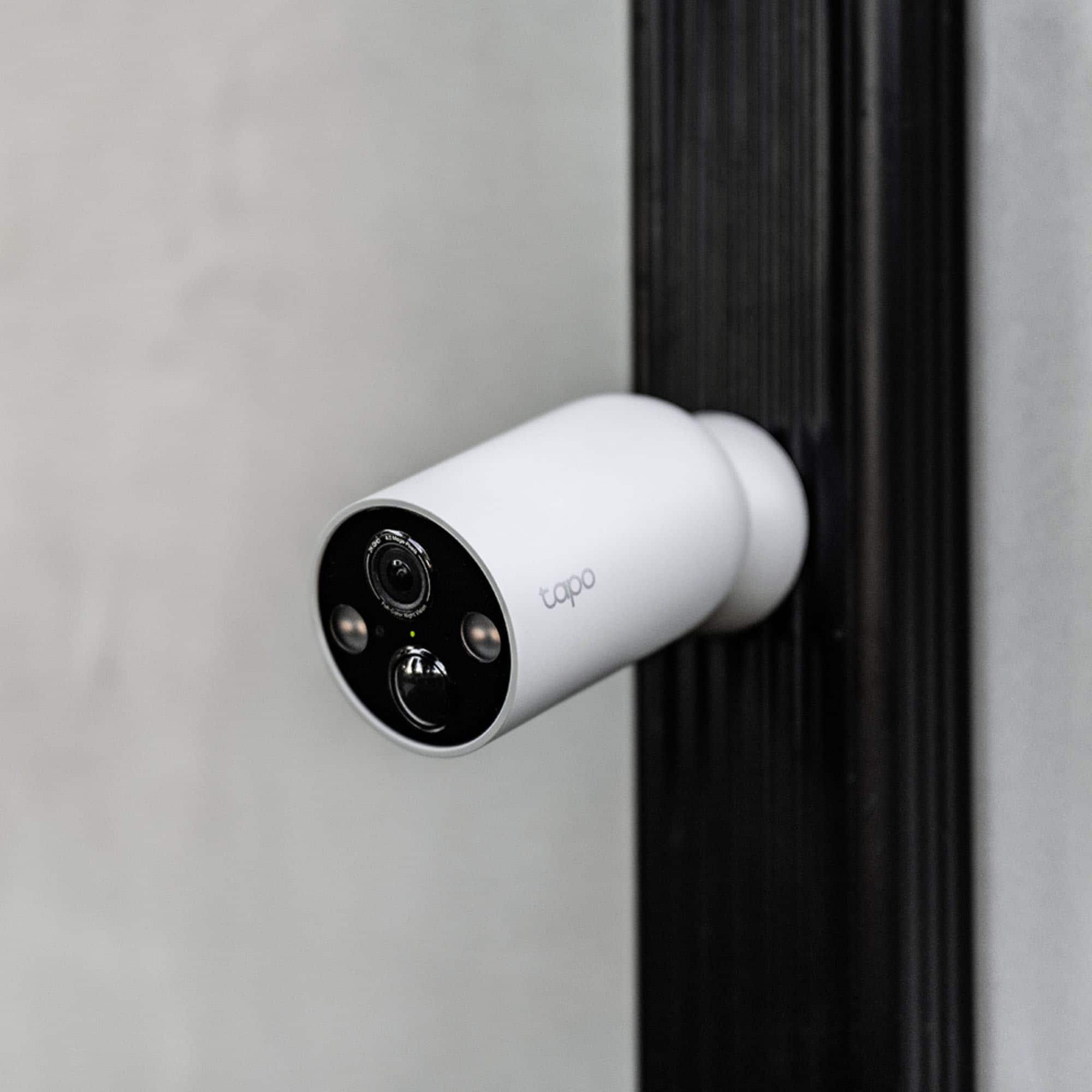
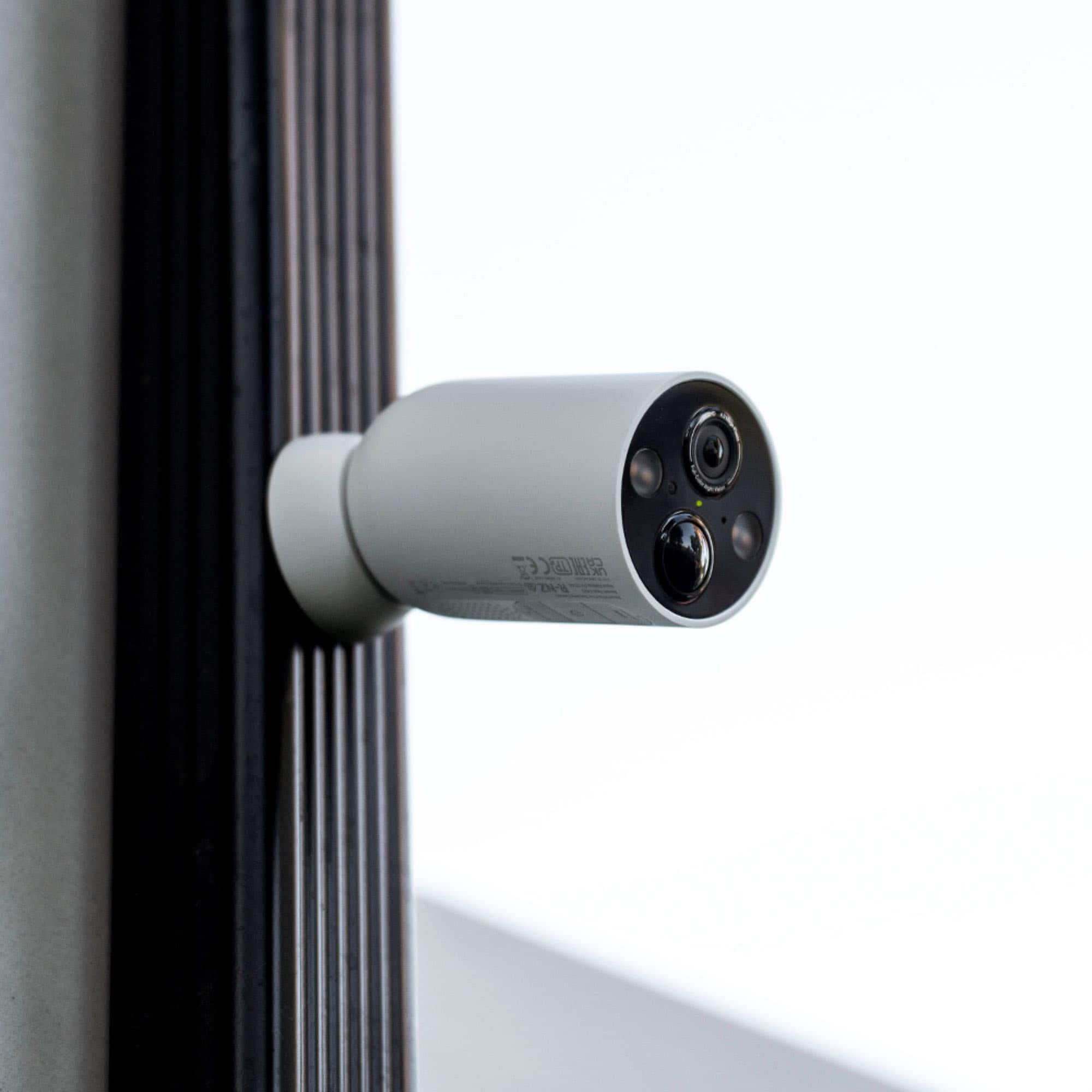
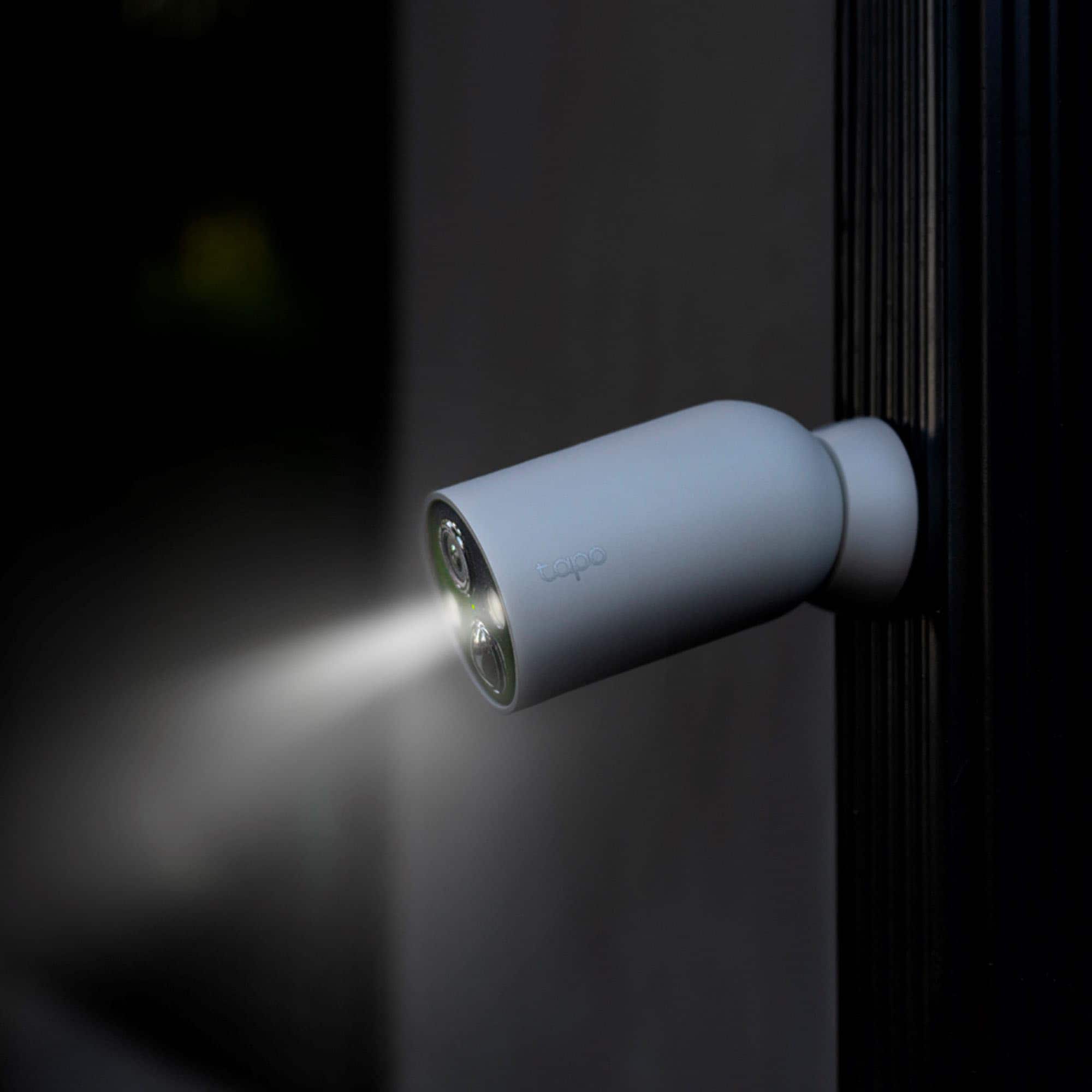
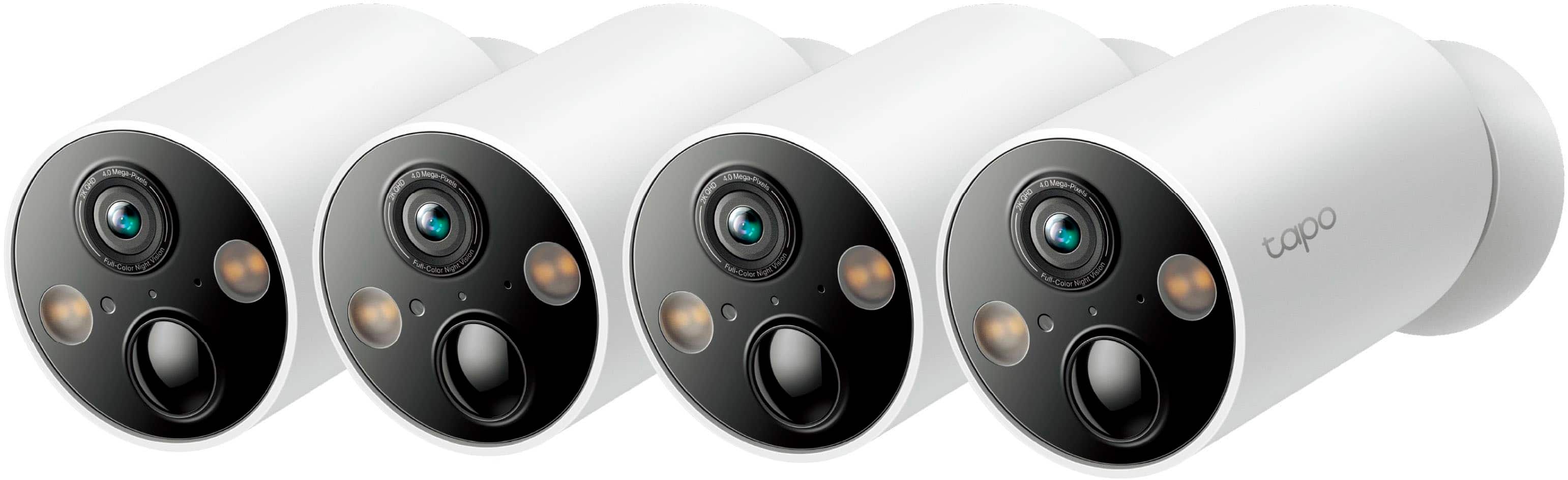
A:AnswerHi! The Spotlights on your Tapo TC85 can be automatically activated if the camera is set to Color Mode via the Tapo app. Please note that while in this mode, the camera's infrared function will be disabled.
However, if you only want to monitor detected motion events, the Tapo TC85 has a dedicated motion sensor, so it can still detect motion and enable the spotlights, even if the infrared feature is not enabled.
A:AnswerHi! As long as the weather remains within the product's environmental specifications, battery life should not be significantly impacted.
The camera's environmental specifications are as follows:
Operating Temperature: -20°C ~ 45°C (-4°F ~ 113°F)
Operating Humidity: 10%~90% RH, Non-condensing
A:AnswerHi there! Unfortunately, we can't provide a specific detection distance as it depends on several factors like object size, movement, and camera sensitivity. For detailed product information, please check out the TC85's specifications page on our official website.
A:AnswerYes, as long as your camera and phone are connected to the Internet, you can use the Tapo app to conveniently monitor the live view of the camera(s) and recorded clips.
A:AnswerYes, as long as your Mesh Wi-Fi System supports 2.4GHz connectivity and provides adequate signal at the locations where you plan to install each camera.
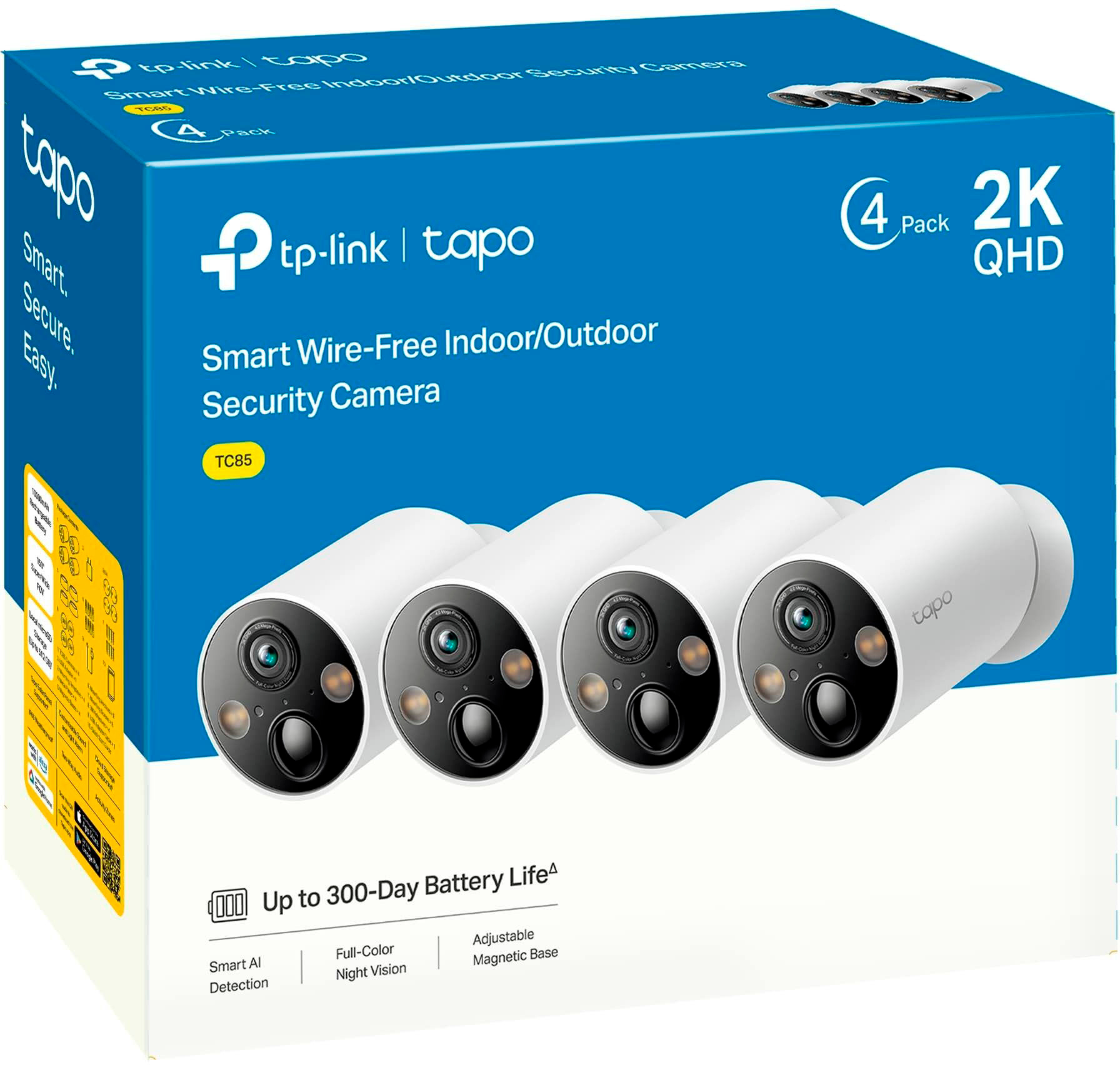
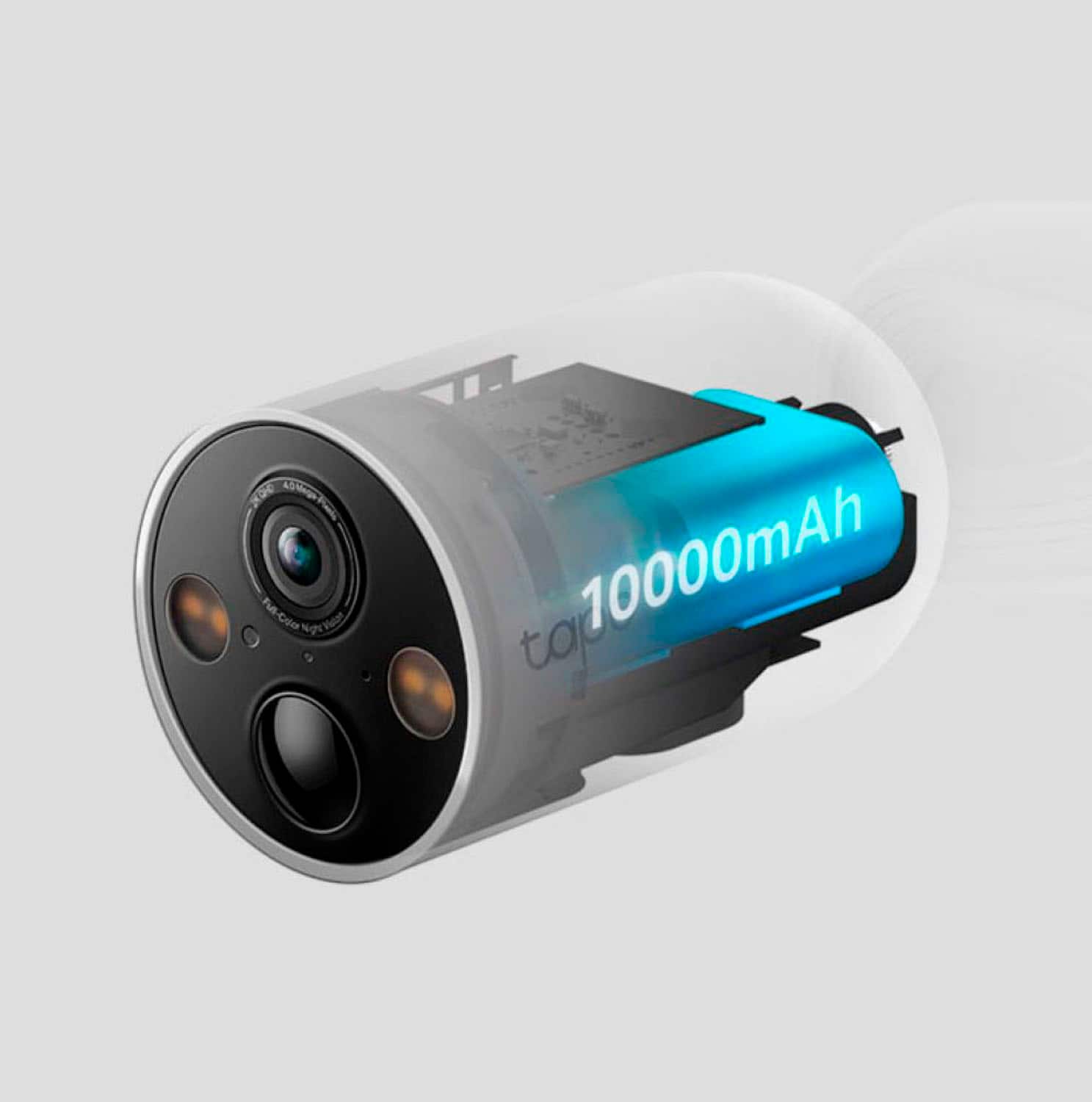
A:AnswerHi, Tapo Wire-Free MagCams are designed with 10000mAh batteries for up to 300 days of power. However, depending on detection and activity, the battery may drain at a variable rate. To optimize battery life, we suggest utilizing the camera's features, such as AI detection settings, sensitivity, detection zones, and more.
A:AnswerNo Tapo products can not be migrated into the Kasa App. However, Kasa devices can be migrated into the Tapo app and you use the same log in for both apps.
A:AnswerTapo Care subscription is based on the number of cameras and if you are paying monthly or Annually. Plans for 1-3 cameras are available as individual plans. If you have 4-10 cameras your plan is an account base. The price on Account does not change and is the same price regardless if you have 4 or 10 cameras. More information can be found here: https://www.tapo.com/us/tapocare/ or in the Tapo app.