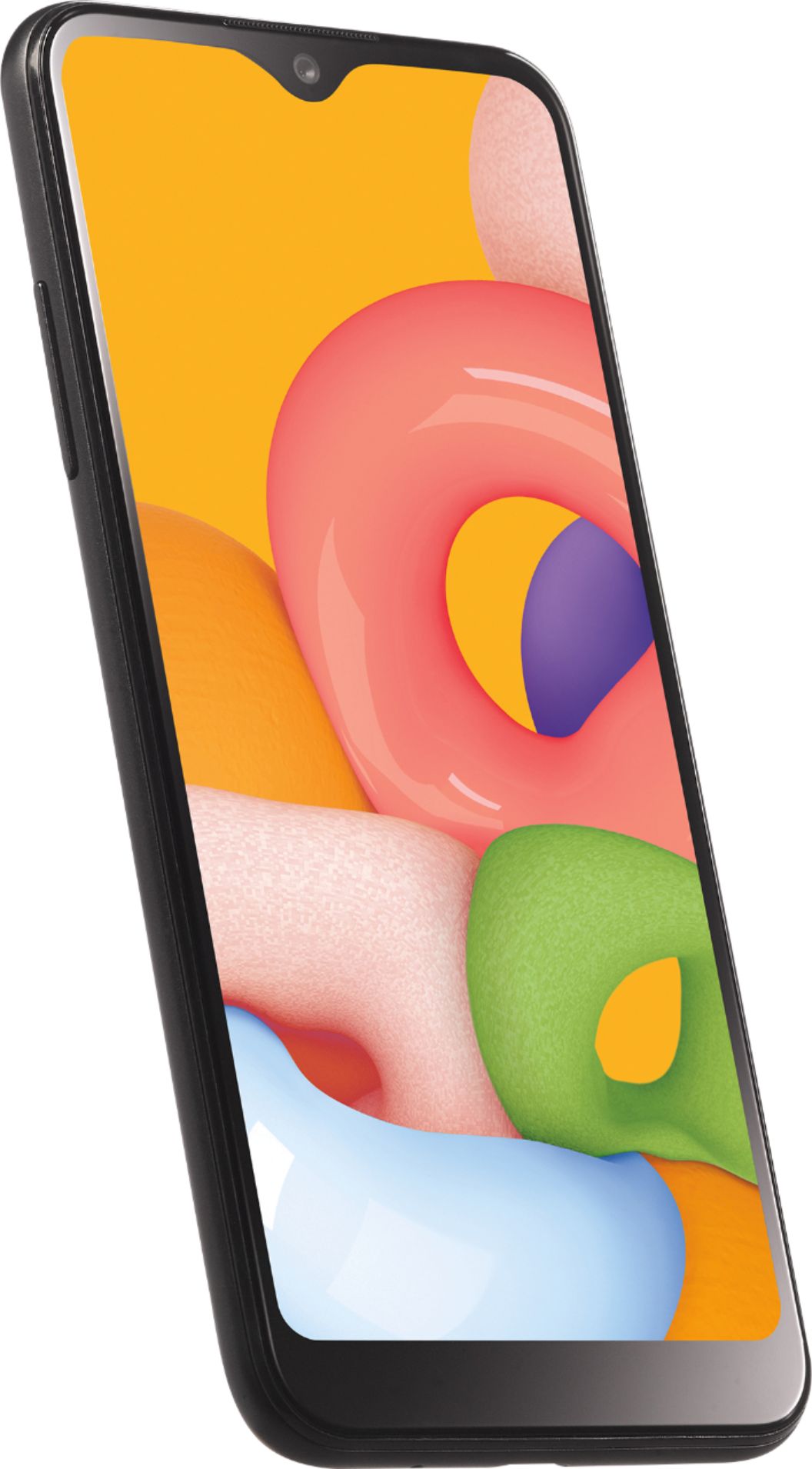
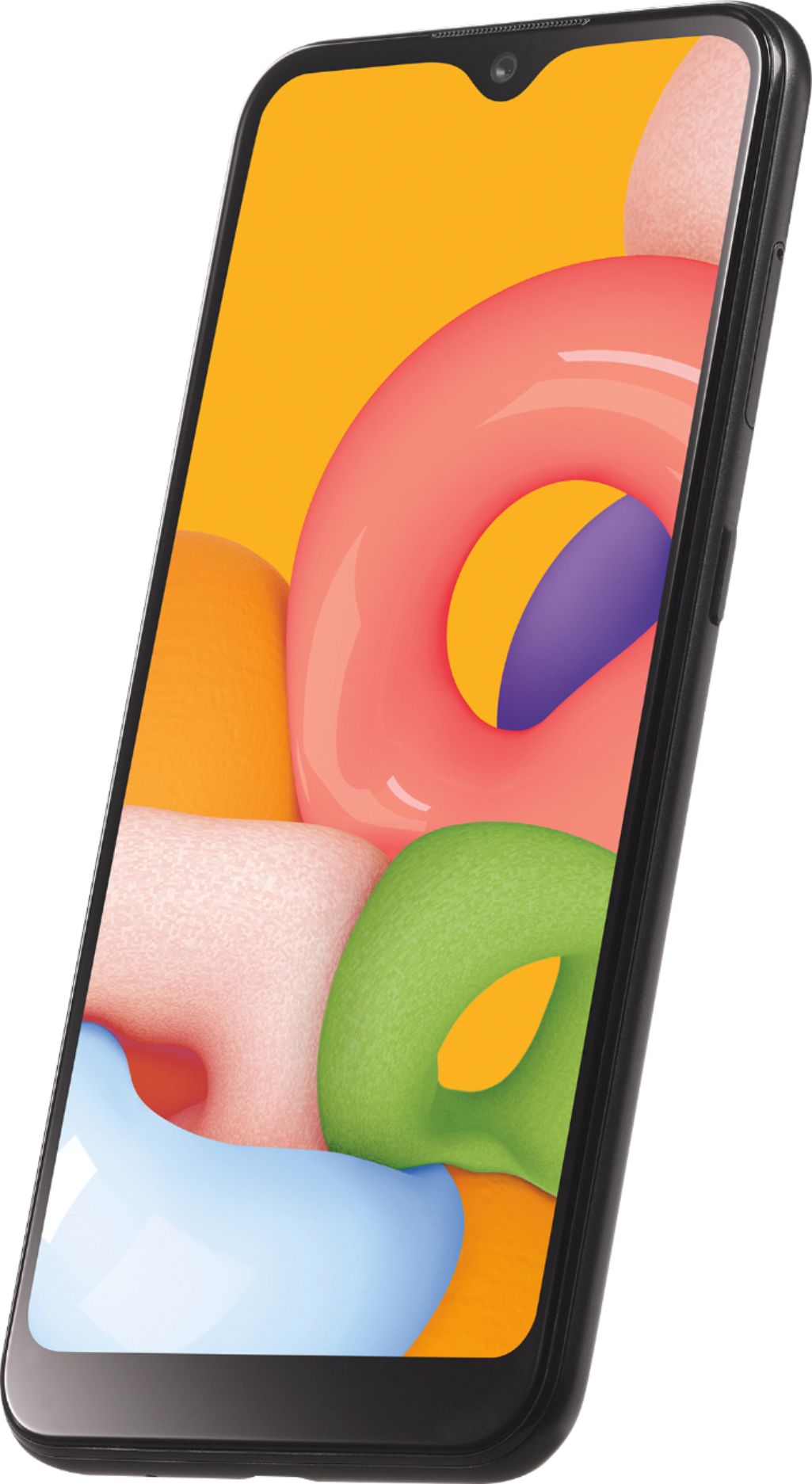
A:AnswerHi. This is Frank from TracFone Wireless. Yes, it can download any Apps on the App store using Wi-Fi and it can also connect to a personal hotspot. Thank you.
A:AnswerHi. This is Katrina from TracFone Wireless. Unfortunately, no. Our branded phones are not carrier unlocked. It can only be activated on our service. Thank you!
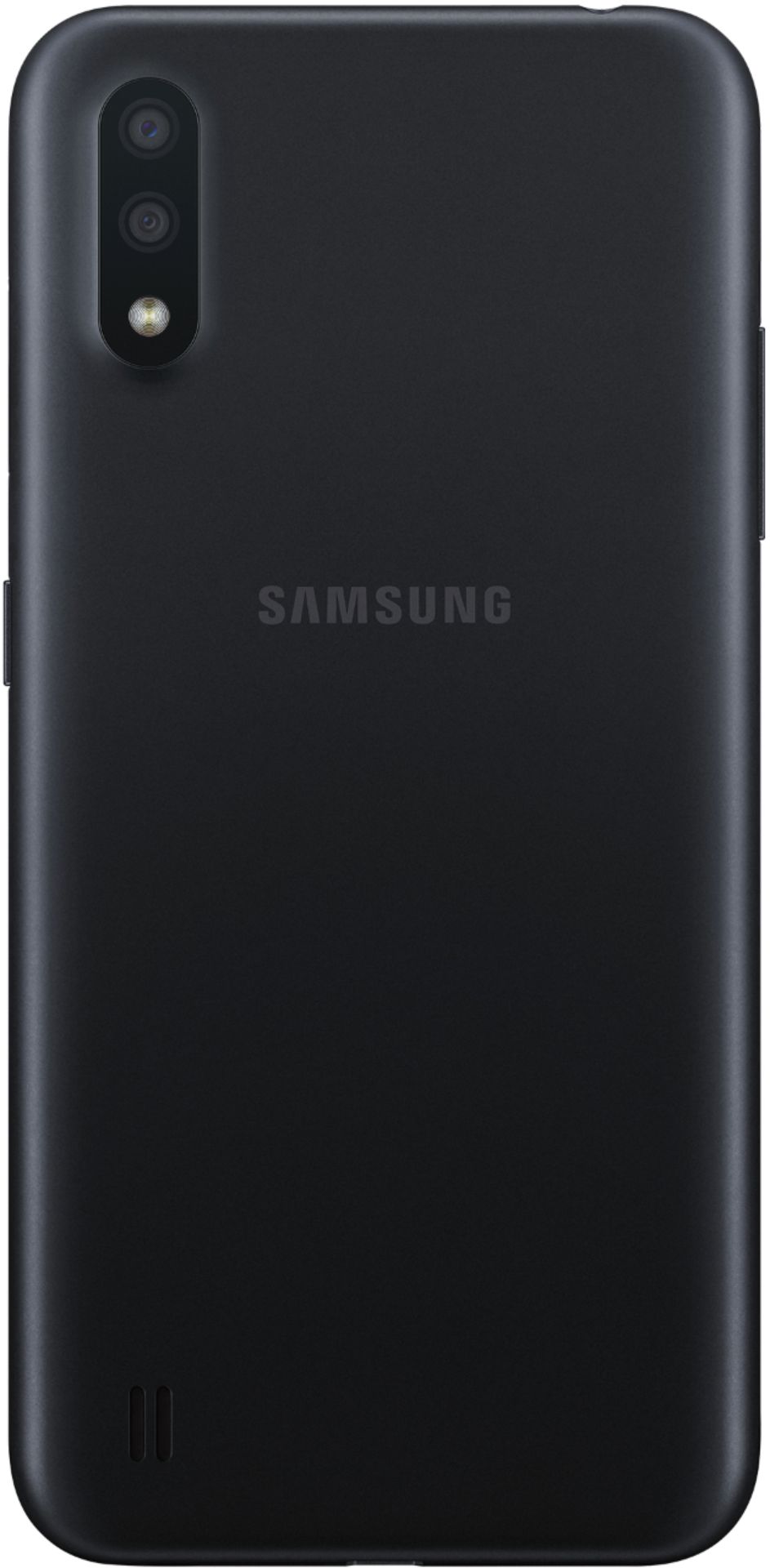
A:AnswerHi. This is Wendy from TracFone Wireless. Samsung Galaxy A01 phones support multiple user profiles or multiple user accounts, allowing users to share devices without fear of encroaching on each other. Thank you.
A:AnswerHi. This is Katrina from TracFone Wireless. Just to make sure, are you trying to purchase this phone and use in on Q Link? If so, please be advised that our branded phones are not carrier unlocked. It can only be activated on our service. Thank you!
A:AnswerHi. This is Katrina from TracFone Wireless. Our branded phones are not carrier unlocked. It can only be activated on our service. However, we can facilitate the unlocking process of the device if you meet the set requirements. For more information, please copy this link http://bit.ly/2qdrKHH and paste it on a new window for chat support. You may also text HELP to 611611. For your convenience, our representatives are available Monday-Sunday from 8:00 AM to 11:45 PM EST. Have a great day!
A:AnswerHi. This is Katrina from TracFone Wireless. To transfer your minutes, phone number, and service days, you can text the word TRANSFER to short code 611611 or copy this link http://bit.ly/2qdrKHH and paste it on a new window for chat support. To transfer your files from the old phone over to the new phone, you can download the Transfer Wizard App. Thank you!
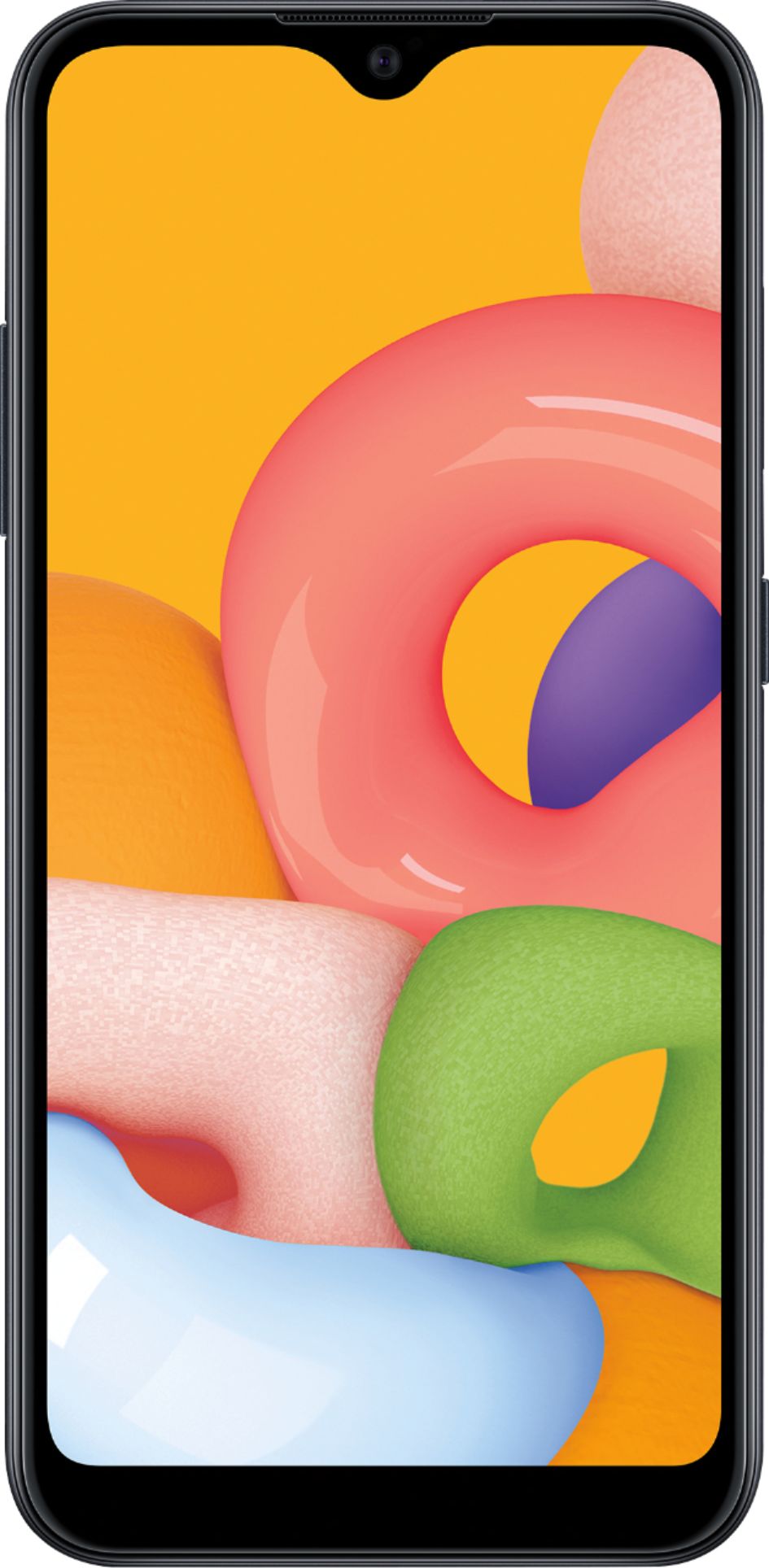
A:AnswerHi. This is Katrina from TracFone Wireless. For us to better assist you with your concern, please copy this link http://bit.ly/2qdrKHH and paste it on a new window for chat support. You may also text HELP to 611611. For your convenience, our representatives are available Monday-Sunday from 8:00 AM to 11:45 PM EST. Have a great day!
A:AnswerHi. This is Janet from TracFone Wireless. Thank you for reaching out to us. When activating a phone with our service, you will have the option to port in your existing phone number or have it activated with a new one. When activating the phone with a new number, you will then be assigned with a system generated number. There is no activation fee, just add your chosen service card/plan and you're ready to go. Have a nice day!
A:AnswerHi. This is Wendy from TracFone Wireless. Please don't insert your current TracFone SIM card to a new TracFone. Your current SIM card is registered to the old phone only. The new TracFone has its own SIM card too. To keep your contacts, you may use the Mobile Content Transfer Wizard App. You can download the application on Google Play Store. Should you have further queries or concerns, just let us know. Thank you.