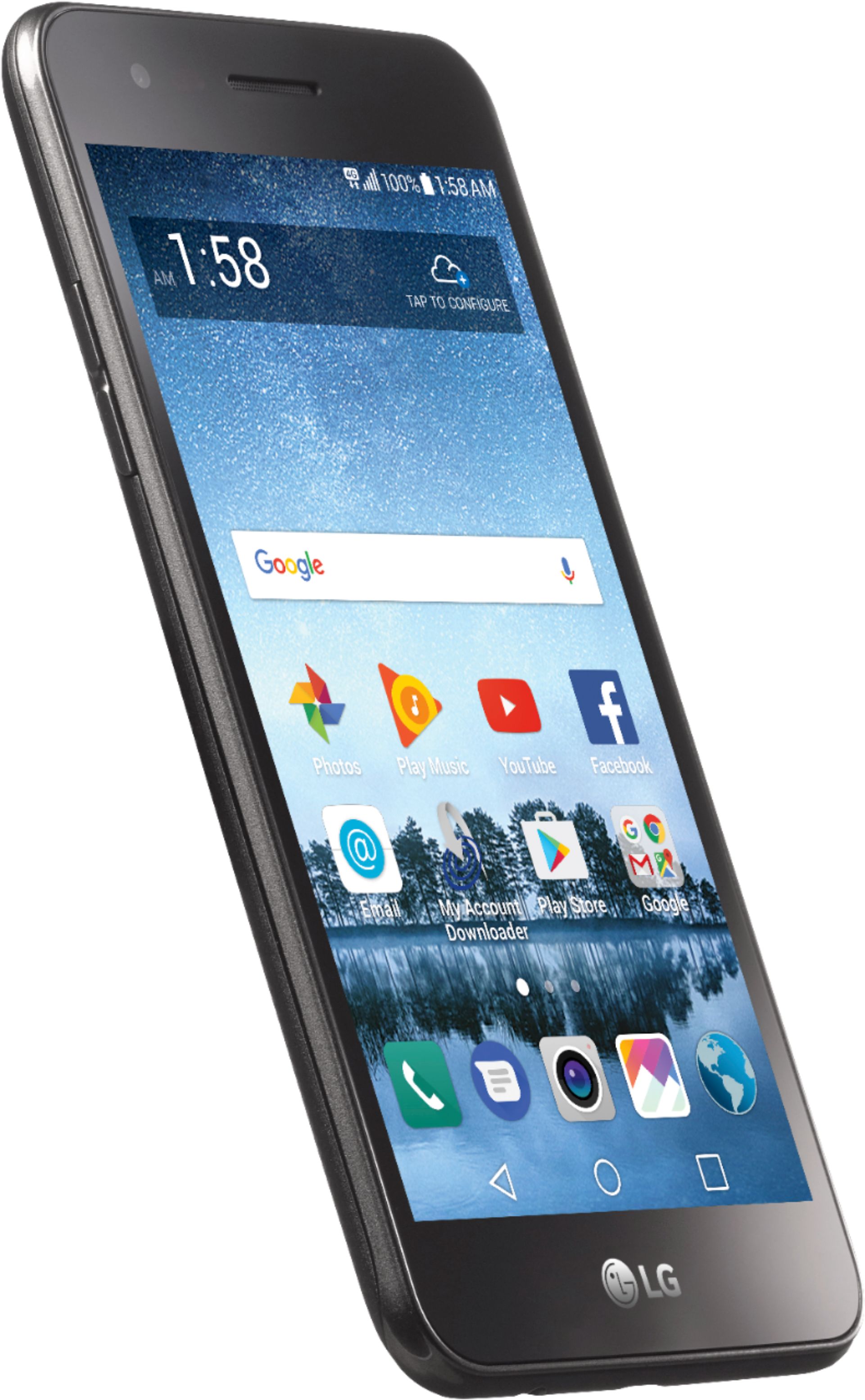
A:AnswerHi. This is Katrina from TracFone Wireless. All New TracFone Smartphone releases will no longer have Triple Minute Plan benefits. However, TracFone customers who will do an upgrade will have the Triple Minute benefit as a promotion for upgrading to a new handset. The phone will have the carryover/rollover of minutes.
A:AnswerHi. This is Mae from TracFone Wireless. You can directly call SafeLink to process the transfer request. If you have any other queries or concerns, please do contact us via chat at http://bit.ly/2qdrKHH. For your convenience, our representatives are available Monday-Sunday from 8:00 AM to 11:45 PM EST. You may also text the key word HELP to 611611 to view our self-service menu with a list of help key words with valuable information. Thanks.
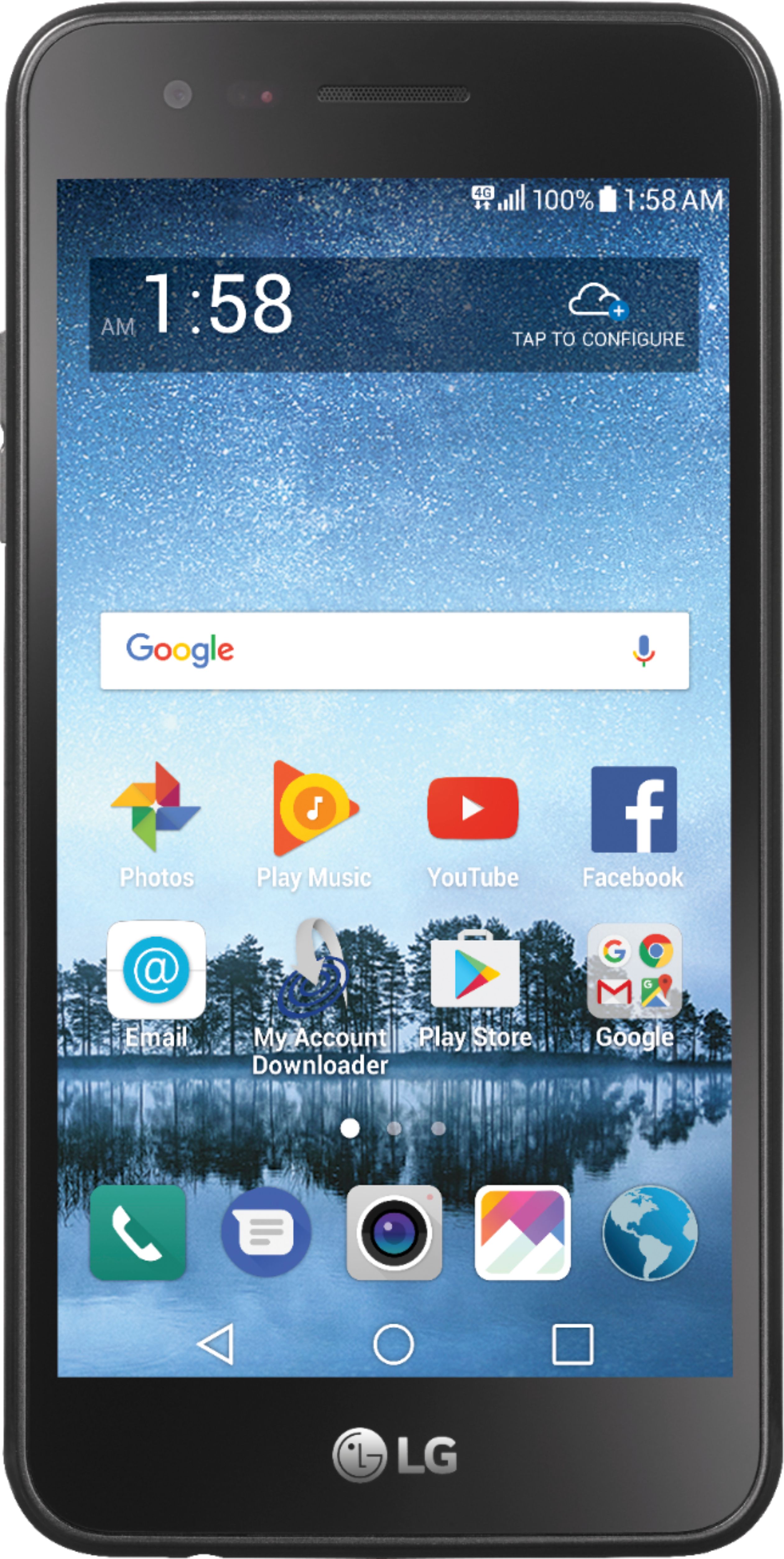
A:AnswerHi. This is Cristy from TracFone Wireless. We will need to check the coverage status on your physical address. Please chat with us at http://bit.ly/2qdrKHH for further assistance. Our representatives are available Monday-Sunday from 8:00 AM to 11:45 PM EST.
A:AnswerHi. This is Arianne from TracFone Wireless. This phone does not have a Voice Recorder. However, you can download one in Google Play Store. Thank you.
A:AnswerHi. My name is Cristy from TracFone Wireless. Yes. We have a network tower on the area that supports this device's technology. However, we still need to check the coverage status on your physical address. Please chat with us at http://bit.ly/2qdrKHH for further assistance. Our representatives are available Monday-Sunday from 8:00 AM to 11:45 PM EST. Thank you.
A:AnswerHi. My name is Maria and I work with TracFone Wireless. Our service does not support hotspot. You cannot use the phone as a hotspot or to tether data to any other device or computer.
A:AnswerYes. The website directs you how to transfer and if you can't do it, it will direct you to contact Tracfone. Had to do it with upgraded phone. Took some time, but not a difficult thing.
A:AnswerHi. This is Glen from TracFone Wireless. Yes. You need to press the power button to unlock it. You can set up the time out screen of your phone so it won't automatically lock. Chat with us at http://bit.ly/2qdrKHH so we can walk you through with your phone's settings. You can also continue purchasing our airtime cards to the nearest retailers in your area like CVS. For your convenience, our representatives are available Monday-Sunday from 8:00 AM to 11:45 PM EST. You may also text the key word HELP to 611611 to view our self-service menu with a list of help key words with valuable information.
A:AnswerHi. This is Glen from TracFone Wireless. We're sorry that you're having trouble with your previous phones. Yes. It would be easy. Please chat with us at http://bit.ly/2qdrKHH so we can walk you through. You may also to its manual. For your convenience, our representatives are available Monday-Sunday from 8:00 AM to 11:45 PM EST. You may also text the key word HELP to 611611 to view our self-service menu with a list of help key words with valuable information.
A:AnswerHello. This is Mae from TracFone Wireless. Our branded phones do not unlock eventually. You will have to request for it and be eligible for unlocking before you can use it with another service provider. The phone must have been activated on our service for no fewer than 12 months with service plans redeemed in no fewer than 12 months. You can check if the phone is eligible to be unlocked by submitting a request through the online portal.
A:AnswerHi. This is Glen from TracFone Wirelesss. No. Our branded phones are carrier locked. Unfortunately, it will not work outside the U.S territories.