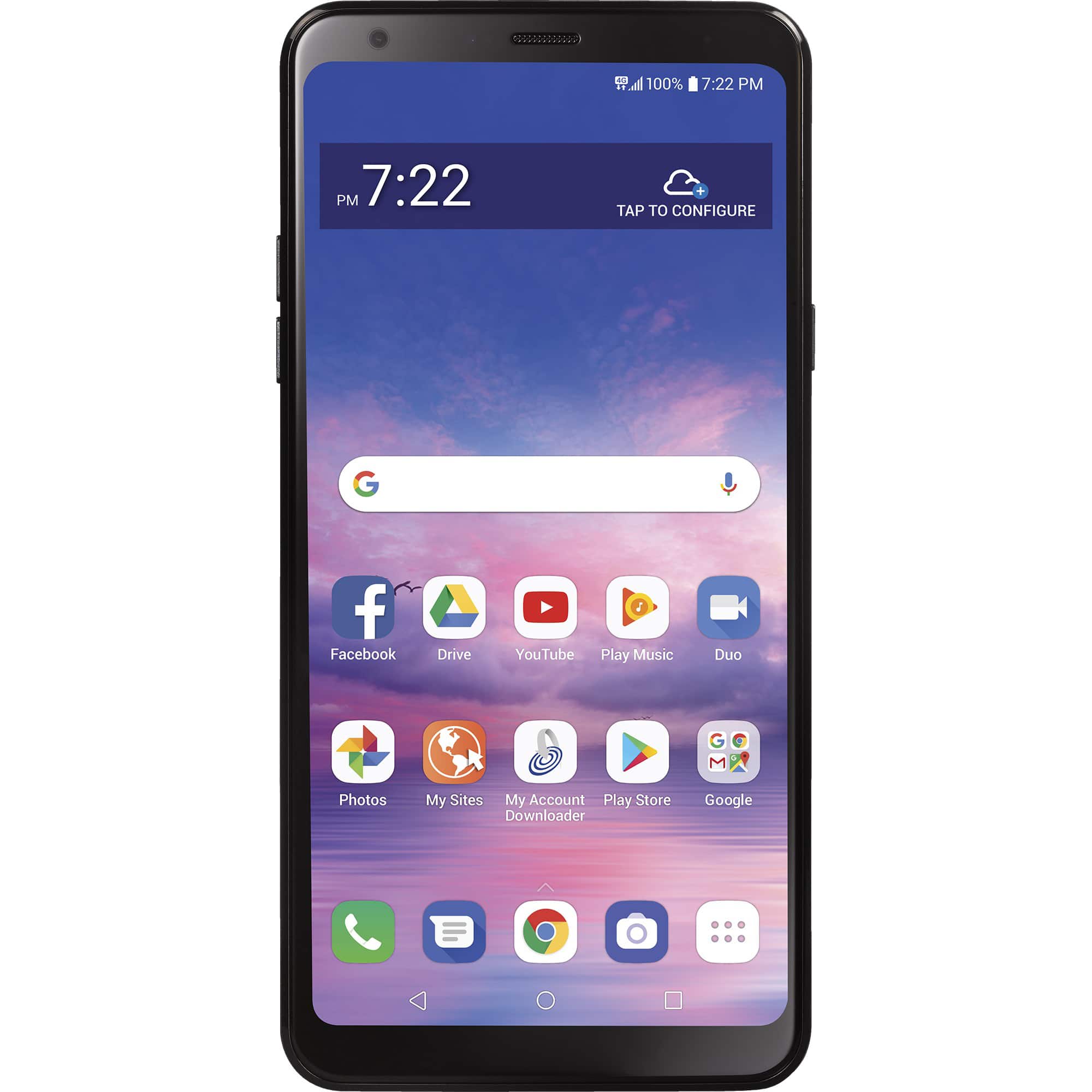
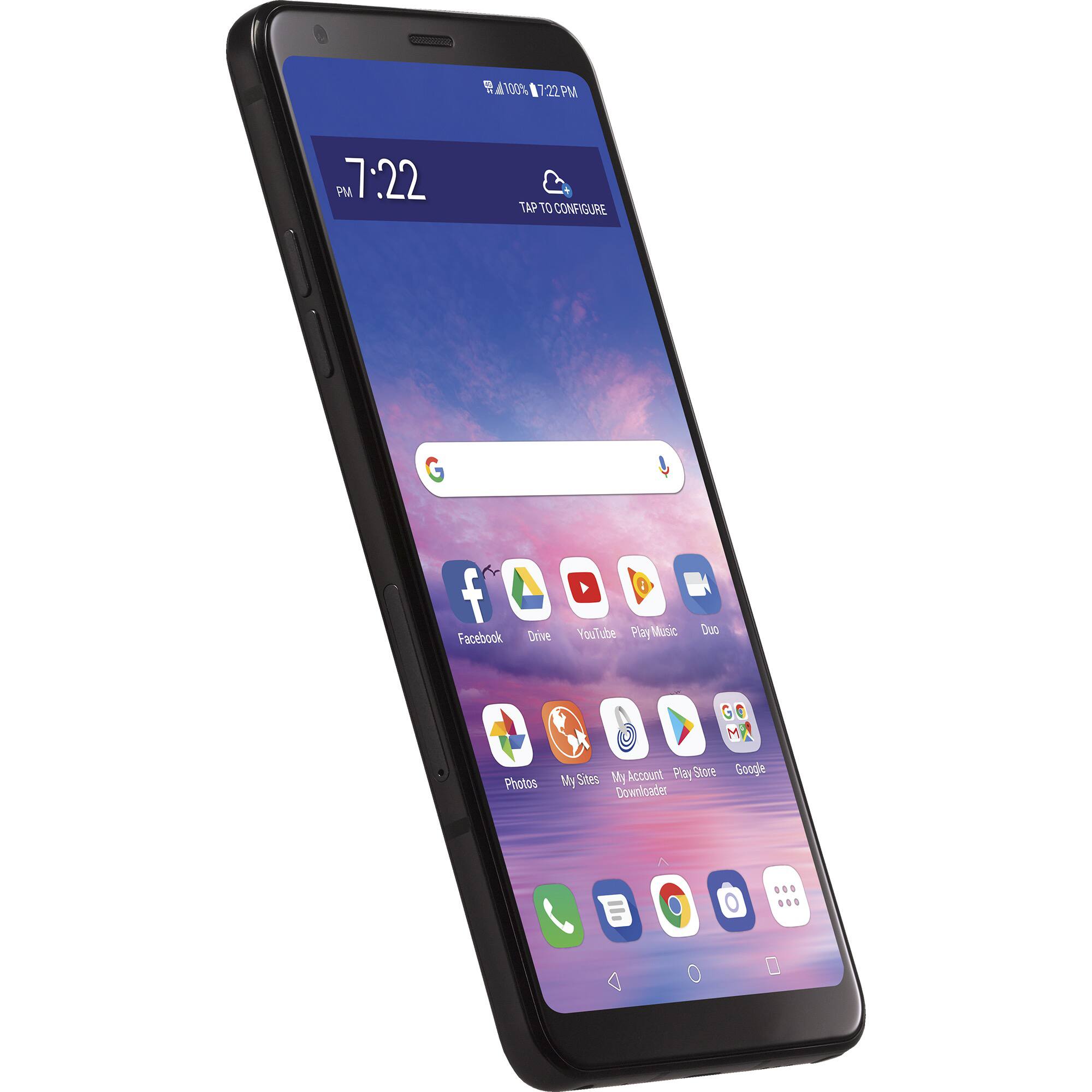
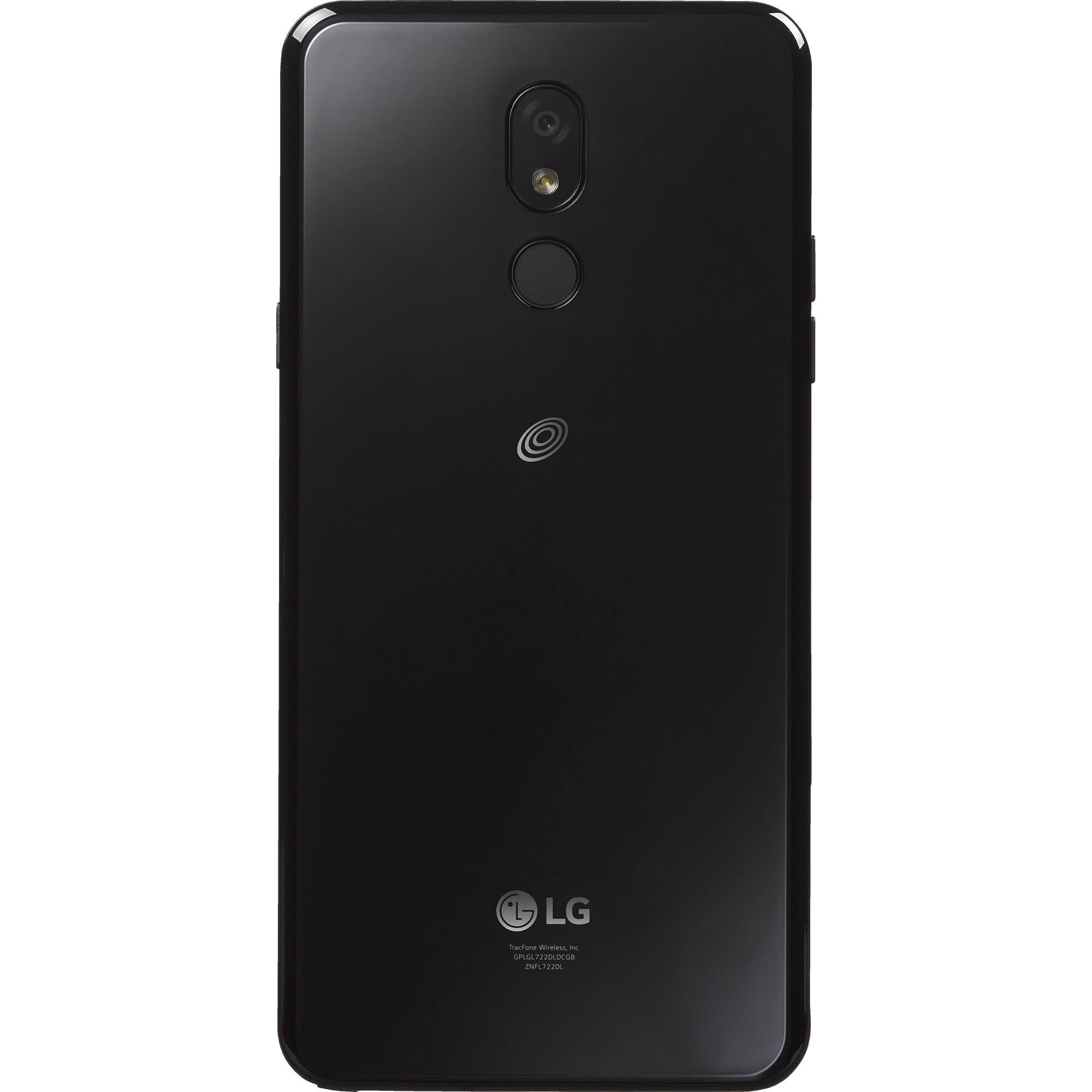
A:Answer Hi. This is Ramel from TracFone Wireless. We're sorry if you're having difficulties transferring your pictures to the computer. To transfer pictures from phone to your computer, first, unlock your phone. With a USB cable, connect your phone to your computer. On your phone, tap the "Charging this device via USB" notification. Under "Use USB for," select File Transfer. A file transfer window will open on your computer. Use it to drag files. Should you need assistance, please copy this link http://bit.ly/2qdrKHH and paste it on a new window for chat support. We're available Monday-Sunday from 8:00 AM to 11:45 PM EST. You may also text HELP to 611611. Thank you.