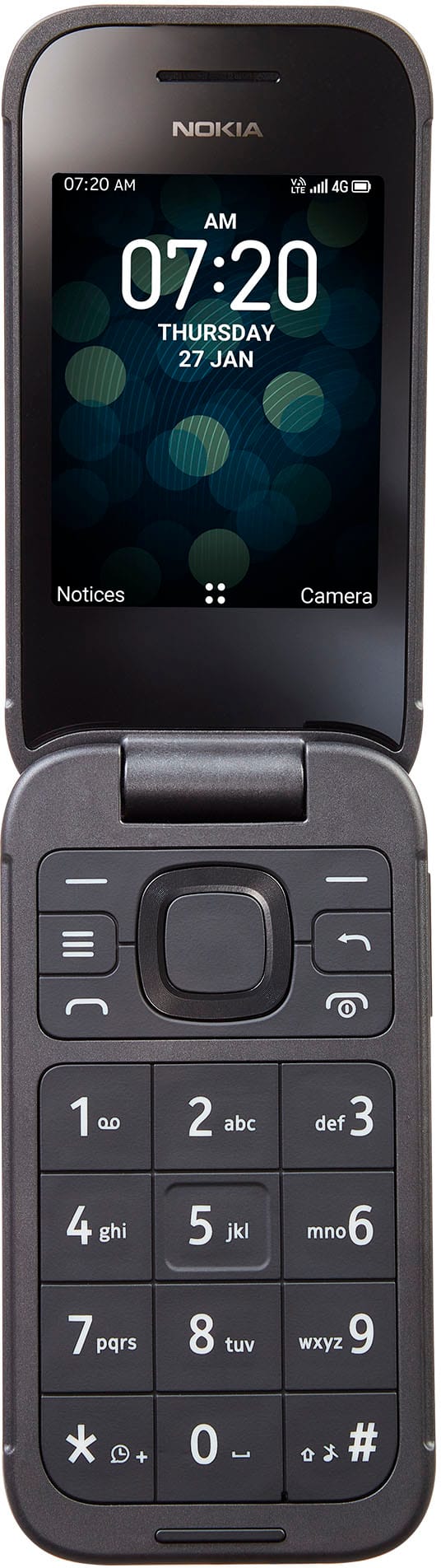
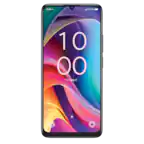
A:Answer Hi. This is Francis from TracFone Wireless. Here are the steps on how to change your ringtone. Open the Settings app, tap Sound & vibration. 2 Images, tap Phone ringtone, tap My Sounds. 2 Images, tap the + icon in the lower-right corner, select the audio file you want to use from your phone directory, tap Save in the upper-right corner. Thank you.