A:AnswerHi. This is Jane from TracFone Wireless. Yes, there is. You may check on YouTube for an online tutorials on how to use the Nokia 2760 Flip. Thank you.
A:AnswerHi. This is Franz from TracFone Wireless. To access the Google Assistant services, use the Google Assistant key on the side of your phone: Press the key once to start Google Assistant. Press and hold the key to speak with Google Assistant. Thank you.
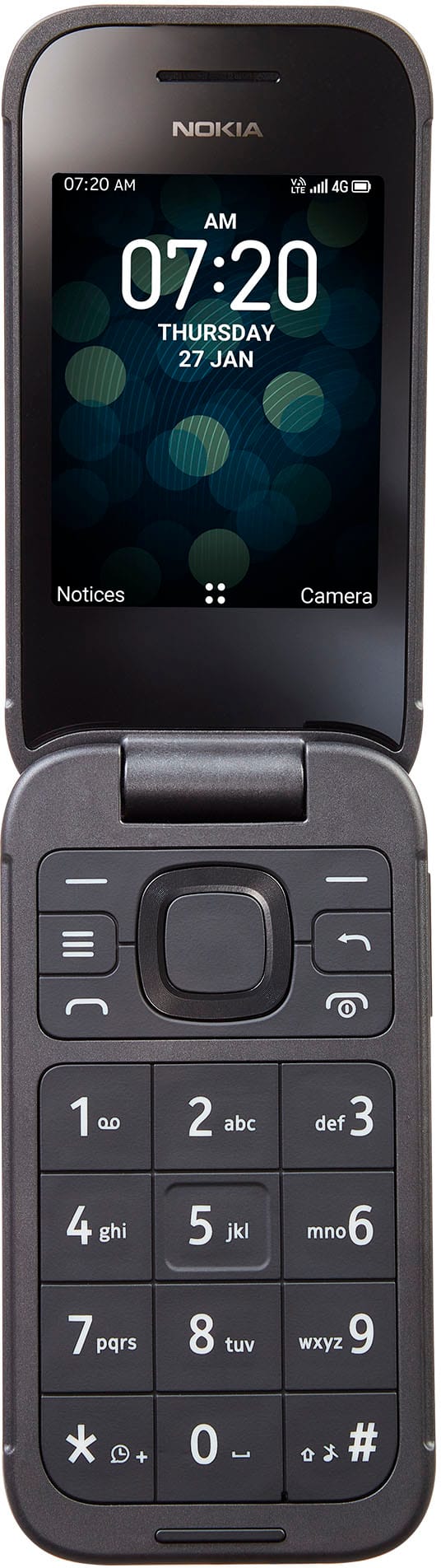
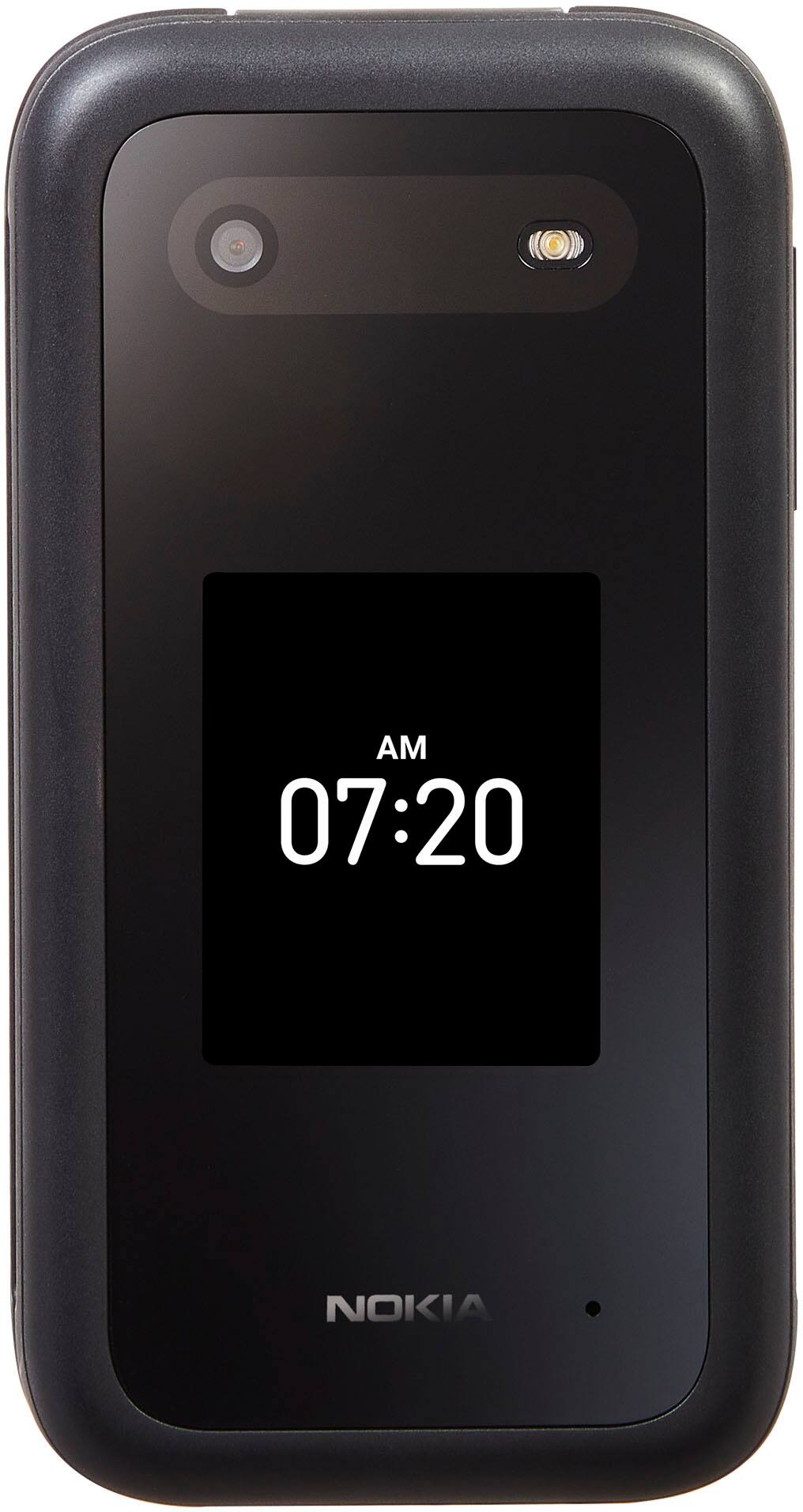
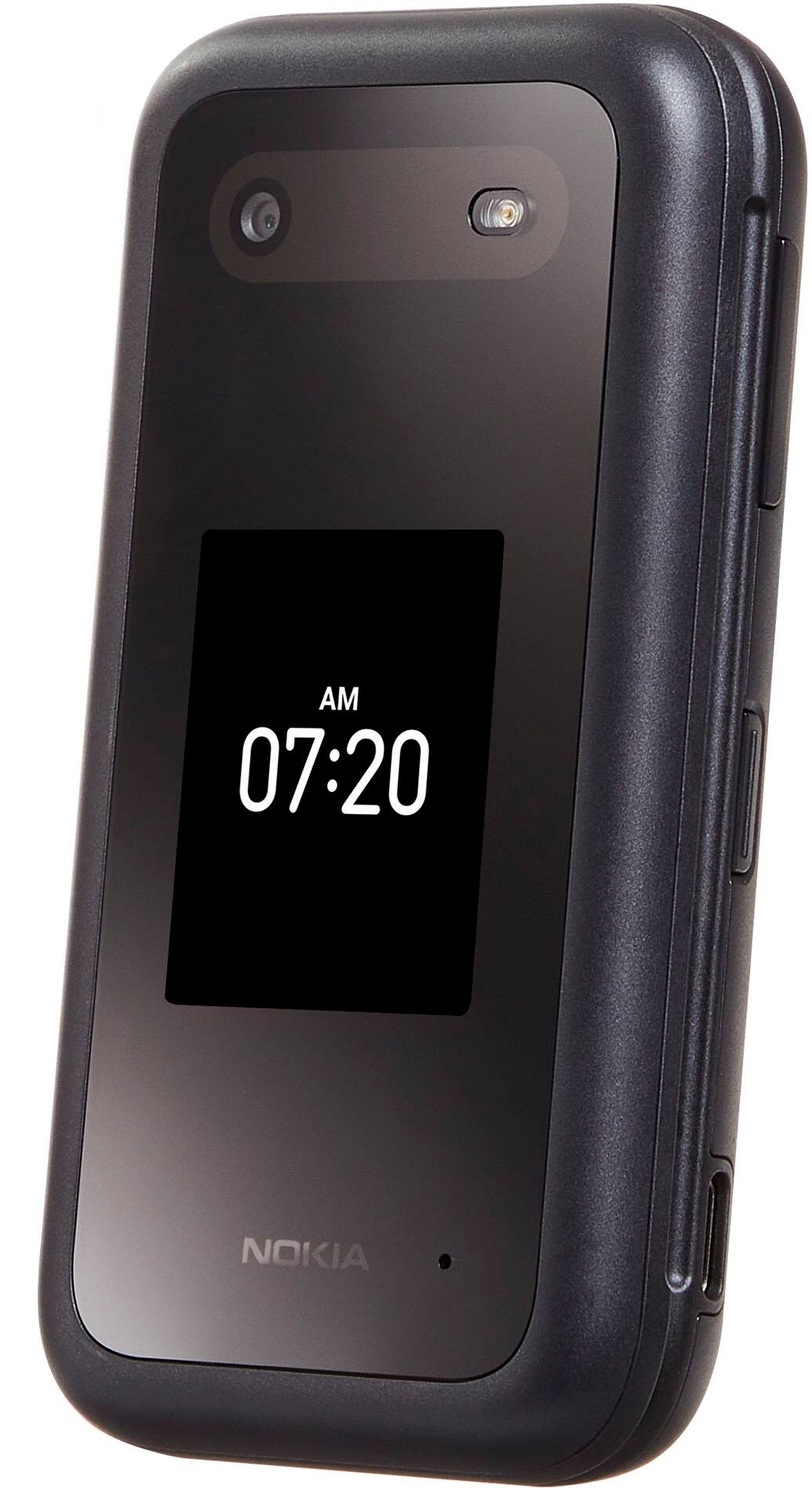
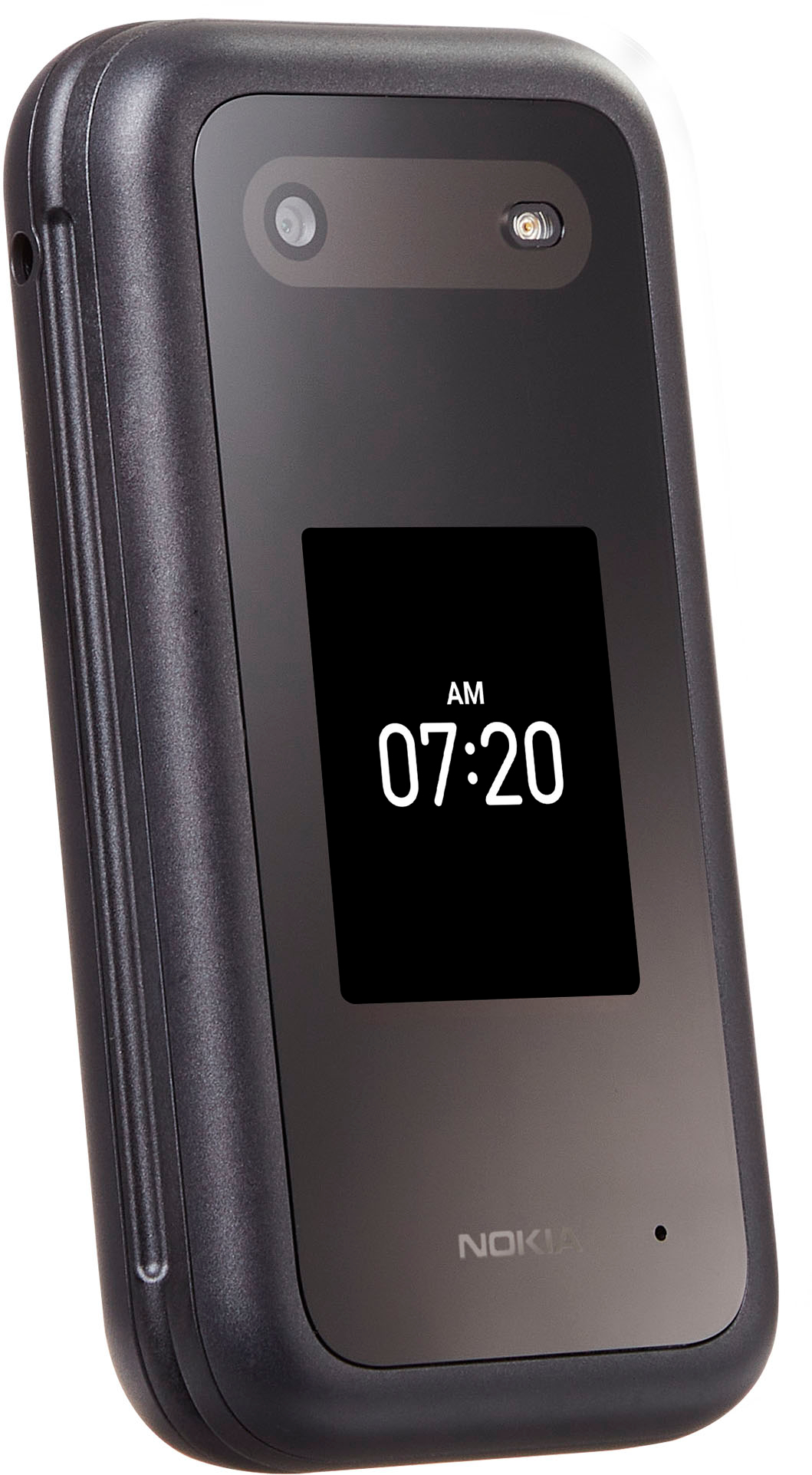
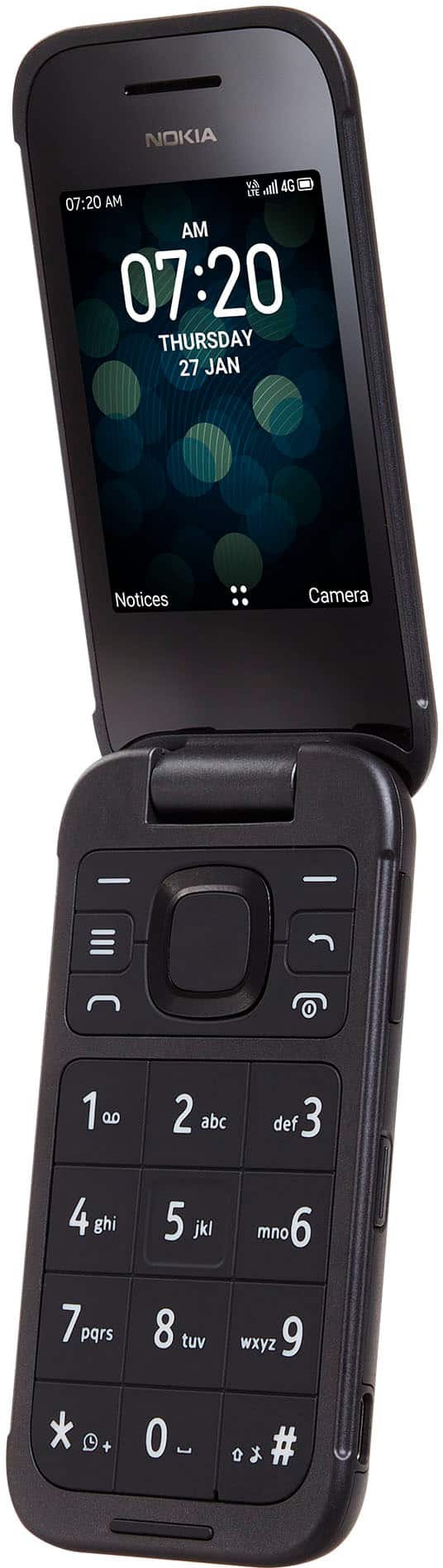
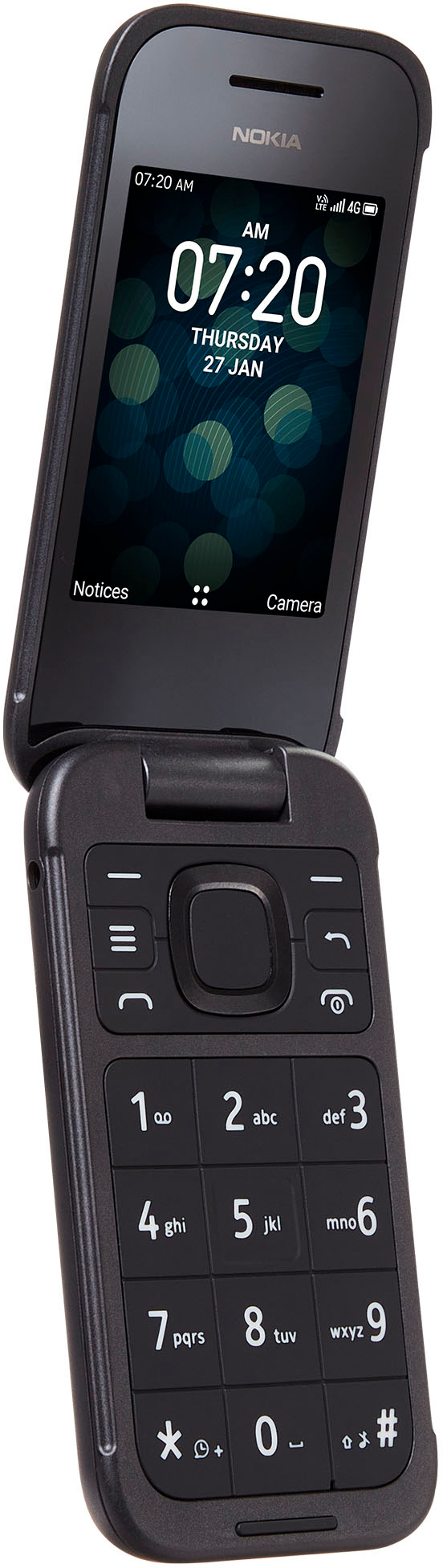
A:AnswerHi. This is Franz from TracFone Wireless. Yes, this phone is good for you. It also includes a clean clamshell design with internal antenna and external display, plus speakerphone, Java, Bluetooth, email, and FM radio. Thank you.
A:AnswerHello. This is Redje from TracFone Wireless. Thanks for bringing that to our attention. You can navigate to Settings > Accessibility > Font size . Use the slider and sample text to choose your desired font size. Thank you.
A:AnswerHi. This is Franz from TracFone Wireless. If you are having triple minutes on your plan before, then yes your plan will still triple. Thank you.
A:AnswerHello. This is Arianne from TracFone Wireless. Unfortunately, it does not come with an earplug jack. The package includes with the device, charger, USB charger and quick start guide. Thank you.
A:AnswerYou need to tell Puretalk that you want to transfer your number to a different carrier. Then you need to tell Tracfone that you want to transfer your number to your new Tracfone.
A:AnswerHi. This is Redje from TracFone Wireless. No. TRACFONE cell phones don't work outside of the United States, Puerto Rico or the U.S. Virgin Islands. However, you can make this device unlocked for you to be able use it to another country. Thanks.
A:AnswerNo, not when it is labelled as a Tracfone. But after you have used it with Tracfone service long enough, you should be able to get Tracfone to unlock it so it can be used with another carrier.