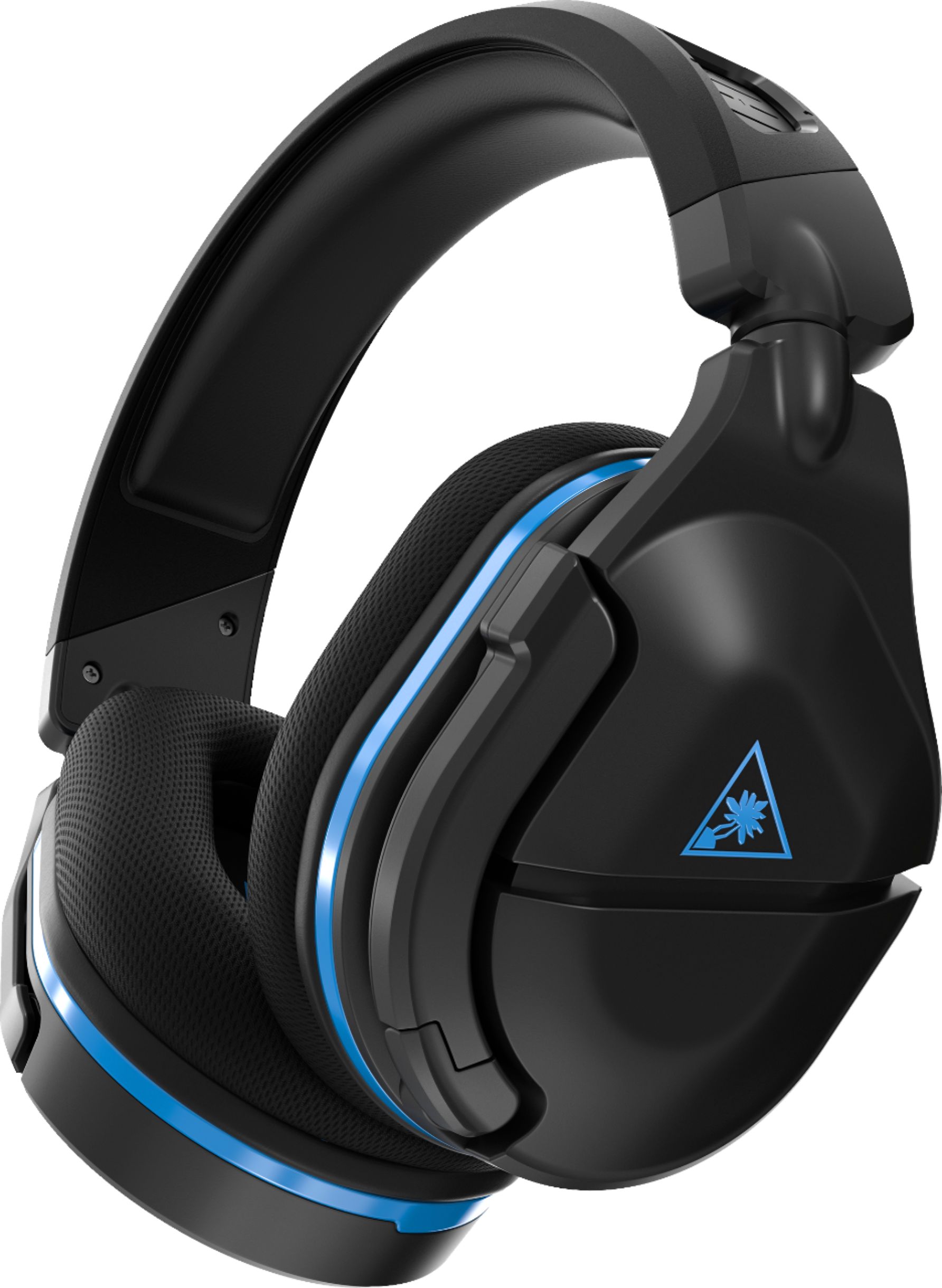
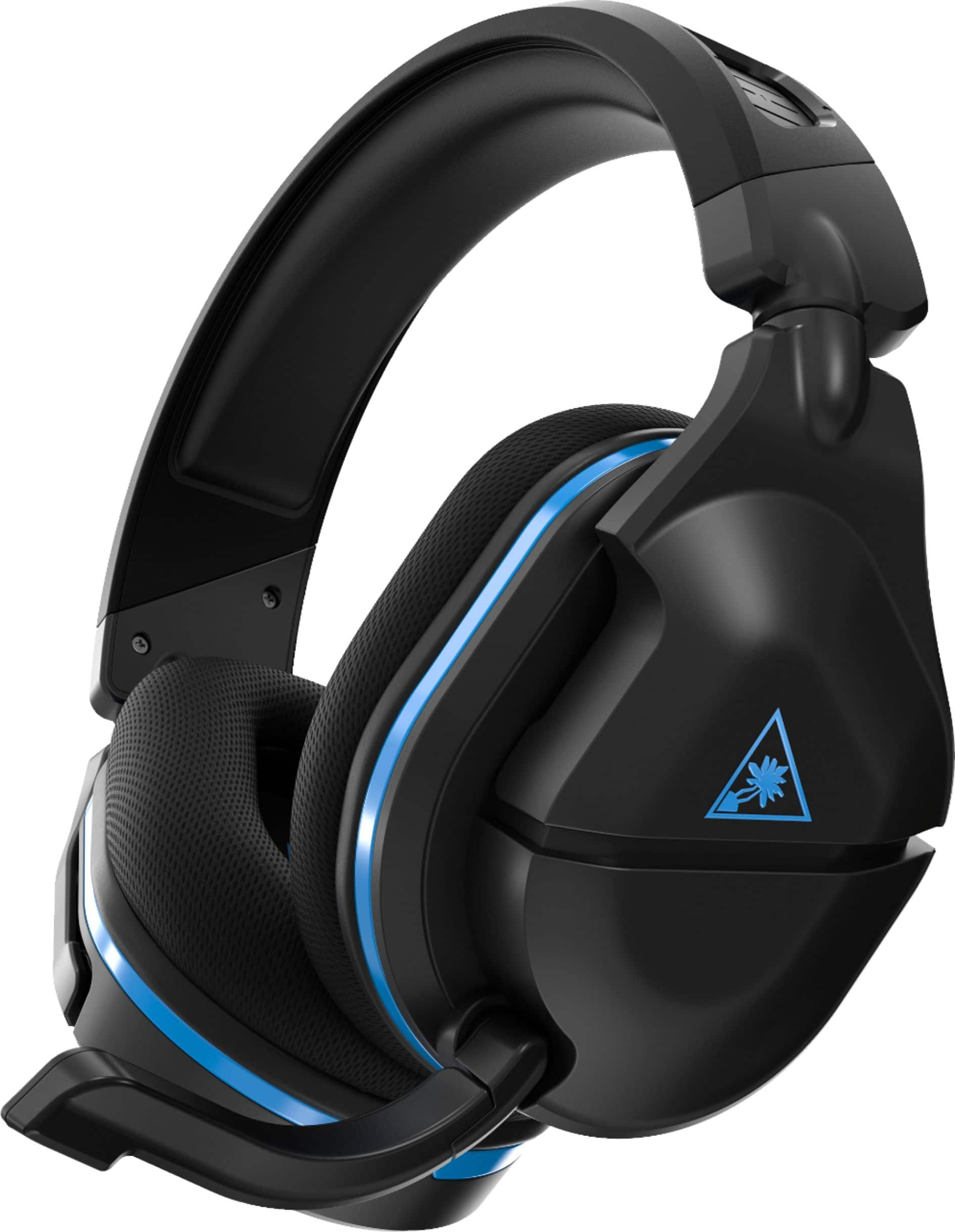
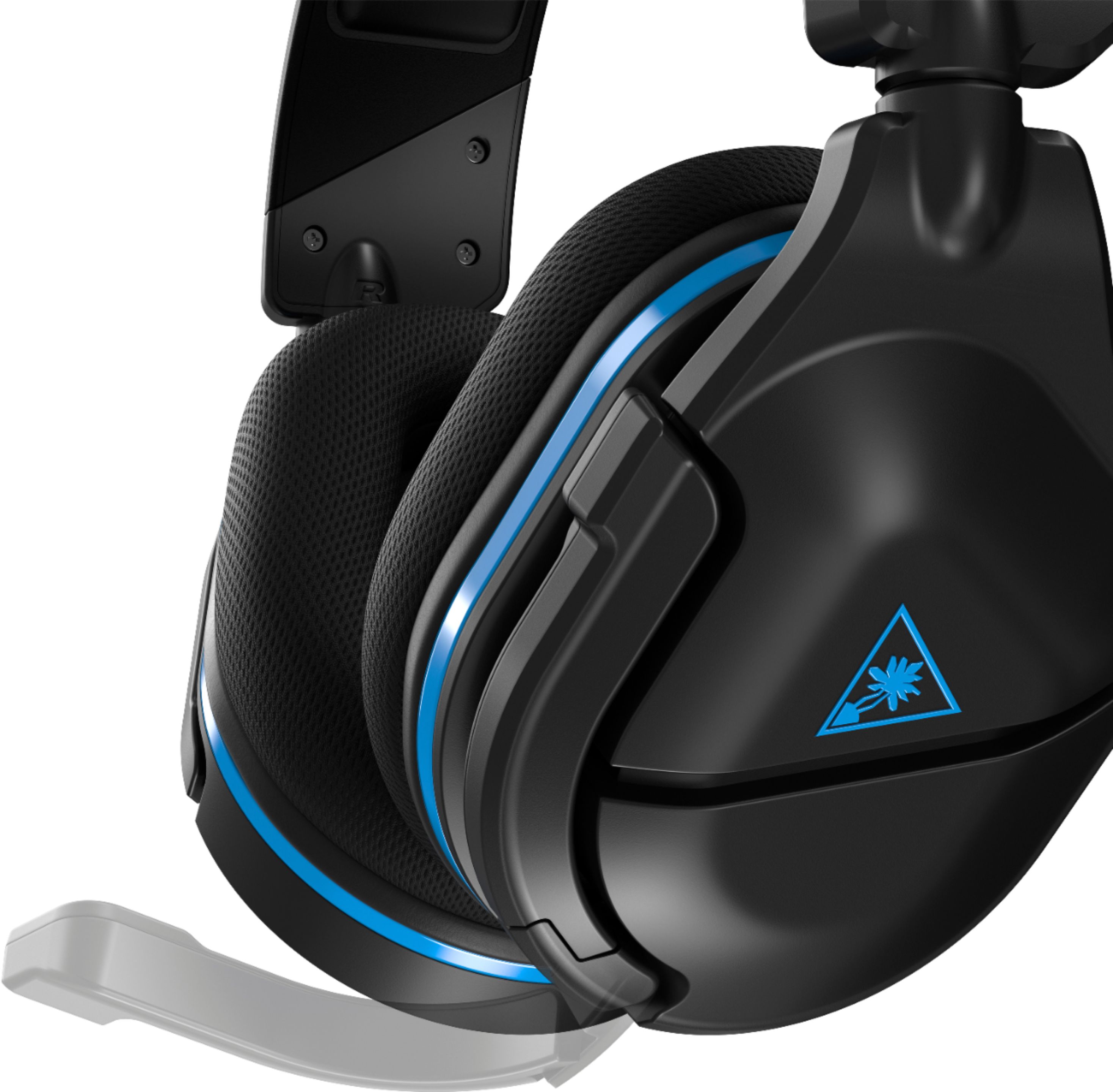
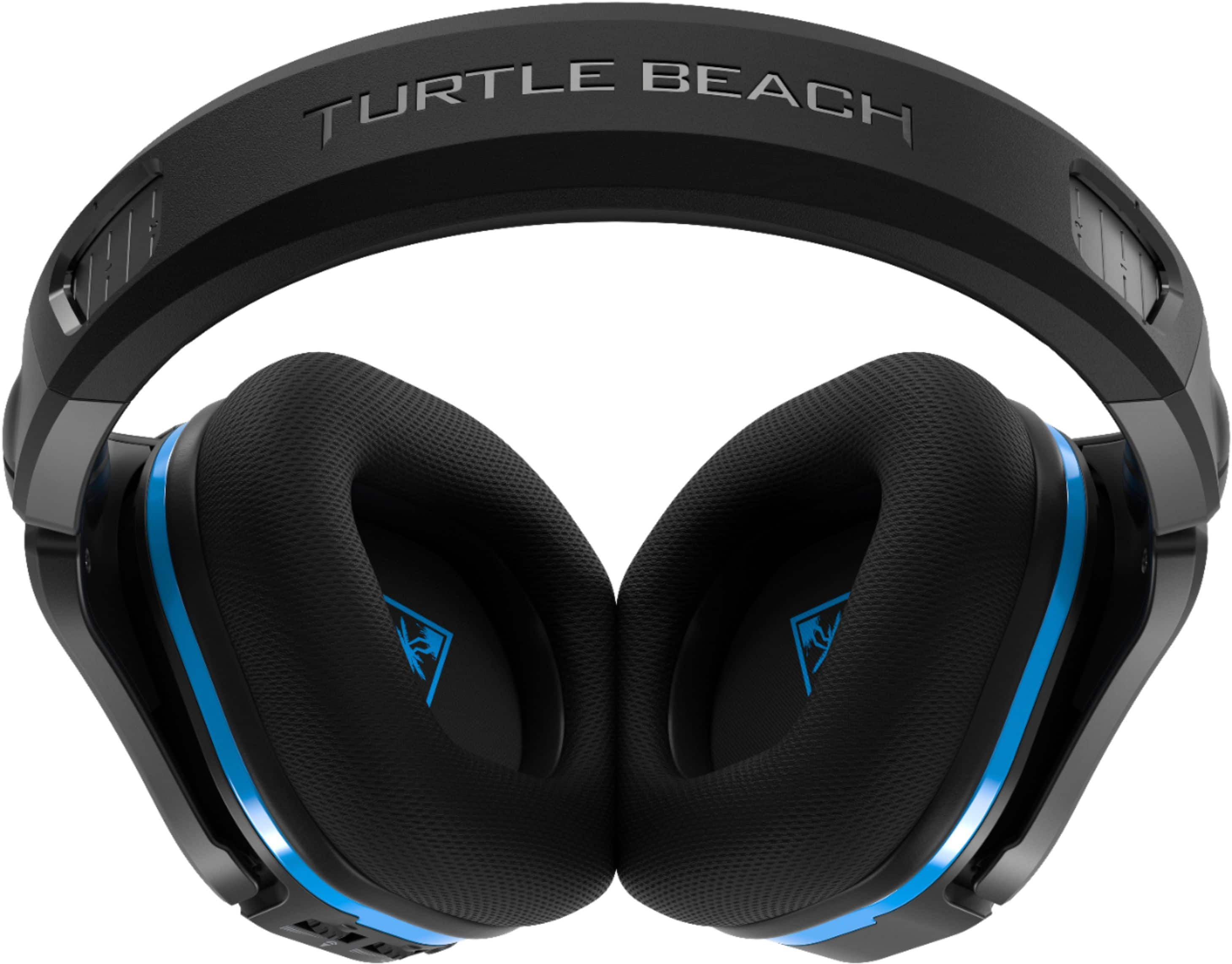
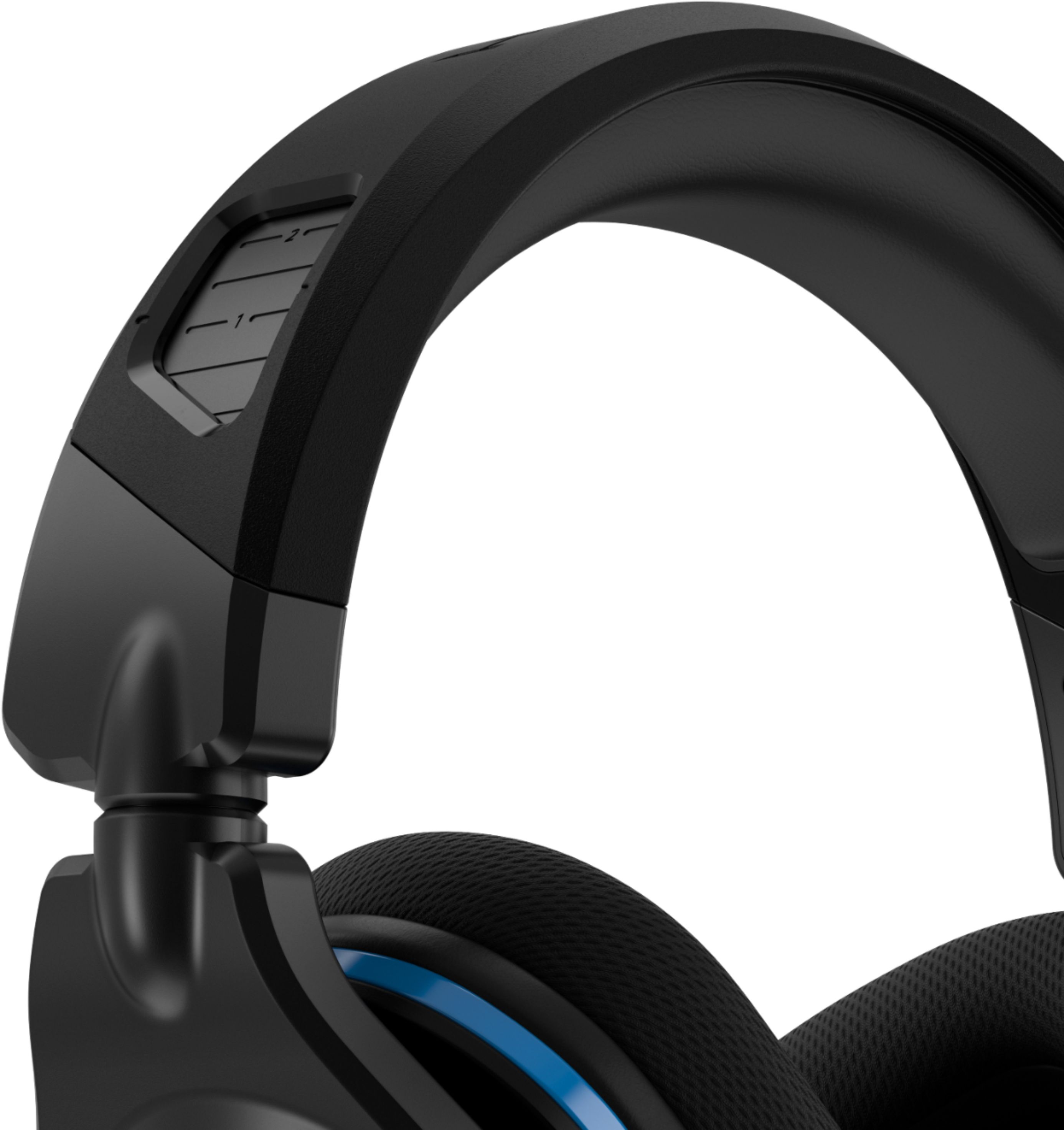
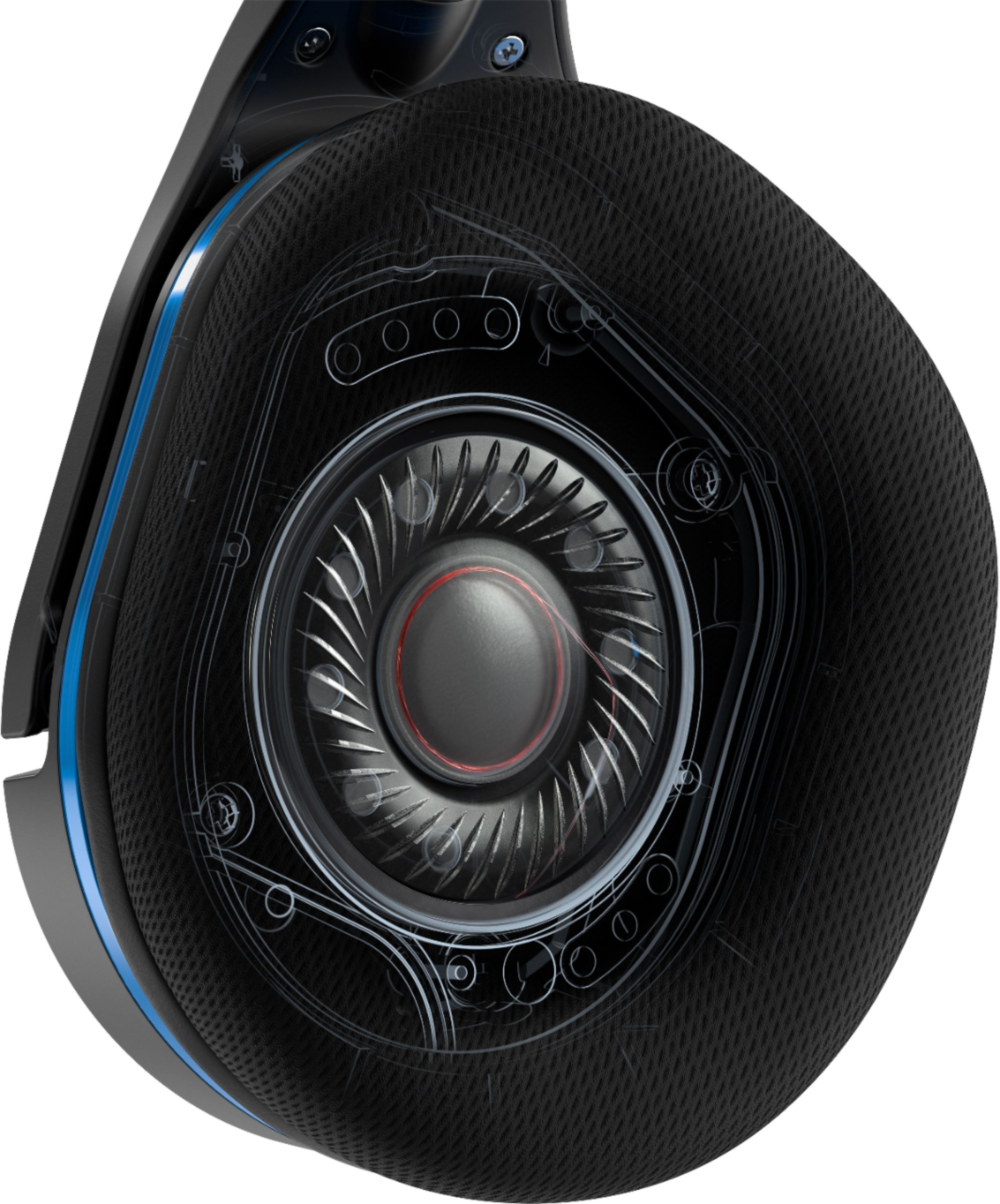
A:AnswerHere are new features that the GEN 2 has:
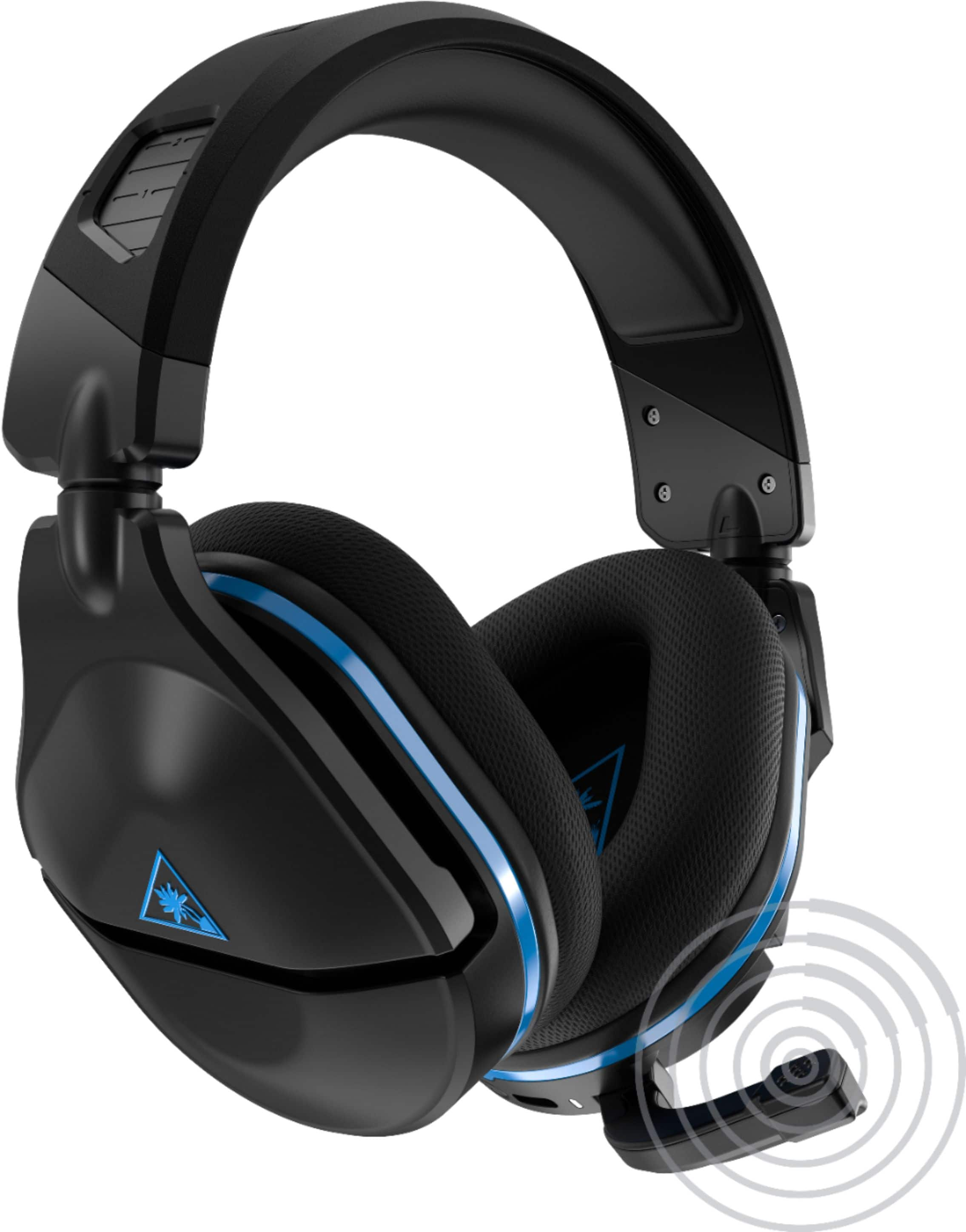
- Larger re-designed Gen 2 Flip-to-Mute mic
- Reinforced Headband and Hinge Design
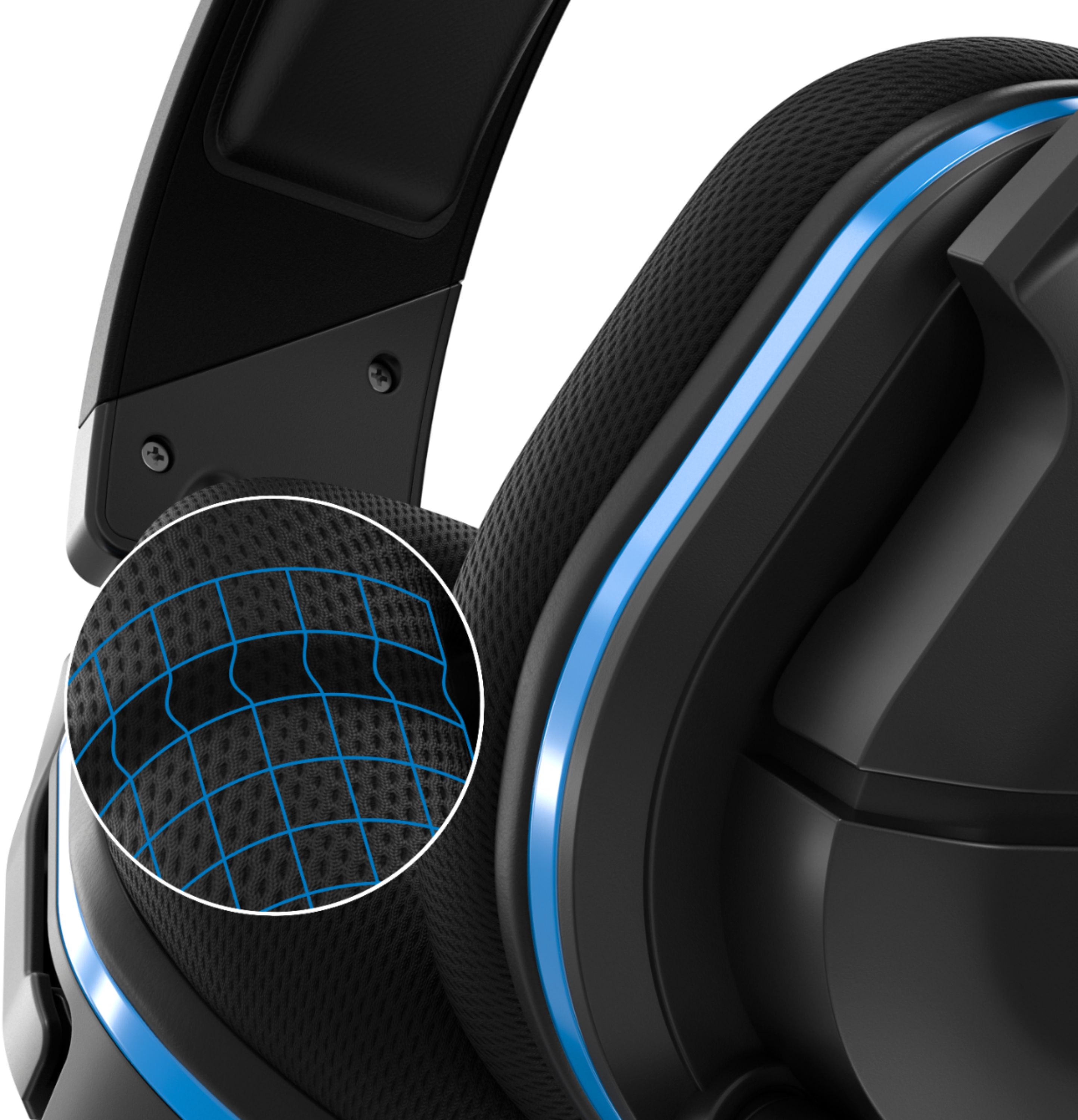
- Re-Shaped Ear Cushions for enhanced comfort and audio performance
A:AnswerWe anticipate that this headset will work on the PS5, and will have information regarding any sort of firmware updates (if required) following testing at a later date.
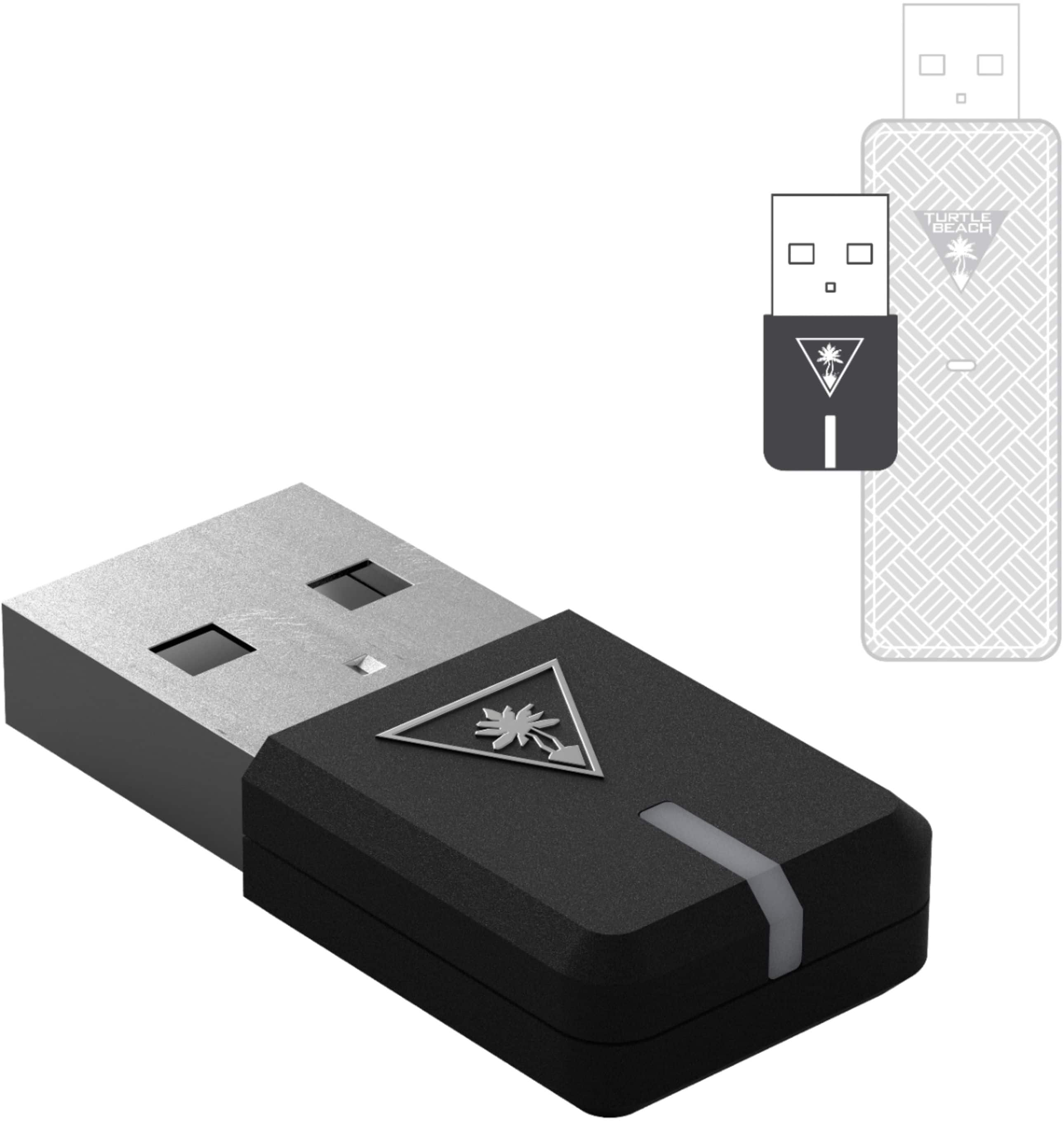
A:AnswerYes, the headset and its USB transmitter can be used on a PC. When using the headset on a PC, you will want to start with its volume lowered and then raise it to an appropriate level.
A:AnswerThe Stealth 600 GEN 2 for PlayStation is not compatible with the Xbox One.
However, the Stealth 600 GEN 2 for Xbox would be compatible with your Xbox One.
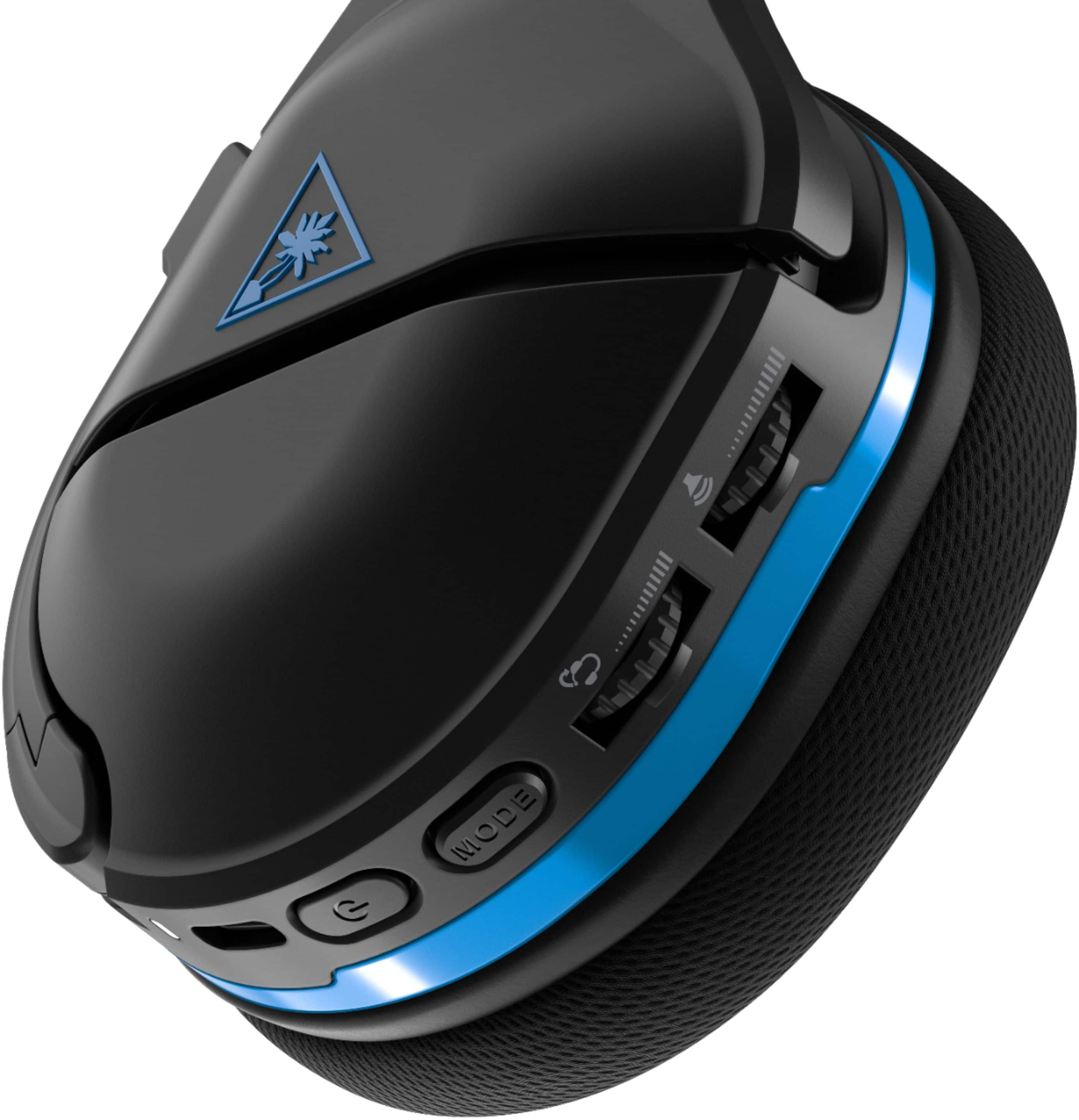
A:AnswerIt is great, and it’s my favorite feature about this headset. You can adjust the monitoring volume with a slider on the left ear cup on the fly.
A:AnswerMight be kind of a dumb thing to ask but did you pull the mic part on the left side of the headset out? If not do that and you should be able to talk if it works on the switch
A:AnswerPlease reach out to our dedicated Support Team for assistance with your headset and transmitter. That team can be reached via the Support Form listed on the main Turtle Beach website, and they'd be best equipped to assist with troubleshooting and further warranty service if need be.
Thank you kindly!