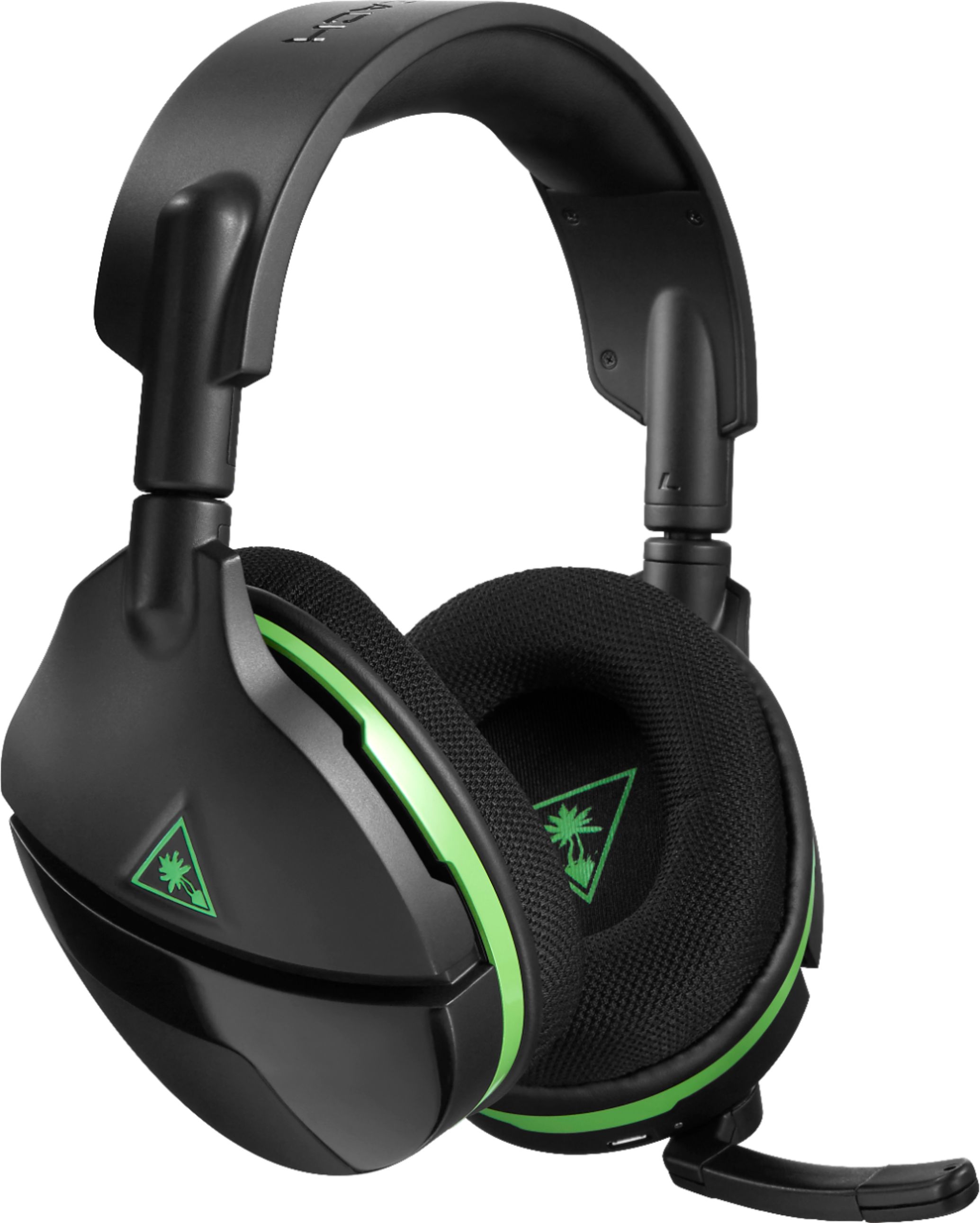
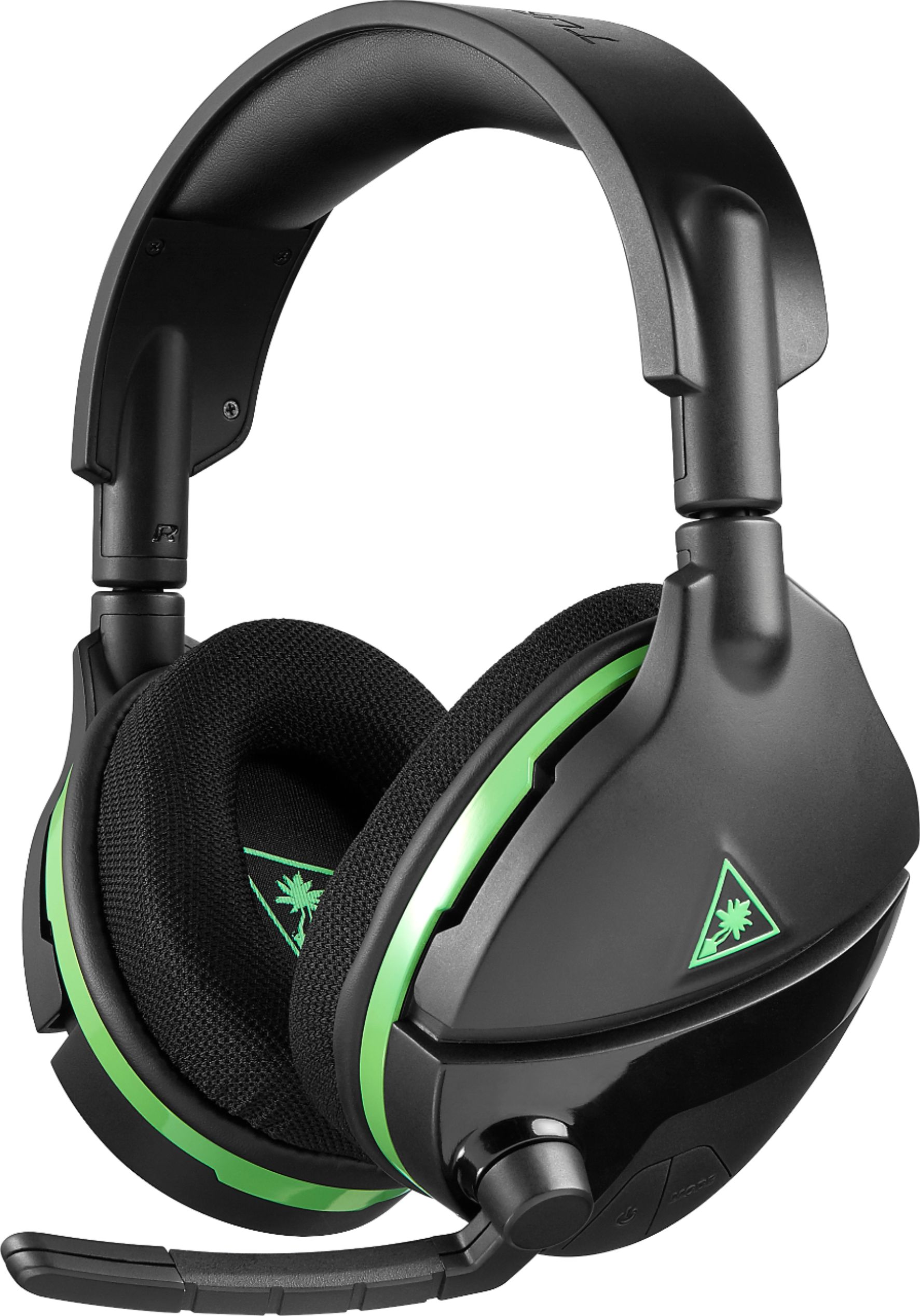
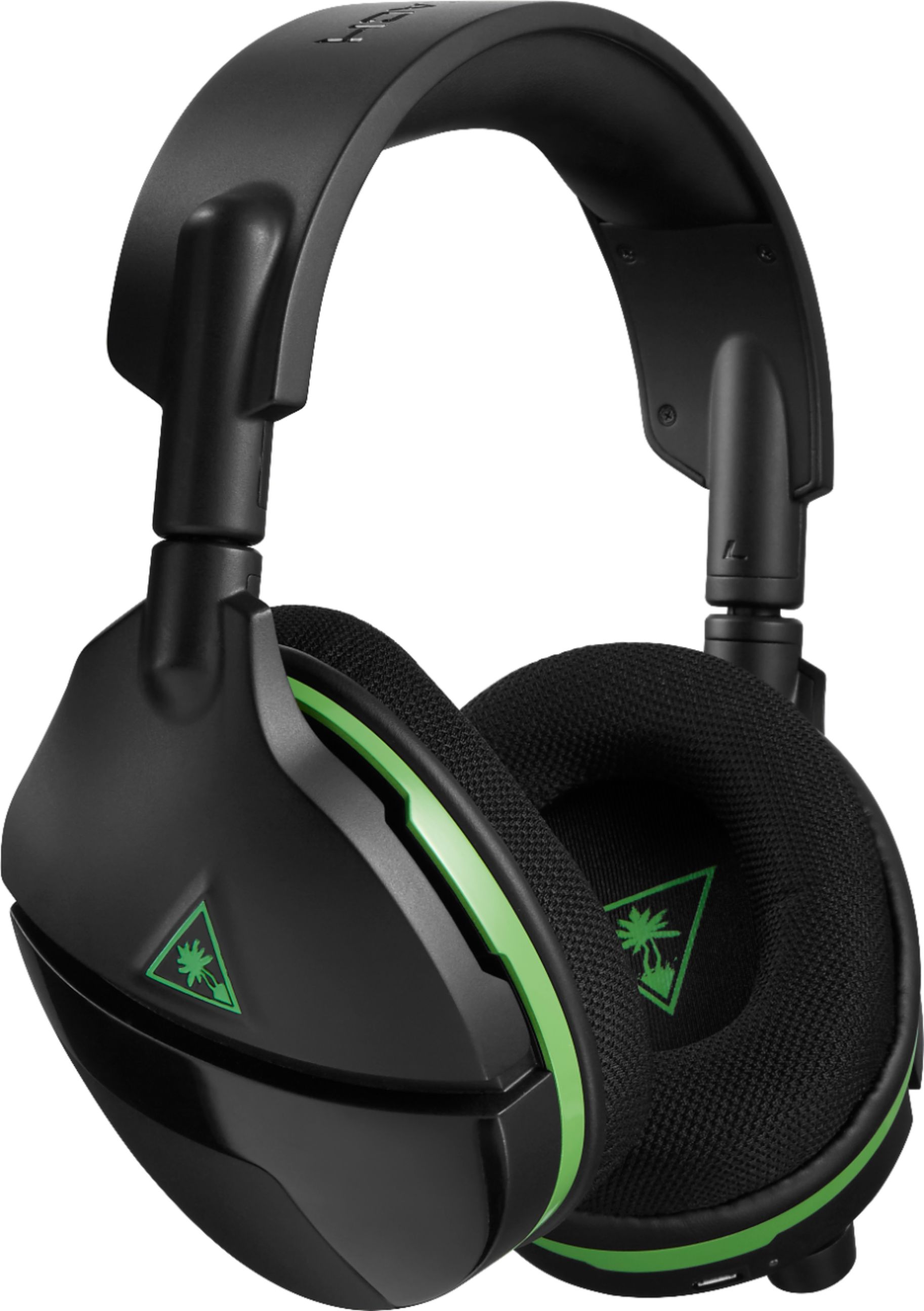
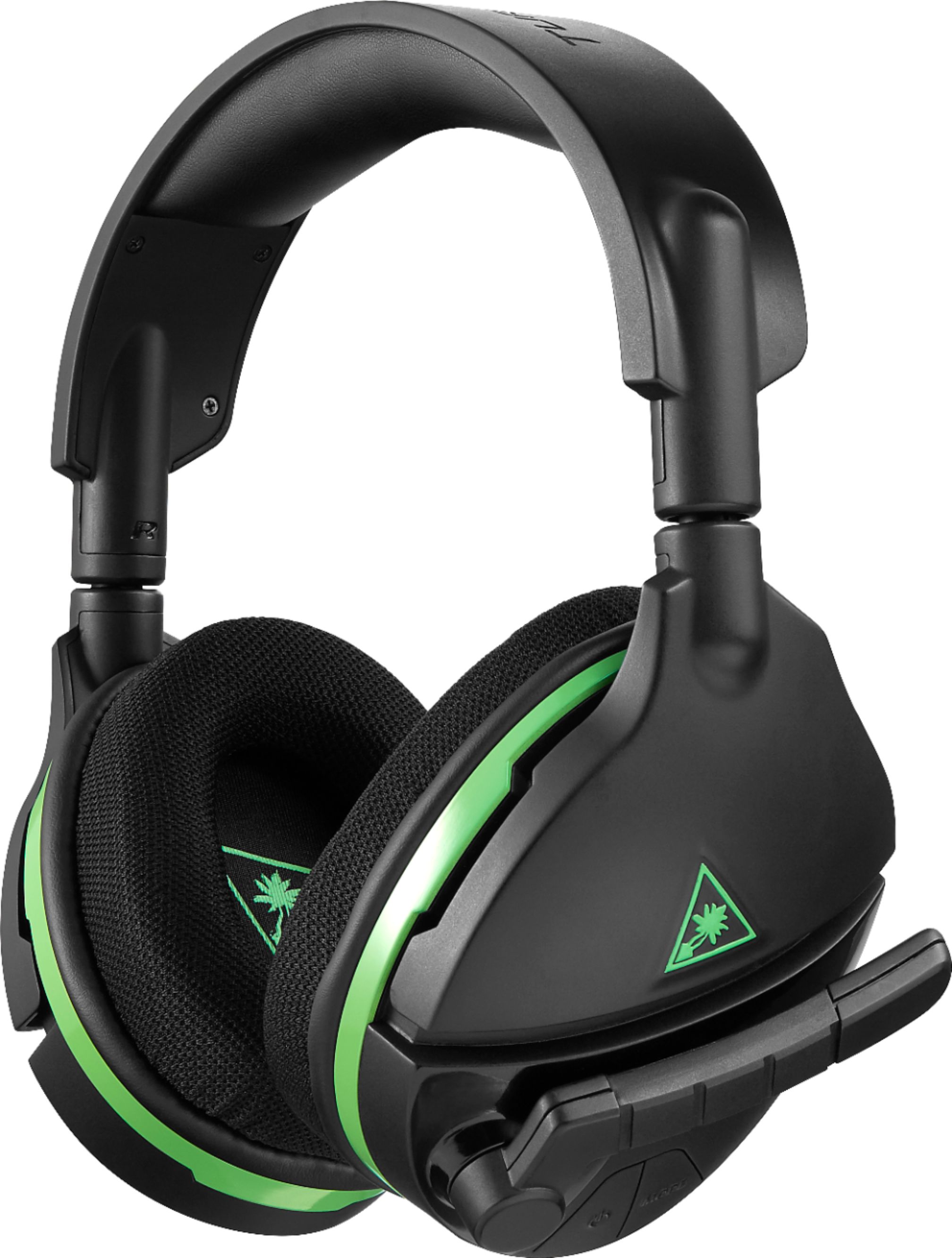
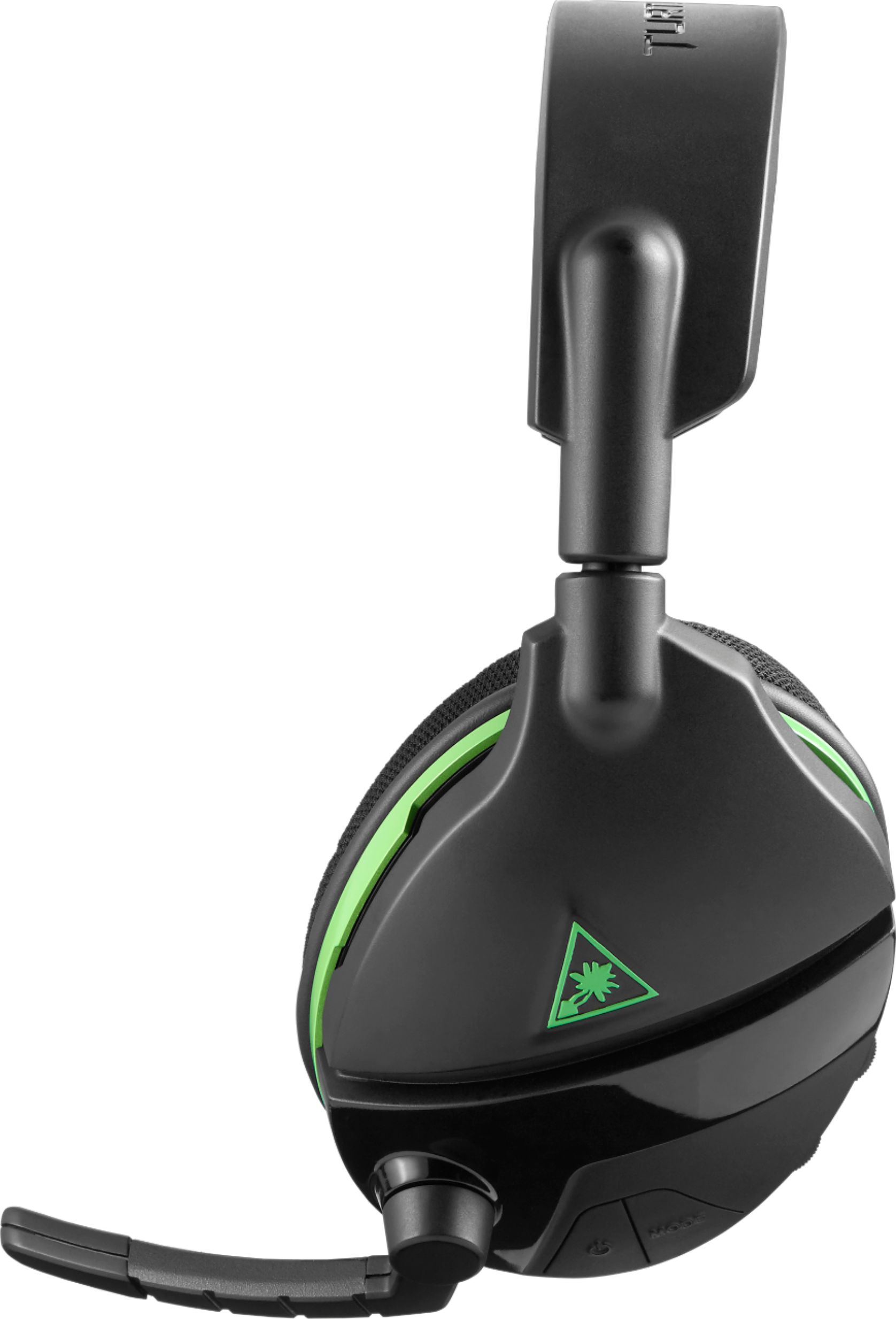
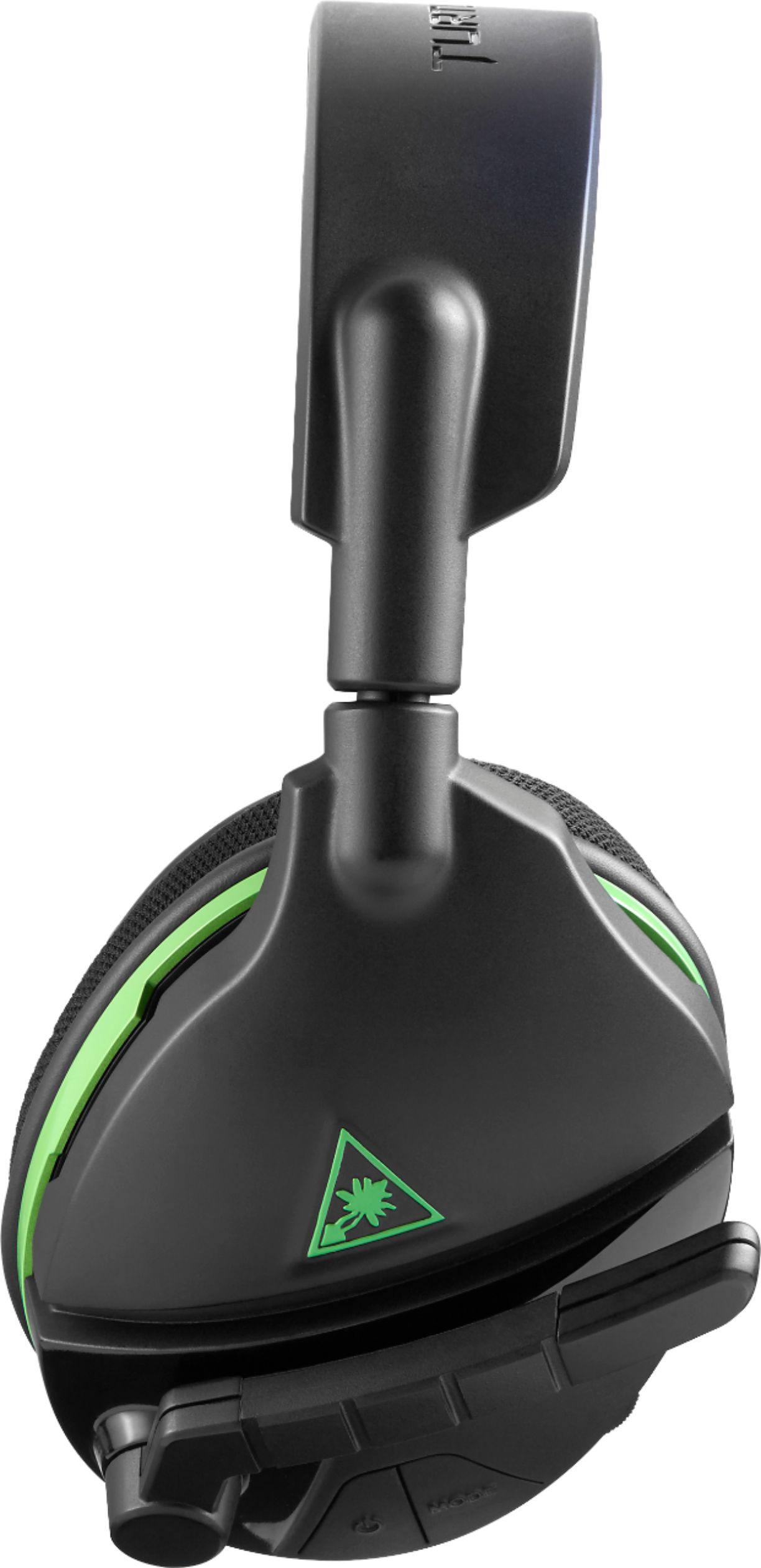
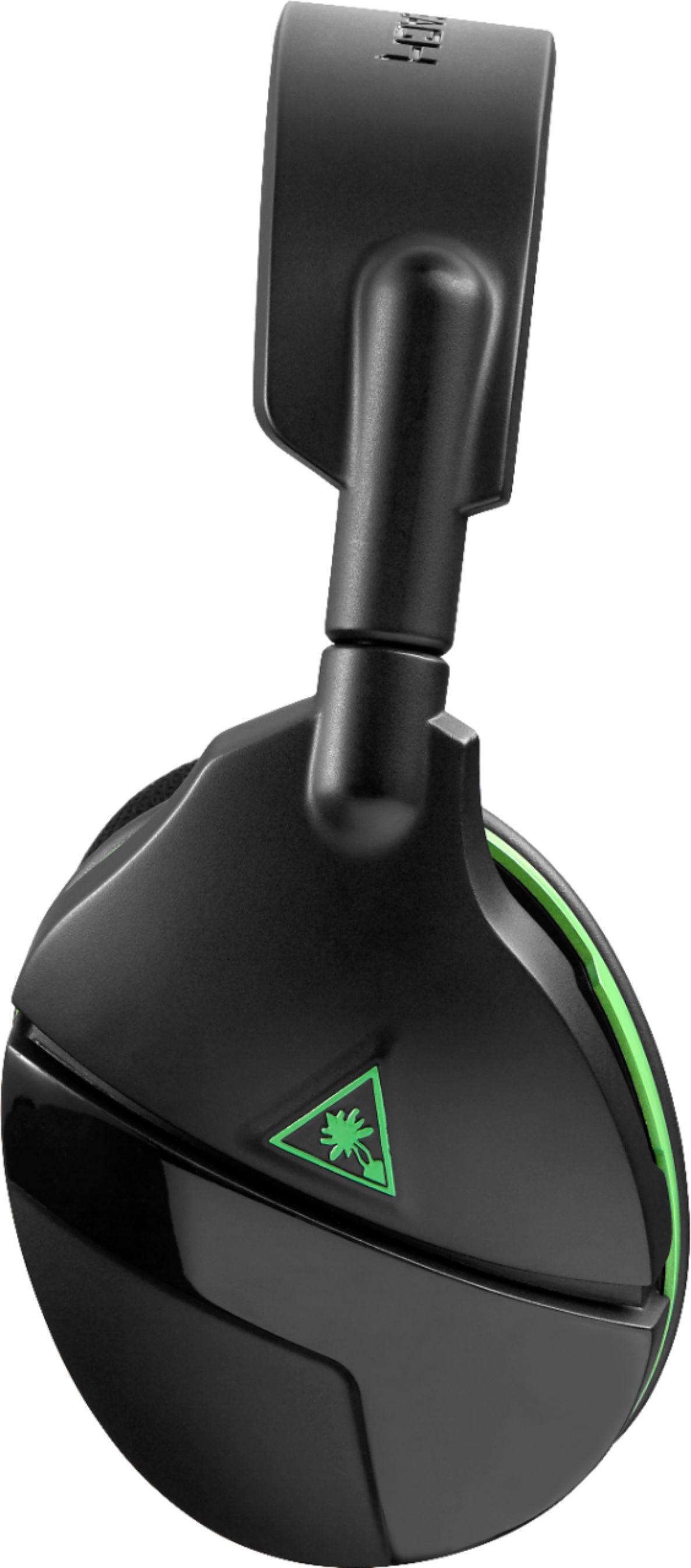
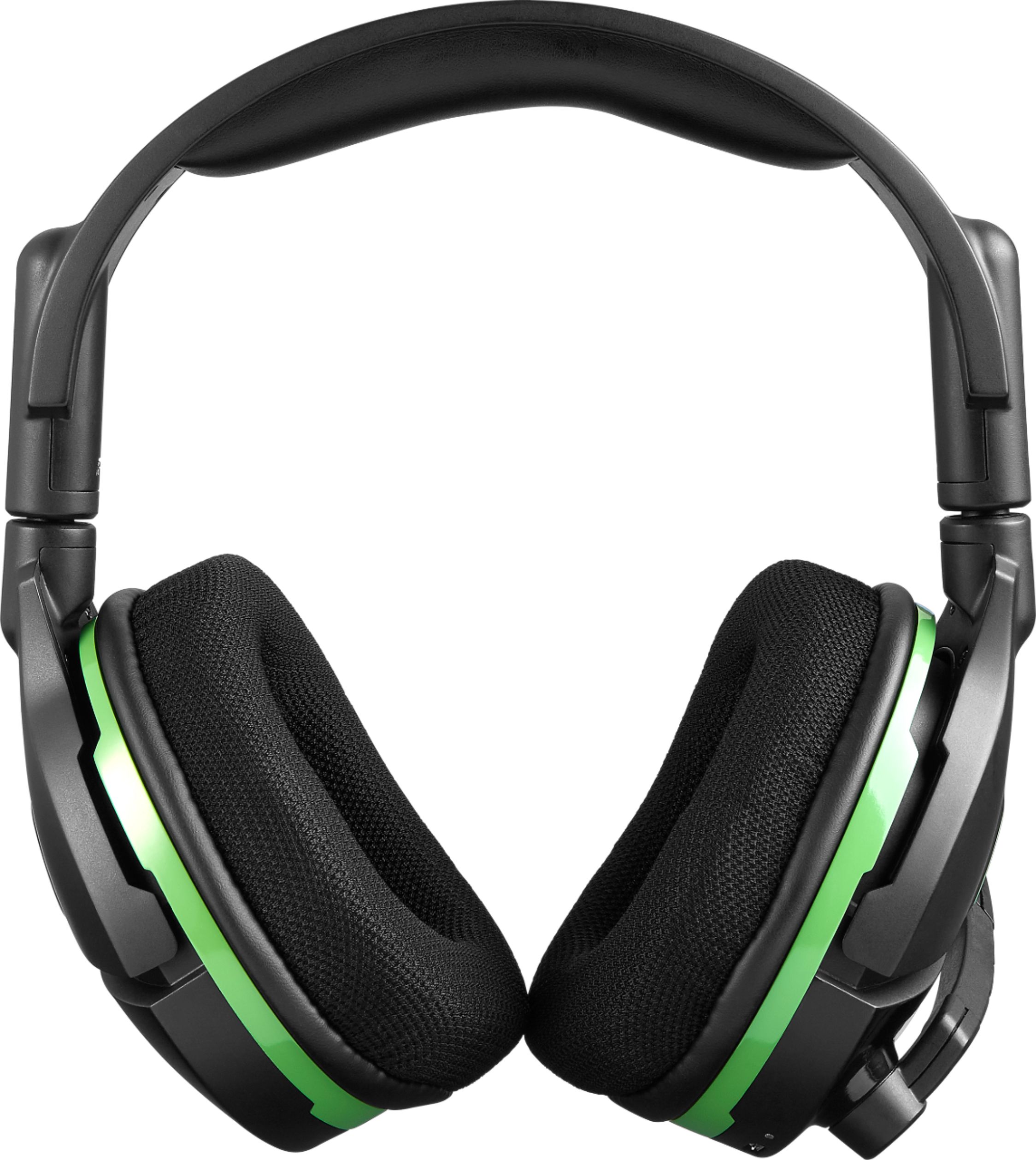
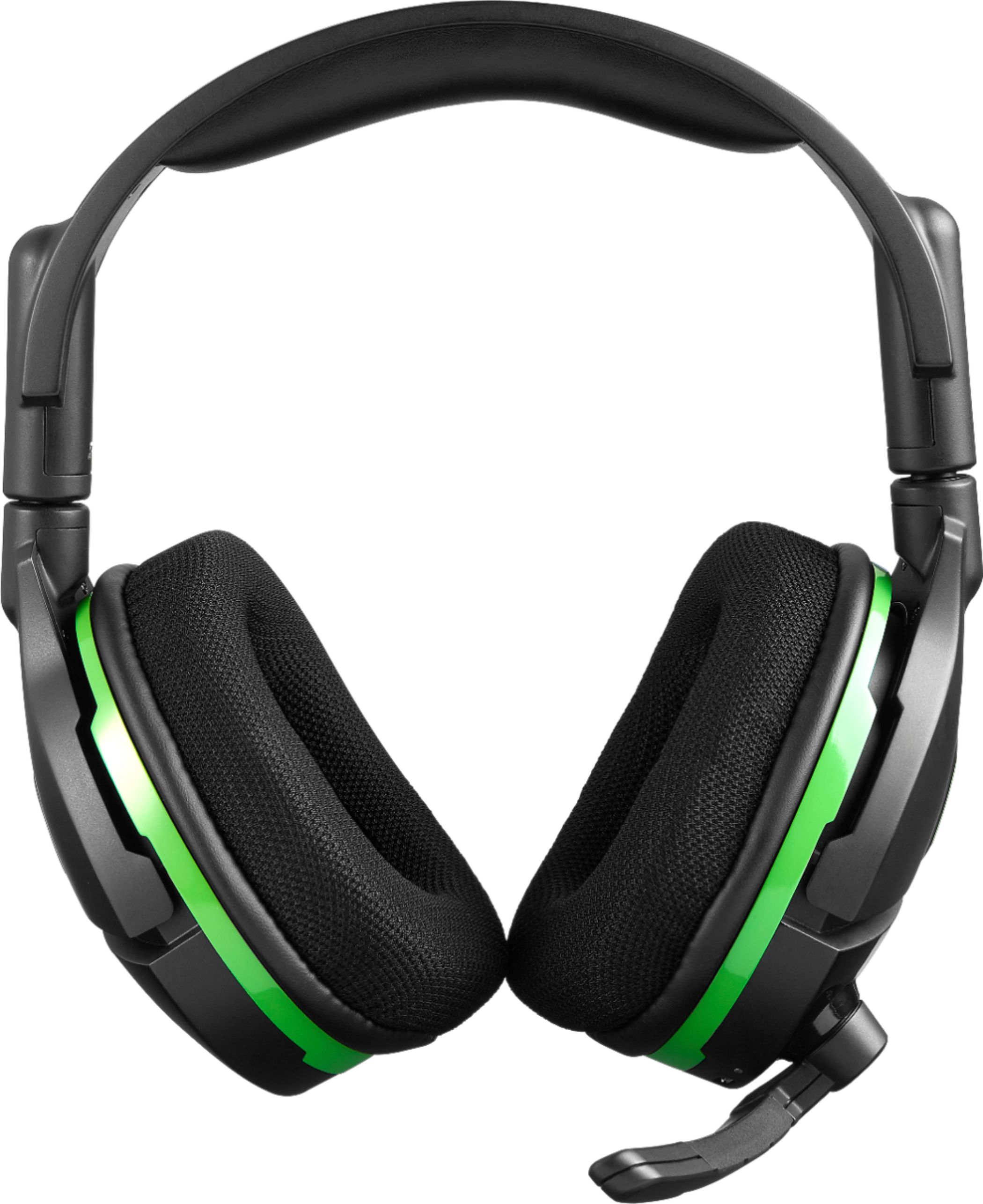
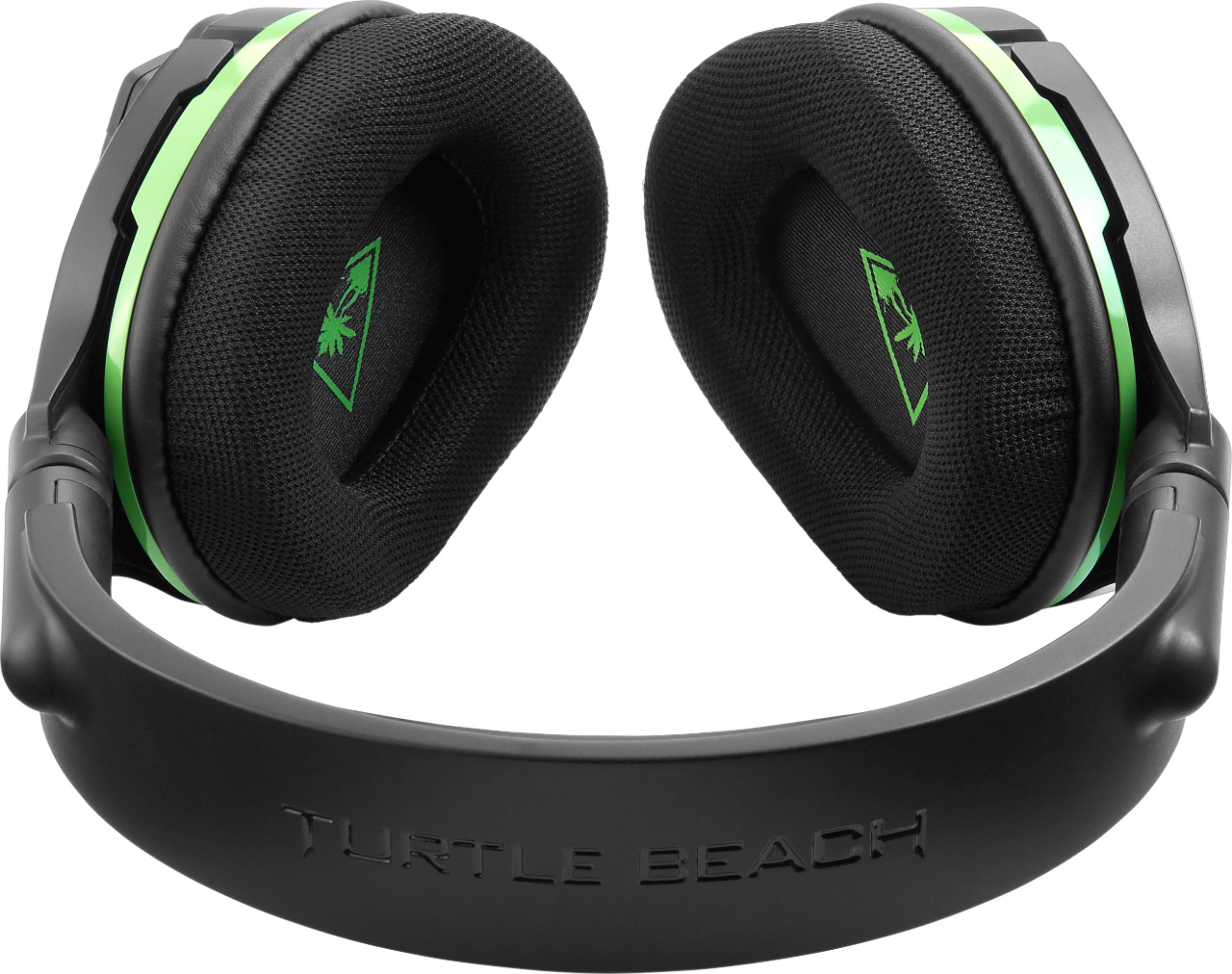
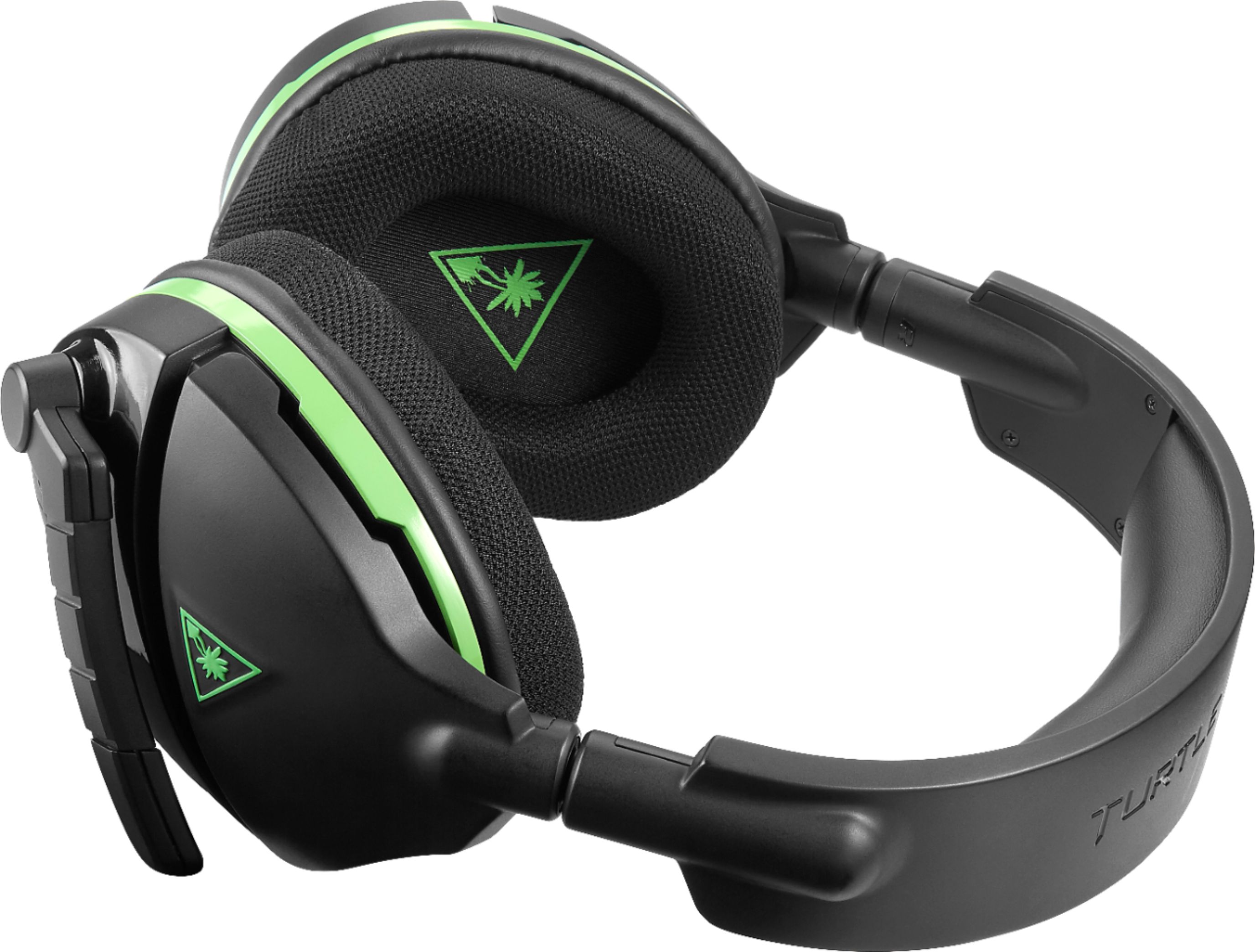
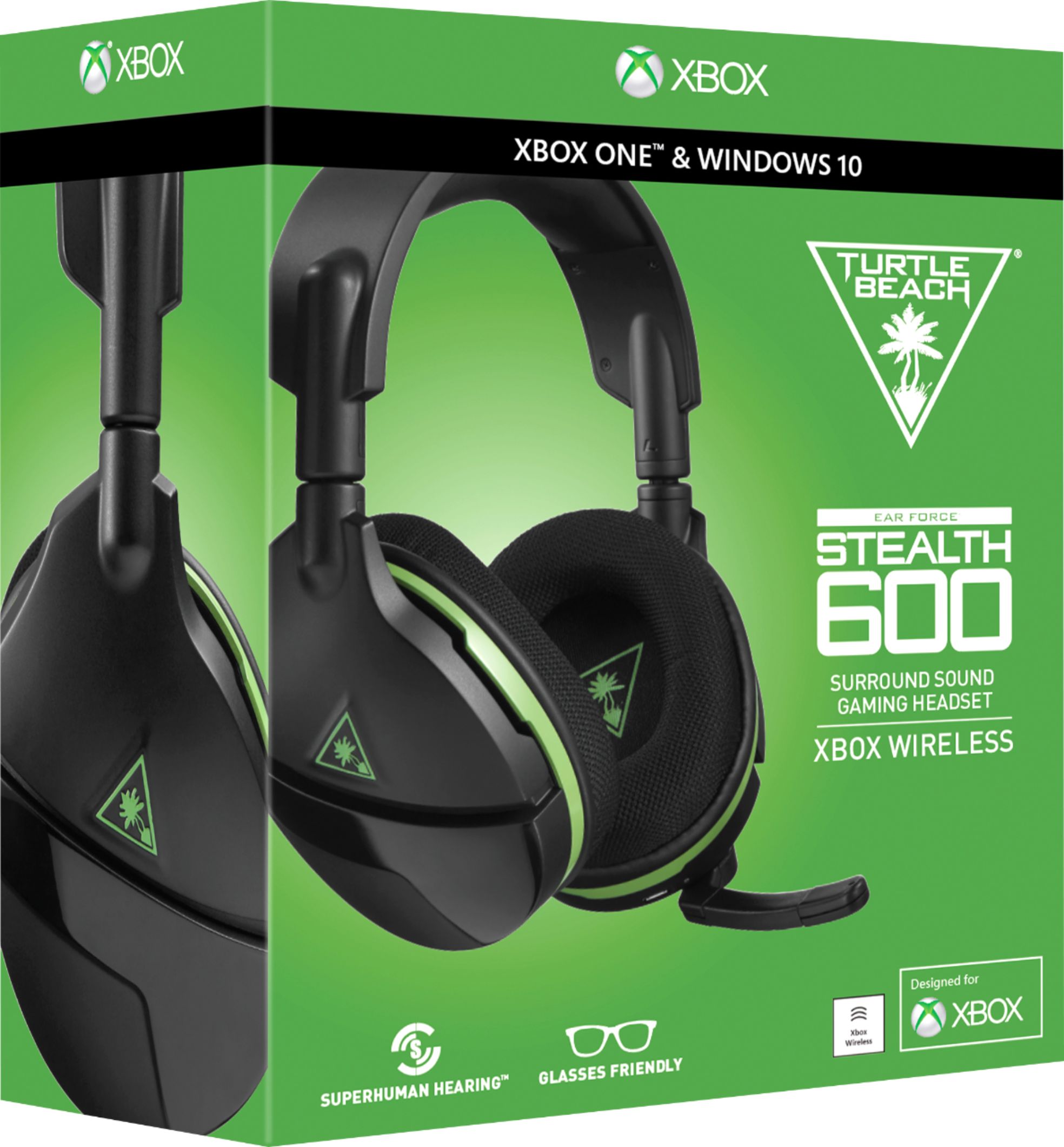
A:Answer The headset's LED will be red & pulsing if the headset is in need of a charge. While charging, the headset's LED should turn solid red, then turn off when the headset is fully charged.
If you are not experiencing that, please take the time to reach out directly to our dedicated Support Team. They can be reached via the main Turtle Beach website and are always happy to lend a hand with troubleshooting, restoring your headset's firmware, or replacement service if necessary.