A:AnswerHi Brad,
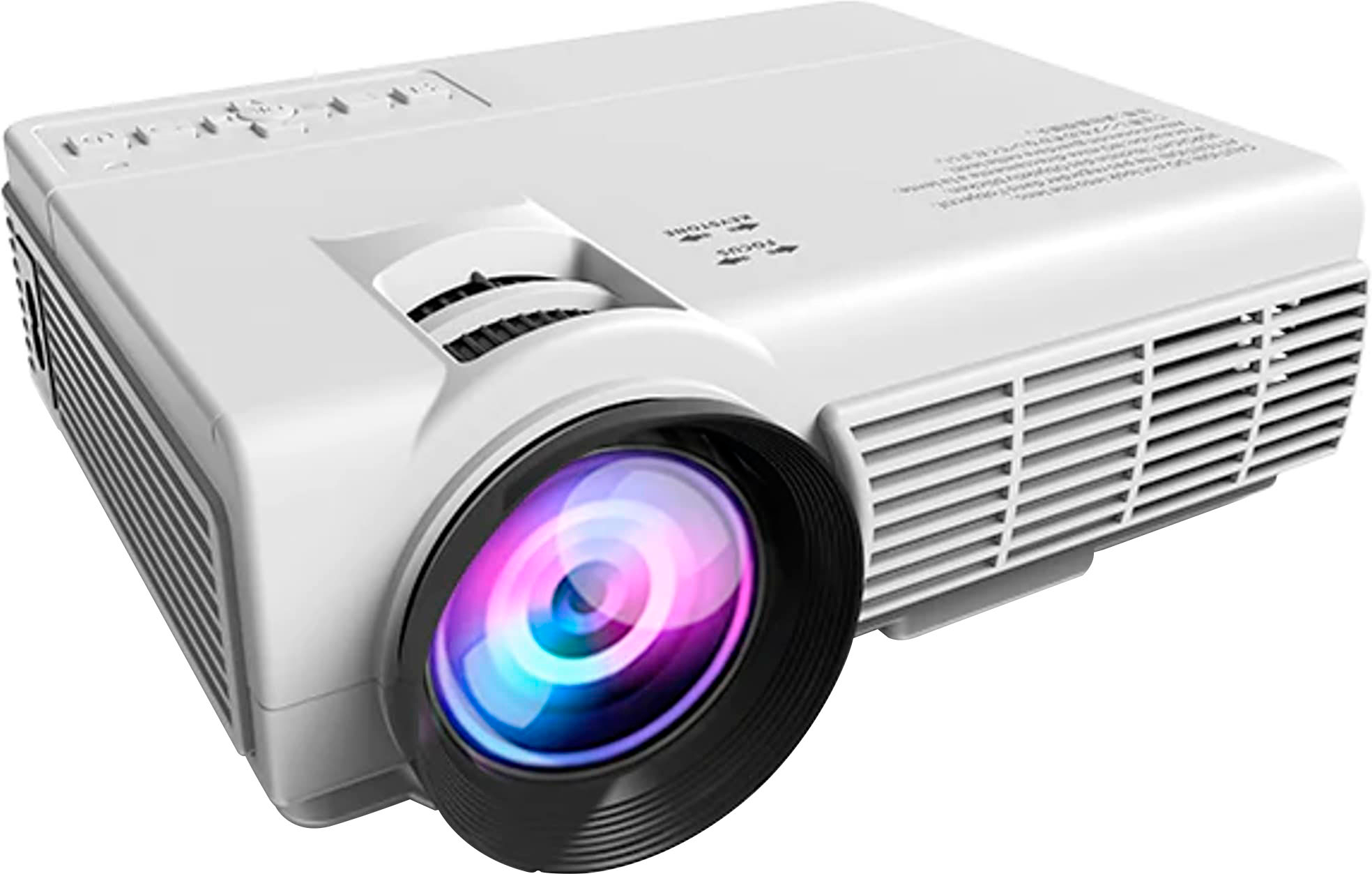
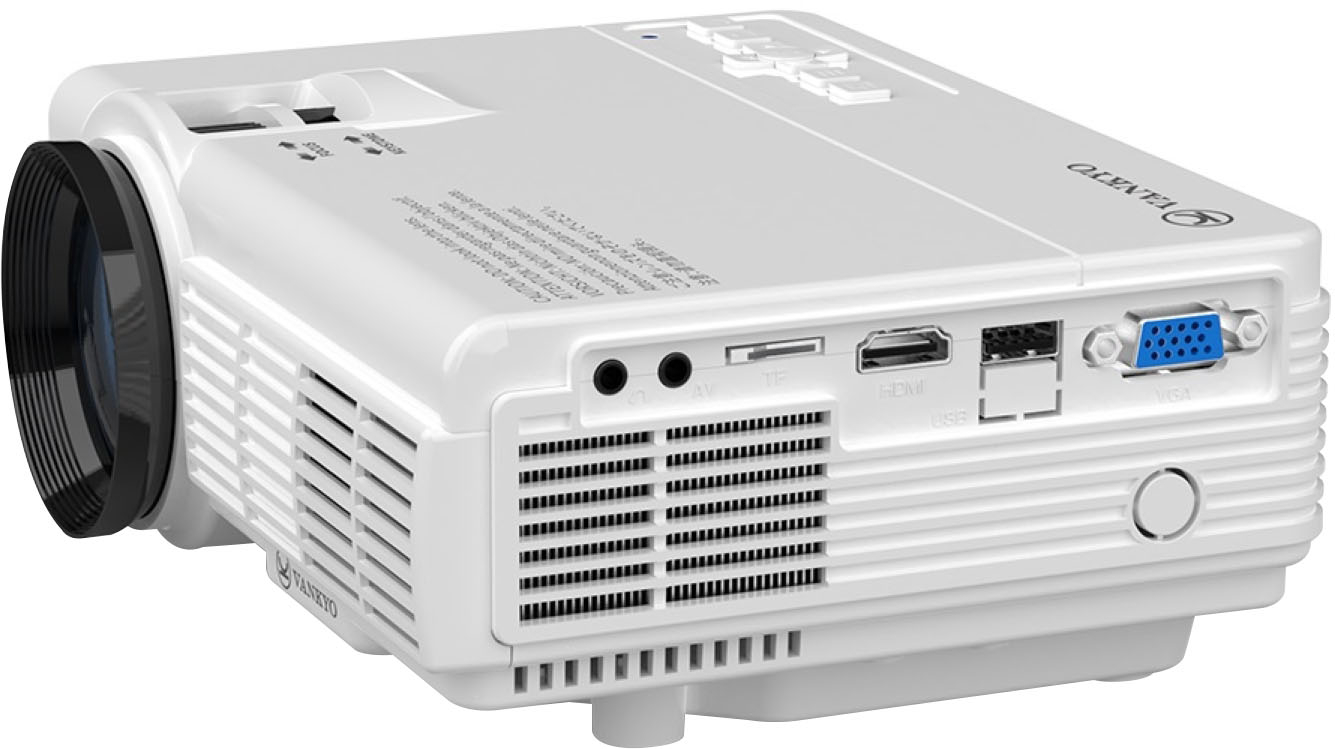
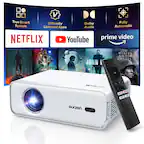
The Leisure 3 projector can work perfectly with your laptop. Just use the supplied HDMI cable to connect your laptop to it and you are good to go!
A:AnswerThe speaker has to be connected to the device that’s streaming for it to work • I connected mine to my laptop when I watch movies for better quality sound and it works fine
A:AnswerHi James,
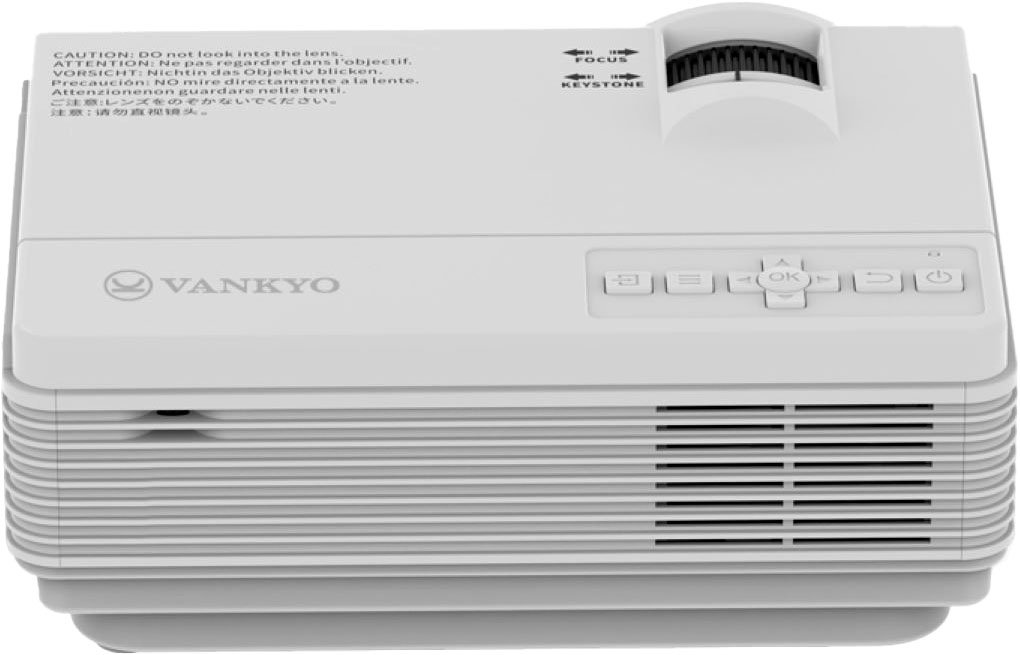
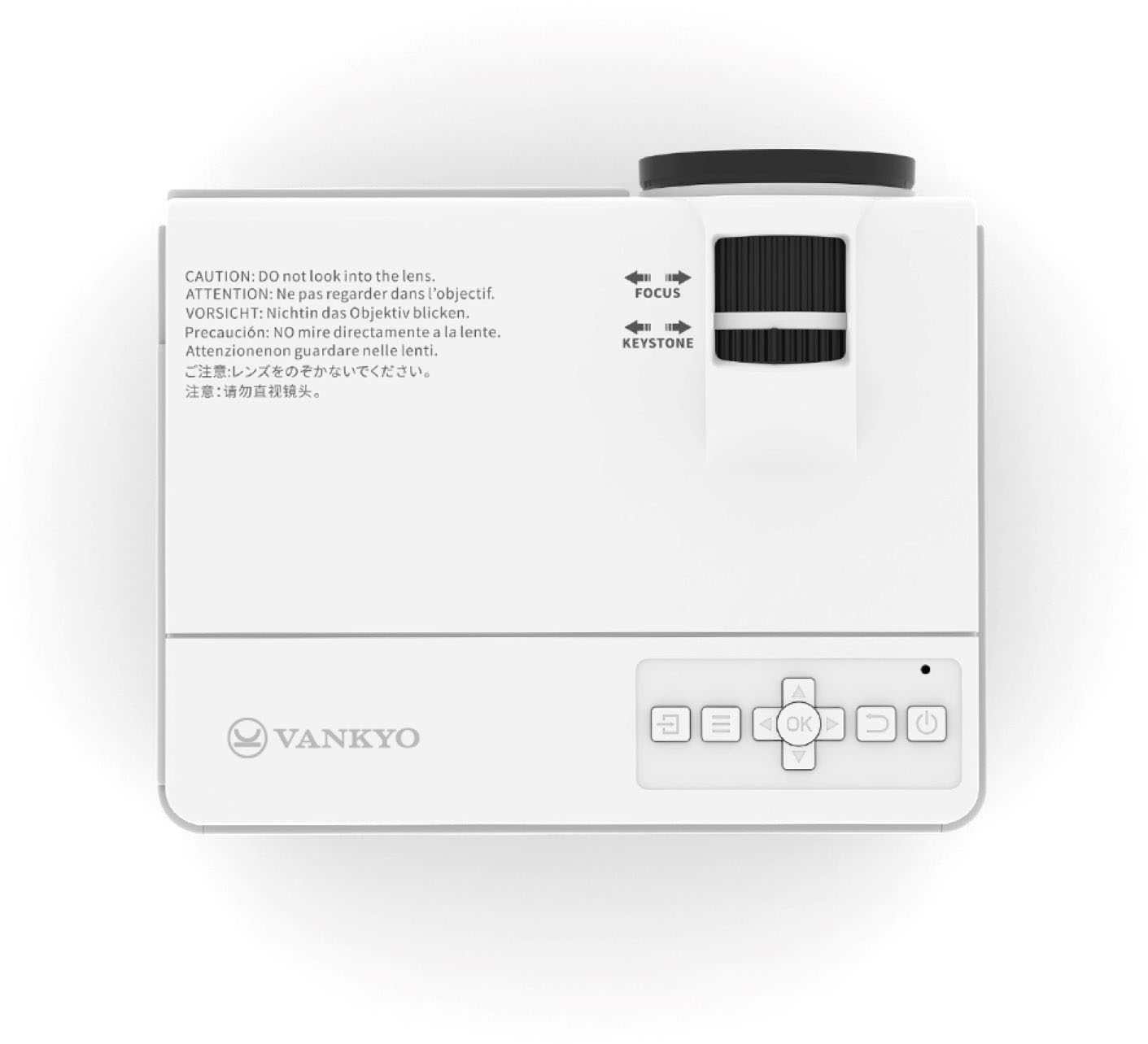
Thanks for asking. The projector doesn't support the so-called "direct power on" feature. Once the projector receives power, you will need press the power button to turn it on.