Questions & Answers
- Model:
- LEISURE 3 WHITE
- |
- SKU:
- 6474509
Q: QuestionCan the projector connect to an iPhone/iPad wirelessly for screen mirroring?
Asked by Gary.
- A:Answer The projector itself is not Bluetooth/wifi compatible. Screen mirroring still can be done you'll just required a adapter and wifi connection to complete the wireless connection.
Answered by Donzell
Q: QuestionDo I need to buy a separate cord to connect my iphone to stream?
Asked by mary.
- A:Answer Yes a adapter for phone streaming will need to be purchased separately.
Answered by Donzell
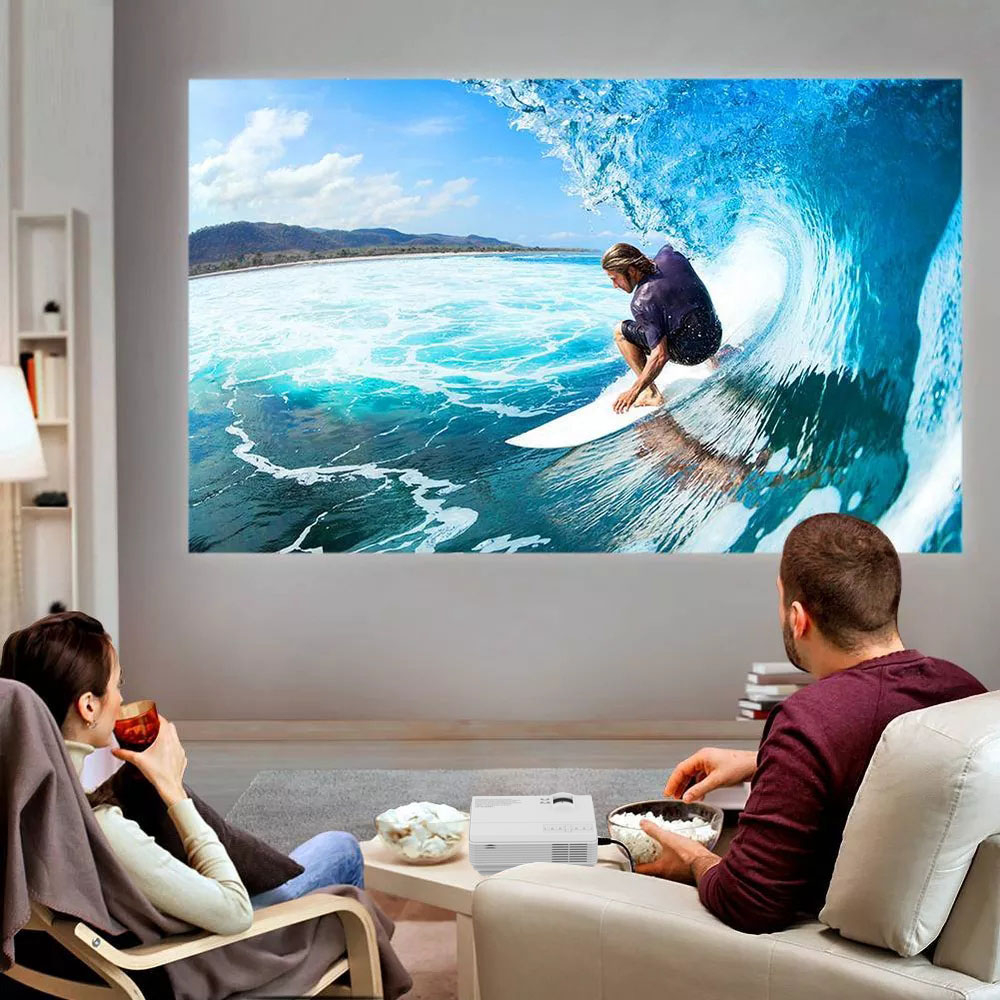
Q: QuestionDoes this projector allow you to project still images for a mural?
Asked by Jo.
- A:Answer Yes, the projector can project photos of various formats directly from an USB drive.
Answered by Customer Experience Team

Q: QuestionDoes it only work while plugged into a outlet?
Asked by Pua.
- A:Answer Yes..must be plugged to work
Answered by Wthekid2000
Q: QuestionCan I use this with a new MacBook Air
Asked by Sandesart.
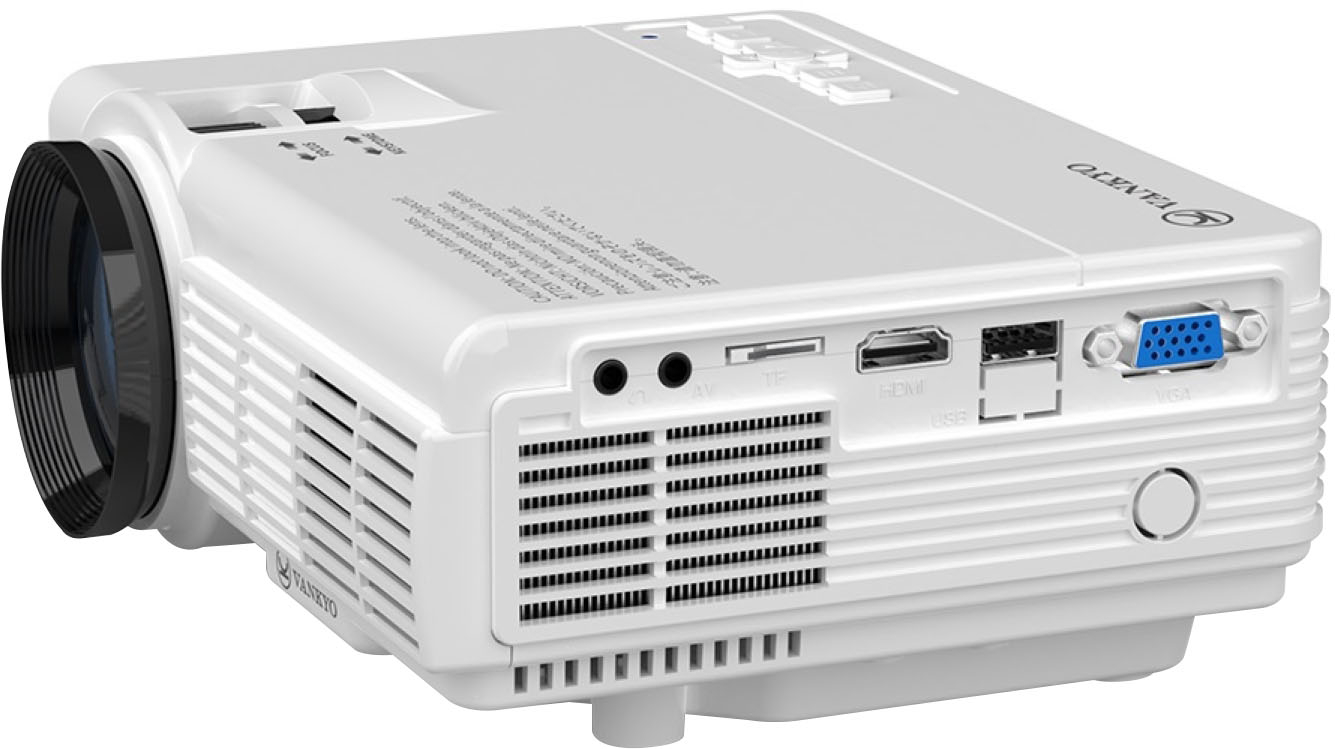
- A:Answer Yes, the projector can work with MacBook Air. But since the MacBook doesn't have an HDMI port on it, you will need an extra USB-C to HDMI adapter.
Answered by Customer Experience Team

Q: QuestionCan I use streaming services with this?
Asked by Anonymous.
- A:Answer Yes … but you need something like Amazon fire stick or chromecast to stream .. .. connects easy through the hdmi
Answered by Wthekid2000
Q: QuestionMy old 2018 projector has a half centimeter in diameter hole where I can screw in the ceiling mount so I can hang the projector off my ceiling does this projector have that ?
Asked by Michael.
- A:Answer Yes, the Leisure 3 projector supports wall mounting and ceiling mounting.
Answered by Customer Experience Team

Q: QuestionDoes this projector support 220V?
Asked by Anonymous.
- A:Answer Yes, the Leisure 3 Mini Projector supports 110V to 240V.
Answered by Customer Experience Team

Q: QuestionDoes this projector have an audio out port to plug in external speakers or headphones?
Asked by JenK.
- A:Answer Yes it does I was able to get a sound bar for mine and it works great or even an auxiliary cord.
Answered by SmiDa
Q: QuestionCan the project be used with game consoles
Asked by Wildtaz43.
- A:Answer Yes, I use it with my Xbox 360
Answered by Seperez90
Q: QuestionDoes this projector have audio for optical cable?
Asked by Anonymous.
- A:Answer Sorry, I don't exactly know what you mean by optical cable. If you want to hook up an external speaker, you can do that via the 3.5 mm headphone jack on the projector.
Answered by Customer Experience Team

Q: QuestionIs this a vankyo 430?
Asked by Maru.
- A:Answer No, they are different models.
Answered by Customer Experience Team

Q: QuestionHow do I hook up my phone to this?
Asked by Michelle.
- A:Answer To connect your phone to the projector, you need to use an HDMI to Type-C / Lightning / Micro USB adapter according to which port your phone has. And it's recommended to use an adapter that requires an additional power supply.
Answered by Customer Experience Team

Q: QuestionWould I be able to use this with my Samsung Note 9 to project Zoom / Google meet using chromecast or similar option?
Asked by Nick.
- A:Answer Hi Nick, to connect your phone to the projector, you need to use an HDMI to Type-C / Micro USB adapter according to which port your phone has. And it's recommended to use an adapter that requires an additional power supply.
Answered by Customer Experience Team

Q: QuestionCan it be opened and fixed if it is dropped and the bulb broke?
Asked by Dropped.
- A:Answer Hi there, Thanks for asking. Sorry to tell you that there is no separate bulb for sale at the moment, and it is not suggested that you replace the bulb yourself. If you have any questions, please feel free to contact our customer service at [email protected]. - Vankyo Support Team
Answered by Vankyo Team

Q: QuestionWhat cord do i need to connect and mirror my iphone? I tried a lightning connector to hdmi cord but it wouldn’t work. I’ve honestly haven’t been able to get anything to work besides PlayStation.
Asked by Gab.
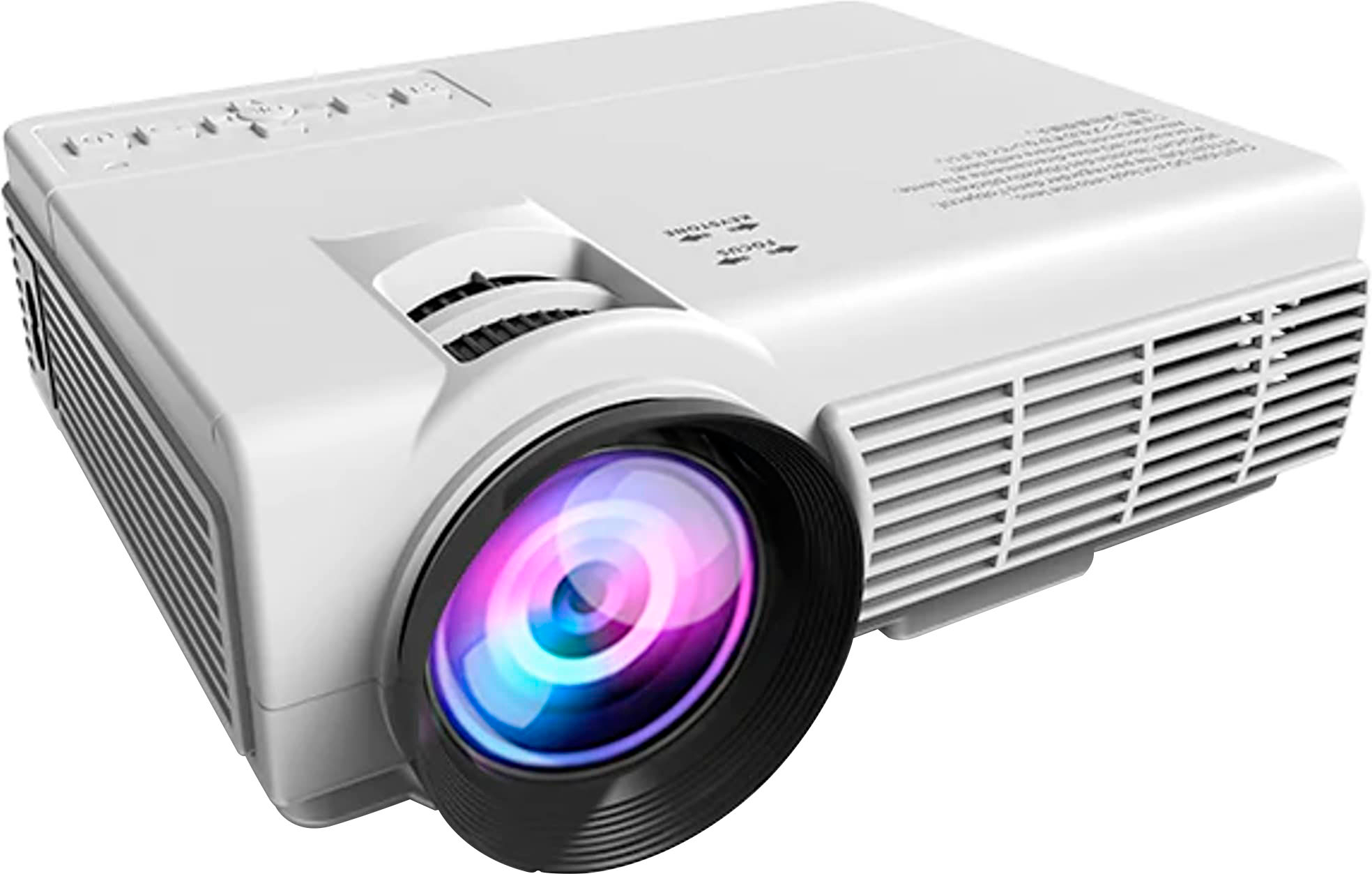
- A:Answer Hi Gab, Thanks for asking. To connect your phone to the projector, you need to use an HDMI to Lightning adapter for your iPhone. And it's recommended to use an adapter that requires an additional power supply. While using the adapter for connection, the adapter itself also requires an additional power supply. Here are the detailed steps to connect your phone to the projector. 1. Turn on your mobile device and projector. 2. Prepare an HDMI adapter according to the port your phone has. 3. Connect the HDMI port of the cable to the projector. 4. Connect the other end with the Lightning port of your mobile device. 5. Select HDMI as the input source on the projector. Hope this helps.- Vankyo Support Team
Answered by Vankyo Team

Q: QuestionCan you plug a ps5 into this?
Asked by T.
- A:Answer Hi there, Thanks for asking. You can use the packaged HDMI cable to connect your PS5 to the projector directly. Please select HDMI as the input source. - Vankyo Support Team

Answered by Vankyo Team

Q: QuestionCan you change the size on the projector without moving it back?
Asked by BlakeFranzwa.
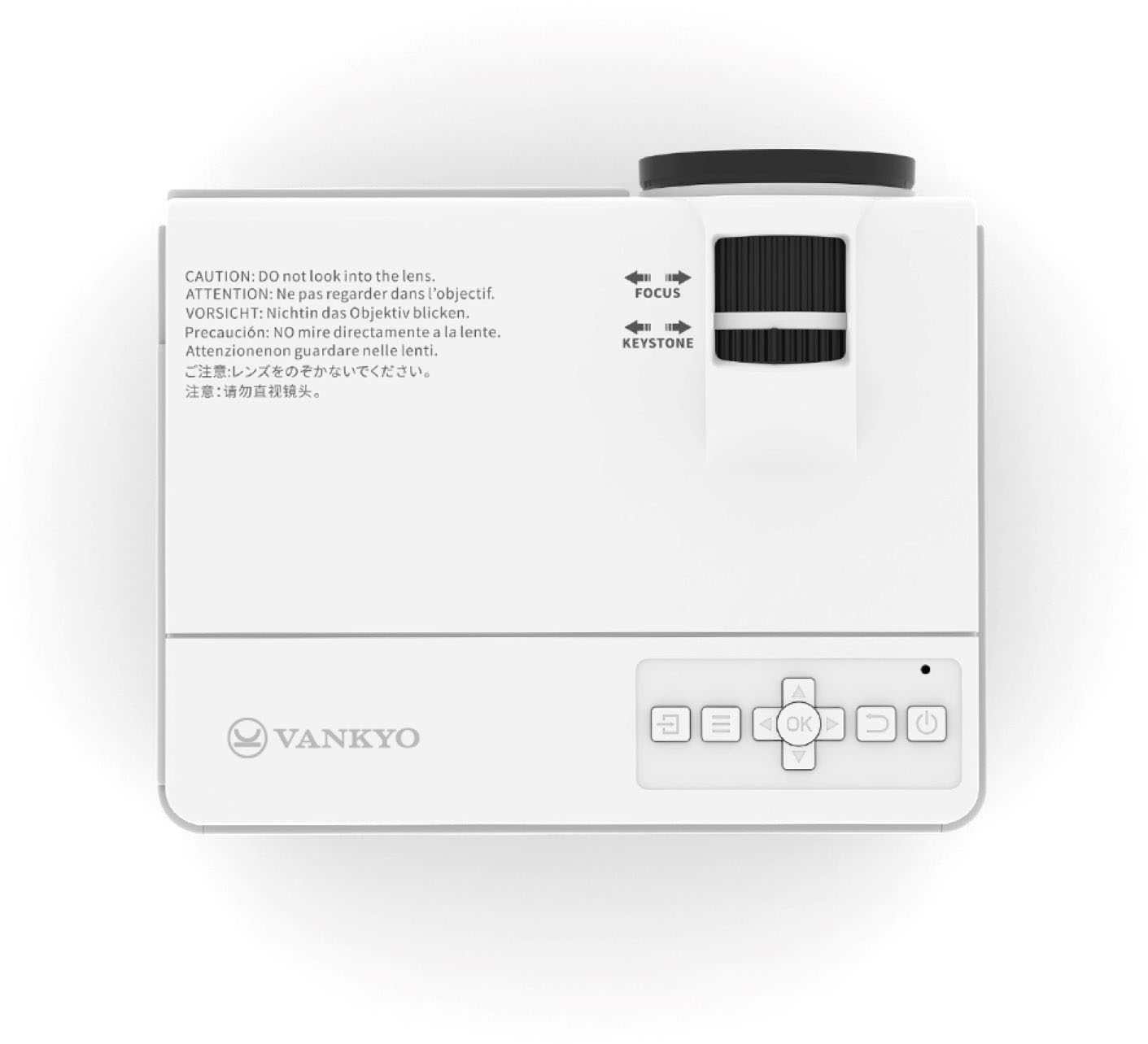
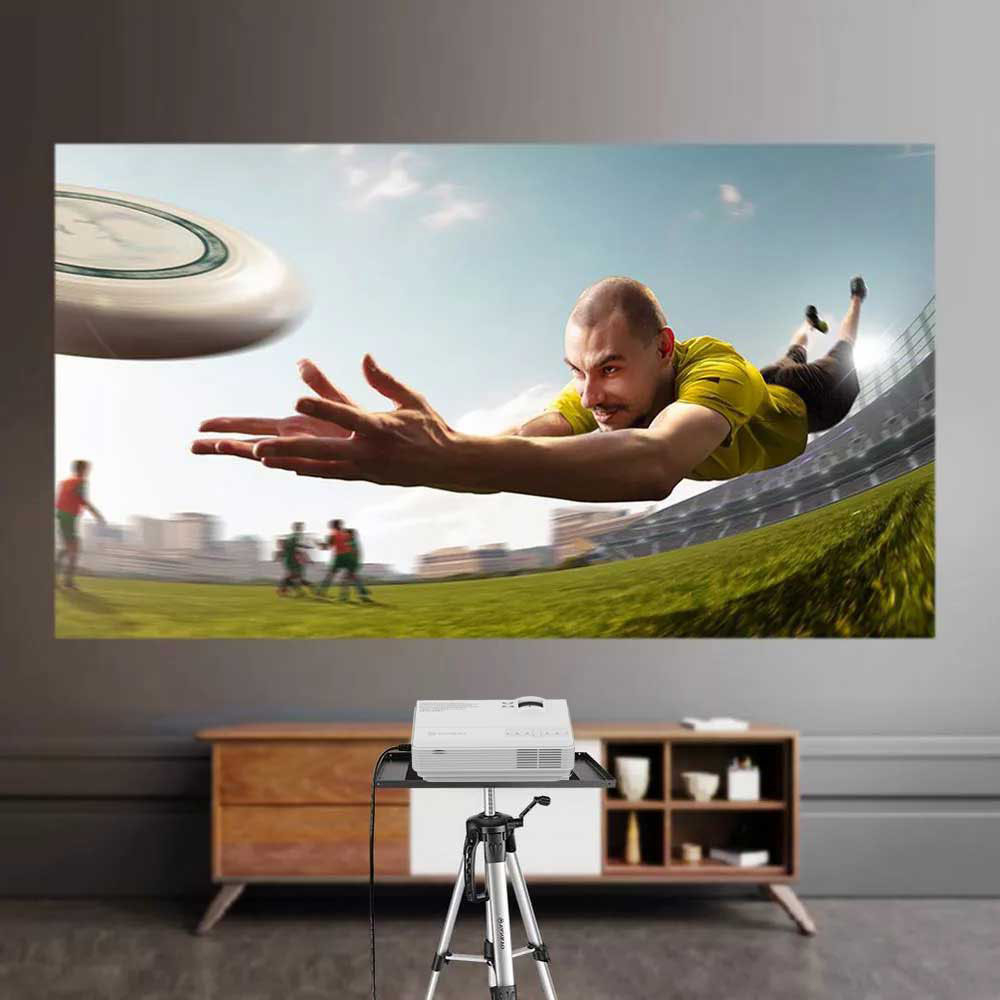
- A:Answer Do you mean the size of the image on the projector screen? Because you can't really change the size of it, it just allows you to re-focus it so it isn't blurry. I'm sure placing it far from the screen would reduce the image slightly but it's big enough to not need to put it closer like I have it below.
Answered by EmH99
Q: QuestionWhat specific connections are required to project images from a Macbook Air?
Asked by JJGreene.
- A:Answer You need a USB-C to HDMI adapter to project images from a MacBook Air
Answered by Mass
Most-viewed items
- Black Friday Deal$1,499.99Your price for this item is $1,499.99
- Black Friday Deal$169.99Your price for this item is $169.99
- Black Friday Deal$329.99Your price for this item is $329.99
- Black Friday Deal$499.99Your price for this item is $499.99
- $799.99Your price for this item is $799.99
- $189.99Your price for this item is $189.99$359.99The comparable value for this item is $359.99
- Black Friday Deal$549.99Your price for this item is $549.99
- Black Friday Deal$199.99Your price for this item is $199.99
- $66.89Your price for this item is $66.89$199.89The comparable value for this item is $199.89
- $139.99Your price for this item is $139.99$169.99The comparable value for this item is $169.99
- $1,799.99Your price for this item is $1,799.99
- $209.99Your price for this item is $209.99$239.99The comparable value for this item is $239.99
- $2,999.99Your price for this item is $2,999.99$3,499.99The comparable value for this item is $3,499.99
- $1,999.99Your price for this item is $1,999.99$2,499.99The comparable value for this item is $2,499.99
- Black Friday Deal$159.99Your price for this item is $159.99
- Black Friday Deal$249.99Your price for this item is $249.99
- $1,399.99Your price for this item is $1,399.99
- $799.99Your price for this item is $799.99