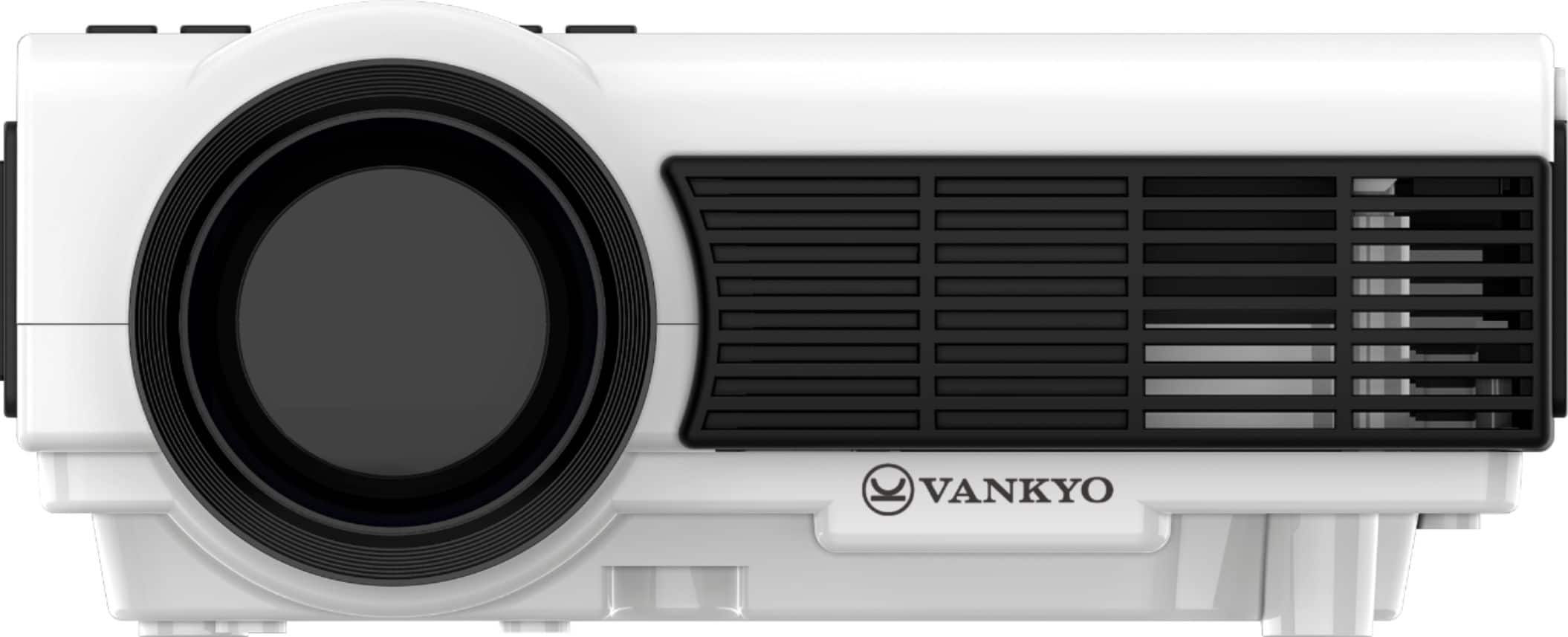
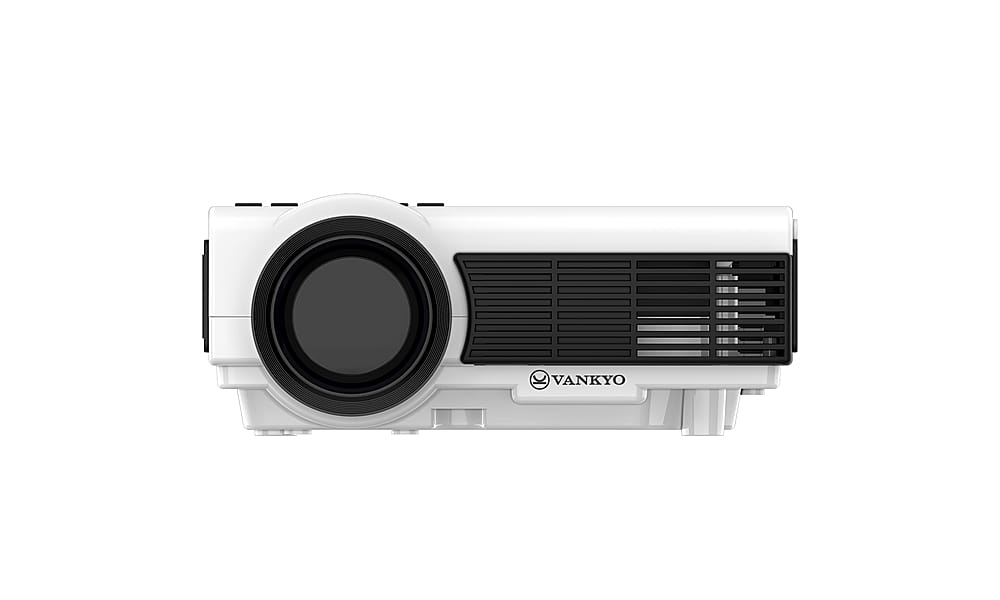
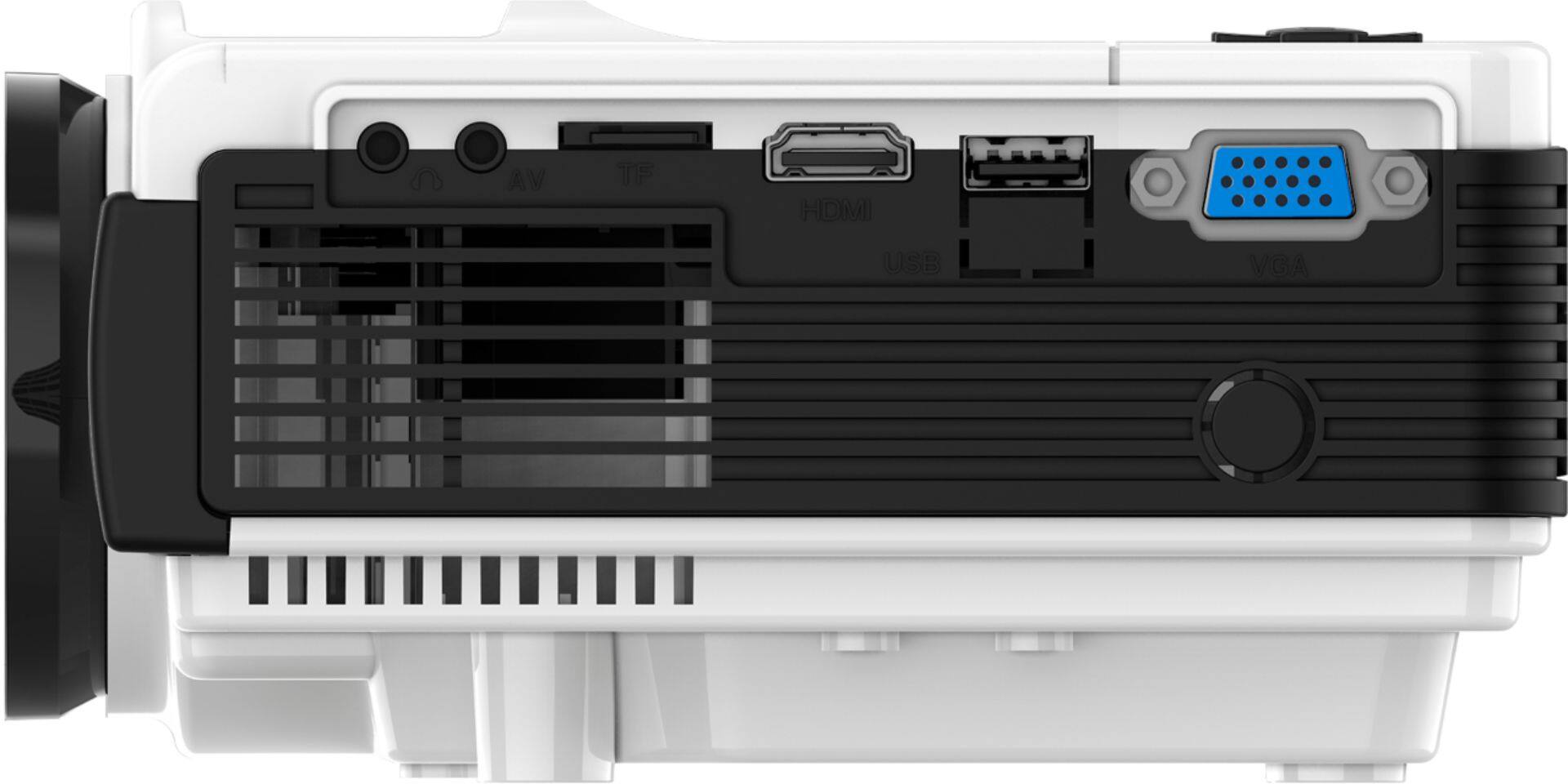
A:AnswerYes, you can hook up your Chromebook to the projector if your Chromebook has an HDMI port on it. But if your Chromebook doesn't have HDMI, what cable you should use depends on what port it has.
A:AnswerIt only works super well outdoors during the dark. It has to be really dark for you to see the picture. That being said I love taking this when I go glamping!
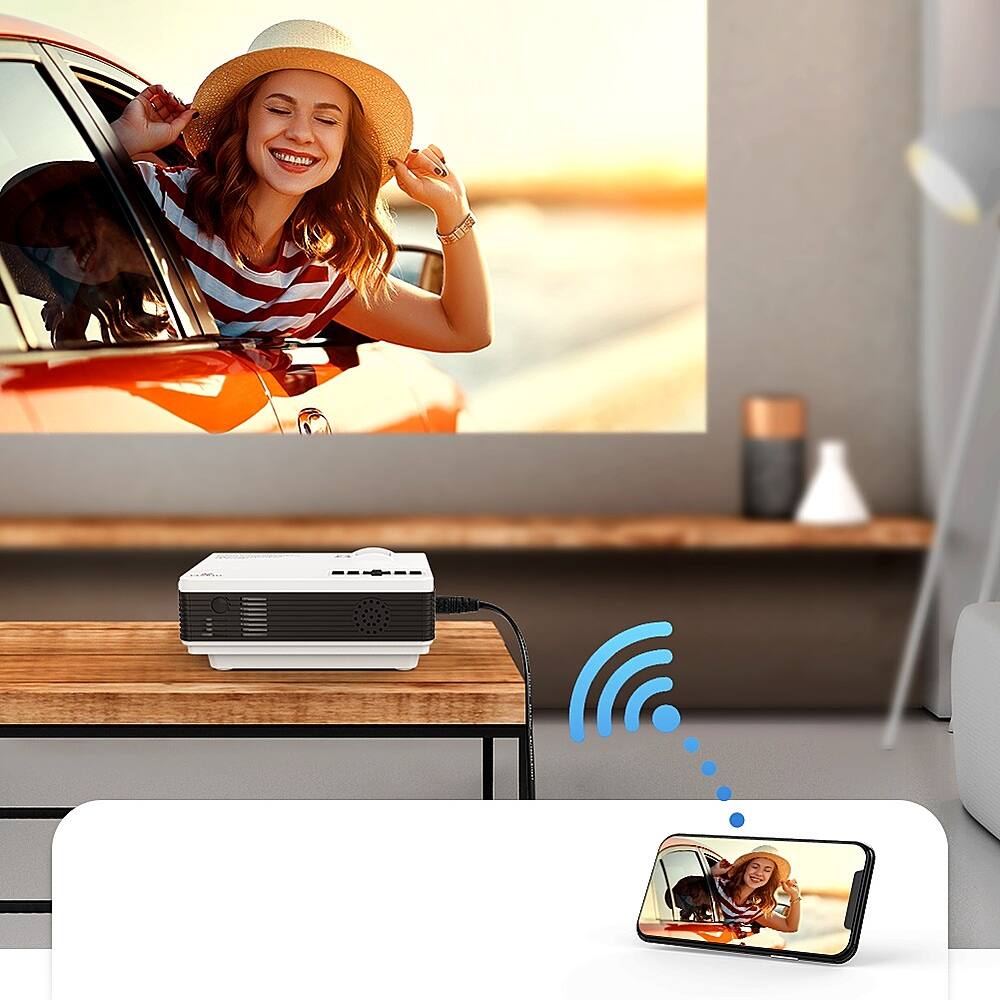
A:AnswerYou don’t have to at all, but you could if you want. The projector comes with multiple cables all for different ways to connect it. You can literally use anything from the 90s to now with no issues. The Bluetooth on it is decent but I did have a little trouble trying to stream movies. I recommend connecting a DVD player or game console to it, as it has very little latency and is very high quality.
A:AnswerHi Floyd, regarding the issue, have you tried to adjust the volume of the projector using the remote? Please check if the speakers have independent volume control slider.