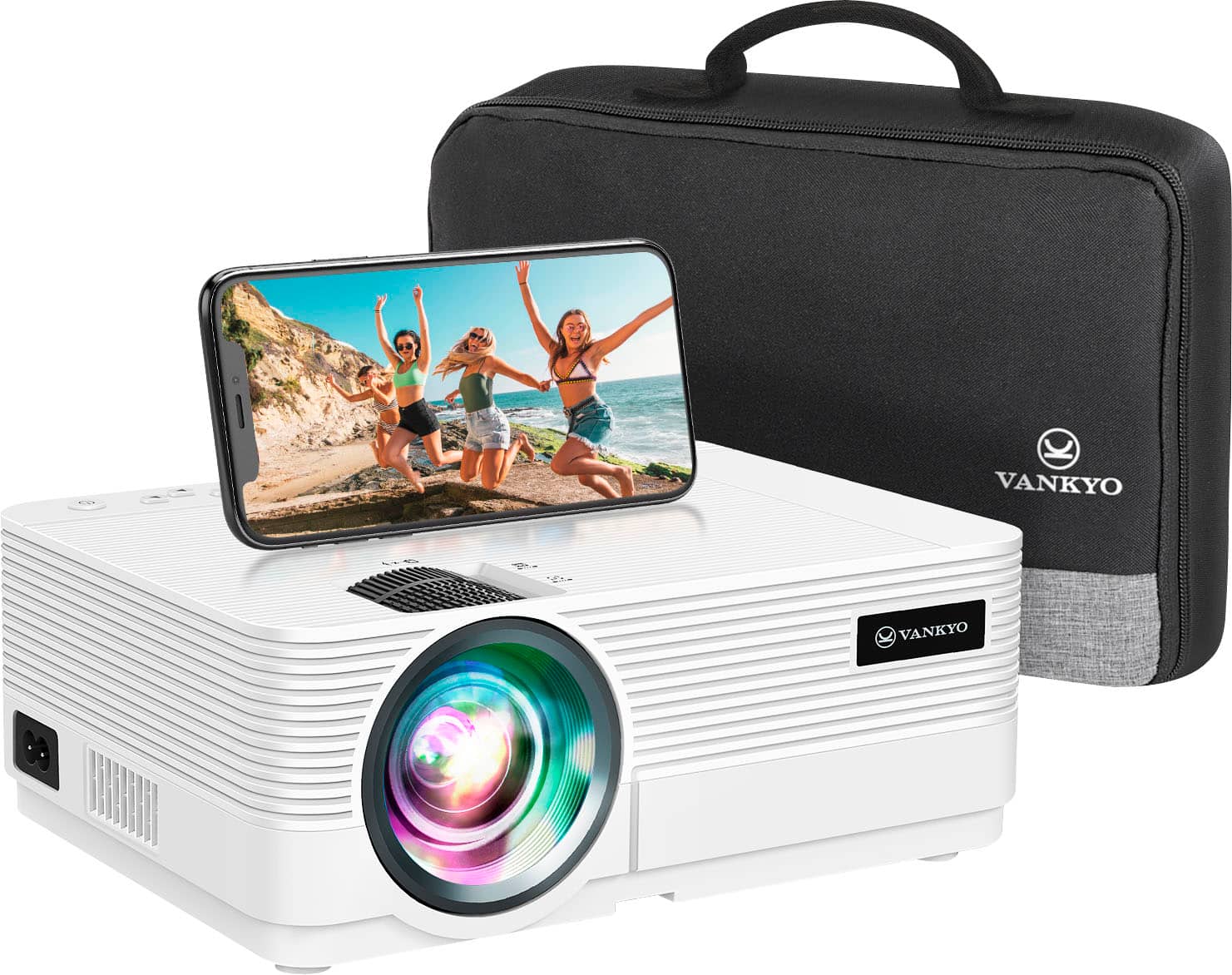
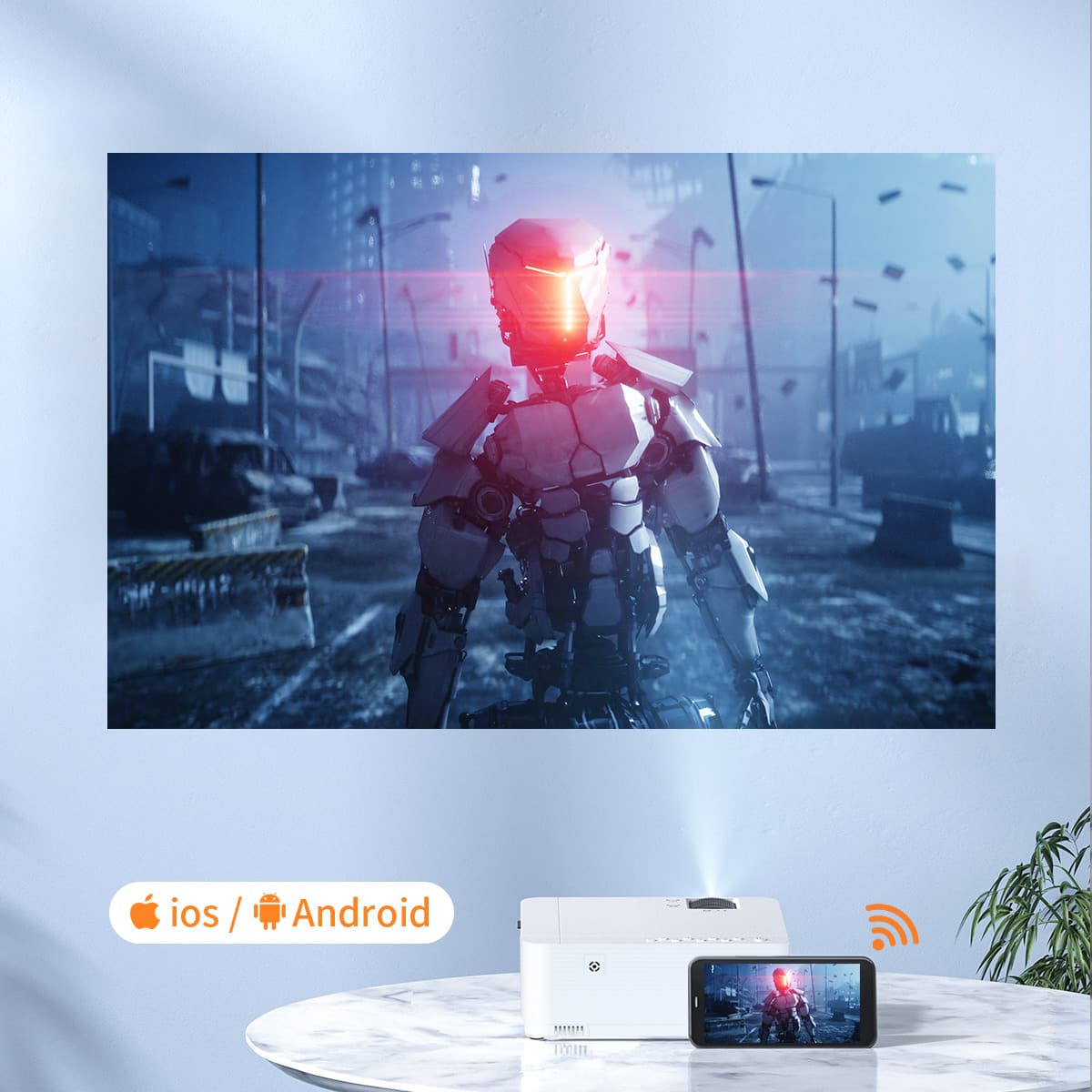
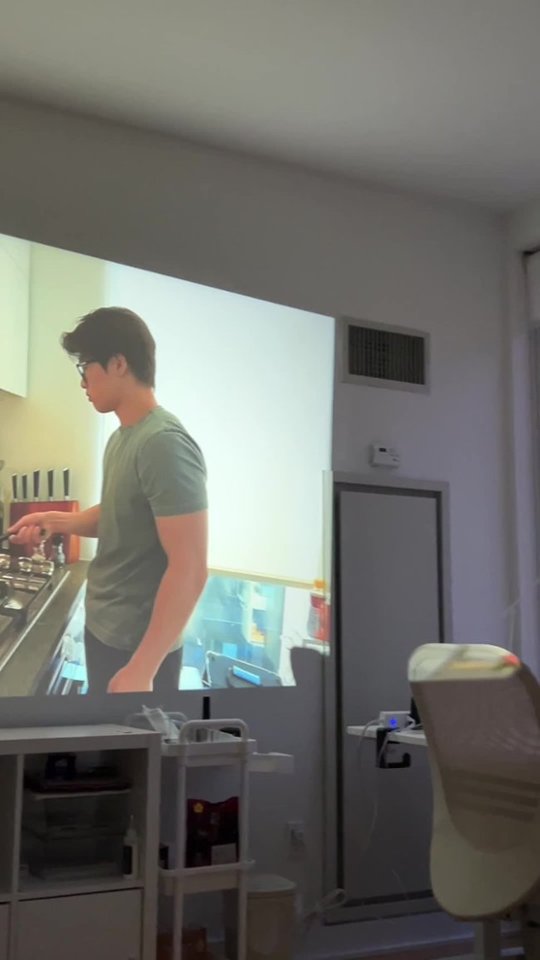
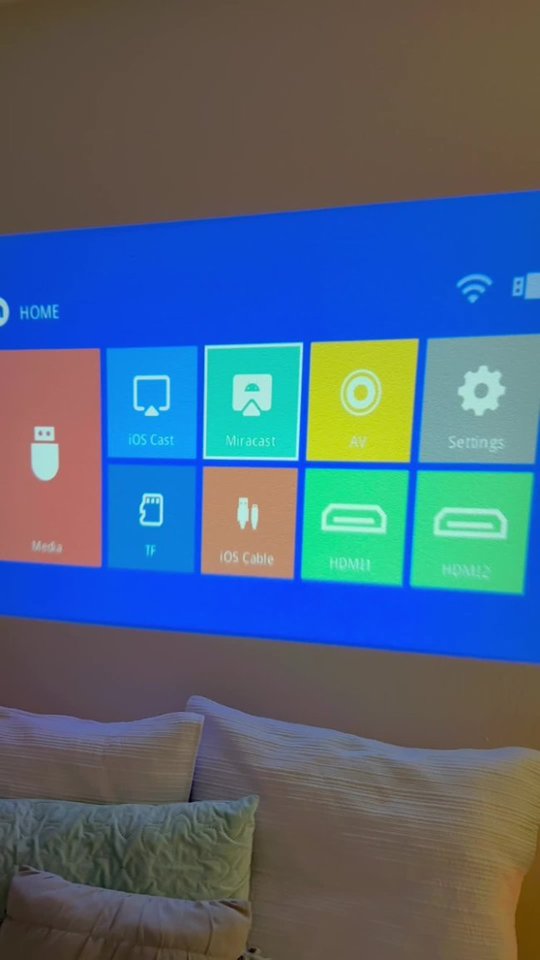
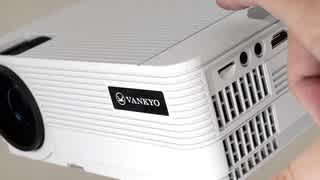
A:AnswerFrom what I have experienced you should be able to, it would be like casting photos to a tv or any other item that you can cast your phone too.
A:AnswerHi Nik,Thanks for asking. Please note that the projector can only be searched on the available screen mirroring options, not WiFi options.
Please make sure that you followed the instructions in the manual. If you still have any questions, please feel free to contact our customer service at [email protected].
- Vankyo Support Team
A:AnswerHi Rick,
Thanks for asking. Sorry that there is no auto-start option. You need to turn on the projector and select USB as the input source manually. - Vankyo Support Team
A:AnswerHi Madane, Thanks for asking. Yes, you can display Santa in the window using this projector. Please play the supported files on a USB drive or connect your laptop to the projector to cast those images. - Vankyo Support Team
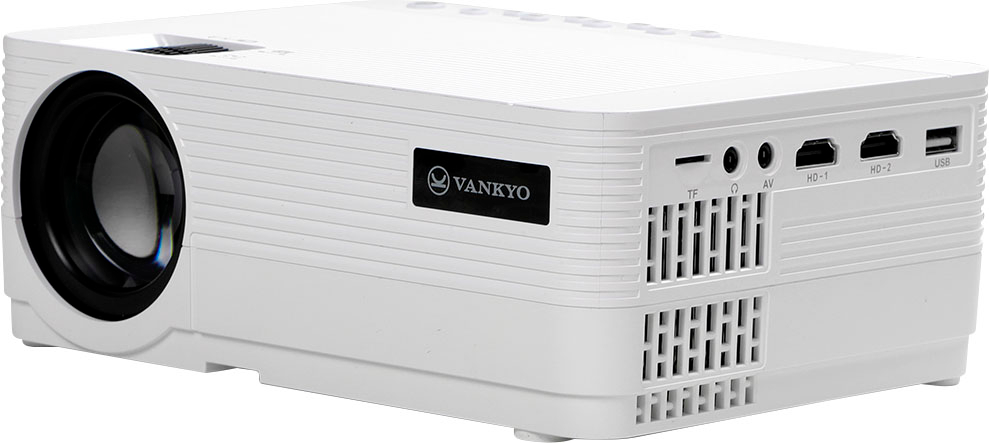
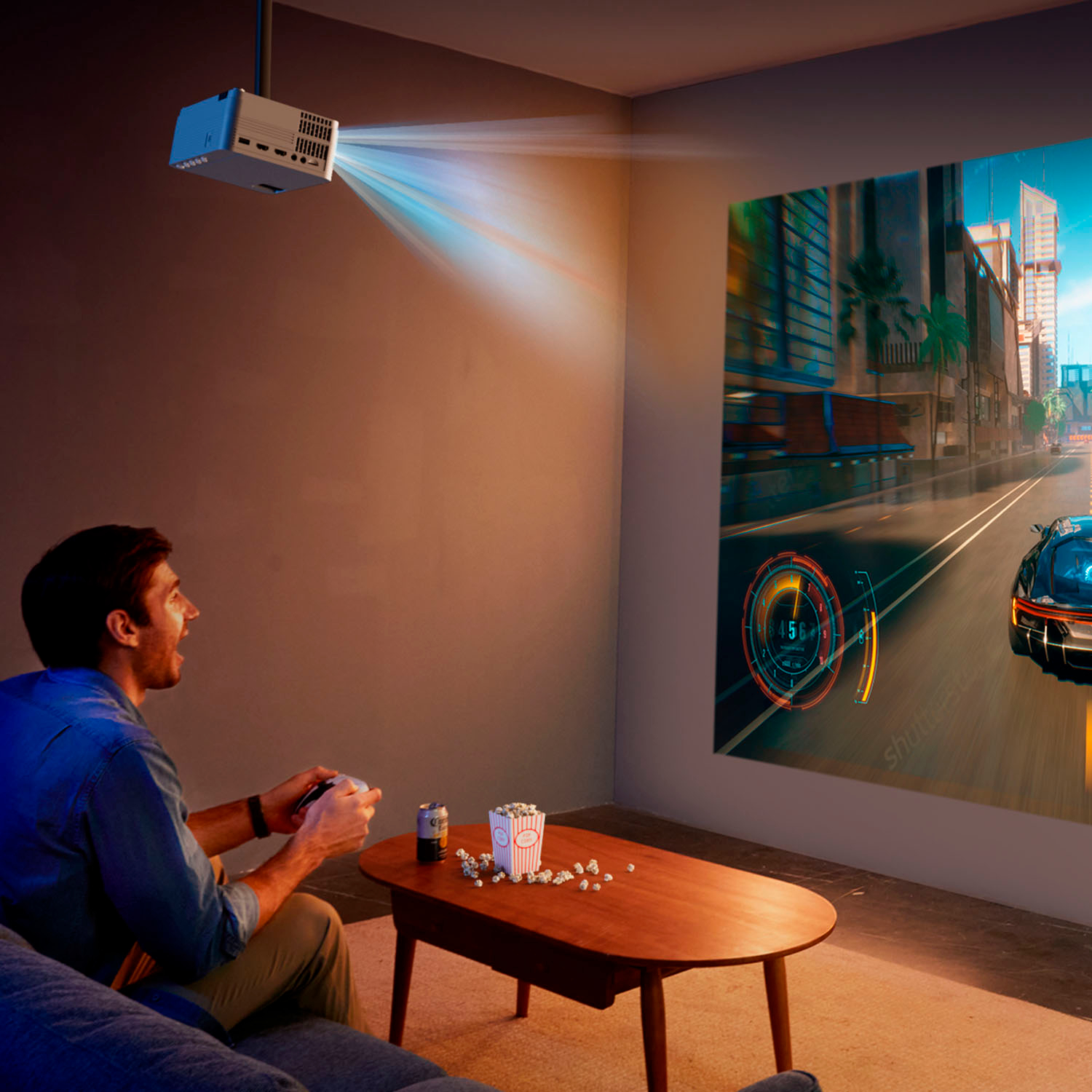
A:AnswerYou can connect the PS4 via HDMI. In order for me to use it with a bluetooth speaker, I had to purchase a cheap 3.5mm Aux blutooth RX/TX. Now its connected to bt with no issues.
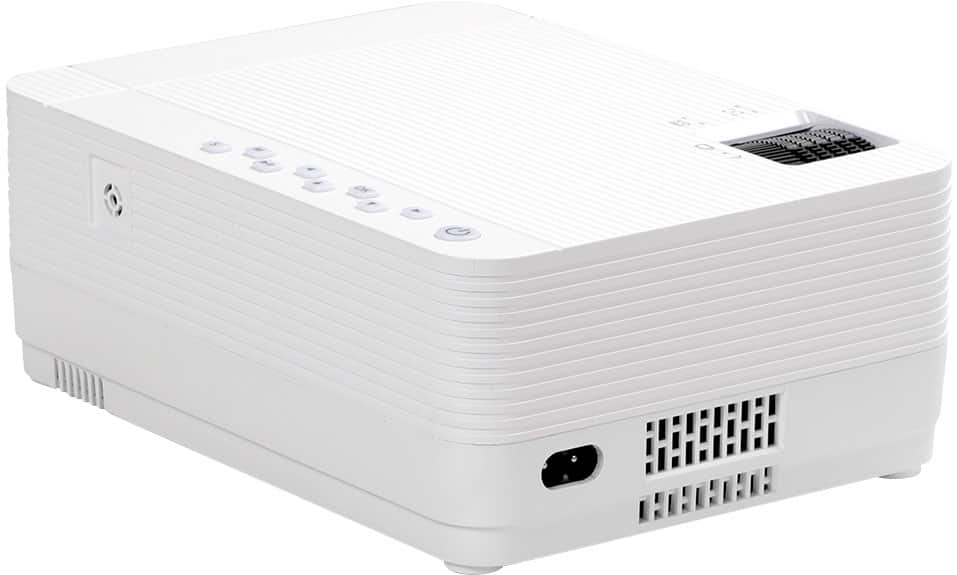
A:AnswerPowered by 110vAC plug in
Has speakers, but are not the best. It does have a 3.5mm Audio output. However, I use a roku stick, and connect a bluetooth speaker through my phone.
I have no clue about the IPHONE part. All android here. :)
A:AnswerHi Ruby,
Thanks for asking. Under normal circumstances, we do not recommend upgrading.
If you have any questions, please feel free to contact our customer service.
- Vankyo Support Team
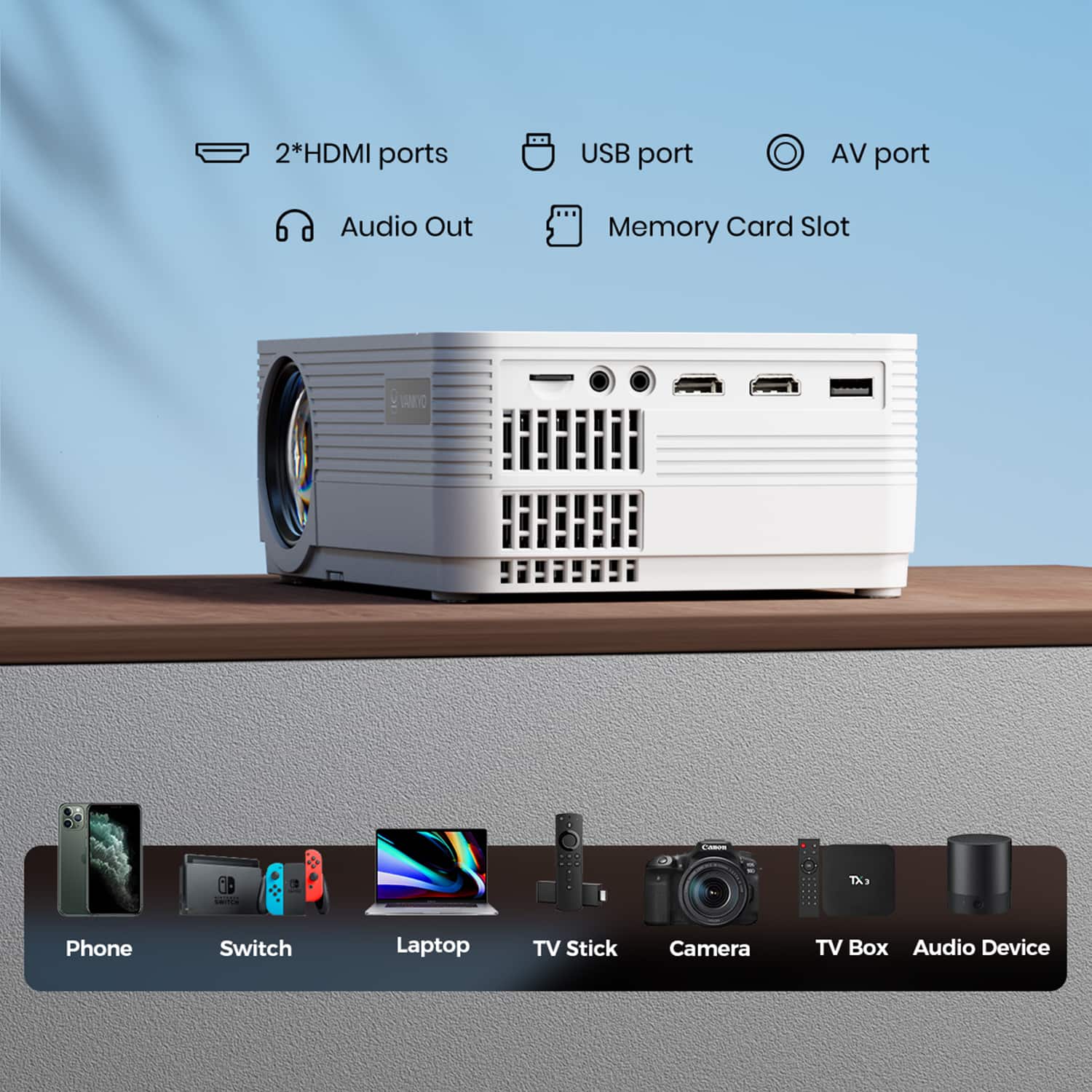
A:AnswerHi there, Thanks for asking. This projector does not support HomePod mini speaker. You need to connect an external speaker with a 3.5 mm audio jack. - Vankyo Support Team