A:Answer Hi there,
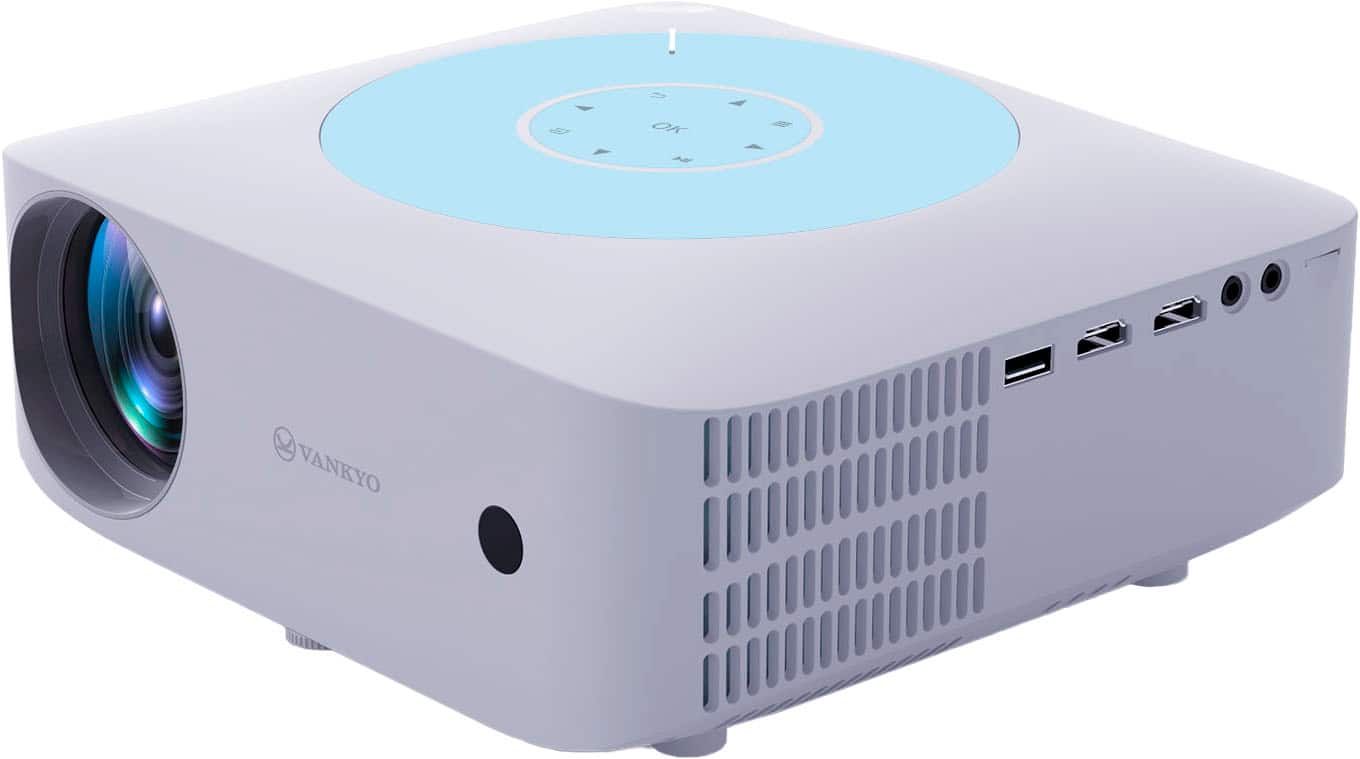
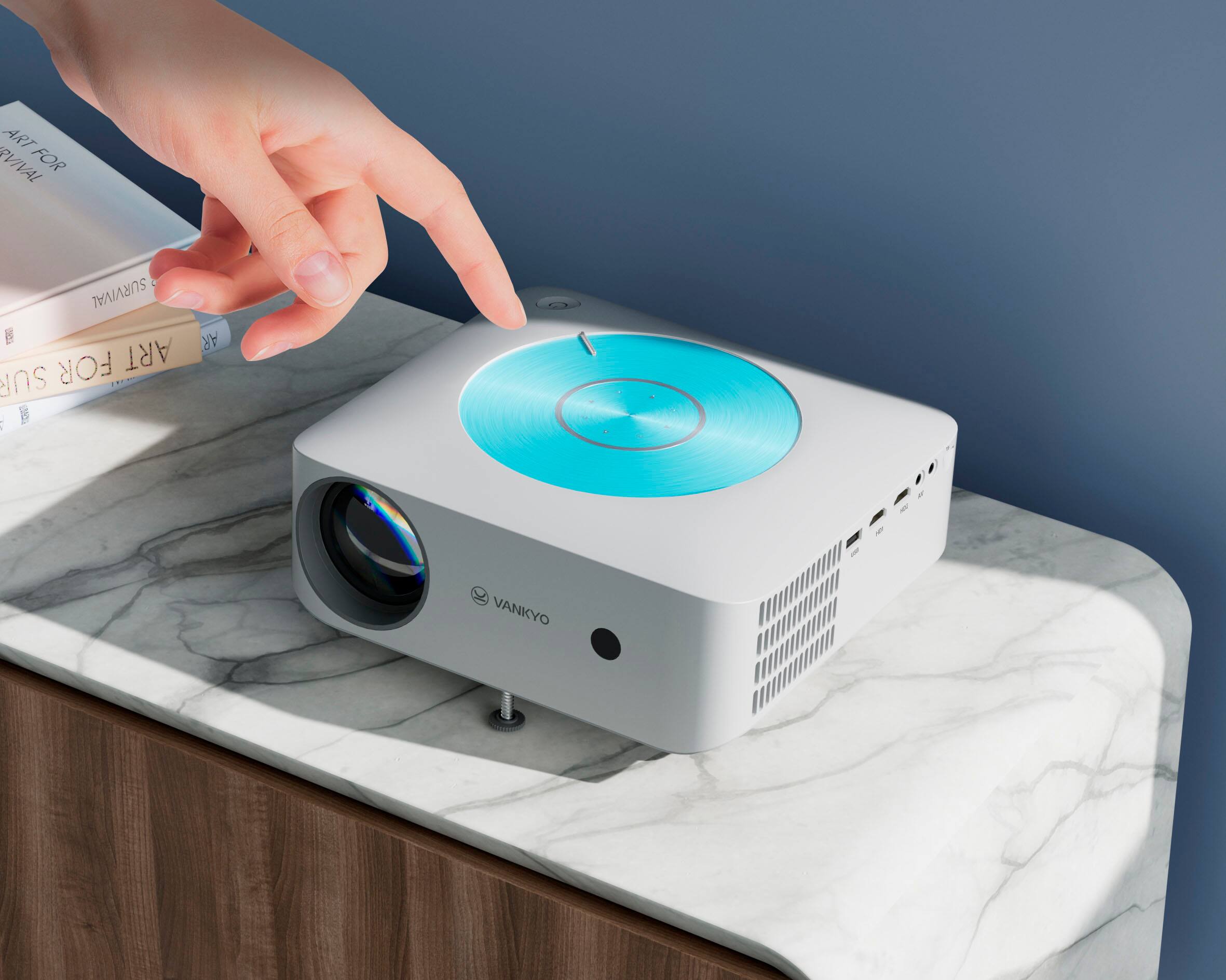
Thanks for asking. Sorry for the inconvenience it may cause. Due to the copyright issues, some streaming services like Netflix, Hulu, Disney +, HBO and Prime Video from mobile devices to the projector will be banned or restricted. It’s recommended to plug a TV stick or Roku stick into the projector or connect a laptop, Chromecast or wireless dongle to it via HDMI port to stream these services. - Vankyo Support Team