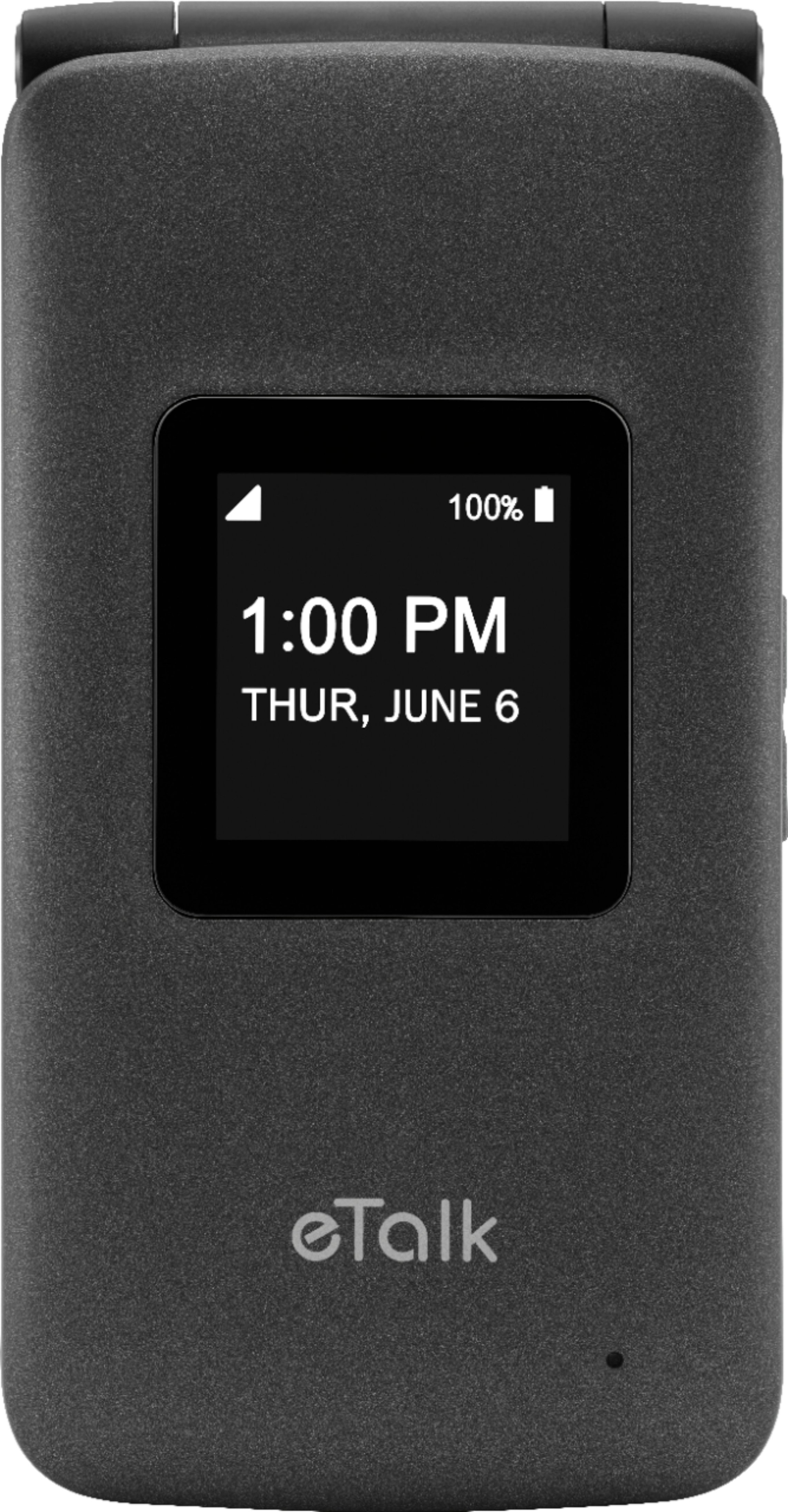
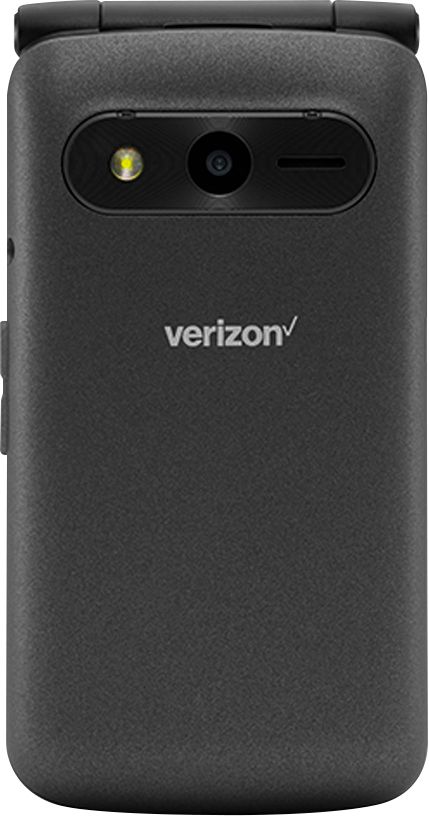
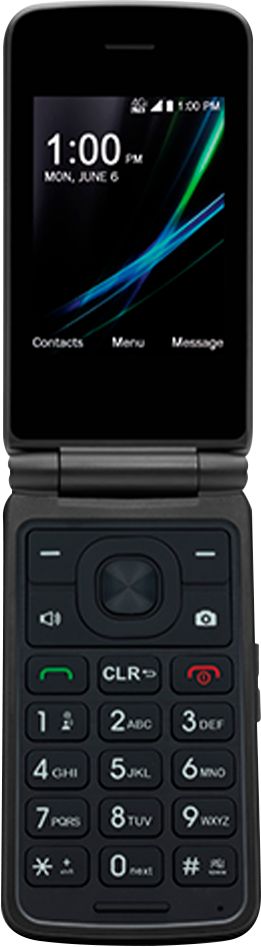
A:AnswerIf your phone has a sim card, then you can. If your current phone company is Verizon, then you can also keep your number even if your current phone doesn't have a sim card.
A:AnswerIt appears that there are 9 speed dials of which 1 is used for voicemail. There doesn't seem to be any voice dialing or other help on the phone for dialing calls.
A:AnswerI bought this phone for my dad and it is fairly simple. My 90 yr old dad kept asking me to show him everything but i finally convinced him it isn't necessary to know every little thing. I entered all his contacts so all he needs to do is answer the phone. When he wants to make calls I showed him that he just needs to press one button, scroll down to the contact he wants and then press the green send button. He is able to work with the phone.
A:AnswerThis phone is really a piece of CRAP!!! It doesn't hold a charge. Your calls cut in and out and the voices are very distorted. We have only had this phone for about 1 month and from day 1, it has been a total mess.
Although this phone was inexpensive, it should still perform BASIC PHONE FEATURES and it does not.
A:AnswerIt has the functionality to do that, but it's difficult to do unlike previous flip phones. You have to figure out how to program it to do that.
A:AnswerI purchased the flip phone from Best Buy and they would not help activate it. I had to get my son to help activate the phone. Really hard to get it activated.
A:AnswerAirplane mode
1. From the Wireless & Networks menu screen, use the Navigation key
to highlight Airplane mode and press the OK key Select to set. 2. Use the Navigation key to highlight On or Off, then press the OK key
OK