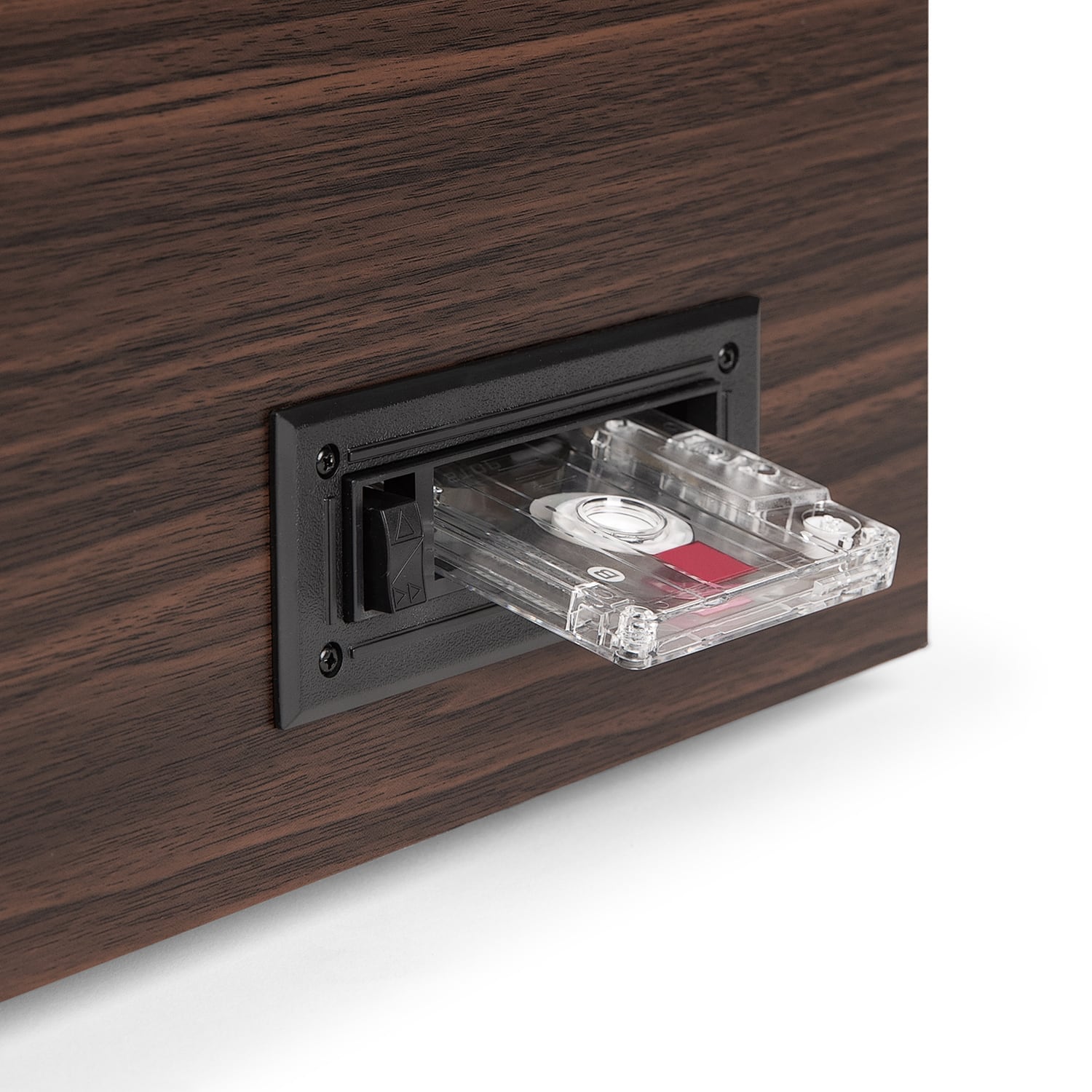
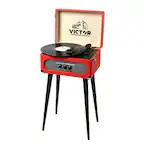
A:AnswerYes. But I found it very limited on controls. Cassettes always had forward & reverse (while playing), then you could stop & fast forward or reverse. I (personally) never got that to work. It seems to be only play & stop.
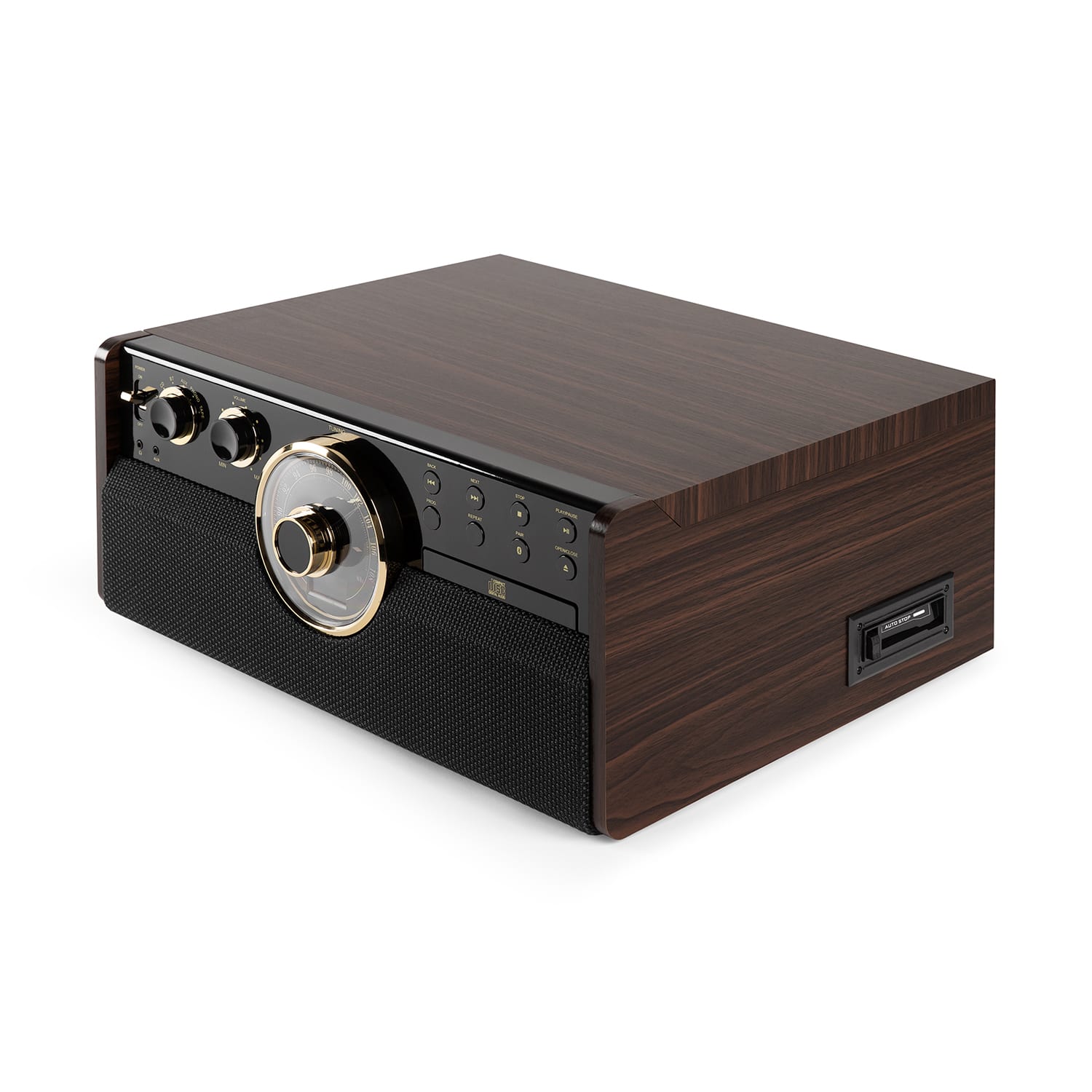
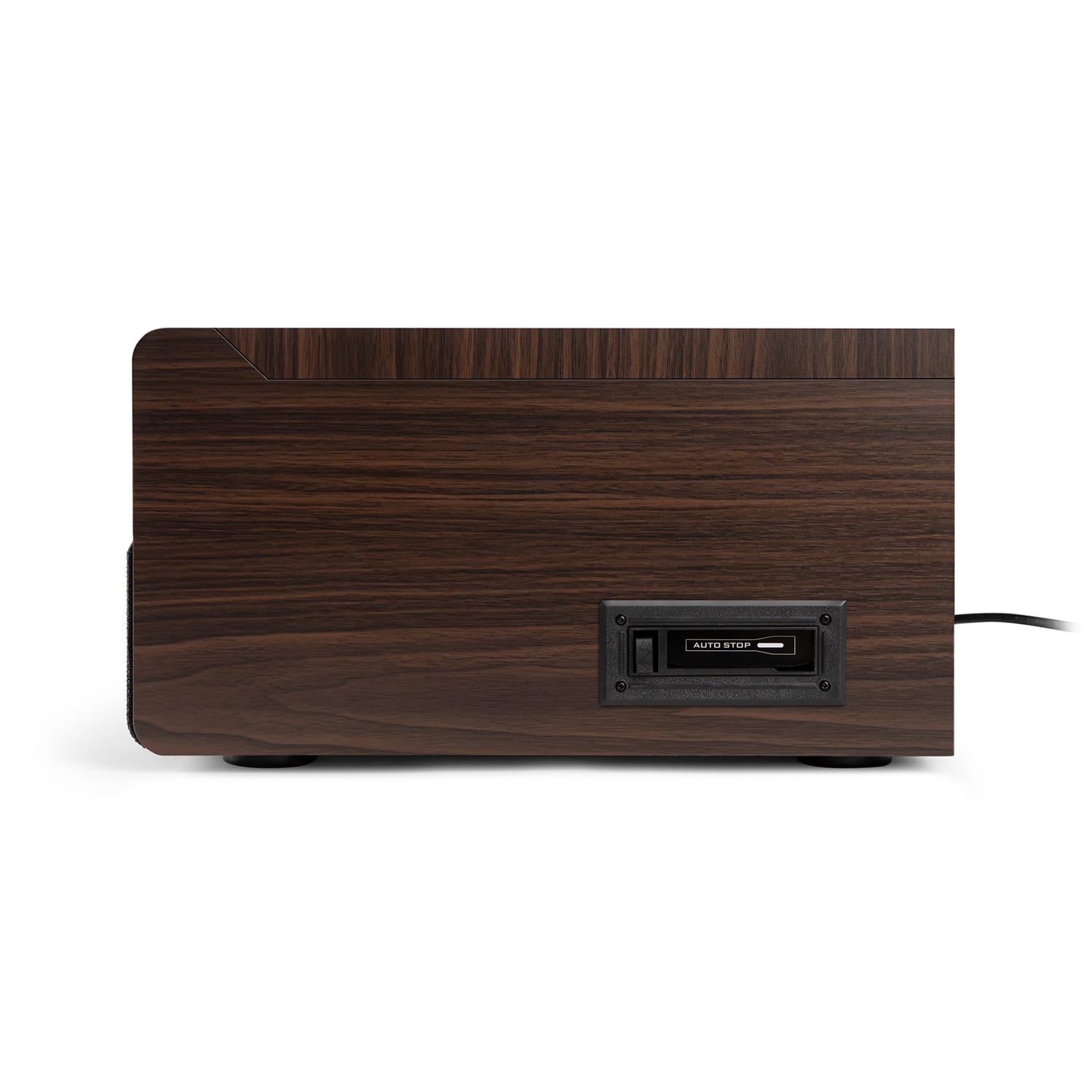
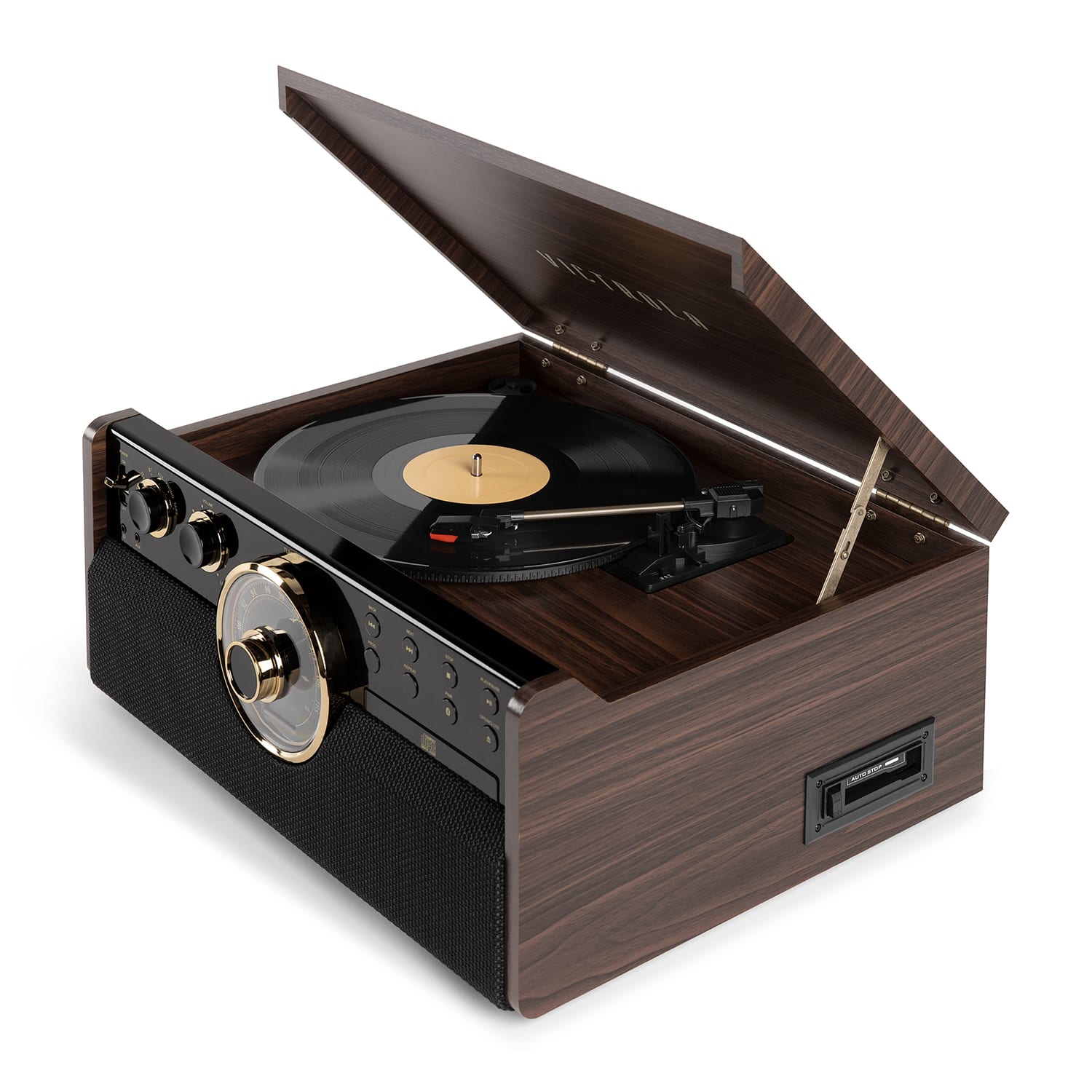
A:AnswerThe cassette is on the right side, lower bottom. It has a single button with dual actions on it: play (or eject, not sure), and fast-forward. I have not tried it.
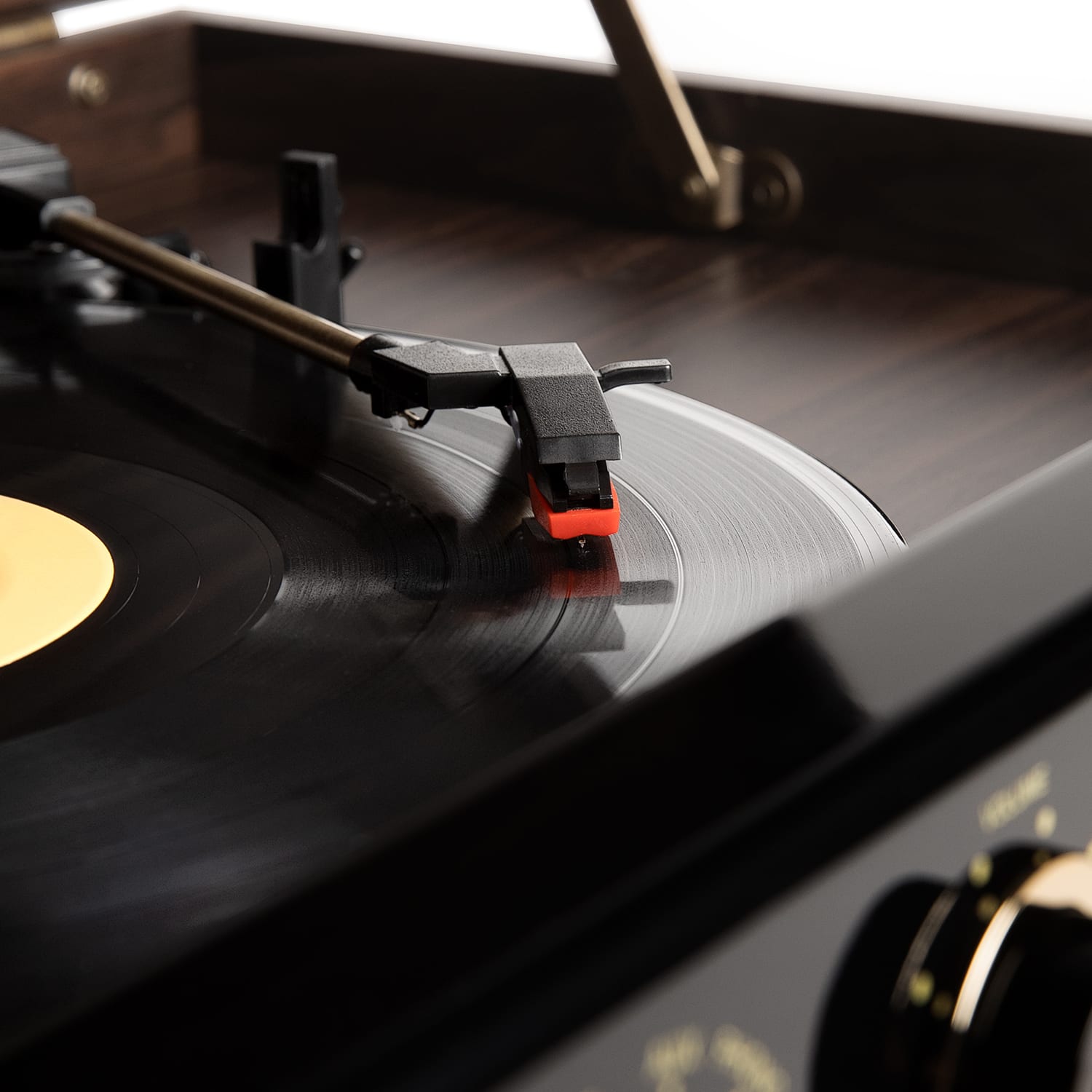
A:AnswerWhen you register your record player with Victrolia, they will send you a free needle. After that new needles can be ordered in the Victrolia web site.
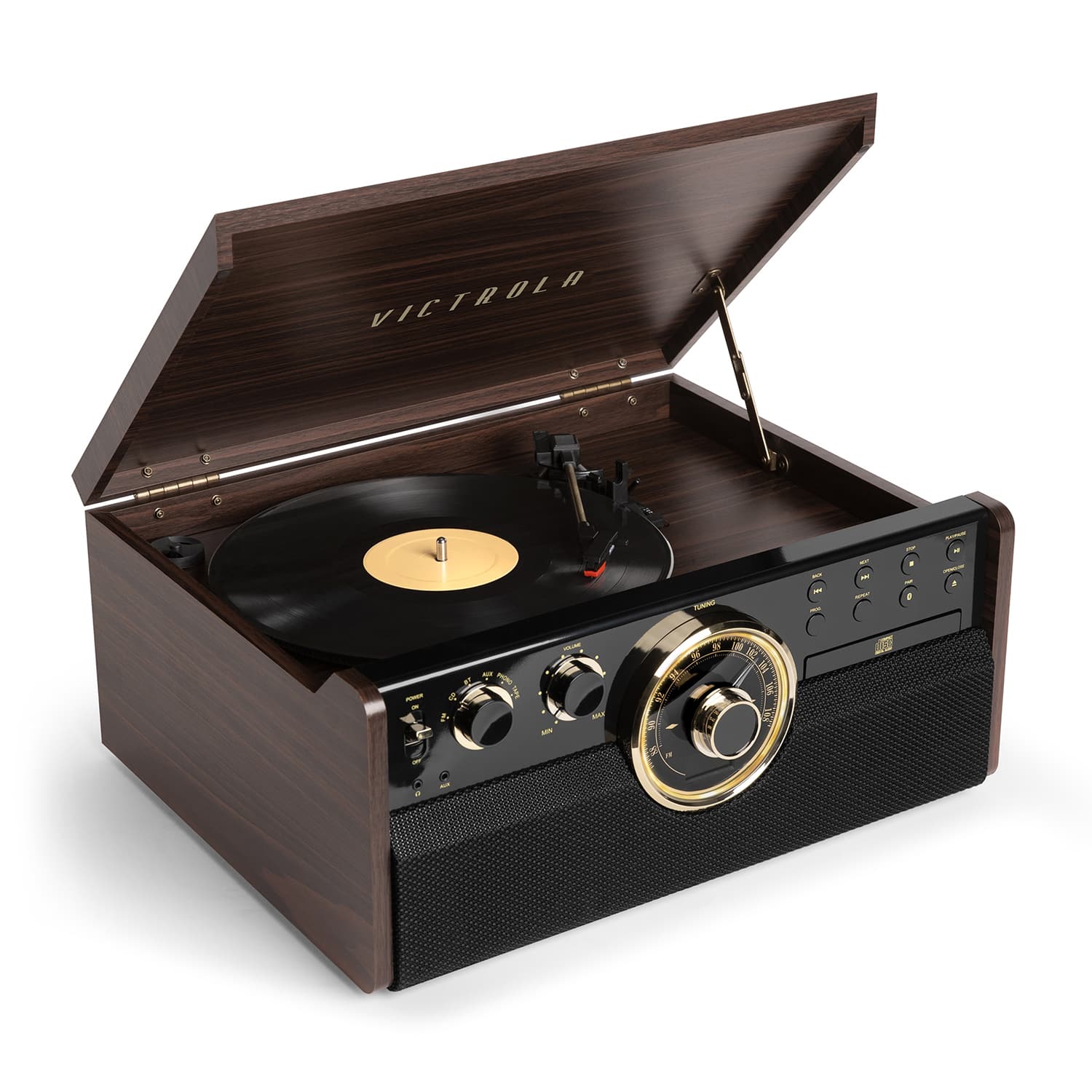
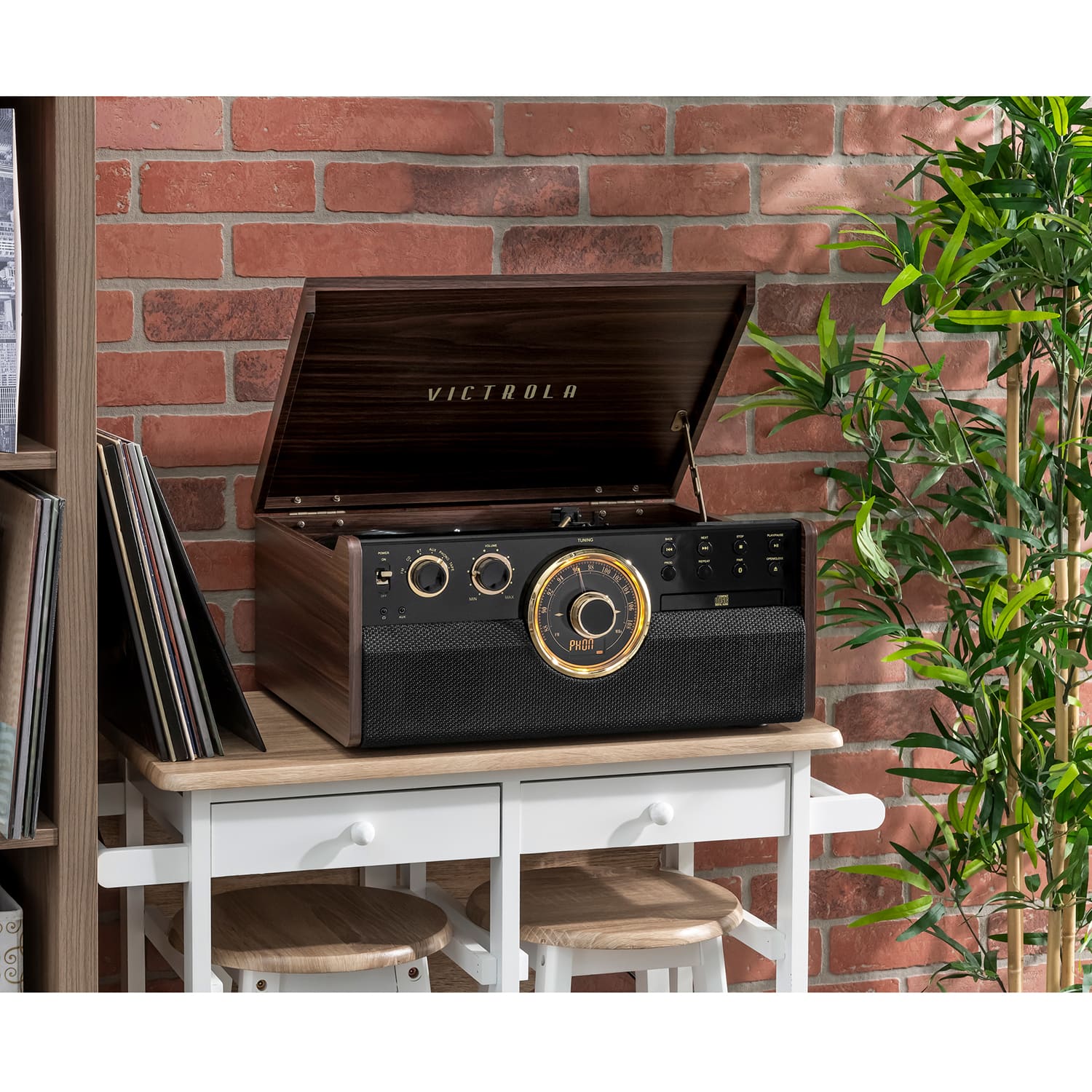
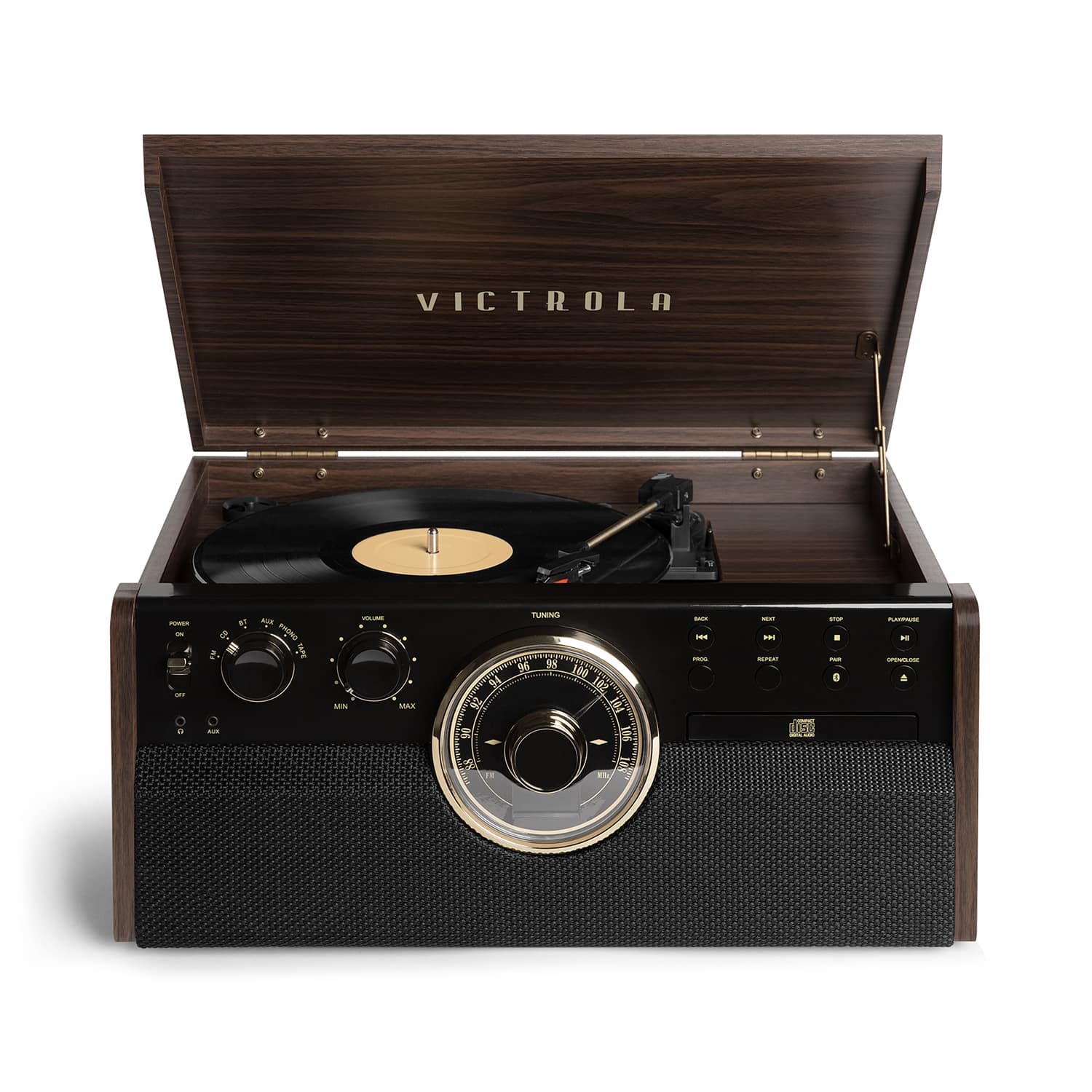
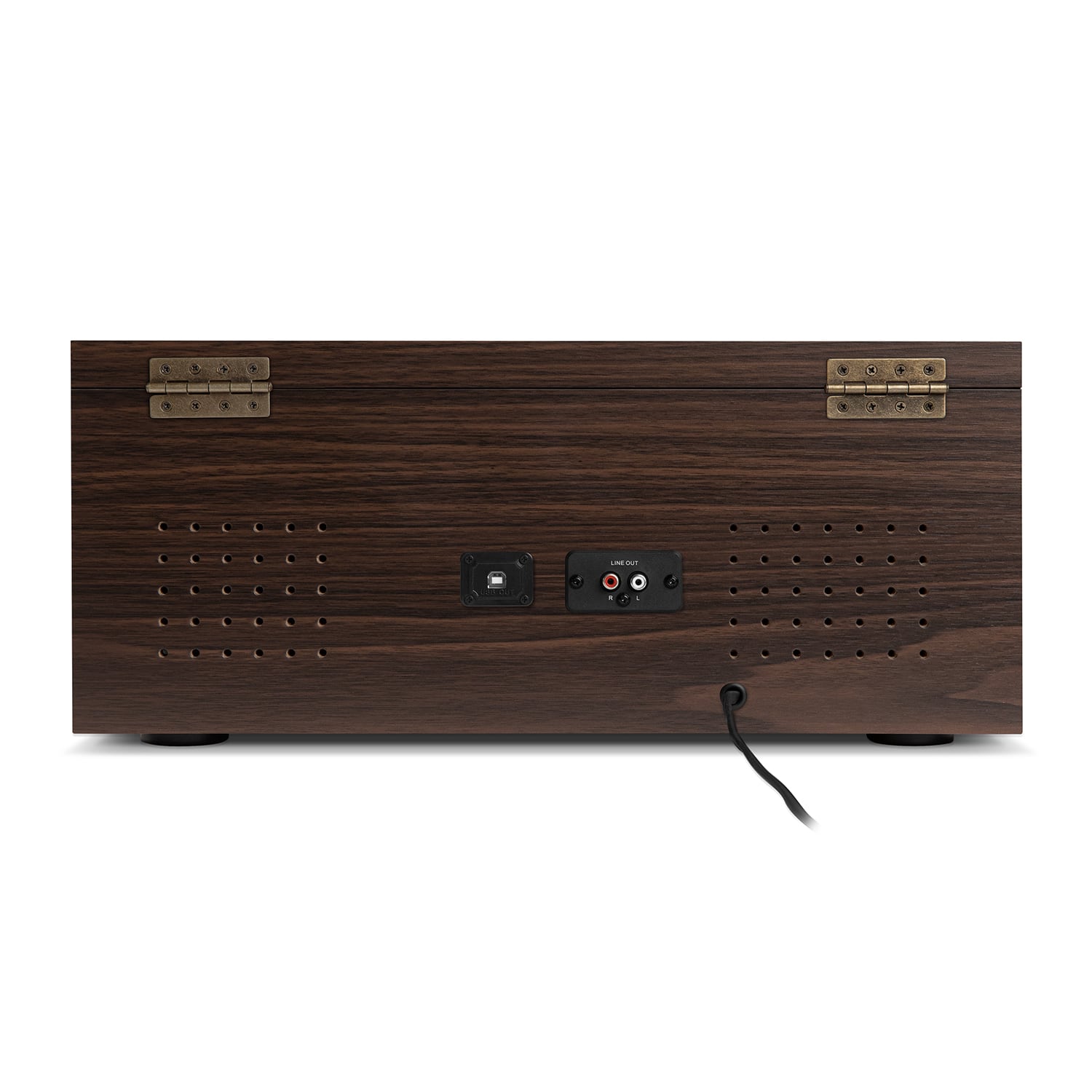
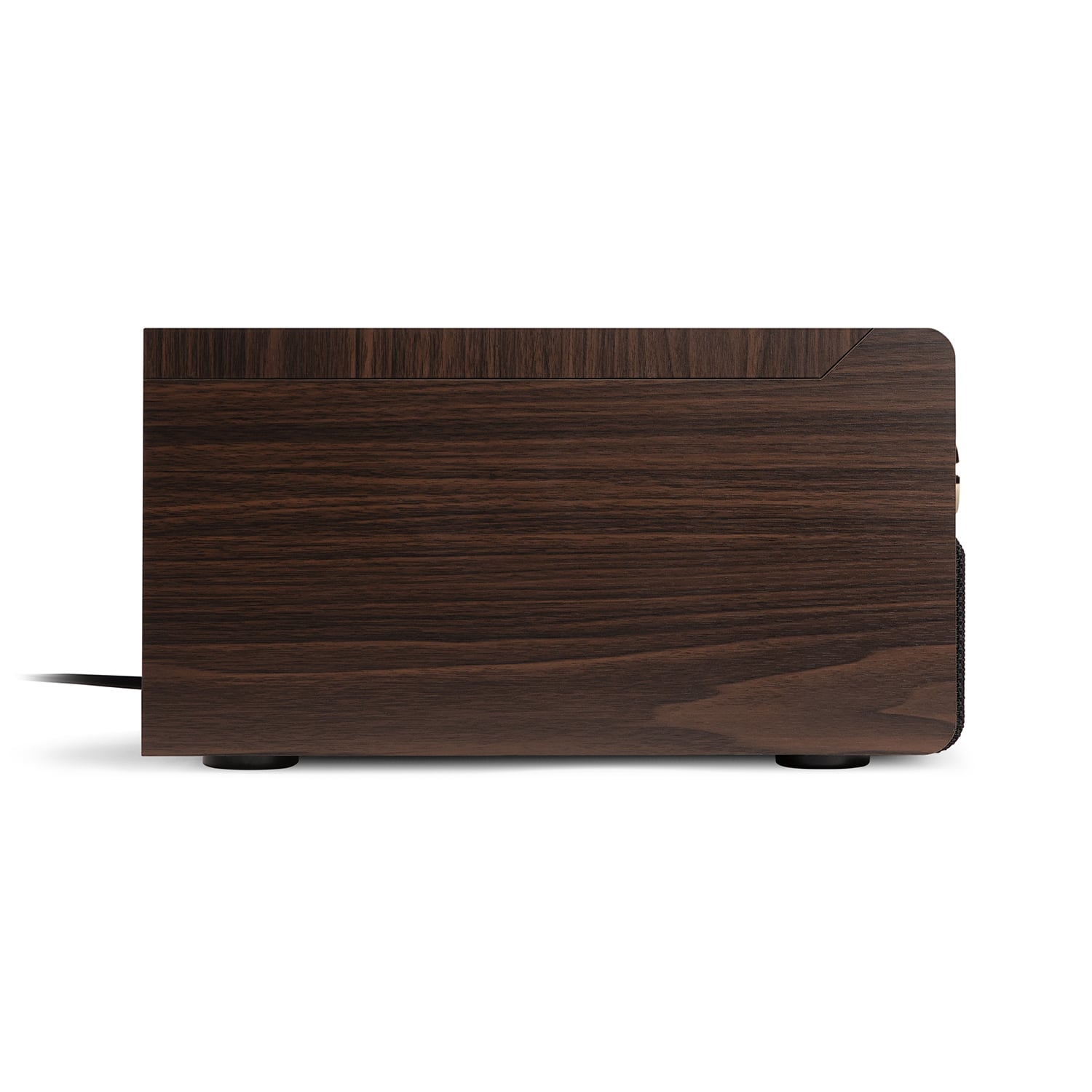
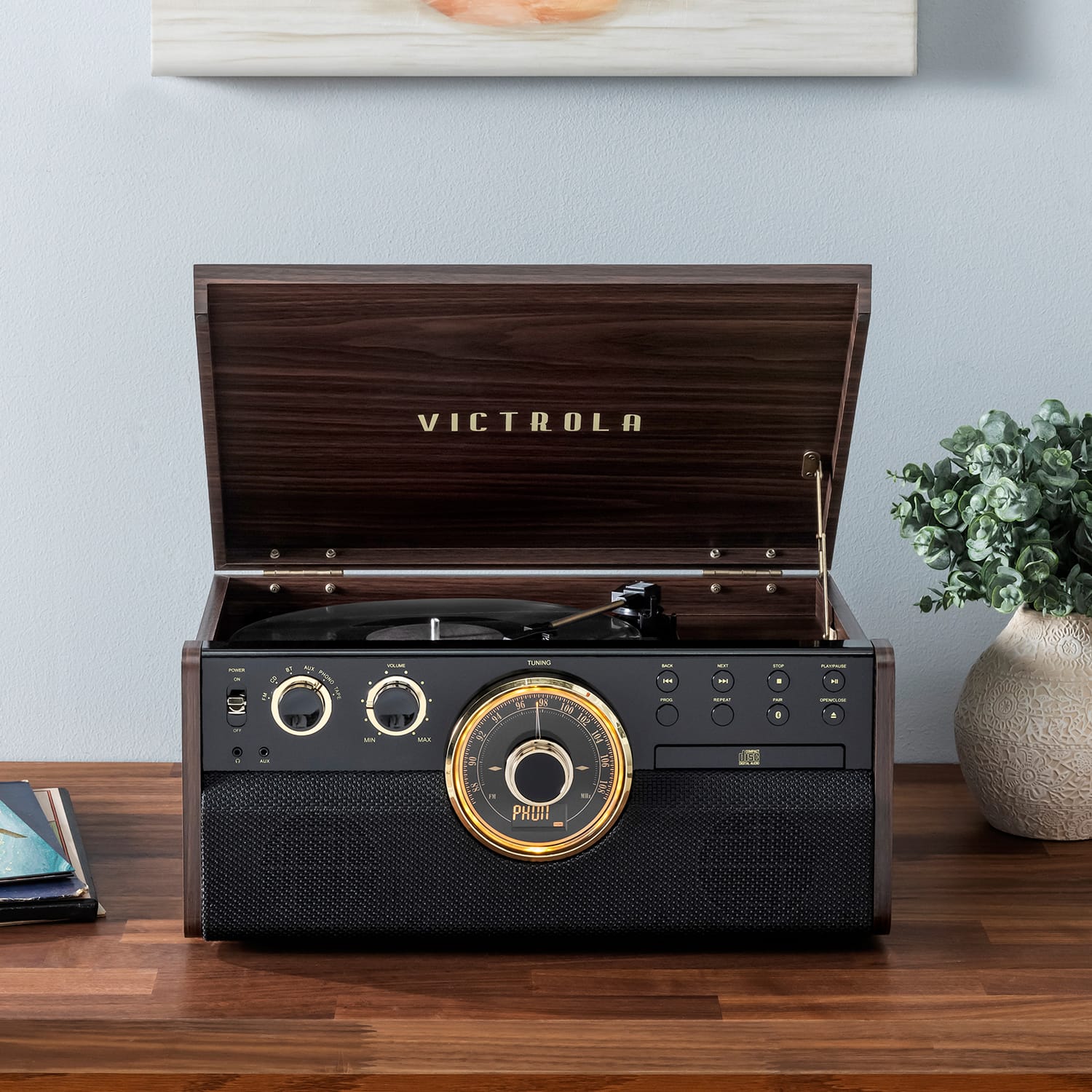
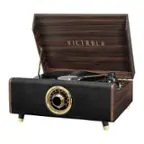
A:AnswerWe got the one with a wood looking finish. It’s wood colored and grained pressboard. The knobs are plastic and the front black panel is plastic. Hinges are metal. It works well and looks good
A:AnswerHello BB,
You can connect your phone via Bluetooth to use the unit's speakers, however, it cannot connect to an external Bluetooth speaker. Please see below for instructions on how to pair your phone to use the unit's speakers.
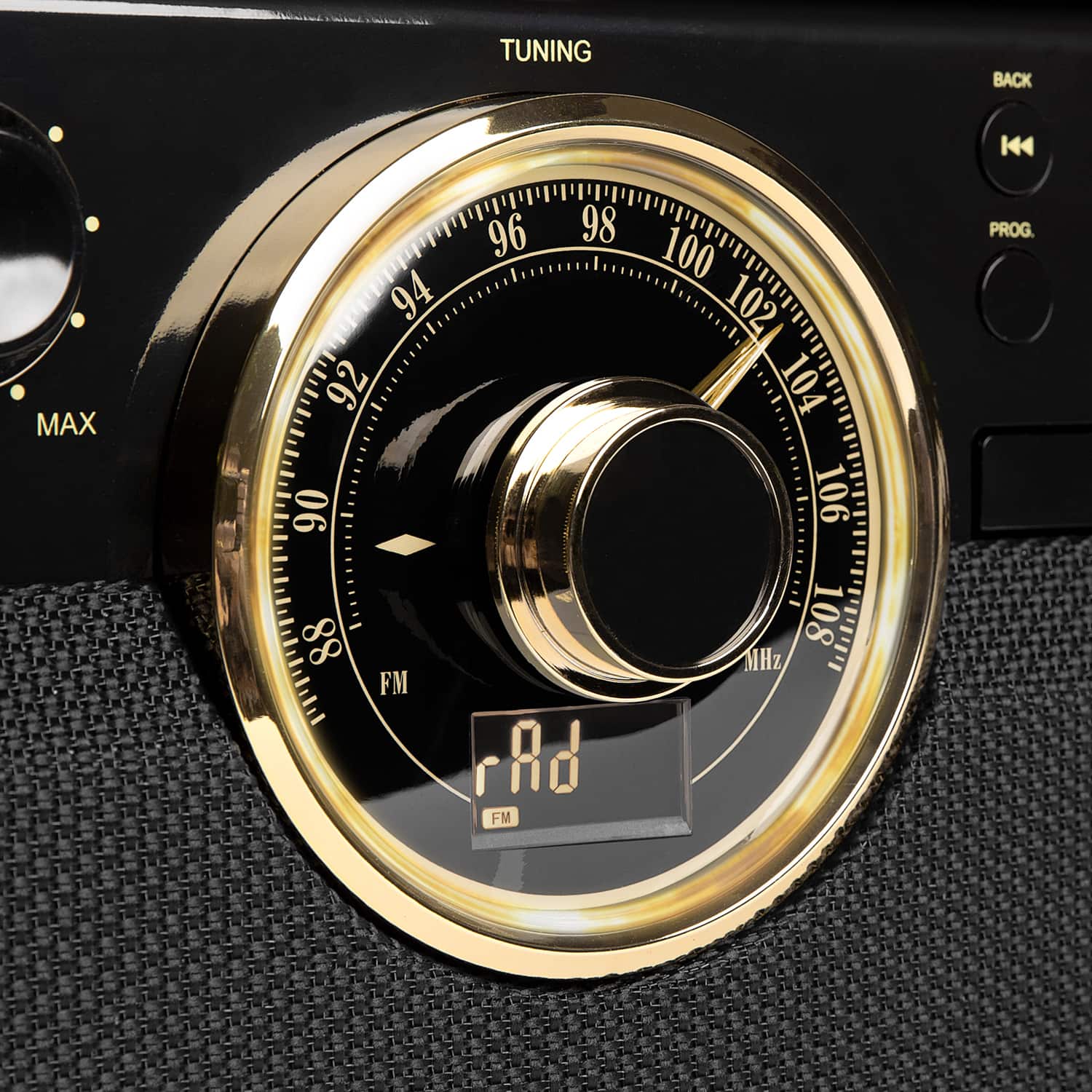
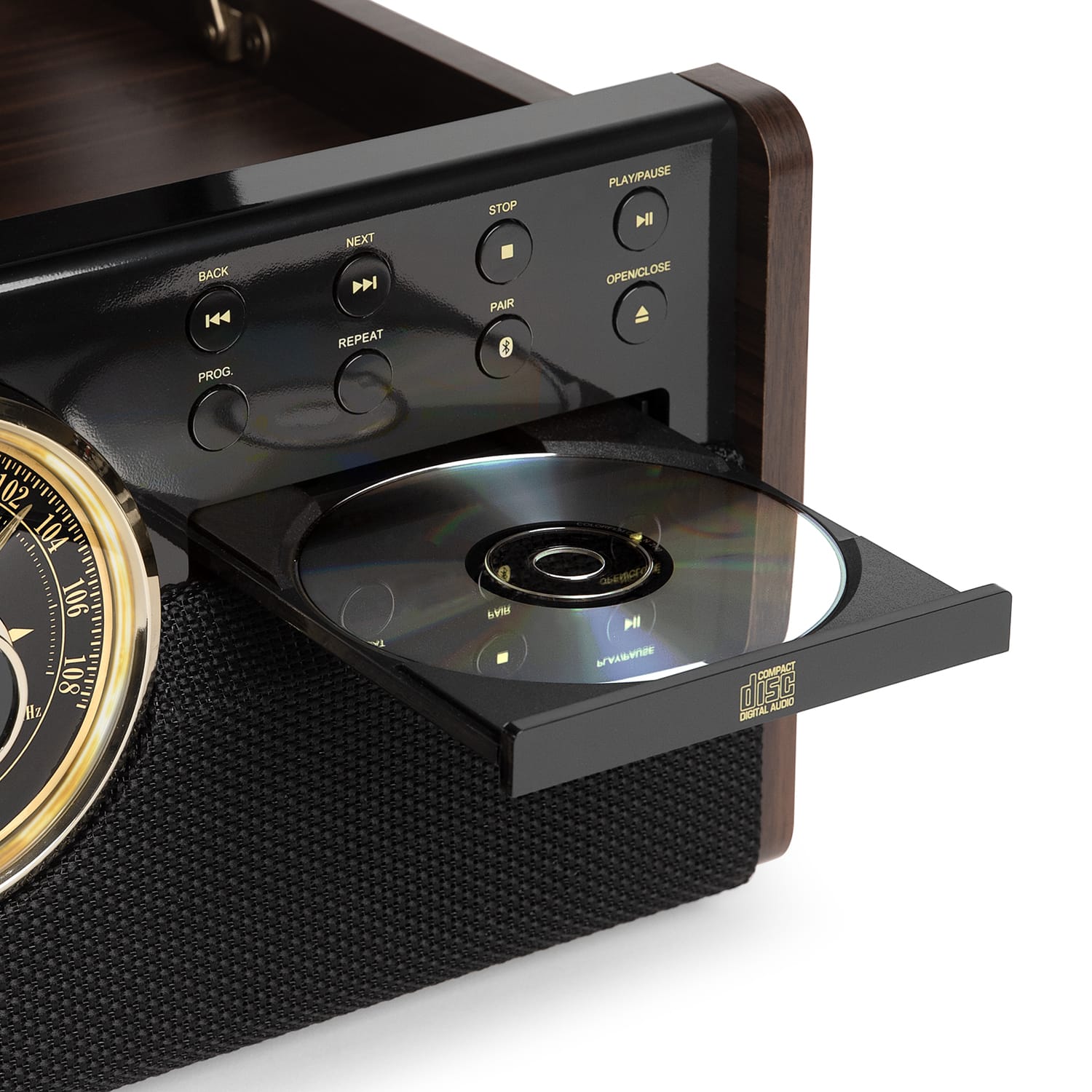
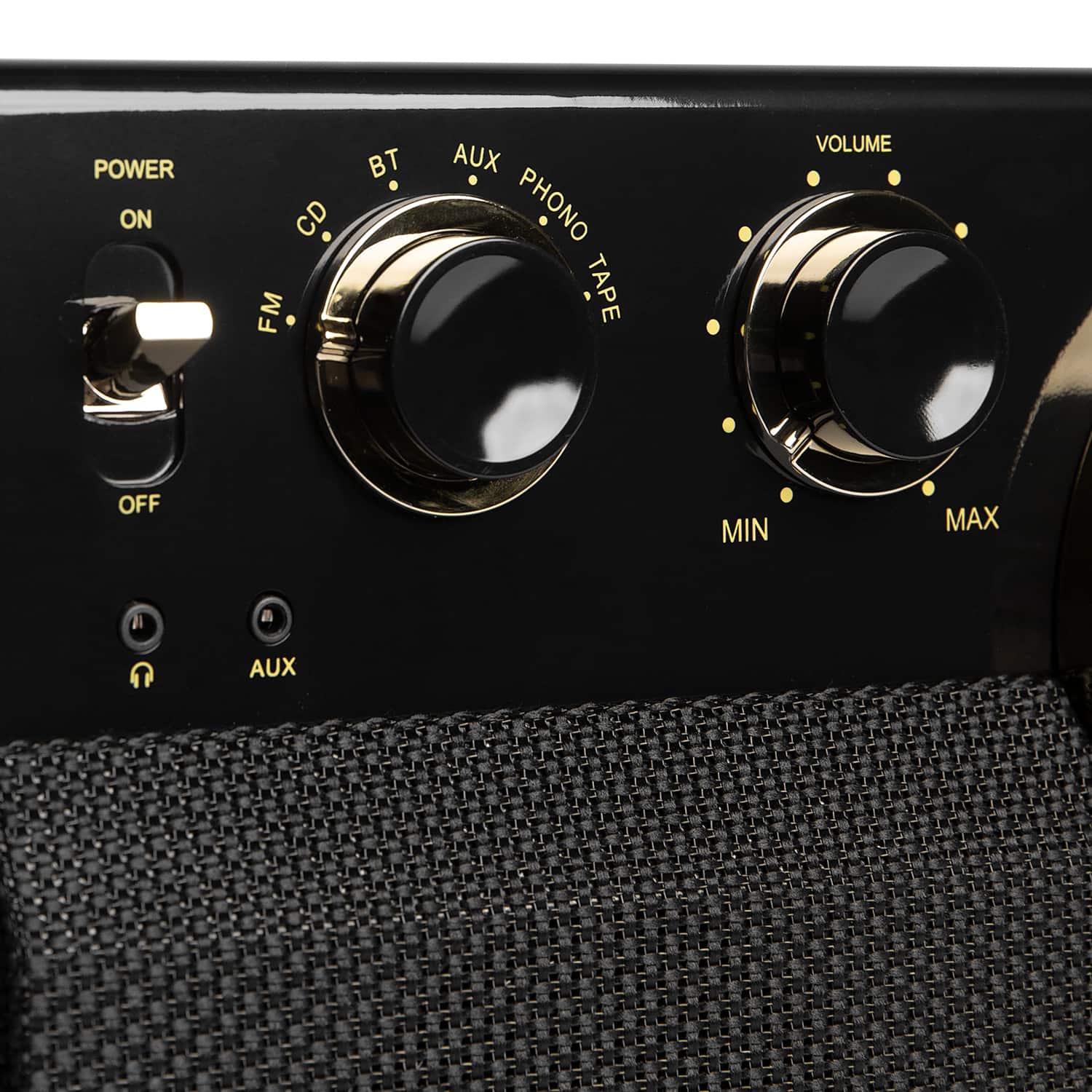
GETTING CONNECTED USING BLUETOOTH 1. Rotate to select “BT” function. The LED Display will display “bt”. 2. The “BT” LED Display will flash while searching for a device. 3. On your external device turn ON the Bluetooth function. NOTE: The effective distance between your external device and this apparatus is 10 meters (33ft). 4. Wait a moment for “VTA-270B” to appear on the devices list. Press “VTA-270B” to connect to the unit. Sometimes a window will ask you for a password. Fill in “0000” then press “OK” on your external device. 5. Once the Bluetooth connection is successful the “BT” Indicator will remain lit. 6. You can press BACK or NEXT button to skip the previous/next track or control on your device.
If you have any other questions or concerns, please reach out to [email protected]
A:AnswerHello Tommy,
This unit has Bluetooth IN, meaning you can connect your phone or similar device to play music through the unit's speakers. See below for instructions.
GETTING CONNECTED USING BLUETOOTH 1. Rotate to select “BT” function. The LED Display will display “bt”. 2. The “BT” LED Display will flash while searching for a device. 3. On your external device turn ON the Bluetooth function. NOTE: The effective distance between your external device and this apparatus is 10 meters (33ft). 4. Wait a moment for “VTA-270B” to appear on the devices list. Press “VTA-270B” to connect to the unit. Sometimes a window will ask you for a password. Fill in “0000” then press “OK” on your external device. 5. Once the Bluetooth connection is successful the “BT” Indicator will remain lit. 6. You can press BACK or NEXT button to skip the previous/next track or control on your device.
Any other questions or concerns, please reach out to [email protected]