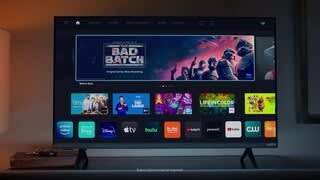
A:Answer Hi Bruins. I bought this model last month & fortunately it had no problem sensing my Wifi address or accepting its password, once I entered that code EXACTLY as it was created. Case Sensitivity is required, as is the correct punctuation and no accidental extra spaces.
Your question doesn’t indicate whether the Wifi connection problem is that your TV just can’t sense your address at all or that it won’t accept the password as you’ve entered it.?
Also your question doesn’t mention whether you’ve tried contacting Visio Support already. But I’m assuming not. Their webpage is very good; among its topics are Connecting to Wifi and User Manuals to view/download. Our model’s manual is the one for the “D-Series” TV’s.
Visio Support also lists their phone # to call.
Hopefully they can resolve your issue completely. If not, you may need your Wifi Provider’s assistance. If that’s a cable company, maybe the problem could even be that your cable cord is malfunctioning.?
Very best of luck to you! FYI here’s
the link to Vizio Support:
https://support.vizio.com/s/contact-us?language=en_US