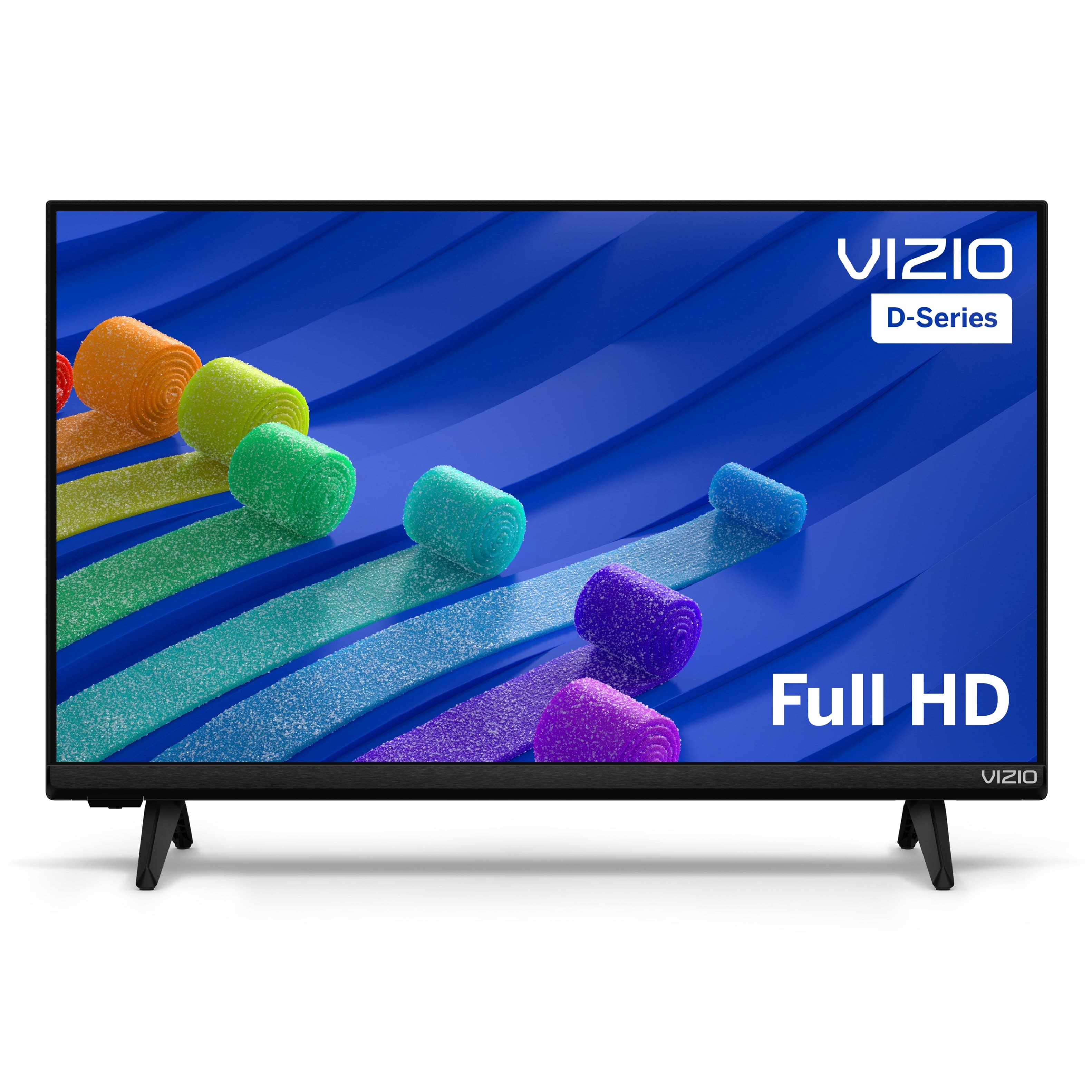
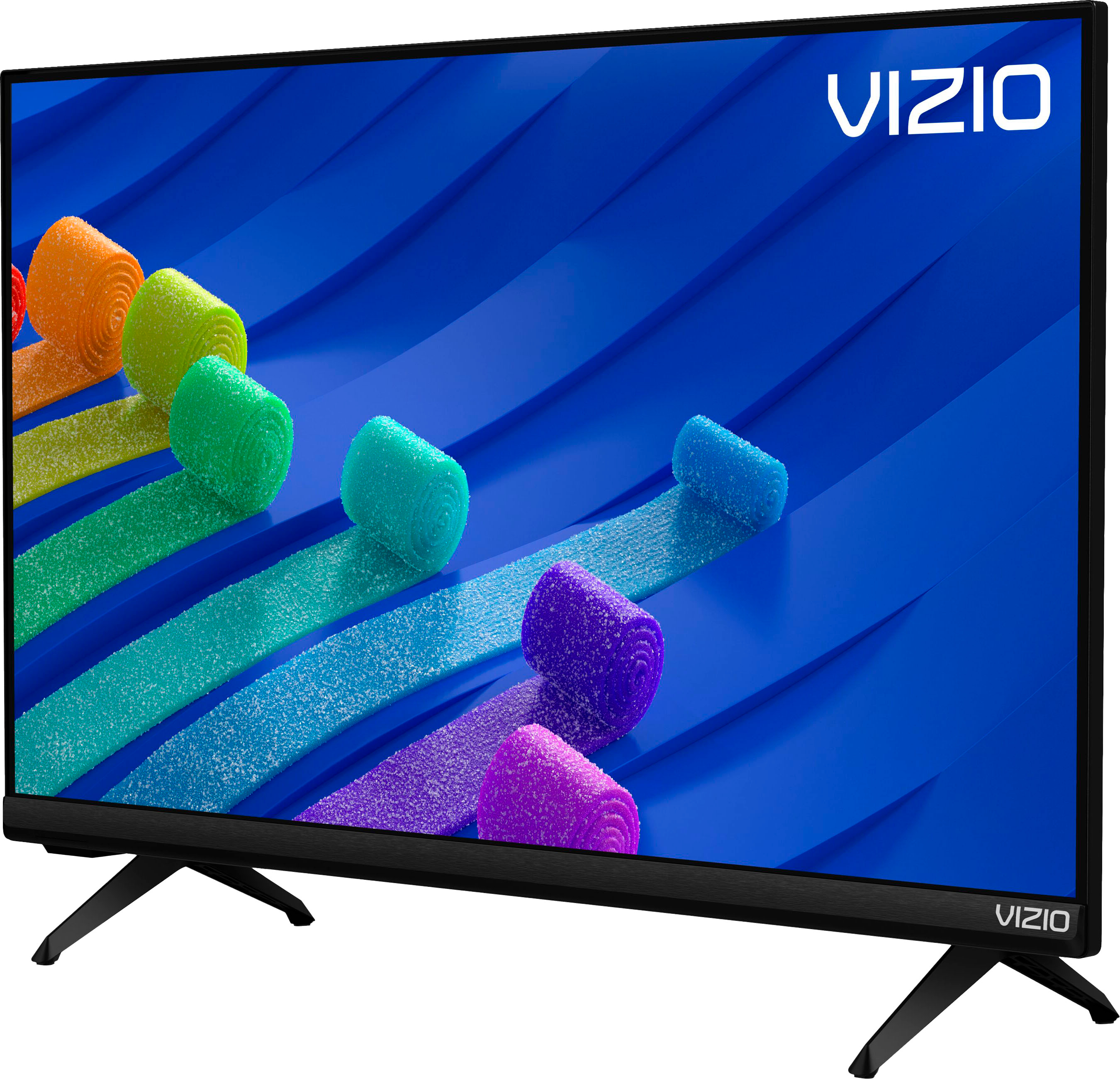
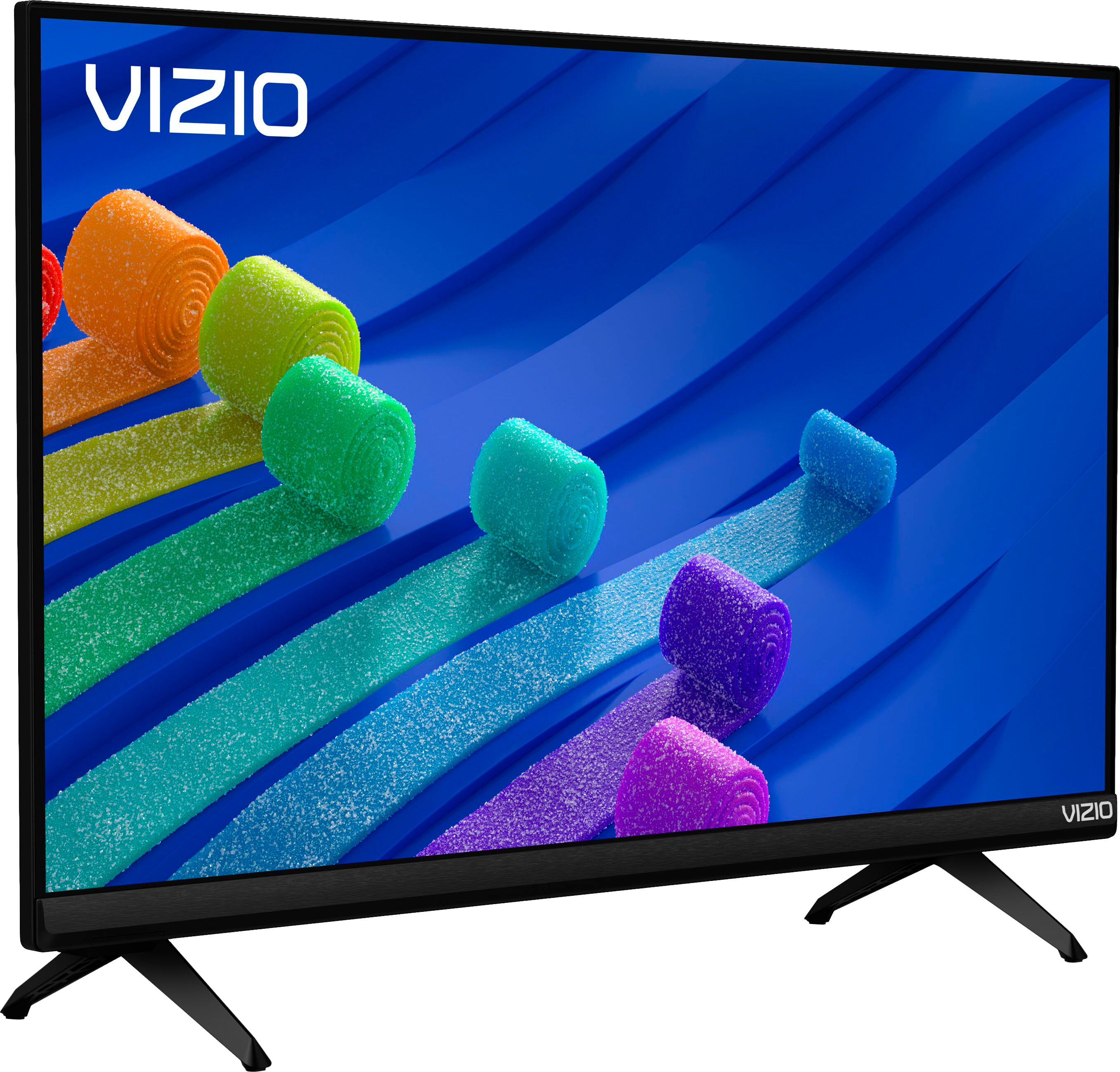
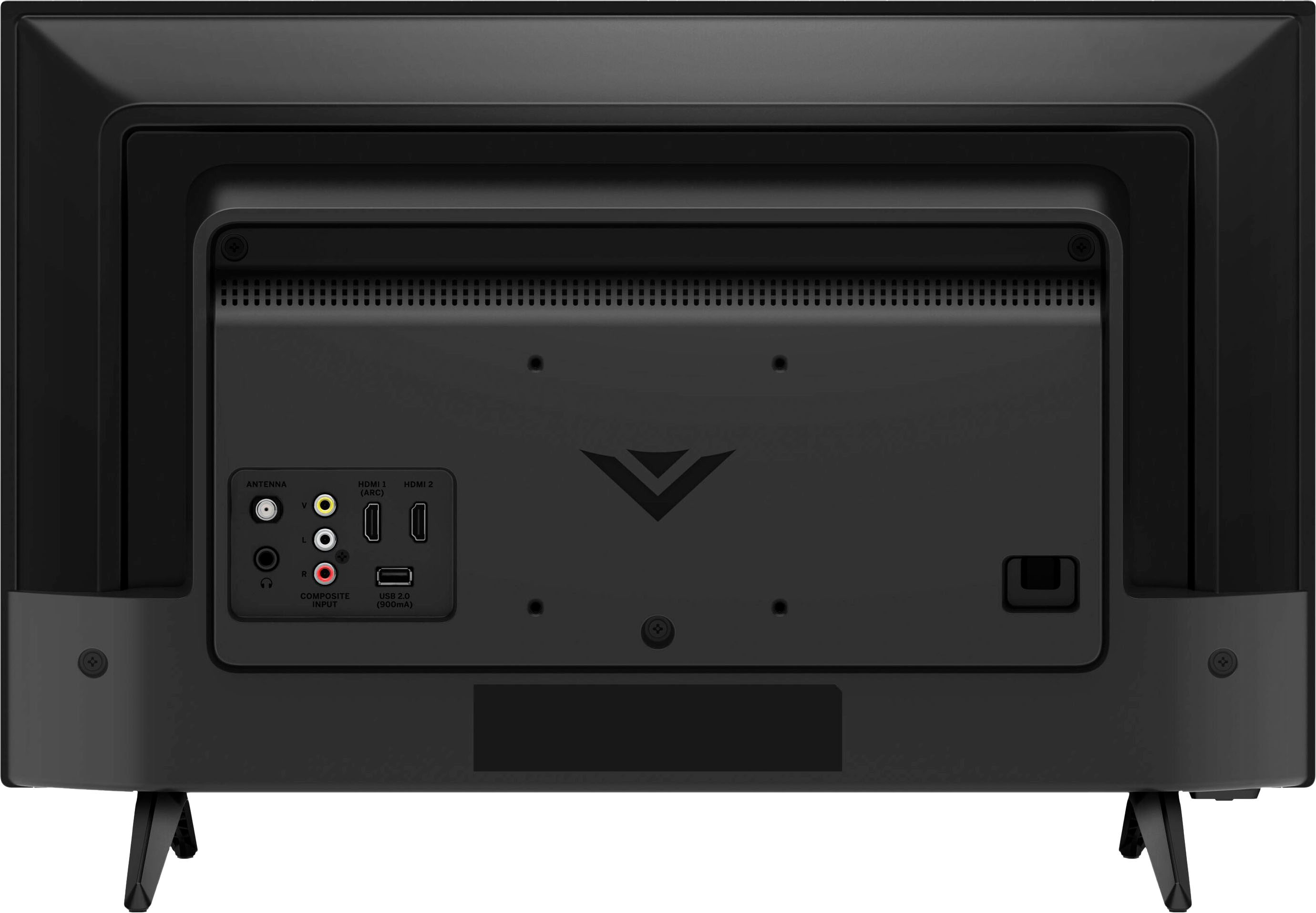
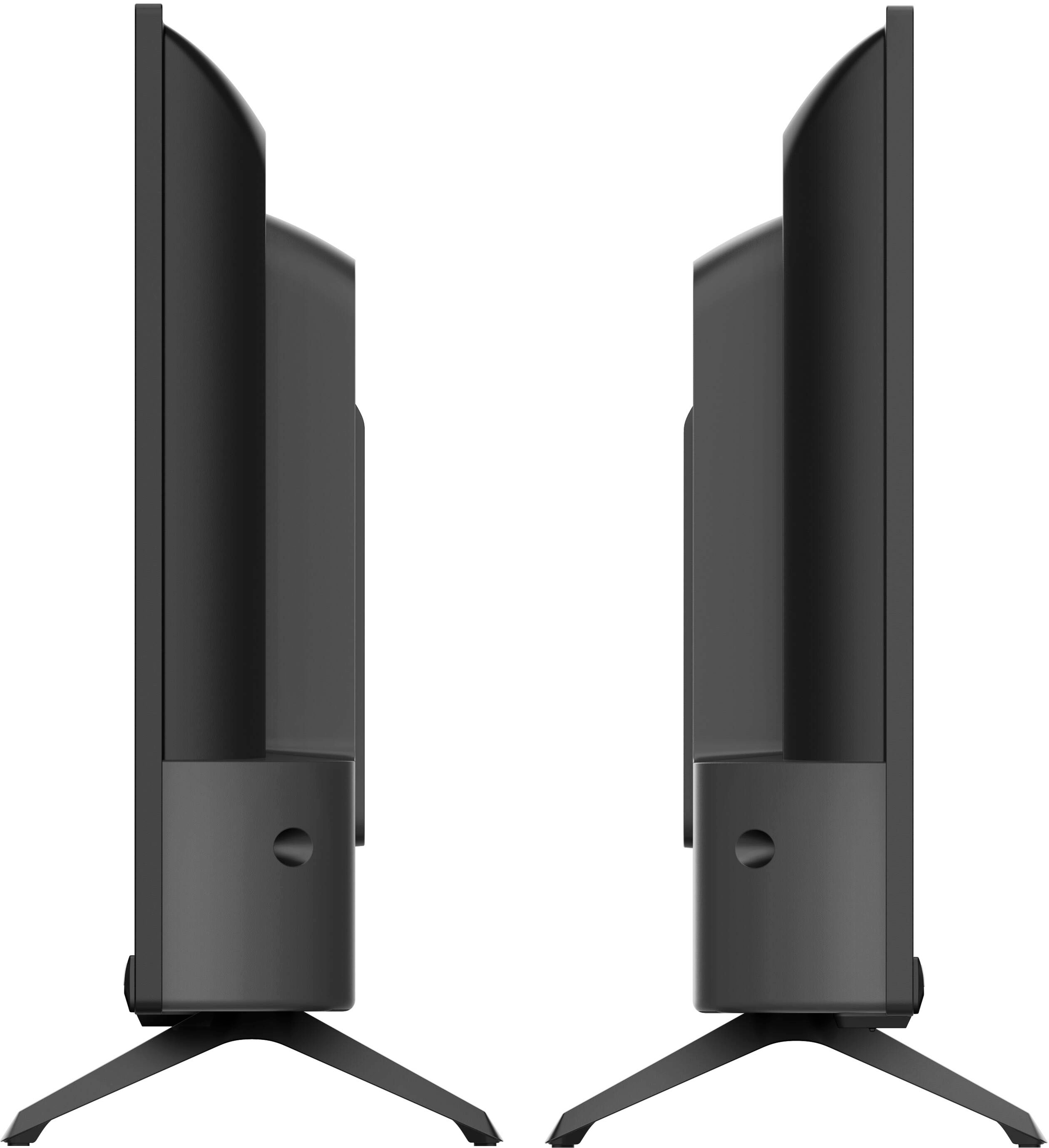
A:AnswerThe mounting feet are 15" apart. The clearance it about under TV is 5/8"
The width is 21" and the height is 14 3/8". This will fit but I don't know the dimensions of you Dish box. You may be able to put it in front or behind the TV. I do not know how much height clearance you have either so I included the measurement. Hope this helps you. While the TV image and sound are not great, It was well worth the price for what you get. I say go for it.
A:AnswerUnless there are different model power adapters, the width is no more then the width of the plug. I have an over under power outlet on the wall and this plugs into the bottom outlet leaving the upper outlet free to plug in a standard cord but not another transformer type plug.
A:AnswerTo answer your question, I want to gather a bit more information. When you have a free moment, we are available through text message, chat, or over the phone. Just go to support.VIZIO.com and click on ‘Contact Us’.
A:AnswerNo. I purchased a new 24" Smart TV for my 40 ft boat. When it was set up and operating I realized that the unit was not new but rather it had been used before. Several different pieces of data supported that contention and it was further supported by your store people when they received the item for which I received a new TV that I had purchased. Furthermore the person I originally talked to about the return informed me I would received a $100 certificate in a few days and that was further supposed by the sales clerk who managed the return and replacement TV. More than a few days has passed as of today I have not received that certificate.
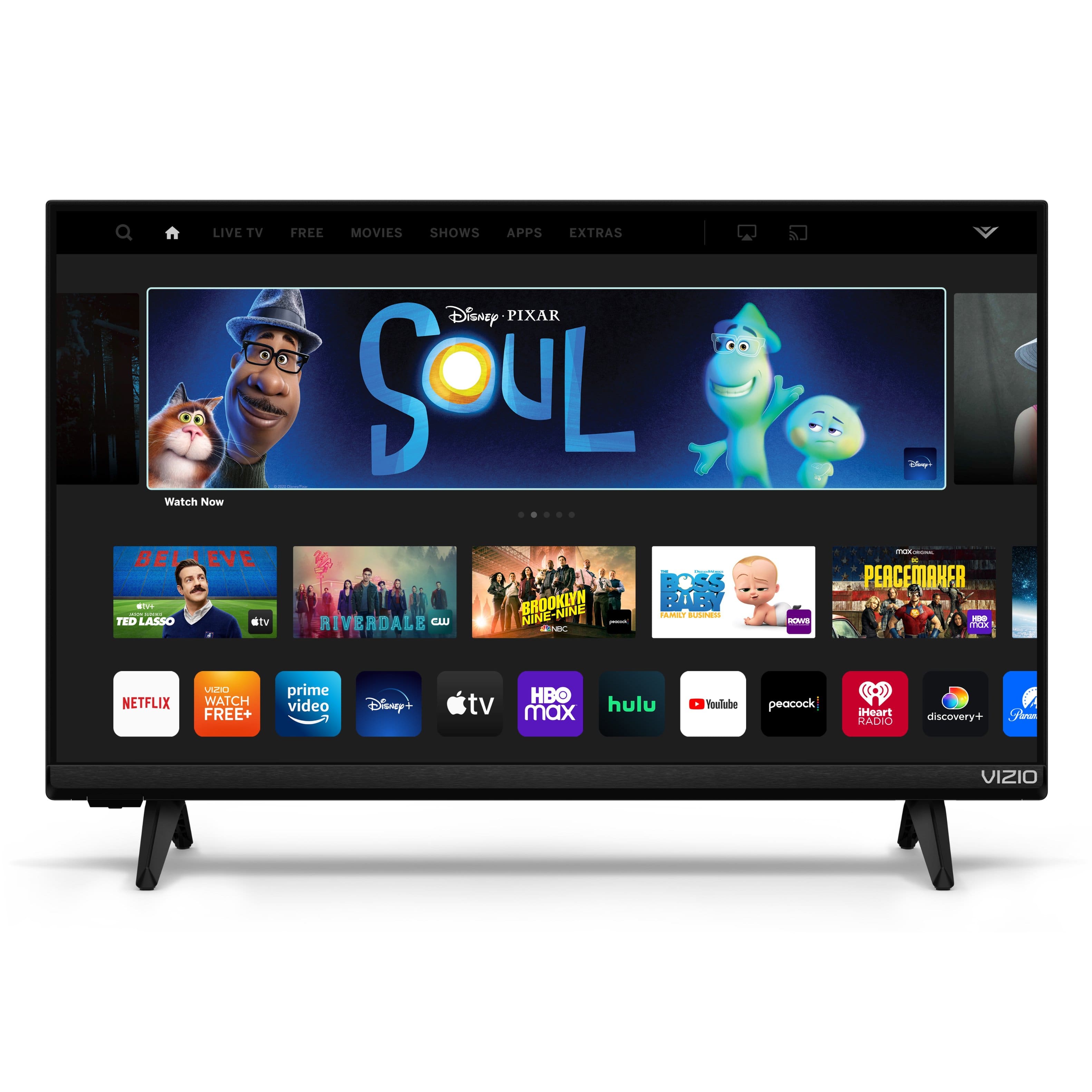
A:AnswerThis TV uses our SmartCast Platform which offers a host of built in apps, as well as support for Google Chromecast, Apple AirPlay 2, and voice support for SIRI, Google Home, and Alexa. You are not able to manually download additional apps, however new apps are added to the platform often. If you find there is an app you want to watch that is not on SmartCast you may be able to cast it using Chromecast or Apple AirPlay from your phone or mobile device.
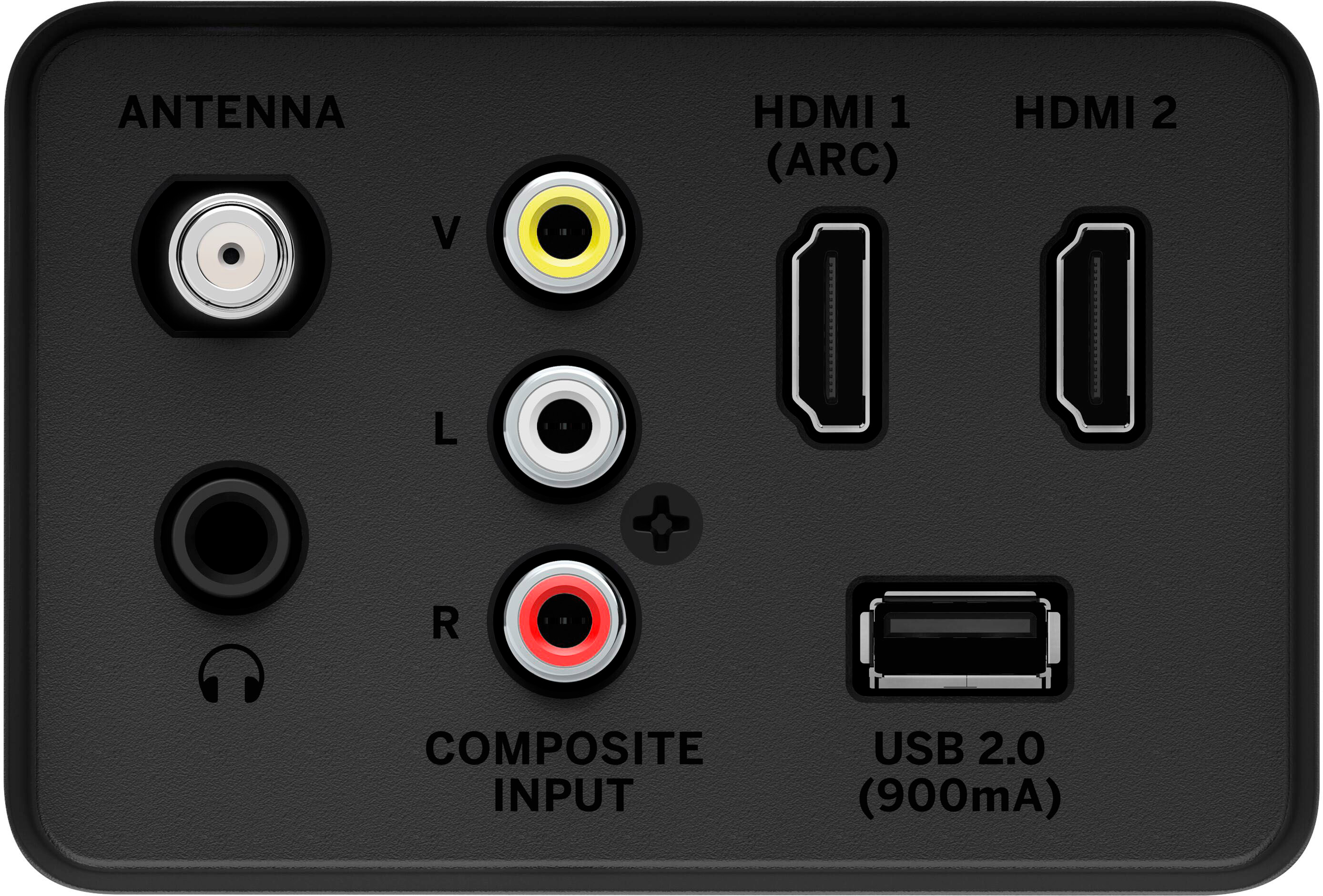
A:AnswerCable and satellite boxes can be used with all VIZIO TVs. We would recommend using an HDMI connection between the box and TV for best audio and video quality.
A:AnswerVIZIO Voice makes it easy to search, stream & switch inputs with just your voice. With VIZIO Voice, you can quickly find the content you love. Say simple, intricate, or follow-up commands and let SmartCast do the work for you. The TV can be paired with a VIZIO Voice Remote (sold separately) using the USB dongle attachment.

A:AnswerThe user manual for this TV can be found by navigating to support.VIZIO.com and searching for the model number D24f4-J01. The manual will have a diagram of the remote model XRT140 that is included with the TV.
A:AnswerThis TV uses our SmartCast Platform which offers a host of built-in apps, as well as support for Google's Chromecast, Apple's AirPlay 2, and voice support for SIRI, Google Home, and Alexa.