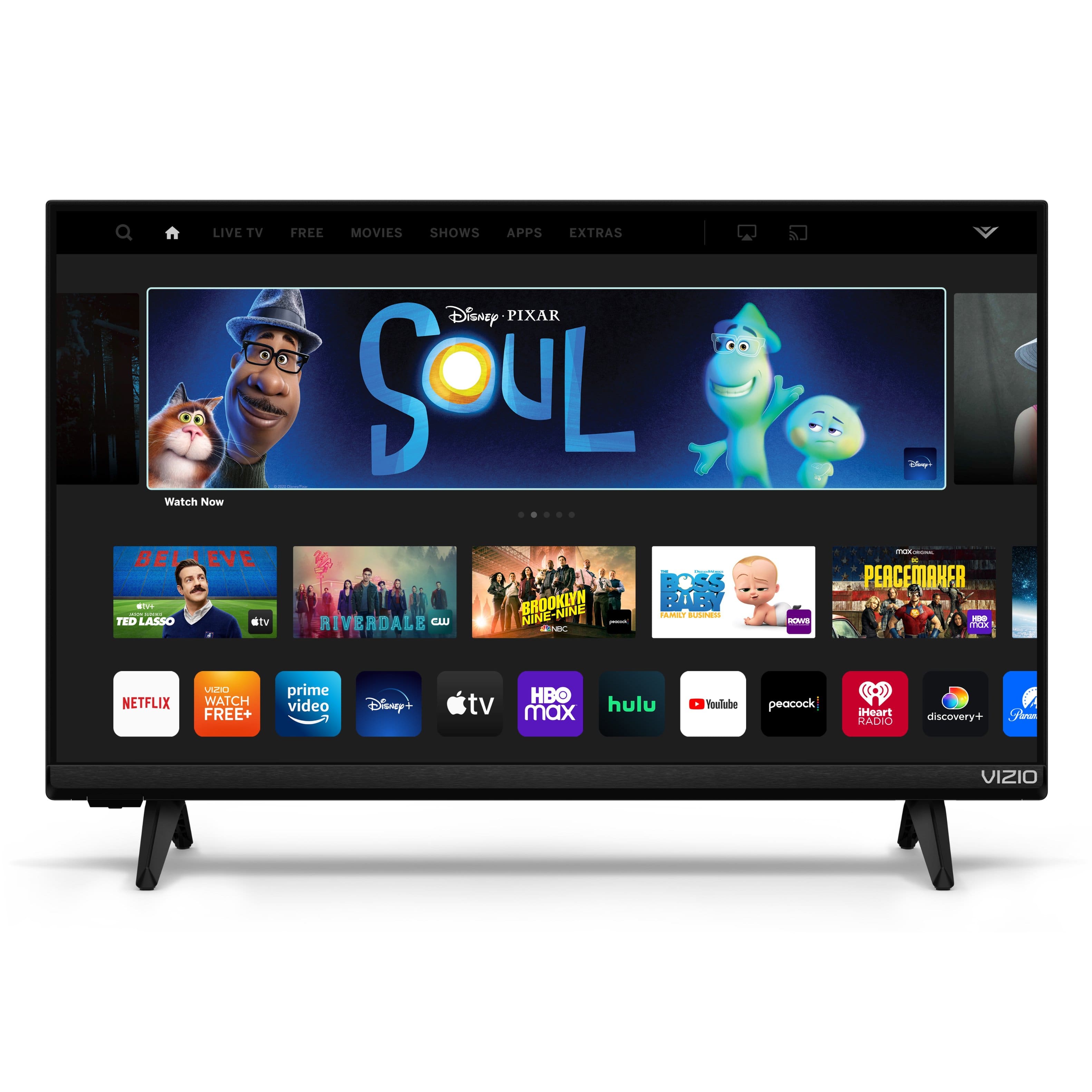
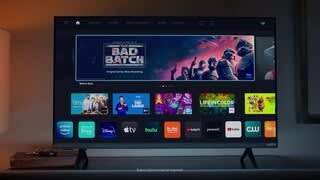
A:AnswerIn today’s market with so many apps it can be difficult to find the content you’re looking for. VIZIO is committed to giving consumers access to as much streaming content as possible. If you find there is an app you want to watch that is not on SmartCast you may be able to cast it using Chromecast or Apple AirPlay from your phone or mobile device.
A:AnswerWhen a VIZIO TV detects an external audio source attached, it will automatically turn off the TV's speakers. When audio from external speakers play at the same time as the internal speakers, it will cause an echo effect.
A:AnswerTo adjust the Backdrop settings, you will need to be on the SmartCast input and navigate to EXTRAS>Backdrop. There you will be able to select the amount of time the TV will idle before starting the Backdrop photos.
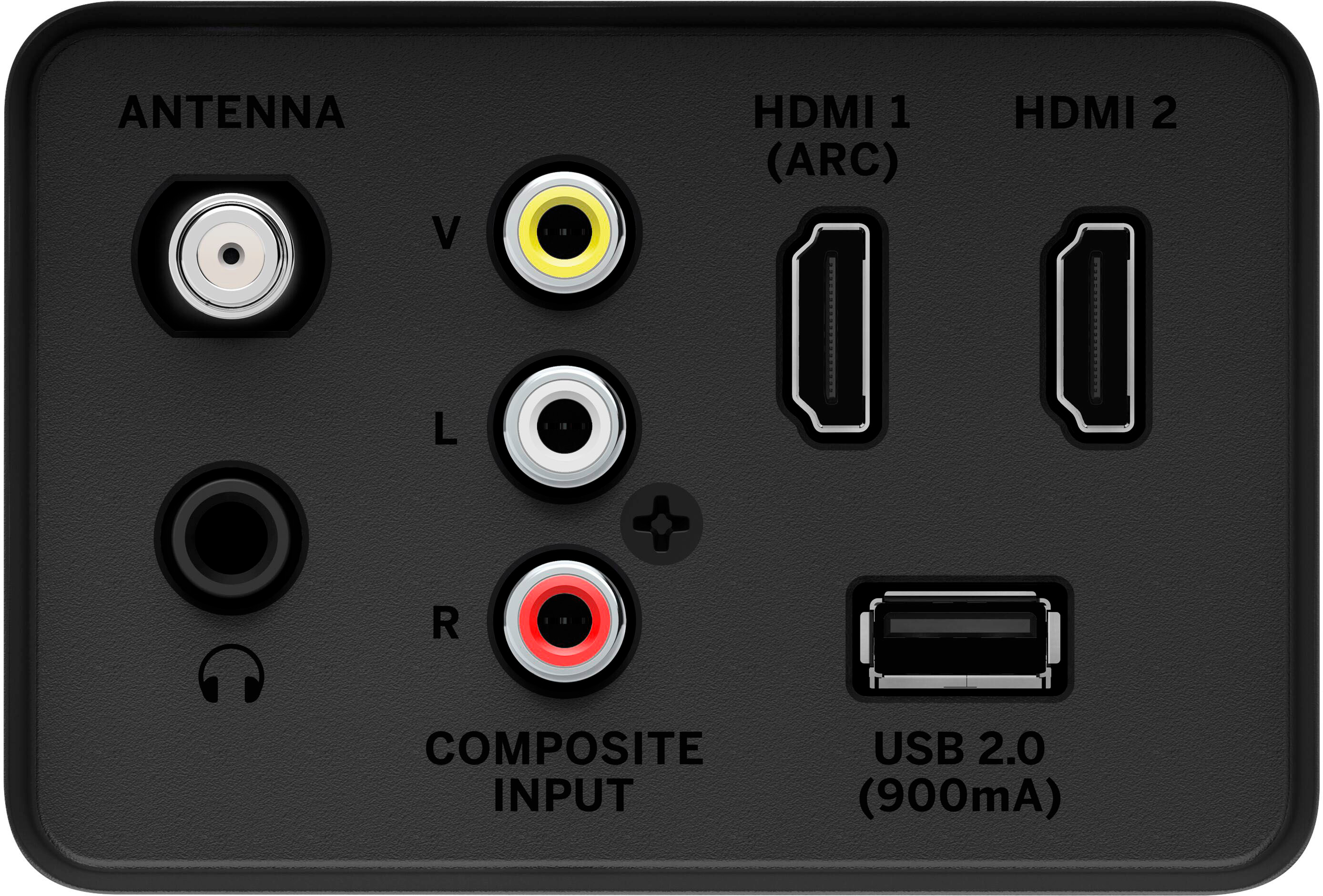
A:AnswerI’m not sure. I use my desk top or laptop when zooming. The sound is a little tinny. I use it in my garage or shop to stream. Only 1 HDMI PORT. Would suggest you go to a Samsung 32”.
A:AnswerTo answer your question, I want to gather a bit more information. When you have a free moment, we are available through text message, chat, or over the phone. Just go to support.VIZIO.com and click on ‘Contact Us’.
A:AnswerCurrently, the Spectrum app is not a part of SmartCast. VIZIO is committed to giving consumers access to as much streaming content as possible. We appreciate your feedback and will make sure to continue adding features and applications in the future.
A:AnswerIf you have any questions or need any assistance, we are available through text message, chat, or over the phone. Just go to support.VIZIO.com and click on ‘Contact Us’. User's Manuals are found at support.VIZIO.com as well. You will want to select the User Manual option and input your device's model number.
A:AnswerCurrently, the Spectrum app is not a part of SmartCast. You will need to connect the Spectrum cable box to the TV or cast the content from your mobile device to the TV. VIZIO is committed to giving consumers access to as much streaming content as possible. We appreciate your question and will make sure to continue adding features and applications in the future.
A:AnswerI apologize, I do not have information in regards to Sony and Samsung products. I would recommend to contact their technical support teams for the most accurate answers for their devices.