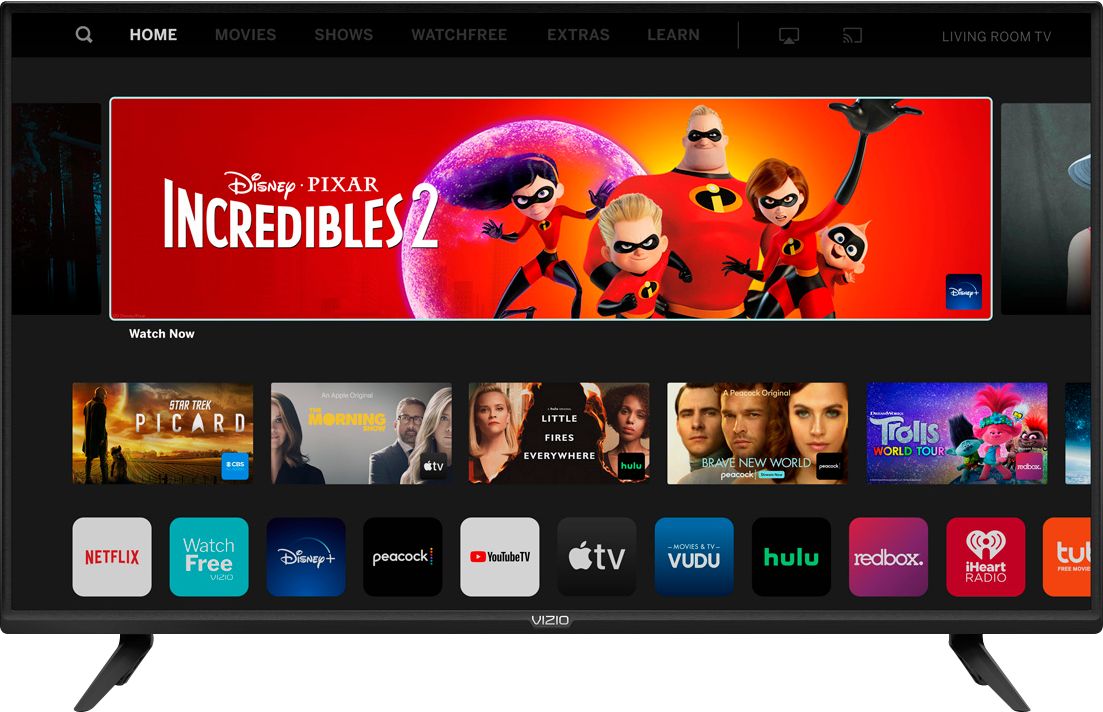
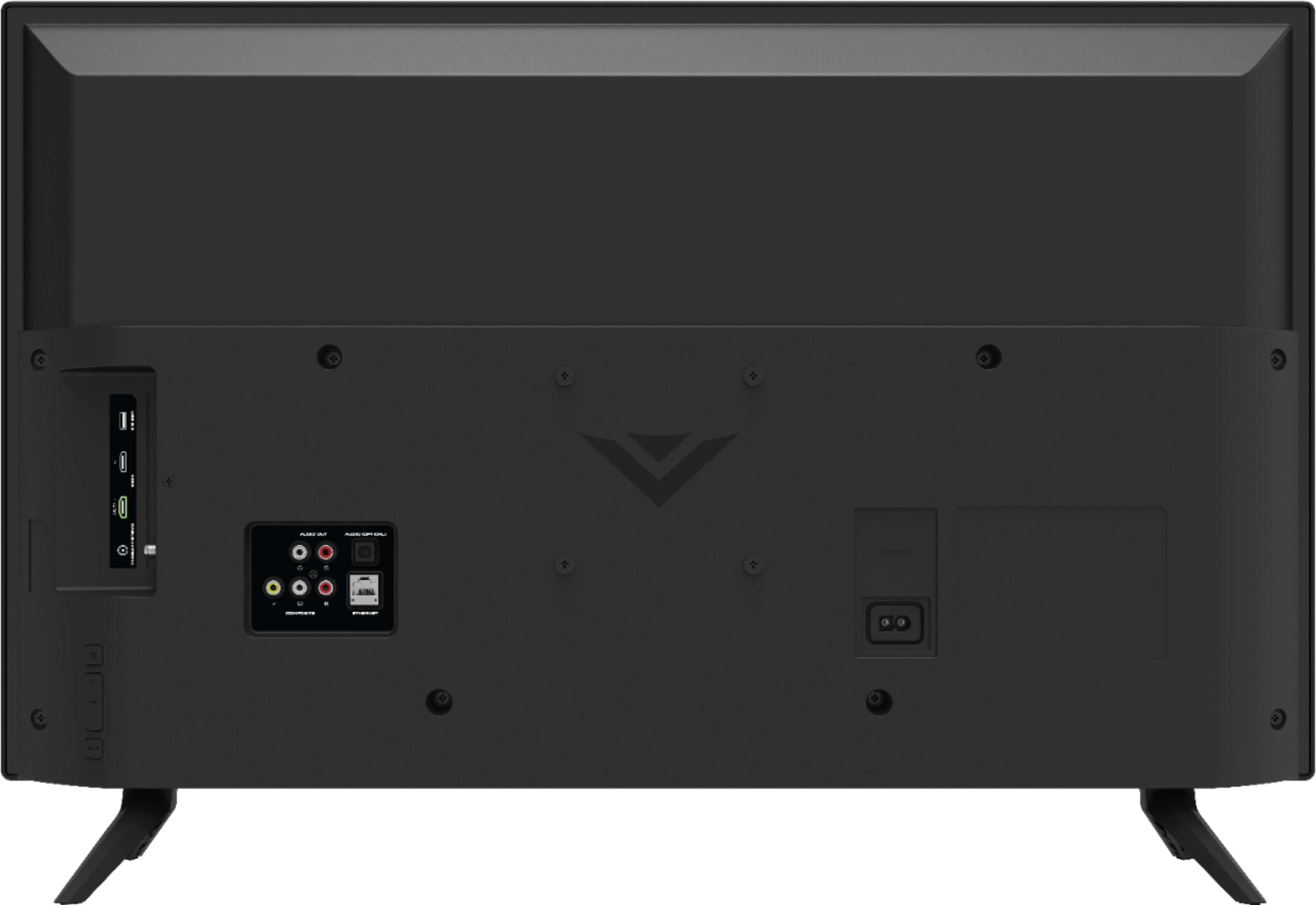
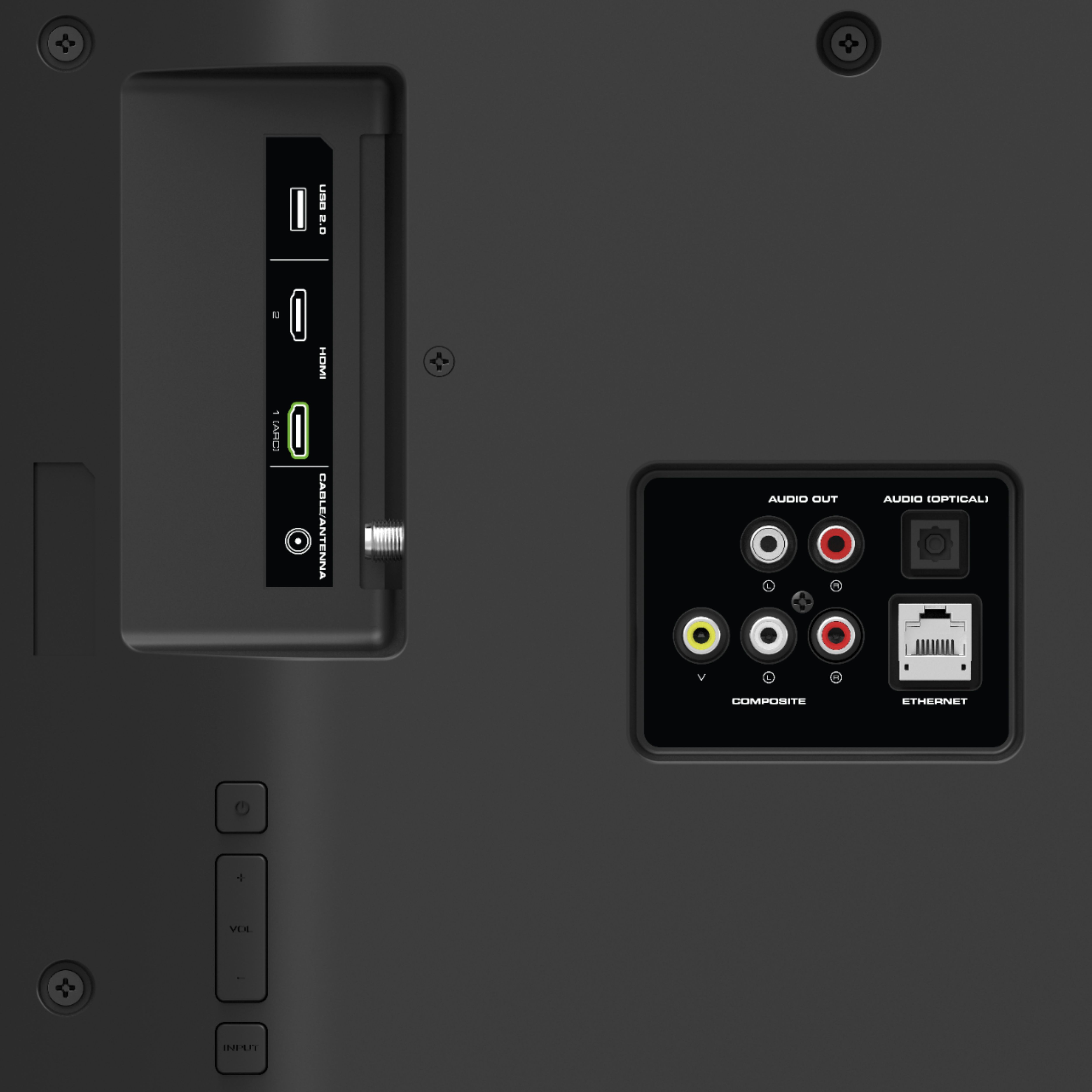
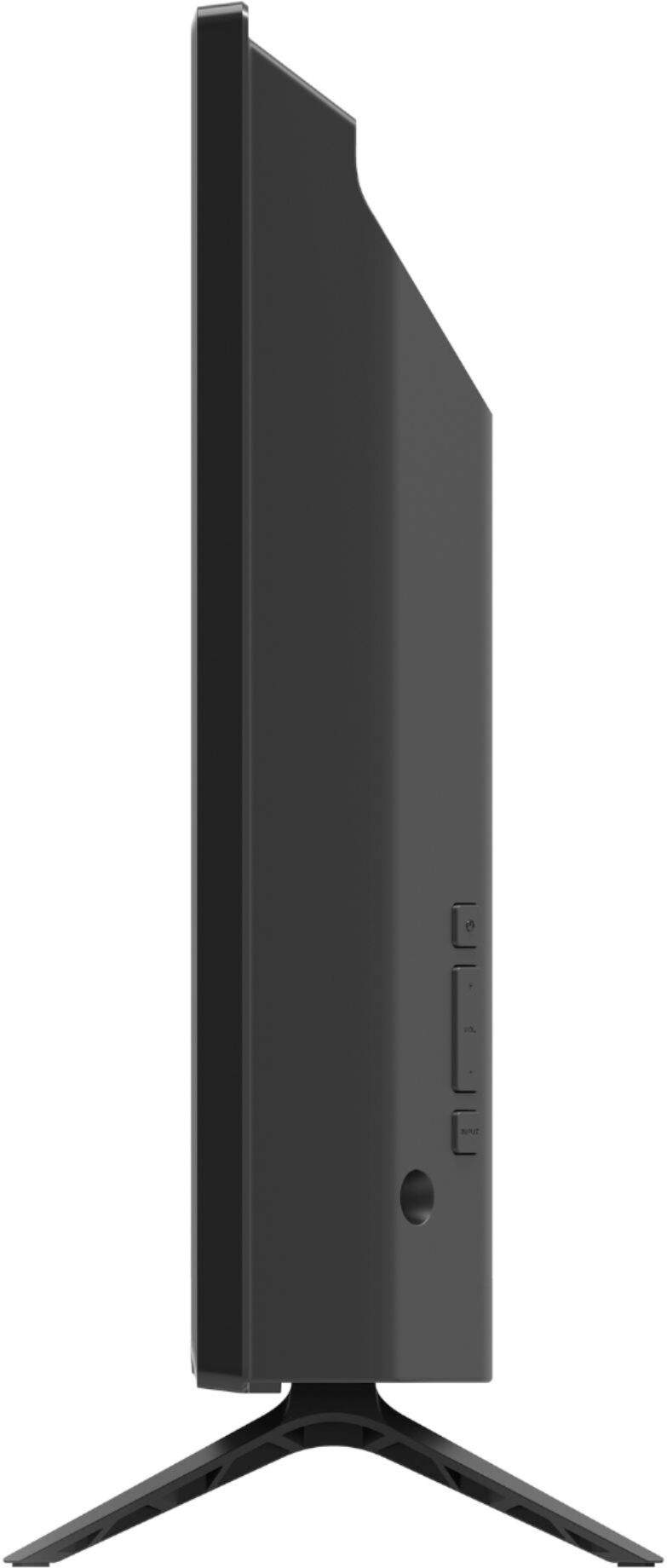
A:AnswerAdd-on streaming devices can be added to the TV with one of the HDMI ports on back of the TV. You will then want to adjust the input on the TV screen as well to the same HDMI port you plug the streaming device in to.
A:AnswerThis TV does use a Bluetooth Low energy signal to pair to some devices so that you can use the VIZIO SmartCast Mobile application to control your TV. But it doesn't have the ability to connect to a bluetooth speaker to send audio.
A:AnswerThis TV is not designed to output audio over Bluetooth. You could purchase a Bluetooth transmitter and connect it to this TV to listen over Bluetooth.
A:AnswerYes it does. I have a MOFI4500 gizmo that I ordered from Amazon. It takes a T-Mobile or at&t SIM card. I just plugged it in, followed the online set up, in 5 minutes I was cable ready. It’s like for camping so you still have everything and you can travel anywhere with it. You do have to pay for the streaming though. It works great.
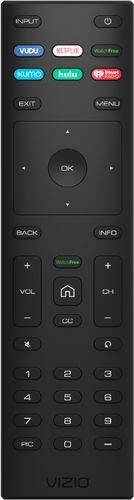
A:AnswerIf the TV is powered off and on with the power button, it will boot up on the last input viewed. If the TV is powered on with an app button or the SmartCast/home button, it will boot up to the SmartCast input or the app button that was pressed.
A:AnswerThere is a method to transfer content from your PC to your TV called Casting. Typically it can only be done from a computer using a Google Chrome browser and will only show what is in that browser's window.