A:AnswerIt depends on the app that you use. For Netflix, u can go into your account settings and control the quality of video you're viewing and at how much data to consume. It's a rough estimate but pretty close. I assume the same for other apps. Most let you choose from 1080, 720 480, or 320, I believe.
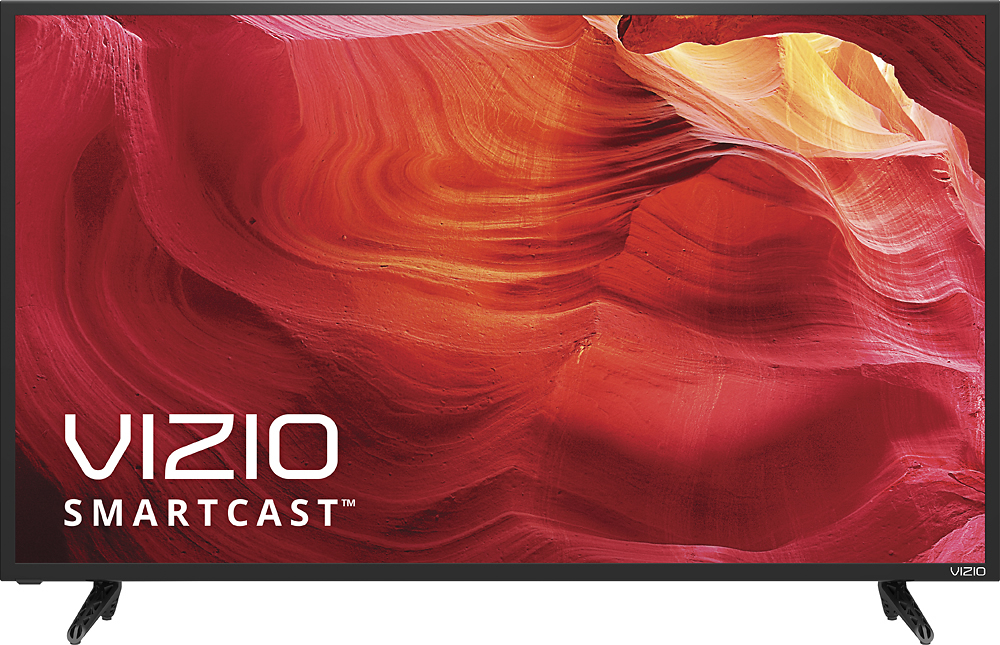
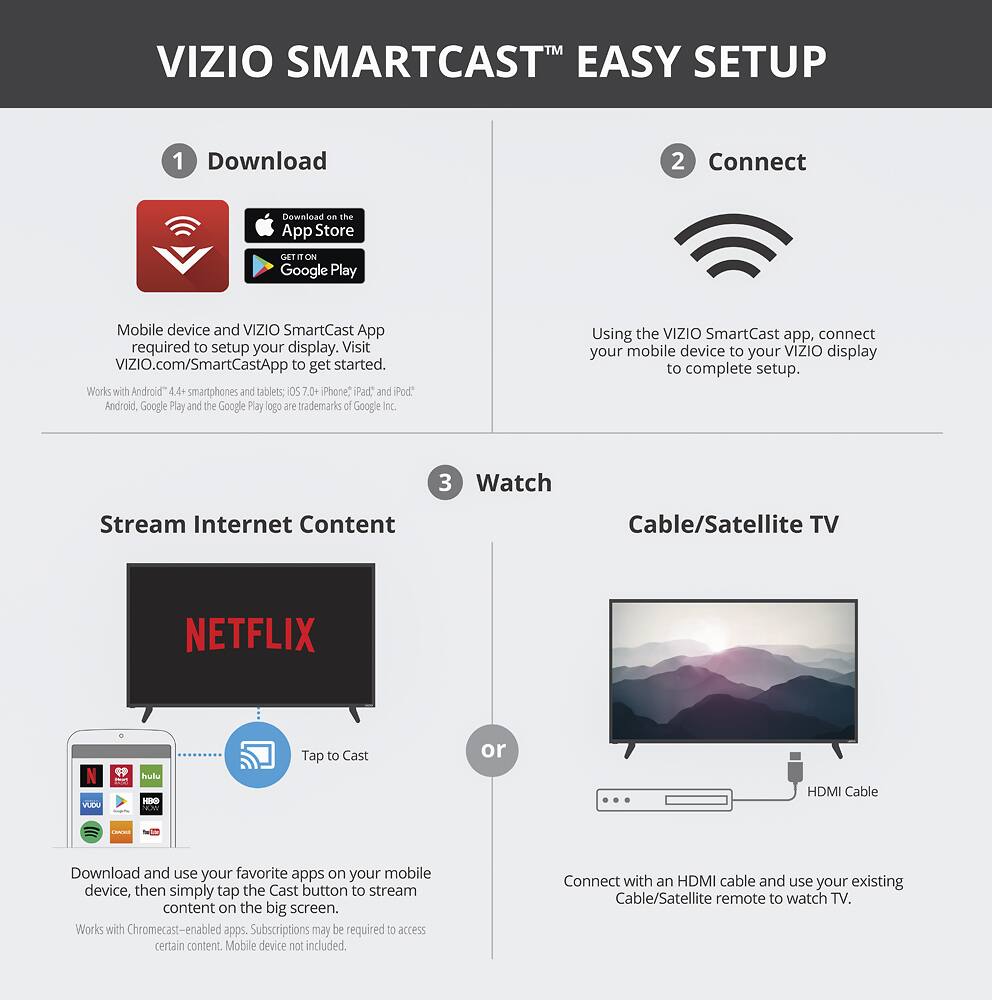
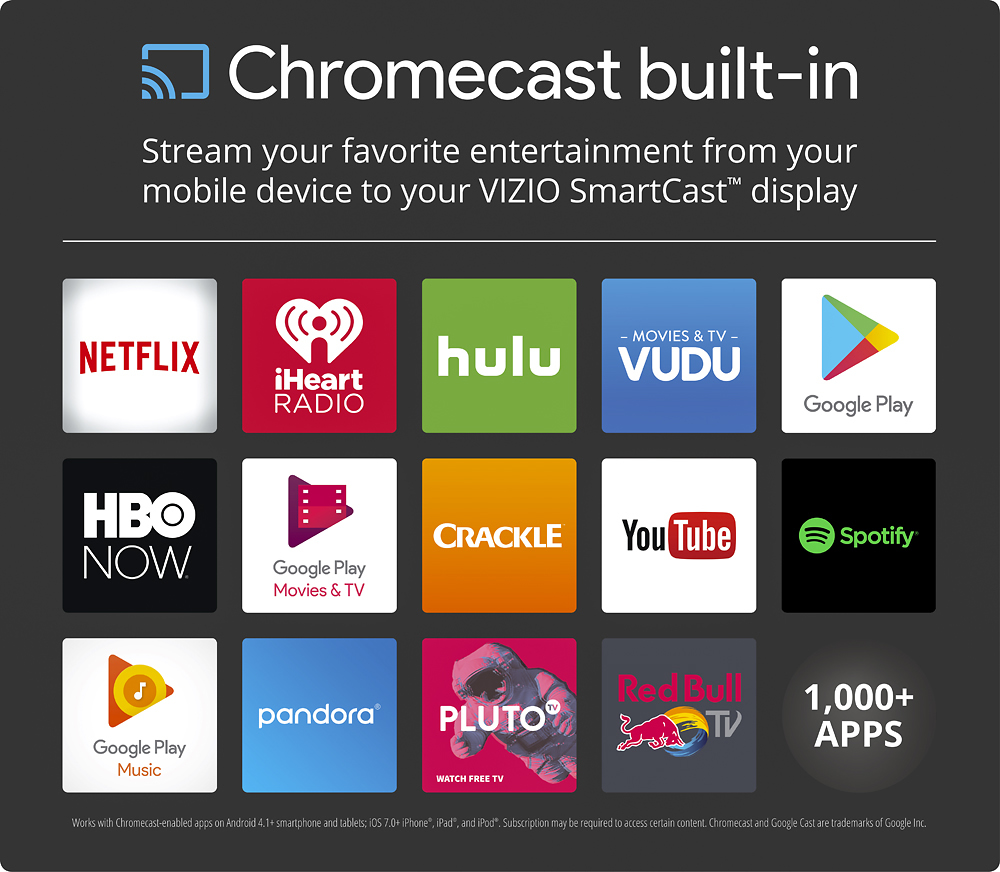
A:AnswerWe appreciate your interest. This is a SmartCast™ TV. VIZIO SmartCast™ products are controlled using an application instead of a traditional remote. This means that any VIZIO SmartCast™ device can be controlled using most smartphones and tablets. The app can be used on any Android device running 4.4 or higher, and Apple devices running iOS 8.0 or higher. With SmartCast™ built into the display, you now have access to hundreds of apps that can be cast from your smart device to the display. Thanks -Randal
A:AnswerThank you for a great question on our SmartCast™ E40-D0!
This TV uses an average of 36.5W of power.
If you have any questions or concerns, we encourage you to reach out to our Support team at 844.254.8088. Thanks again and have a great day! -Collin
A:AnswerThank you for a great question on our SmartCast™ E40-D0!
This TV does have a closed captioning function available through an antenna signal. If you are using a cable box or satellite receiver, that device will control its own closed captioning instead.
If you have any questions or concerns, we encourage you to reach out to our Support team at 844.254.8088. Thanks again and have a great day! -Collin
A:AnswerThank you for a great question on our SmartCast™ E40-D0!
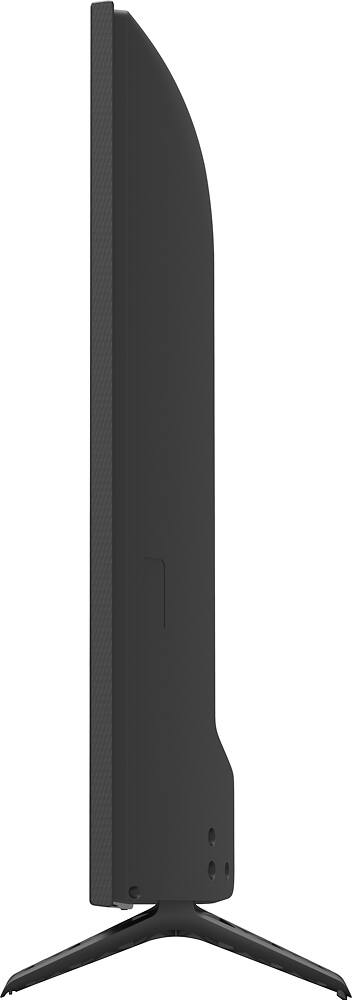
The legs for this TV are 28.88" apart on the inner edges, 31.55" apart on the outer edges, and are 8.23" long.
If you have any questions or concerns, we encourage you to reach out to our Support team at 844.254.8088. Thanks again and have a great day! -Collin
A:AnswerThank you for a great question on our SmartCast™ E40-D0!
This TV does have a full-array LED backlight.
If you have any questions or concerns, we encourage you to reach out to our Support team at 844.254.8088. Thanks again and have a great day! -Collin
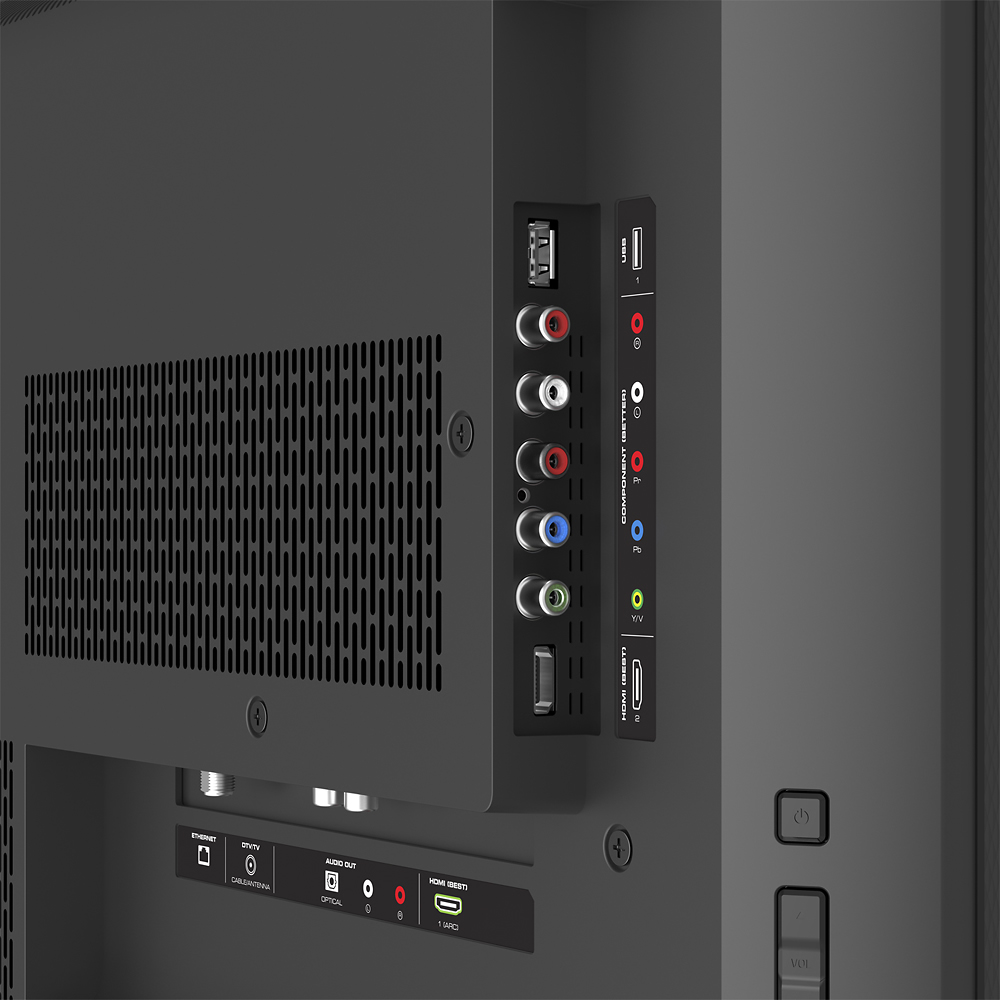
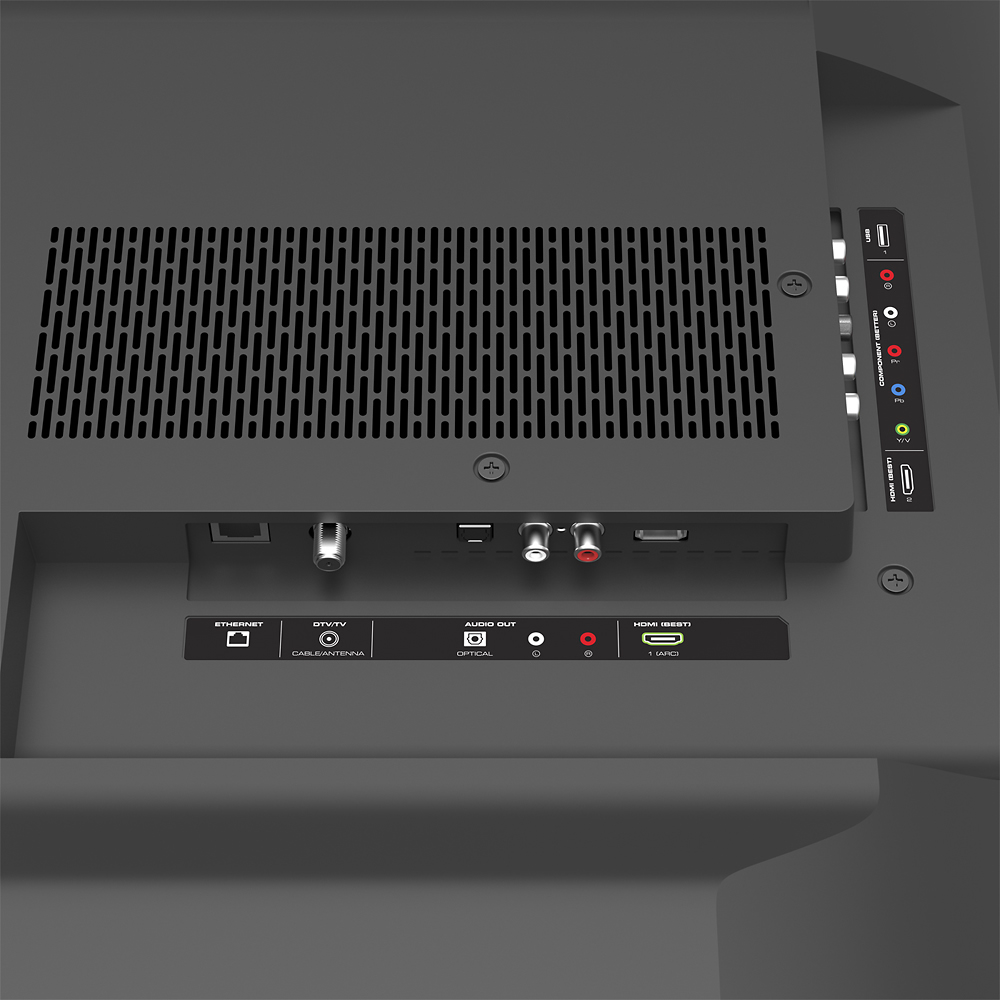
A:AnswerYes, it has a USB port, but it's only for firmware updates and servicing. This set can not play ANY media directly from a flash drive (not music, photos, nr movies), you would have to do that via GoogleCast.