A:AnswerTo answer your question, I want to gather a bit more information. When you have a free moment, we are available through text message, chat, or over the phone. Just go to support.VIZIO.com and click on ‘Contact Us’.
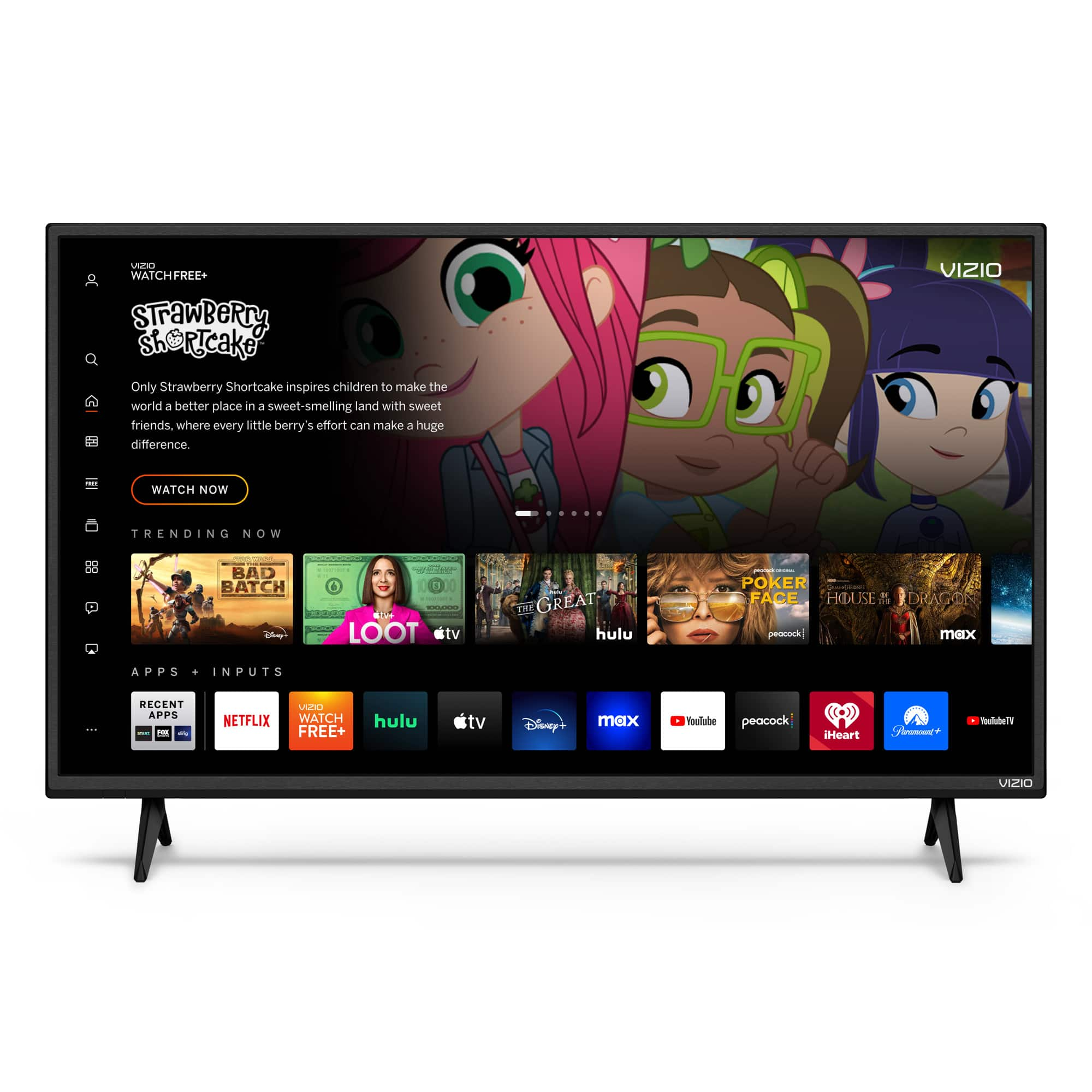
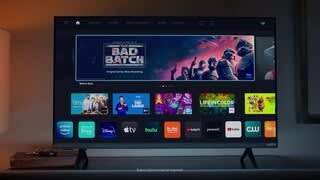
A:AnswerHBO Max is one of the many pre-installed streaming service apps included. Users cannot add additional apps beyond the ones included but some can also be accessed through Chrome Cast and Apple AirPlay and additional apps may be added down the line during software updates. External streaming devices can also be added.
A:AnswerThis TV will use a standard power cord intended for house hold usage and sockets. The power cord included with the TV, in the box when purchased, is the same cord that the factory will use to test the TV and provide quality assurance. VIZIO recommends to only use the power cord included in the box when purchased. This helps to best maintain a proper operation of the TV.
A:AnswerTo answer your question, I want to gather a bit more information. When you have a free moment, we are available through text message, chat, or over the phone. Just go to support.VIZIO.com and click on ‘Contact Us’.
A:AnswerTo answer your question, I want to gather a bit more information. When you have a free moment, we are available through text message, chat, or over the phone. Just go to support.VIZIO.com and click on ‘Contact Us’.