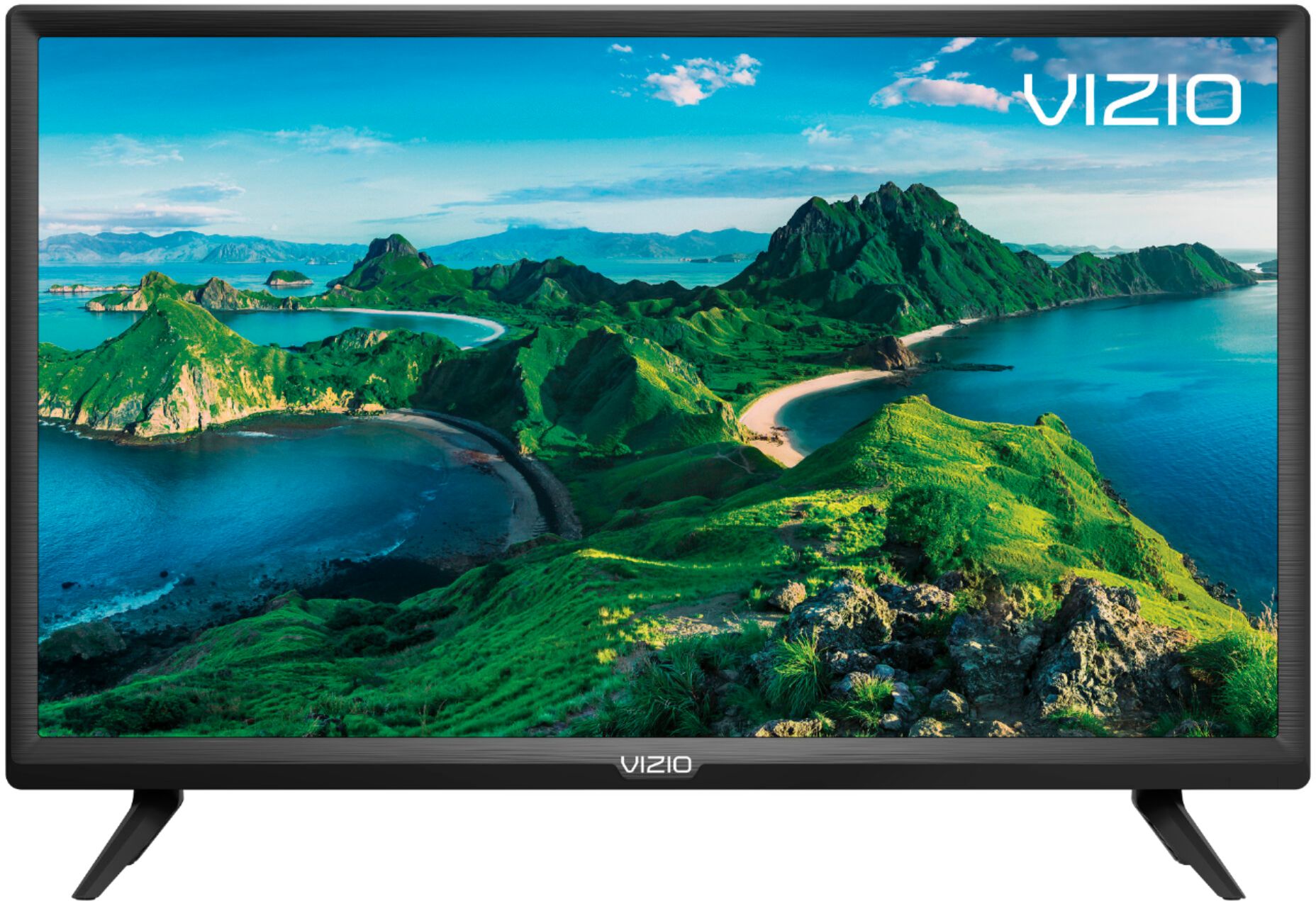
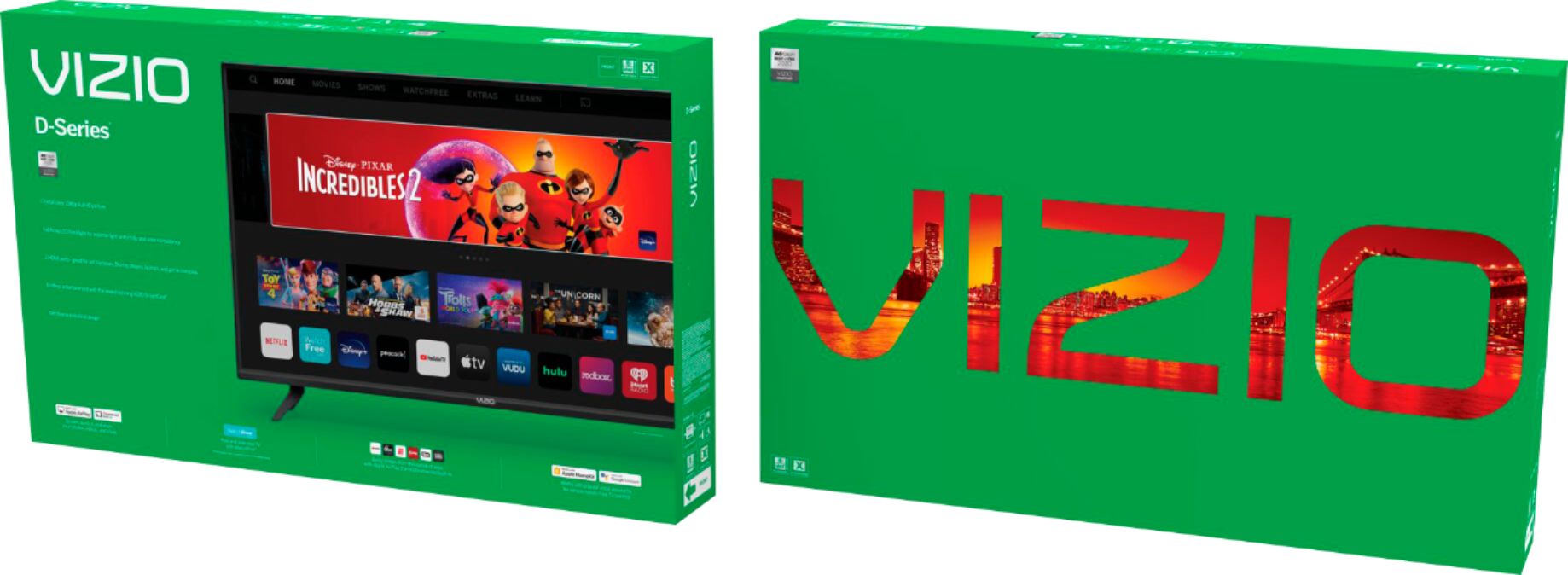
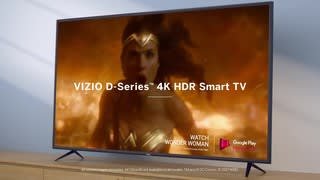
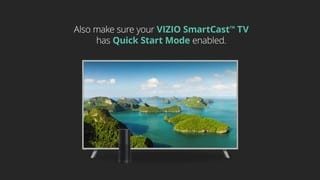
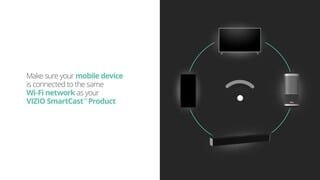
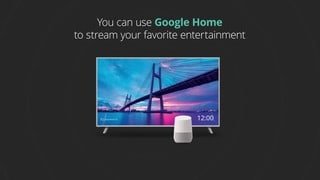
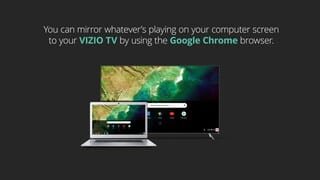
A:AnswerThis TV uses our SmartCast Platform which offers a host of built in apps, as well as support for Google's Chromecast, Apple's AirPlay 2, and voice support for SIRI, Google Home, and Alexa. You are not able to manually download additional apps, however new apps are added to the platform often. If you find there is an app you want to watch that is not on SmartCast you may be able to cast it using Chromecast or Apple AirPlay from your phone or mobile device.
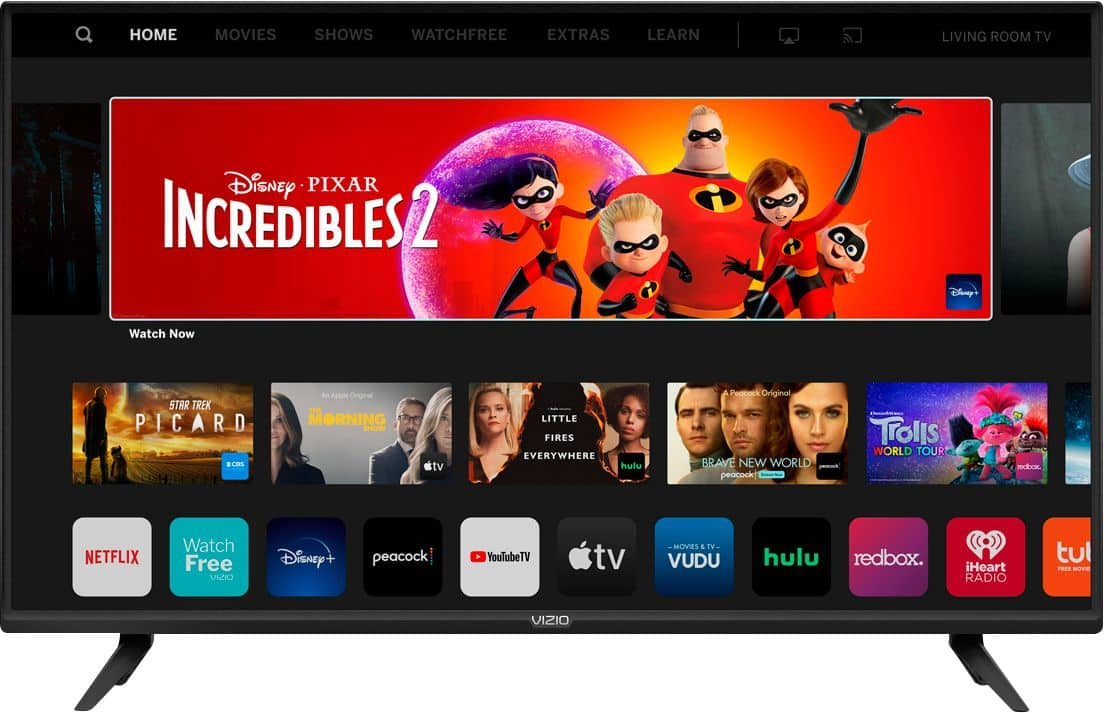
A:AnswerThis TV uses our SmartCast Platform which offers a host of built-in apps, as well as support for Google's Chromecast, Apple's AirPlay 2, and voice support for SIRI, Google Home, and Alexa.
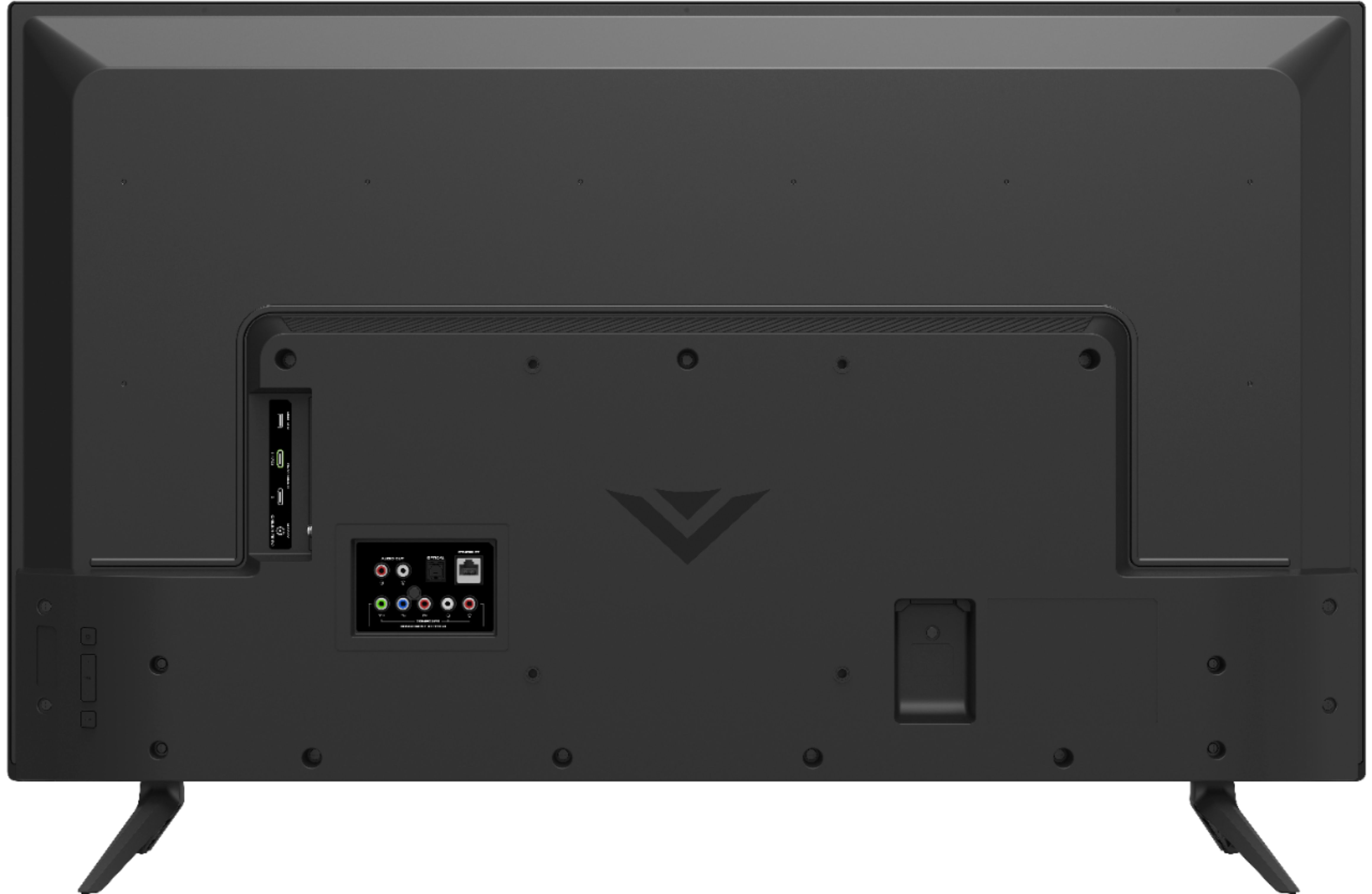
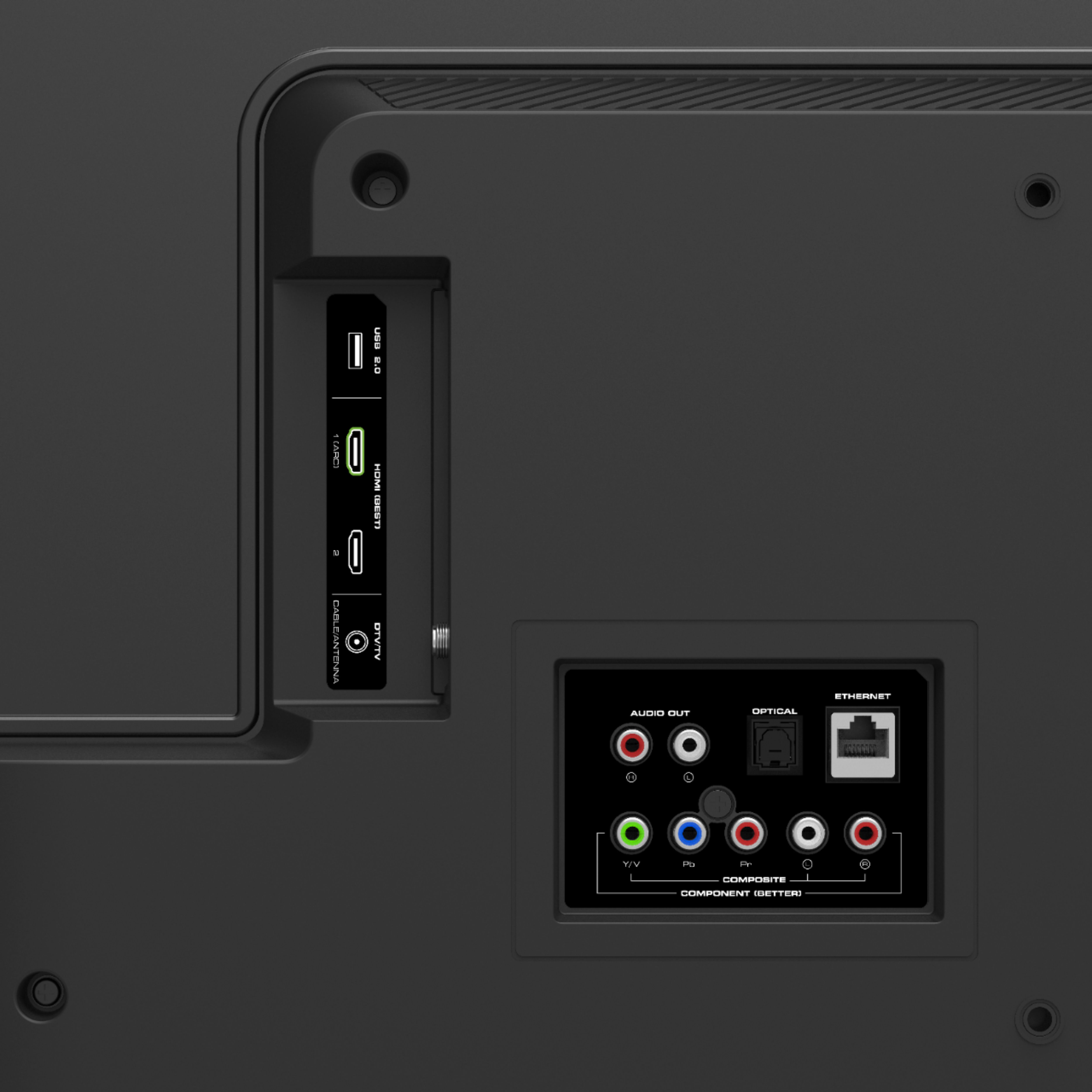
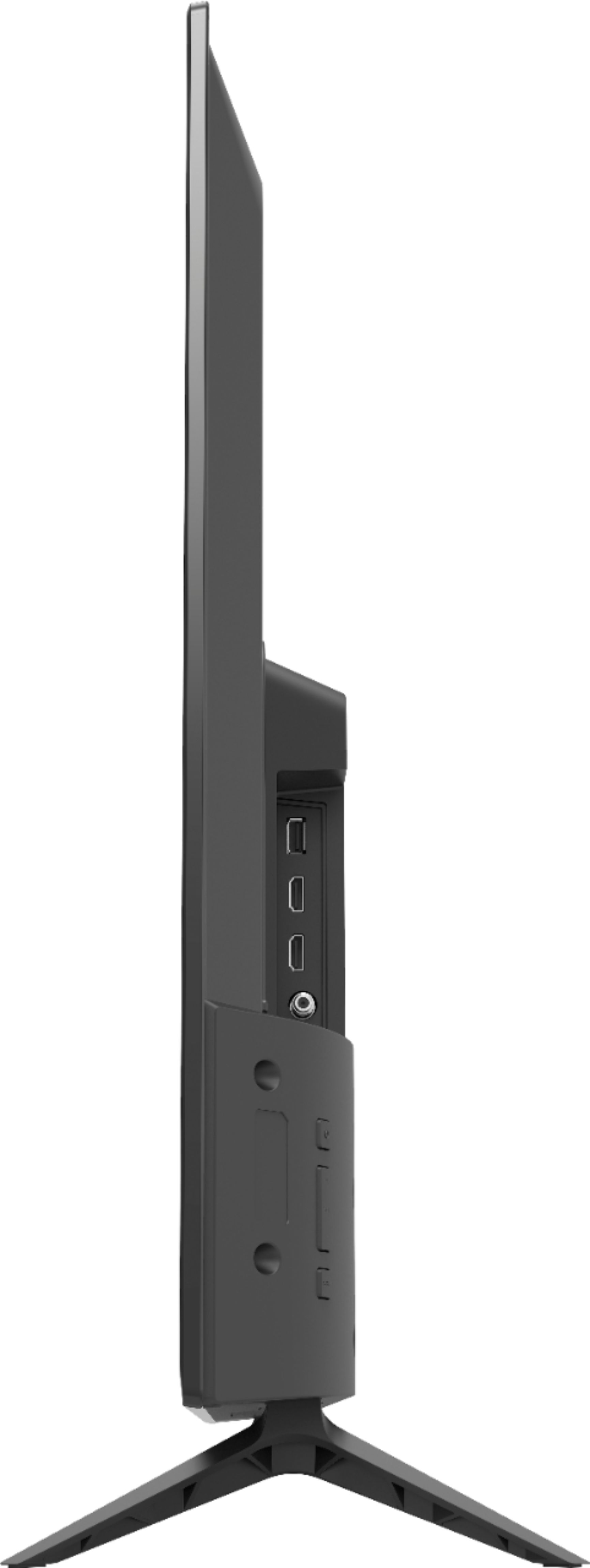
A:AnswerIt is possible to attach a computer to the TV using an HDMI cord. You will then need to adjust the input on the TV screen to match the HDMI input used on the back of the TV. There is also a possibility that you may need to adjust some computer settings as well.
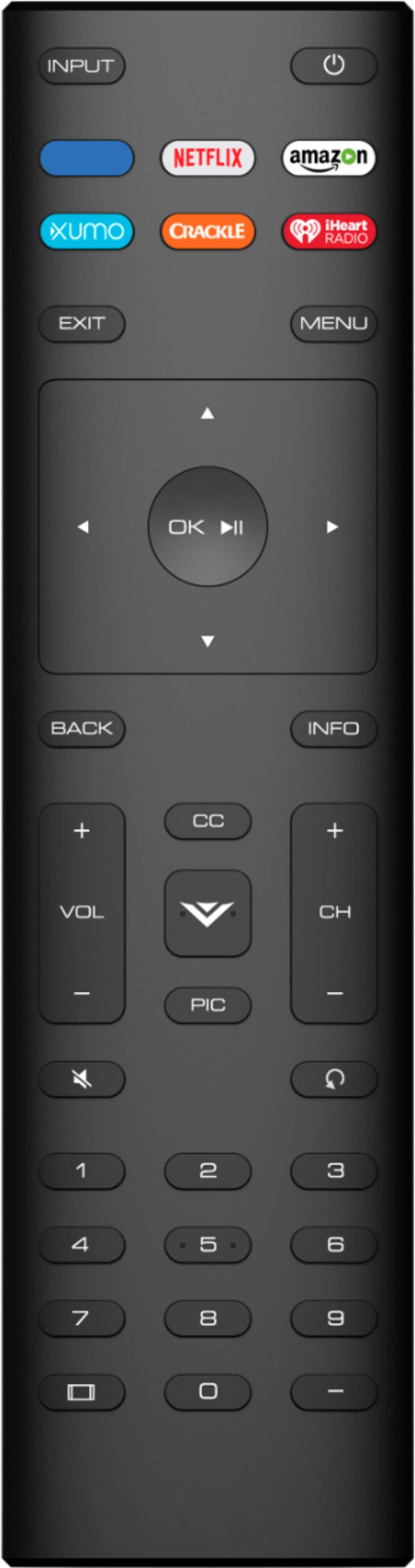
A:AnswerAs long as the TV is powered on and off using the power button only, it will power back on to the input it was powered off from. Pressing app buttons or the Home buttons on the remote will power the TV on to those apps or that input.
A:AnswerWhile we can confirm that the USB drive does play media content from a USB drive, we cannot confirm that it will provide a charge to attached devices.
A:AnswerTo answer your question, I want to gather a bit more information. When you have a free moment, we are available through text message, chat, or over the phone. Just go to support.VIZIO.com and click on ‘Contact Us’.

A:AnswerThis TV uses our SmartCast Platform which offers a host of built-in apps, as well as support for Google's Chromecast, Apple's AirPlay 2, and voice support for SIRI, Google Home, and Alexa.