A:AnswerThere are some inherent risks with mounting a television outside from water damage to physical damage however if the operating temperature in the area the television is located in is between 40 to 95 degrees Fahrenheit (storage temp between -5 to 120 degrees Fahrenheit) it should work without issue. We would strongly recommend moving the television inside when not in use as unexpected water damage from dew, fog or unexpected spikes in temperature and other natural occurring weather could lead to component failure.
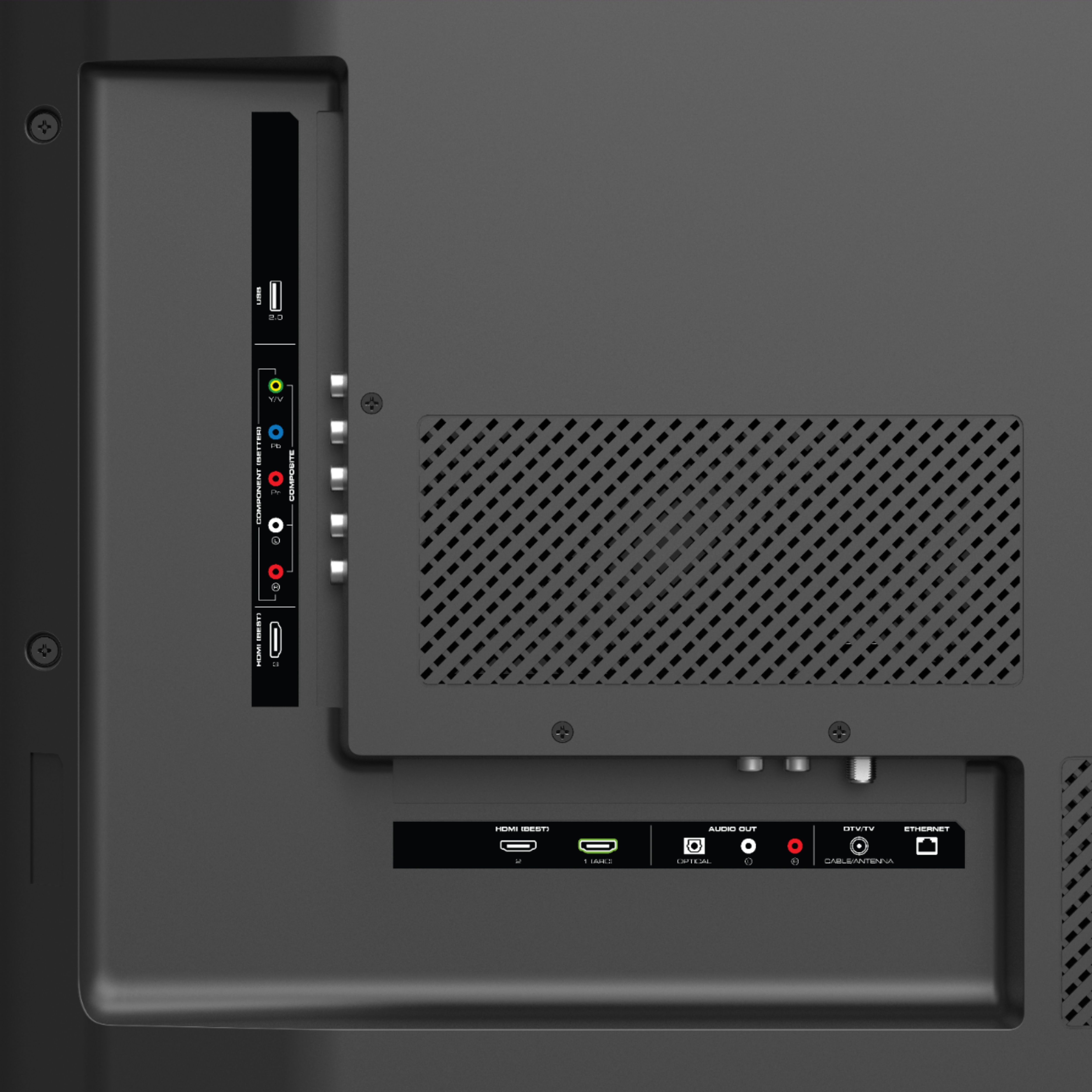
A:AnswerThere's no bluetooth on this device. However, if you look through the BB site, you will find some soundbars or device that can be connected via WiFi on this TV.
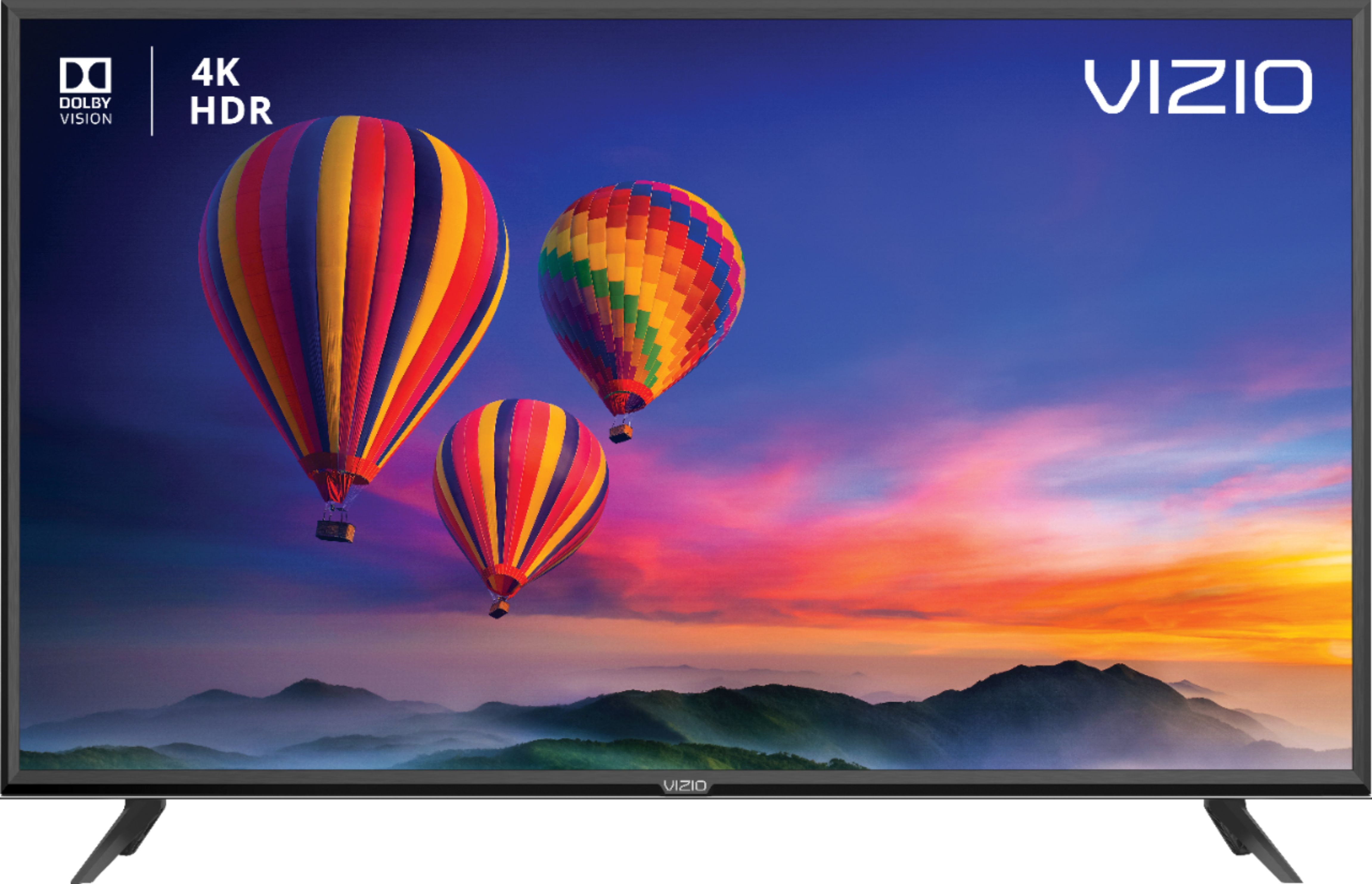
A:AnswerThe Vizio E43-F1 has a tv tuner, the one that doesn’t have a tuner is the Vizio E43-E2. Now the E43-F1 has Dolby Vision & the LG doesn’t. You want Dolby Vision.
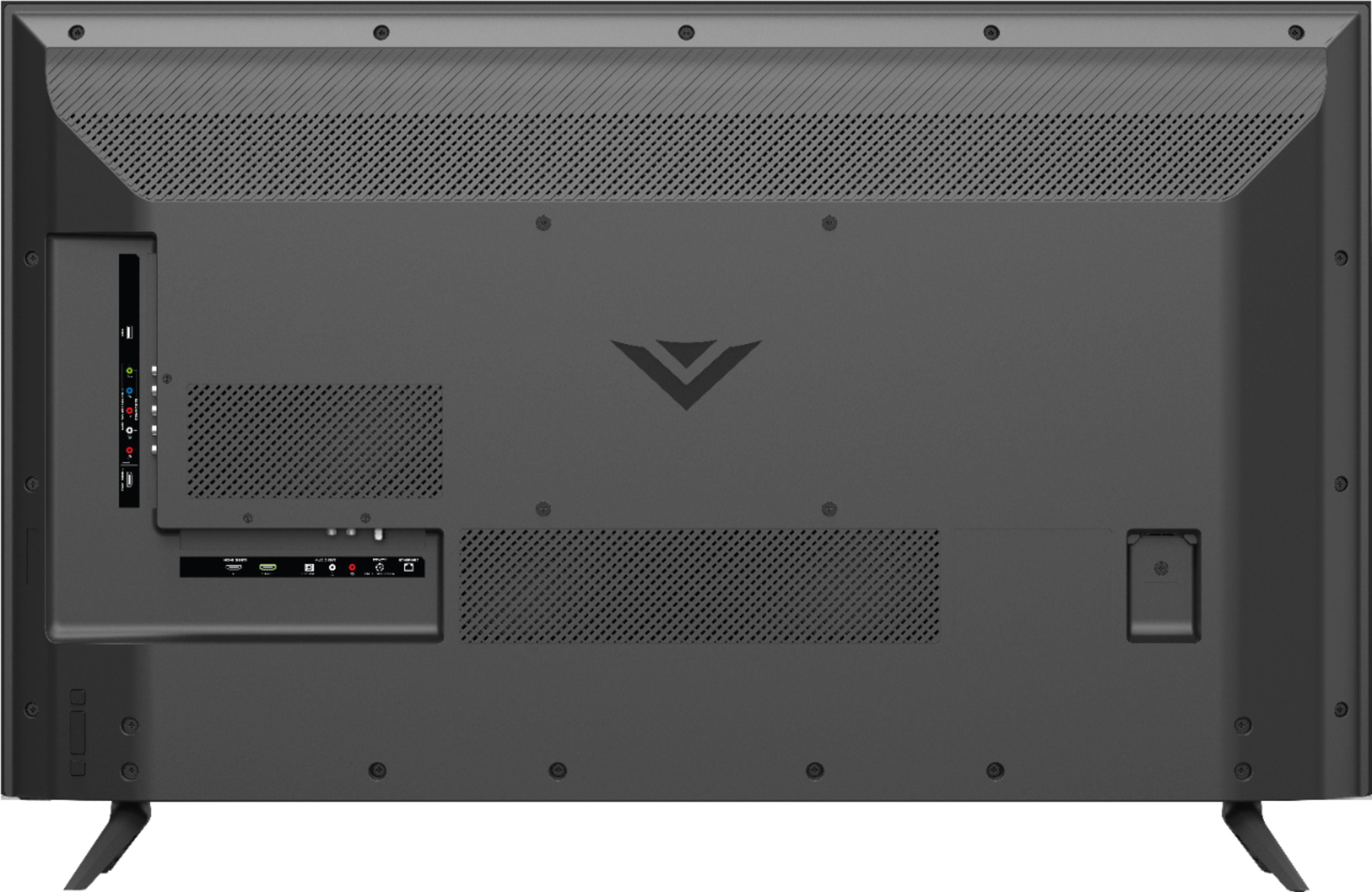
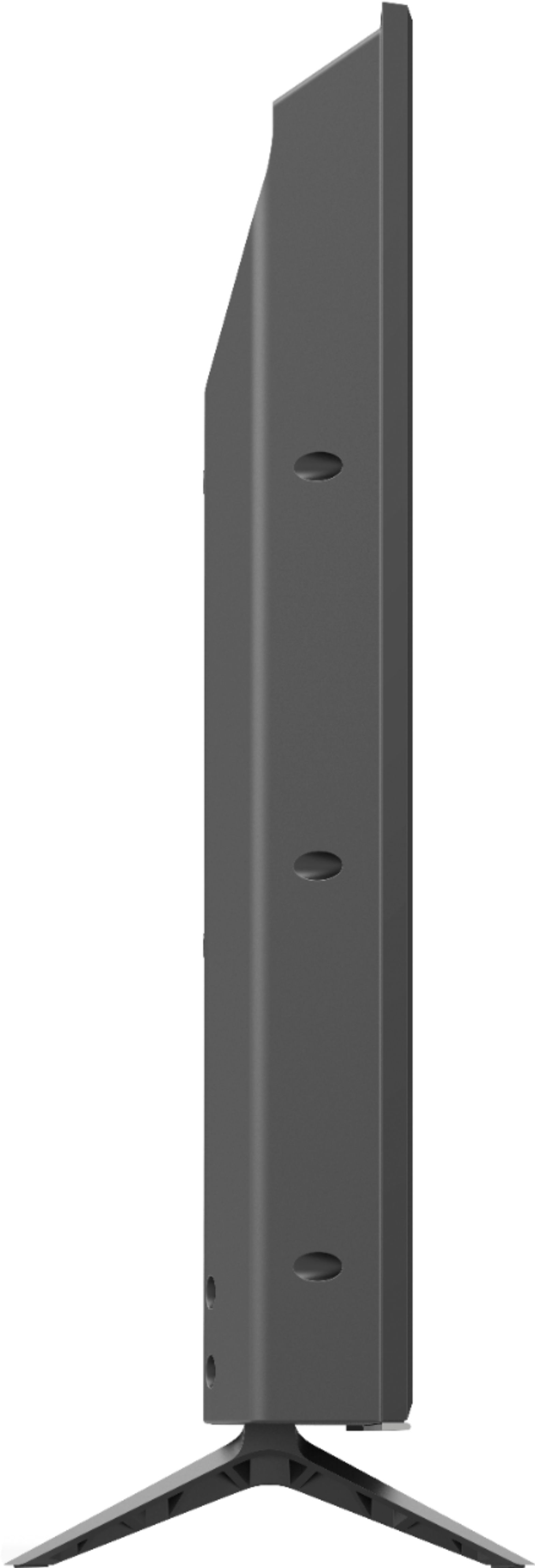
A:AnswerThe television is 2.17" height from the bottom of the feet to the bottom of the television. The distance between the outer sides of the stand legs is 33.75".
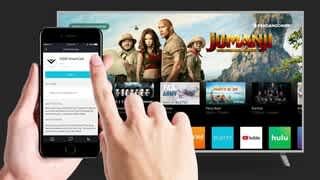
A:AnswerAssuming you are keeping direct TV you would only need the WiFi on this TV to use the built in Smartcast functionality. Smartcast is basically Vizio’s built in smart tv interface or OS that allows you to use apps like Netflix right on the TV. It’s all pre-installed. I have this TV and use it exclusively for Xbox gaming and don’t use the built in WiFi or Ethernet port on the TV because the Xbox itself can connect to the internet. So to answer your question no you would not need a TV with WiFi if you already have a direct TV box connected to the tv via HDMI cable that is capable of connecting to the internet on its own.
A:AnswerThis is a great TV for gaming! I use it exclusively for console gaming since it has low input lag and fast response time while playing. There are many settings to fine tune the picture to get it exactly where you want it. I have my Xbox one X, PS4 Pro and Switch connected and they all look great.
A:AnswerThis television is 38.37" wide and the full dimensions with the stand are 38.37" x 24.56" x 8.40" and without the stand are 38.37" x 22.39" x 3.30".
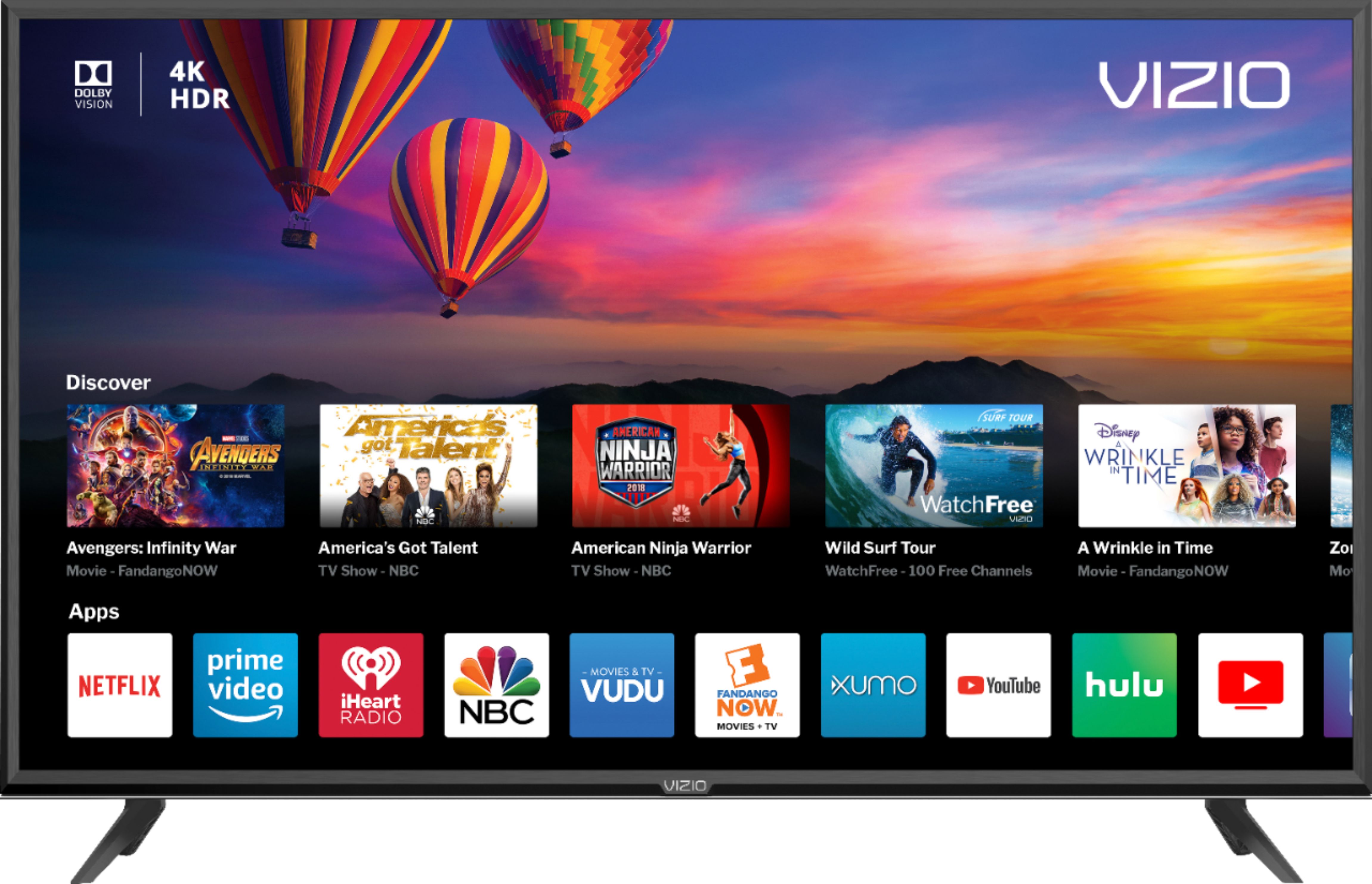
A:AnswerThe SmartCast input does have limited applications installed and you cannot add extra apps to the input. We are continuously evaluating new applications for possible addition to this screen. In the meantime you can cast any of the thousands of Chromecast enabled applications to the TV from any mobile device on your network.
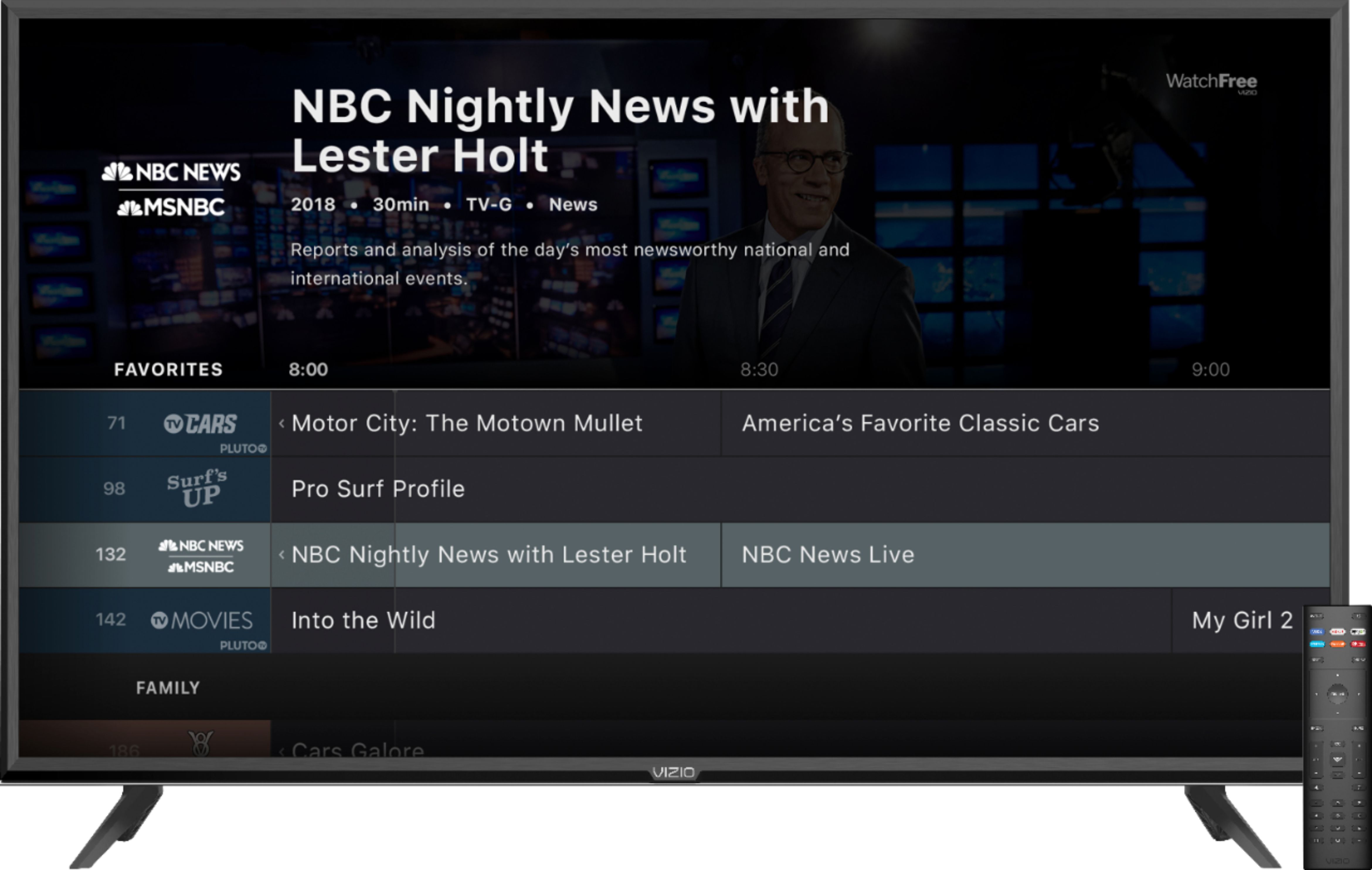
A:AnswerYes.. lots of apps. Some are designated buttons on the controller. All can be accessed via the Input button by selecting "Watch Free". You can also add apps. There's a tutorial for all of this via the Menu button and select "User Manual".