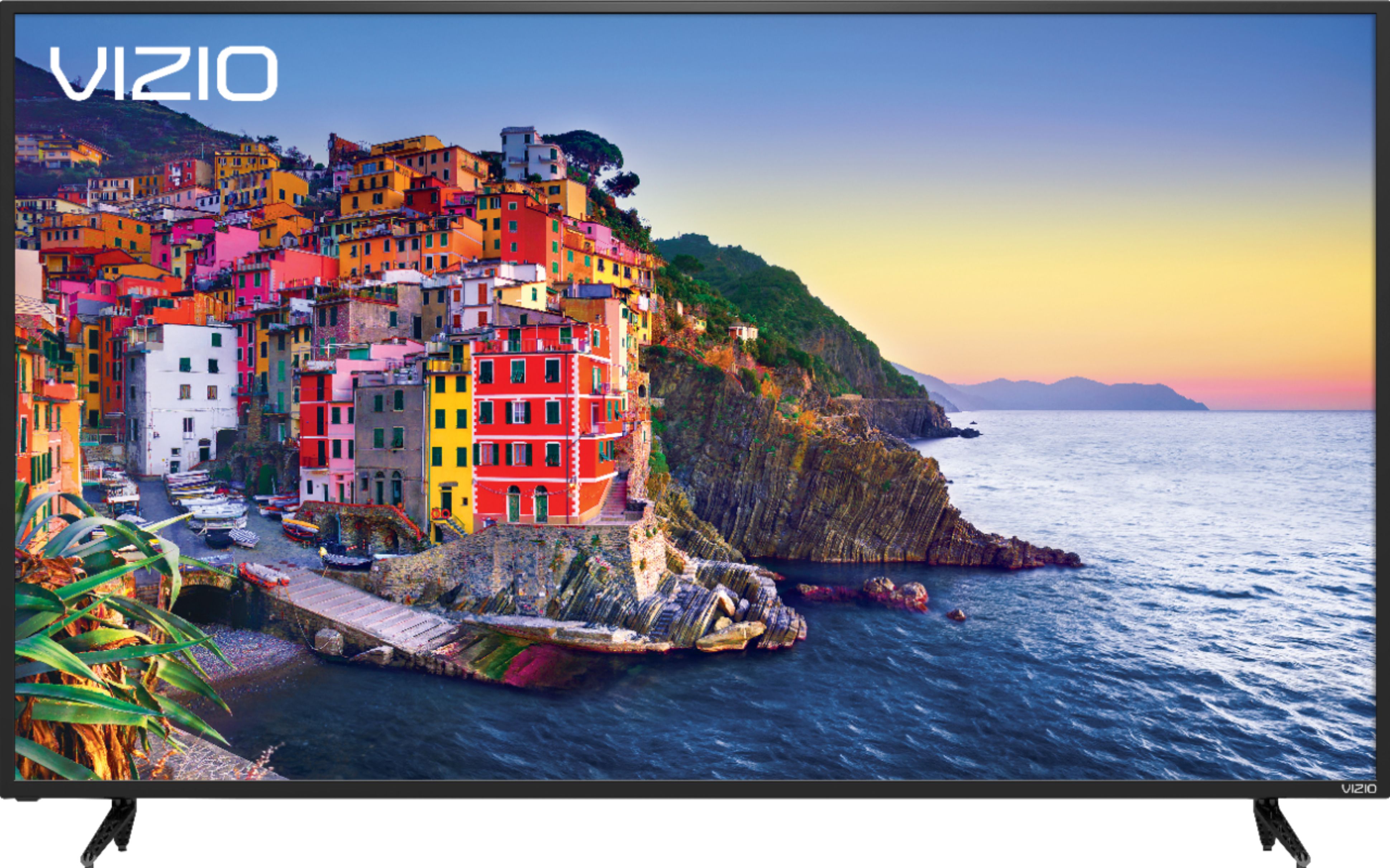
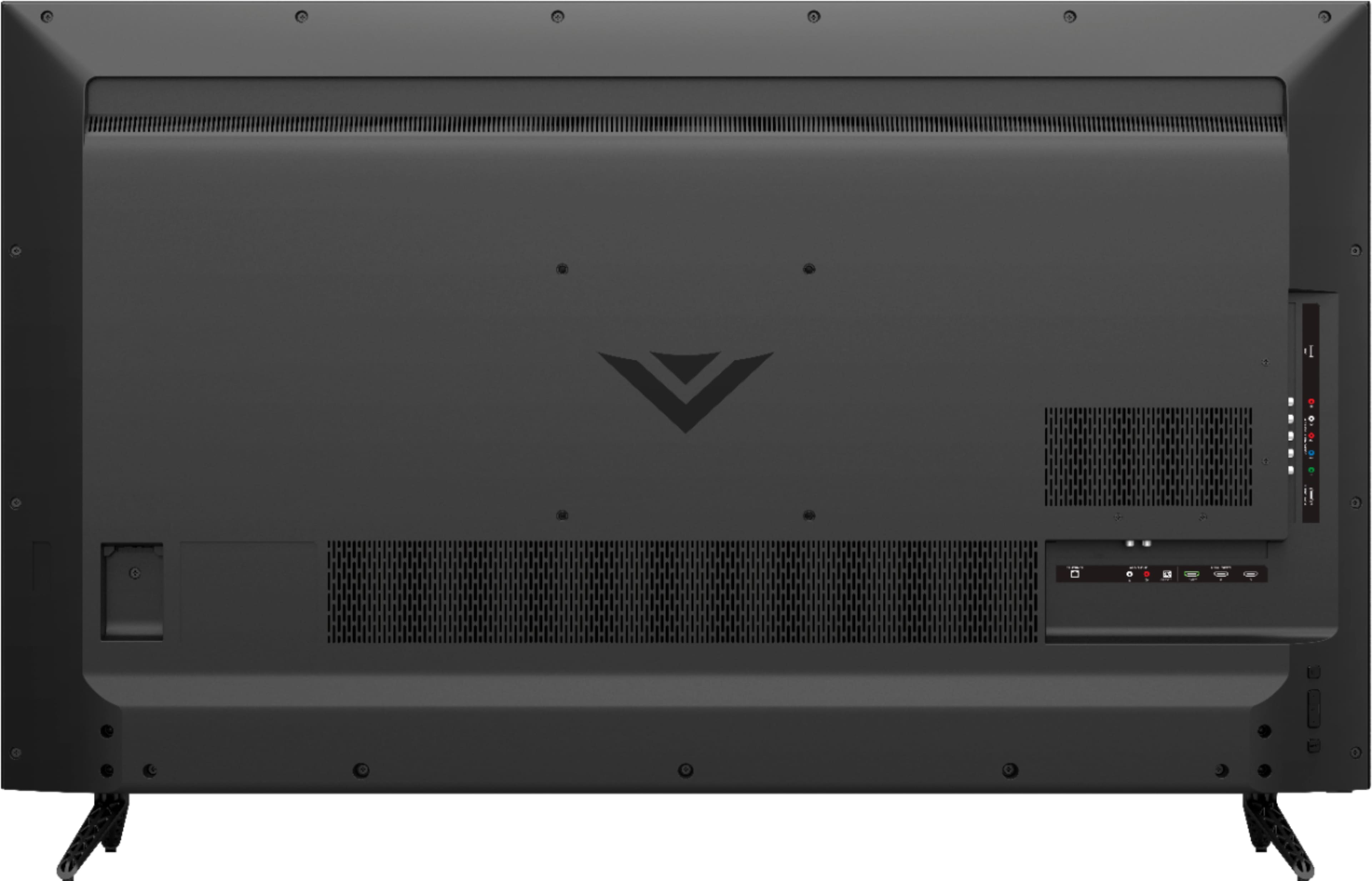
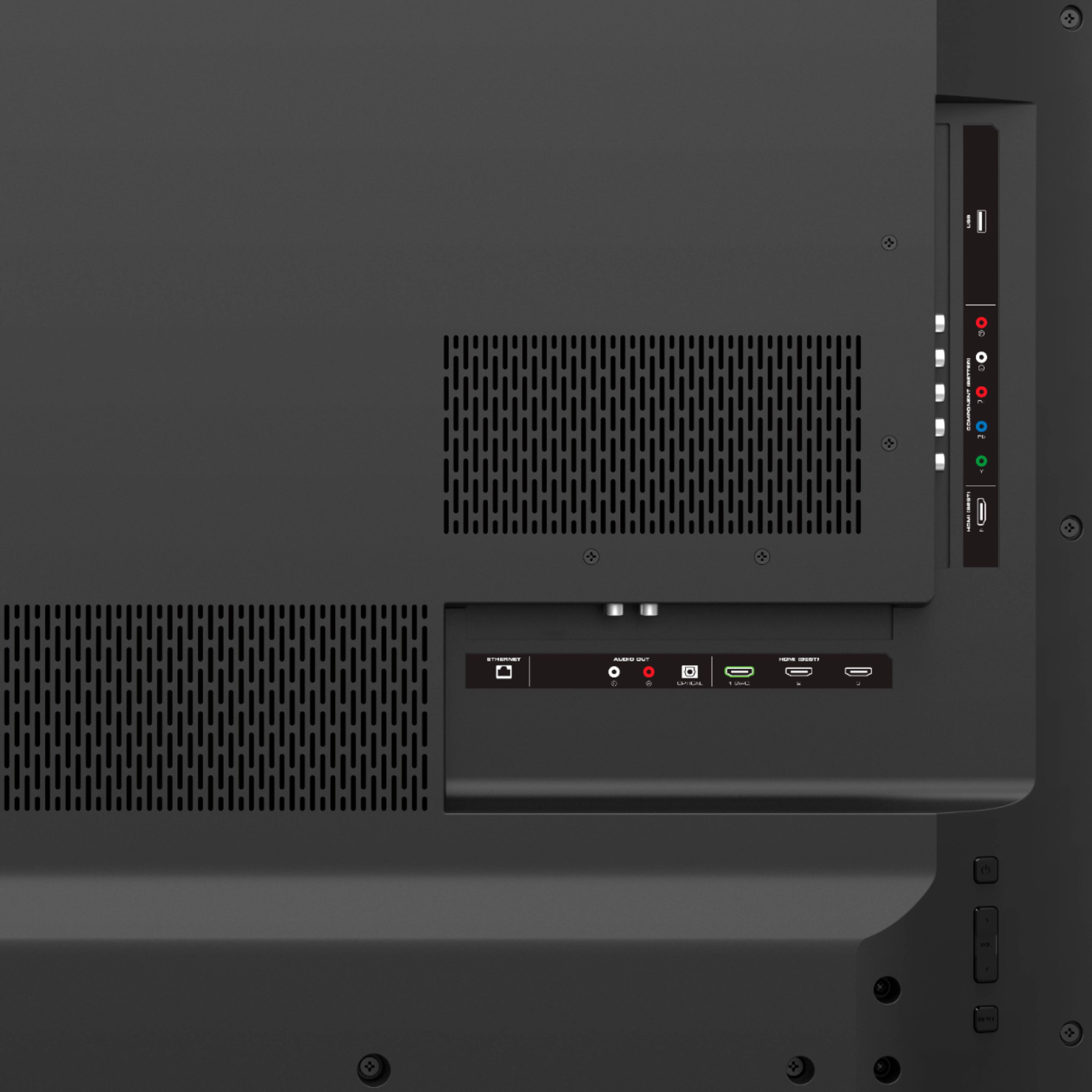
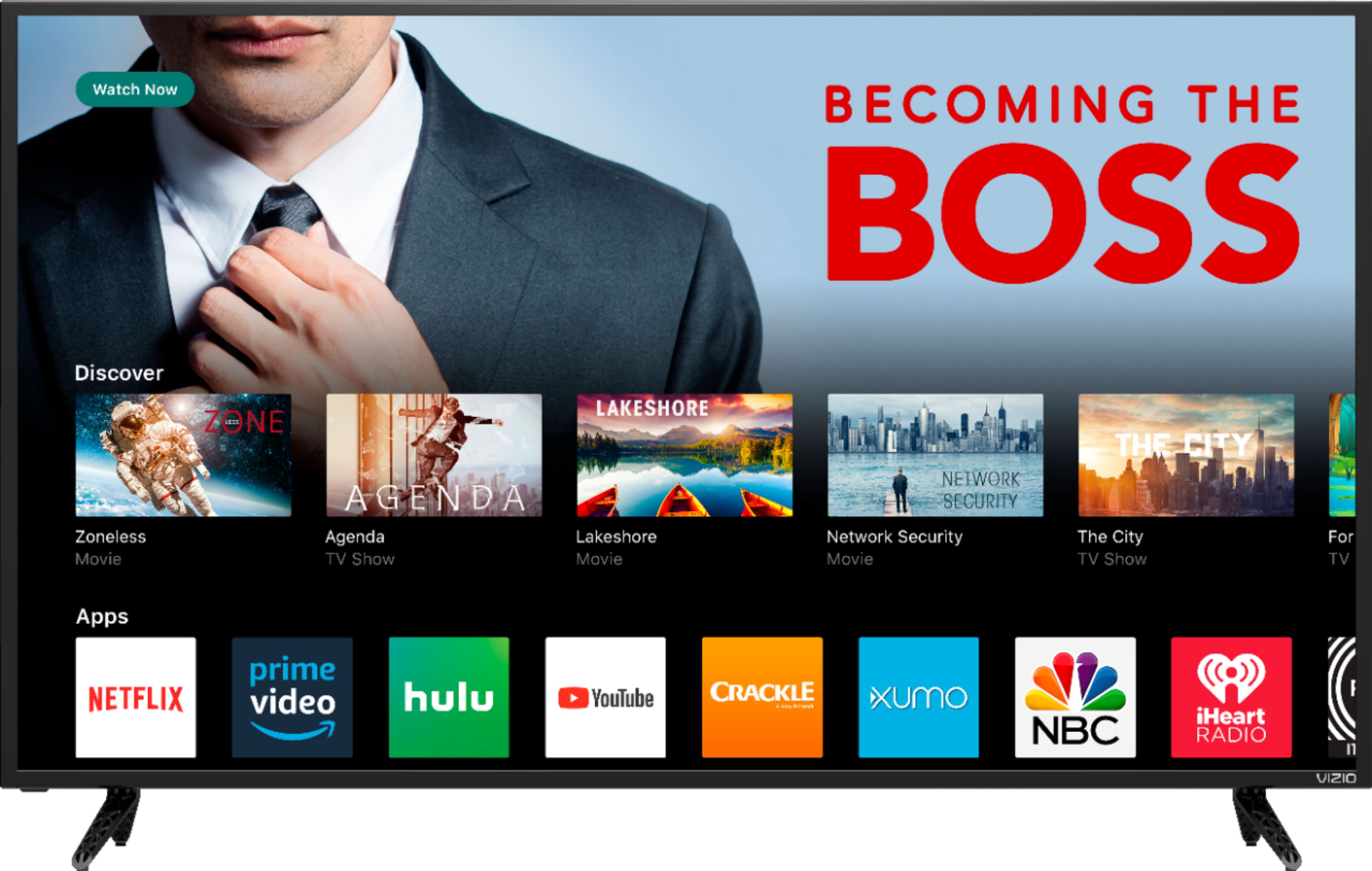
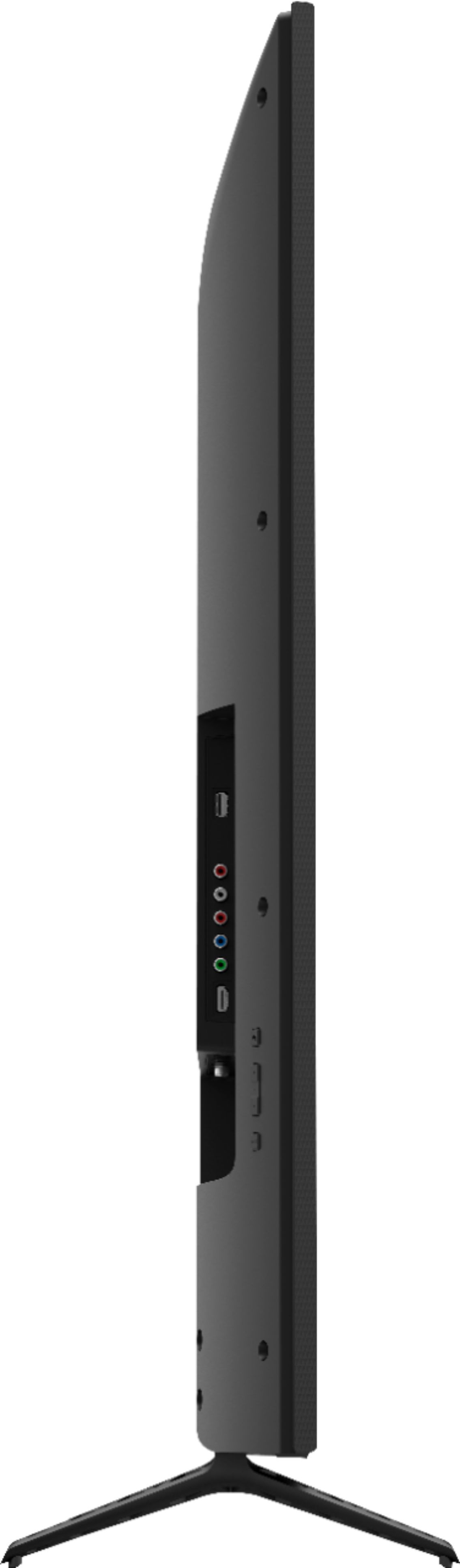
A:AnswerThere are two ways you can do it. You can go into settings under Wireless Network and look for your network name and select forget your wireless network. Or you can plug your ethernet cable into the back of the TV and it will disconnect from WiFi that way as well.
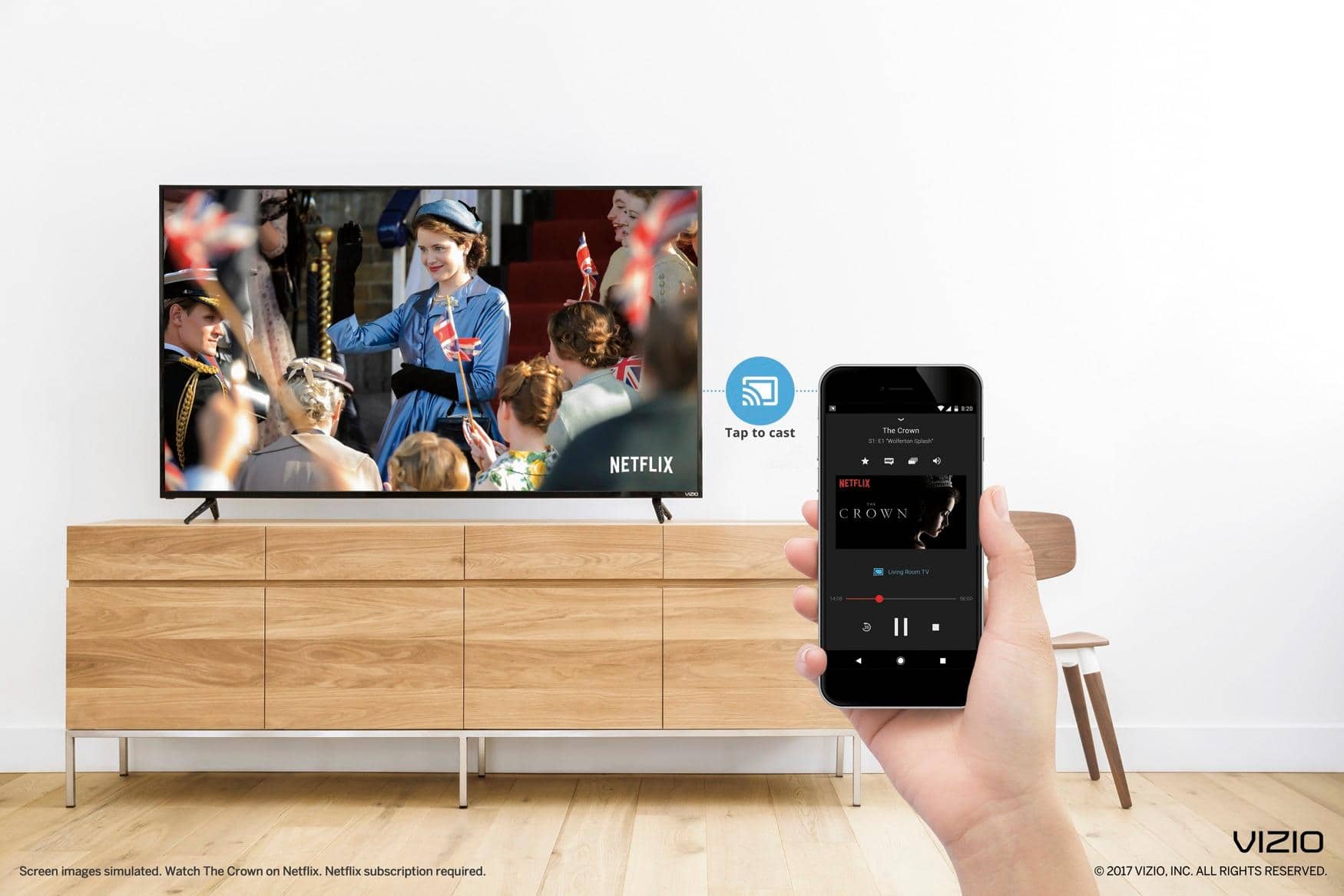
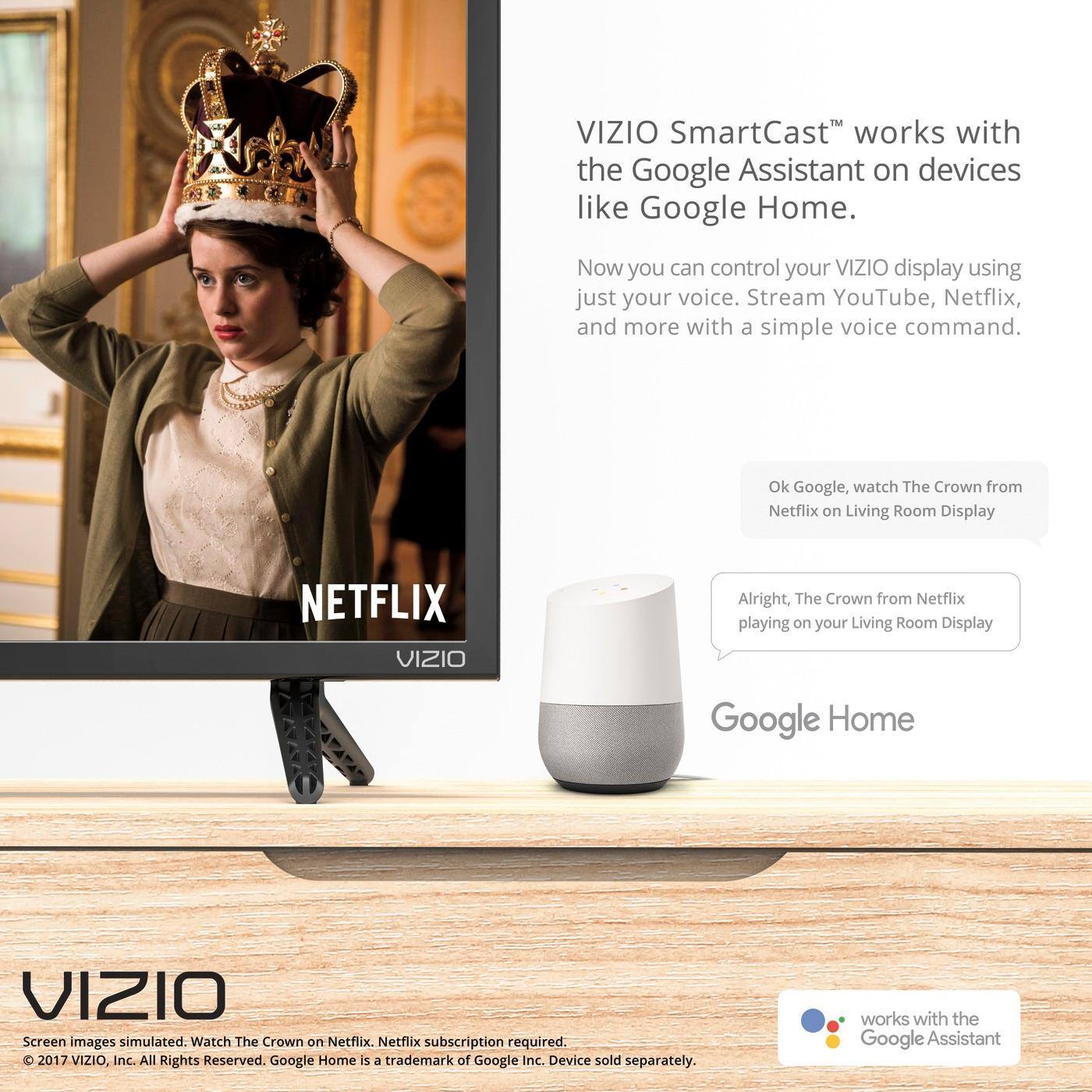
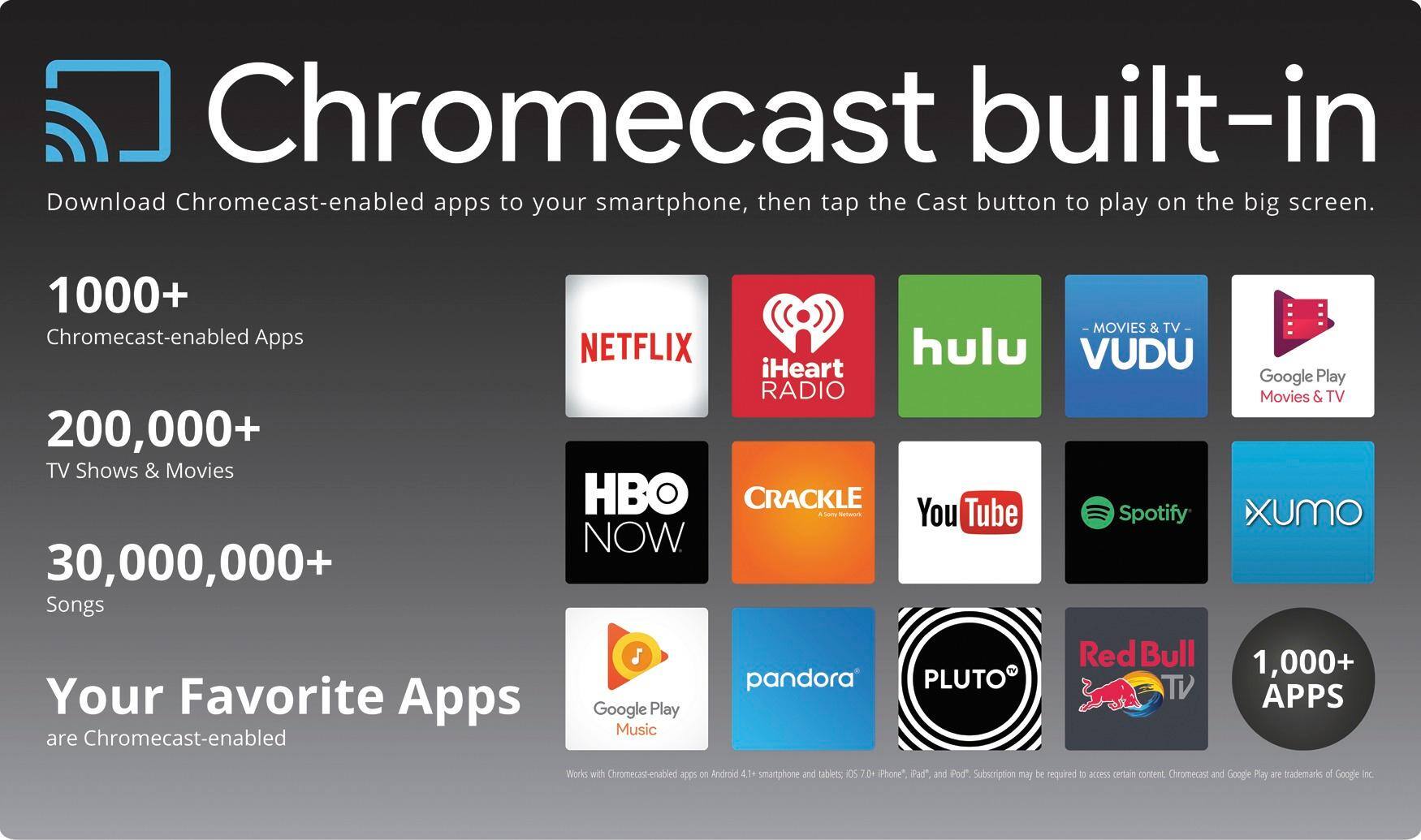
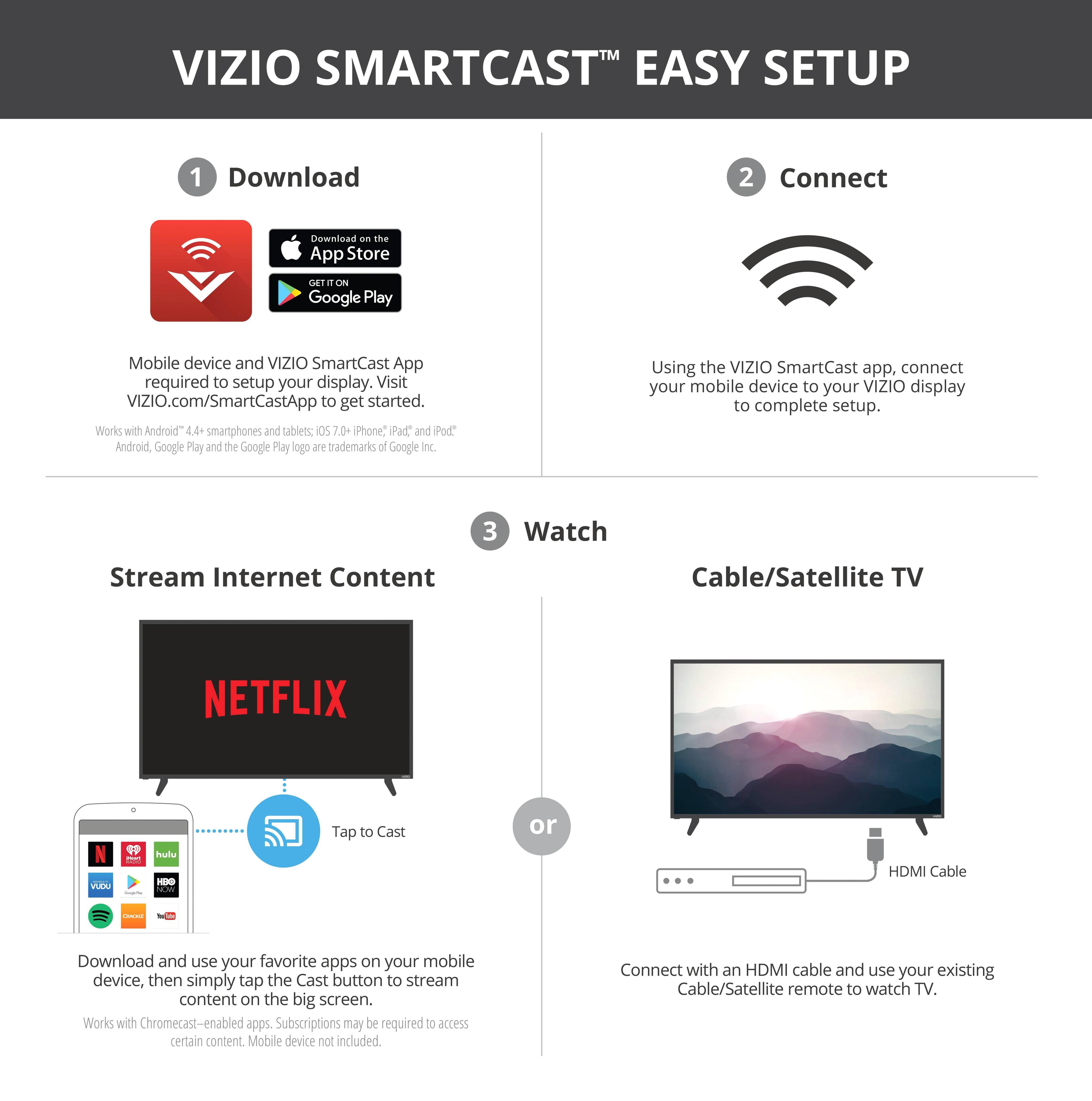
A:AnswerThis display has a feature called 'SmartCast' that allows you to use compatible iOS devices to cast content from your phone to the display. You may have to download a third party application to the cast the photos. You can also store the photos on a flash drive, and use the included USB port to view your photos.