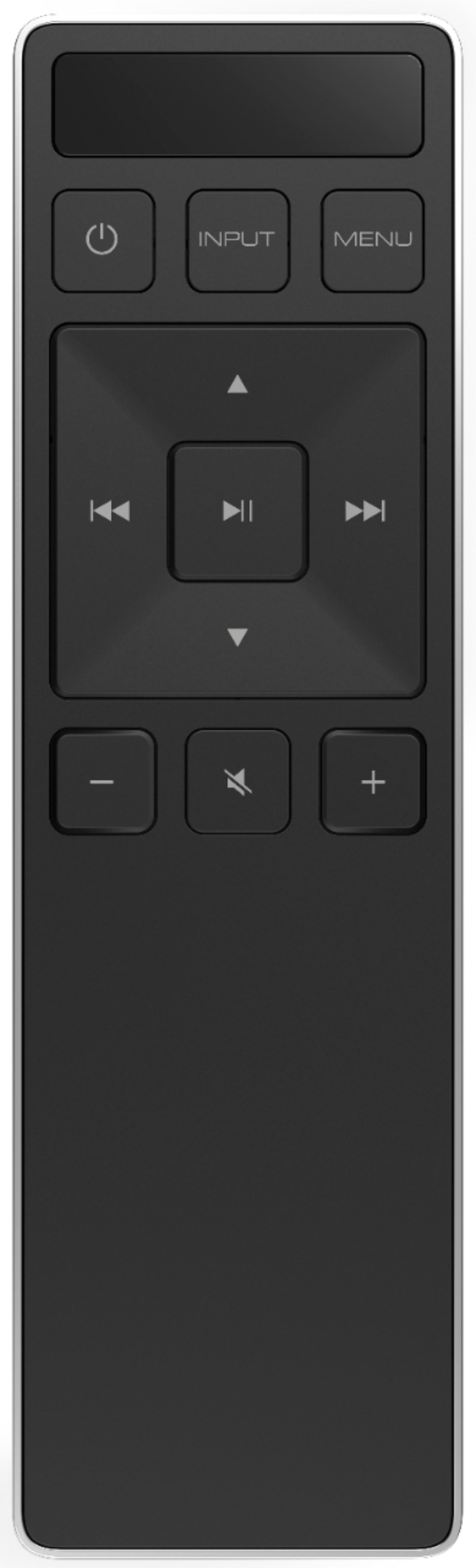
A:AnswerMake sure u are changing them via the remote and NOT the app which is poorly made and doesn't work right half the time. You wanna make sure Eco mode is off and night off. When switching Eqs, After you have selected desired Eq and its displayed, make sure to press the play button to select it. Mine stays at movie which is really the only good eq as music is flat and direct doesnt support atmos. And if adjusting settings like av, treb/bass level, dot will move up or down and light up 2 dots, but will not switch level until you push button a 2nd time and then only 1 dot will be lit. Ive never had this issue on since owning but i also rarely use sounbar remote as all other device remotes can adjust volume of bar. I dont think it had a setting to change eq based on type of content but if its changed after streaming music, then its possibly the case. If all else fails, someone might be changing it.u may also want to check for firmware updates if u never connected bar to wifi setup yet it will need an update.

A:AnswerTo answer your question, I want to gather a bit more information. When you have a free moment, we are available through text message, chat, or over the phone. Just go to support.VIZIO.com and click on ‘Contact Us’.


A:AnswerSorry to hear you are not having a smooth experience. I would love the opportunity to have our technical support team learn more about the issues you are experiencing. When you have a free moment, they’re available through text message, chat, or over the phone. Just go to support.VIZIO.com and click on ‘Contact Us’.
A:AnswerTo answer your question, I want to gather a bit more information. When you have a free moment, we are available through text message, chat, or over the phone. Just go to support.VIZIO.com and click on ‘Contact Us’.
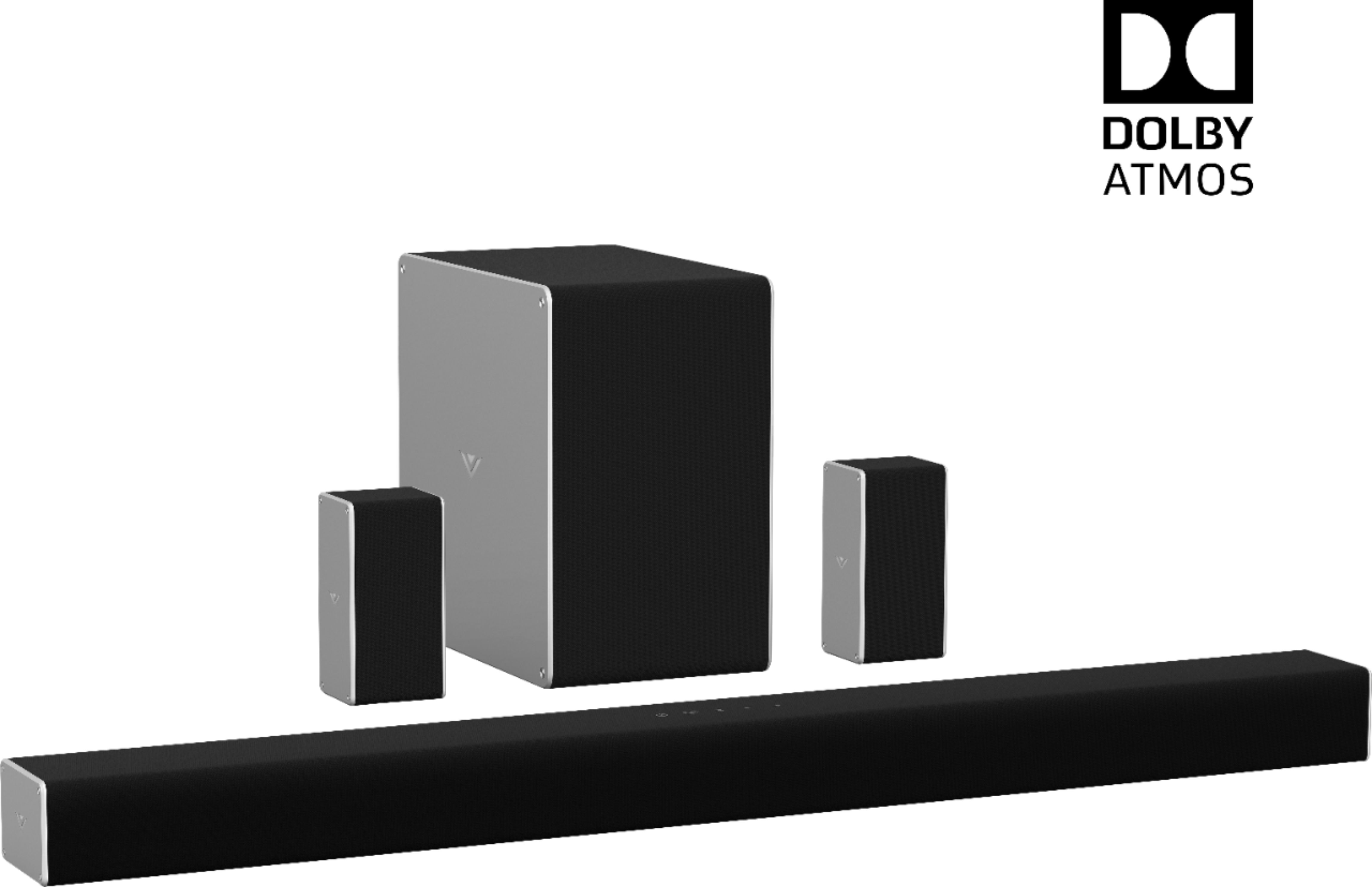
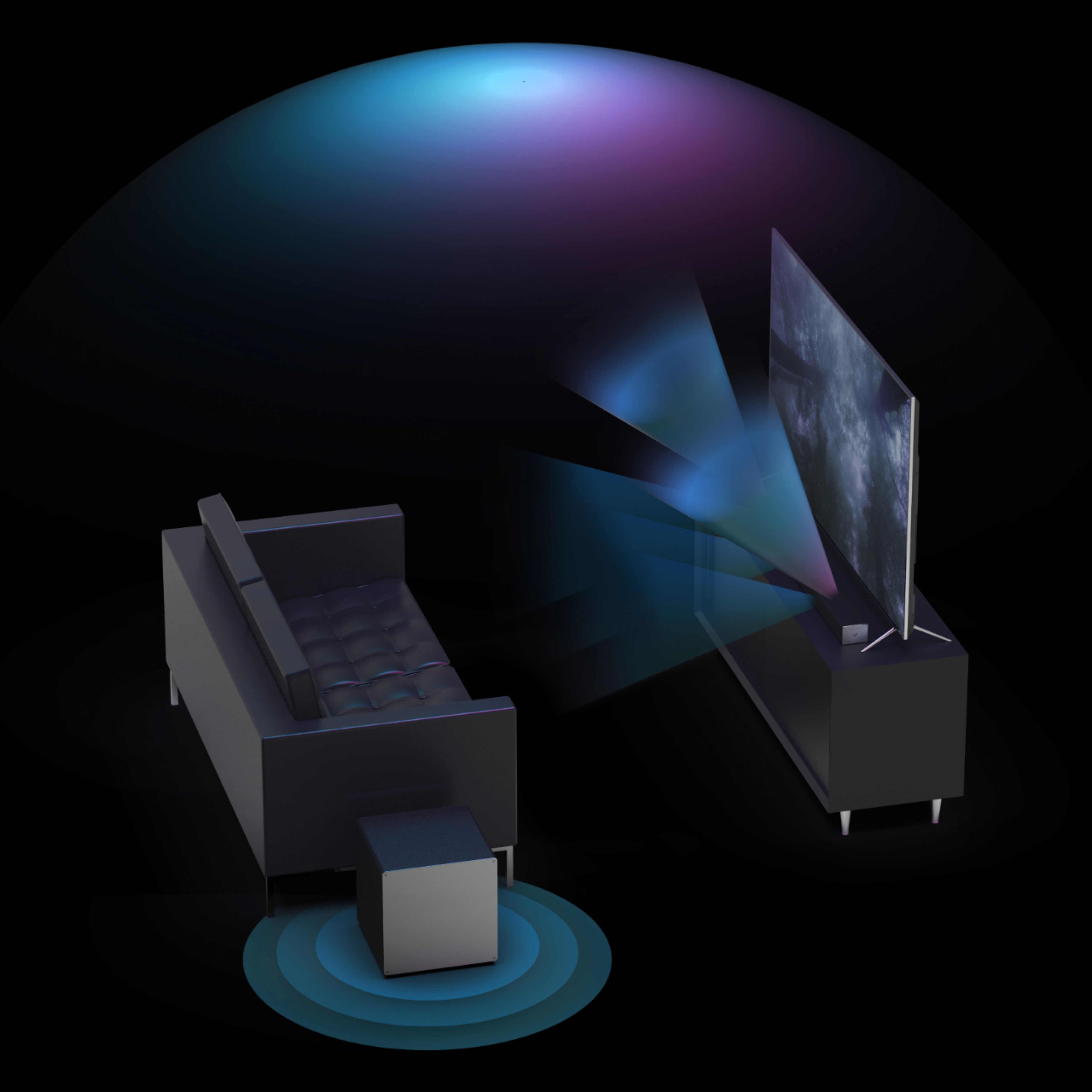
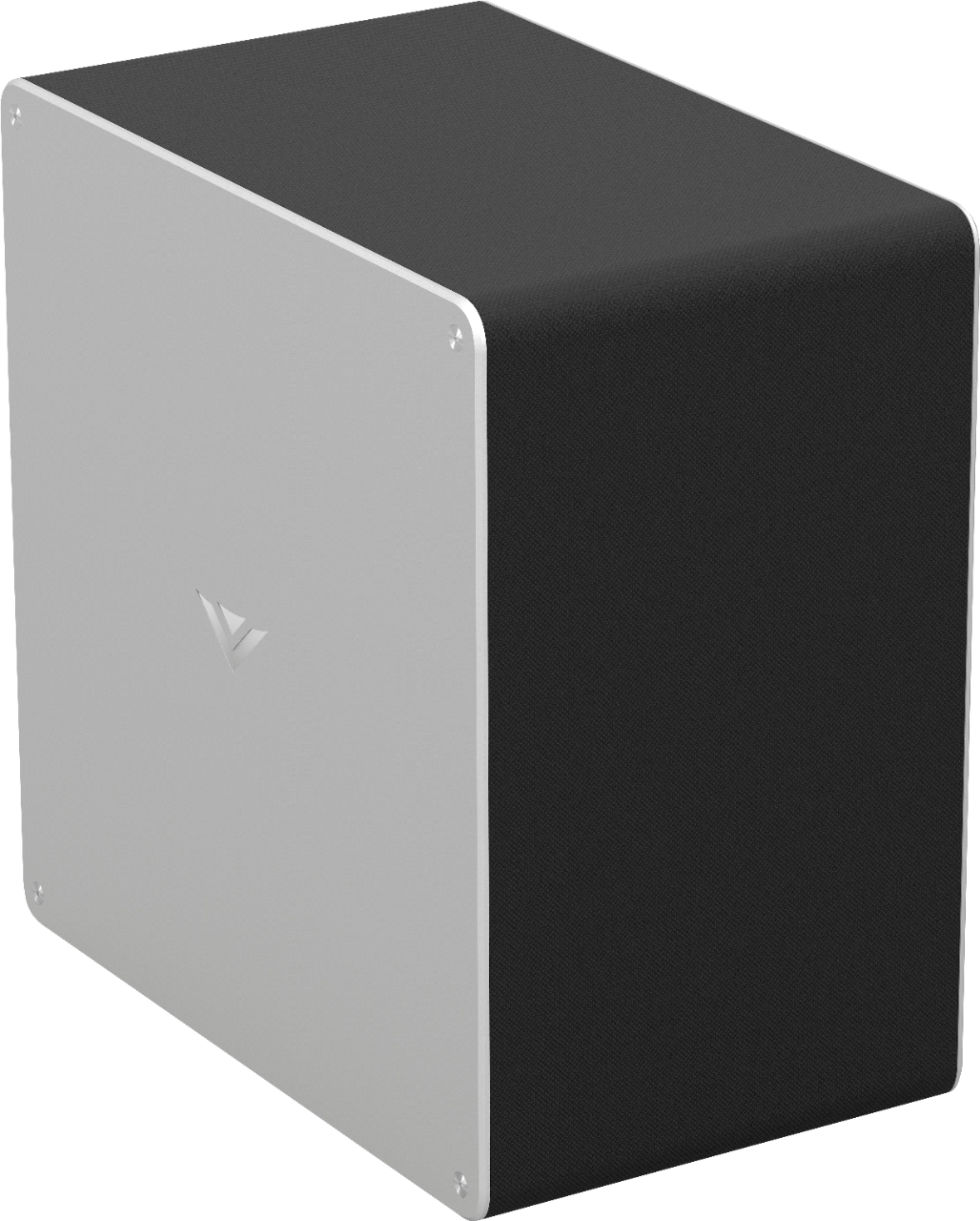
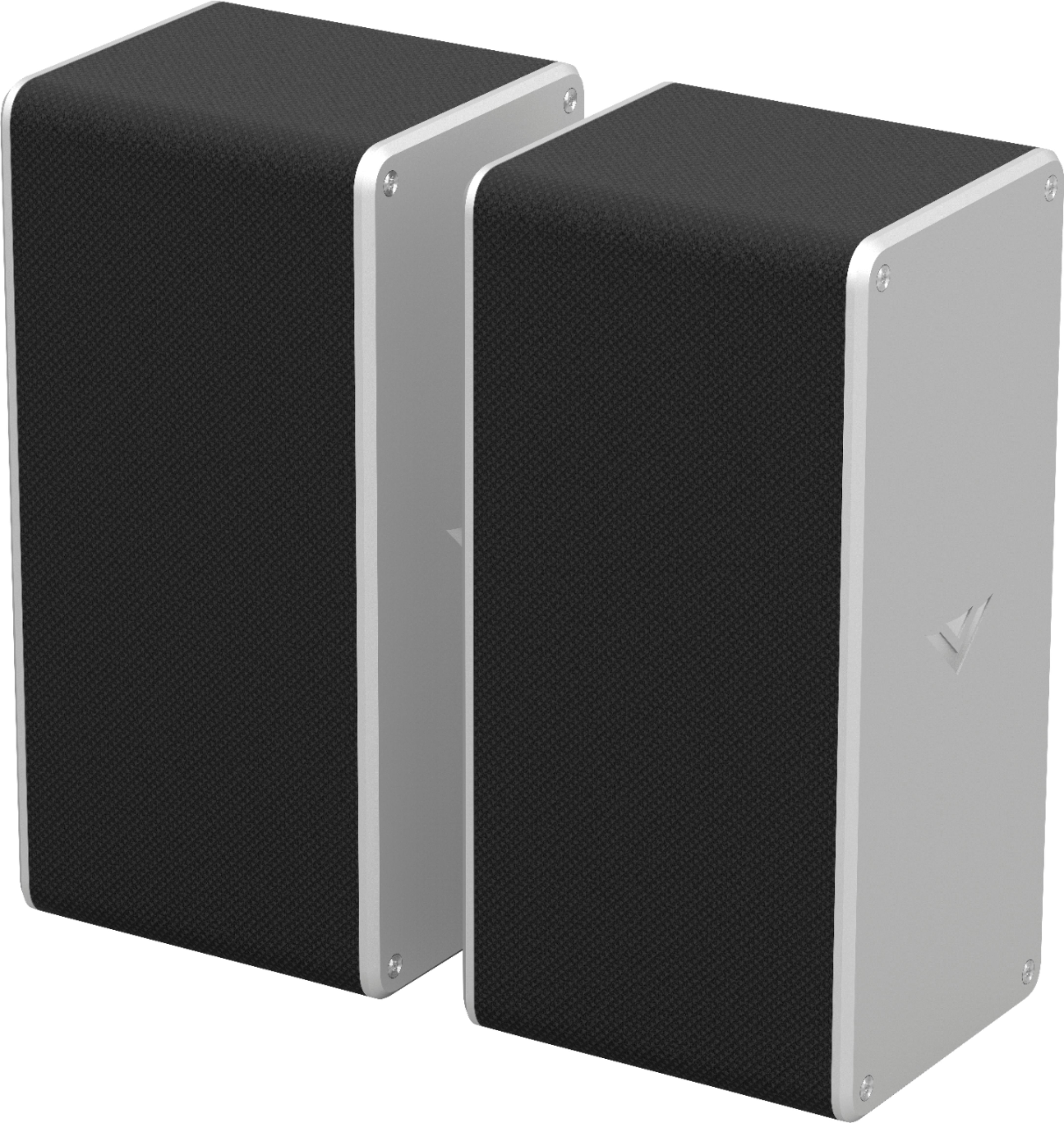
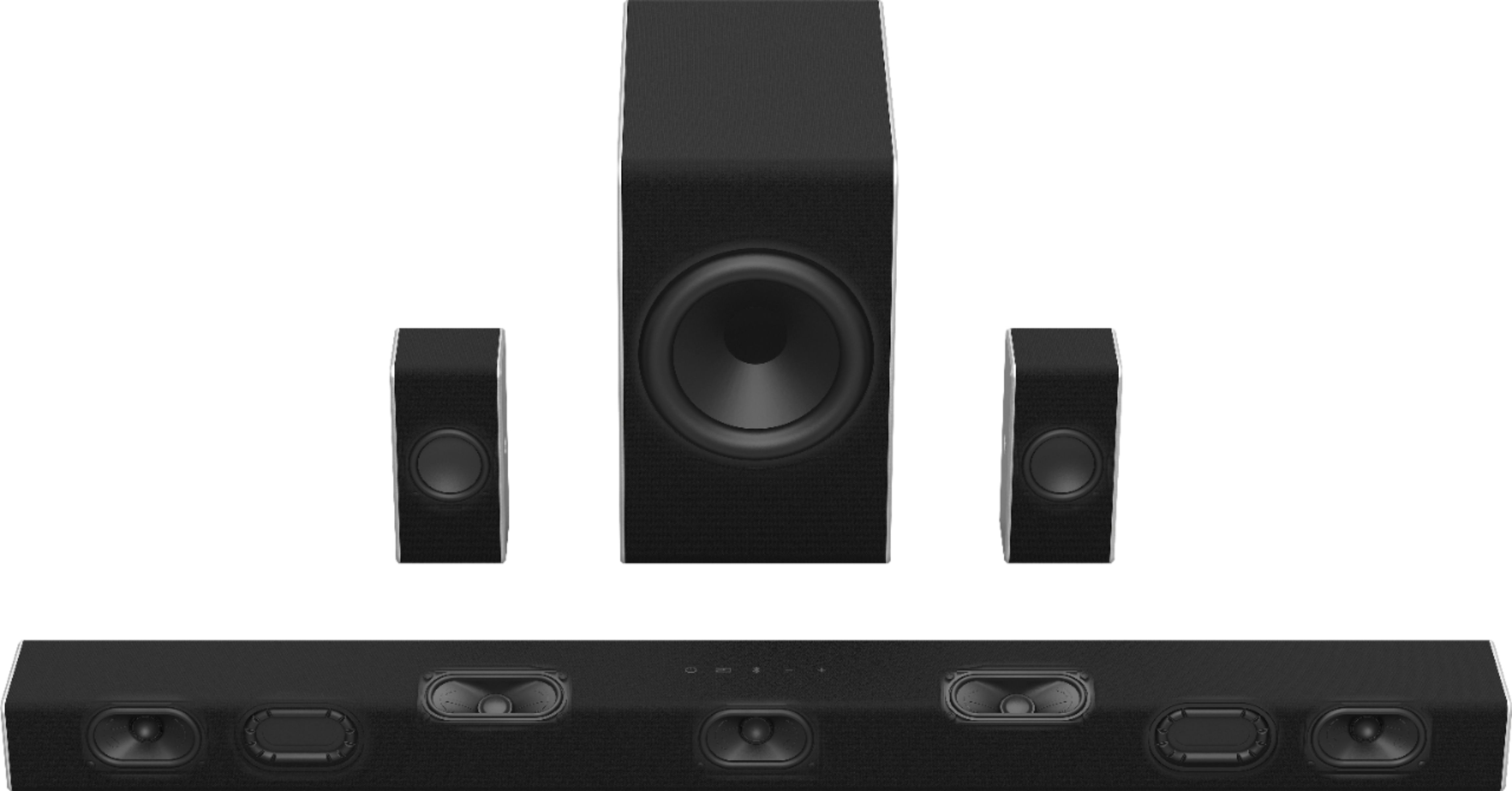
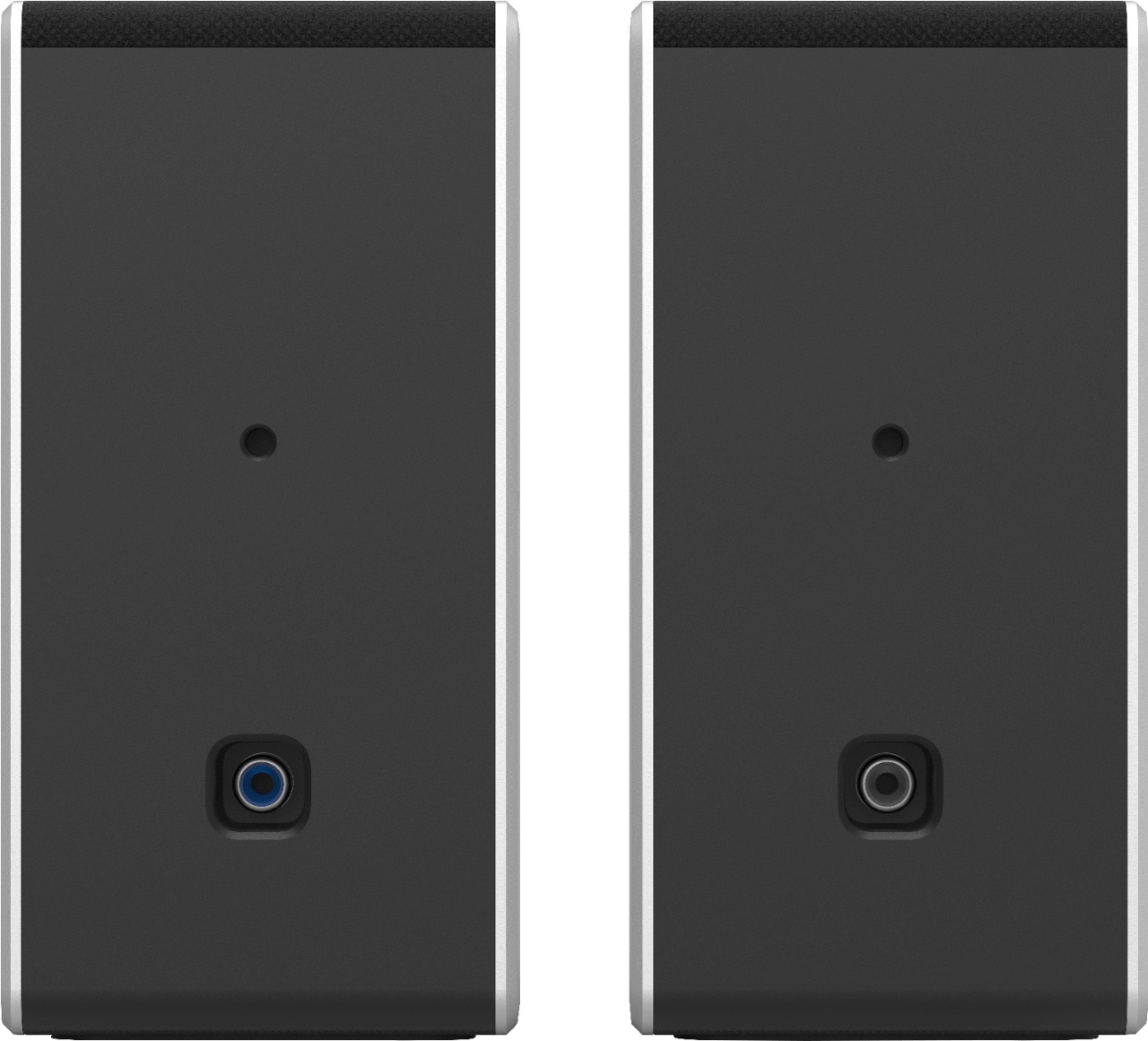
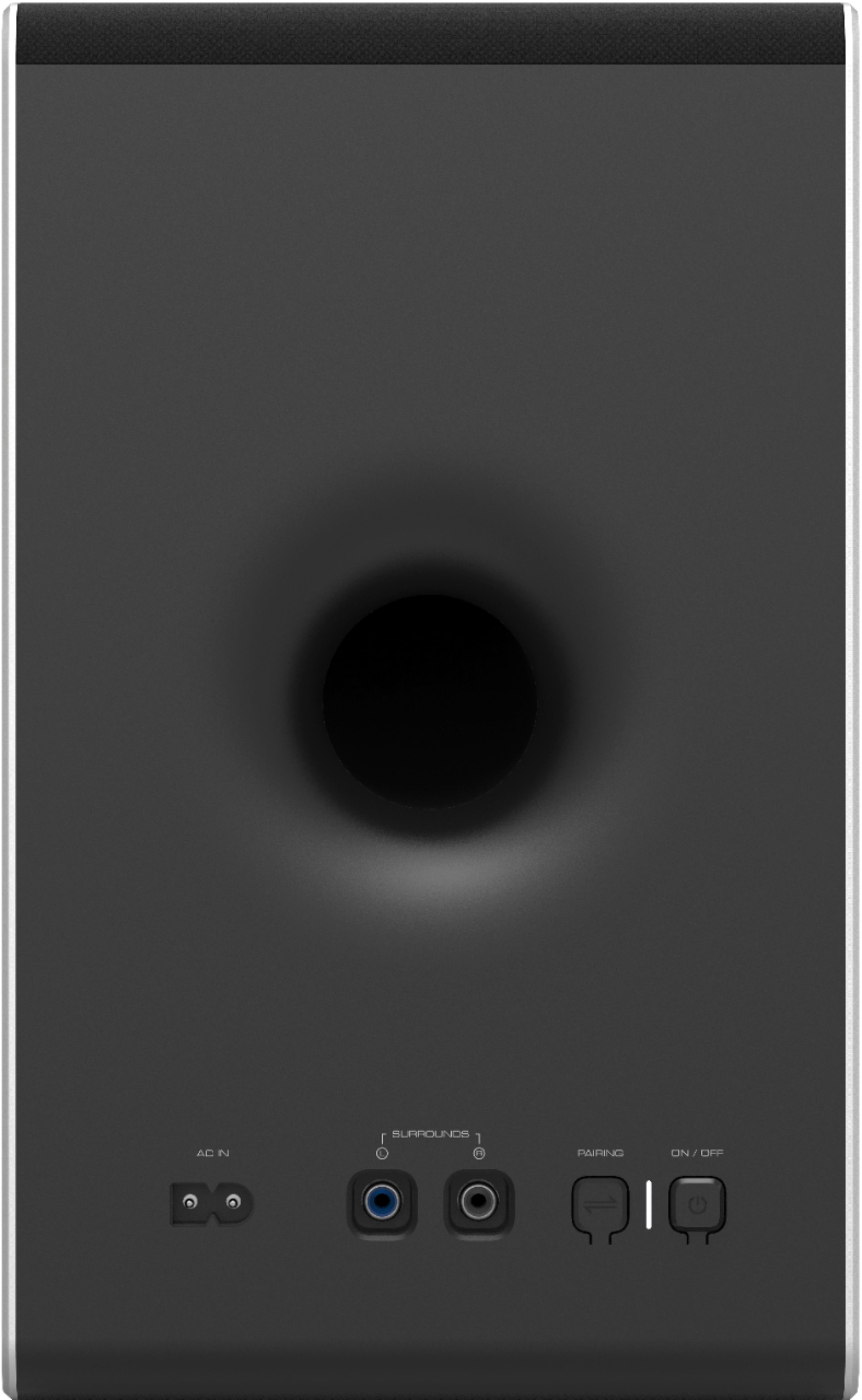
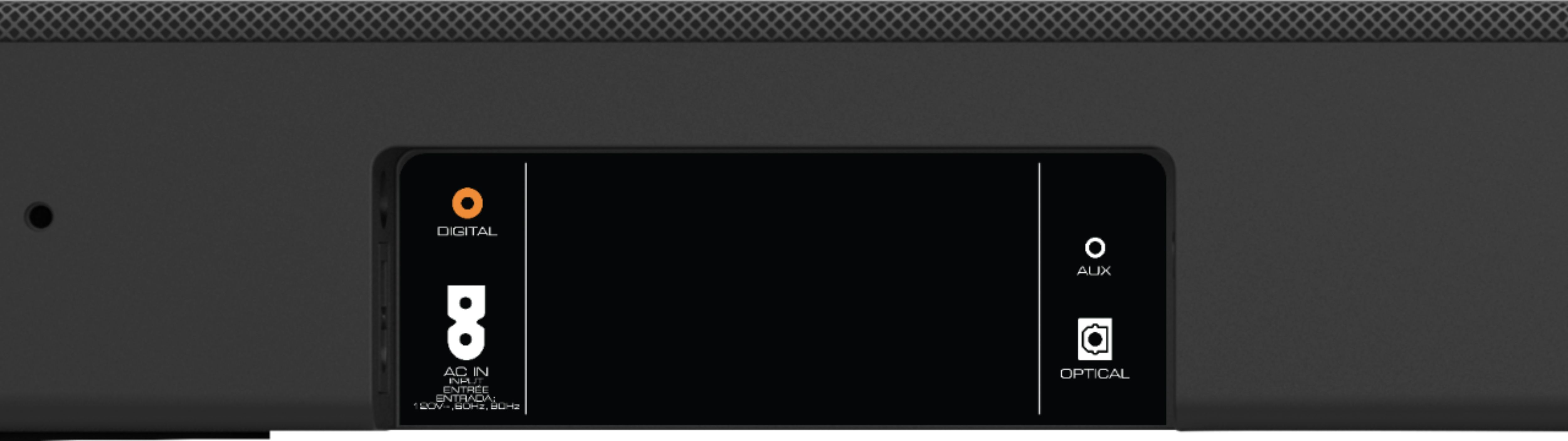
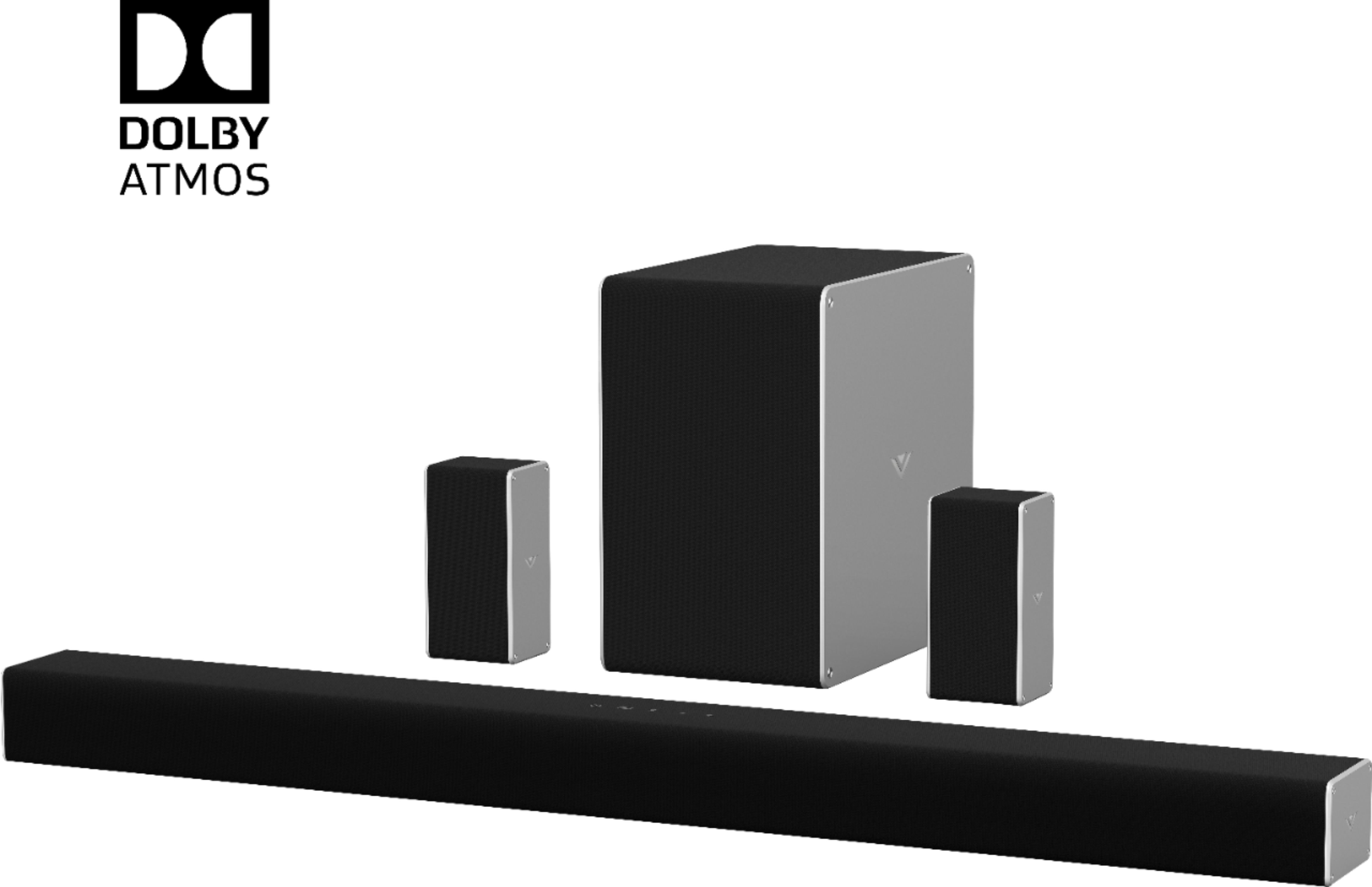
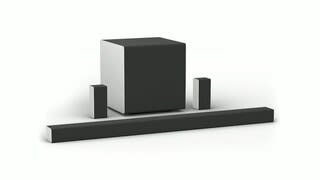
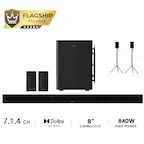
A:AnswerComes with everything you need. Soundbar plugs into the wall, can sit under the TV, and connects via your preferred input (recommend HDMI ARC), and the subwoofer wirelessly connects to the soundbar so the subwoofer can be placed beside your couch. The left and right rear speakers connect to the subwoofer. I use my TV as a PC monitor and it works great. You can also wirelessly connect with your phone or other device to play audio. I hope that answers your question!
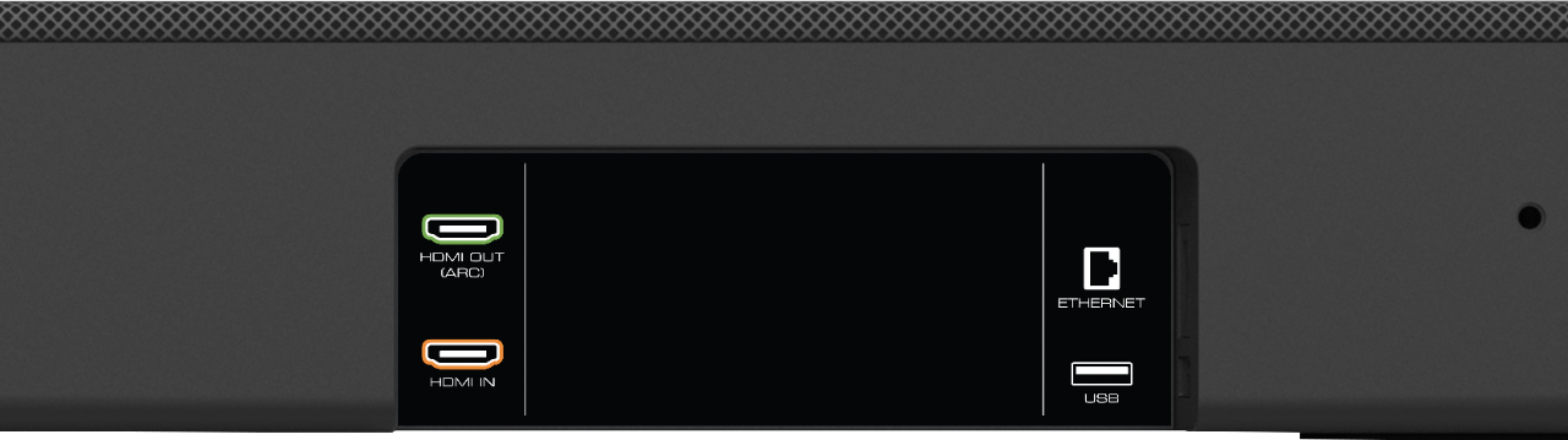
A:AnswerIt will work with your TV as long as you connect it through the HDMI ARC port. I have an older 5 series samsung and it works great. My tv doesn't support atmos though so I had to plug directly into the soundboard hdmi in to utilize the full atmos. But the Dolby 5.1 comes through great. I ended up getting a 4k roku and plugging it into the soundbar to utilize the atmos. It looks like your TV doesn't support atmos. I dont know if it would pass through from external devices or if you would need to do the same for the atmos to work.