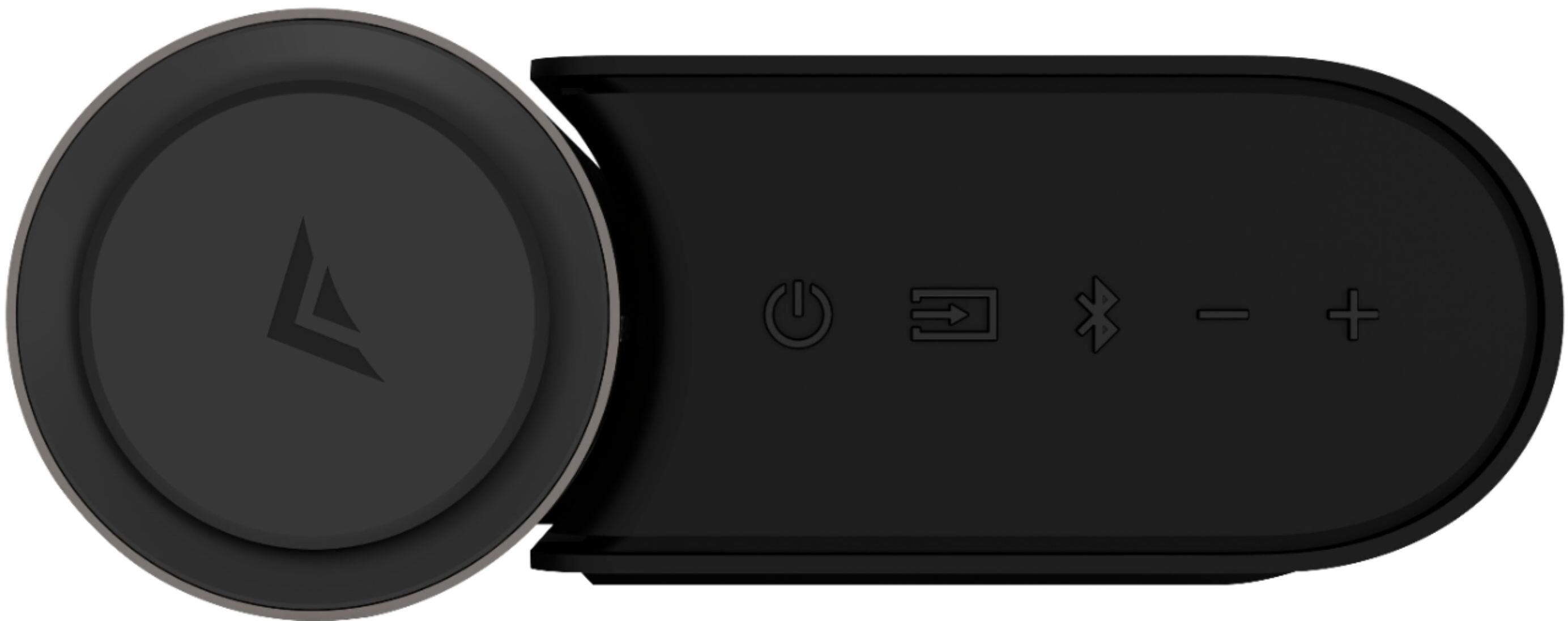
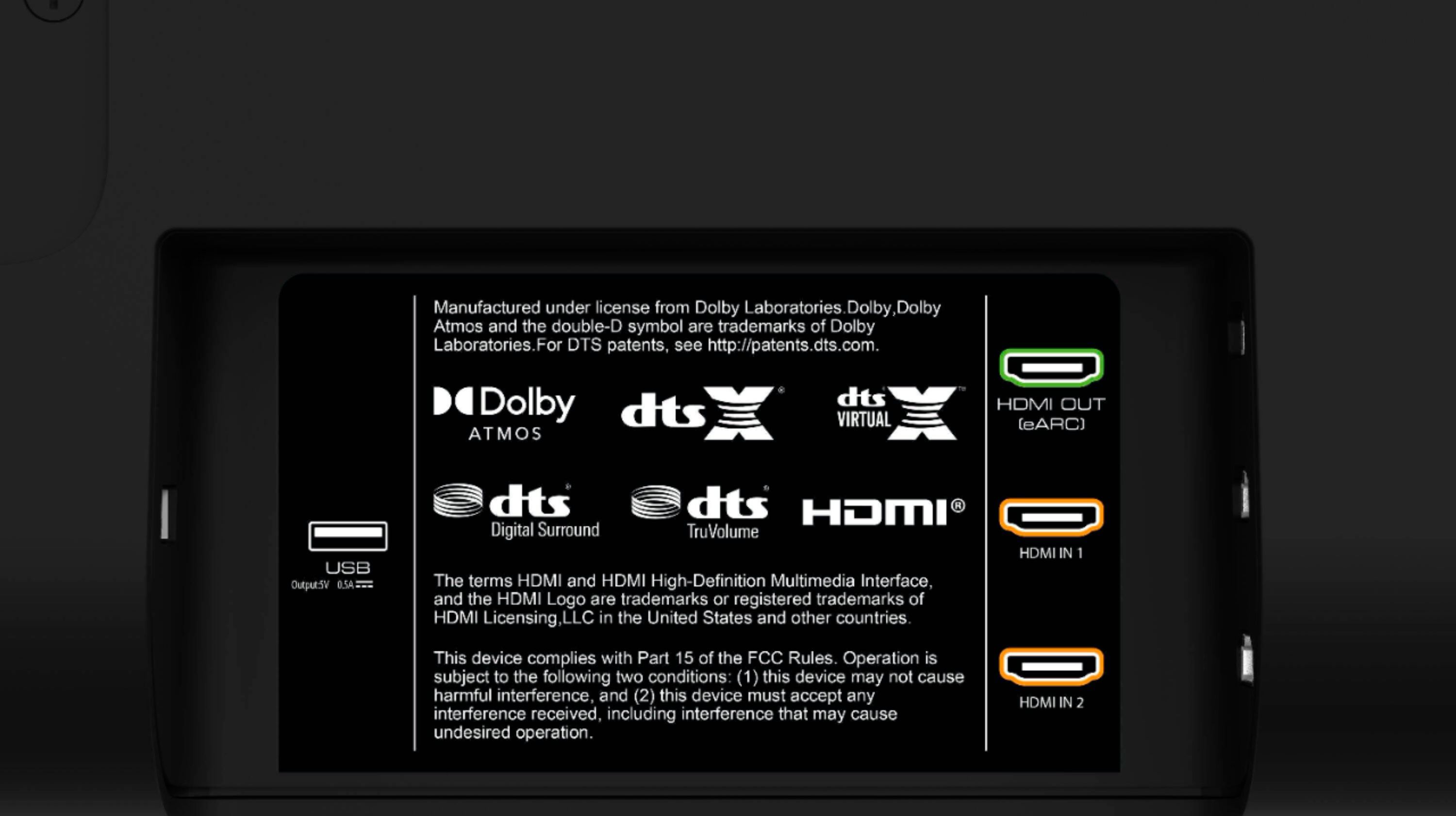
A:AnswerTurn center speaker all the way up with your remote. Make sure your virtual x is off on remote that will distort the center channel. If you put your volume leveler to on it boosts the volume up. That should fix your problem. If you're hooking it to your HDMI arc from your TV to the sound bar would be best if you're putting it any other way you may have to have your volume all the way up on your TV then raise the volume on the soundbar. Try also plugging in a example fire TV stick I have the max 4K plug that directly into your sound bar HDMI 1 and have the arc going to your TV and control the Vizio elevate and you should have great volume with that if you're not getting it. I would call Vizio. Hope I've helped
A:AnswerTo answer your question, I want to gather a bit more information. When you have a free moment, we are available through text message, chat, or over the phone. Just go to support.VIZIO.com and click on ‘Contact Us’.
A:AnswerTo answer your question, I want to gather a bit more information. When you have a free moment, we are available through text message, chat, or over the phone. Just go to support.VIZIO.com and click on ‘Contact Us’.
A:AnswerIf you look in their specs you will see the band 802.11N that is a Wi-Fi bandwidth signal. When you do updates on the soundbar it connects to whatever you set it at when you set the system up in my instance I use the 5 GHz band on my router not my 2.5 gigahertz I haven't noticed any problems with signals going to my subwoofer or the 5 years I've owned another Vizio that was 7 years old the model. Hope that answers your question or anybody else's
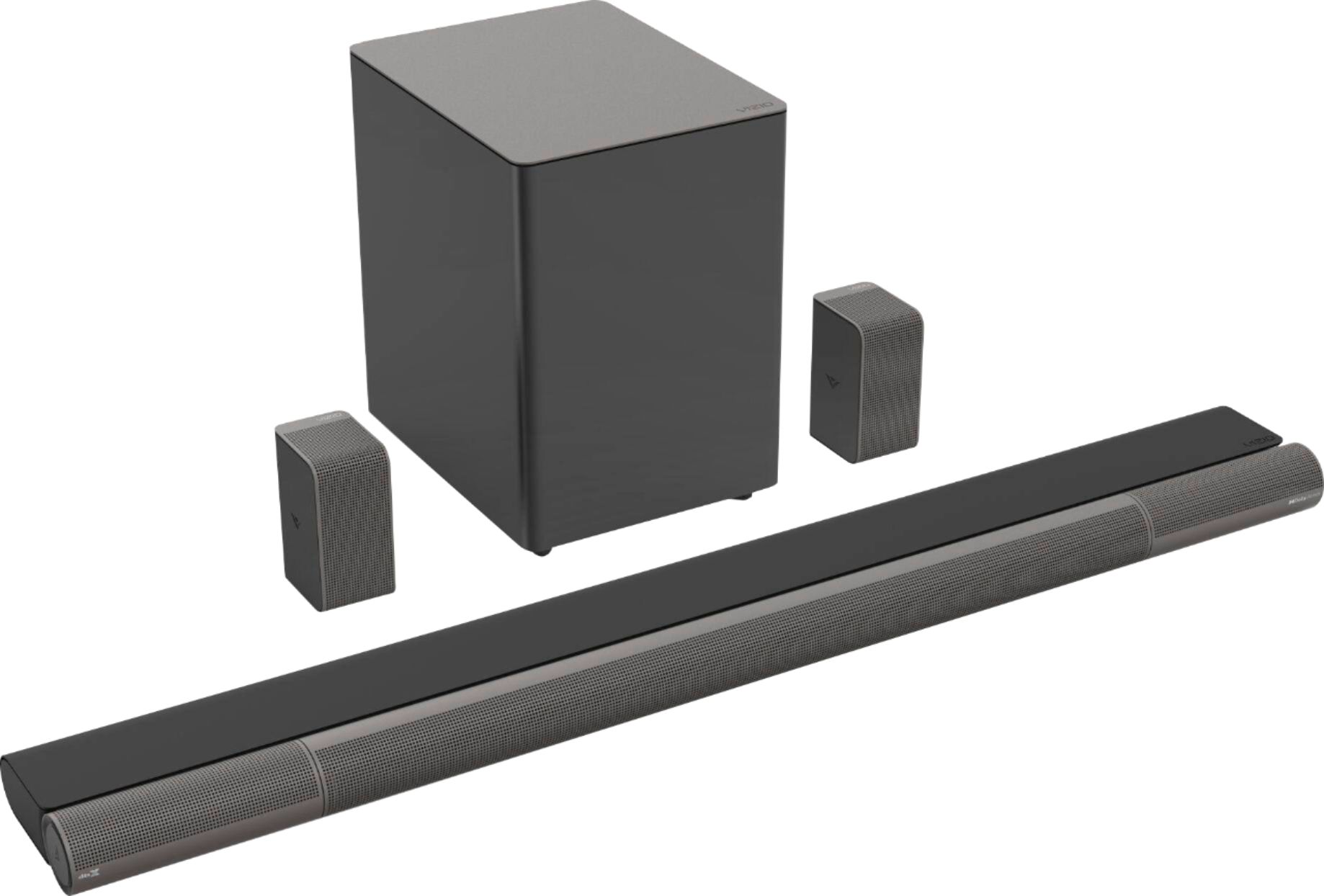
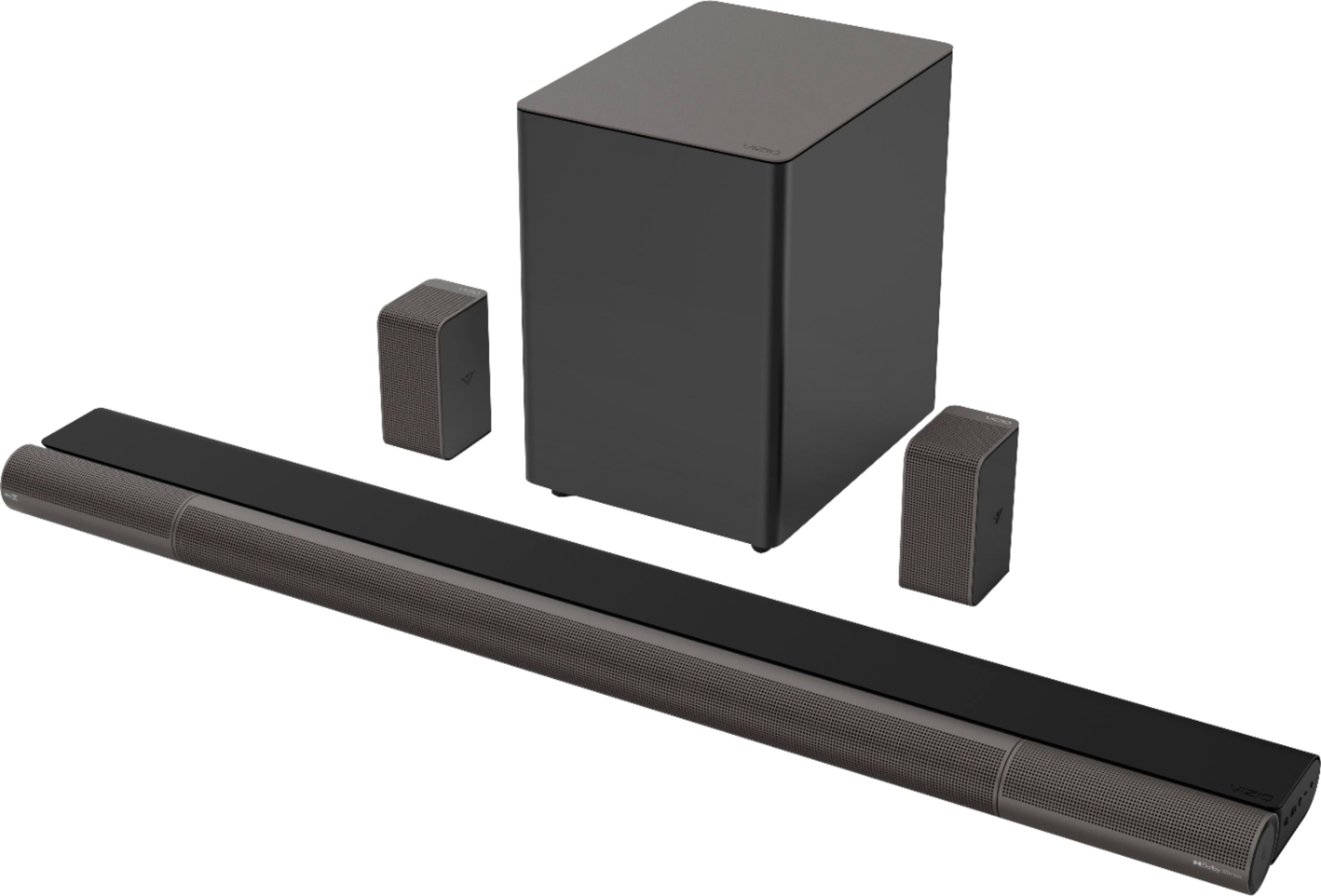
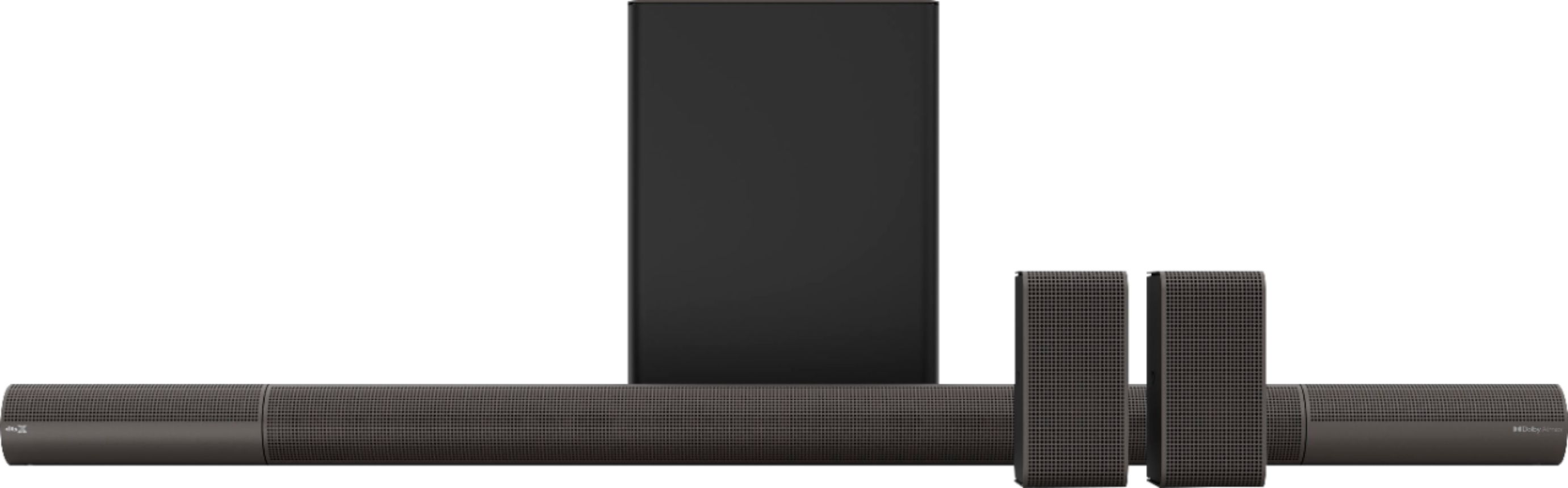
A:AnswerI have an LG C1 OLED and this soundbar system. Without the rear speakers and the sub you will definitely be missing out on the full sound range and the advantages of Atmos. I’m sure the soundbar alone will give you better sound than the TV speakers but if you are looking for a true atmos experience I would pass on just the soundbar alone. Hope this helps!
A:AnswerThis sound bar can connect to a Voice Assistant (VA) device through an AUX VA or Bluetooth connection. Once connected, your sound bar will now act as the VA speaker.
A:AnswerHello MrEdward, VIZIO sound bars are designed to work with all TV makes and models, you just need a compatible audio connection. In my opinion, the Elevate 5.1.4 sound bar is the best bang-for-the-buck sound bar on the market!
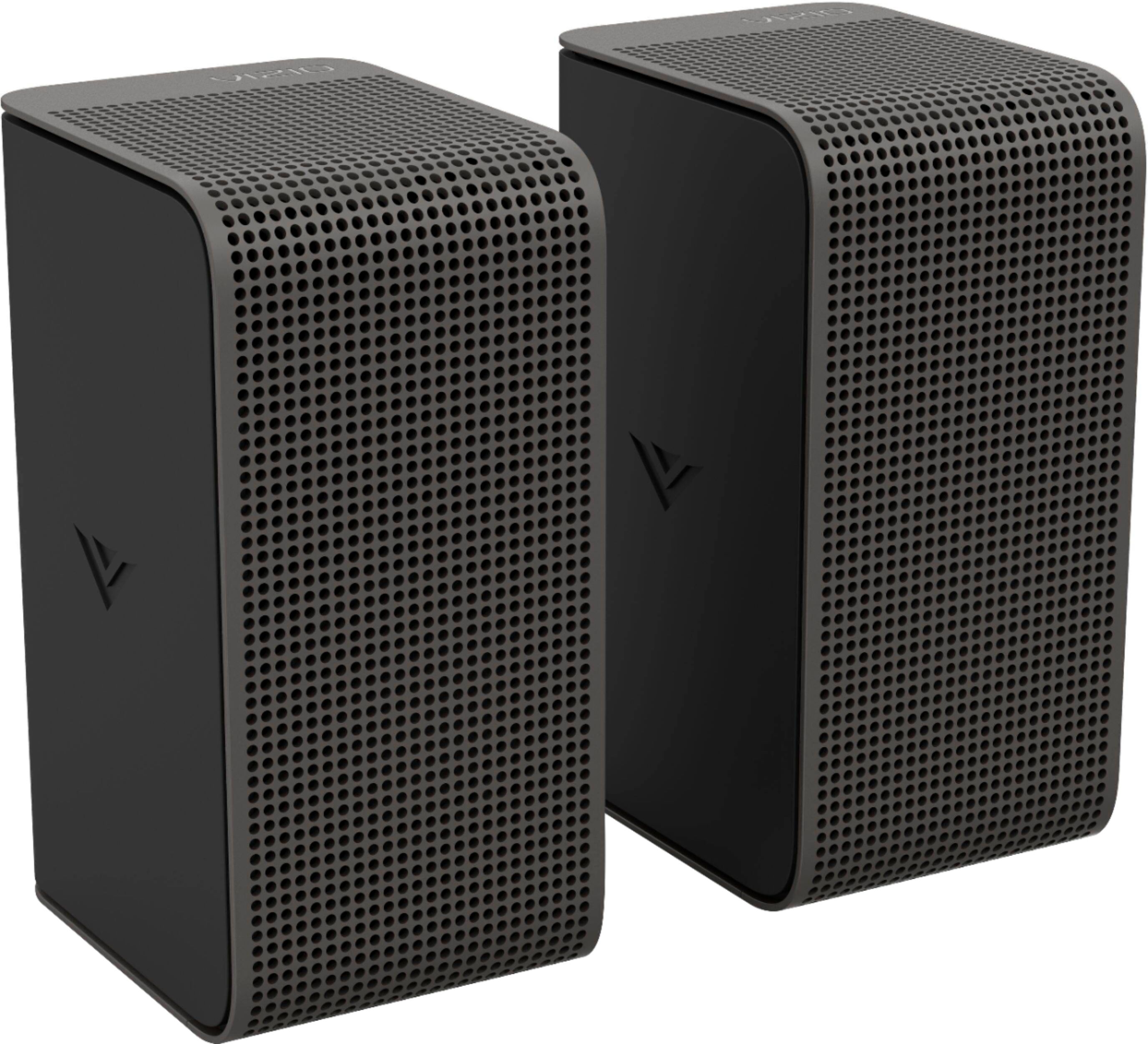
A:AnswerNo, it does not. It is wireless. The surround sound speakers are connected by wire to the subwoofers but they give you about 15+ feet of wiring so that the subwoofer still does not have to be close to any of the other speakers. Hope this helps!!!
A:AnswerI use these when my elevate was new and still worked. It died and stopped connecting and now the entire setup site in my closet. Biggest waste of $1,000 ever. These stands did work great though.
https://www.amazon.com/gp/product/B07T2DHD2F/ref=ppx_yo_dt_b_asin_title_o01_s00?ie=UTF8&psc=1
A:AnswerTo answer your question, I want to gather a bit more information. When you have a free moment, we are available through text message, chat, or over the phone. Just go to support.VIZIO.com and click on ‘Contact Us’.
A:AnswerTo answer your question, I want to gather a bit more information. When you have a free moment, we are available through text message, chat, or over the phone. Just go to support.VIZIO.com and click on ‘Contact Us’.