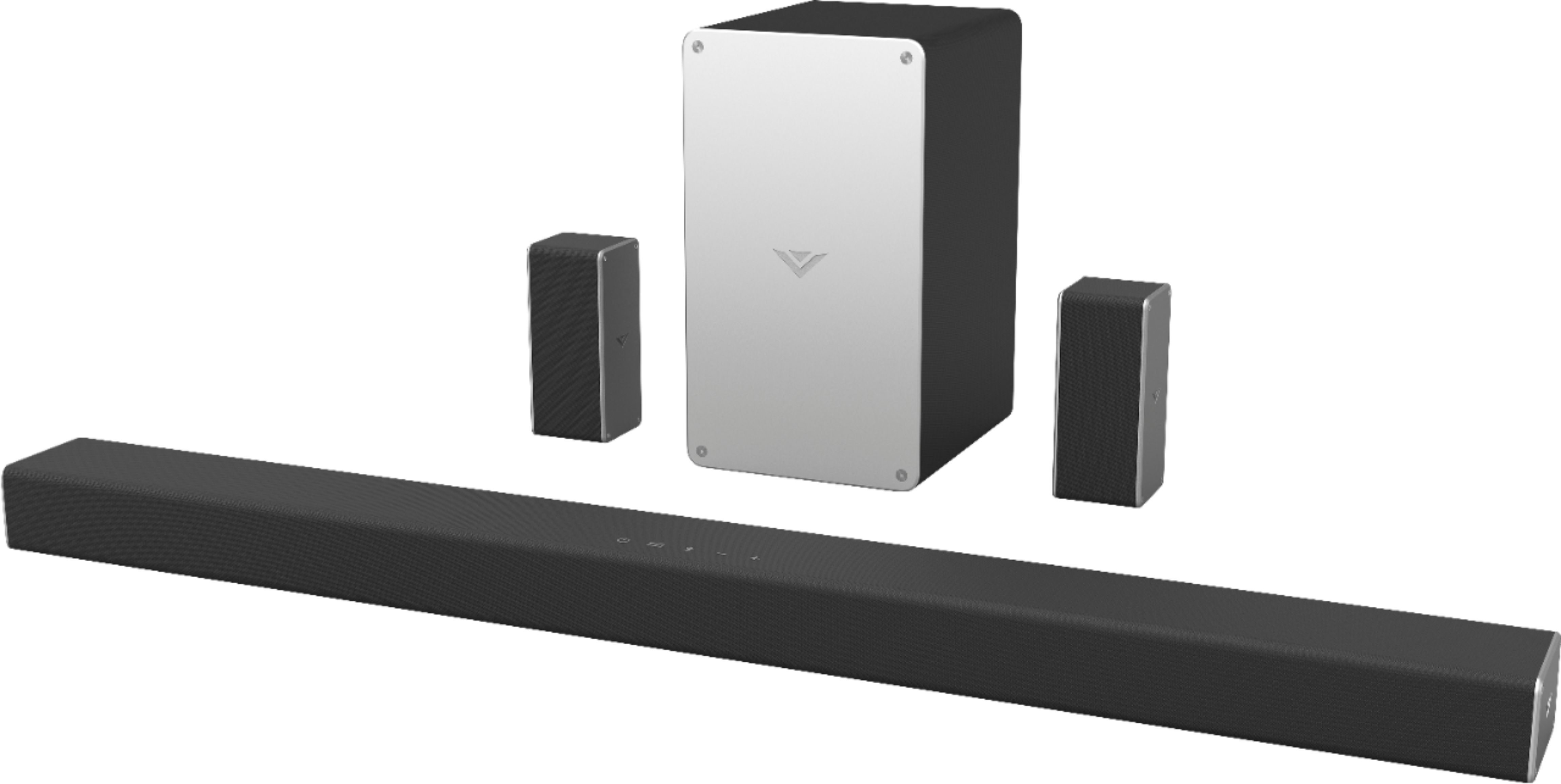
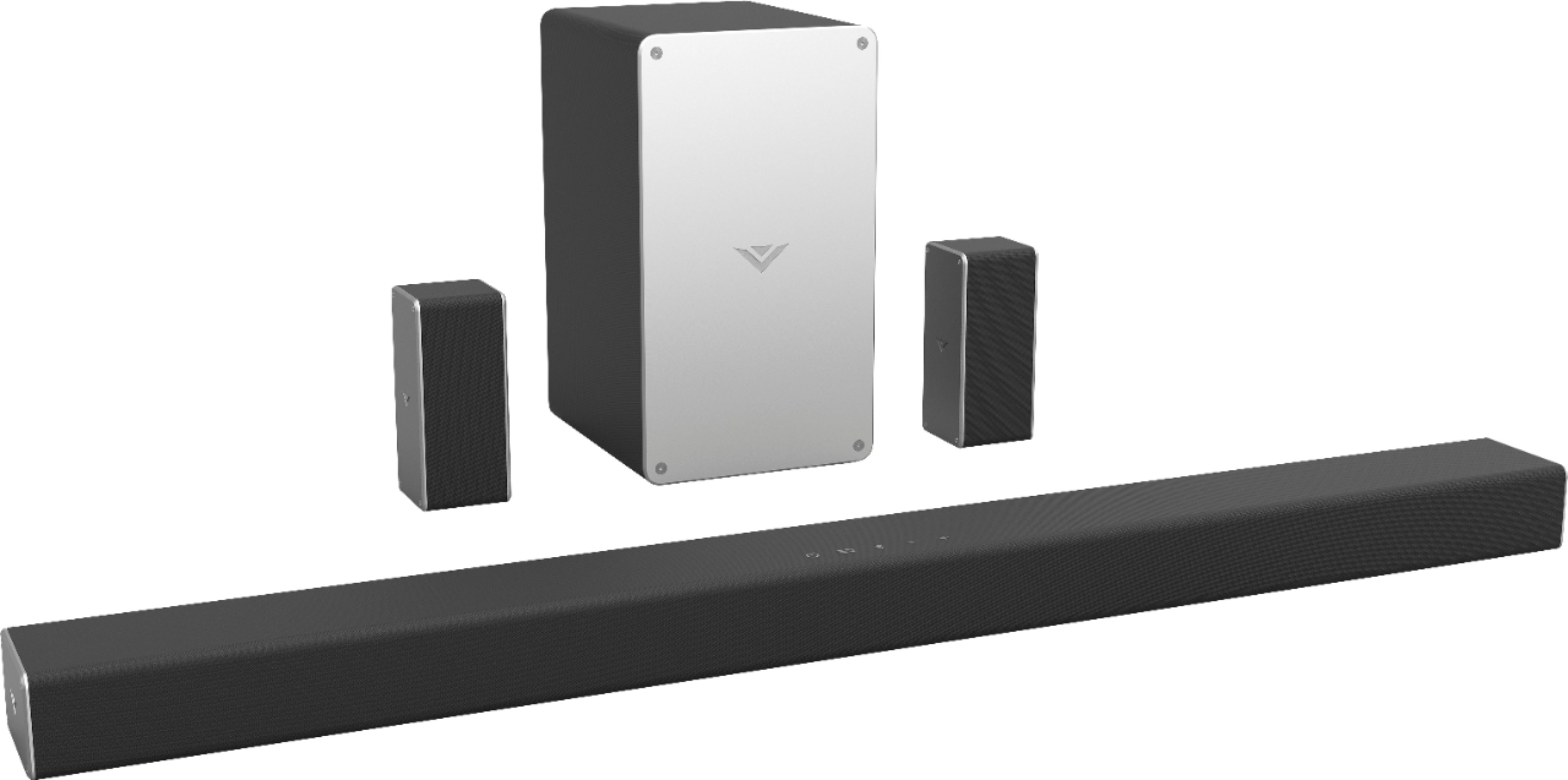
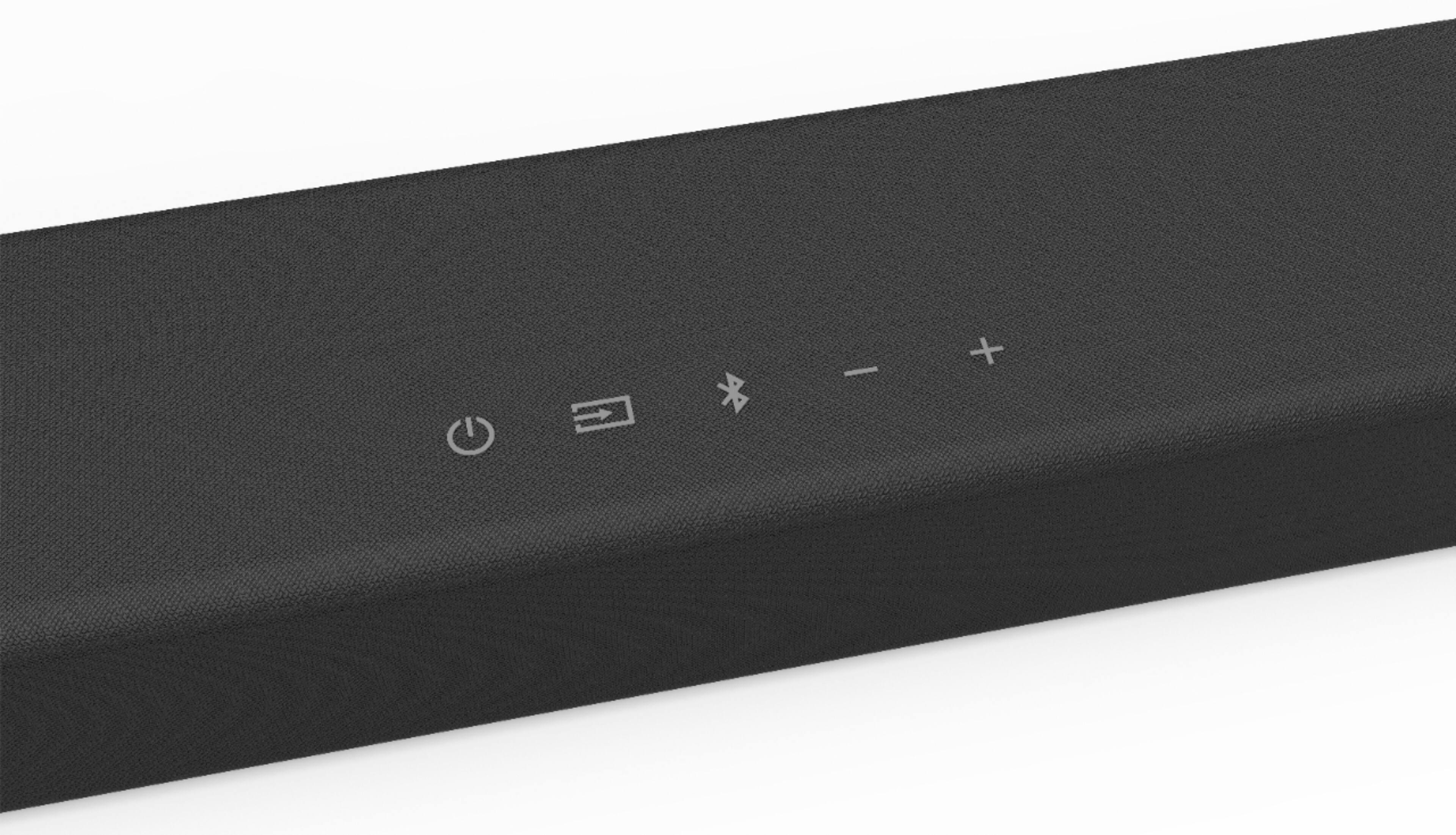
A:AnswerYes, this sound bar supports Blue Tooth and Casting. So you can open the app on your phone, click cast and if your sound bar is connected to the same network as your phone, the audio will play on the sound bar.
A:AnswerYes, you can use your remote to control the volume. You need the vizio remote it comes with to control settings and to turn the surround sound on/off.
A:AnswerThe power saving can be shut off on the sound bar. Our support team would appreciate the opportunity to help you. Simply go to support.vizio.com, and choose 'Contact Us' and someone will be happy to walk you through this.