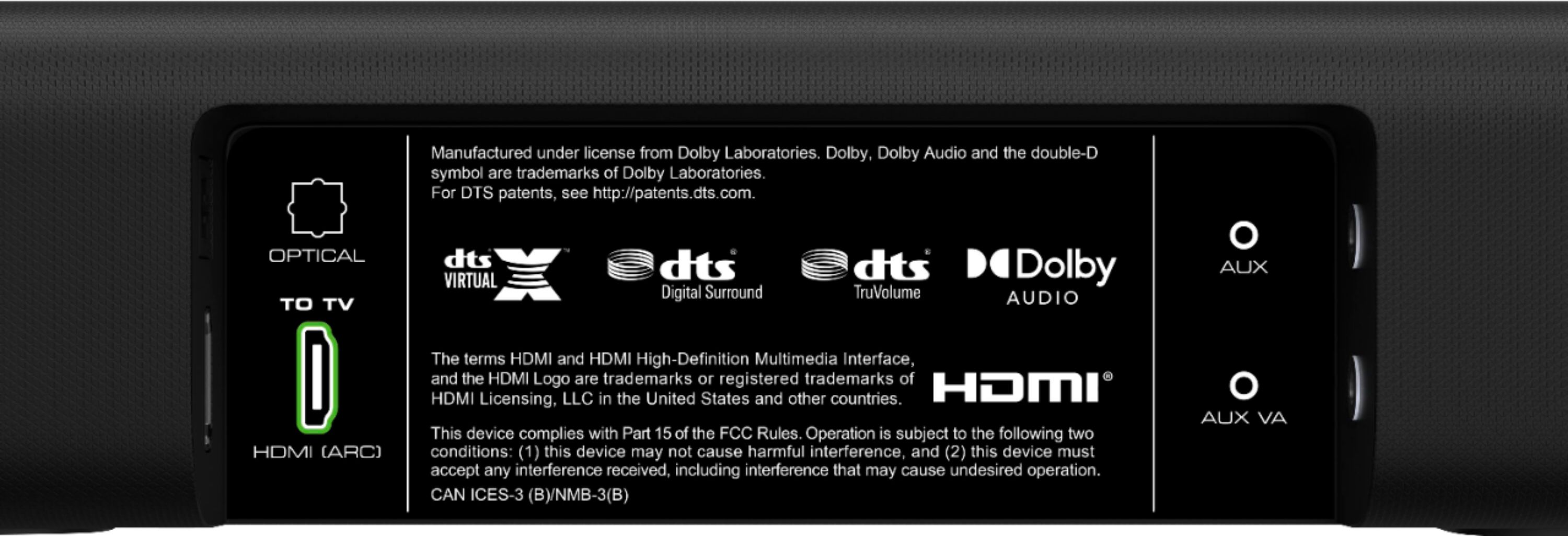
A:AnswerI connected mine through the HDMI ARC socket on the back of my TV and never had any issues. Recommend doing that and seeing if the static goes away.
A:AnswerYes, this soundbar is optimized for 4K HDR content.
Check out their website for a more detailed spec sheet.
Here's the link...
https://www.vizio.com/en/sound-bar/v-series/V51-H6
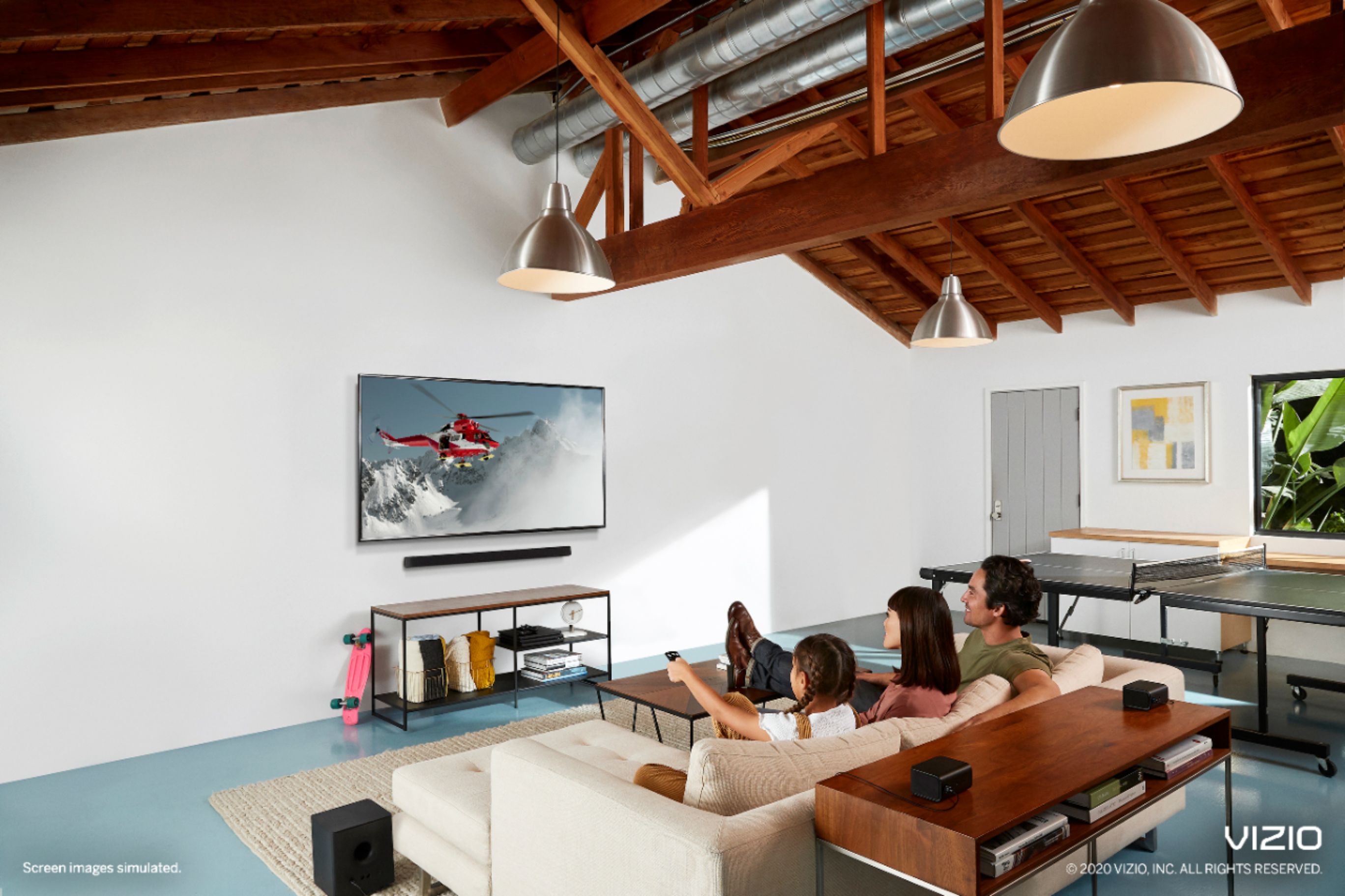
A:AnswerOur TV and soundbar are sitting on top of an entertainment cabinet. The soundbar is placed just in front of it but does not interfere with screen..
A:AnswerI use HDMI port to set up my sound system From my understanding your TV has to have a HDMI Arc port, which I couldn’t find one on my TV as it hangs on the wall and I didn’t want to have to take it down., so I just connected it to an HDMI port and it works great. Hope this helps a little.
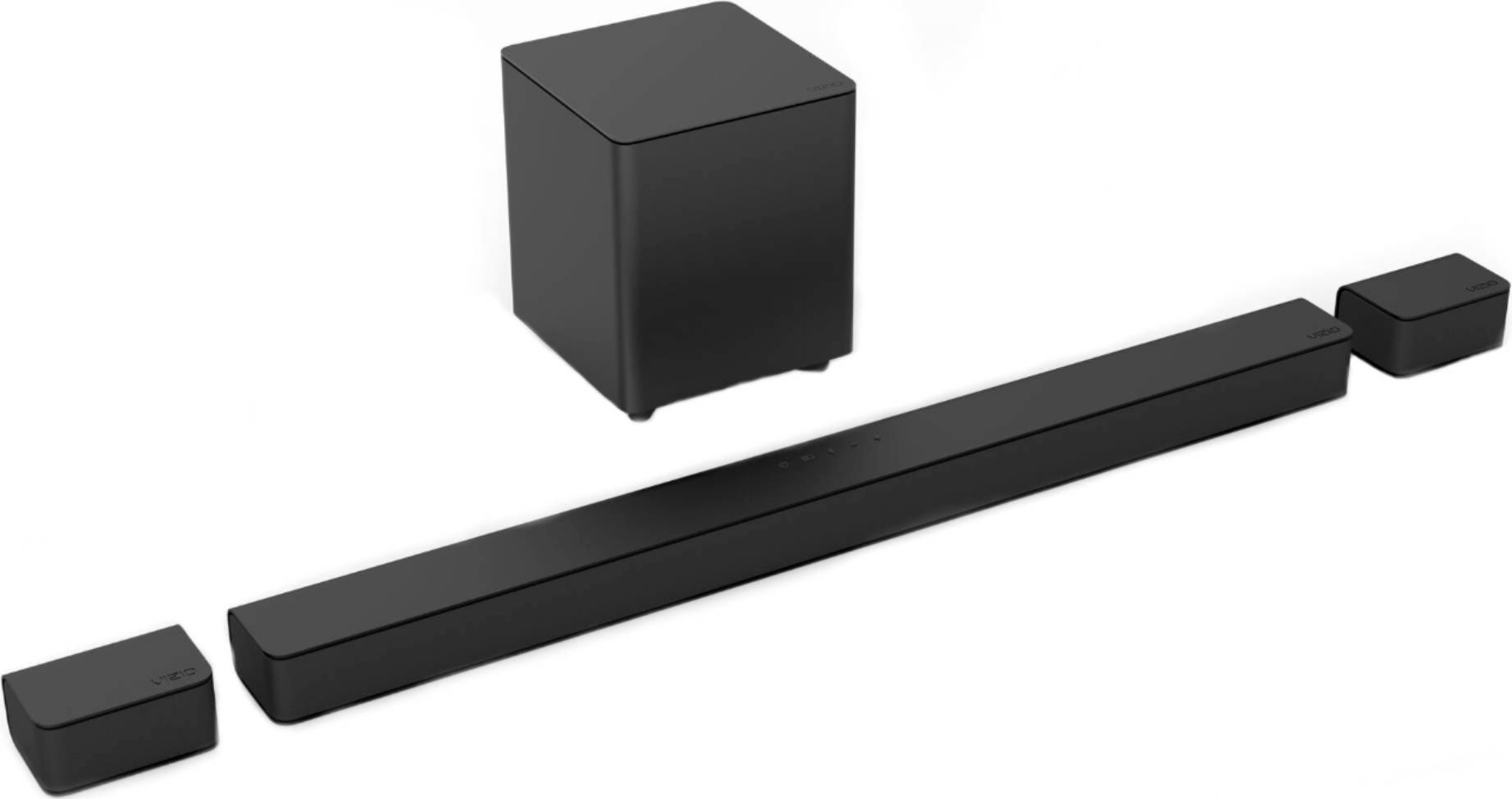
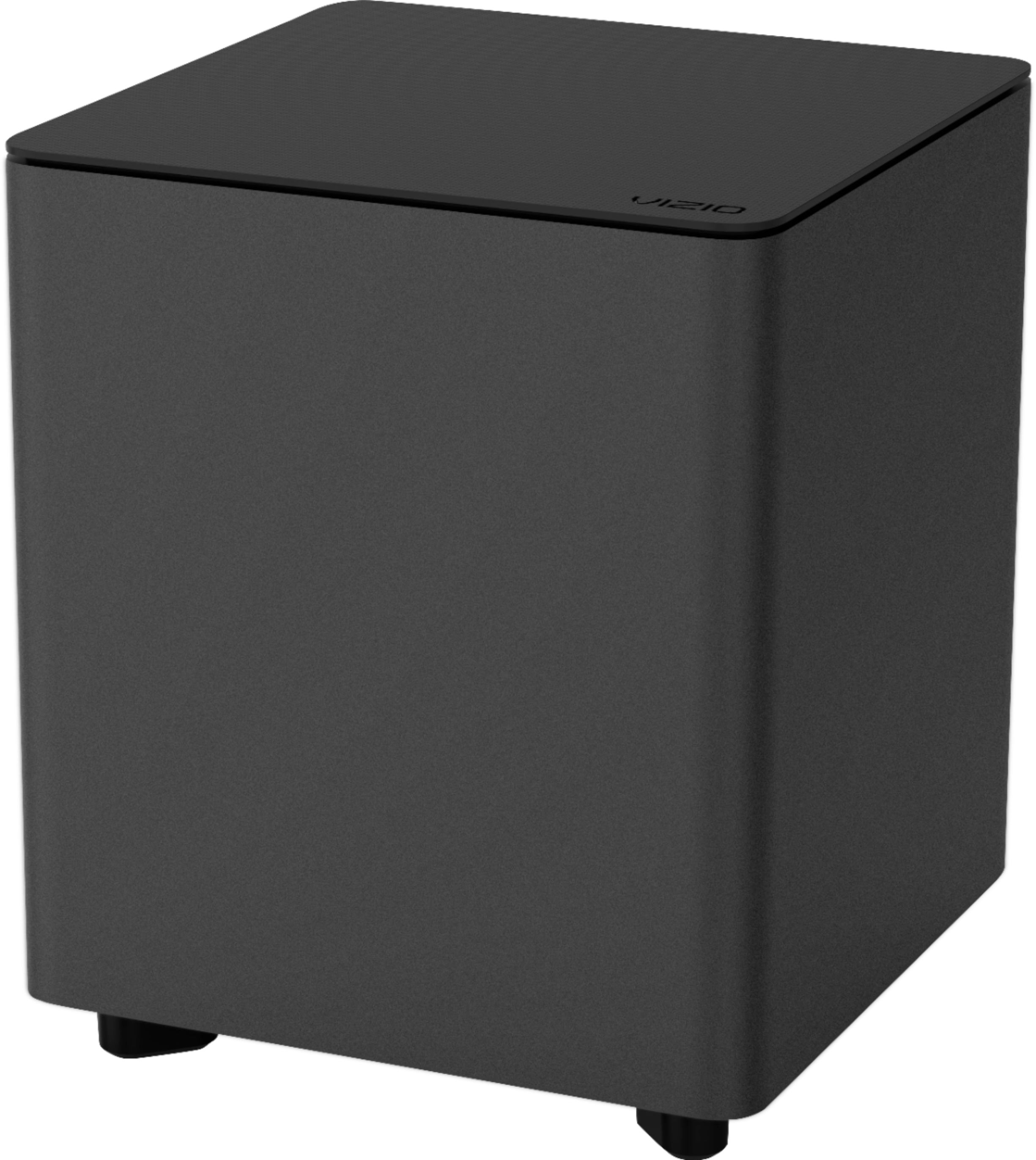
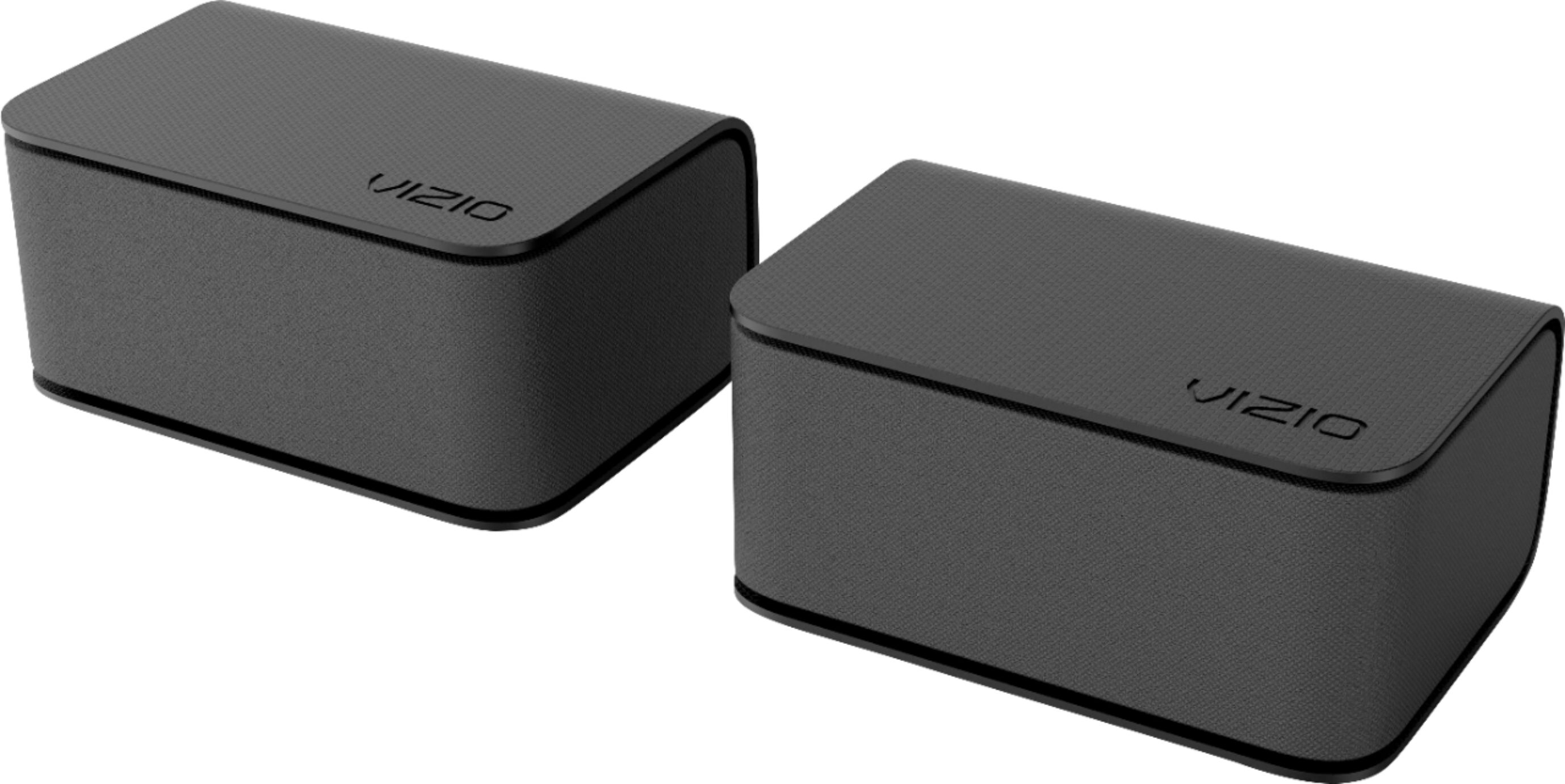
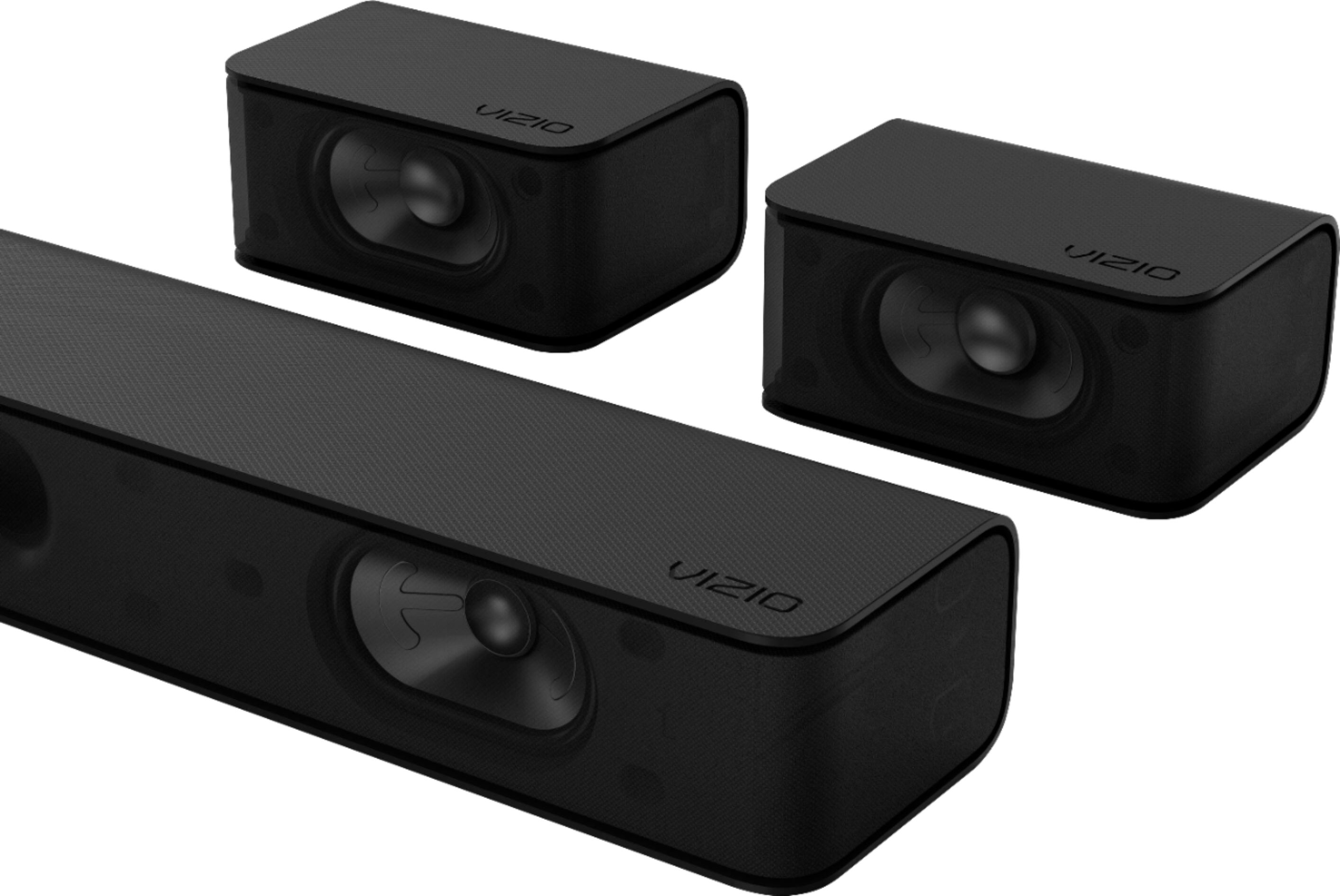
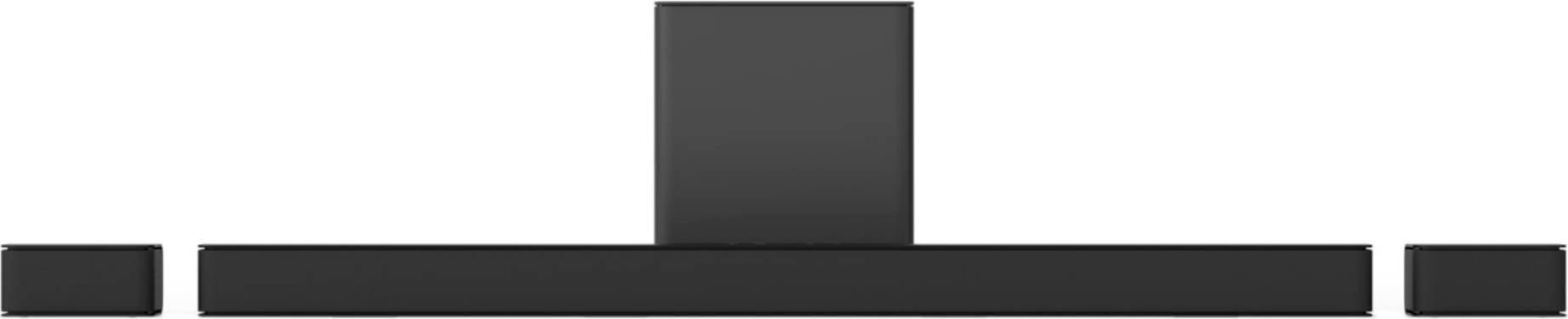
A:AnswerPhysically, no. Acoustically, your system is engineered for 2 front speakers. Even if you could add 2 more speakers, you would just be adding 2 more front speakers at the back of the room - clashing with the front speakers. Not better sound - worse.
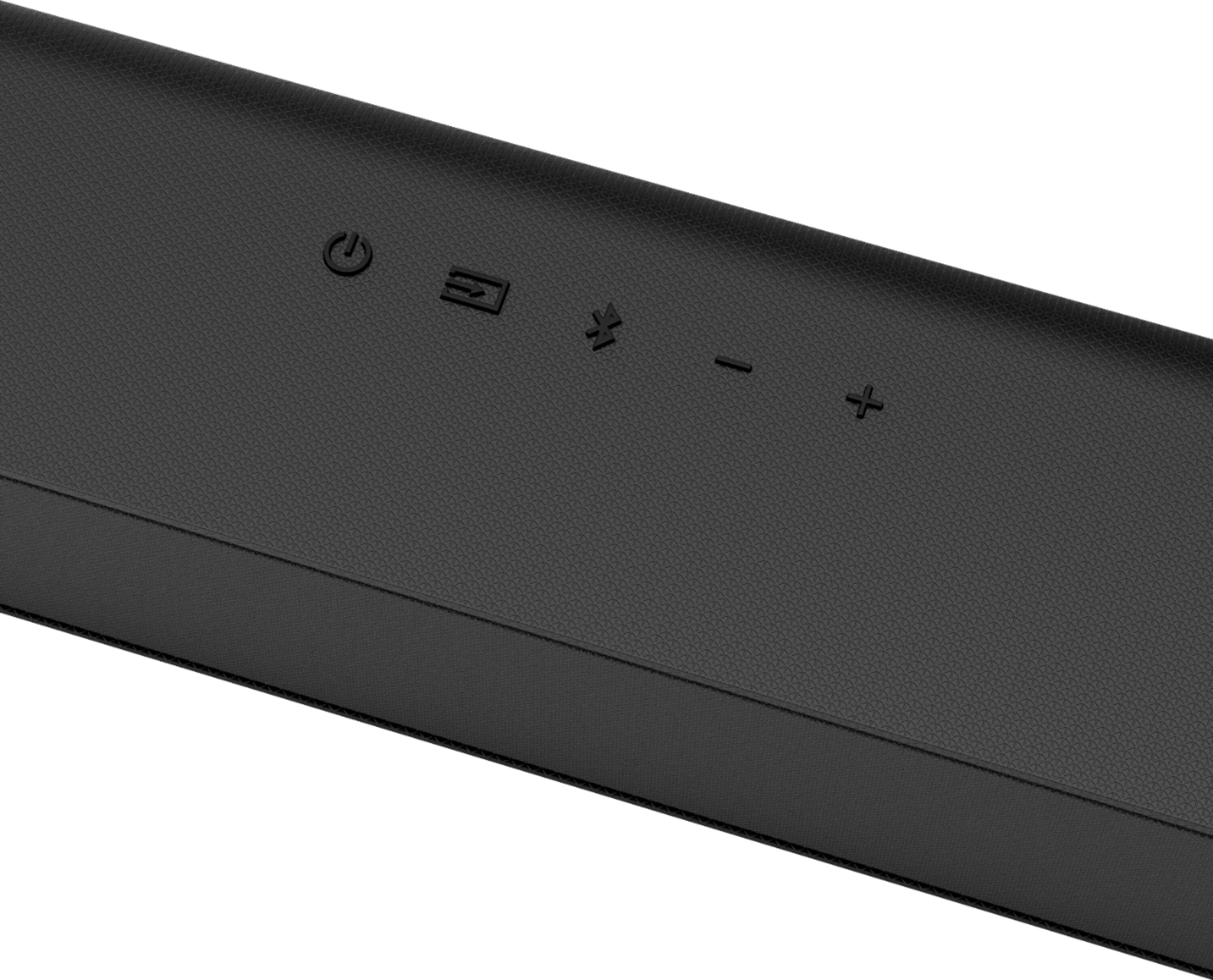
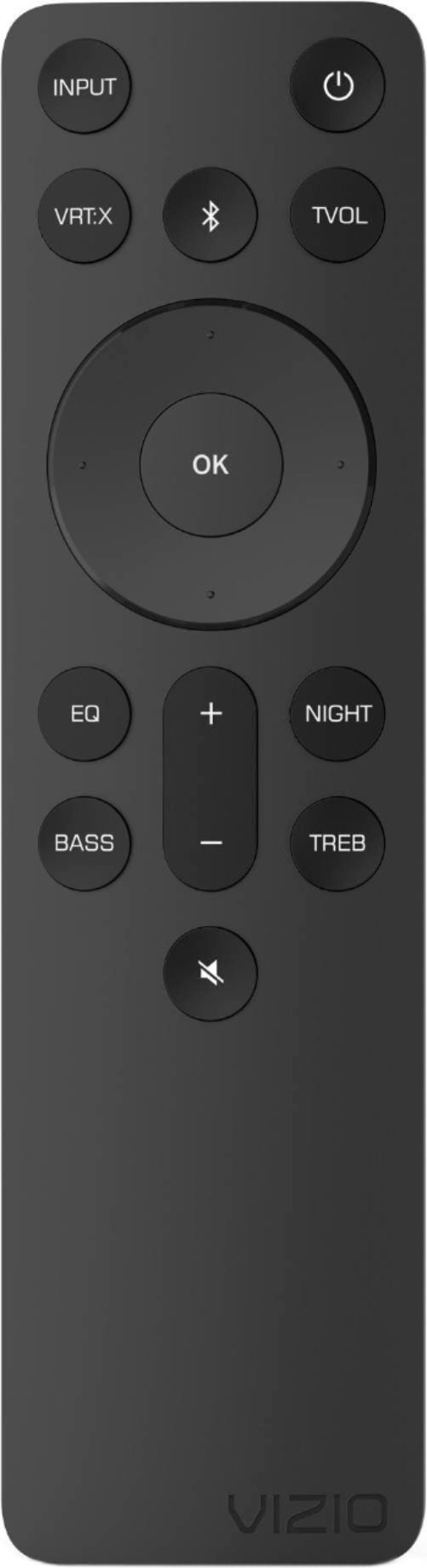
A:AnswerWe purchased this sound bar and it was louder than our tv and the I pushed true volume on the remote to the sound bar and the volume increased substantially. Someone guided me to this sound bar , and I am pleased.
A:AnswerHello jjbox,
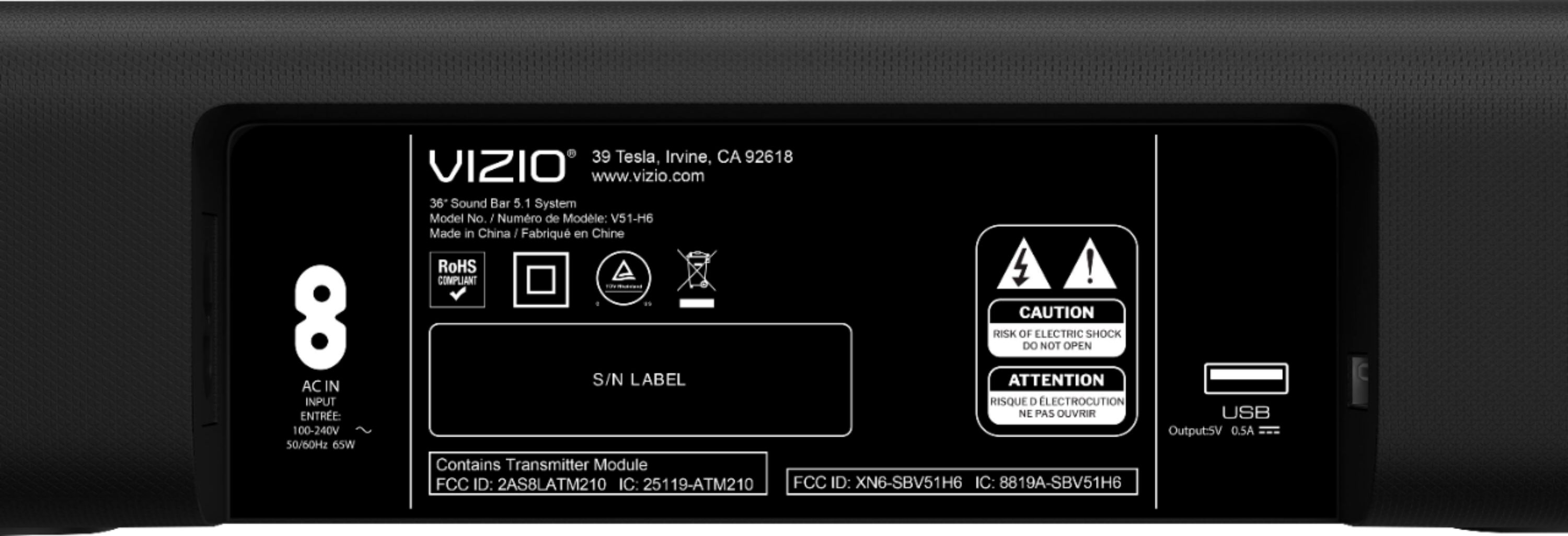
This sound bar will work with or without HDMI ARC. All of the cables needed for this sound bar are included in the box. Thanks for your question!
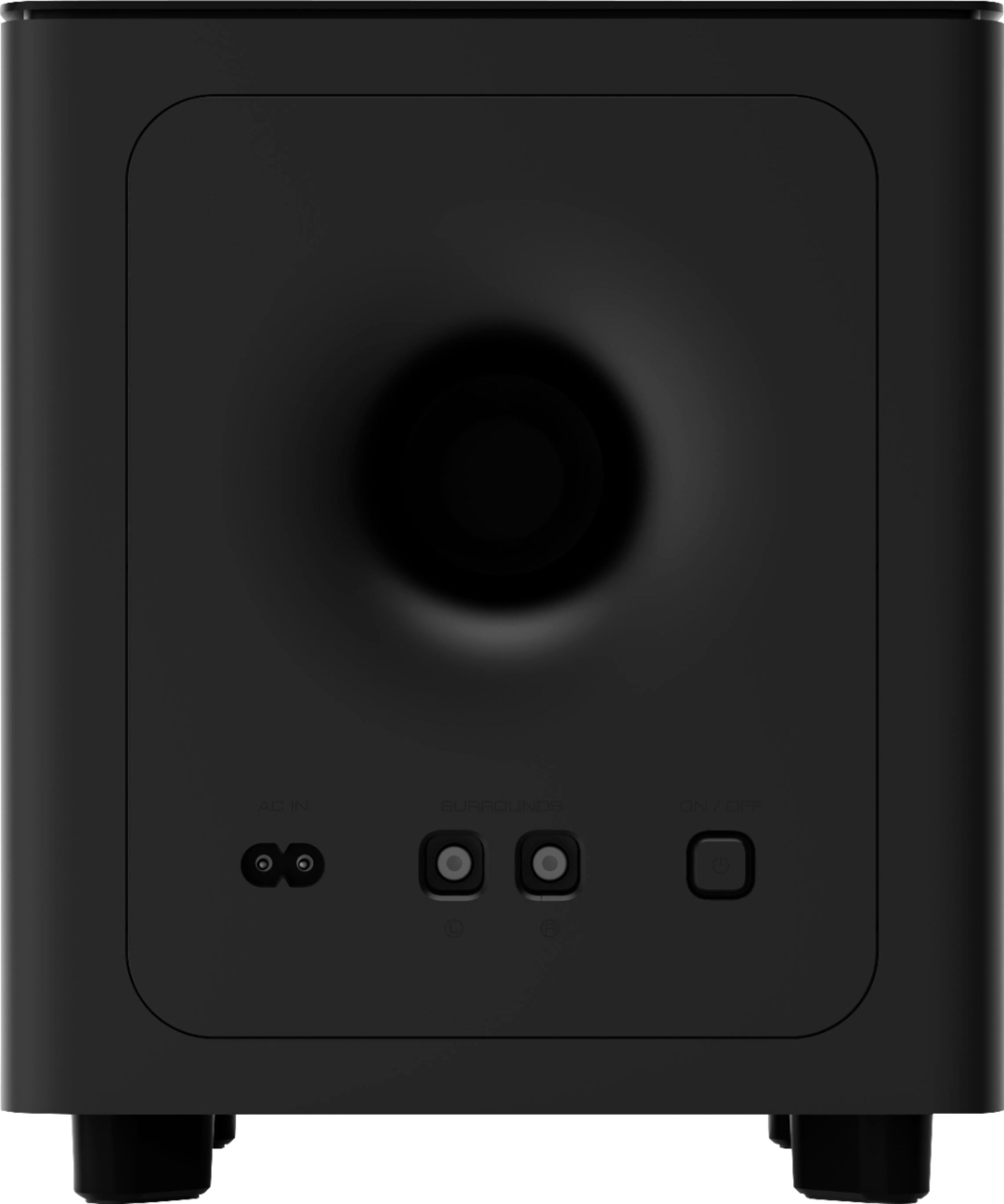
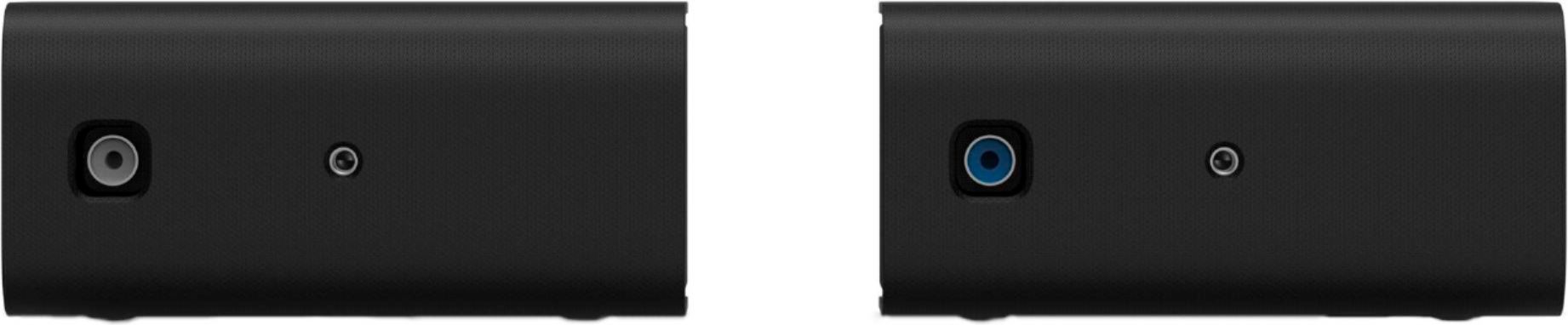
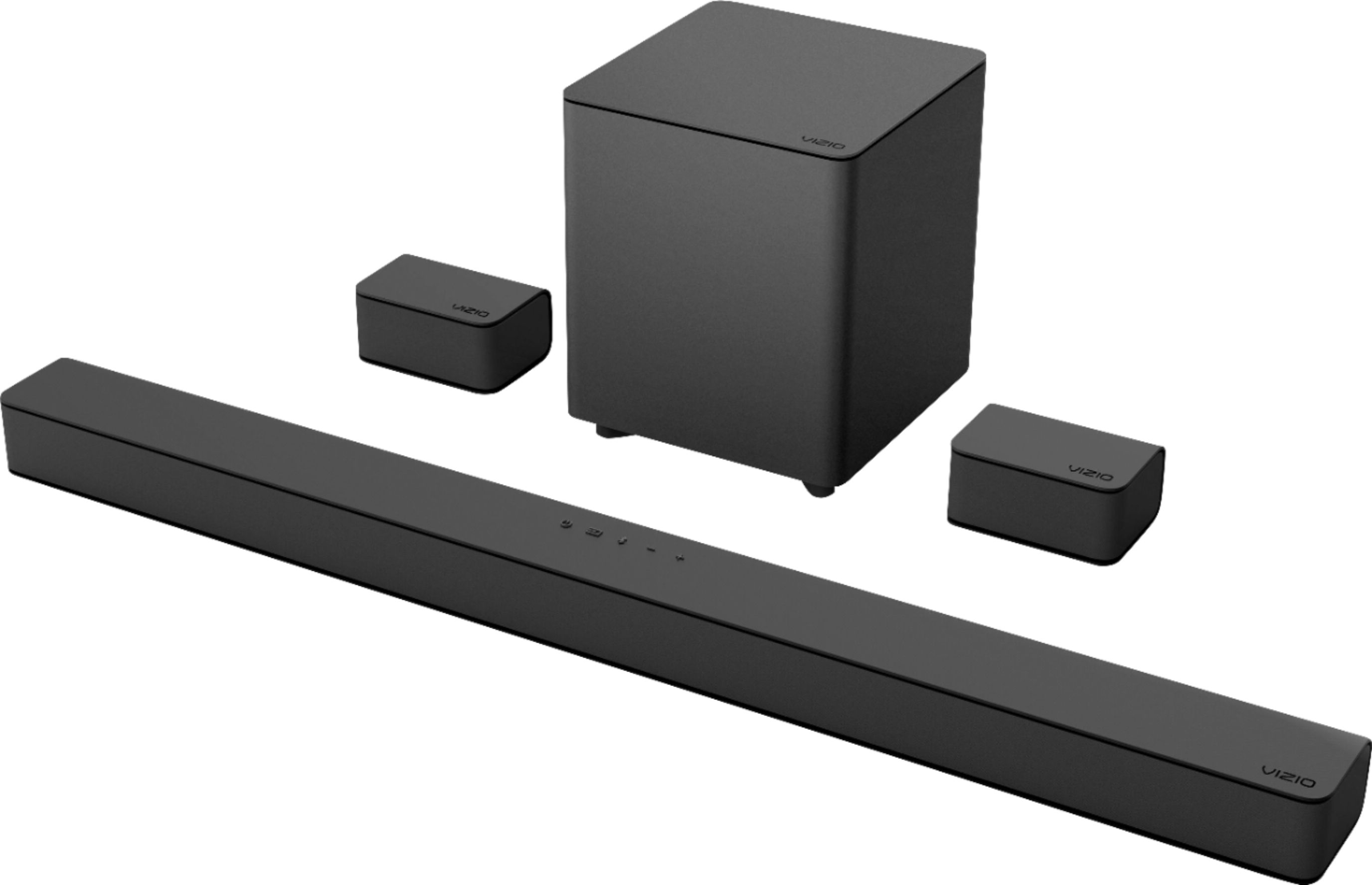
A:AnswerI'm not too sure. The two surround speakers that comes with it has to connect with cables provided in the box already. Those wires are then used to plug into the subwoofer giving you that surround sound capability. When you plug the subwoofer into an outlet and power on the soundbar, the subwoofer and the soundbar syncs together. Just make sure that whatever you're watching has 5.1 audio output to really get that surround sound experience.

A:AnswerHello OSH1,
This would be a fantastic soundbar for your TV. The setup is quite simple and we are also available if you have any questions or need assistance with setup. You can reach us by going to support.vizio.com and clicking 'contact us'.
A:AnswerI don’t think it matters. I personally have a Samsung tv and it works great with it. I think Vizio might offer something on the tv that is compatible with the surround sound system
A:AnswerHello,
Try increasing the volume on the Alexa device as the first step. If this does not resolve the issue we are available through text message, chat, or over the phone. Just go to support.VIZIO.com and click on ‘Contact Us’.