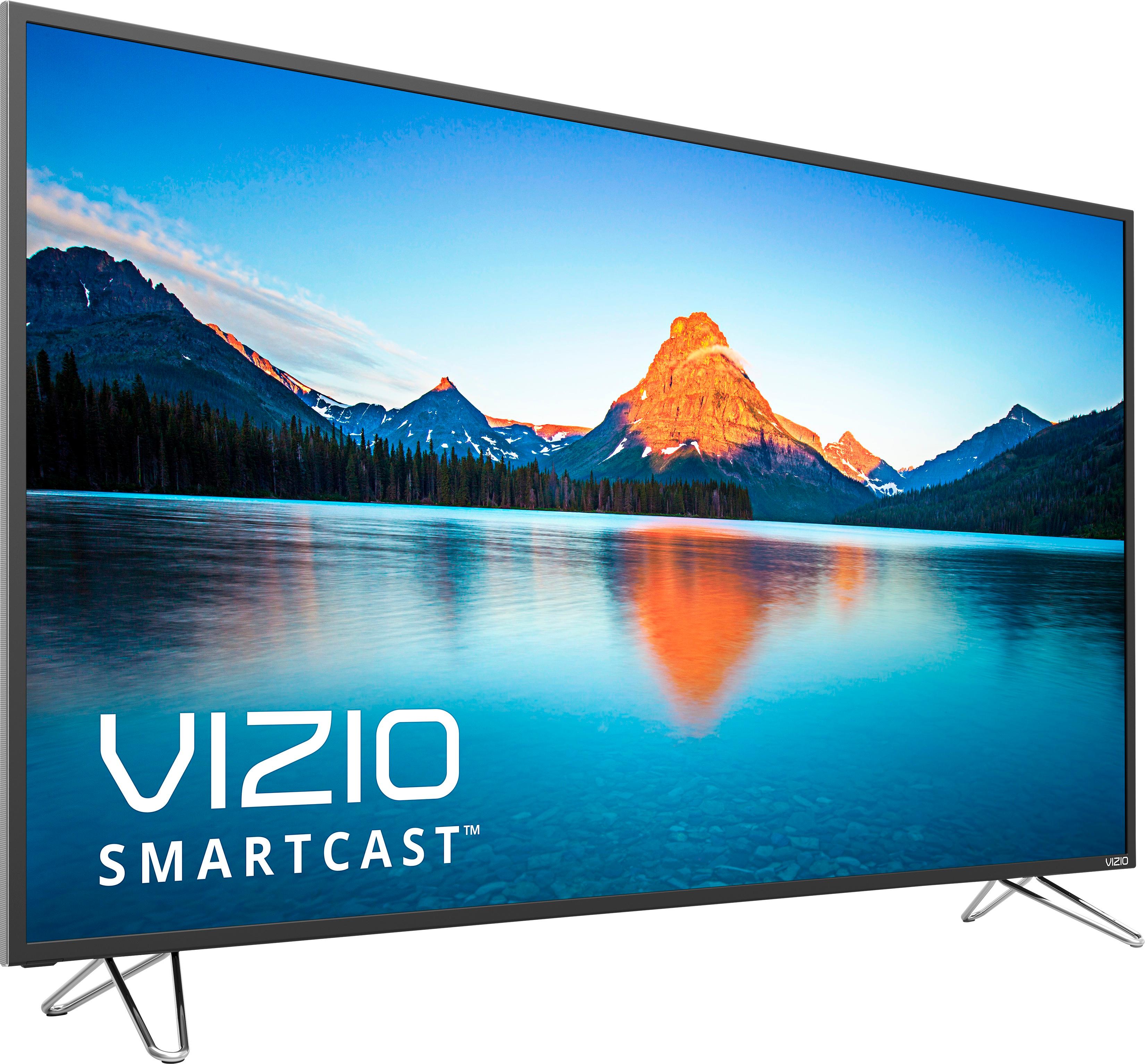
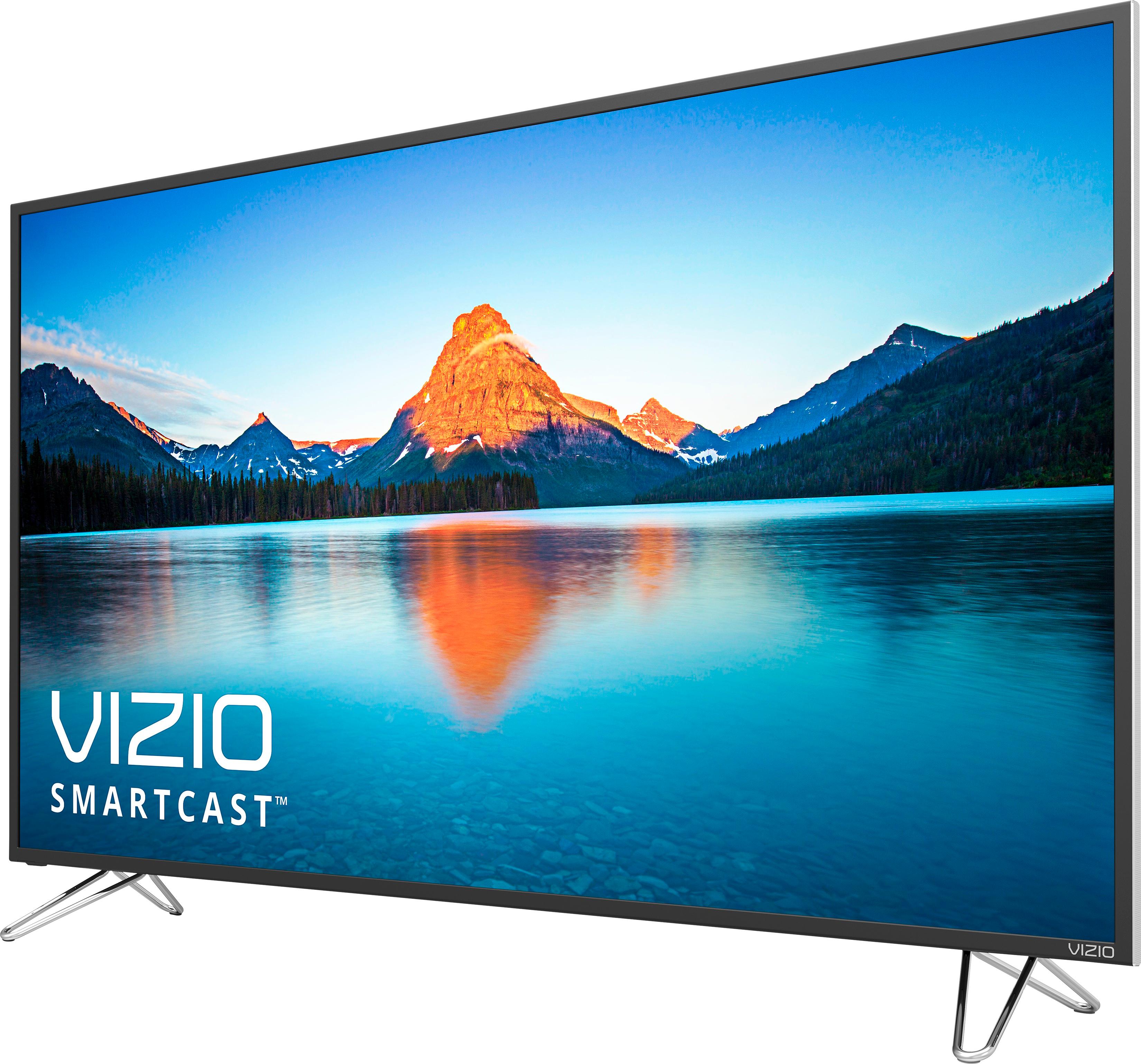
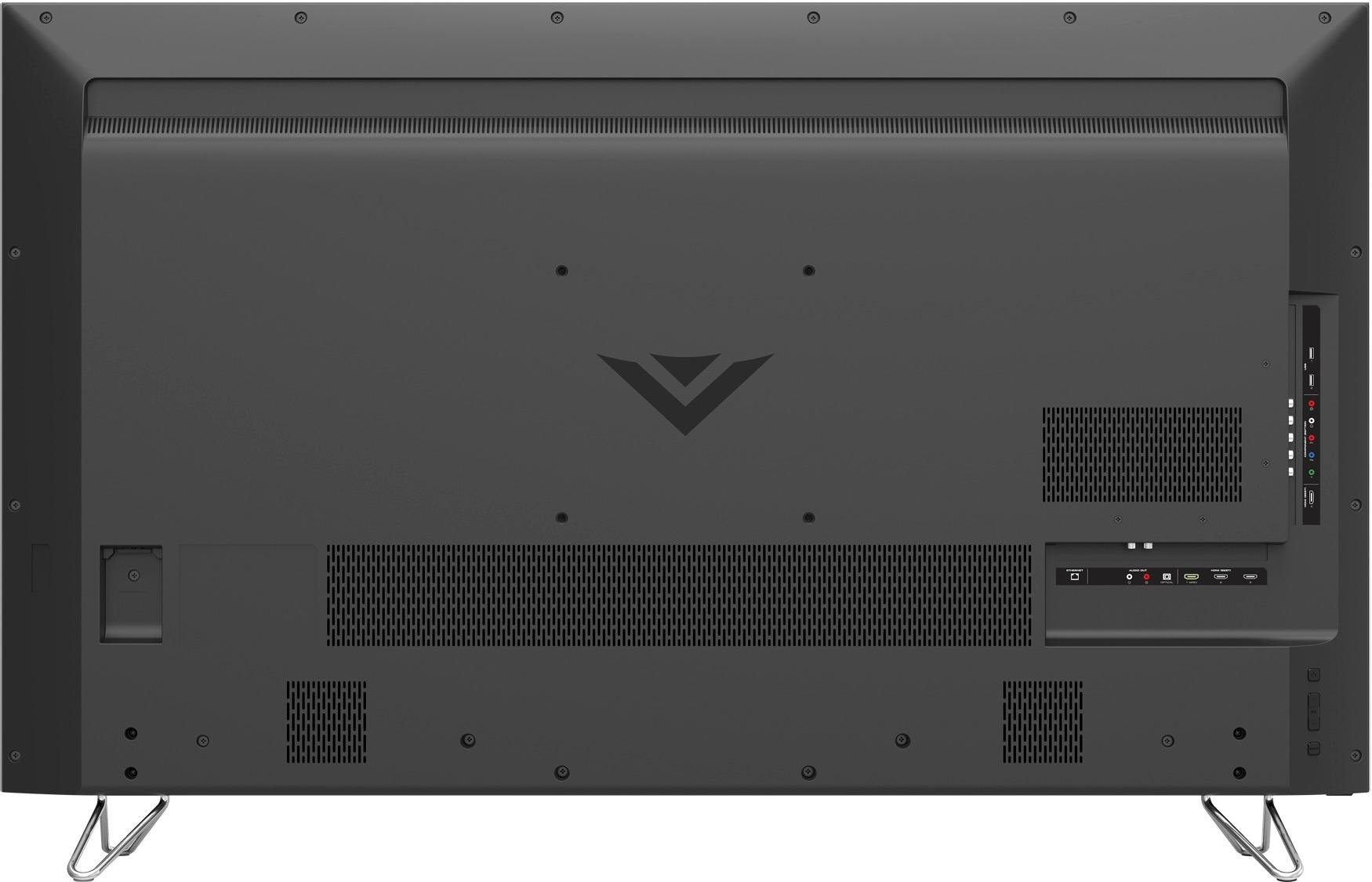
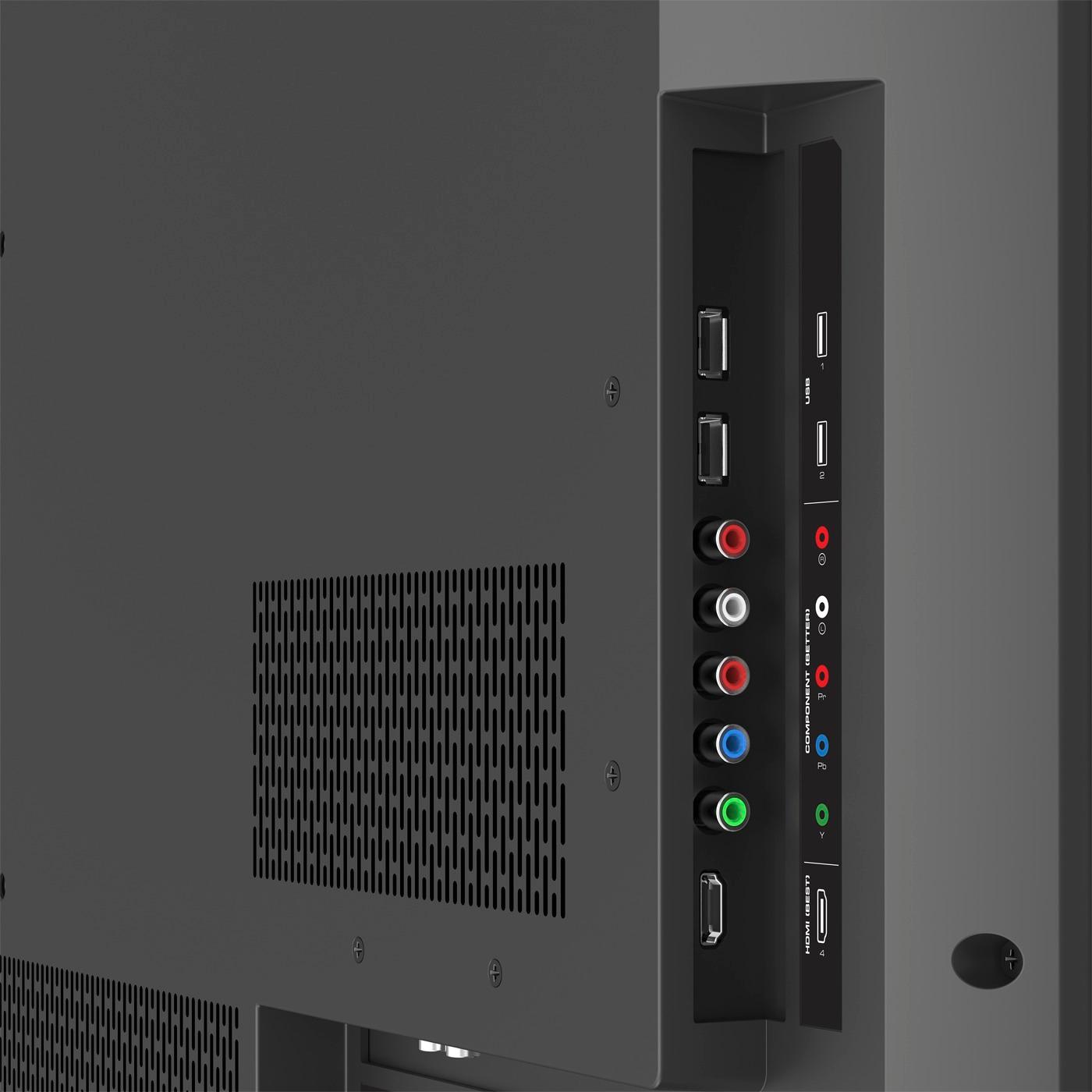
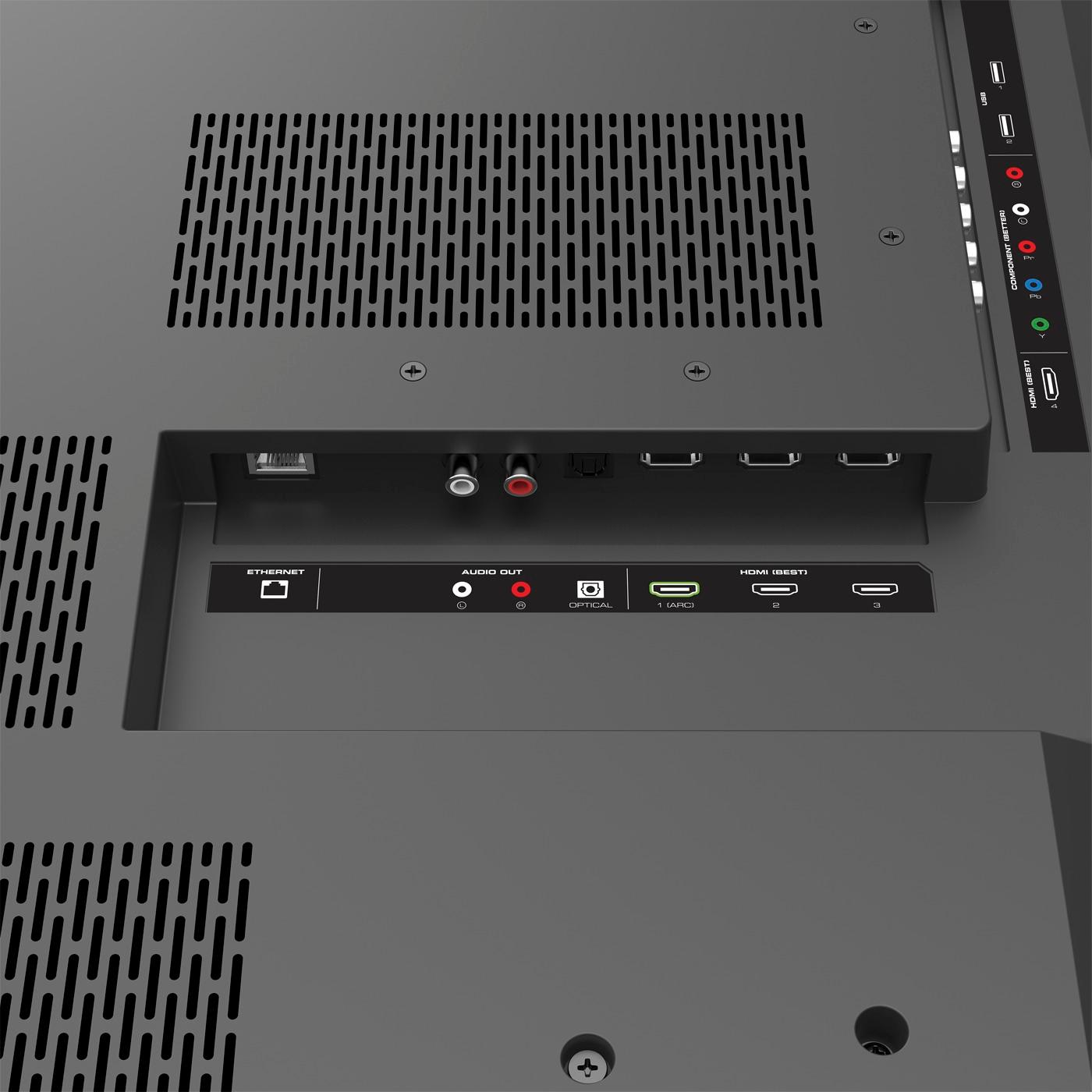
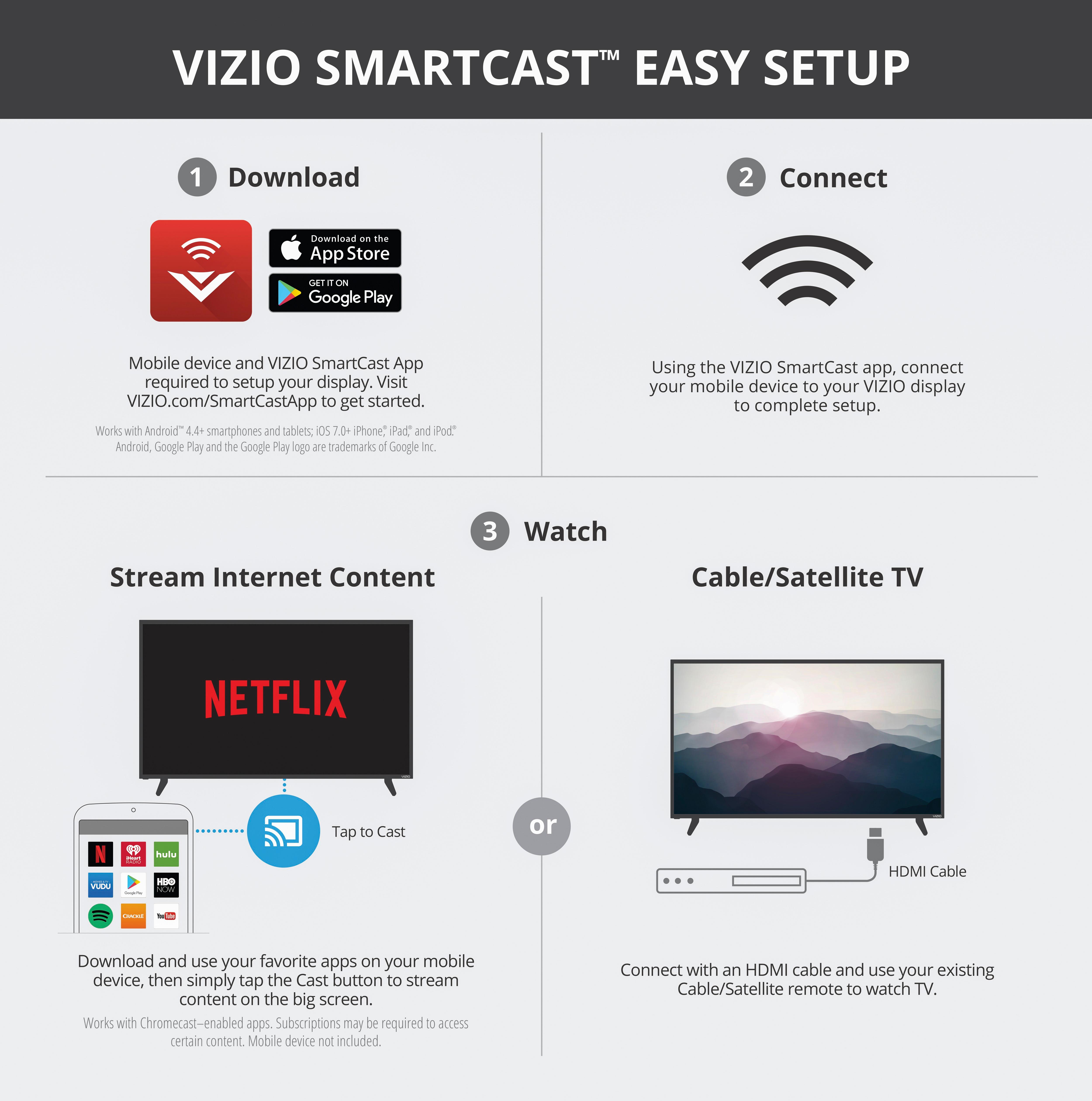
A:AnswerAn HDMI cord is the best way to connect a device to this display. There is not a coaxial port on the unit. You will plug the HDMI cord into any of the HDMI ports and change the input to the appropriate port.
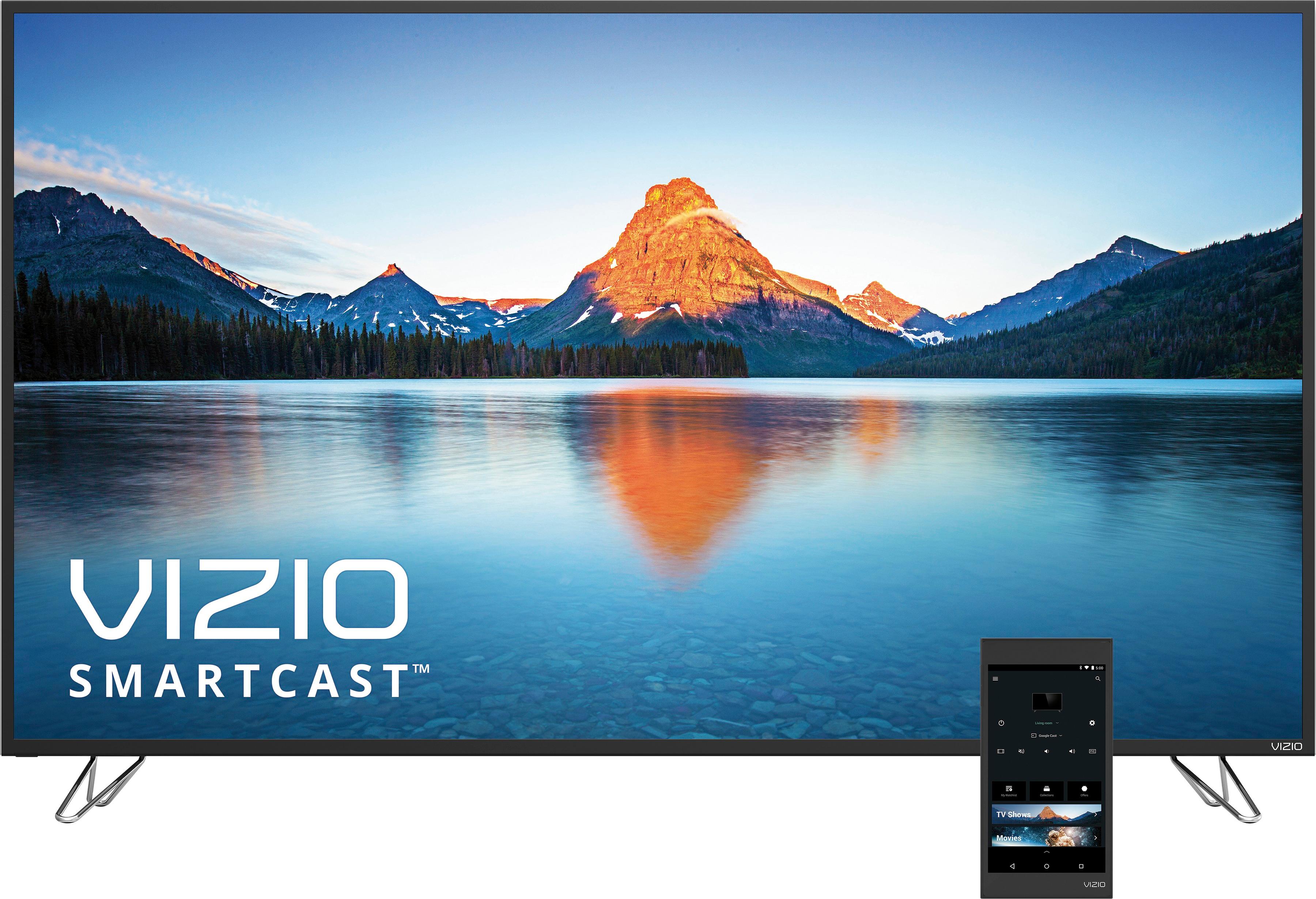
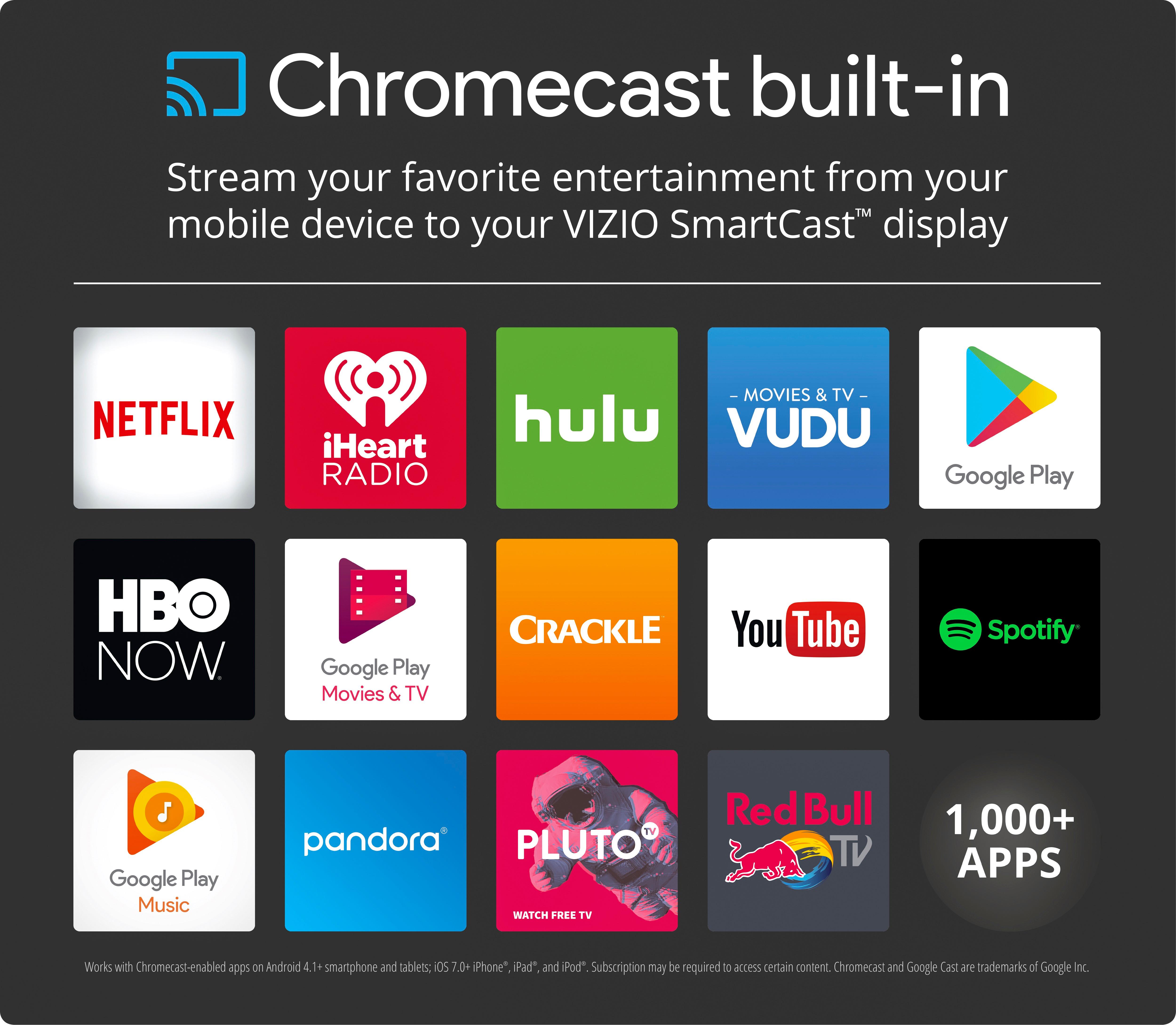
A:AnswerI'm not sure specifically how you define Smart TV, but my guess would be the company would say "no." Vizio describes it as a home theater display because there is no specific TV tuner within the hardware itself. There are any number of inputs including multiple HDMI for plugging in external sources including 4K Blu-ray, game consoles, Roku/Firestick. What this version of the Vizio comes with is a Android tablet. Like any Android device (phones too), there are apps that can "cast" to your display/"TV." So even if you didn't have the external sources, if you have a fast enough internet, you can stream 4K, even HDR, content via apps like Netflix and VUDU. The TV itself does not have the apps built in, hence my thought is that this is not a "smart tv."
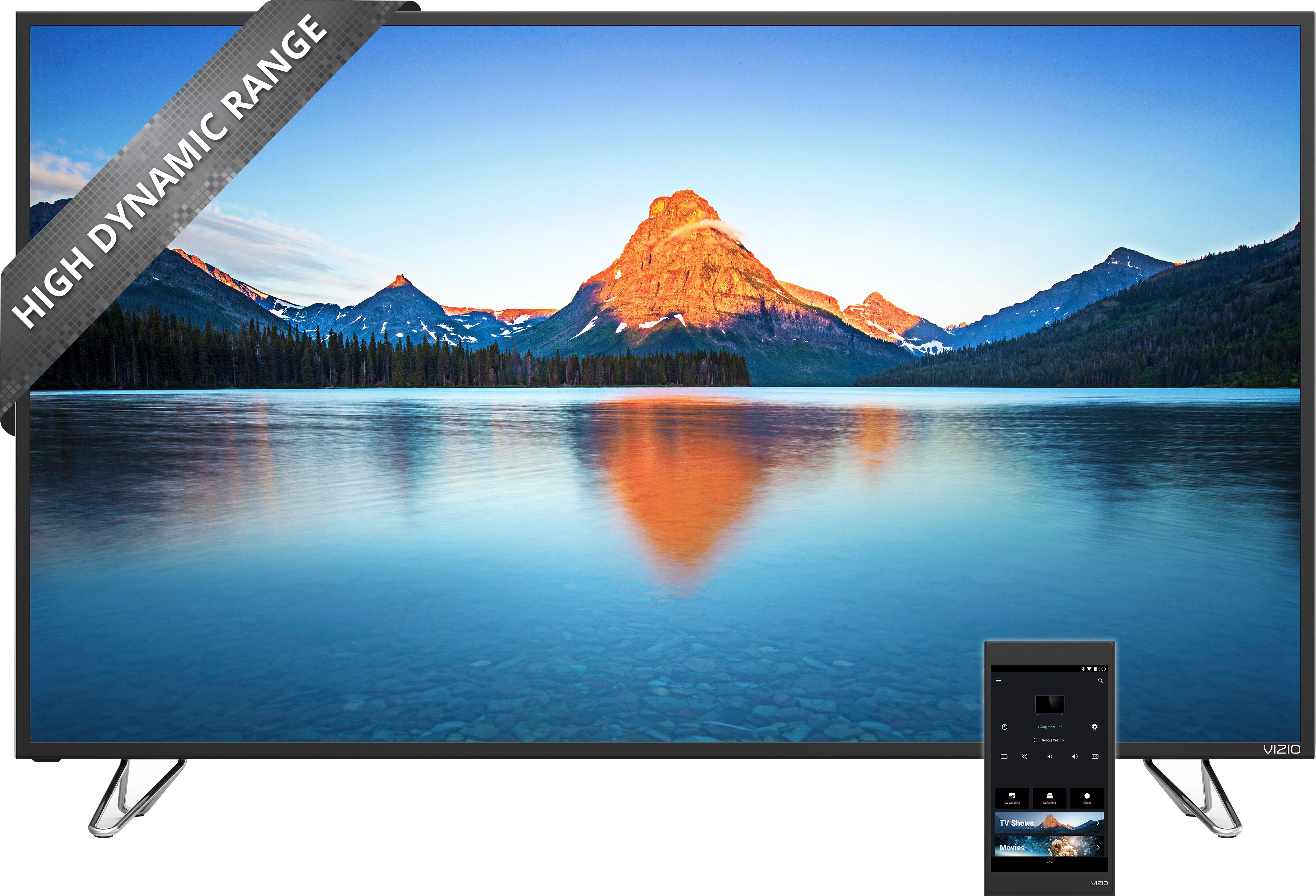
A:AnswerThe Tablet itself is not capable of HDR. The display is capable of showing HDR content through streaming services and through HDR Blu-Rays on an HDR Blu-Ray player connected to HDMI 1
A:AnswerThe biggest difference between the HDMI ports on the M-Series is that HDMI 1 will allow HDR and 2-4 do not support HDR. Our P-Series SmartCast displays support HDR on all HDMI ports.
A:AnswerThis display comes equipped with 4 HDMI inputs so you can still connect external devices. However if you need to connect an antenna, you would need an external HDMI tuner.
A:AnswerYou can download any Google Play Store app (including Amazon) to the android remote that is included with the TV and cast through the built-in Chromecast
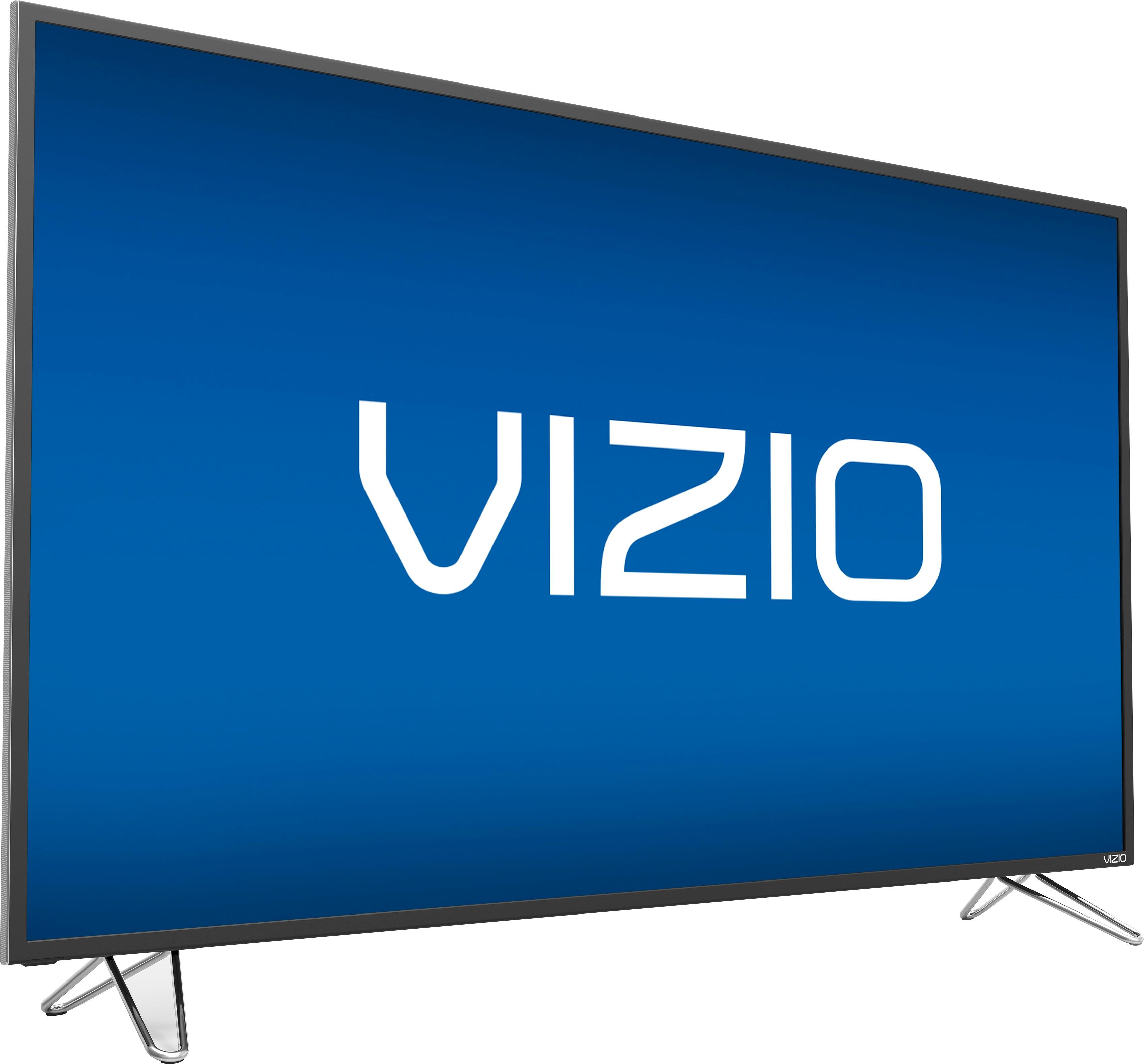
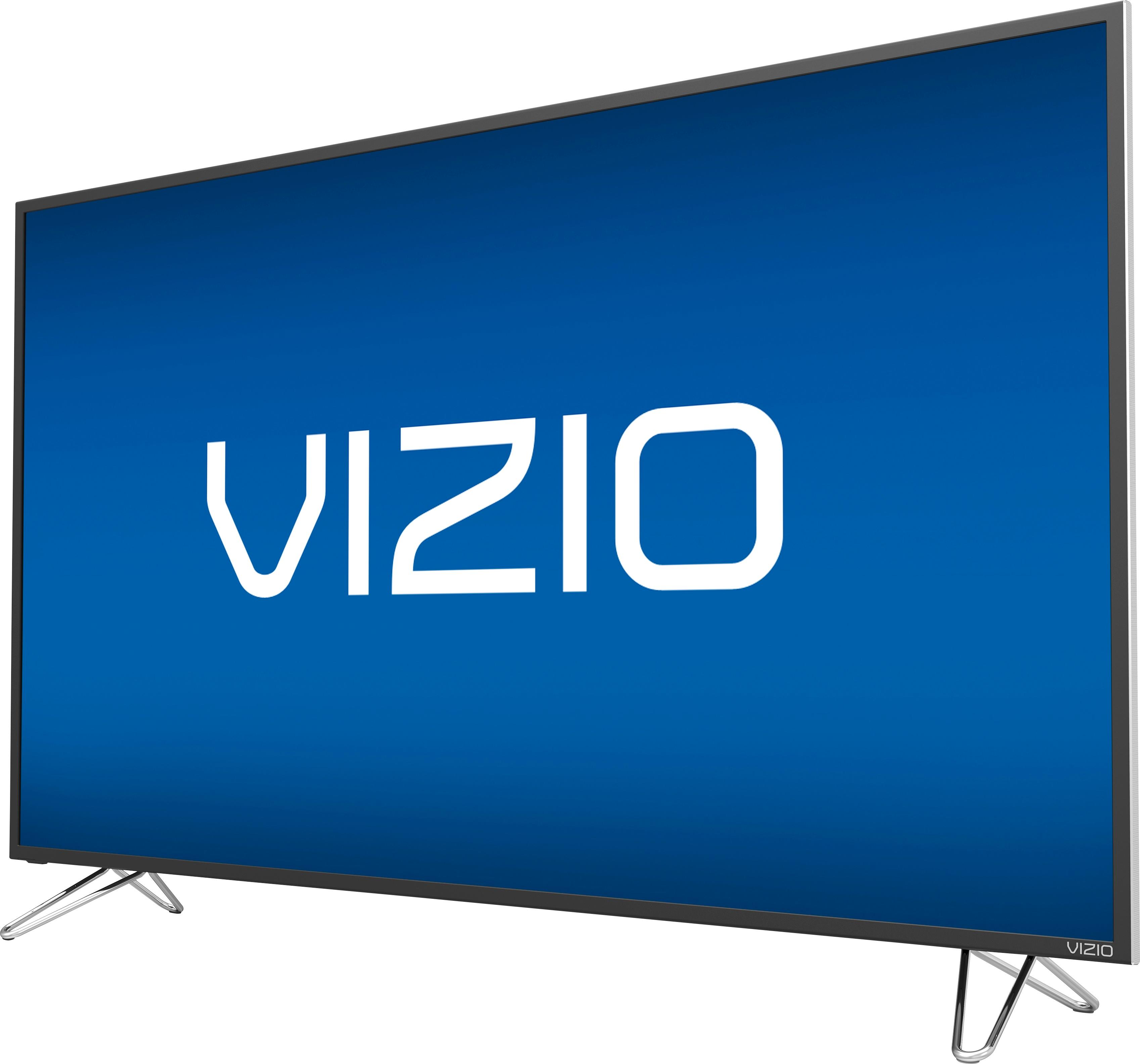
A:AnswerThe key answer to your question is the last word on the description, which indicated the frame color. Mine was black, but they also have the silver option.