A:AnswerYou're not able to stream directly to the TV, like some other manufacturers. You'll need a respective device for iOS or Android to stream to the TV from your iOS or Android device.
A:AnswerThere are many apps, probably all the most common ones.
I only use Netflix, Hulu, Vudu and Pandora.
They are all there, and many more.
Plus, the wireless AC connection is super fast.
I have wireless AC in my home, so this TV was a good match.
Super fast load times, no hesitation.
A:AnswerYes, call Call 1-800-433-5778 Best Buy Geek Squad Home Services to make an appointment.
To install and setup HDTV, Best Buy will do. cost is $99 or more...
A:AnswerNetflix, Amazon, Hulu, Vudu, Facebook, iHeartRadio, Crackle, a bunch of Yahoo apps and a couple of more apps that you probably heard of or not heard of
A:AnswerI own this model and after extensive research i deemed it the best value for the money. However, this TV is native 60hz. If you look up any legitimate review of the d series, e series and even the m series 55" and below are 60hz native. Effective does not equal native. This is a fact. WWW.rtings.com has an extensive review of this television giving it excellent reviews on motion blur and input lag. For gaming, this is essential. In fact it has the lowest input lag of any TV currently on the market. Its excellent motion blur rating also would suggest any fast moving action movie or various other reasons people get hung up on refresh rate would be really unnoticed side by side with a native 120hz television.
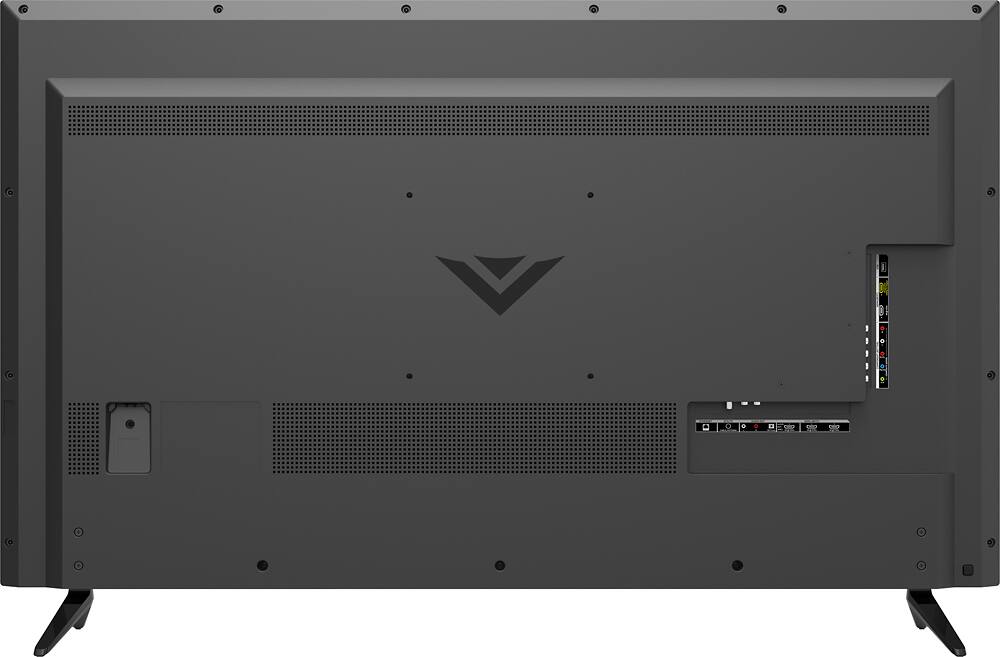
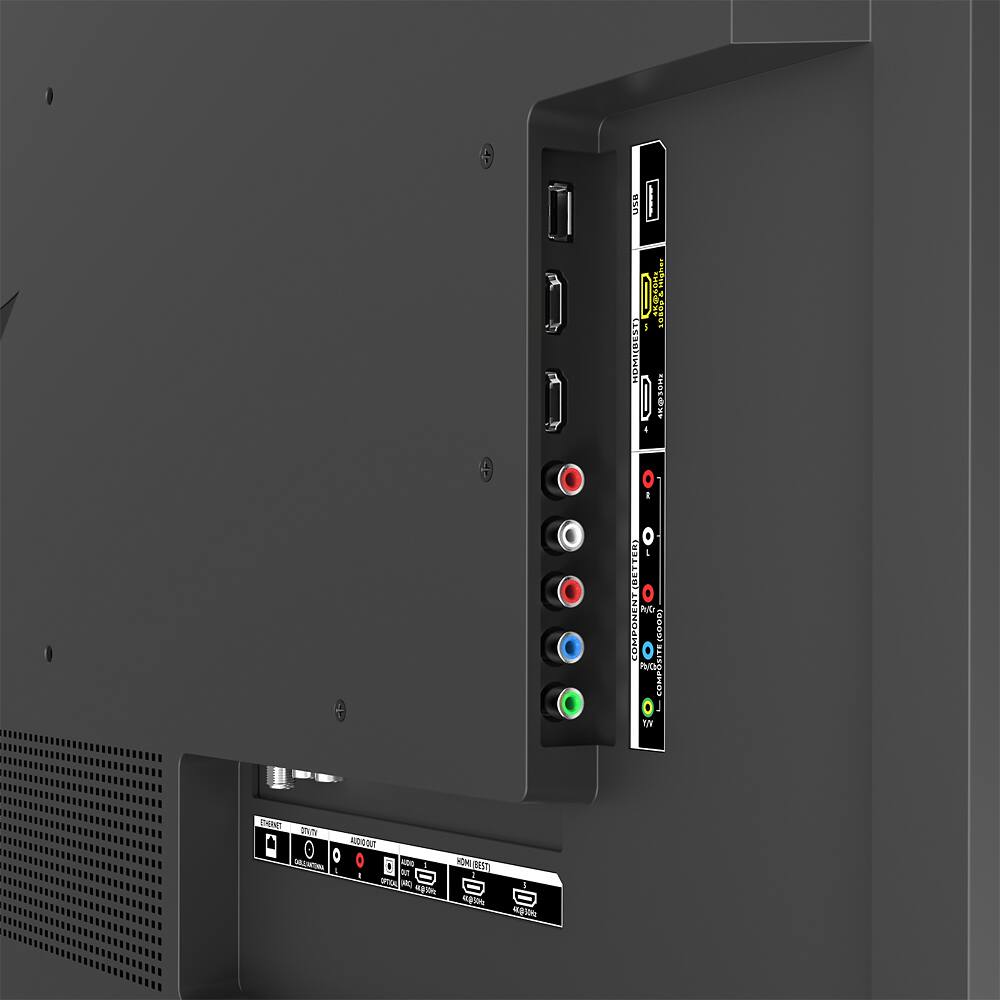
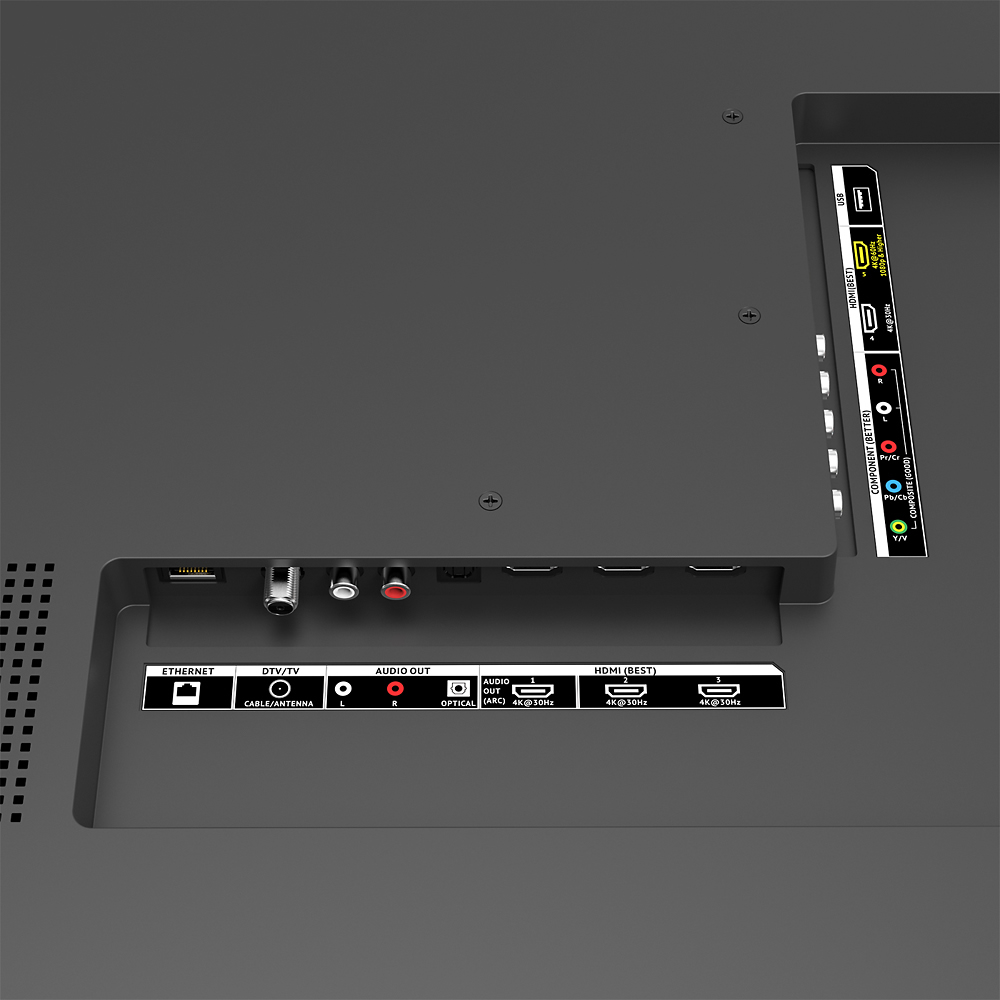
A:AnswerSo HDMI 1.0-1.4 does not support high speed internet or 4K TV viewing.
HDMI 2.0 supports internet speeds of 18GBPS I believe and supports 4K UHD videos.
Now HDMI1.4 will support 4K UHD but may lag just a tad bit, but most of the time it is not noticeable.
Now for the question you are looking for...
HDCP, which stands for High-bandwidth digital Content Protection, for Blu-ray players and HDTV devices like satellite and cable boxes. HDCP 2.2 is the latest evolution of copy protection. If these cables are needed your TV service provider will give these to you. Until then just use HDMI 2.0