A:AnswerYes, you can stream video from a computer to play on the Chromecast. You just need to use Chrome as the web browser.
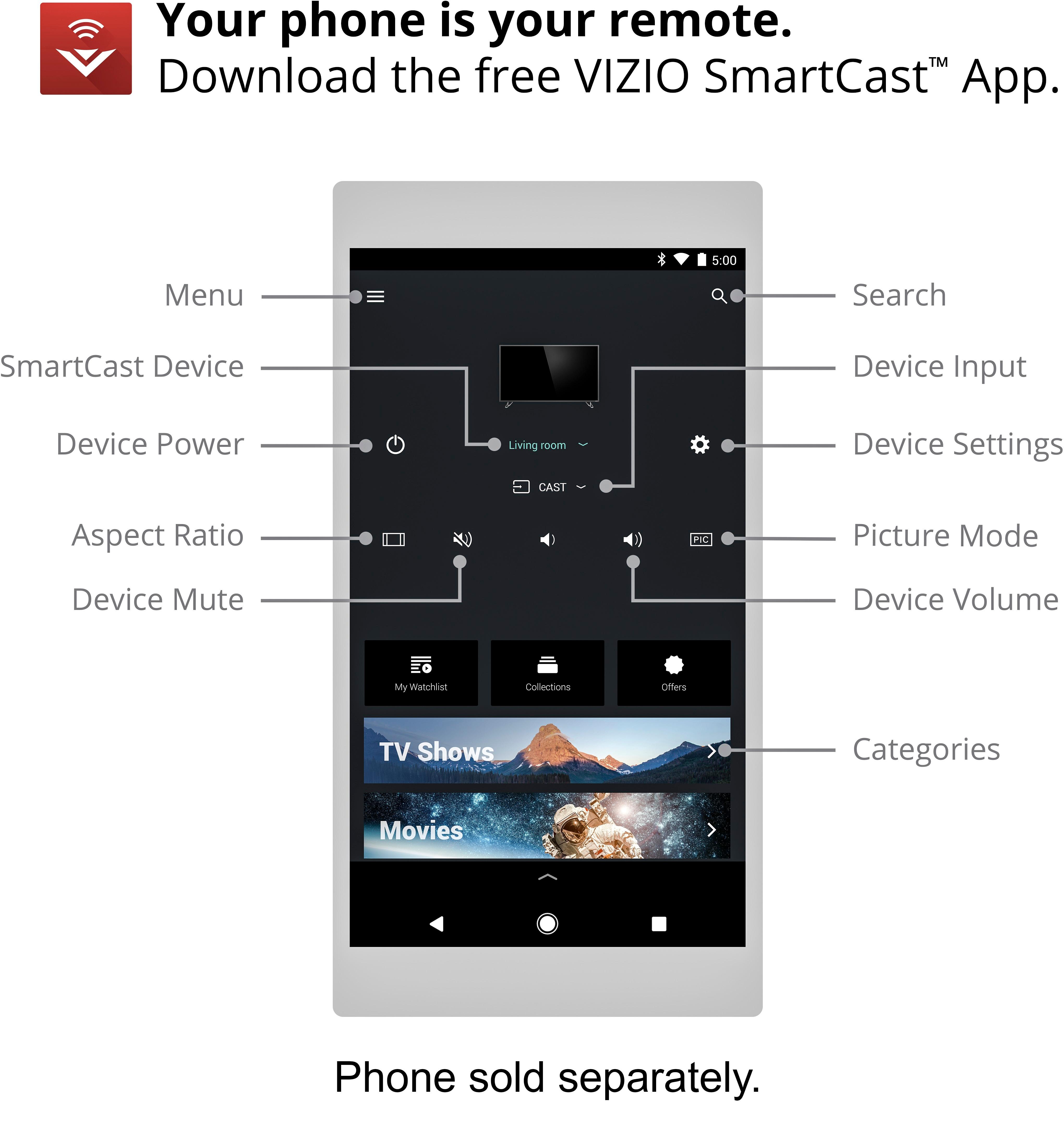
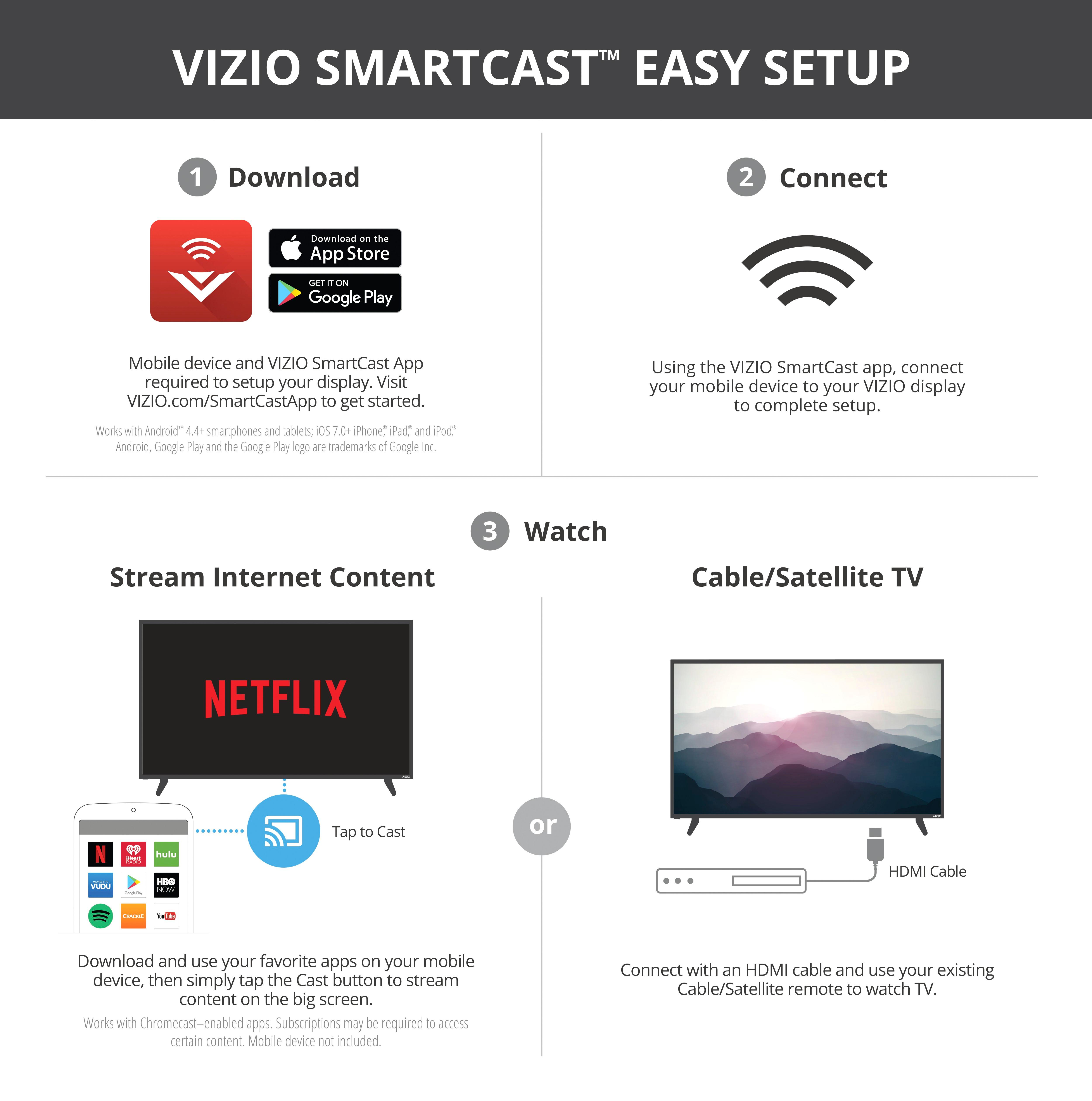
HOWEVER! You cannot set up the Chromecast on this TV using a computer- you have to use an app, which means you have to have a smart phone or tablet. This was a big surprise to me, because I was using a Chromecast stick in my old TV, and I was able to set that up from my computer.
I did see in the description that a “compatible mobile device” was needed to set up, but it also says “Google Cast works with a compatible iPhone,… or Windows laptop.” So I assumed I could set this Chromecast up the same way I did my other Chromecast. The description is accurate, but it was not clear to me. Not sure why Vizio had to go this route and use their own App, since Chromecast already had it covered. Once it is set up and on your WiFi, your Chrome web browser will recognize it as a device to which it can cast the content from that page.
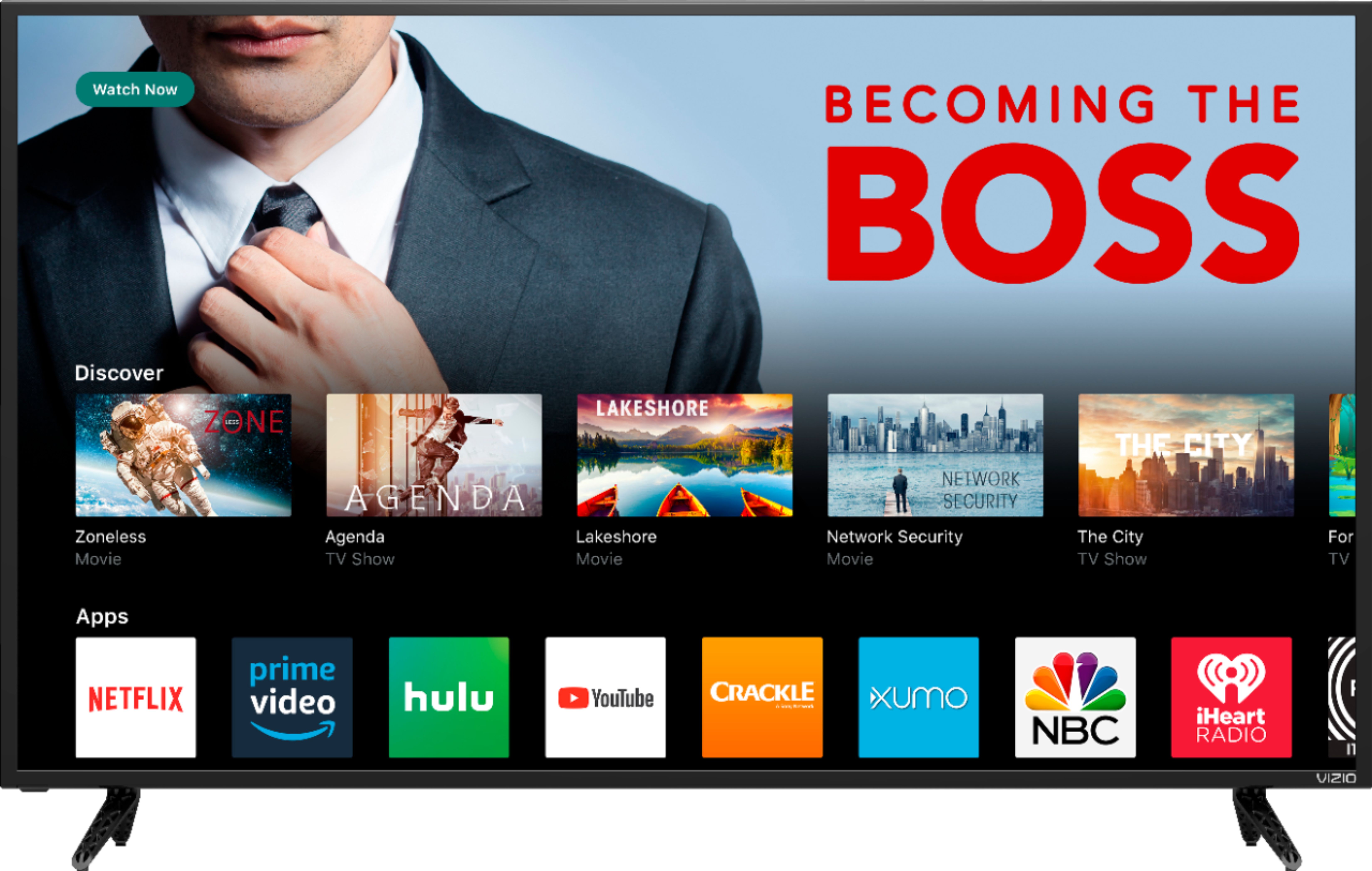
Some streaming sites (Netflix, HBO, Showtime, YouTube, CBS All Access) have Chromecast capability built in (there’s a Chromecast icon on the page) and those work great.
A few others, like Hulu and Amazon Prime, don’t support it. You can still play those through Chromecast, but it’s just mirroring the tab playing on the web browser, not loading it to the Chromecast and playing from there. That means the image can be a little choppy and lower resolution, and sometimes the sound and image don’t match up. Hulu has an app for a smart phone or tablet, and if you use that it is much better quality.
Amazon Prime does not support Chromecast at all, because it is a direct competitor to the Amazon Fire Stick. So if you want to watch an Amazon show via Chromecast, your only option is to stream from a computer, not a phone or tablet.
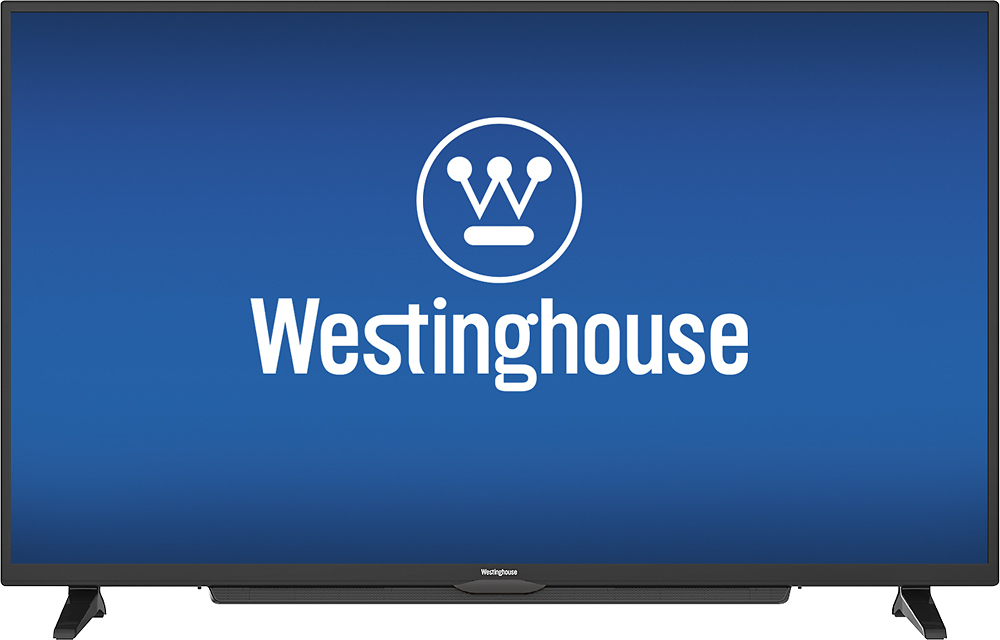
A:AnswerThis Vizio is not a TV. It is a monitor, not even having it's own tuner. If you want a better value I would suggest the westinghouse 50" 4k smart TV that costs less.
A:AnswerMight want to check your HDMI cable because we haven't had an issue. Out of the box everything has been fine or maybe set it back to default settings and see if that solves the problem
A:AnswerMirroring Windows is fine. It can be a little slower than casting from a streaming service that supports Chromecast but you can certainly do it.
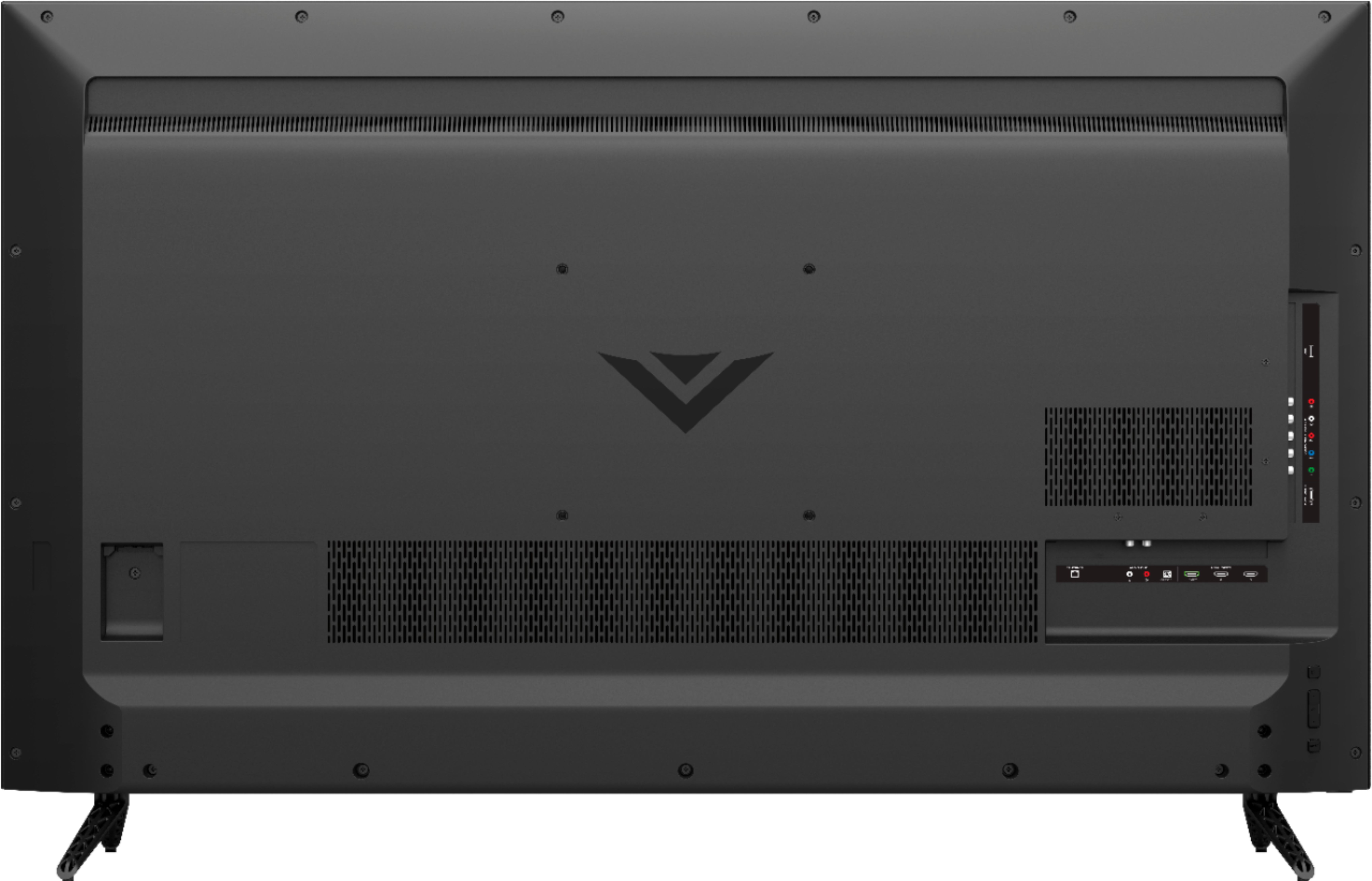
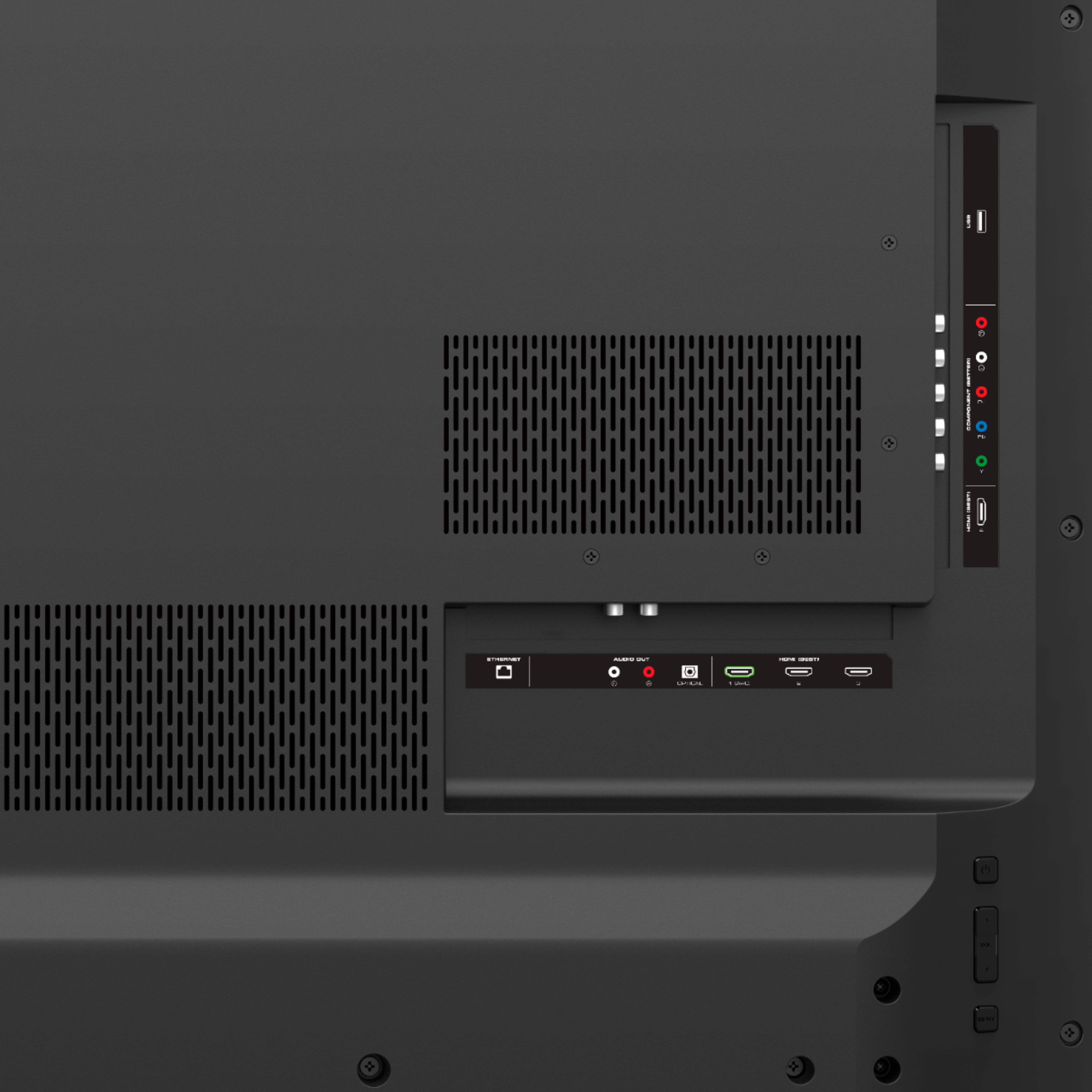
Amazon Prime cannot be streamed through the built in Chromecast. You could still play Amazon Prime through a web browser and mirror it through the Chromecast, but the quality is not as good (that's what I do). If you have an Amazon Fire stick, you can still use that; just stick it in one of the HDMI ports, and you can switch between that and the Chromecast using the Source button.