Questions & Answers
- Model:
- E50-E3/E50-E1
- |
- SKU:
- 5428200
Highly rated by customers for: Picture Quality, Ease of use, Chromecast
Page Showing 121-135 of 135 questions
Q: Questionsomebody know where can I found a replace for the screen of my tv, because is broken, is a e50-e3
Asked by rubkalex.
- A:Answer In my opinion, it's probably cheaper to buy another TV. Sorry if it's not what you want to hear. I had a power unit go on one of my VIZIO's that was 8+ years old and I could actually buy a new TV for less than I was being quoted for the power unit.
Answered by gsaisselin
Q: QuestionHow difficult is it to hook up with cable use only
Asked by Franko.
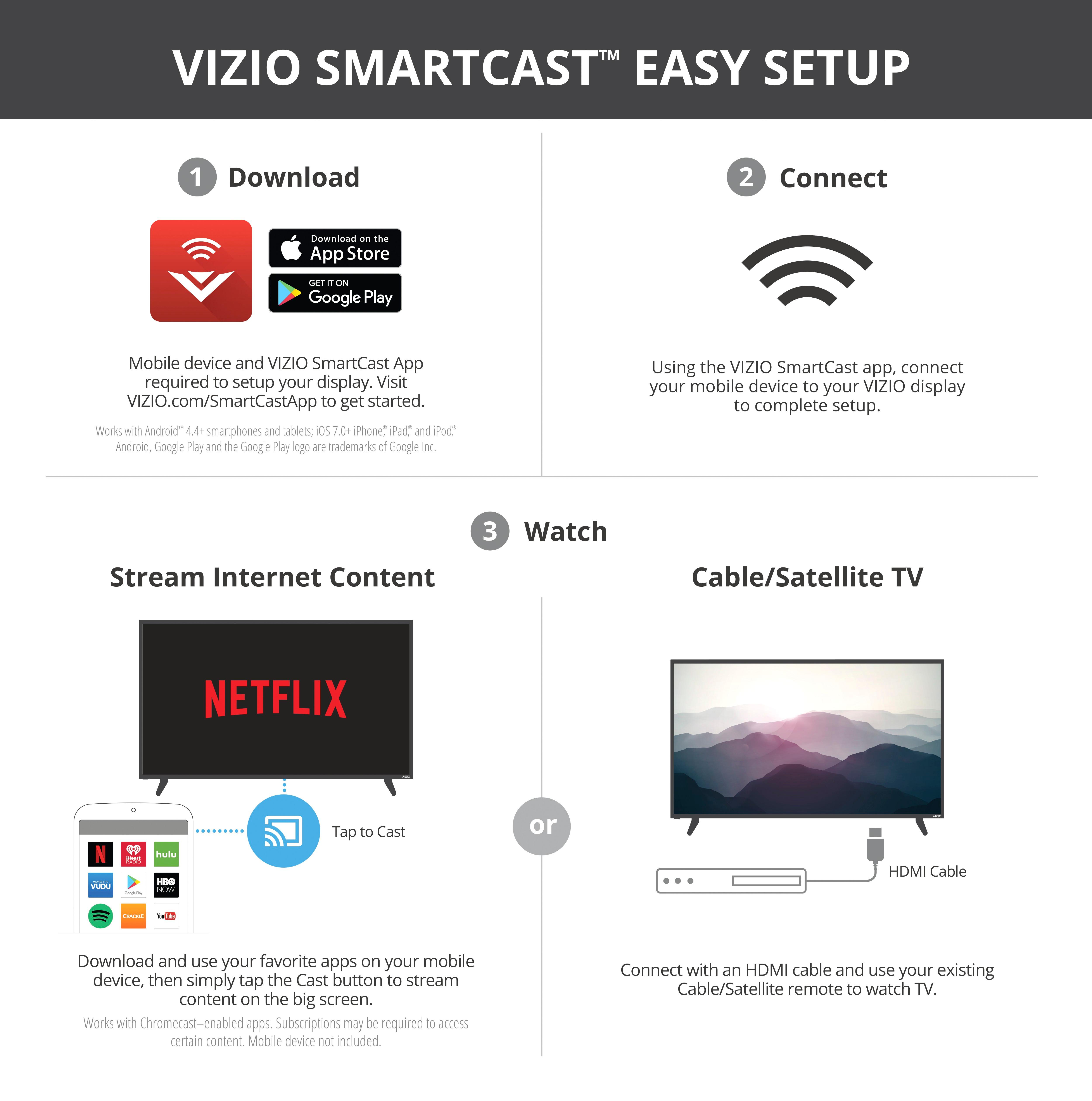
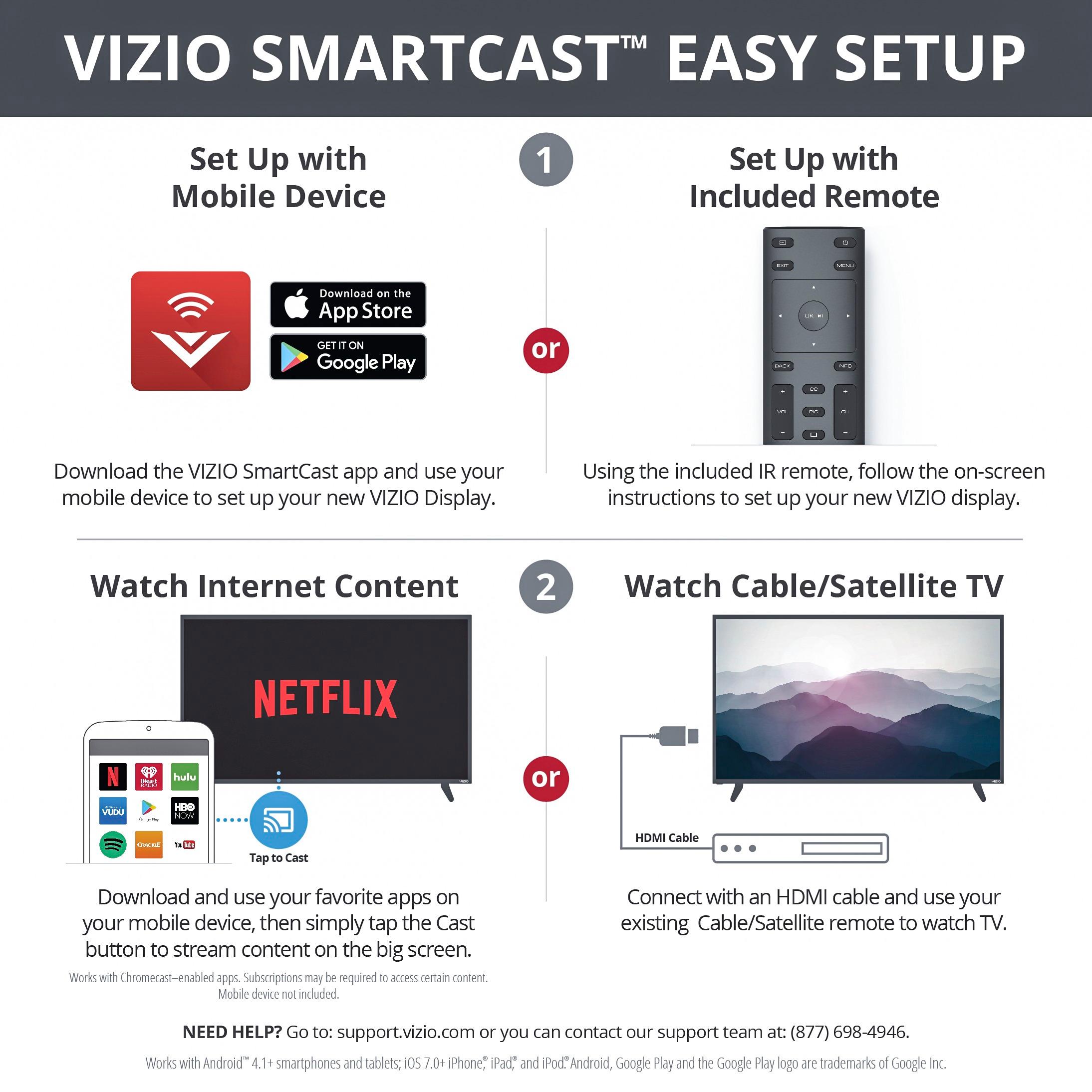
- A:Answer All you need to do is connect your cable box with an HDMI cable and then use your cable remote to change the channels.
Answered by VIZIO

Q: QuestionDoes this TV have a sleep timer
Asked by LC.
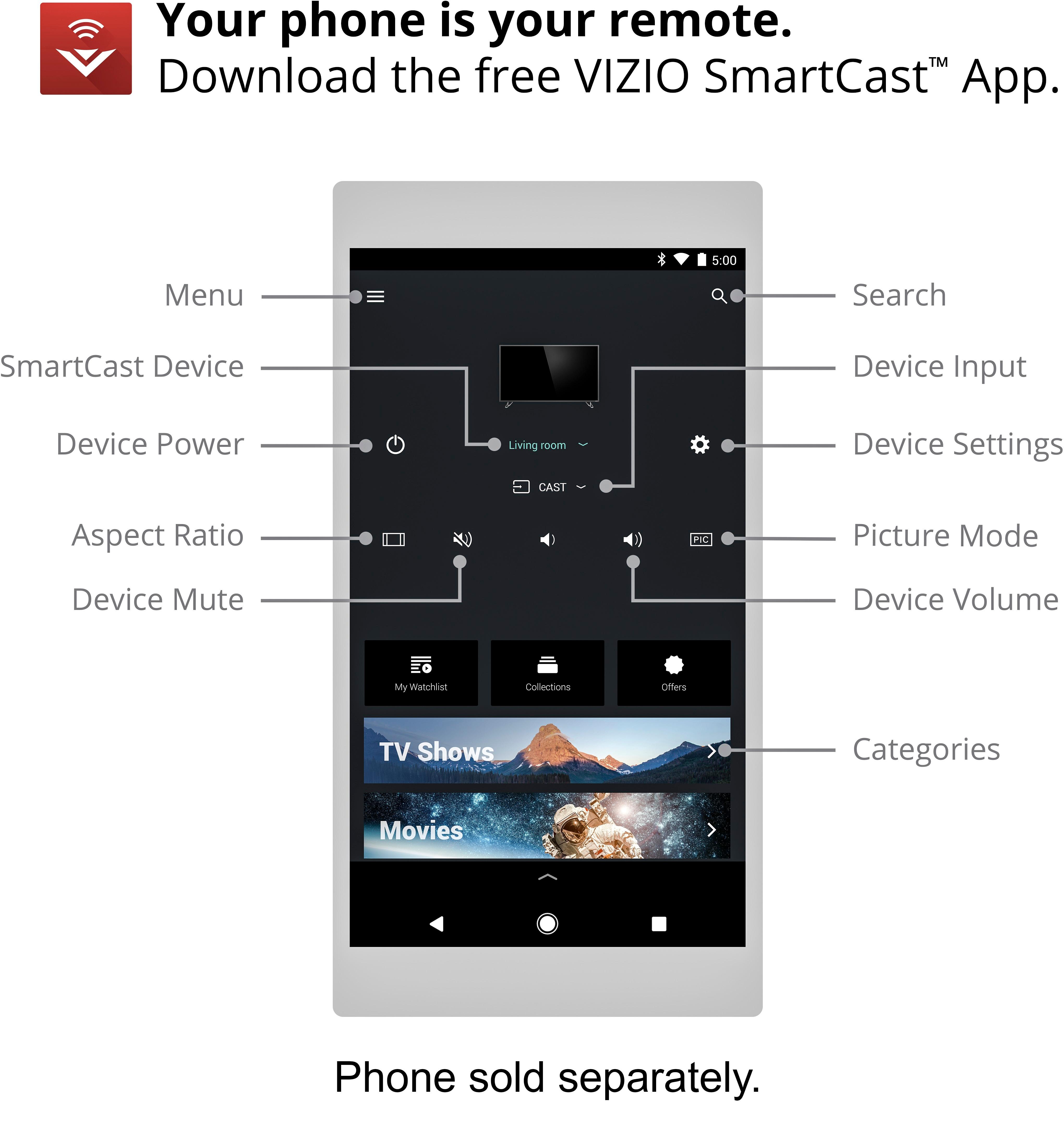
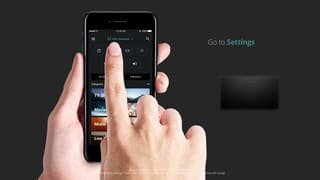
- A:Answer Yes - It's available from the app. Not exactly simple to get to and not available directly from the remote. But not a big deal...
Answered by John
Q: QuestionDoes this TV have a picture in picture or a similar feature?
Asked by Beier.
- A:Answer This display does not have picture in picture capabilities.
Answered by VIZIO

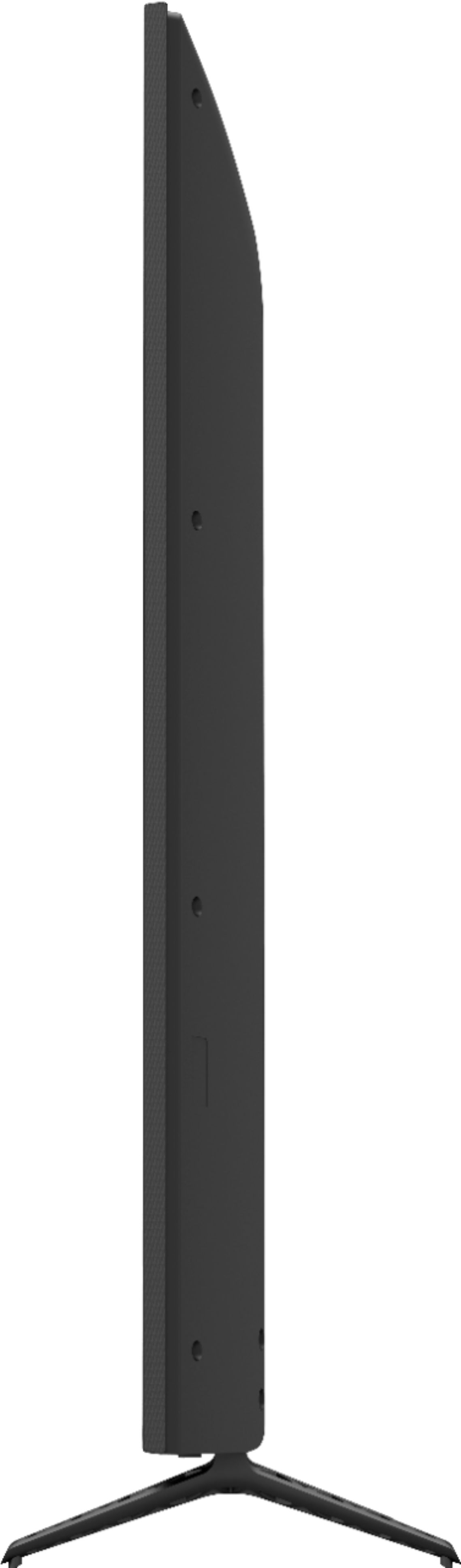
Q: QuestionIs this TV wall mount capable? with Vesa compatibility or no?
Asked by aFourteen.
- A:Answer This Display is wall mount capable and uses the VESA standard.
Answered by VIZIO

Q: QuestionWhat are the height and length of the entire exterior of the TV in inches? How many HDMI input does this TV have?
Asked by GM.
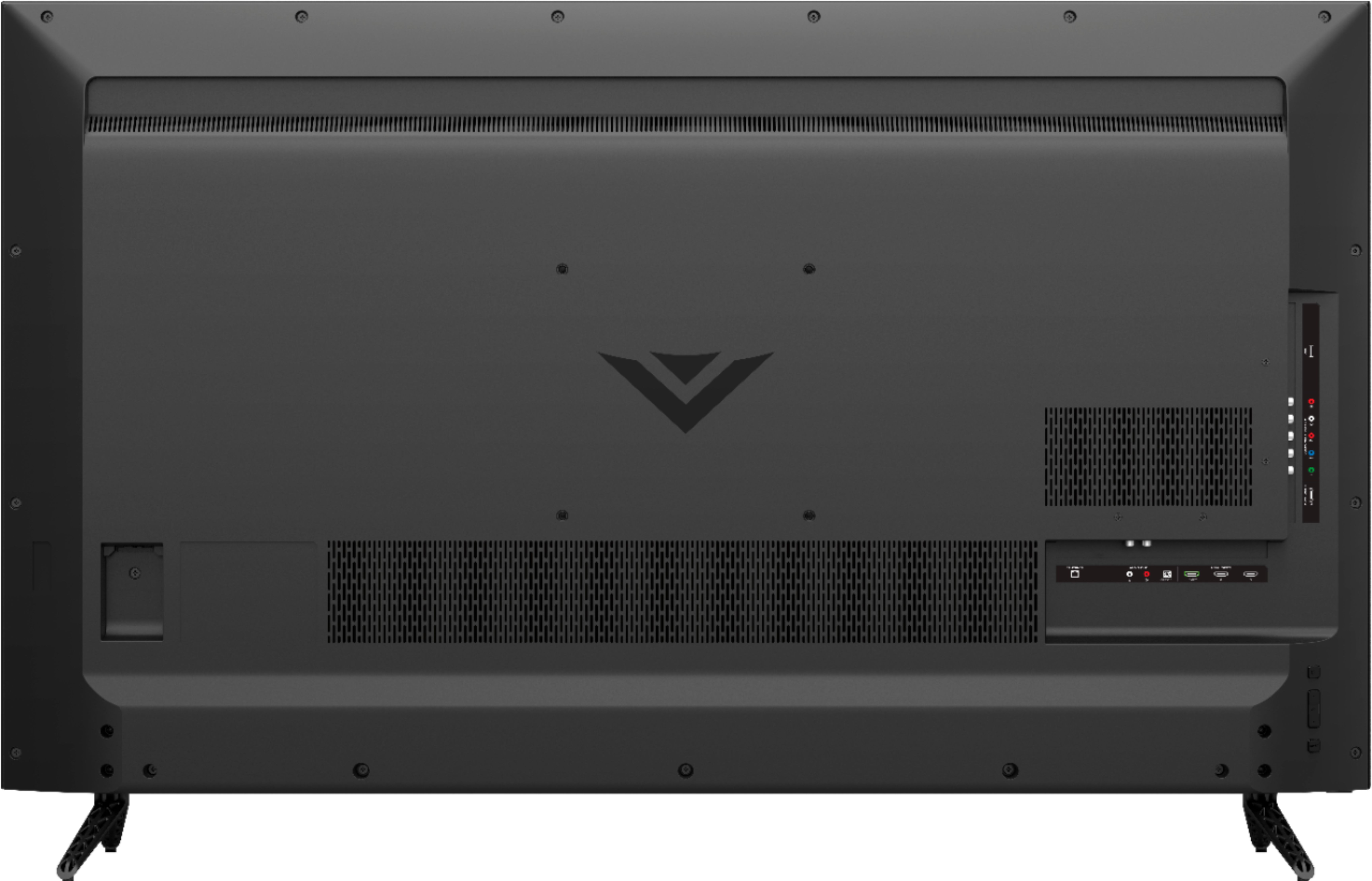
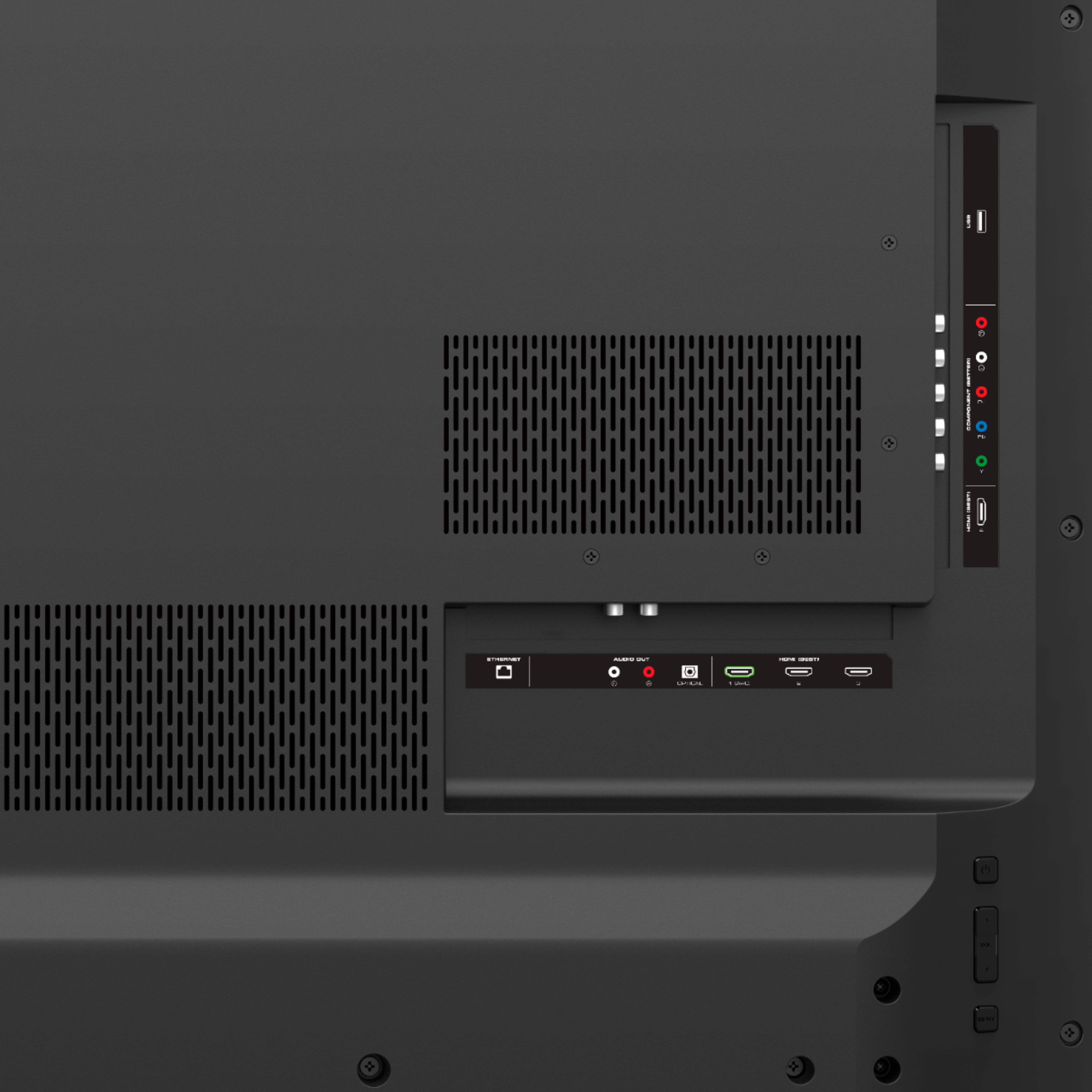
- A:Answer This information is in the specifications on the product page. The specifications are correct; there are 4 HDMI inputs. 3 are in a recessed section in the back. The 4th is on the side, so it is easily accessible if you need to attach something without moving the TV.
Answered by SKC921
Q: QuestionIs the VIZIO SmartCast able to stream 4k content from your phone?
Asked by JoshuaW.
- A:Answer The VIZIO SmartCast Displays do not stream directly from your phone or tablet. Instead they send the Display an internet command telling it to go to this service and play this content. The mobile device or phone is esentially a control device. This means if you wanted to watch 4K on Netflix the display would show in 4K as long as you have the 4K subscription and the content is available in 4K.
Answered by VIZIO

Q: QuestionWould this TV work with a ps4 pro and be able to play games in 4k?
Asked by Tman.
- A:Answer "All 4K Ultra HD TVs at Best Buy have HDCP 2.2 installed, which will ensure you can view all 4K content now and in the future." This is straight from their website. So, yes.
Answered by CompetentBuyer
Q: QuestionIs this tv good with video games? Meaning is there a lot of input lag or is it okay?
Asked by Shallowdeep.
- A:Answer I play my PS4 on this and the picture and sound are amazing. On the back of the TV, there's an HDMI port labeled as "best" and it definitely is that. Just make sure that's what's going to your game console for the best picture. Haven't experienced and lag or any negative display effects.
Answered by Tommysofla
Q: QuestionDoes this Model Support HDR10 for Xbox One S 4k Upscaling?
Asked by Kyle.
- A:Answer This televisions is 4K Ultra HD.
Answered by CommunityAnswer
Q: Questionwhat is the input lag for gaming and non gaming?
Asked by John.
- A:Answer There is very little input lag. I've had my TV for a few months now and I've been playing console games on it with absolutely no issues. The input lag, if any, is barely noticable. I had the same worries before I bought this TV, but so far it's been a great investment.
Answered by KEVIIIN
Q: Questiondoes this TV have a built-in tuner to hook up antenna?
Asked by Anonymous.

- A:Answer This display does not have a built in tuner to connect an antenna. To use an antenna to receive over the air broadcasts you would need an external tuner, sold separately.
Answered by VIZIO

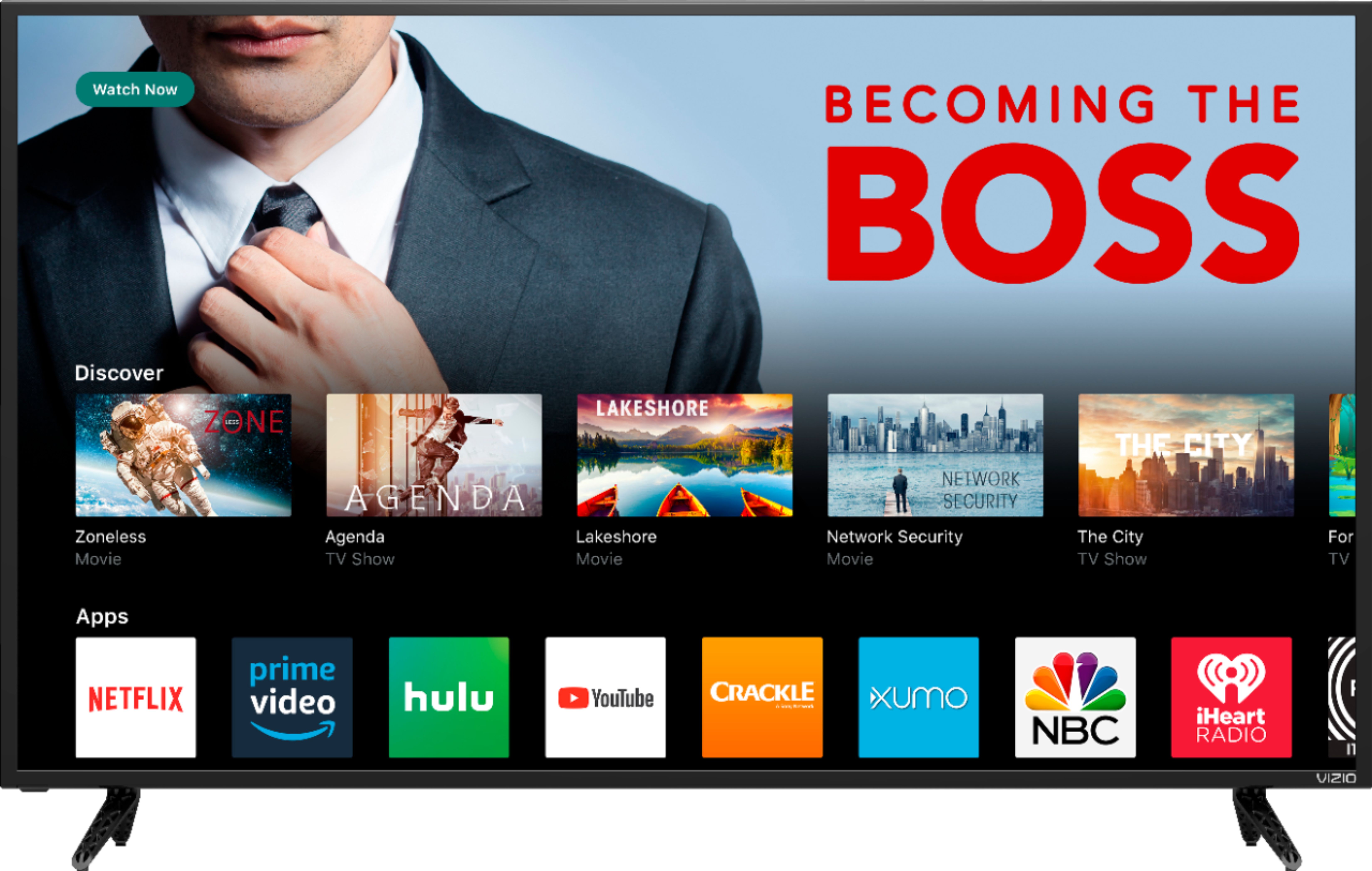
Q: QuestionDoes this TV have preloaded apps...such as Netflix, Pandora, Amazon etc?
Asked by Anonymous.
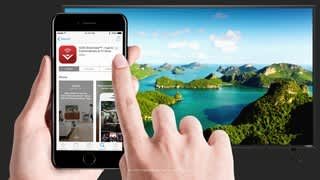
- A:Answer This display does not have preinstalled applications. Instead you cast the applications from your smart phone, tablet, or computer to the display itself. This works with any Cast Capable application.
Answered by VIZIO

Top Rated
- Tech Fest Deal$99.99