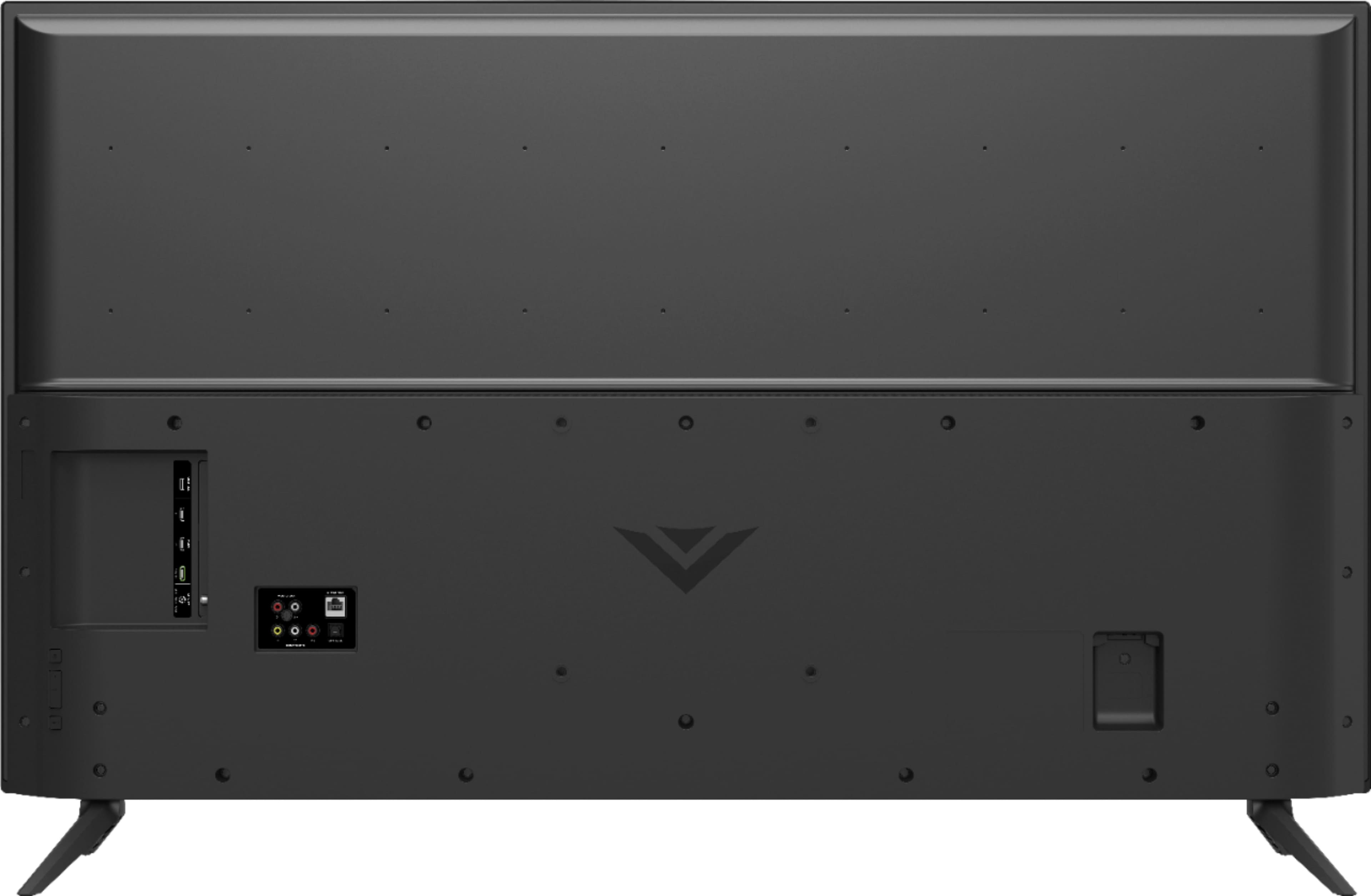
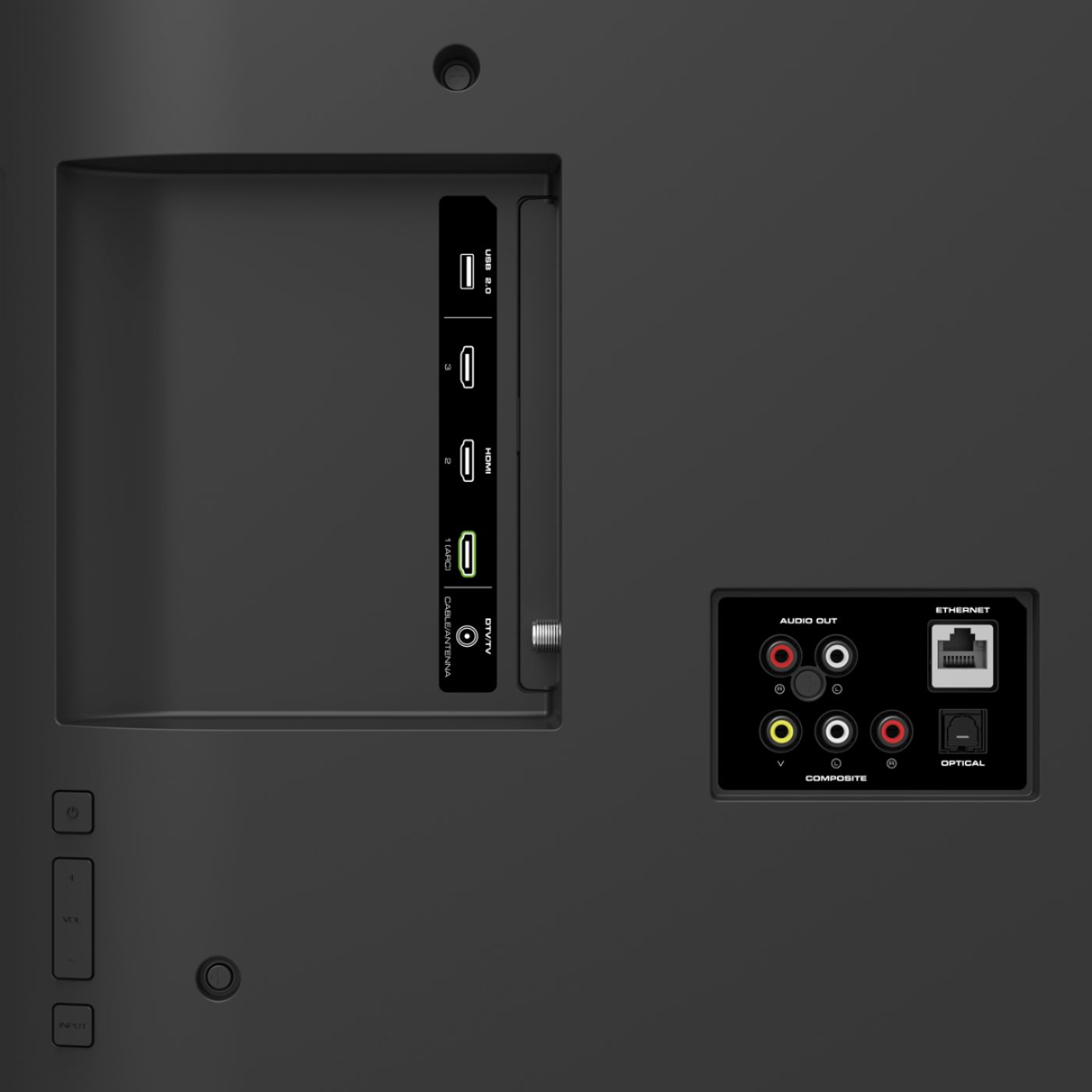
A:AnswerInputs 1 & 2 are HDMI 2.0 and will support 4K and HDR. Input 3 is only an HDMI 1.4. Move your Mini Genie to either HDMI Input 1 or 2, and you’ll be good to go. Hope this helps.
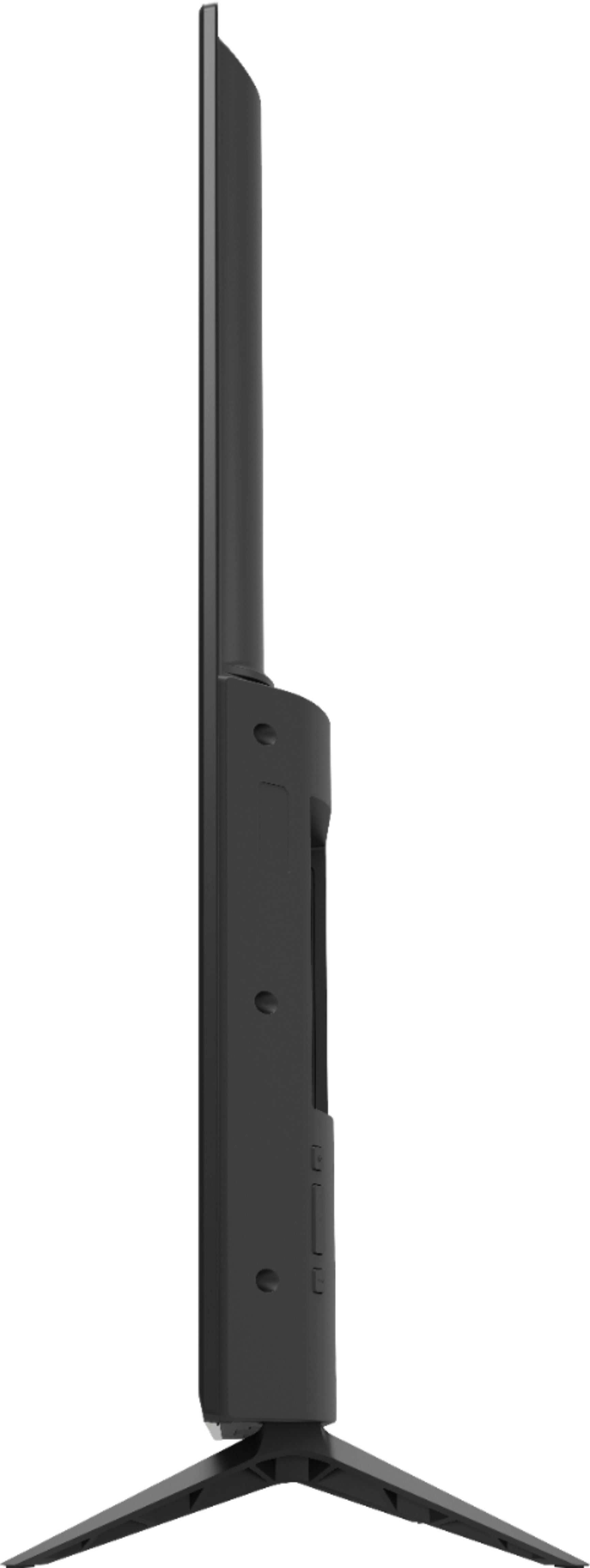
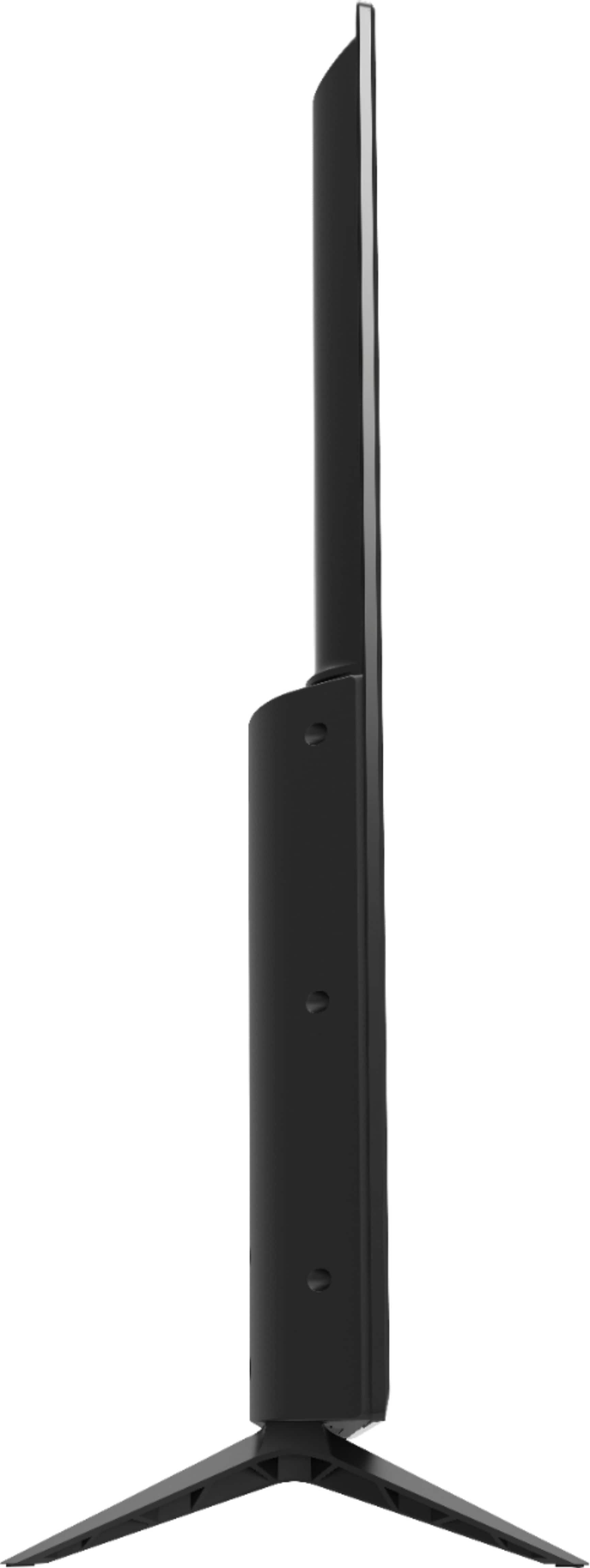
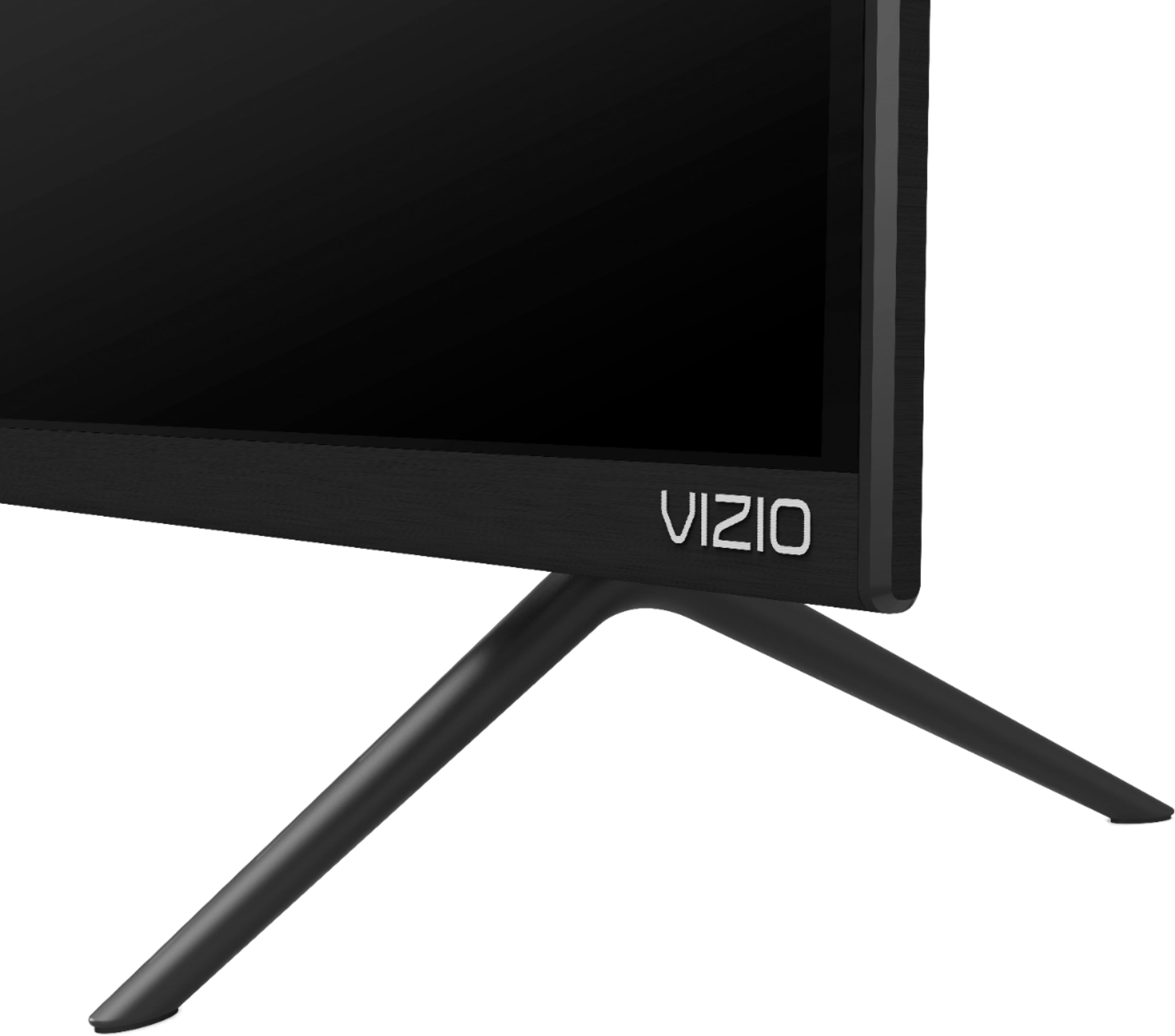
A:AnswerThe TV comes with the legs unattached. There are screw holes in the back for attaching mounting bracket(s) for hanging on a stand or a wall mount. I have mine mounted on a stand.
A:AnswerThis TV does use Bluetooth LE for connecting to you TV to a device with the VIZIO SmartCast application. However, this TV does not have Bluetooth audio out support.
A:AnswerThis television would use a M6 screw size the hole depth is 9 mm so the length would depend on that depth plus the thickness of your mounting brackets.
A:AnswerPlease make sure you have Full color UHD is set to on in the television input menu. If you need assistance please contact our customer support at 877-878-4946.
A:AnswerHi..just moved to a smaller condo set up as I have downsized with aging. My television room is of similar size and I purchased a 50 inch Vizio set that seems to fill the room perfectly in a visual / sound sense without being too much , too on top of things. Really fits well .
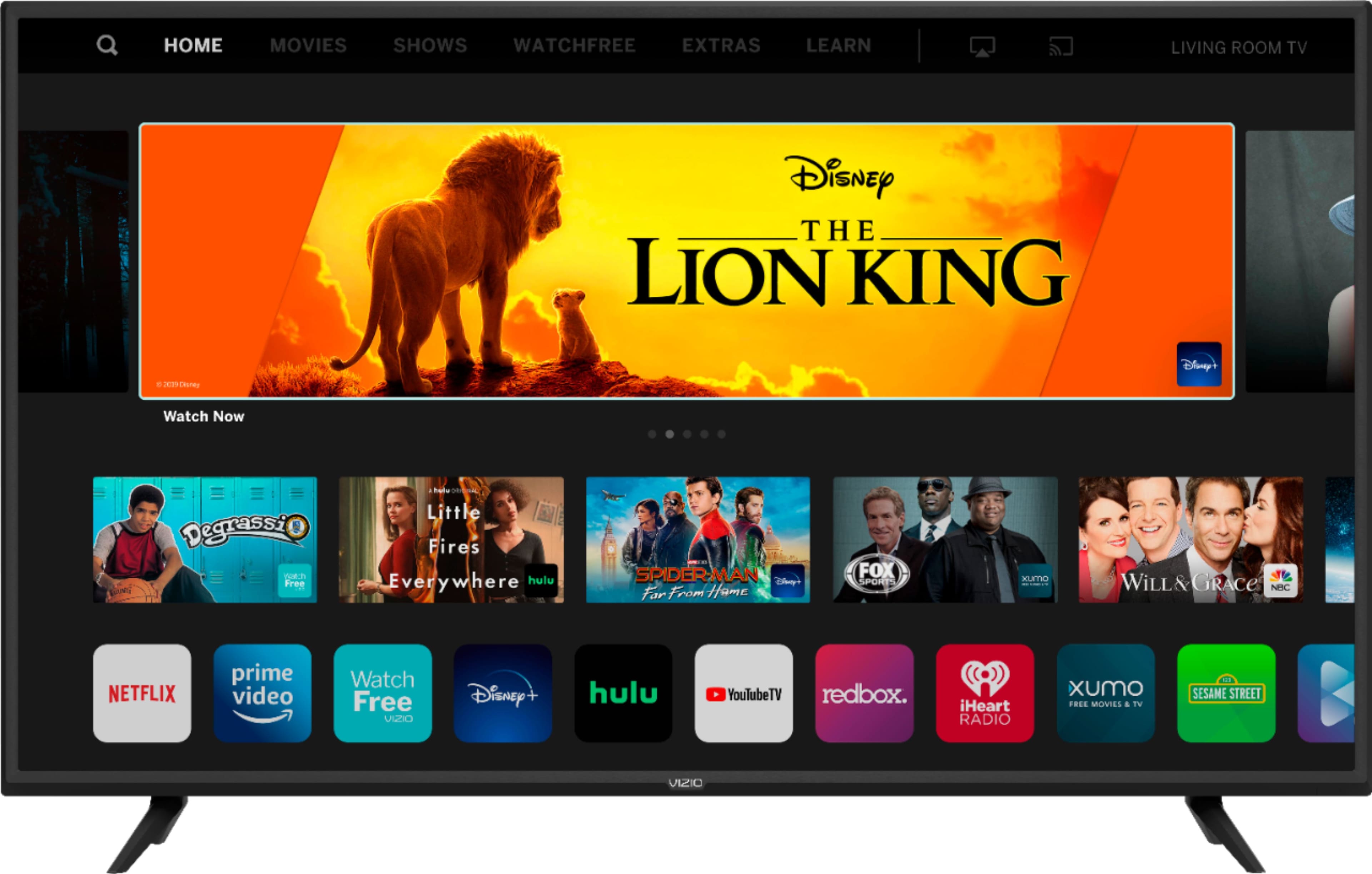
A:AnswerThis TV looks great even just with casting apps to it or even using the native built in apps. If using a device like a DVD player/Blu Ray or game system it'll still have a good picture.
A:AnswerThe TV has a 200x200mm mount pattern and requires an M6x9mm screw. If your stand can hold the 21.32 pounds (without the stand), then it should work.