A:AnswerTo answer your question, I want to gather a bit more information. When you have a free moment, we are available through text message, chat, or over the phone. Just go to support.VIZIO.com and click on ‘Contact Us’.
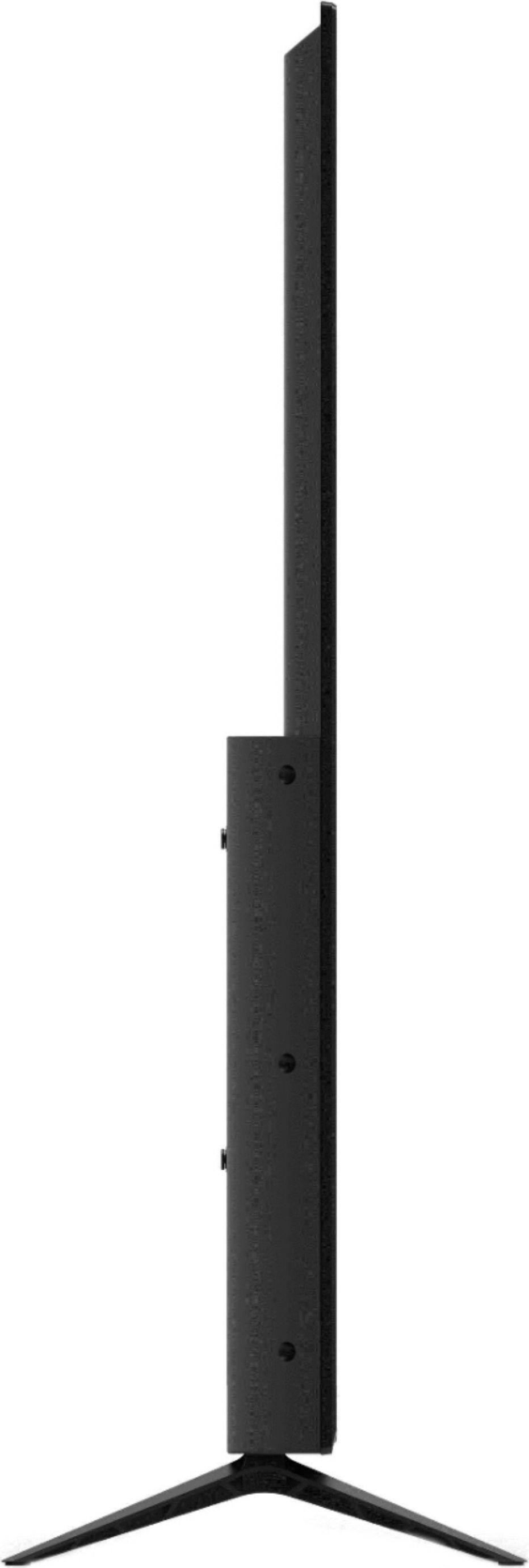
A:AnswerWe recommend to use the leg stands that are included with purchase of the TV. They have been designed and tested to help reduce the chance of a tip or a fall.
A:AnswerTo answer your question, I want to gather a bit more information. When you have a free moment, we are available through text message, chat, or over the phone. Just go to support.VIZIO.com and click on ‘Contact Us’.
A:AnswerHello Tyler, it sounds like you will need to use an application to cast that content from your media server to your TV. Unfortunately the TV is not able to download apps or play content from an external hard drive.
A:AnswerHere at VIZIO we recommend to use the standard power cord that is included with the TV. The TV is tested and quality assured with that standard power cord.
A:AnswerSorry to hear you are not having a smooth experience. I would love the opportunity to have our technical support team learn more about the issues you are experiencing. When you have a free moment, they’re available through text message, chat, or over the phone. Just go to support.VIZIO.com and click on ‘Contact Us’.
A:AnswerAt VIZIO we pride ourselves on our highly rated picture quality. Sites like CNet, RTings, and Reviewed.com consistently rate VIZIOs picture quality among the best in the industry. To make sure you’re getting the most out of you VIZIO TV, we’d recommend making sure your devices are connected with an HDMI cable, and that you’re getting an HD (or UHD) signal. You can also individually adjust your picture settings in the menu. For brighter rooms try using the Vivid or Calibrated setting, for darker rooms try ‘Calibrated Dark’.
A:AnswerAt VIZIO we pride ourselves on our highly rated picture quality. Sites like CNet, RTings, and Reviewed.com consistently rate VIZIOs picture quality among the best in the industry. To make sure you’re getting the most out of you VIZIO TV, we’d recommend making sure your devices are connected with an HDMI cable, and that you’re getting an HD (or UHD) signal. You can also individually adjust your picture settings in the menu. For brighter rooms try using the Vivid or Calibrated setting, for darker rooms try ‘Calibrated Dark’. If you’d like any assistance adjusting these settings, our customer support team would love to help you dial in the TV to your preference, you can reach them at 844-254-8087.
A:AnswerActually after more research I found a product from Barkan which are alternative table legs using the TV wall mounting screws. They can be used on TVs from 30 to 70 inches. They are very secure as I used them on another 40 TV to get it elevated over the cable box. I couldn't use them on the Visio as the 'wife' wanted a larger TV cabinet so it won't hang over too much. At any rate, these are an excellent alternative if they fit into your room design. Thanks for the responses.
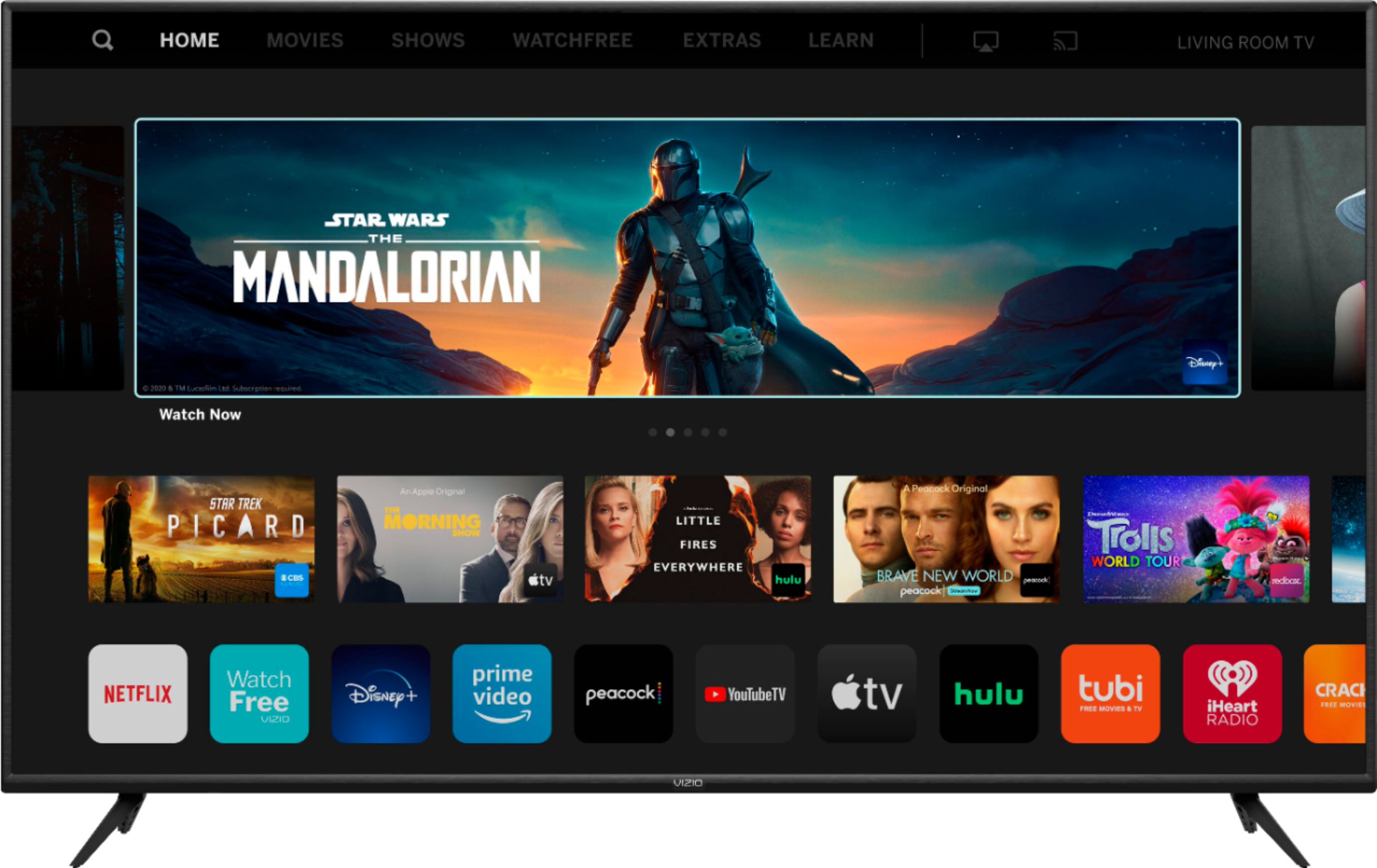
A:AnswerCurrently, the Spectrum app is not a part of SmartCast. VIZIO is committed to giving consumers access to as much streaming content as possible. We appreciate your feedback and will make sure to continue adding features and applications in the future.