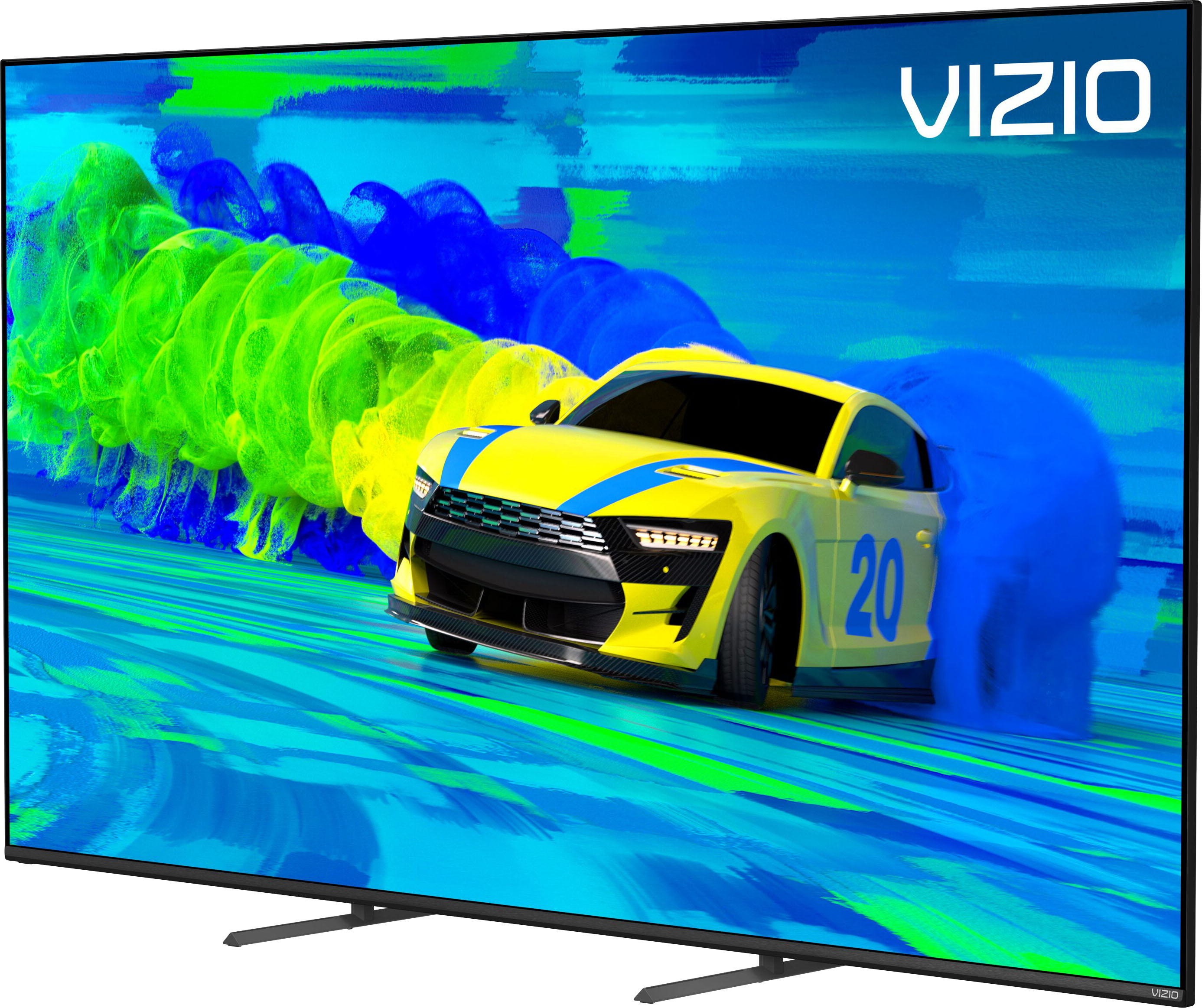
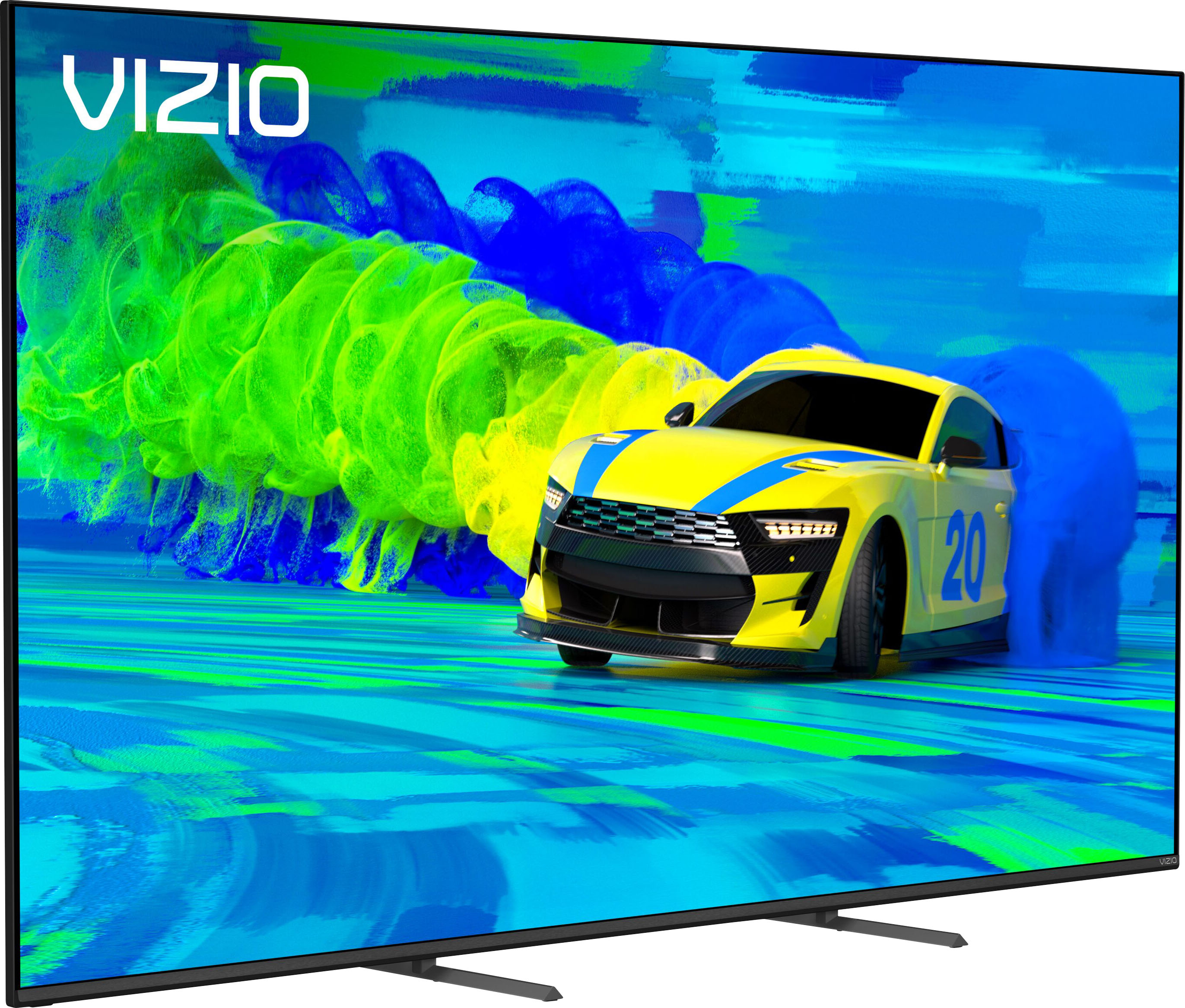
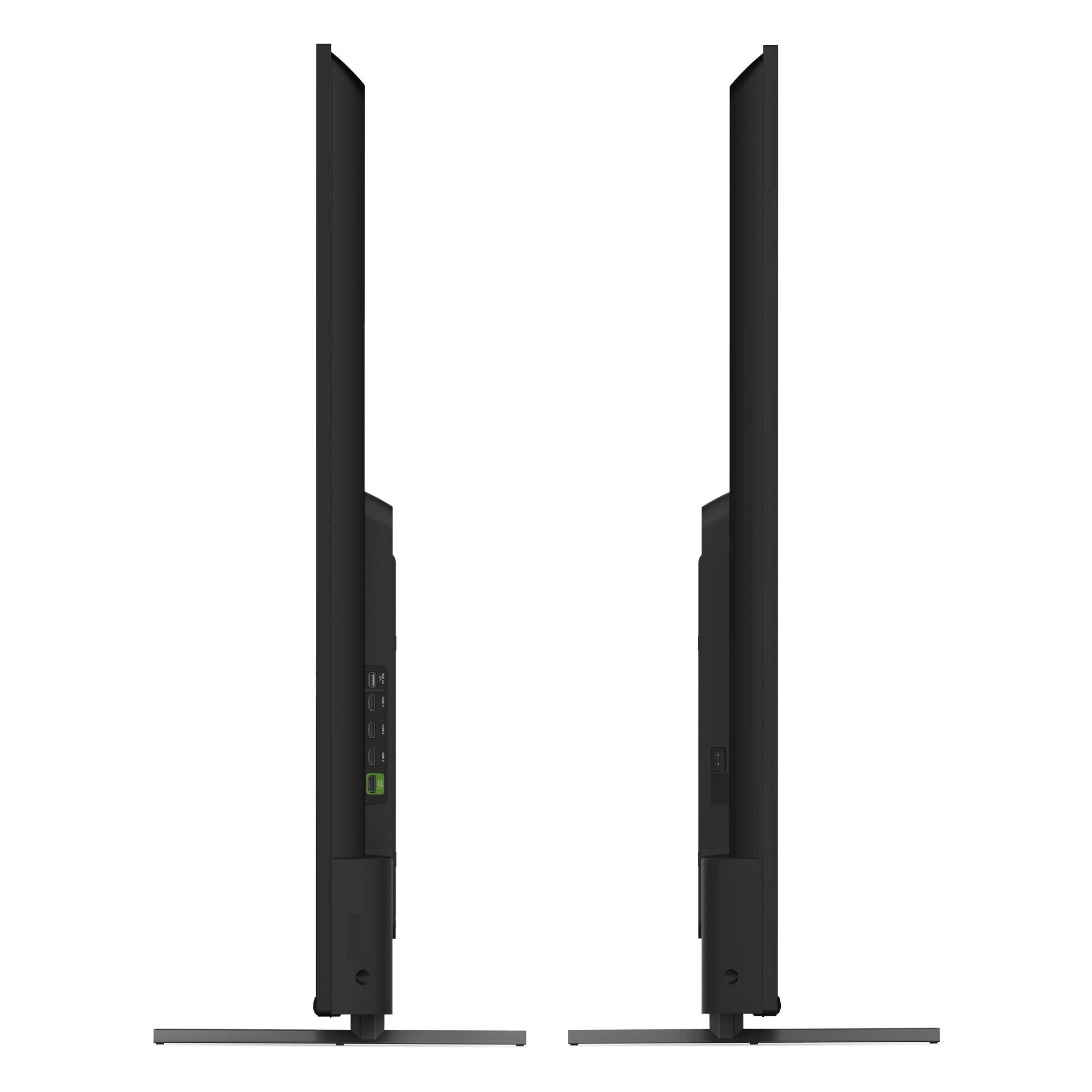
A:AnswerBoth models do have height adjustable legs. The distance between outer leg stands for the M75Q7-J03 is going to 23.98". The distance between outer leg stands for the M70Q7-J03 is going to 22.37".
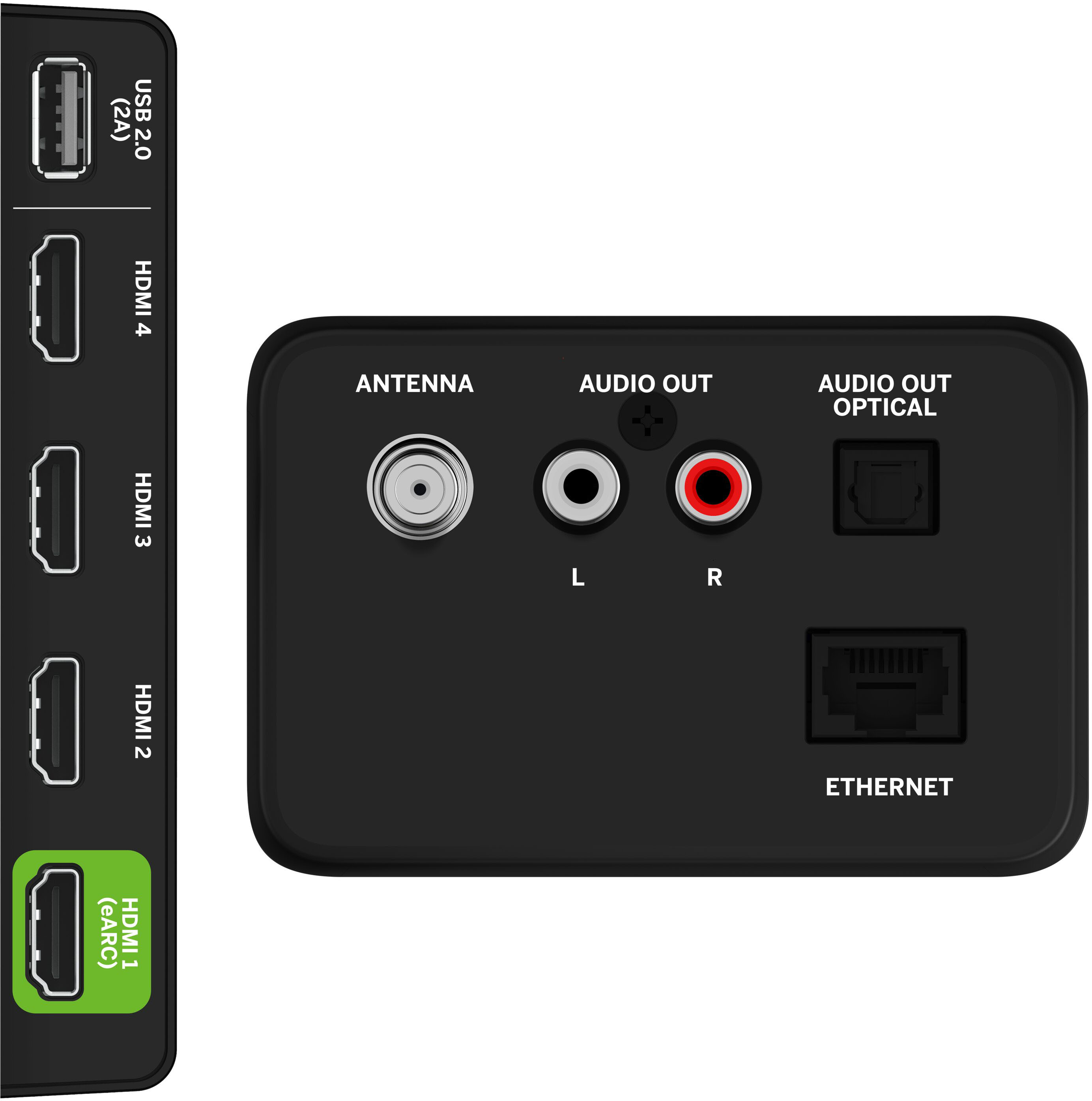
A:AnswerI don’t use a fire stick with this tv because it has all the apps I need, but I did jut connect one using the 2A USB and it powered it fine. I didn’t get the too low power message on the fire stick.
A:AnswerWe are excited to announce the newest VIZIO update that introduces Bluetooth headphone capability! To get started, place your Bluetooth headphones into discovery or pairing mode. Next you will want to access the VIZIO TV menu, select Bluetooth Headphones, and then select your Bluetooth headphones that are found during the discovery or pairing phase. If you have any questions or need any assistance, we are available through text message, chat, or over the phone. Just go to support.VIZIO.com and click on ‘Contact Us’.
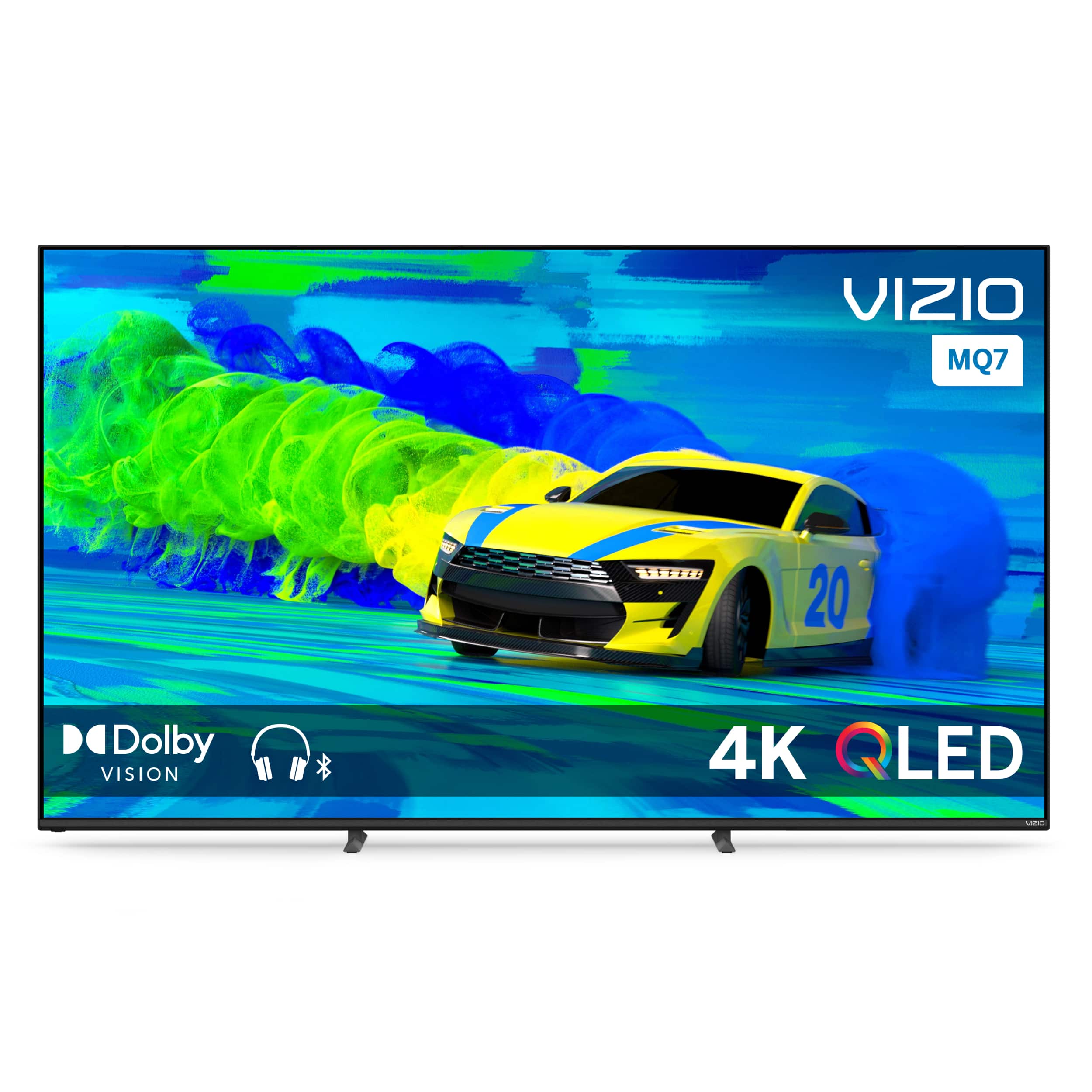
A:AnswerVIZIO is committed to bringing you a pro gaming experience on your next generation console. With VIZIO & console developers frequently releasing new updates, features, and patches, we'd recommend you go to support.VIZIO.com for the most up to date tips on how to get the most out of your console.
A:AnswerThis model supports Bluetooth LE, which is a low energy form of Bluetooth used to assist in pairing the VIZIO SmartCast Mobile application to use devices like smart phones and tablets as a remote for the TV.