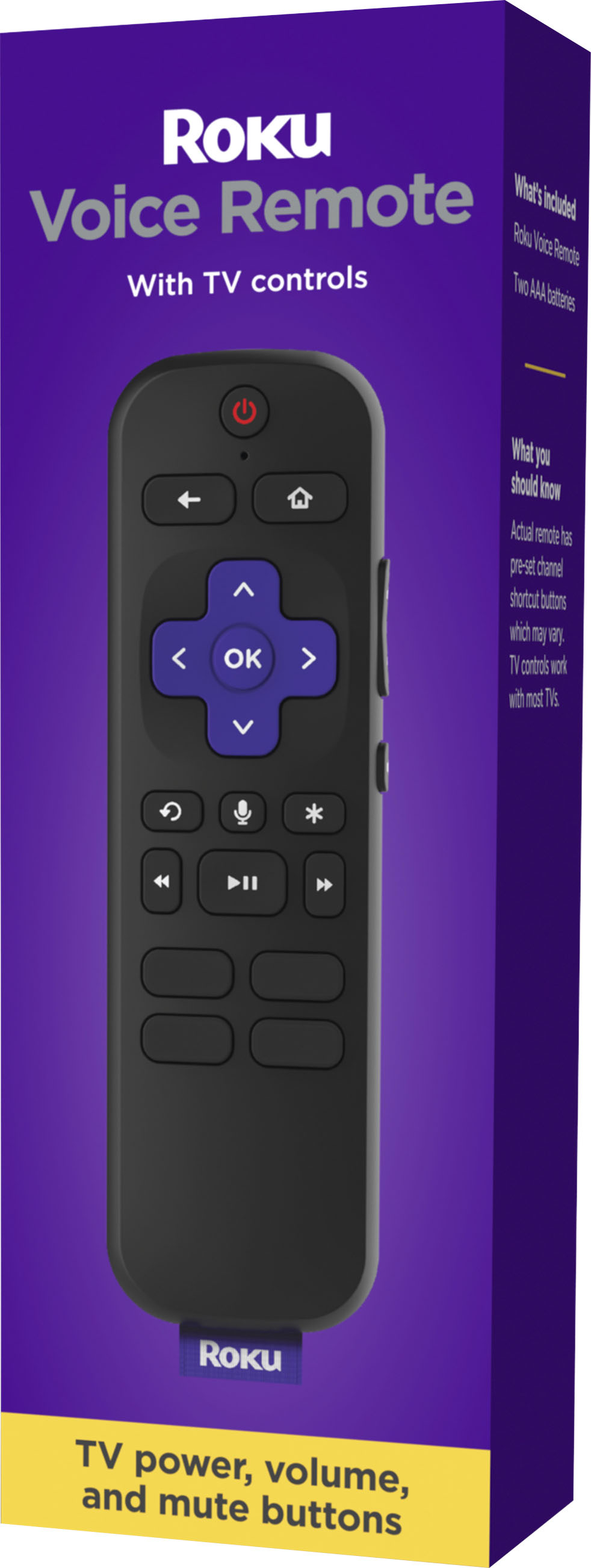
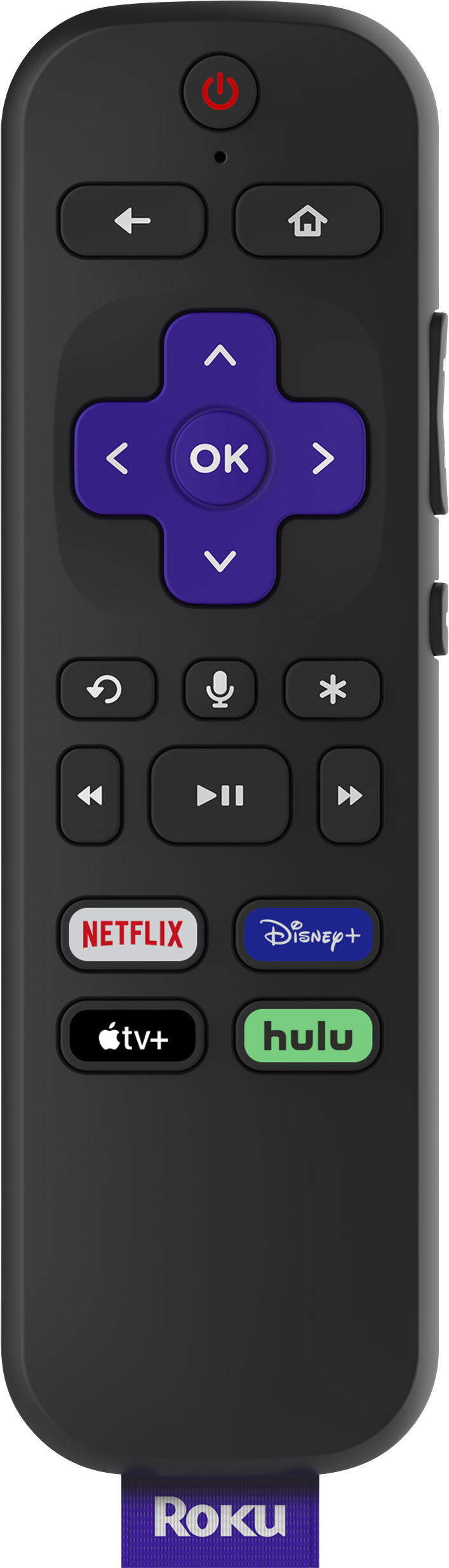
A:AnswerI have a Sharp Roku Tv. One day the original control stopped working. I did my research to confirm if the universal controller would work. I put the batteries in and it work with the TV set with no issues. The replacement control has different quick access buttons So one less button that I use. If push comes to shove you can always us the Roku app for your cell phone, it will work as a remote control in a pinch.
A:AnswerHi Sully! The Roku Stick model 3400X is not currently supported by the Roku Voice Remote. However, you can download the free Roku Mobile App to use this feature. For more on how to download the Roku Mobile App, check out https://support.roku.com/article/217288467
A:AnswerI have no idea. My guess is it should. check the Ruku web site. I bought 2 for my TCL 615 and 525. They paired automatically when the second battery was installed. It's a big improvement over the infrared remotes.
A:AnswerHi! The Roku Voice Remote is only compatible with Roku TV's and most Roku devices. The remote will work with your TV if it has a compatible Roku player plugged in and setup on your television.
A:AnswerIf your TV is able to automatically detect the new remote, then you do not need the original remote to set up. I simply put in batteries in the new remote and a window popped up saying that it was in process of connecting. I have a TCL 4K TV. I would imagine if your TV does not detect, you would want your original remote to navigate your TV’s settings in order to make things easier. Hope this helps.