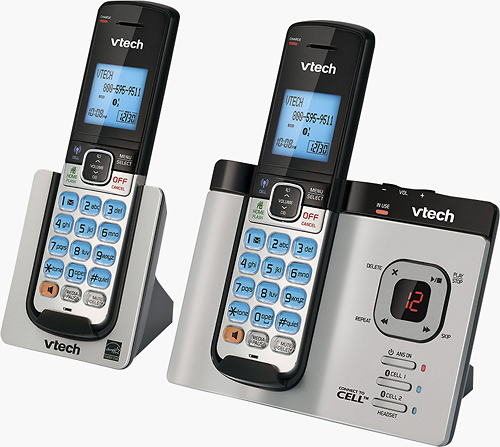
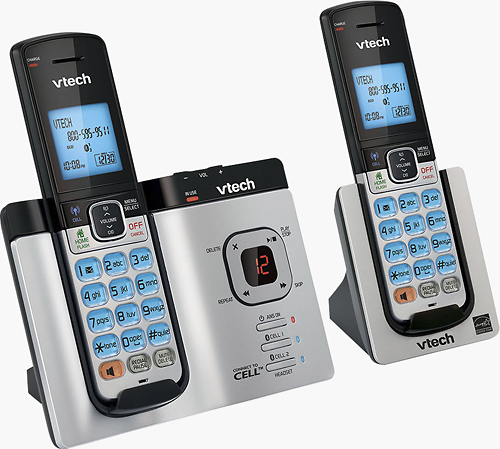
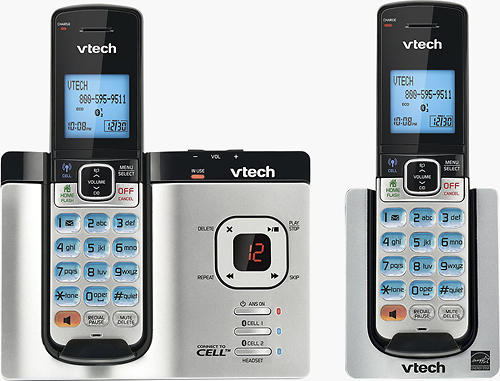
A:Answer Bobbi - Yes, the VTech DS6621-2 has a call screening feature that will let you hear message while they are being left. Here's how you can go about turning on the said feature.
Step 1: Press MENU on the cordless handset when not in use.
Ste2 2: Press arrow down button to scroll to Answering sys, and then press SELECT.
Step 3: Press arrow down button to scroll to Ans sys setup, and then press SELECT.
Step 4: Press arrow down button to scroll to Call screening, and then press SELECT.
Step 5: Press arrow down button to scroll to On, and then press SELECT. You hear a confirmation tone.
Thank you,
-VTech Support
Press SELECT to save and you hear
a confirmation tone.