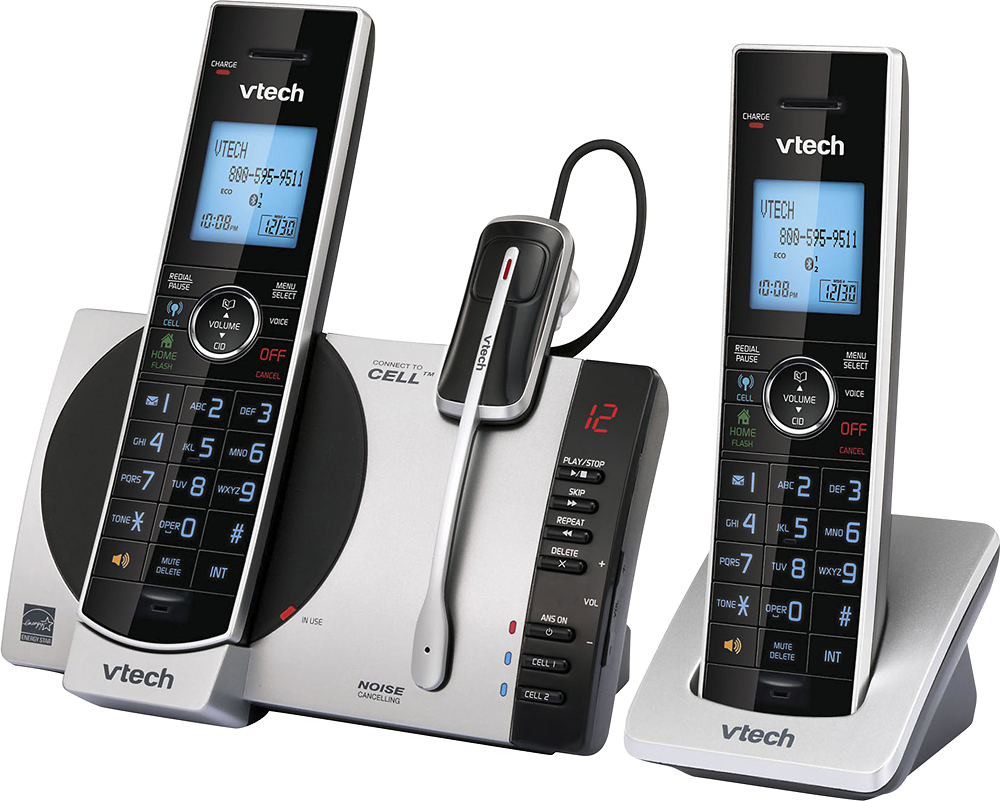
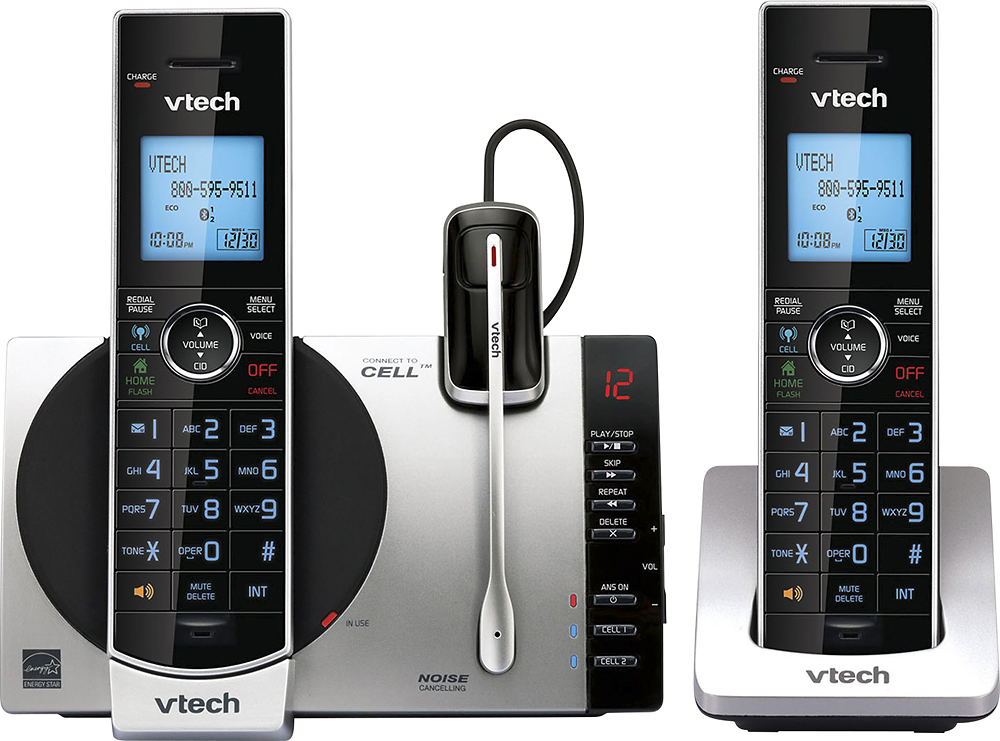
A:AnswerHi - Yes, the VTech DS6771-3 is compatible with the cordless headset model VTech IS6200. For more details, you can contact our Customer Support at 1-800-595-9511. We are open from 9:00 AM to 3:00 PM, Mondays through Fridays.
Thank you,
-VTech Support
A:AnswerSusan - The cordless headset of the VTech DS6771-3 can be used to answer incoming home line calls. As for the headset not making any noise after charging for two days, please contact VTech Customer Support for further assistance at 1-800-595-9511. We are open from 9:00 AM to 3:00 PM, Mondays through Fridays. When calling, please have your model number handy: DS6771-3. Thank you! - VTech Support
A:AnswerEFCU - The VTech DS6771-3 can only transfer a call from one handset to another system handset but it does not have the capability to transfer or forward a call to a different phone number. You may check with your local telephone company if the call forwarding service is available through them. Thank you! - VTech Support
A:AnswerRichoftrinidad - The VTech DS6771-3 is designed to work with regular, residential, cable and VOIP lines. The telephone base only requires connection to an electrical outlet and a telephone jack/modem to function. Thank you! - VTech Support
A:AnswerRichofColorado - All of our VTech cordless phones requires the home or speaker button to be pressed to answer an incoming call. You may check our CS6649 corded/cordless phone that has a speed dial feature. You just need to lift the corded HS on the main base to answer an incoming call. Thank you! - VTech Support
A:AnswerReza - No, the VTech DS6771-3 does not have a 2.5mm headset jack. It comes with a VTech cordless headset. You may check the IS8151-3 which has the feature you are looking for. Thank you! - VTech Support
A:AnswerBryan - No, the VTech DS6771-3 does not come with belt clips. You may check the model IS8151-3 which comes with belt clips for each handset. Thank you! - VTech Support
A:AnswerPolly - The VTech DS6771-3 does not have an auxiliary port for you to plug in a fax machine. Instead, you can connect your fax machine to another phone jack on the line. You can also use a splitter (purchased separately) if you only have one phone jack at home. The messages recorded on the built in answering machine can clearly be heard reviewed using the base or the cordless handsets.
Thank you,
-VTech Support
A:AnswerHi - Yes, the cordless handset compatible with the DS6771-3 is the model VTech DS6072. You can add up to 5 cordless handsets to the unit.
Thank you,
-VTech Support
A:AnswerHi - No, there is no volume adjustment for the headset's microphone on the VTech DS6771-3. Sometimes a simple reset will solve the problem. Kindly follow the troubleshooting steps below.
Step 1: Remove the battery from the headset.
Step 2: Wait 15 seconds, plug the battery in and recradle the headset in the base for 1 minute. Try using the headset again.
If this does not help, please contact our Customer Support between the hours of 7:00 AM to 4:00 PM Pacific time, Monday through Friday at 1-800-595-9511 so we can provide you the best resolution to your concern. Thank you, -VTech Support
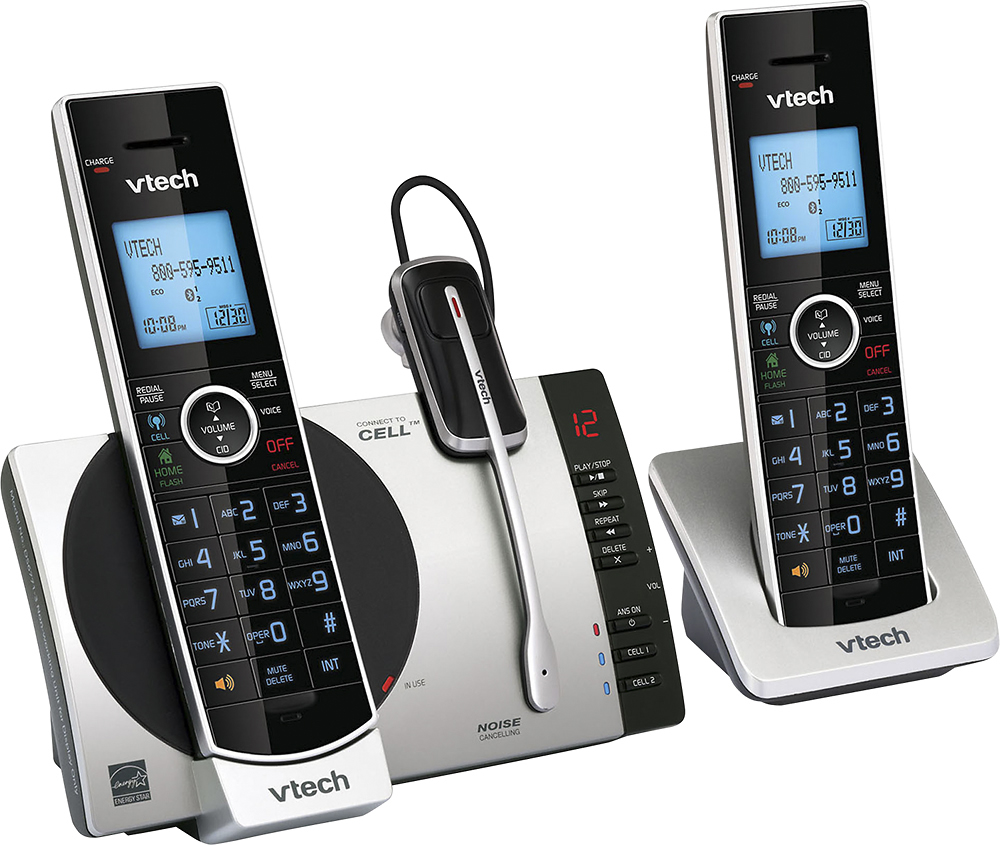
A:AnswerShelly - Yes, the battery of the cordless headset on the VTech DS6771-3 is replaceable and it uses a 3.7V 140 mAh Li-ion battery. To order the compatible battery for your headset, you may contact our Customer Support between the hours of 7:00 AM to 4:00 PM Pacific time, Monday through Friday at 1-800-595-9511. Thank you, -VTech Support

A:AnswerDavidG - No, VTech products are engineered and approved for use in the USA, its territories, and Canada. We cannot guarantee compatibility or functionality of our products when connected to foreign networks. In addition, use of these products outside of their intended regions may be in violation of local communications laws.
Furthermore, we cannot provide warranty or technical support for products used or purchased outside of the regions listed above.
Thank you! -VTech Support