A:AnswerKathleen - The VTech RM5764HD can only be registered to one account. However, the account can be used to multiple smartphones. Changes made on the app using one smartphone will apply to the app downloaded on the other cellular phone.
Thank you,
-VTech Support
A:AnswerHi - Yes, you can use to sets of VTech RM5752 in the same house. Please note that the baby monitors should be at least 3 feet away from each other to avoid interference. You can also register multiple WiFi baby monitors on your VTech app and stream videos at the same time.
Thank you,
-VTech Support
A:AnswerKayy- The VTech RM5752 camera requires the parent unit to operate with your mobile phone. The RM5752 is a non-expandable unit. You cannot add or replace the parent/baby unit that came with it. Hope this helps! - VTech Support
A:AnswerHi - You can connect and set up the Wi-Fi connection the the VTech RM5752 parent unit. Here's the procedure how to connect your Wi-Fi:
Step 1. Press MENU when the parent unit is not in use.
Step 2. Press ▼,▲,◄ or ► to choose Wi-Fi icon, then press MENU.
Step 3. Press ▼ or ▲ to choose Change network & pair CAM, then press MENU.
Step 4. Press ▼ or ▲ to choose a password-protected 2.4GHz Wi-Fi network for the viewer, then press MENU.
Step 5. Follow the instruction displayed on the parent unit screen to setup a new viewer network.
Hope this helps! - VTech Support
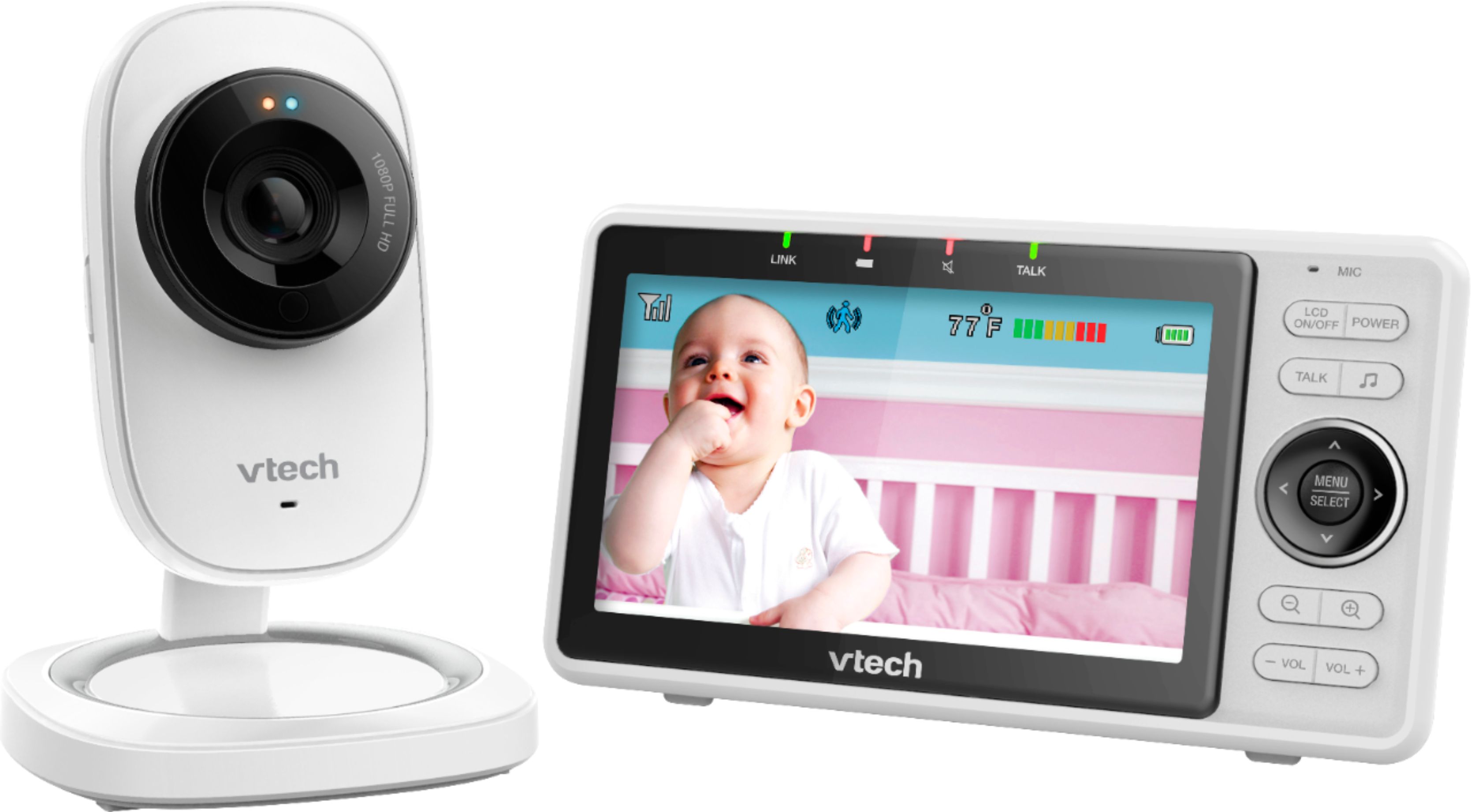
A:AnswerJen - We are sorry to hear about the unusual issue that you are encountering with your VTech RM5752. The VTech RM5752 is FCC certified and should not cause any issue with your internet connection. We recommend to check with your internet service provider regarding the issue on your internet connection going out. You may also try doing a simple reset that might resolve the issue. To do a complete reset on your baby monitor, kindly disconnect the power from the parent and baby unit then turn both units off. Wait for 1 minute then reconnect and test. If this does not help, please call us at 1-800-595-9511. We are open from 7:00 AM to 4:00 PM PST, Mondays through Fridays. When calling, please have your baby monitor model number handy: RM5752.
Thank you!
- VTech Support

A:AnswerHey Danielle. They don’t work without wifi. We have three of these now and every once and awhile the WiFi will go down for a few minutes, and the monitors will beep at you. Power outage would obviously make these not work too, but other than that these have been very reliable for us.
A:AnswerGretchen - We are sorry to hear that you are having issues with the VTech RM5752. You need to make sure that the notifications on the actual app is set to on. Also, make sure that the app is allowed to send you notification on your cellular phone's setting. If this does not help, please contact our Consumer Sales and Service Center between the hours of 9:00 AM and 3:00 PM Monday through Friday at 1-800-595-9511.
Thank you,
-VTech Support
A:AnswerHi - We are sorry to hear that you are having an issue with the VTech RM5752. Due to the nature of your concern, please contact VTech Customer Support for further assistance at 1-800-595-9511. We are open from 9:00 AM to 3:00 PM, Mondays through Fridays. When calling, please have your model number handy: RM5752. Thank you! - VTech Support

A:AnswerHi - The VTech RM5752 is a non-expandable baby monitor. You cannot add another baby unit to the system. For more details, please contact our Consumer Sales and Service Center between the hours of 9:00 AM and 3:00 PM Monday through Friday at 1-800-595-9511.
Thank you,
-VTech Support