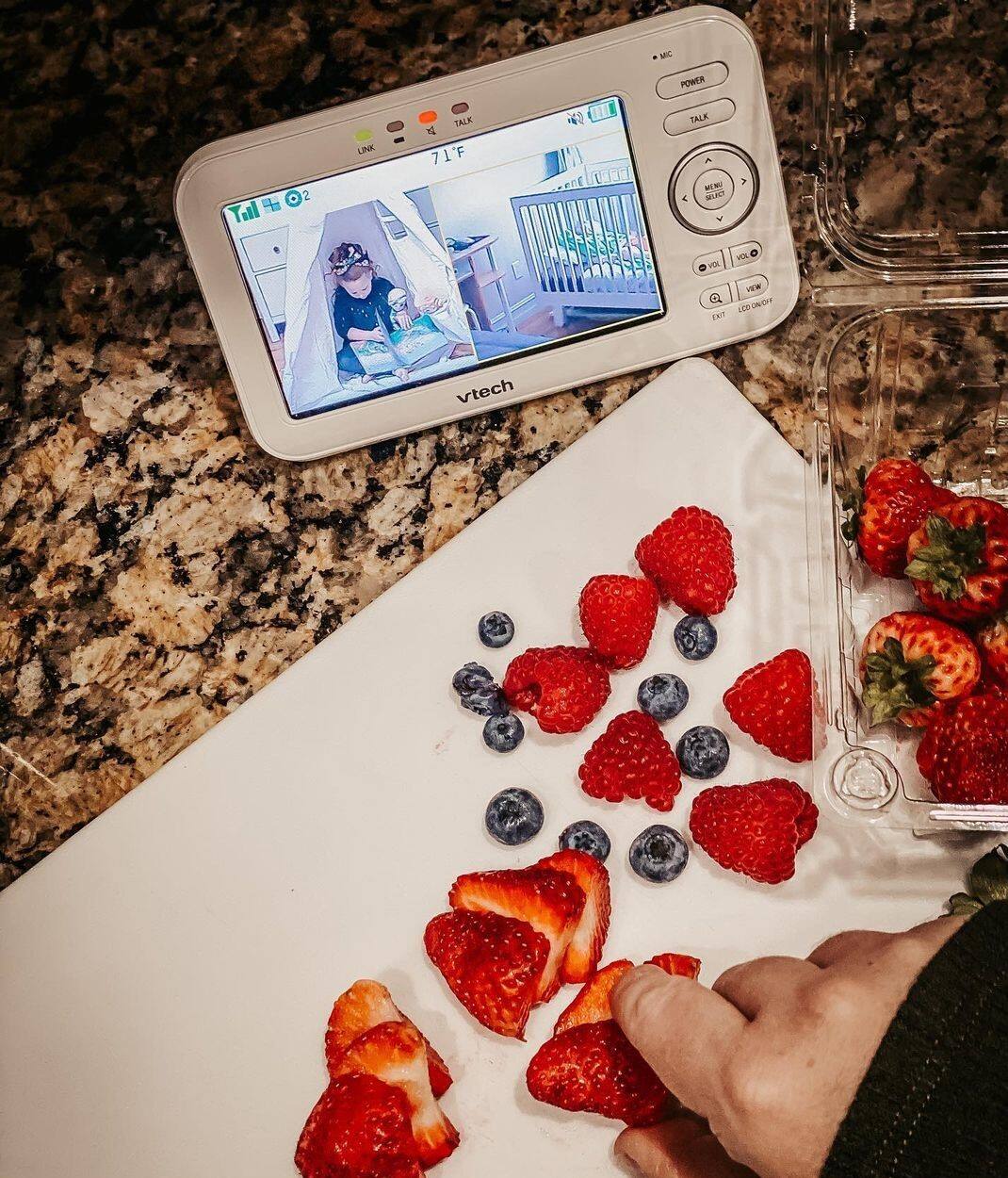
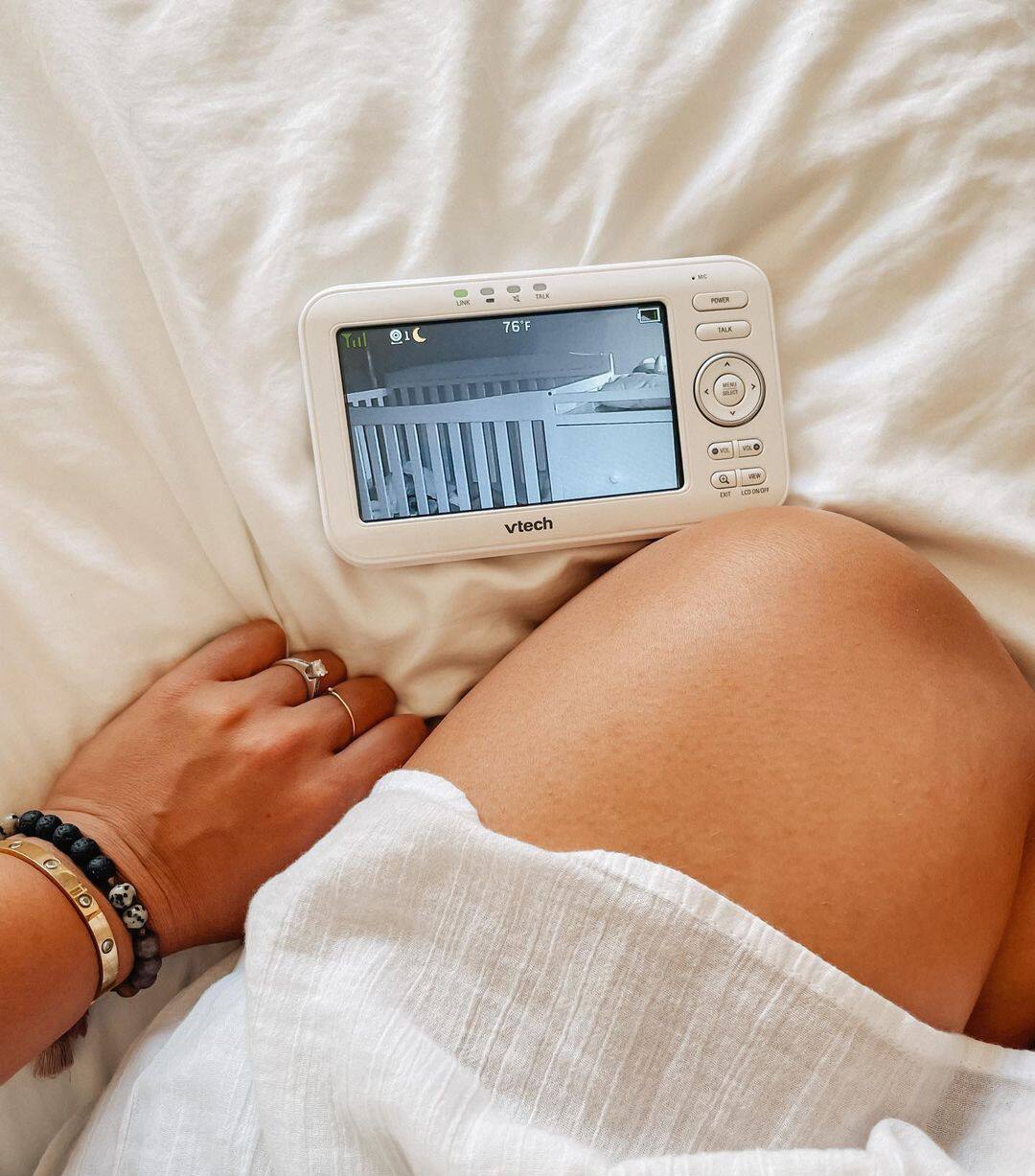
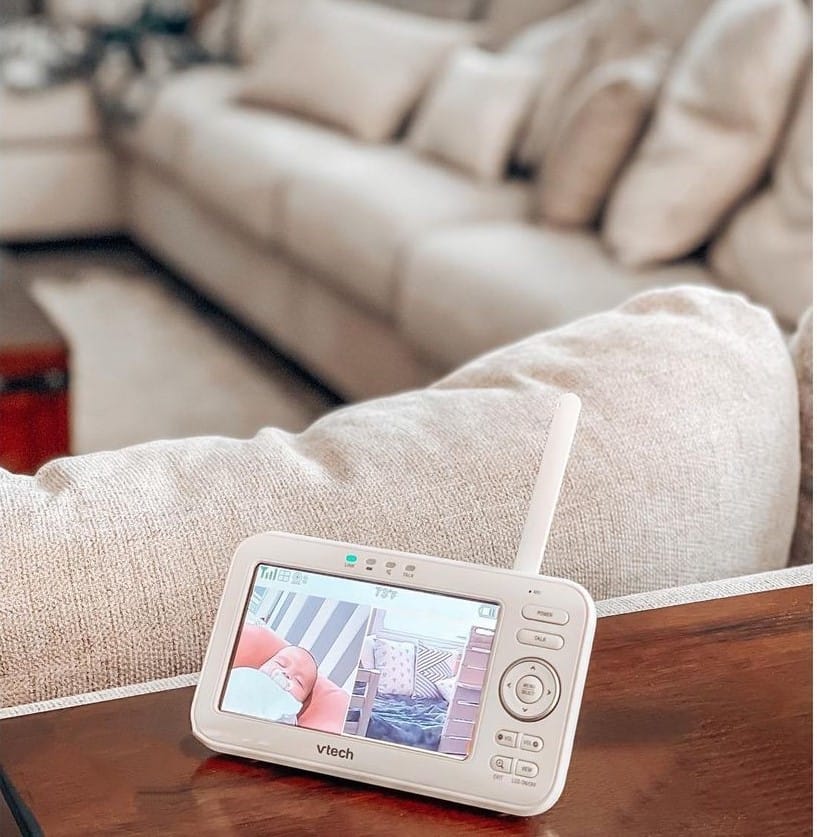
A:AnswerTAS - Yes, the VTech RM5752 will let you instantly see and hear what’s happening with your baby using the parent unit. You can also download the MyVTech Baby 1080p app to monitor your baby using a smartphone.
Thank you,
-VTech Support
A:AnswerWilliam - The VTech RM5752 works with any Android or iOS phone or tablet. You just need to download MyVTech Baby 1080p application from the App Store or Google play so you can monitor your child using your smartphone or tablet.
Thank you,
-VTech Support
A:AnswerJoey - We are sorry to hear that you are having issues with your VTech RM5752. If your WiFi connection has an IP isolation feature, it will cause the setup to fail. We recommend that you contact our Customer Support at 1-800-595-9511 for troubleshooting and assistance. Our team will help you identify the issue and provide replacements if necessary. We are open from 9:00 AM to 3:00 PM, Mondays through Fridays.
Thank you,
-VTech Support
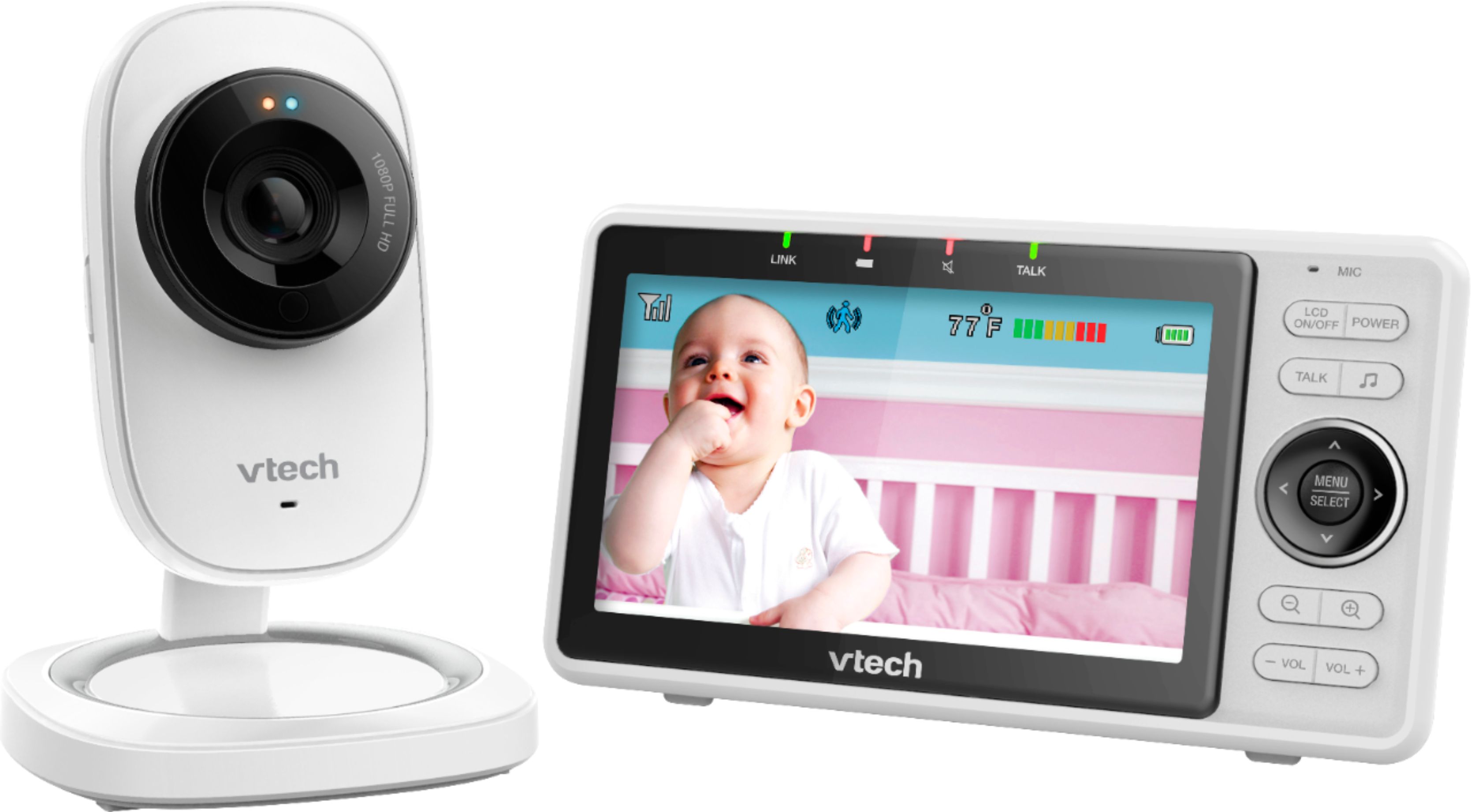
A:AnswerHi - We apologize if you are having issues with the VTech RM5752. Try resetting the unit by unplugging the AC adapter on both parent and baby units for about 1 minute. Re-plug and wait until the units re-establish their connection. If this does not help, please contact our Customer Support at 1-844-848-8324. We are open Mondays through Fridays from 9:00 AM to 5:00 PM. Hope this helped. ~VTech Support
A:AnswerHi - We are sorry if you are having issues with the mobile application. Yes, you can have multiple (more than 5) devices that can access the camera using a shared family account on the VTech RM5752. Please contact our Customer Support at 1-844-848-8324 for troubleshooting and assistance. We are open from 9:00 AM to 4:00 PM Mondays through Fridays.Thank you. ~VTech Support
A:AnswerHi - We are sorry to hear that you are having connectivity issues with your VTech RM5752. Please ensure that you are within WiFi range. Try to move the camera closer to the router to establish better connection and try again. Also check if the camera is powered on and is not connected to a wall outlet controlled by a switch. Check your internet connection if working. You may also try rebooting both camera and router. Unplug your router and camera for approximately 30 seconds and plug back in. Allow a moment for the devices to reconnect and try again. If this does not help, you may contact our Technical Support at 1-800-595-9511. We are open Mondays through Fridays from 9:00 AM to 4:00 PM. Thank you. ~VTech Support
A:AnswerHi - You can download the mobile application for the VTech RM5752 on your mobile device. This will let you view your baby monitor on your device anywhere you go as long as it is connected via WiFi. Thank you for your interest! ~VTech Support
A:Answer1. Install the parent unit battery. 2. Connect and power on the monitor's baby unit and parent unit. Make sure the power adapter is pushed all the way in. 3. Charge the battery before use. The parent unit battery is fully charged after 4 hours of continuous charging. It takes longer to charge the battery when the parent unit is turned on. To shorten the charging time, turn the parent unit off while charging. Notes: the standby time varies depending on the volume level you set and your actual use. The parent unit runs on rechargeable battery or AC power. To continuously monitor your baby, keep the parent unit connected to AC power. With the battery alone, the parent unit can cordlessly run for a short time only.
A:AnswerHi - The VTech RM5752 has LED indicators on the camera which is not programmable. There is no setting to turn it off. Thank you for your interest! ~VTech Support
A:AnswerOne of the other questions asks for a link to extra cameras and Vtech responded that this can’t be expanded yet I have this monitor as well and the parent monitor has the option to scroll through multiple cameras if I have them, looking for more as well without finding an answer unfortunately.
A:AnswerAshley - Yes, the VTech RM5752 comes with a wall mounting adapter. We recommend that you also install the unit away from the baby's reach for safety. Thank you for your interest! ~VTech Support
A:AnswerMonica - The VTech RM5752 is designed to work within North America. The baby monitor uses 100V-240V DC power adapter. Thank you for your interest! ~VTech Support
A:AnswerHi - We apologize but the feature is not supported. You can only zoom on the mobile application of the VTech RM5752. Thank you for your interest! ~VTech Support
A:AnswerDear Gabi, the wifi signal will be constant if the monitor is powered on. By turn off the screen of the parent unit would not reduce the wifi signal. Yes, the monitor can be made to auto wake up by sound or motion detection.
A:AnswerTamTam - Yes, the VTech RM5752 will work with 5G WiFi as this only affects your cellphone's bandwidth. Thank you for your interest! ~VTech Support