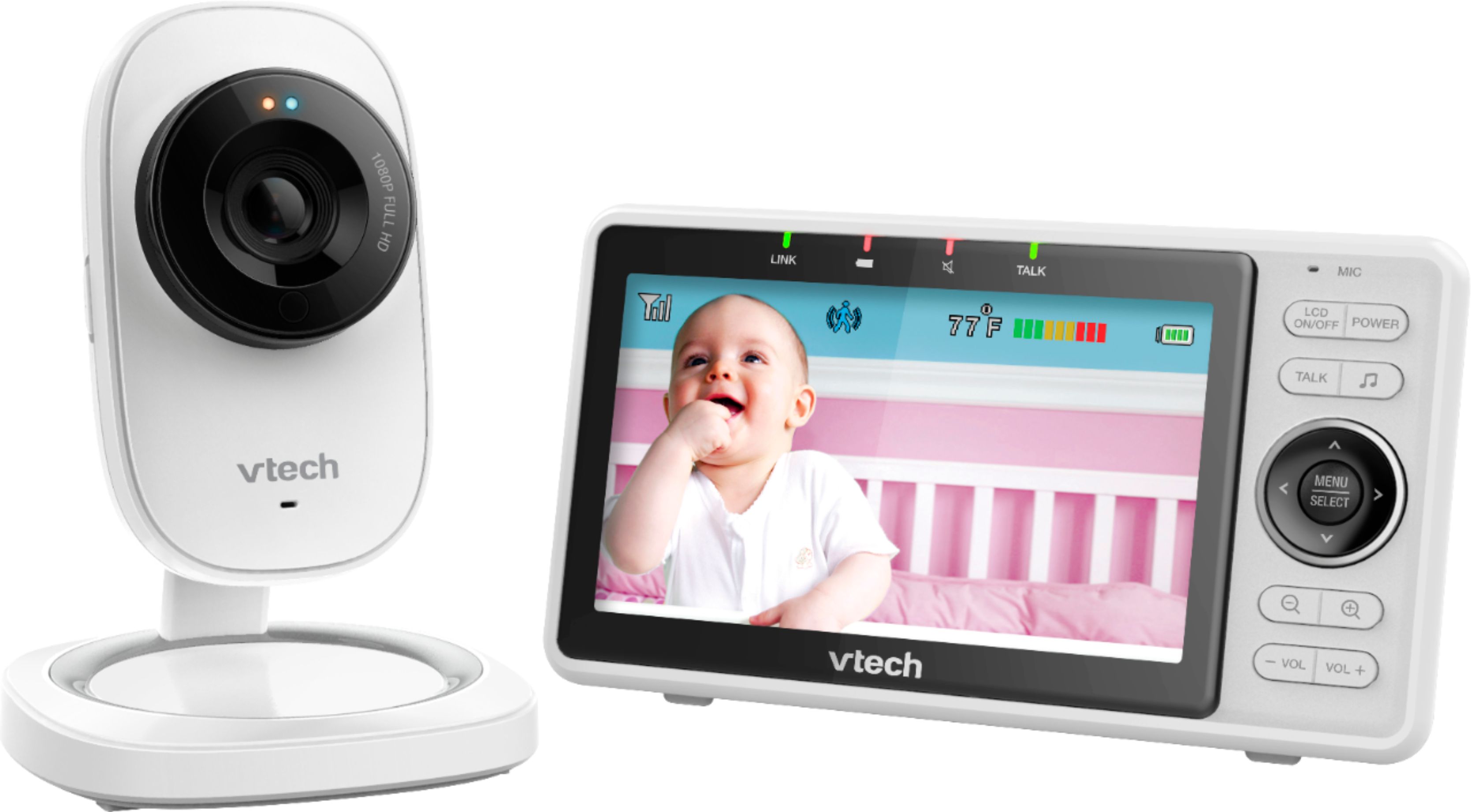
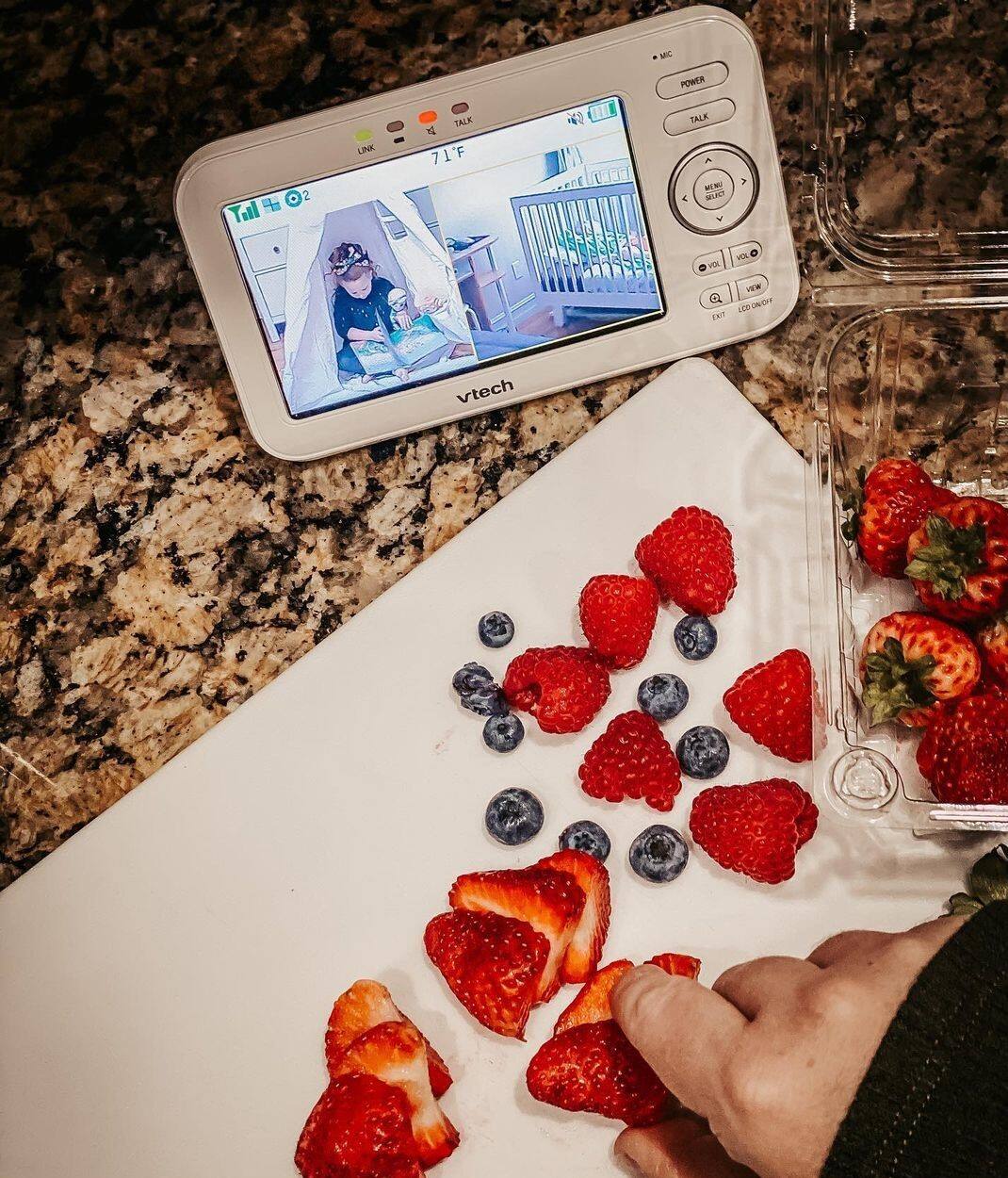
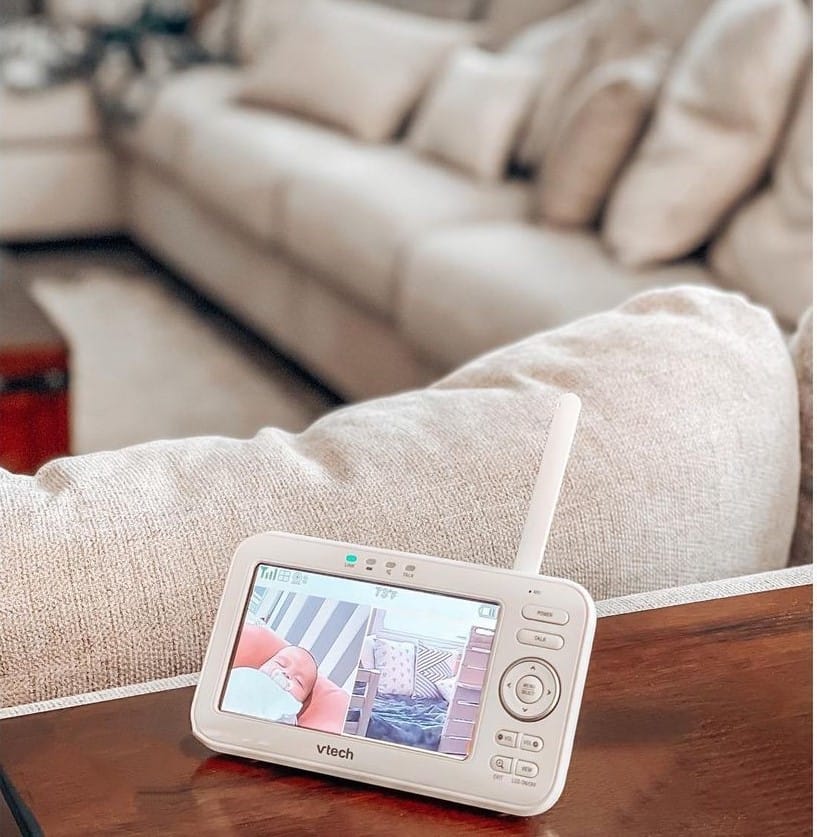
A:AnswerYes. On my app it gives me the option to add another camera and you can see all of them on your screen at the same time, unless you specifically chose to watch just one
A:AnswerHi - We are sorry to hear that you are having issues with your VTech RM5752. Due to the nature of your concern, please contact our Customer Support at 1-800-595-9511. We are open from Mondays through Fridays, 9:00 AM to 5:00 PM. Thank you! ~VTech Support
A:AnswerIt’s a great device. The only withdrawal that we have an issue is the battery life on portable device. The range on the portable device is pretty as long you have good WiFi at home you should be able to take it outside. It needs to be plugged to charge every few hours.
A:AnswerBrit - The display screen on the VTech RM5752 will remain on if the Sound-Activated Screen is On. Also, if the Sensitivity level is on the highest setting, the display may remain continuously on. Thank you for your interest! ~VTech Support
A:AnswerDanny - Yes, the VTech RM5752 can be accessed through a mobile app. You can also record videos as long as you are subscribed to the VTech Event recording plan. Thank you for your interest! ~VTech Support
A:AnswerI have the camera downstairs and monitor upstairs, it works very well. I’m using the monitor as part of my home security system, not monitoring a child. I use the wide angle setting and it covers about 30 - 45 feet long by 10 feet wide really well
A:Answerscreen should be connected with wifi then lcd auto connect the camera now as long your lcd keep connected with wifi you can live camera if you wanna go far by wifi extender for long distance
A:AnswerRajan - Yes, the VTech RM5752 has the ability to record videos as long as you have the mobile application installed and has an account created. Thank you for your interest! ~VTech Support
A:AnswerHi - The standby time of the VTech RM5752 varies depending on the volume level you set and your actual use.If you want to monitor your baby for a long time, we recommend you connect the parent unit to AC power. Thank you for your interest! ~VTech Support
A:AnswerTina - The 1080 does not need any part for wall mount installation. All you need to do is to remove the desktop bracket at the back of the unit. For more details, please contact our Consumer Sales and Service Center between the hours of 9:00 AM and 5:00 PM Monday through Friday at 1-800-595-9511.
Thank you,
-VTech Support
A:AnswerYes you can. There is a slot/hole on the bottom of the stand where u can hang it. Or u can also just use 3M double stick tape if u dont want to make a hole on your dry wall. I used double stick tape. So far so good.
A:AnswerOurs reads warmer than it is. Other than that perfect unit. As long as they are sleeping and not waking up drenched in sweat, you can pretty much assume you guys all have the same temp.