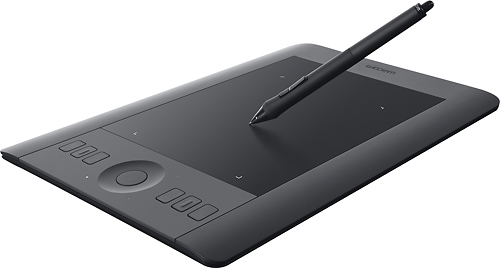
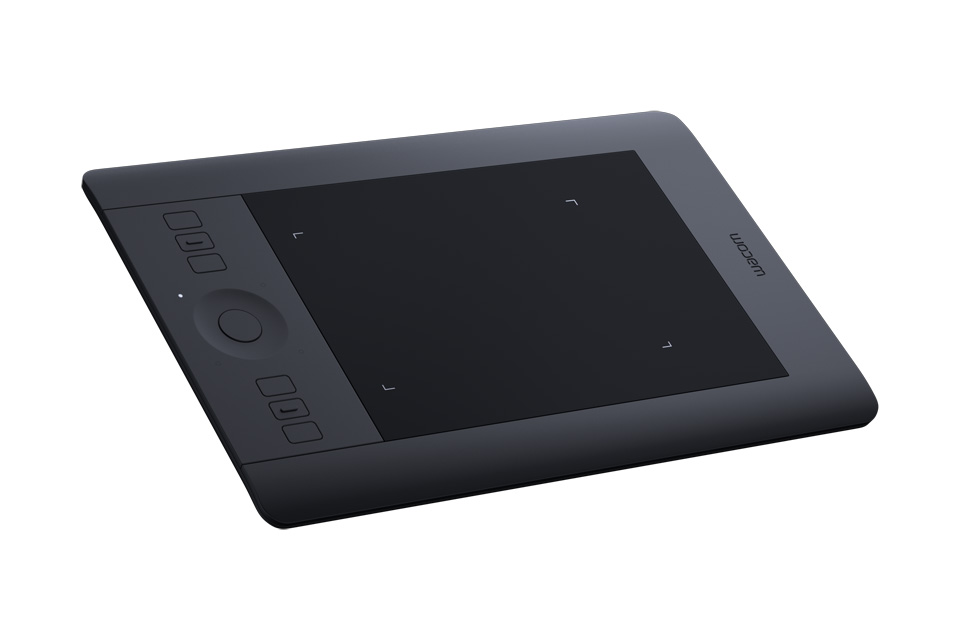
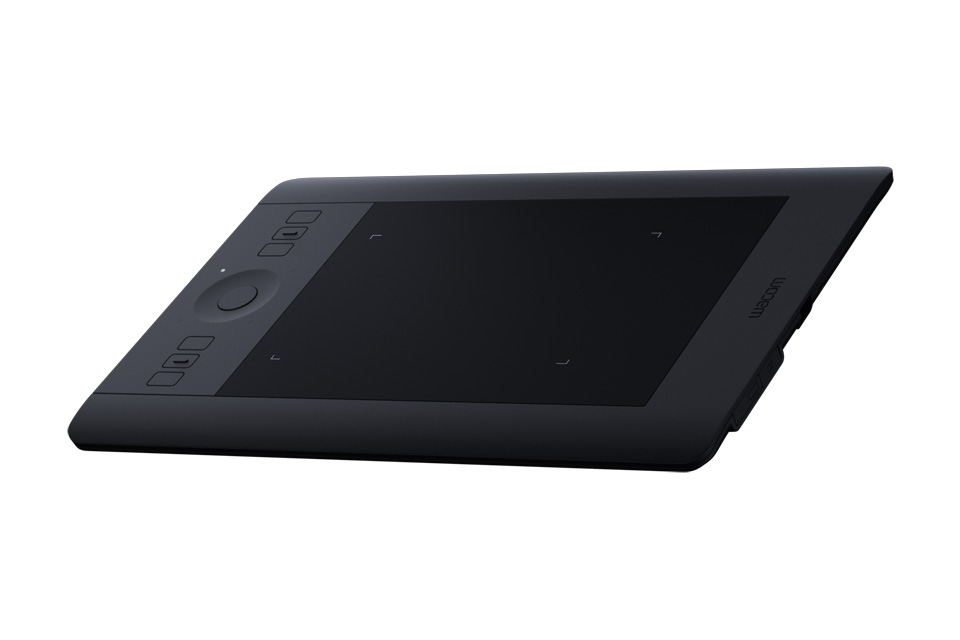
A:AnswerDepends on what program you are using. For example, when I use this in Photoshop, I can see the cursor move as hover the pen just above the surface of the pad. When I start to draw, depending on how hard or light I press, you can see the brush draw at the same pressure as how hard I am pressing. Check the program you intend to use the pad with and it should give you an idea if you can see what you are drawing on the screen or not.
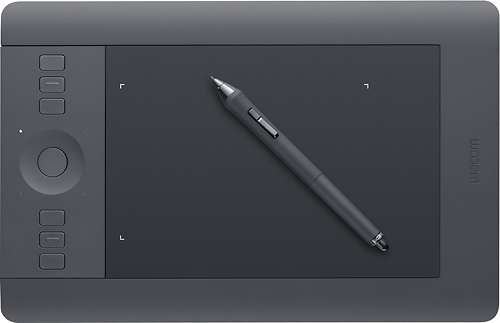
A:AnswerI have an iMac so I'm not sure. However, when I called the "Intuos" customer service to verify that the tablet was compatible with my iMac, they were very helpful. You might try that.
A:AnswerYes there is. You have to access the software via you Wacom account. Software for Mac OR Windows. I did the Windows, Corel. It was old, but I was immediately offered a great upgrade deal for about $100 off. When offered the deal, make sure you take it immediately or you will never find it again and Corel was no help. I uninstalled the apps and re-installed them. The deal was given again and I grabbed it. It was for $24.99.
A:AnswerGreat question first off. For designing the subject yes but actually animating with a computer for digital use no. You would need another program for you to implement your art into animation for digital use. However if you plan do use your tablet for physical drawing style animation and print your animations, then yes it can most certainly do that. You still will need a program to use the tablet for on your computer no matter the brand.
A:AnswerThis product does not have a screen. This is not a "tablet" as in portable computing device with a touch screen (like iPads) -- this is a graphics tablet (aka drawing tablet or art tablet) that is used to input drawing or other "mark making" into your computer using a stylus. It is more like a track pad or a computer mouse than it is like an iPad.