
Main Content

Questions & Answers

$799.99
Save $925
The comparable value is $1,724.99
Page Showing 1-20 of 31 questions
  • QuestionWhat type of interface does this WD SSD use?

    • Answer This SSD uses a PCIe Gen 4 x4 (NVMe) interface for easy connection to your computer.
    This question and answer was generated by AI based on customer and product data.

  • QuestionWhat is the storage capacity of this WD SSD?

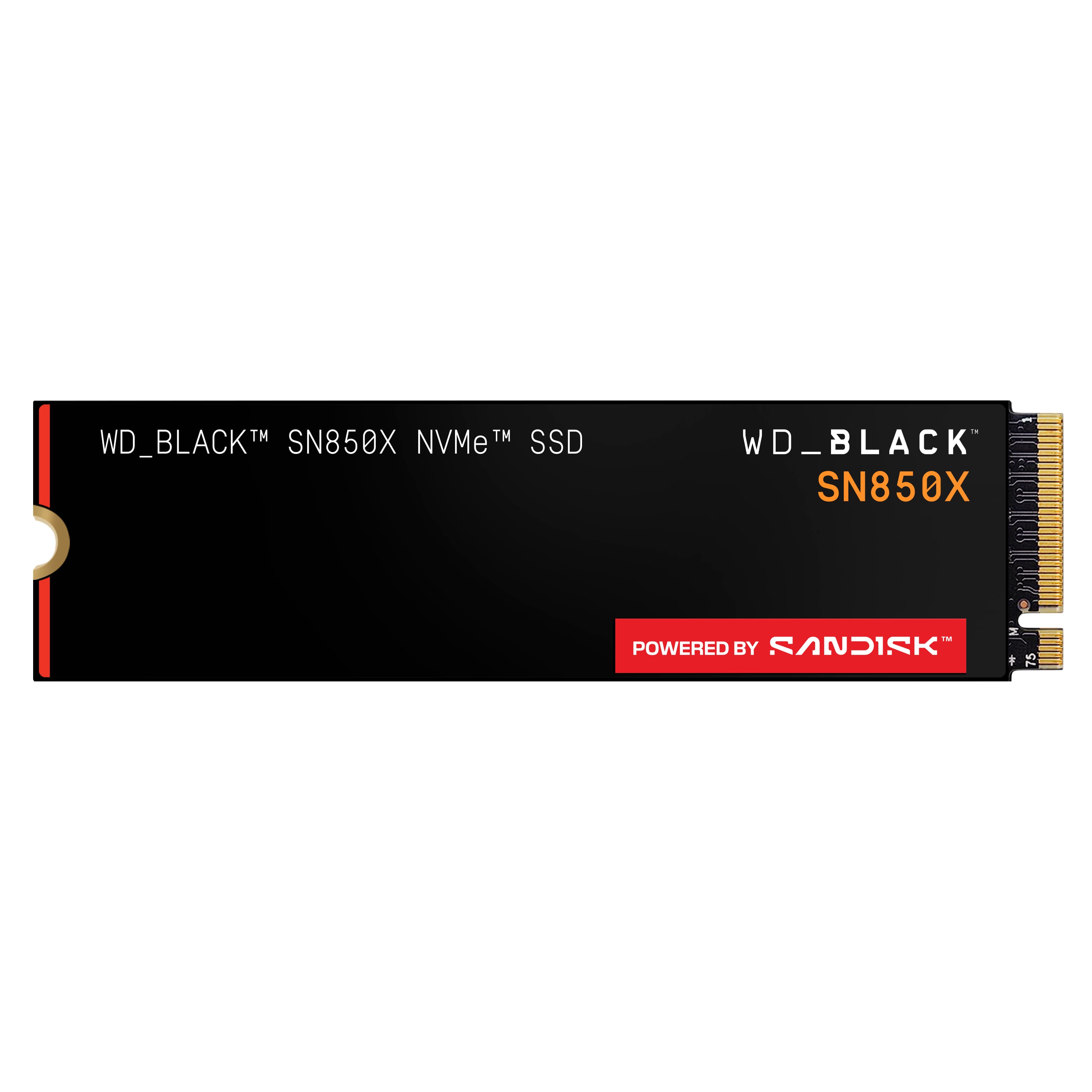
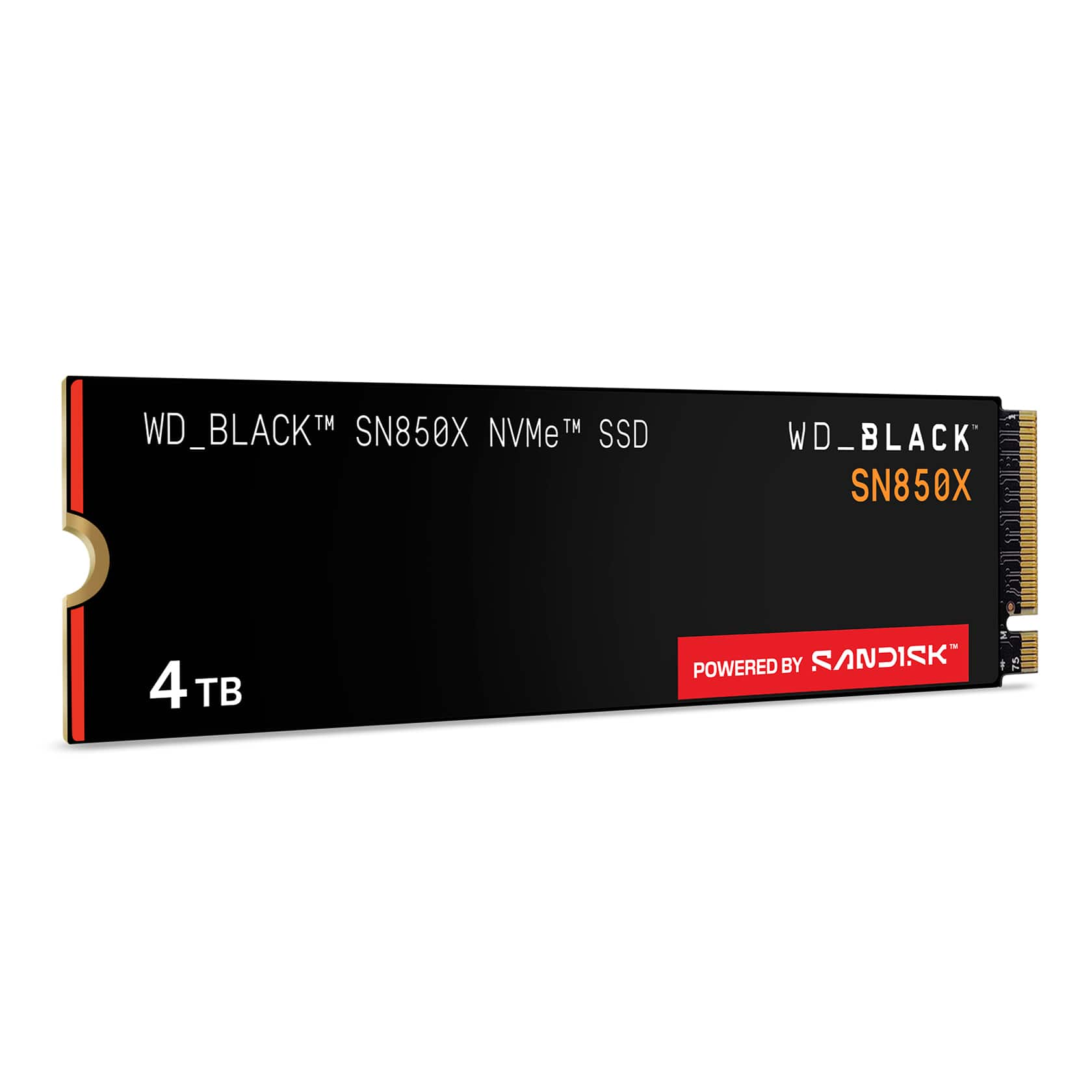
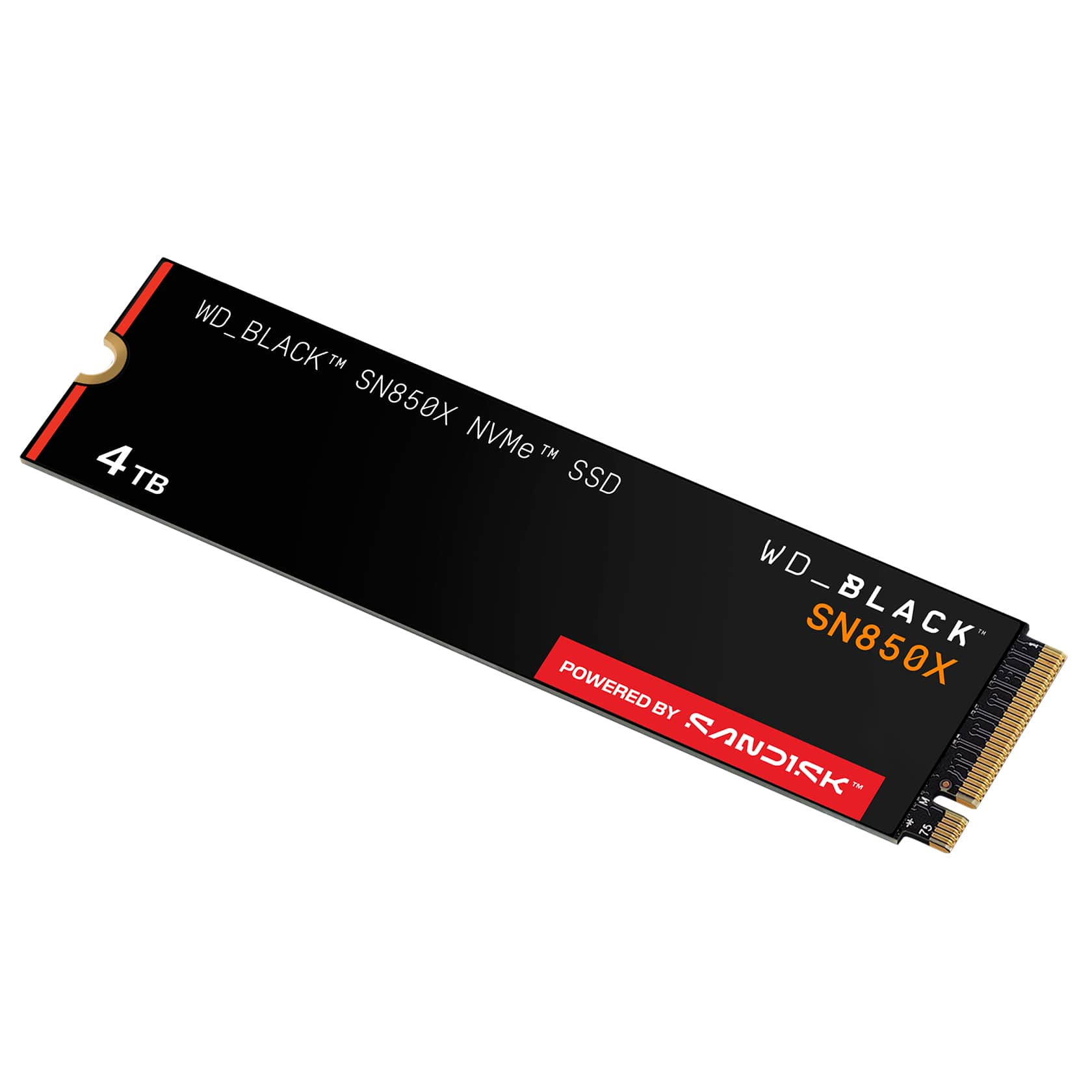
    • Answer This WD_BLACK SN850X SSD has a storage capacity of 4TB.
    This question and answer was generated by AI based on customer and product data.

  • QuestionDoes this WD SSD come with a heatsink?

    • Answer No, this SSD does not come with a heatsink.
    This question and answer was generated by AI based on customer and product data.
  • QuestionHow long is the warranty on this WD SSD?

    • Answer This WD_BLACK SN850X SSD comes with a 5-year warranty.
    This question and answer was generated by AI based on customer and product data.
  • QuestionWhat is the maximum data transfer rate of this WD SSD?

    • Answer This SSD has a data transfer rate of up to 7300MB/sec.
    This question and answer was generated by AI based on customer and product data.
  • QuestionIs heatsync included

    Asked by Cipher.

    • Answer No but you can get a good one for under $15

      Answered by MacBook

  • QuestionCan this work in a ps5

    Asked by Ianchap02.

    • Answer Yes. Just put a 4 TB in a PS5 and no problem so far. 6500 MB/s read speed reported upon a very quick format.

      Answered by Me359

  • QuestionIs this compatible with an Asus Rog Ally X?

    Asked by DaniPadilla.

    • Answer Yes it took me maybe 10 minutes to swap out. You may want to get some thermal tape, I just used the piece that was on the ssd in the device but I don't know if that's advisable or not. I have had no temperature issues my device typically stays right around 80c while playing intensive game on turbo plugged in.

      Answered by ShannonC

  • QuestionWill i have room/need a heat sink on my predator helios 315-55-795c?

    Asked by Anthtex81.

    • Answer You can get a good heatsink for less than $15 not sure it will fit your unit so check the ssd in the slot first if spacing looks good, add the heatsink. The ssd will work fine with or without the heatsink but your laptop will run cooler with it.

      Answered by MacBook

  • QuestionDoes This have DRAM cache?

    Asked by Mark.

    • Answer Yes equal to the amount of 1:1000 4TB = 4GB of DRAM

      Answered by Crypticmythic

  • QuestionCan I use this on a Asus Rog700 Pc.

    Asked by XboxGamerdude.

    • Answer Hi, Please be informed that as of February 2025, Western Digital has separated into two independent companies and the support process for your Western Digital and Sandisk branded products may have changed. All Hard Drive products remain with Western Digital, and all SSD and Flash products are now supported by Sandisk. We apologize for any confusion or inconvenience. For support of your SSD or Flash product, please contact the SanDisk support team on Social Media handle @sandisk

      Answered by Western Digital Team

  • QuestionWill this work with PlayStation five?

    Asked by ToriSForLife.

    • Answer Hi, Please be informed that as of February 2025, Western Digital has separated into two independent companies and the support process for your Western Digital and Sandisk branded products may have changed. All Hard Drive products remain with Western Digital, and all SSD and Flash products are now supported by Sandisk. We apologize for any confusion or inconvenience. For support of your SSD or Flash product, please contact the SanDisk support team on Social Media handle @sandisk

      Answered by Western Digital Team

  • QuestionWill this work with my laptop? It is a GIGABYTE - G6 KF 16" 165Hz Gaming Laptop IPS - Intel i7-13620H with 32GB RAM - NVIDIA GeForce RTX 4060 - 1TB SSD

    Asked by Alex.

    • Answer Hi Alex, As of February 2025, Western Digital has separated into two independent companies and the support process for your Western Digital and Sandisk branded products may have changed. All Hard Drive products remain with Western Digital, and all SSD and Flash products are now supported by Sandisk. We apologize for any confusion or inconvenience. For support of your SSD or Flash product, please contact the SanDisk support team on Social Media handle @sandisk

      Answered by Western Digital Team

  • QuestionIs the WD BLACK SN850X 4 TB internal SSD PCIe Gen 4 x4 NVMe compatible with my Dell XPS 15 9500?. I'm using now a 2TB SSD PCIe Gen 3 x4 NVMe, but I need more space, and I don't know if my laptop will recognize more than those 2 TB. Thanks

    Asked by spanish.

    • Answer Do you have to check the specs if your computer has an additional spot for a second hard drive? It shouldn’t be a problem, but each computer is different. I’m not familiar with your model. Once you open it you can verify if you have the second spot it’ll definitely take it then you have to go into settings and initialize it.

      Answered by M1cr0221

  • QuestionWill this fit my PC? HP OMEN - Gaming Desktop - AMD Ryzen 7 5800X - 16GB HyperX Memory - NVIDIA GeForce RTX 3080 - 1TB SSD

    Asked by Anonymous.

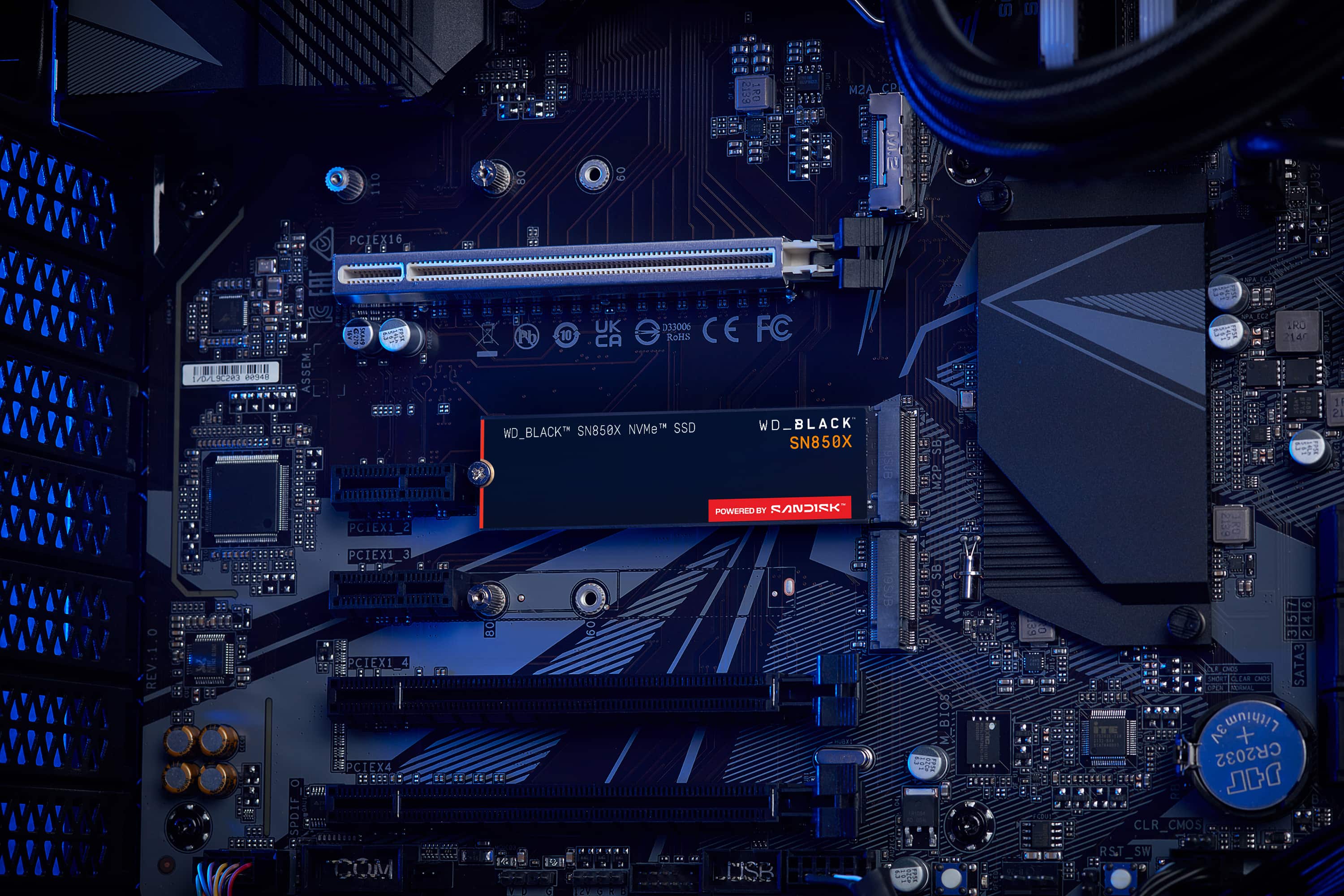
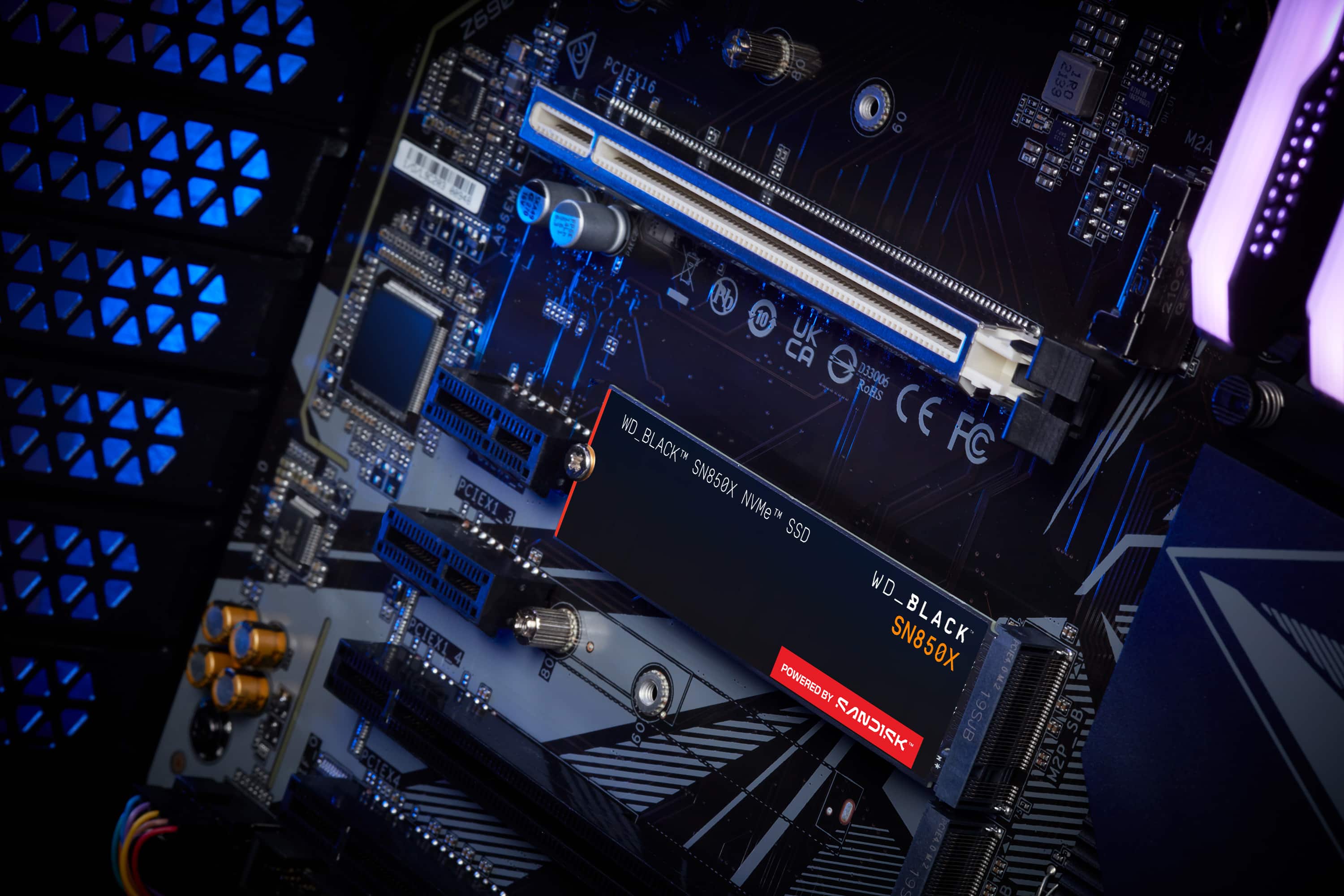
    • Answer Hello, The WD BLACK SN850X is a NVMe SSD. It's super-compact. The drive comes with single-sided. Its comes with option of heatsink and non- heatsink option to use in. Compatibility will support computers with M.2 (M-Key) ports that are capable of taking the M.2 2280 form factor. Please check with the manufacturer vendor whether the WD drive will fit and support the host device. For more information on the drive refer to the link: https://www.westerndigital.com/en-in/products/internal-drives/wd-black-sn850x-nvme-ssd#WDS100T2X0E -Need Help? Please see our "'Contact Us" page for information.

      Answered by Western Digital Team

  • QuestionI have a Omen 30L Desktop. Am trying to upgrade the SSD. I currently have a 1TB SSD install right now. Will it work with this system? If so did need to purchase a OP system for the new SSD.

    Asked by PC.

    • Answer Yes it will work it is pcie gen 4 so to get the best speed you need to have a board that has that pcie Gen 4 but it will work even if you have a pcie gen 3 but it won't work at the full speed great Drive I don't know what you meant by by an OP.

      Answered by KennK

  • QuestionWill this fit in my Lenovo Legion Pro 5i 16" Gaming Laptop WQXGA Intel 13th Gen Core i7 (Model: 82WK0069US). Bumps on bottom of card may interfere with other switches in the laptop.

    Asked by Satisfied.

    • Answer the person who answered this question earlier must NOT have the 4TB version of the SN850X, because the 4TB stick is definitely DOUBLE SIDED (I am staring at it right now)

      Answered by BenM

  • QuestionIs this compatible with a macbook 2021 16"?

    Asked by DJPlezure.

    • Answer Hello, The WD BLACK SN850X is a NVMe SSD. It's super-compact. The drive comes with single-sided. Its comes with option of heatsink and non- heatsink option to use in. Please check with the manufacturer vendor whether the WD drive will fit and support the host device. For more information on the drive refer to the link: https://www.westerndigital.com/en-in/products/internal-drives/wd-black-sn850x-nvme-ssd#WDS100T2X0E -Need Help? Please see our "'Contact Us" page for information.

      Answered by Western Digital Team

  • QuestionDose this come with screw and spacer

    Asked by Connection.

    • Answer Hello, Please know that the screws to attach the drive with the motherboard usually comes with the motherboard's case or in a plastic pouch with the computer. Each Motherboard manufacturer uses their own specifications for the Standoff screw's pitch and TPI. -Need Help? Please see our "'Contact Us" page for information.

      Answered by Western Digital Team

  • QuestionHas anyone tried this in a Dell XPS 13 Plus 9320? Has anyone confirmed that this is single sided?

    Asked by notDell.

    • Answer It is doubled sided, but chips are only on half of the bottom. Quite thin. I installed into at Legion 7i Pro today in the 2nd slot (only).

      Answered by Anonymous