Questions & Answers
- Model:
- WDBNCE2500PNC-WRSN
- |
- SKU:
- 6025800
Highly rated by customers for: Speed, Performance, Boot Time
Page Showing 1-11 of 11 questions
Q: QuestionWould this SSD work as a suitable hard drive replacement for a 2011 MacBook Pro?
Asked by James.
- A:Answer yes. works for my 2010 mac book pro.
Answered by Anthony
Q: QuestionDoes that work on a desktop computer?
Asked by Fieras.
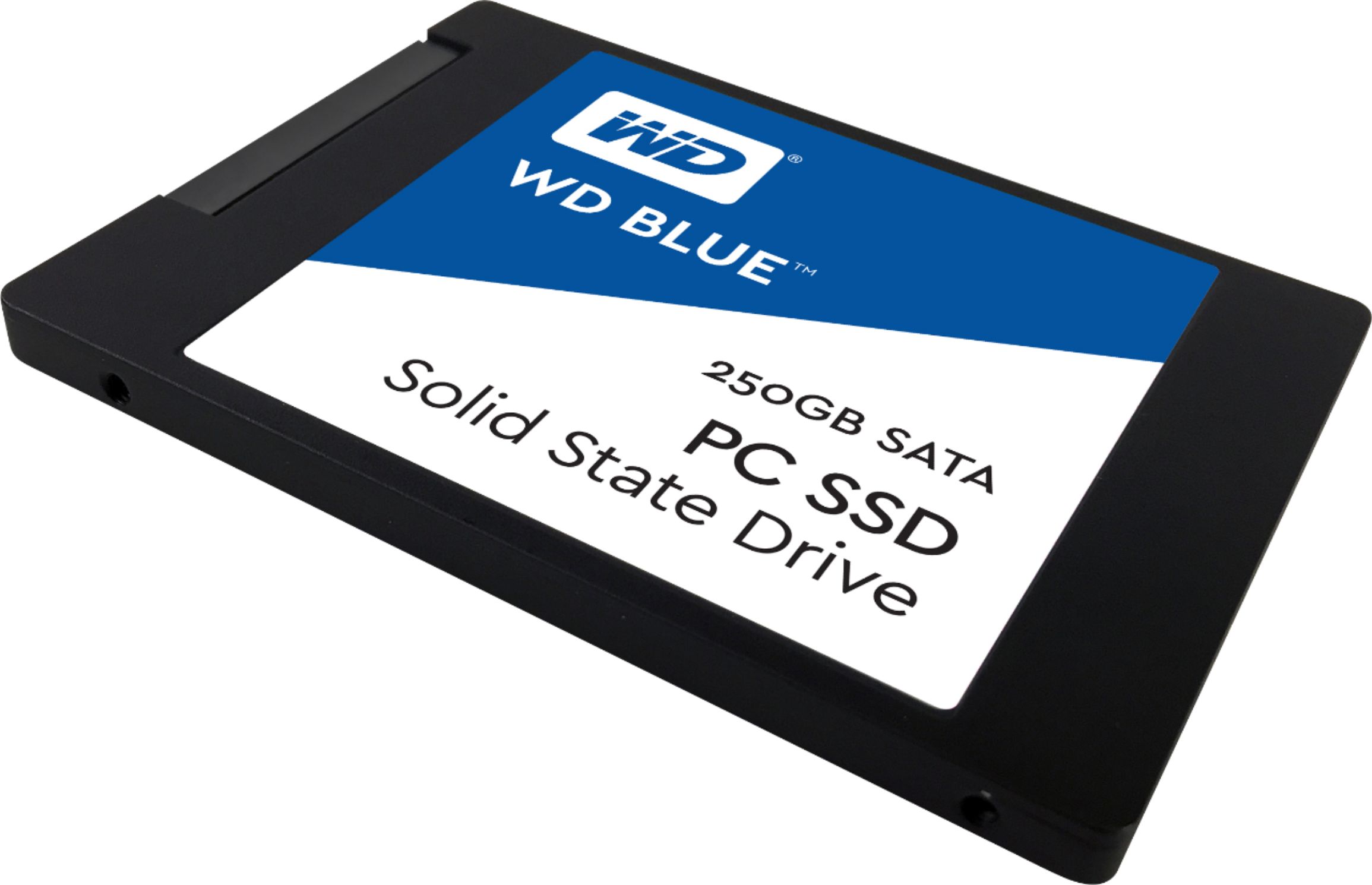
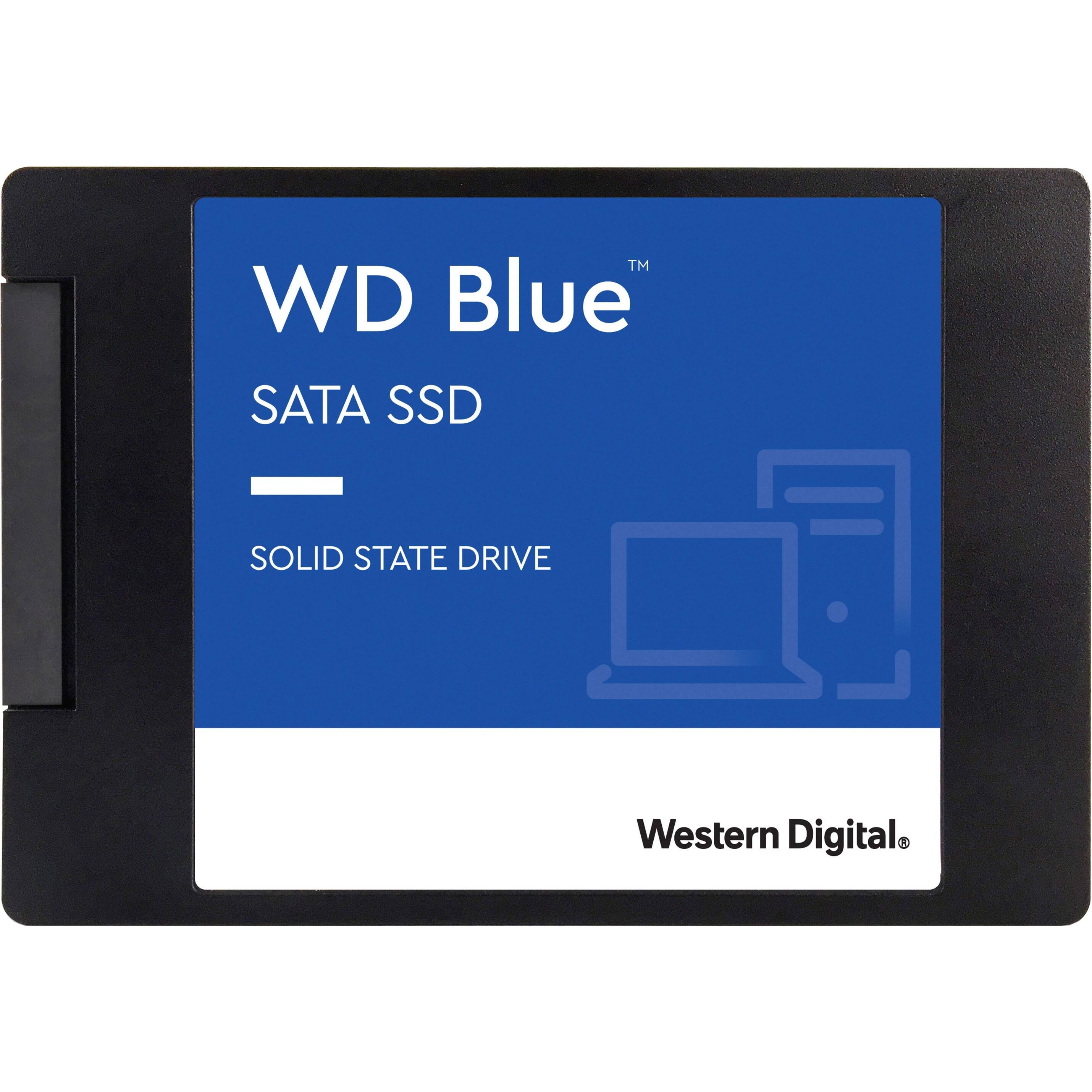
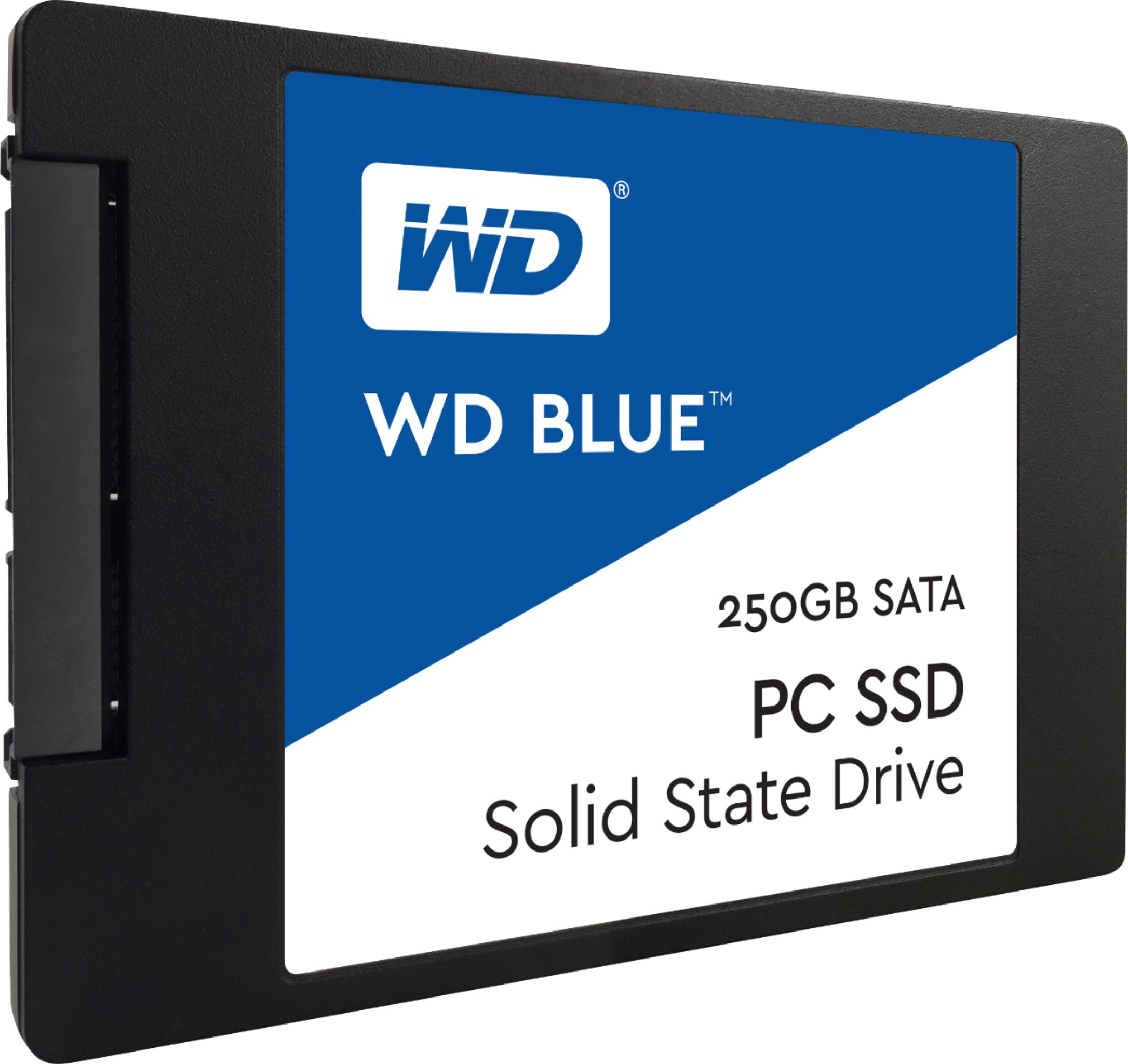
- A:Answer Yes, but in a desktop computer one has a standard bay for a 3.5" drive, one needs to purchase an adapter since standard SSD's are 2.5" drives. I purchased an adapter when I inserted mine into the desktop.
Answered by DonOhio
Q: QuestionIs this drive SLC, MLC, or TLC?
Asked by Kevin.
- A:Answer It is a 64-layer BiCS 3D TLC design shared from Toshiba using SanDisk/Western Digital NAND dies mated to a Marvell 88SS1074 controller.
Answered by TGACO
Q: QuestionDoes this SSD comes with cables so I can connect it to my computer? if Not what SSD does comes with the cables?
Asked by Bob.
- A:Answer Nope
Answered by HonestlySpeaking
Q: QuestionDoes cloning software to transfer data from the old drive to the SSD drive come with this drive
Asked by mike.
- A:Answer No software comes with the drive.
Answered by DonT
Q: QuestionWill this work as a 2nd SSD for storage? Bought this new 2 months ago ( system model - HP Pavilion Desktop TP01-1xxx ). Has cables in the tower case for a 2nd drive. Thank you.
Asked by WildBill.
- A:Answer Hello, Please know that the WD Blue Hard Drive for Laptop comes with SATA 6 Gb/s interface and has 2.5 Inch form factor. Please check with the host device vendor whether the WD drive will fit and support the host device. -Need Help? Please see our "'Contact Us" page for information.
Answered by Western Digital Team
Q: QuestionIs the Western Digital Blue SSD better performance-wise than the Western Digital Green SSD?
Asked by John.
- A:Answer Hi John, I have no connection to WD or access to scientific studies, but this is my impression. The blue products have slightly higher data transfer rates. They also have longer rated lifetimes. WD "green" products are made to use less power, but SSDs don't use much power anyway. The prices are very close. So, I would certainly recommend the blue products.
Answered by Bear
Q: QuestionWill this fit a Dell XPS 17 L702X? My 7 year old computer has a corrupted hard drive and I would like to replace it with a SSD.
Asked by DMAROBE.
- A:Answer Well, yes it should fit perfectly. If you do a search, you will see a video on how to do it. Remove the plate from the bottom to expose the hard drive, and then carefully remove the hard drive and put the SSD in its place. The advantage of an older laptop like this is that it is easy to get to the hard drive, unlike the newer, thin laptops that are impossible for most people to open.
Answered by Bear
Q: QuestionDoes this drive come with the ribbon cable that connects it to the motherboard? If not, is it possible to know what ribbon cable connector works with this drive? I have an AAL20NBX0001QE00 ribbon cable. I know there are others with different connections.
Asked by RibbonCable.
- A:Answer This drive accepts standard SATA cables and power connectors if you are installing this into a desktop computer.
Answered by Robert
Q: QuestionWould this 250 ssd be compatible for phone SAMSUNG galaxy s7edge?
Asked by Gatita.
- A:Answer No. This is not a SD card that could fit into a phone. This is a SATA SSD (solid state drive) for PC's, laptops, etc.
Answered by spawn1776
Q: QuestionIs the western digital blue ssd better performance-wise than the western digital green ssd of the same storage?
Asked by John.
- A:Answer Hi John, Please refer the link for Drive Specification Sheet stating all the key features for WD Blue SSD and WD Green SSD. WD Blue SSD- http://products.wdc.com/library/SpecSheet/ENG/2879-800079.pdf WD Green SSD- http://products.wdc.com/library/SpecSheet/ENG/02-01-WW-04-00062.pdf Need Help? Please see our "'Contact Us" page for information
Answered by Western Digital Team
Page 1, Showing 1-11 of 11 questions
Best-selling Best Buy
- $299.99$299.99The price was $349.99
- $59.99$59.99The price was $99.00
- $199.99$199.99The price was $349.99
- $14.99$14.99The price was $19.00
- $24.99$24.99The price was $29.99
- $14.99$14.99The price was $19.00
- $139.99$139.99The price was $149.99