Main Content

Questions & Answers

Page Showing 261-280 of 835 questions
  • QuestionI can't get the software to download. I keep getting a pop up saying autorun has been blocked. I can't cancel the install either so I'm just stuck with nonstop pop ups saying it's blocked. What do I do?

    Asked by drrmarie.

    • Answer Have you tried reformatting the HD? You can download Western Digital Software for Windows or Mac.

      Answered by Manteal

  • Questionwhy can't i install the security system to generate a password without updating the machine? i have windows 7 and it's not supported anymore. why do i think i just fattened best buy's bottom line by adding another wd brick in the wall behind me?

    Asked by doesitreallymatteryouwontprintmyQanyway.

    • Answer Why wouldbyou need to generate a password, you realise You Need to be Booted into the system to generate anything, This may be used as a Boot drive but it needs to be used solo as an Image , i dint knowbif its fast enough to run a system from....

      Answered by JohnF

  • QuestionCan this device be used to download music from web sites and play on pc with speakers

    Asked by Mike.

    • Answer Yep

      Answered by TimothyH

  • QuestionWill this work with a gaming computer

    Asked by Kim.

    • Answer Yes I have it attached to a powerful gaming pc and store games from the Steam store on it.

      Answered by Leonard

  • QuestionMy old Sony Vaio laptop needs to free up some space on the hard drive- will this work with windows 7 ?? thanking you in advance, Garloo

    Asked by Garloo.

    • Answer Yes this external drive could be used to tranfer files or even some programs to it. This will allow you to free up memory from your current drive. This has been my resolution in the past

      Answered by MarcusG

  • QuestionCan I get a type C cord for my new MacBook PRO?

    Asked by Rusty.

    • Answer Yes. But you need to format it as exFat so Mac can write to it.

      Answered by LanPhu

  • QuestionCan this be used on apple extreme

    Asked by Sparkymarjon.

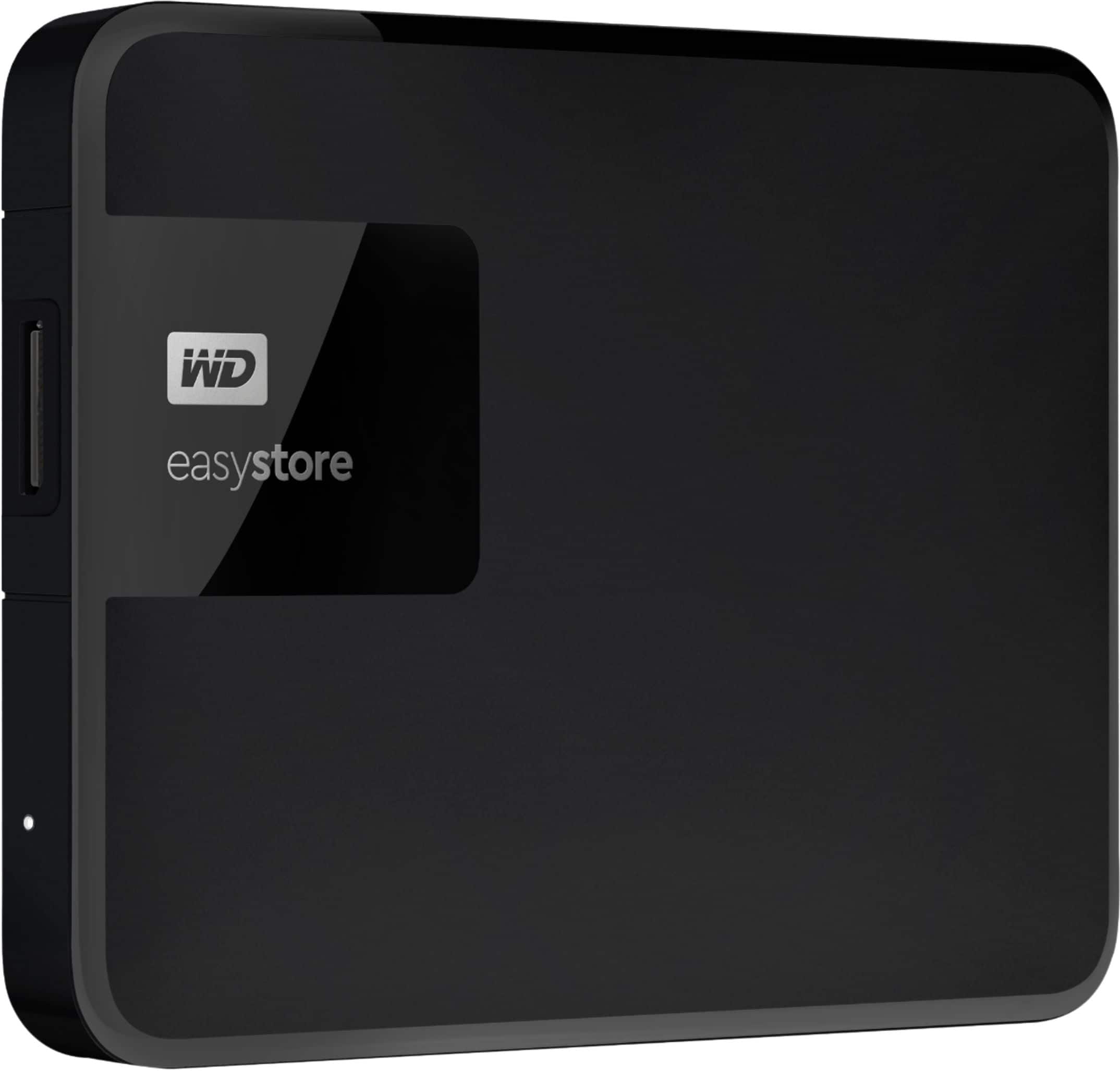
    • Answer Hello Sparkymarjon, Please be informed that the WD Easystore Portable Hard Drive is a plug 'n' play device designed and tested for Windows & macOS. It has connectivity with USB 3.0 devices as well as backward compatibility with USB 2.0 devices. For more info about the drive, refer to the link: http://products.wdc.com/library/AAG/ENG/4078-705145.pdf -Need Help? Please see our "'Contact Us" page for information.

      Answered by Western Digital Team

  • QuestionCan I keep adding new files and photos to this device?

    Asked by Jeanine.

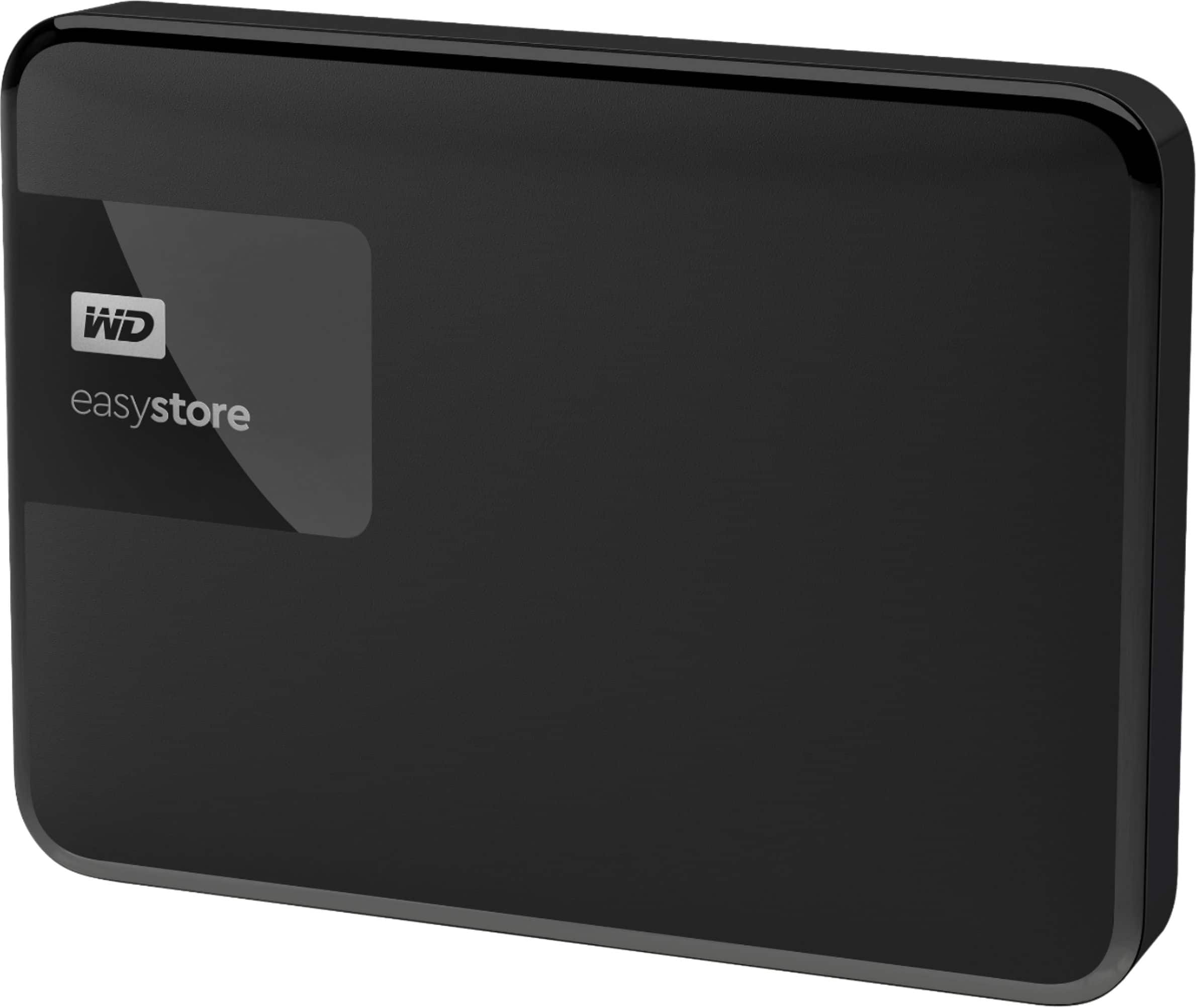
    • Answer Hello Jeanine, Please know that, the Easystore Portable drive is a high capacity option in a compact, lightweight device. The Easystore Portable drive is both USB 3.0 ready and USB 2.0 compatible, and built with the trusted quality and reliability that WD is known for. Yes, you can use this to store flies, docs pictures etc. In order to know more about the drive refer to the link: http://products.wdc.com/library/AAG/ENG/4078-705145.pdf -Need Help? Please see our "'Contact Us" page for information.
      Answered by Western Digital Team

  • QuestionCan this be used for Mac and PC without formatting between the two? I want to transfer pics from Mac to PC

    Asked by ccm.

    • Answer Hello, Please be informed that in order to use the drive with both Windows and MacOS you need to reformat the drive to exFAT file format by referring to the link: https://support-en.wd.com/app/answers/detail/a_id/20821/ Please be informed that reformatting is a data destructive process, please backup the data from the drive before reformatting it.-Need Help? Please see our "'Contact Us" page for information.

      Answered by Western Digital Team

  • Questioncan you use the drive to backup 4 devices- 2 imac desktops and 2 macbook air laptops?

    Asked by barwest2.

    • Answer Hello Barwest2, Please be informed that the WD Easystore External drive comes preformatted in NTFS format for Windows OS, However, in order to use the drive for macOS you can reformat the drive with macOS supported HFS+J file system by using this link: https://support-en.wd.com/app/answers/detail/a_id/3879 - Please be informed that you can use Time machine to do backup by using this link: https://support-en.wd.com/app/answers/detail/a_id/18952/initiator/user Need Help? Please see our "'Contact Us" page for information.

      Answered by Western Digital Team

  • QuestionDoes this work for the ps5

    Asked by Ap.

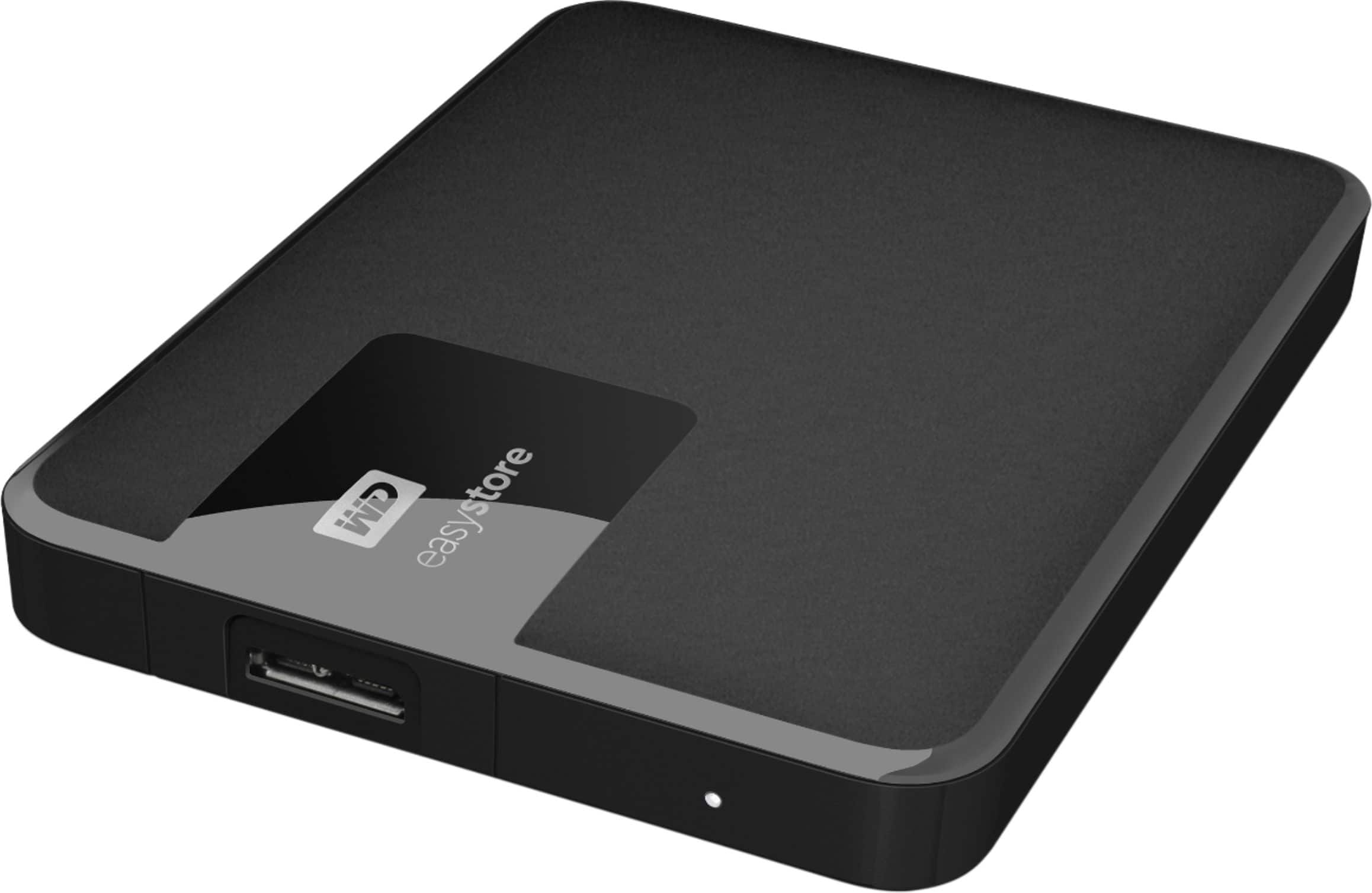
    • Answer Hello Ap, Please be informed that the WD Easystore Drive is a plug 'n' play device tested and designed for Windows and Mac computers. We have not tested the drive with PS5 console. We recommend you to please contact your host device vendor support to check whether the drive will support. In order to know more about the drive refer to the link: http://products.wdc.com/library/AAG/ENG/4078-705145.pdf -Need Help? Please see our "'Contact Us" page for information.
      Answered by Western Digital Team

  • QuestionMy laptop only has USB 2.0 and not 3.0. Can I use this hard drive.

    Asked by Anonymous.

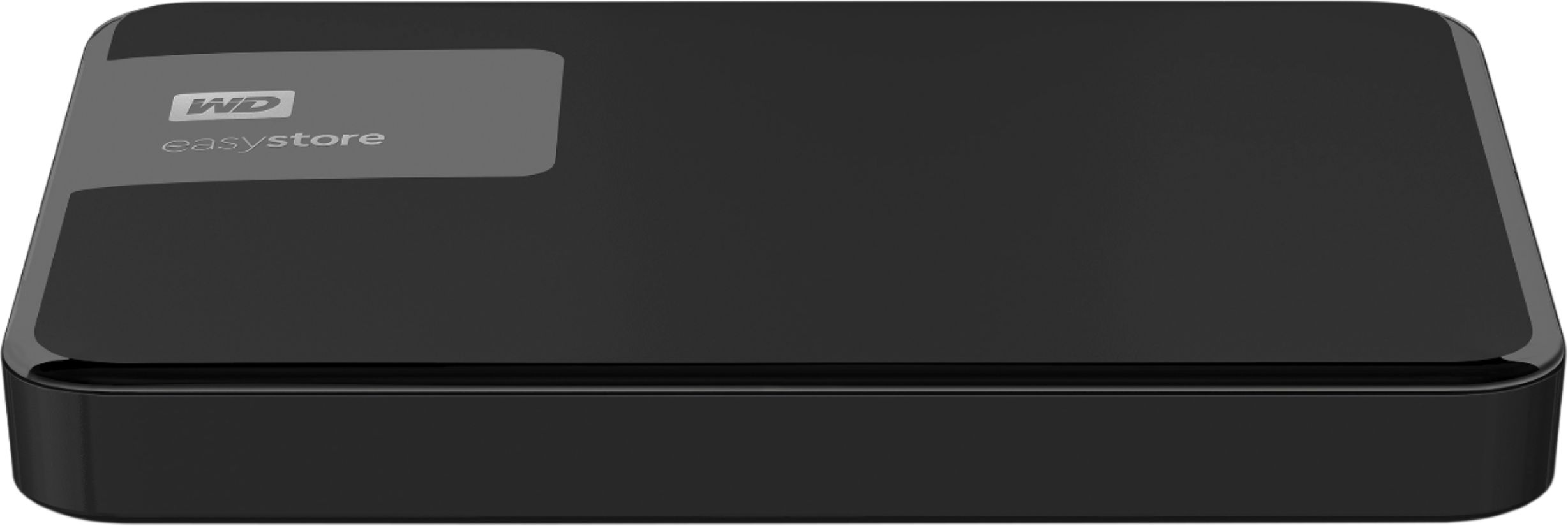
    • Answer Hi, Please be informed that the WD Easystore drive is a plug 'n' play device tested and designed for Windows and Mac computers. The easystore portable drive is both USB 3.0 ready and USB 2.0 compatible and comes with USB 3.0 Type-A​​​​​​​ Interface.For more information: http://products.wdc.com/library/AAG/ENG/4078-705145.pdf -Need Help? Please see our "'Contact Us" page for information.
      Answered by Western Digital Team

  • QuestionWill this hard drive work to stor ps5 games?

    Asked by Knuckles.

    • Answer Hi, Please be informed that the WD Easystore drive is a plug 'n' play device tested and designed for Windows and Mac computers. Number of data files/folders to be stored in the drive depends on the size of the data. In order to know more about the drive refer to the link: http://products.wdc.com/library/AAG/ENG/4078-705145.pdf -Need Help? Please see our "'Contact Us" page for information

      Answered by Western Digital Team

  • QuestionHi, is this external hard drive compatible with Sony PS5 console. Thanks.

    Asked by Patty.

    • Answer Hello Patty, Please be informed that the WD Easystore Drive is a plug 'n' play device tested and designed for Windows and Mac computers. We have not tested the drive with PS5 console. We recommend you to please contact your host device vendor support to check whether the drive will support. In order to know more about the drive refer to the link: http://products.wdc.com/library/AAG/ENG/4078-705145.pdf -Need Help? Please see our "'Contact Us" page for information.
      Answered by Western Digital Team

  • QuestionIs this compatible with the new Xbox series x and a?

    Asked by Ryan.

    • Answer Hi Ryan, Please be informed that the WD Easystore Drive is a plug 'n' play device tested and designed for Windows and Mac computers for seamless operation. We recommend you to please contact your host devoice vendor support. For more info about the compatibility of the drive, refer to the link: http://products.wdc.com/library/AAG/ENG/4078-705145.pdf -Need Help? Please see our "'Contact Us" page for information.

      Answered by Western Digital Team

  • QuestionCan I move photos directly from an iPhone to this external hard drive or does it involve transferring to a PC or Mac?

    Asked by Dan.

    • Answer Hello Dan, Please be informed that the WD Easystore Portable Hard Drive is a plug 'n' play device and has connectivity with USB 3.0 devices as well as backward compatibility with USB 2.0 devices. The drive is designed and test for Windows and Mac computers. Therefore, we recommend you to move the data from phone to computer or vice versa using your computer. For more info about the drive, refer to the link: http://products.wdc.com/library/AAG/ENG/4078-705145.pdf -Need Help? Please see our "'Contact Us" page for information.

      Answered by Western Digital Team

  • QuestionCan I use this with my I pad and I phone and windows 10

    Asked by Annp.

    • Answer Hello, Please be informed that the WD Easystore Portable Hard Drive is a plug 'n' play device designed and tested for Windows & macOS. It has connectivity with USB 3.0 devices as well as backward compatibility with USB 2.0 devices. We have not tested the drive with mobile devices, so we recommend you to move the data from phone to Drive using your computer. For more info about the drive, refer to the link: http://products.wdc.com/library/AAG/ENG/4078-705145.pdf -Need Help? Please see our "'Contact Us" page for information.

      Answered by Western Digital Team

  • QuestionWhy can’t I play my videos on my Chromebook after transferring to the hard drive, but the photos I can see?

    Asked by Shanda.

    • Answer Hello, Please be informed that the WD Easystore drive is a plug 'n' play device tested and designed for Windows and Mac computers. The easystore portable drive is both USB 3.0 ready and USB 2.0 compatible and comes with USB 3.0 Type-A​​​​​​​ Interface. For more information: http://products.wdc.com/library/AAG/ENG/4078-705145.pdf -Need Help? Please see our "'Contact Us" page for information.
      Answered by Western Digital Team

  • Questionwill it work directly to a go pro?

    Asked by boomer.

    • Answer Hello,Please be informed that the WD Easystore Drive is a plug 'n' play device tested and designed for Windows and Mac computers. The drive ships along with a USB 3.0 cable​​​​​​​ and uses USB 3.0 Type-A interface. We recommend you to please contact your host device vendor support to check whether the drive will support. For more info on the drive, refer to the link: http://products.wdc.com/library/AAG/ENG/4078-705145.pdf -Need Help? Please see our "'Contact Us" page for information.

      Answered by Western Digital Team

  • QuestionCan I use this hard drive to transfer files from one mac to another mac?

    Asked by Anonymous.

    • Answer I did this with two windows laptops. Should work for Mac too.

      Answered by Korwillow










